 GameWiki
GET YOUR BEARINGS
About Golf With Your Friends
Golf With Your Friends delivers fast‑paced, simultaneous mini‑golf for up to twelve players online, turning a casual round into a lively competition where every shot is visible to all participants.
Beyond core matches, the game adds themed courses, power‑ups, three distinct modes, a level editor for custom holes, and visual customisation such as hats, skins, and ball trails.
01 / THE GUIDE
Multiplayer Structure
Golf With Your Friends allows a single match to host twelve participants, letting each golfer take their shot at the same time online.
The feature list also mentions shared and split‑screen PvP, so friends can join locally on the same device as well as online.
- Match skill levels for smoother games.
- Try both online and local sessions to see which feels better.
02 / THE GUIDE
Themed Courses
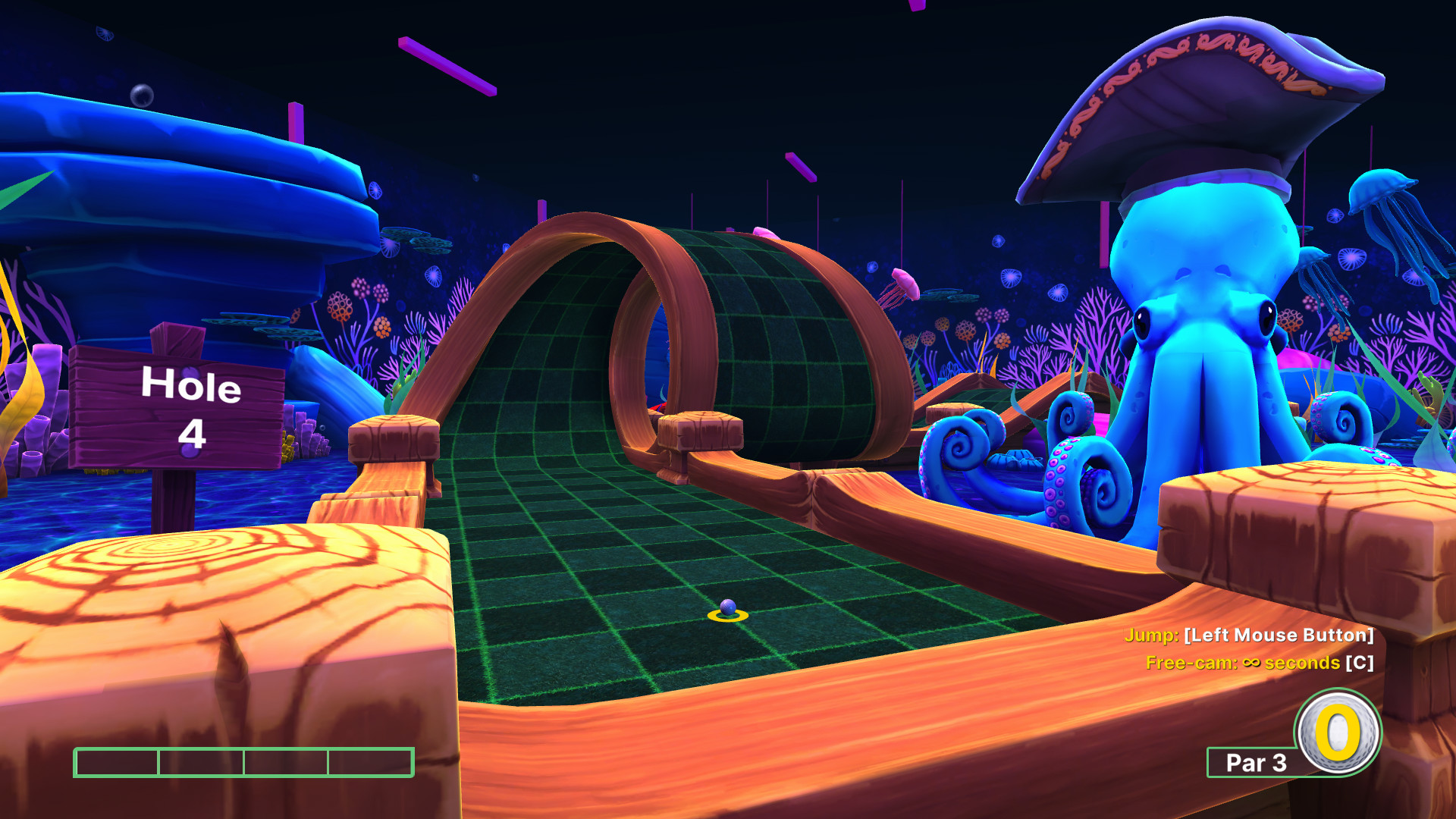
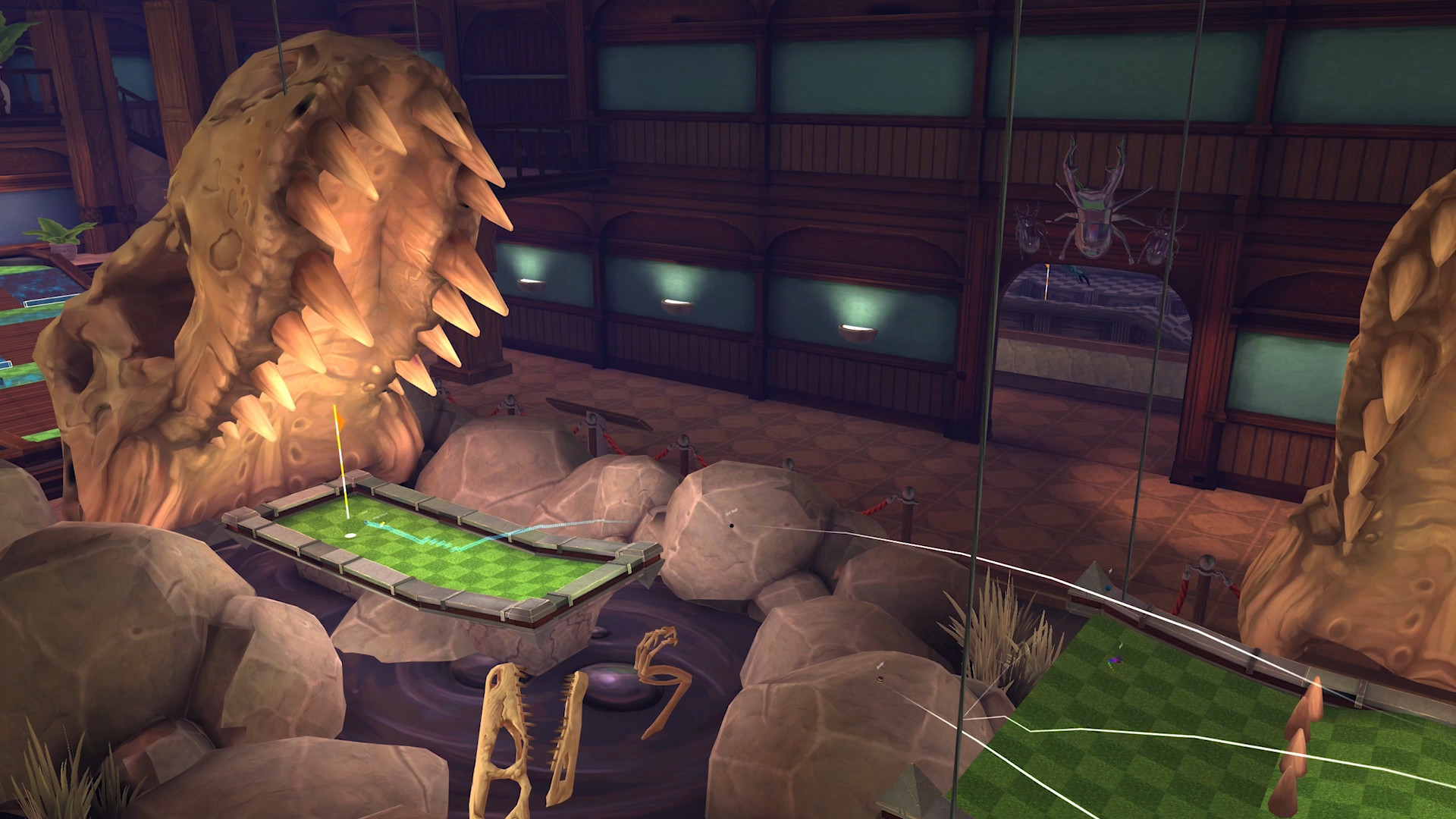
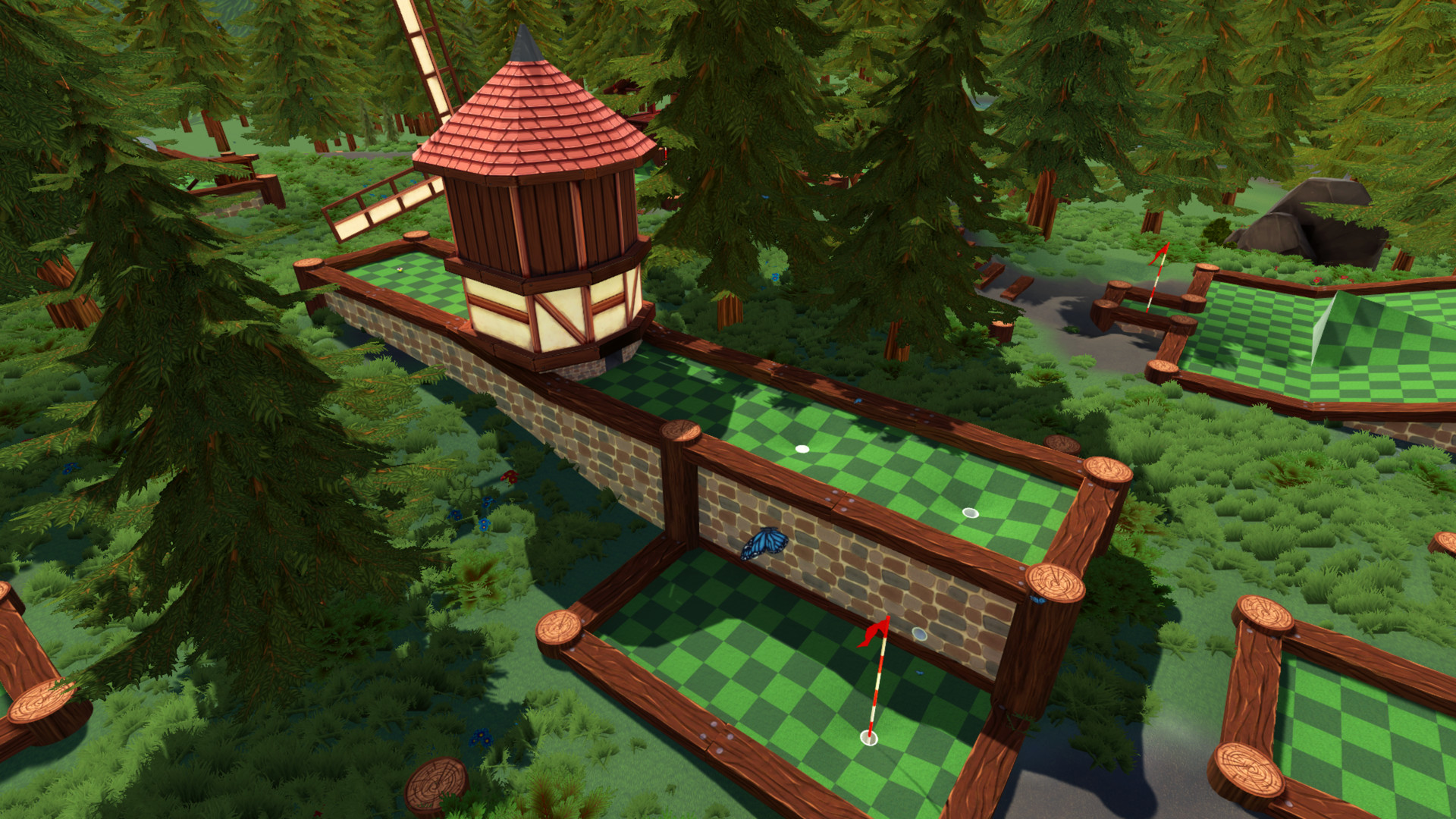
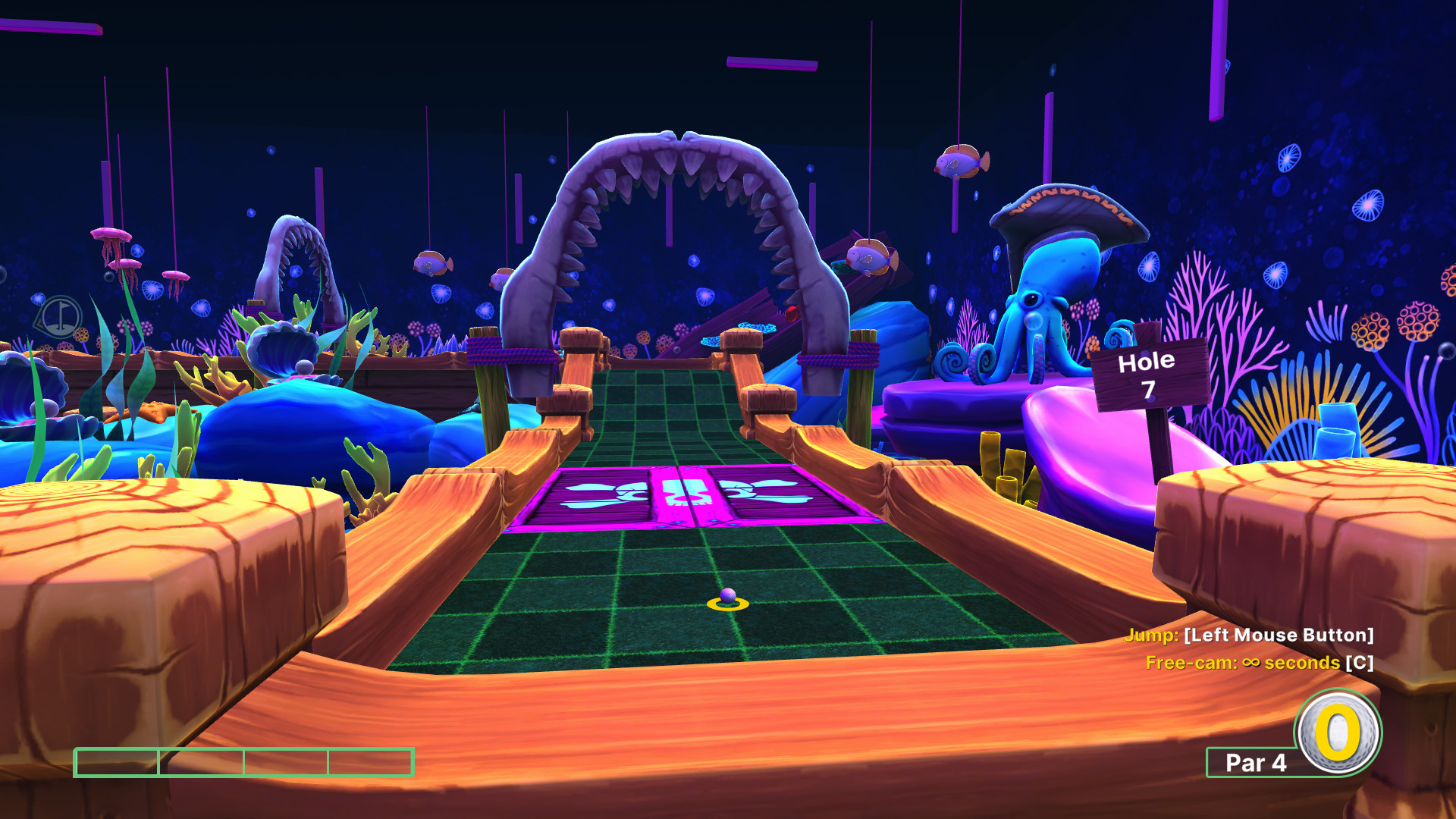
The game includes several themed courses such as pirate, ancient, and worm, each described as having unique mechanics and holes.
These themes provide visual variety and may alter how balls interact with the environment, according to the description of unique mechanics.
- Explore each theme to notice visual differences.
- Select a theme that matches your group’s preferred difficulty.
03 / THE GUIDE
Power‑ups
Power‑ups let players affect opponents’ balls by trapping them in honey, freezing them, or turning them into cubes.
These effects are applied during play and add a tactical element to each round, as noted in the feature description.
- Use power‑ups when opponents are close to the hole.
- Consider saving a freeze for a long drive.
04 / THE GUIDE
Game Modes
Three distinct game modes are offered: classic mini‑golf, a hoops variant that rewards pars, and a hockey variant where the hole becomes a goal.
Each mode changes the win condition, letting players choose between low‑score competition, target‑based scoring, or goal‑oriented play.
- Try each mode to see which fits your group.
- Switch modes between rounds for variety.
05 / THE GUIDE
Level Editor & Customisation
The built‑in Level Editor enables players to create, share, and play custom courses, extending content beyond the supplied maps.
The description also lists unlockable hats, skins and ball trails as customization options.
- Start with simple layouts before adding many obstacles.
- Browse community creations via Steam Workshop for inspiration.

COMMUNITY
Player discussion