 GameWiki
GET YOUR BEARINGS
About Golf Peaks
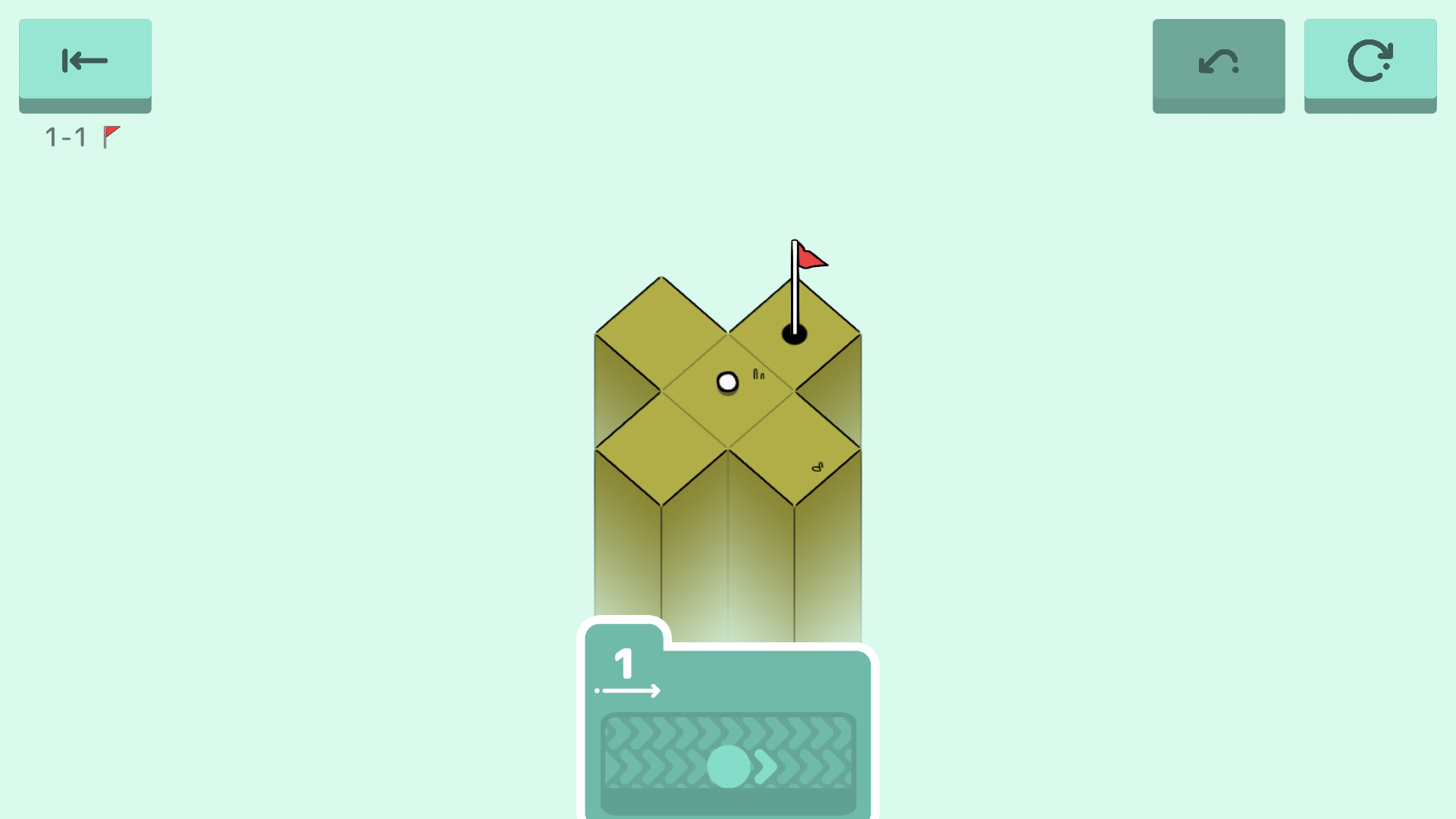
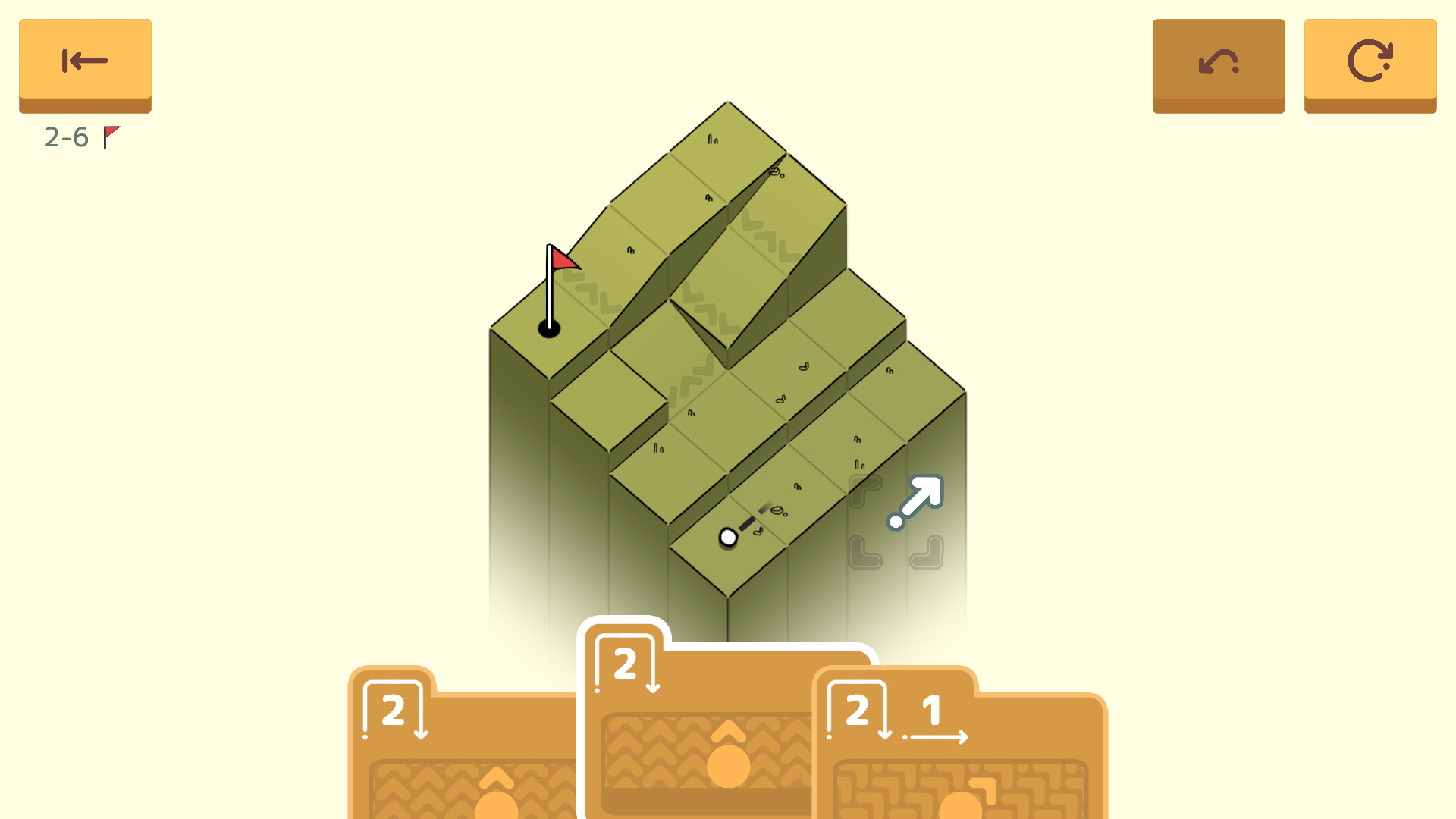
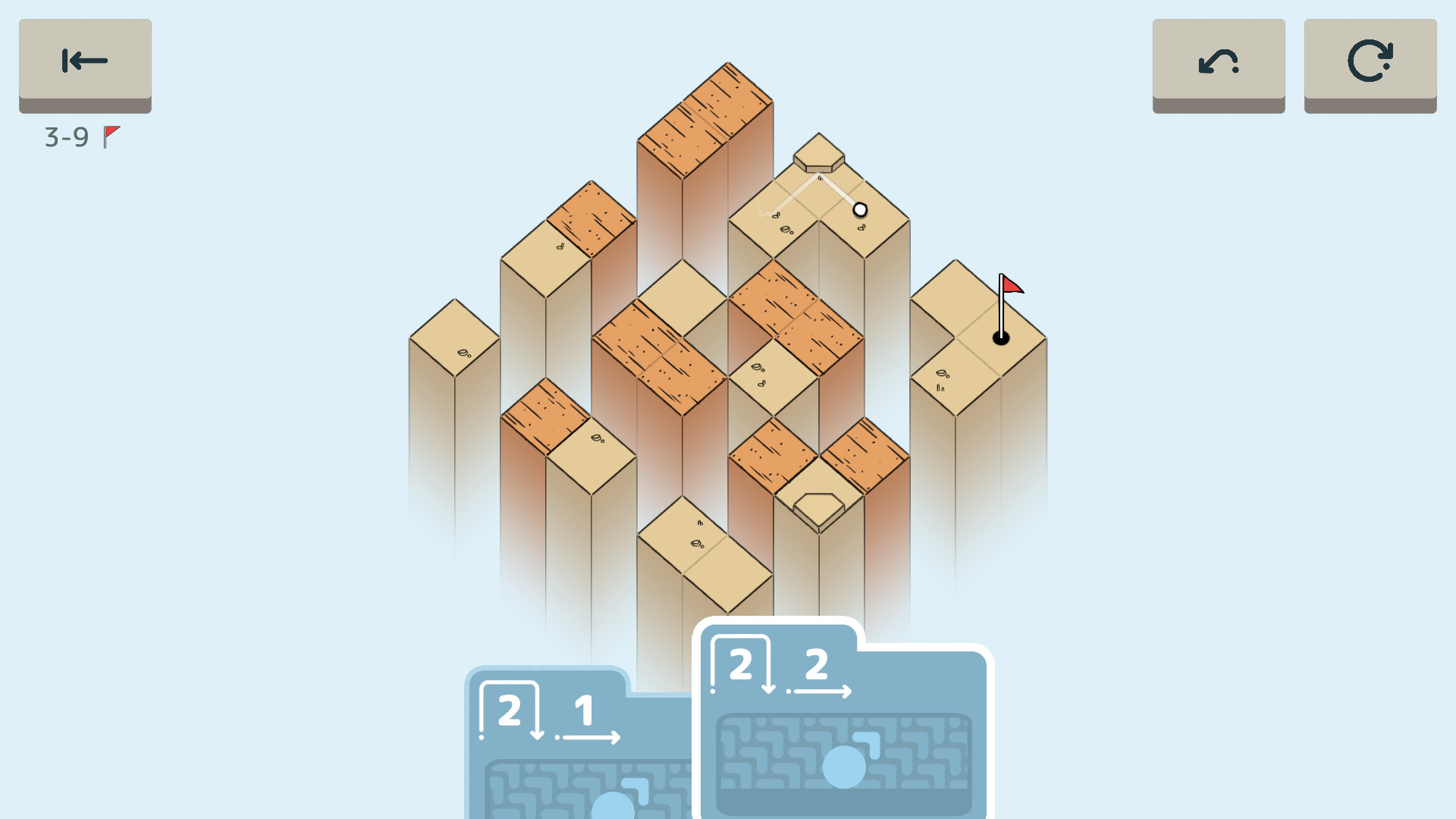
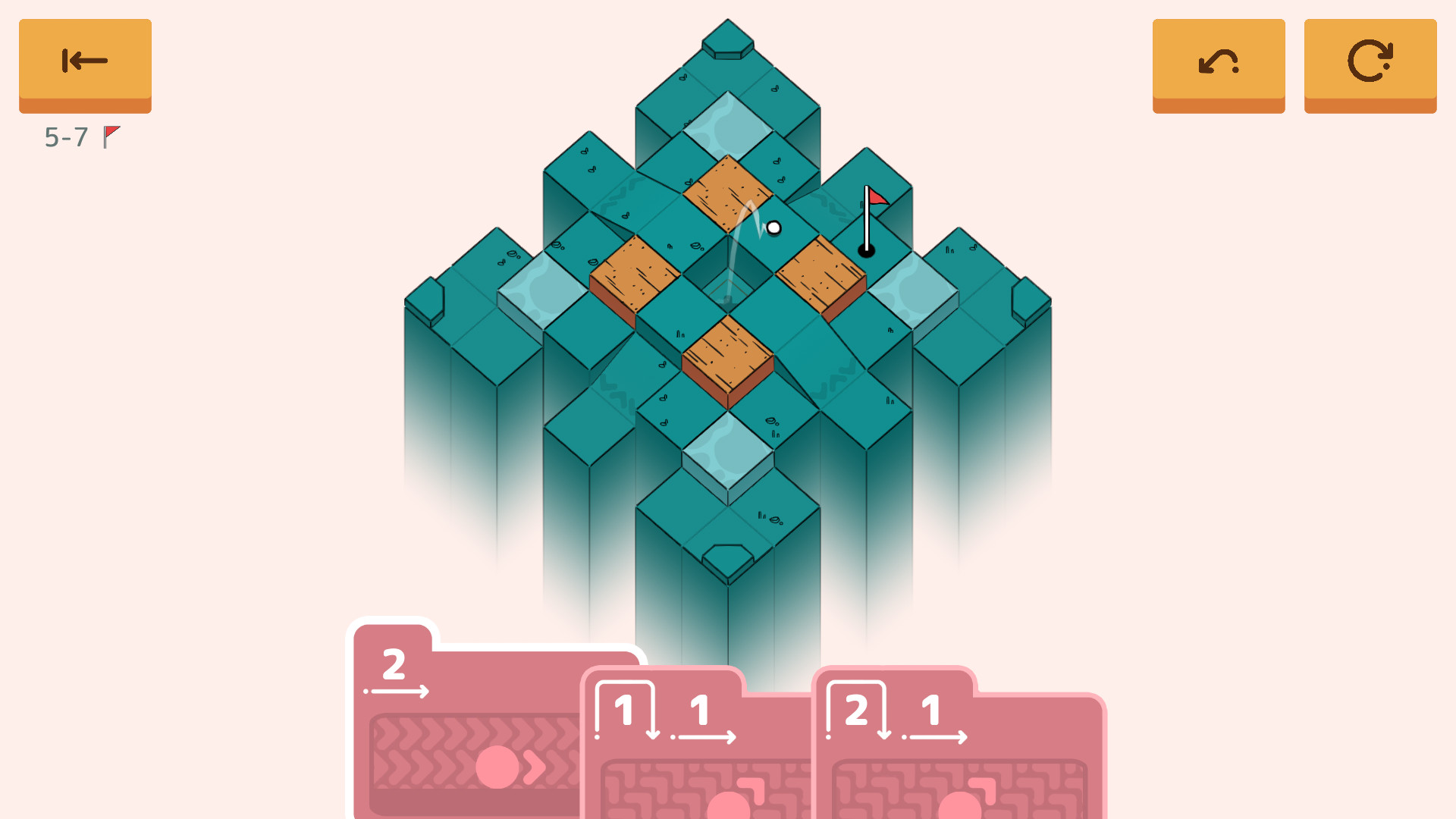
Golf Peaks offers a relaxed puzzle experience where you guide a golf ball across mist‑covered mountain stages. Each level presents a handful of stroke cards; you pick a card, aim, and launch toward the hole.
The game contains more than 120 handcrafted holes spread across several locations, and a text‑free tutorial teaches the basics without requiring any prior golf knowledge. It runs on Windows and macOS and supports many input options.
01 / THE GUIDE
Card‑Based Movement
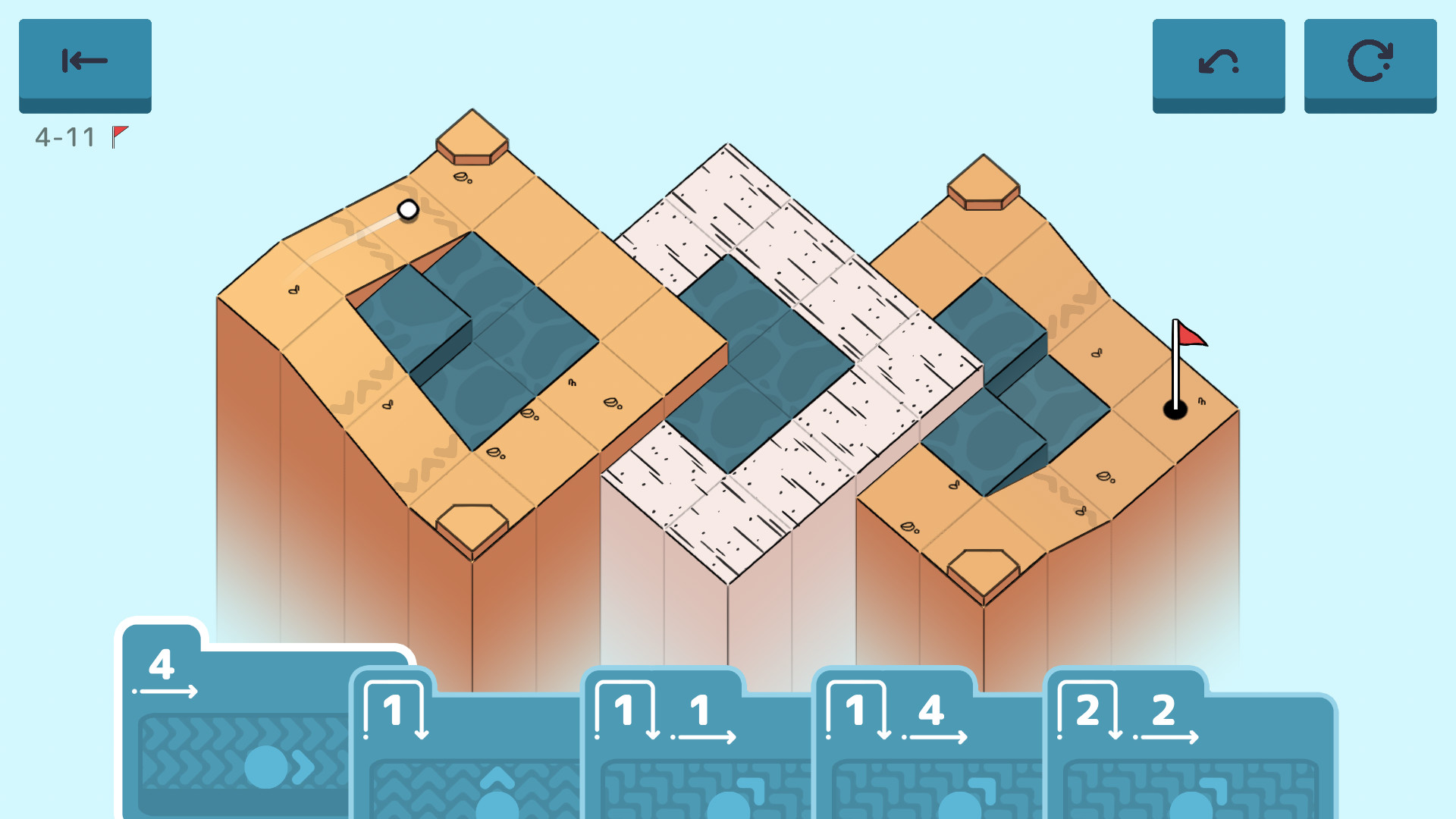
At the start of every stage you receive a selection of cards that represent possible strokes. Choosing a card fixes the distance the ball will travel, after which you set its direction before launching.
Planning the order of your cards becomes essential for reaching the hole while avoiding obstacles.
- Try different card orders to discover shorter solutions.
- Notice recurring card lengths that match common gap distances.
02 / THE GUIDE
Level Structure
Each location provides a half‑course of nine holes, plus an optional bonus short course of three holes for players who want extra challenge. All holes are handcrafted, giving each puzzle a distinct layout.
Progression moves through the locations, allowing you to master earlier designs before tackling the bonus courses, which often introduce new card combinations.
- Finish the nine‑hole half‑course before attempting the bonus short course.
- Use the bonus course to experiment with cards you haven’t used yet.
03 / THE GUIDE
Golf‑Inspired Hazards
Puzzles feature familiar golf elements such as fairways, sand traps, and water hazards. Some levels also include more exotic obstacles that require creative use of the available cards.
These hazards can block the ball’s path or be leveraged to reach otherwise inaccessible areas, adding depth to each puzzle.
- Treat sand traps as potential bounce points rather than pure penalties.
- Observe water zones for possible shortcuts using longer cards.
04 / THE GUIDE
Accessibility Features
The game includes a text‑less tutorial that introduces all mechanics at a relaxed pace, making it approachable for players unfamiliar with golf. Adjustable difficulty lets you tailor the challenge to your comfort level.
Multiple input options—Keyboard Only, Mouse Only, Full Controller Support, and Touch Only—allow you to choose the method that best fits your preferences.
- Lower the difficulty if a level feels overly tough.
- Select the input method you find most comfortable for precise aiming.
05 / THE GUIDE
Platform Support
Golf Peaks is available on Windows and macOS. Steam integrations include Achievements, Trading Cards, Cloud saves, Remote Play Together, and Family Sharing, providing ways to track progress and share the game with others.
Remote Play Together streams your session to a second player, allowing them to watch or control the game remotely without needing their own copy.
- Enable Steam Cloud to keep progress synced across devices.
- Use Remote Play Together to let a friend view or control your session.
COMMUNITY
Player discussion