 GameWiki

GET YOUR BEARINGS
About Golf It!
Golf It! invites players to pick up a putter and enjoy a vibrant minigolf experience with friends or solo. The game offers eight official themed courses and a massive library of community‑made maps via the Steam Workshop. A robust level editor lets anyone craft and share custom courses, while seasonal leaderboard resets award exclusive gear based on ranking. Cross‑platform multiplayer, split‑screen, and VR support broaden how you can play.
01 / THE GUIDE
Official Courses
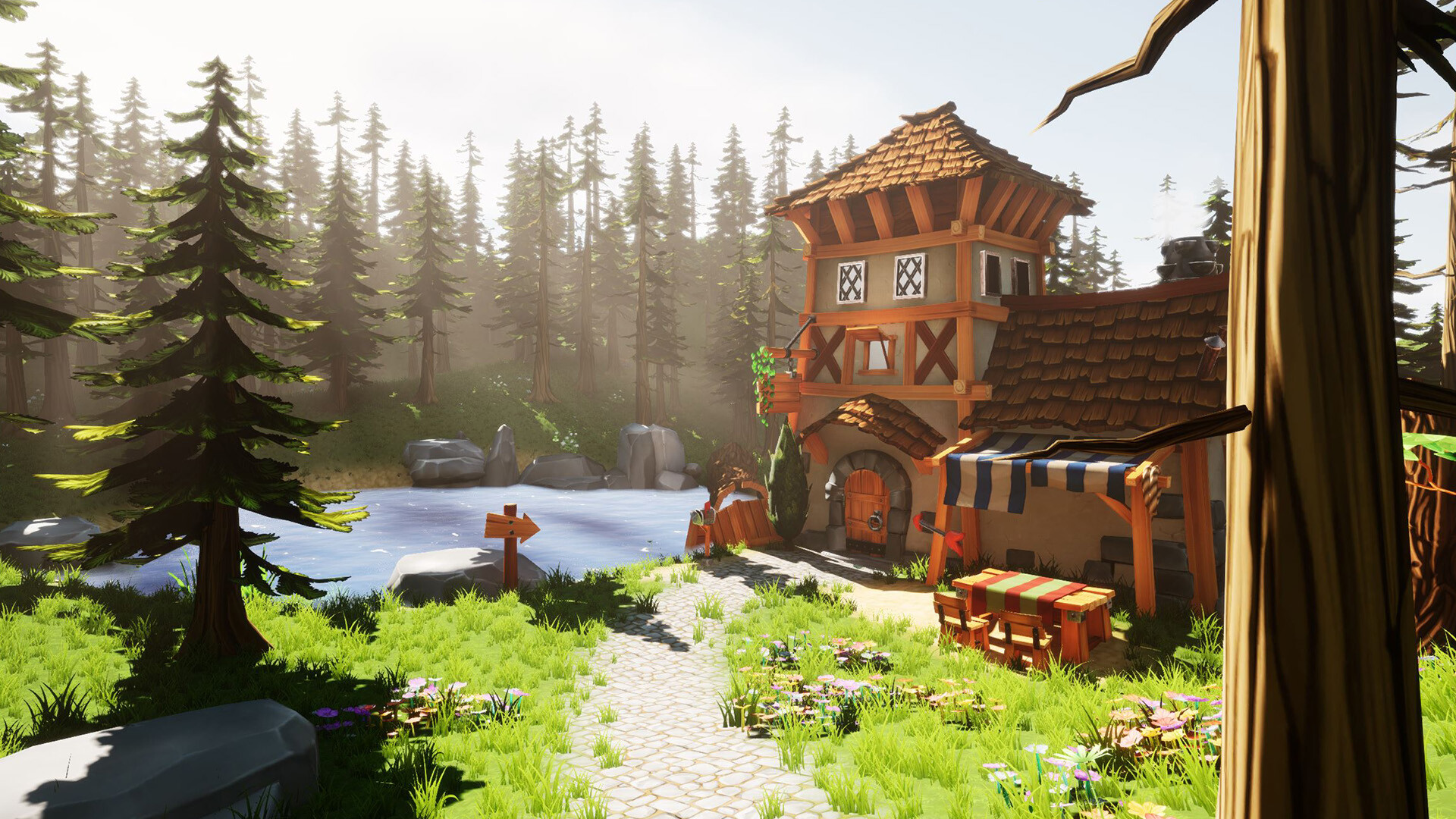
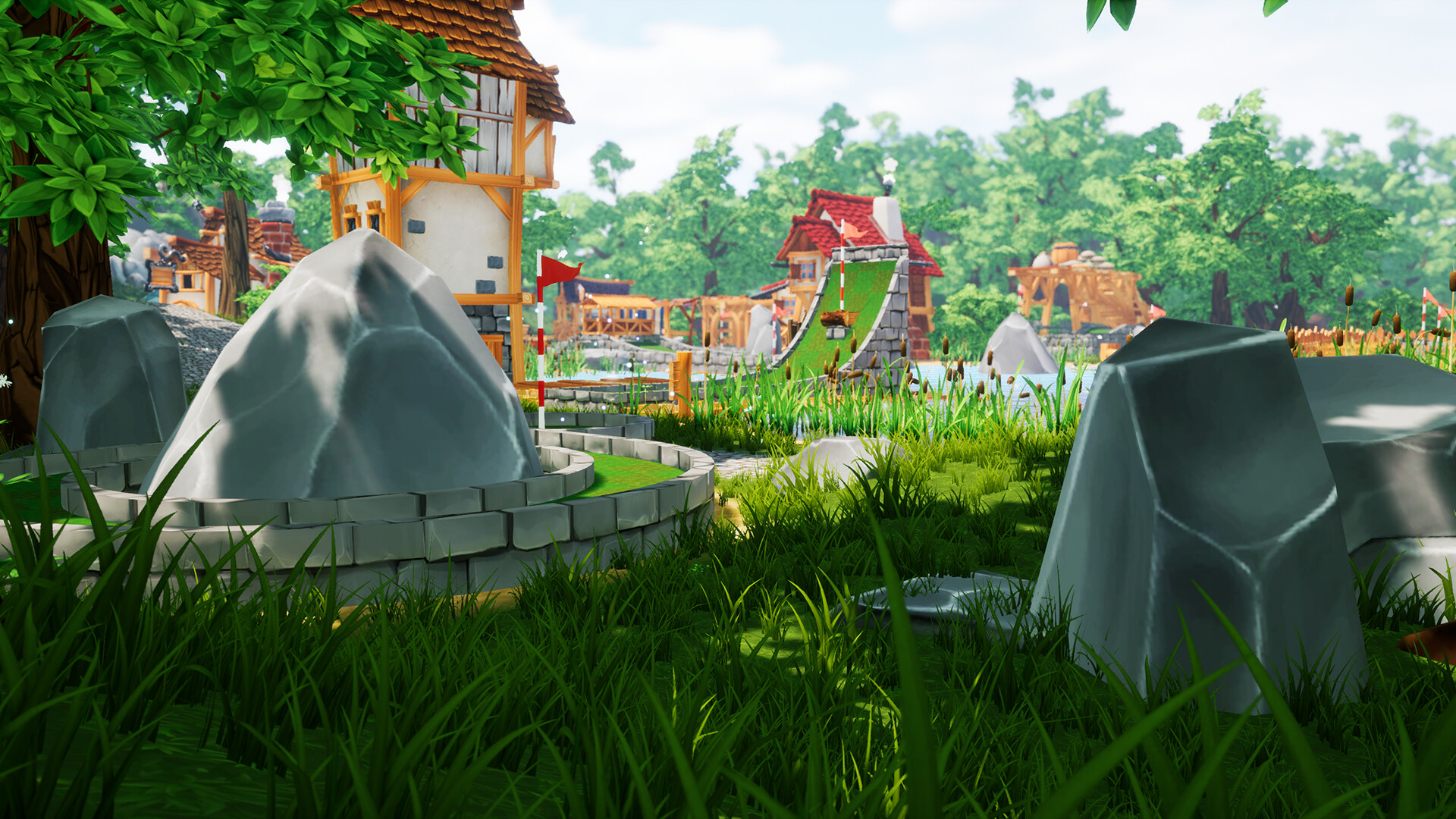
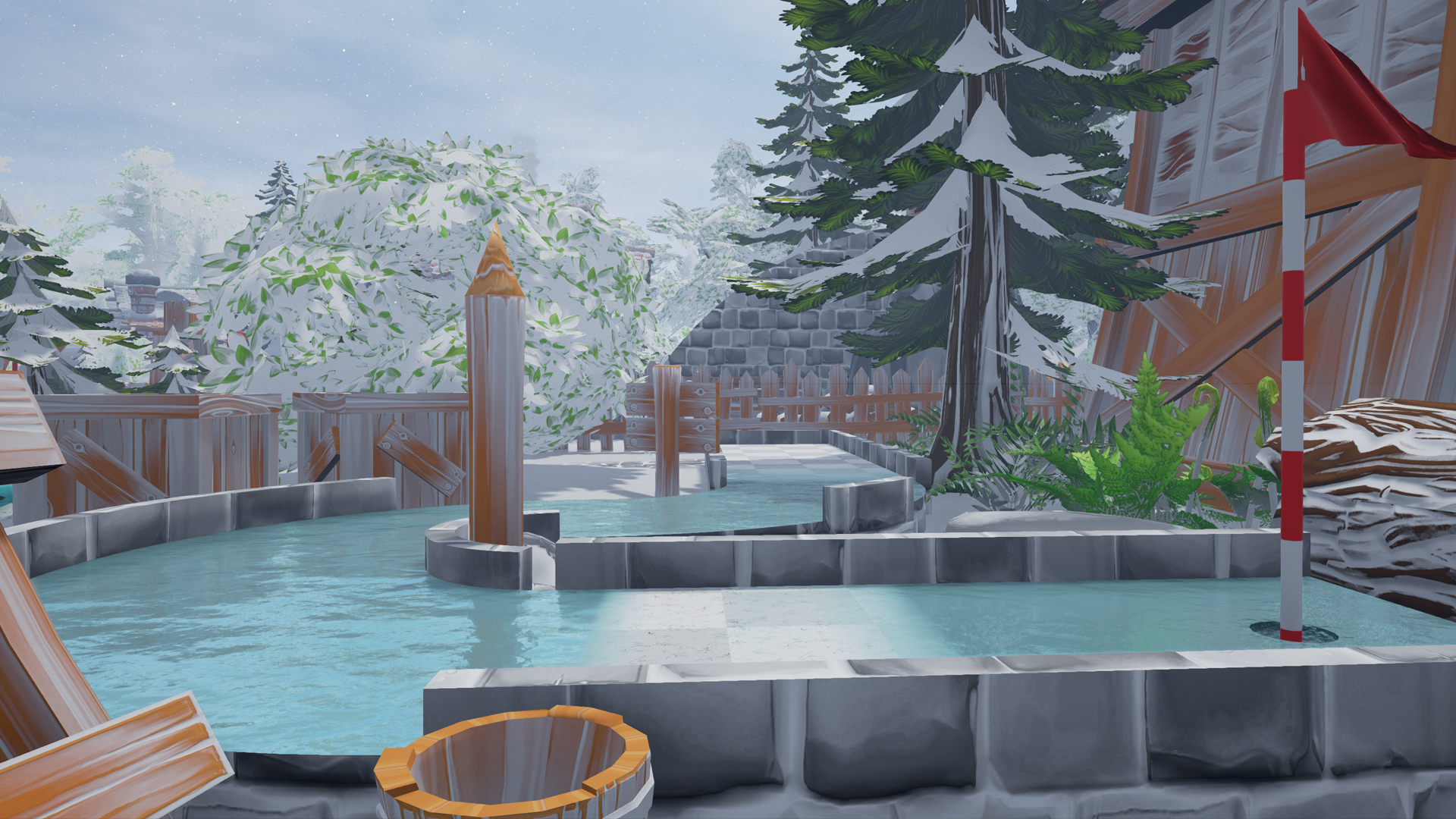
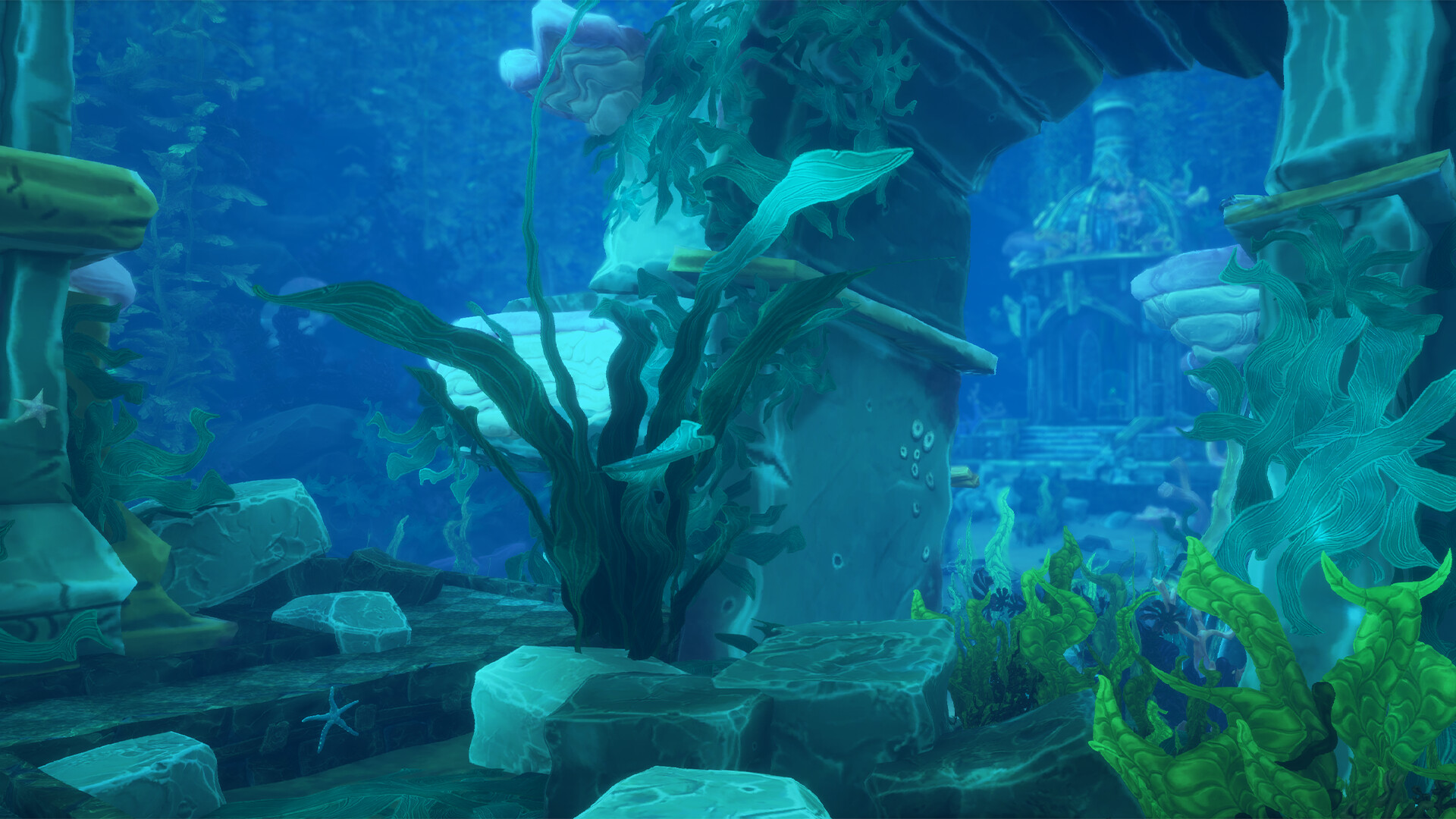
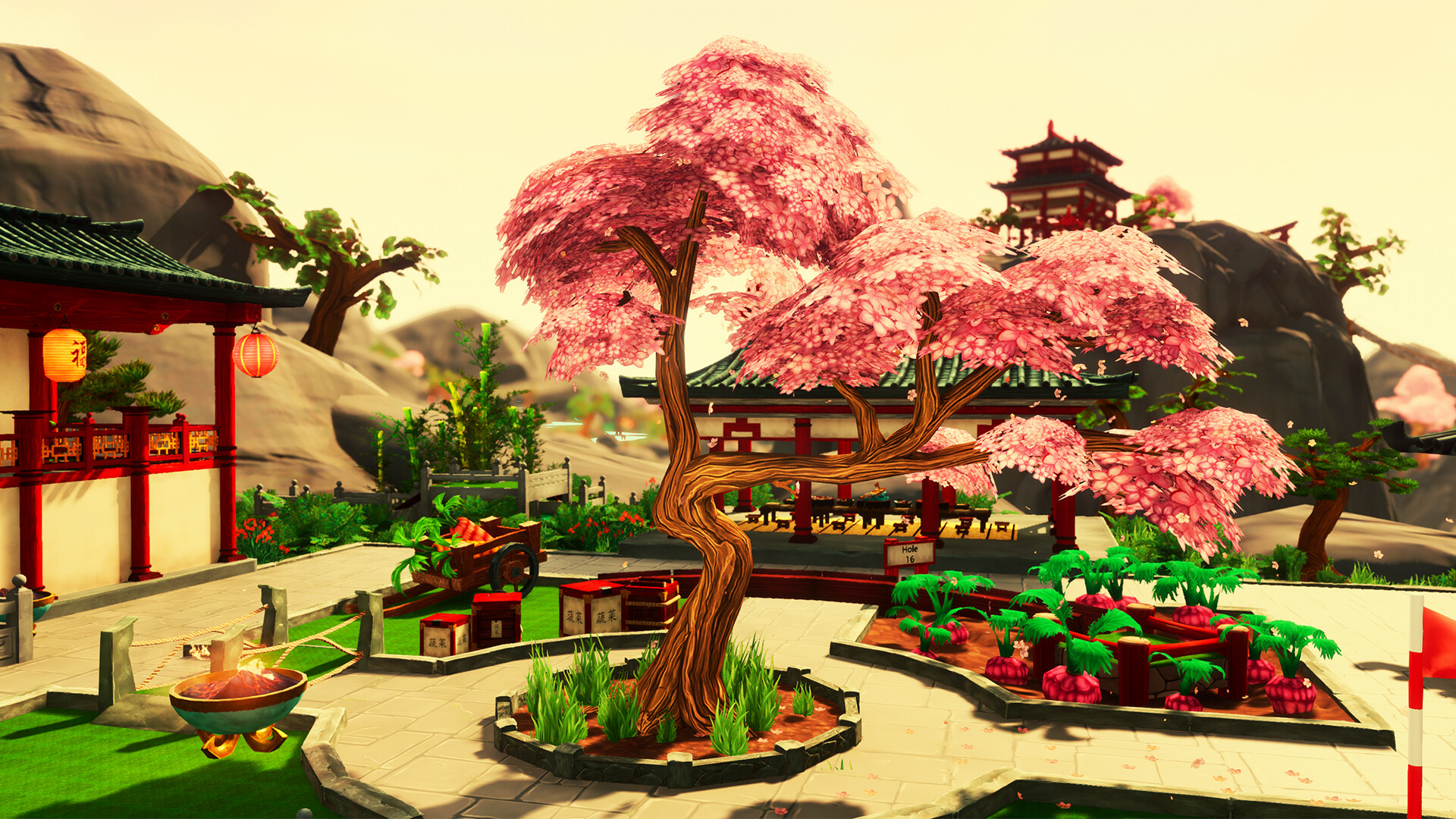
Eight official courses are included, each with its own theme, challenging holes, and new mechanics. These courses provide a curated experience for players seeking structured play.
The variety of themes ensures that each course feels distinct, encouraging players to adapt their putting strategy to different layouts.
- Experiment with each course to learn its unique mechanics before tackling higher difficulty holes.
- Use the themed obstacles as practice for similar community‑made maps.
02 / THE GUIDE
Community Workshop Maps
Thousands of community‑made courses are available through the Steam Workshop, showcasing a wide range of creativity. Players can download and play these maps directly from the game.
The sheer number of user‑generated courses adds endless replay value and introduces novel obstacles and layouts beyond the official set.
- Browse the Workshop ratings to find popular maps that suit your skill level.
- Leave feedback on maps you enjoy to help creators improve.
03 / THE GUIDE
Level Editor
A detailed level editor provides tools to place objects, shape terrain, and configure event systems. This enables players to design and share their own courses.
With thousands of objects and a dynamic landscape, the editor supports complex and imaginative course creation.
- Start with a simple layout and gradually add objects to learn the editor’s capabilities.
- Test your course frequently to ensure events trigger as intended.
04 / THE GUIDE
Multiplayer Modes
Golf It! supports solo play, team play, and large gatherings of over 30 players. Modes include PvP, online PvP, and split‑screen PvP.
Cross‑platform multiplayer and Remote Play Together let friends on different devices compete together.
- Organize a small group for team play to coordinate strategies.
- Use Remote Play Together if a friend lacks the game locally.
05 / THE GUIDE
Leaderboards & Seasonal Rewards
Leaderboards reset with each season, tracking player rankings. Rankings grant exclusive gear as a reward for high placement.
Seasonal changes keep competition fresh and provide incentives to improve performance.
- Aim for consistent scores to climb the leaderboard before each reset.
- Check the reward list after a season ends to claim earned gear.
COMMUNITY
Player discussion