 GameWiki
GET YOUR BEARINGS
About Golf Around!
Golf Around! is a multiplayer mini‑golf title that mixes whimsical course designs with over‑the‑top hazards. It supports 1‑12 players in online matches and also offers a single‑player option for solo play.
The game includes a terrain‑based level editor, ten built‑in courses totaling 180 holes, and several mode variations such as shape, race, and hardcore. Steam integration adds achievements, ball‑customisation items, and Workshop support for community maps.
01 / THE GUIDE
Online Multiplayer
The description lists online multiplayer and PvP, indicating that matches are hosted over the internet and can include up to twelve participants in a single session.
Cross‑platform multiplayer is also mentioned, meaning players on Windows and macOS can join the same online match regardless of their operating system.
- Test your connection before starting a match to minimise latency.
- Invite friends on the same platform if you prefer a simpler matchmaking experience.
02 / THE GUIDE
Level Creator
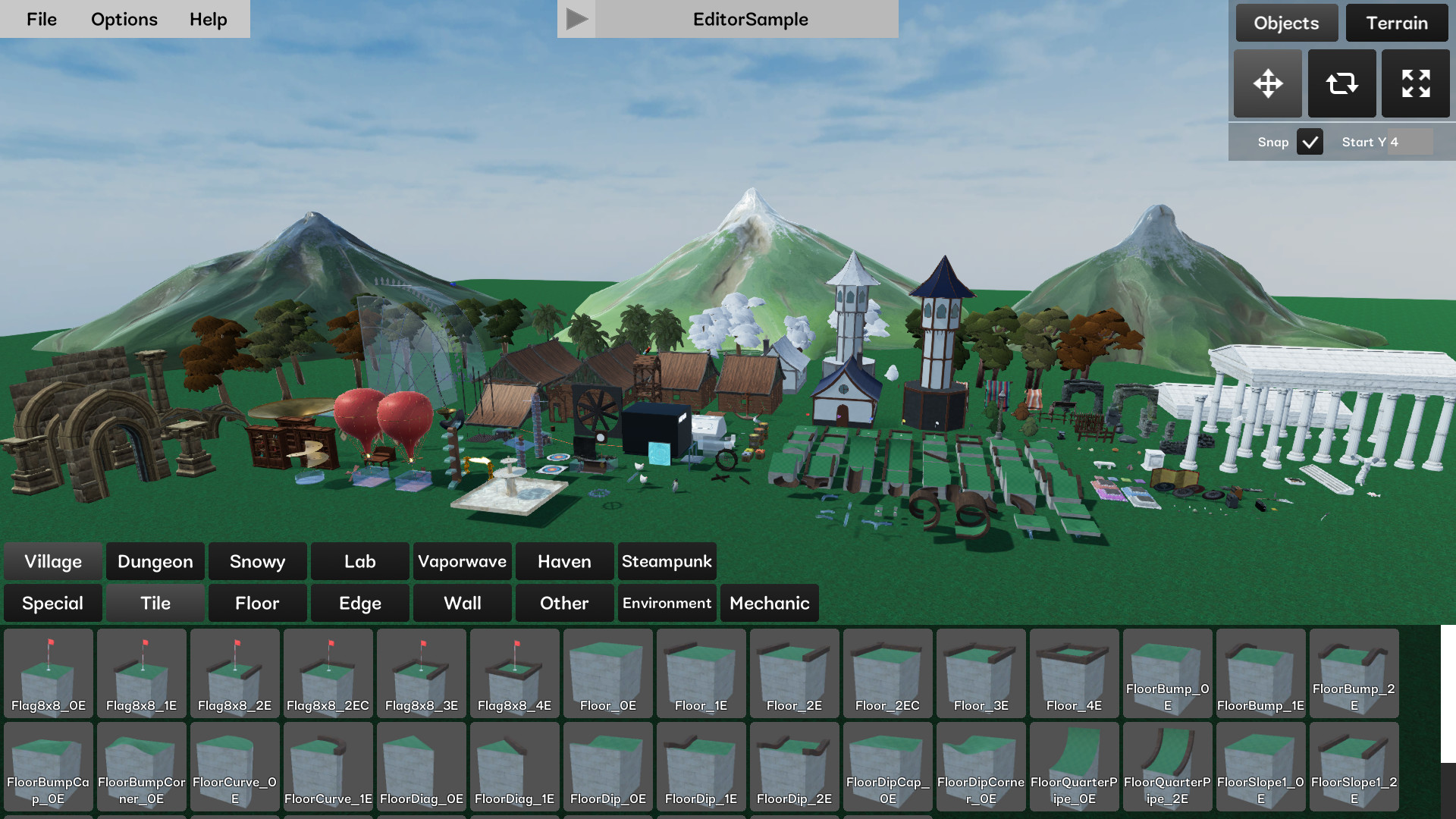
A built‑in level creator includes a terrain editor, allowing players to shape custom holes and publish them via the Steam Workshop, as noted in the feature list.
Because the editor is part of the base game, no extra purchase is required to start building, and created maps can be played in single‑player or shared online.
- Experiment with elevation changes to discover new shot angles.
- Browse the Workshop for inspiration before designing your own course.
03 / THE GUIDE
Built‑In Courses
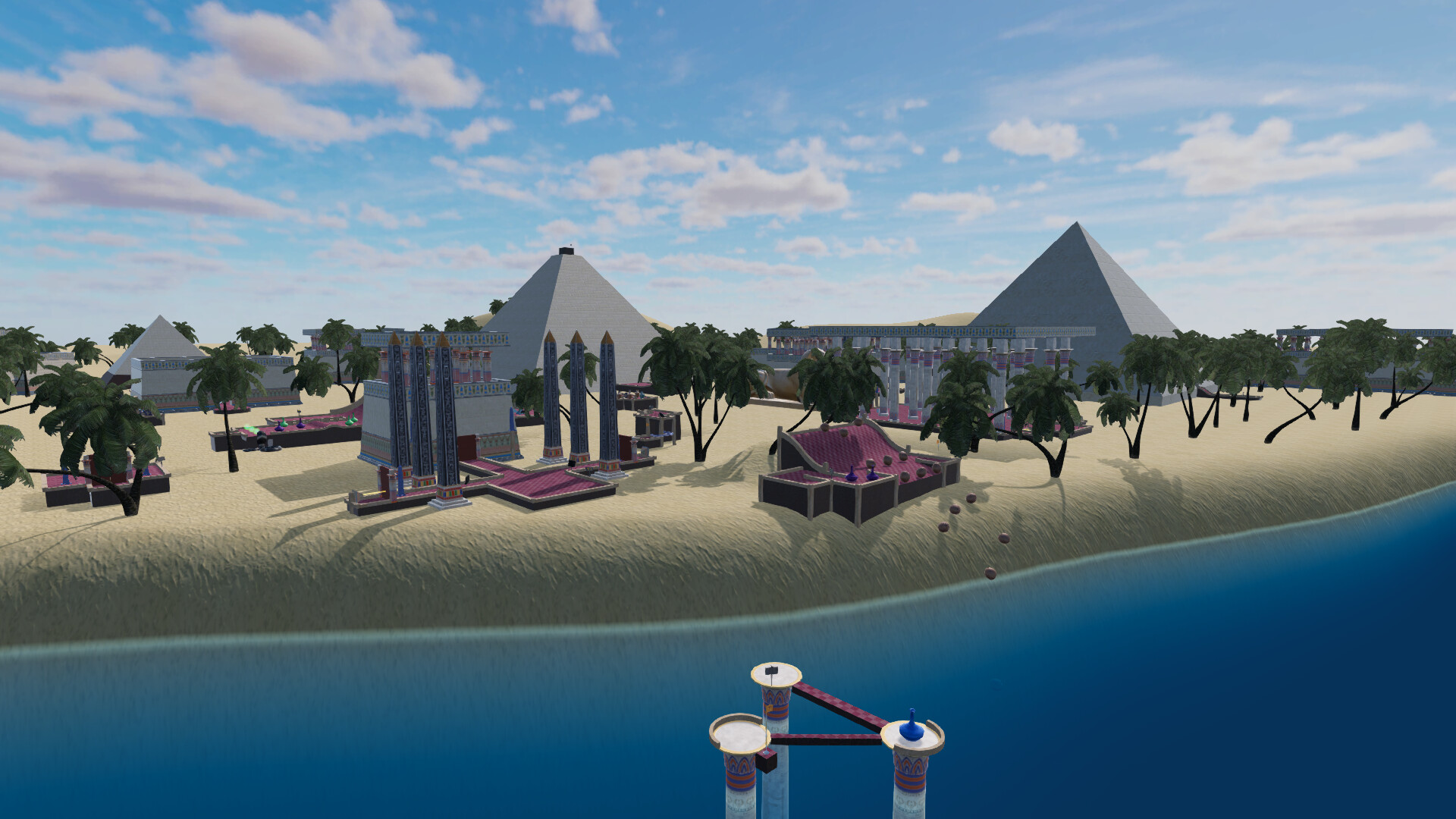
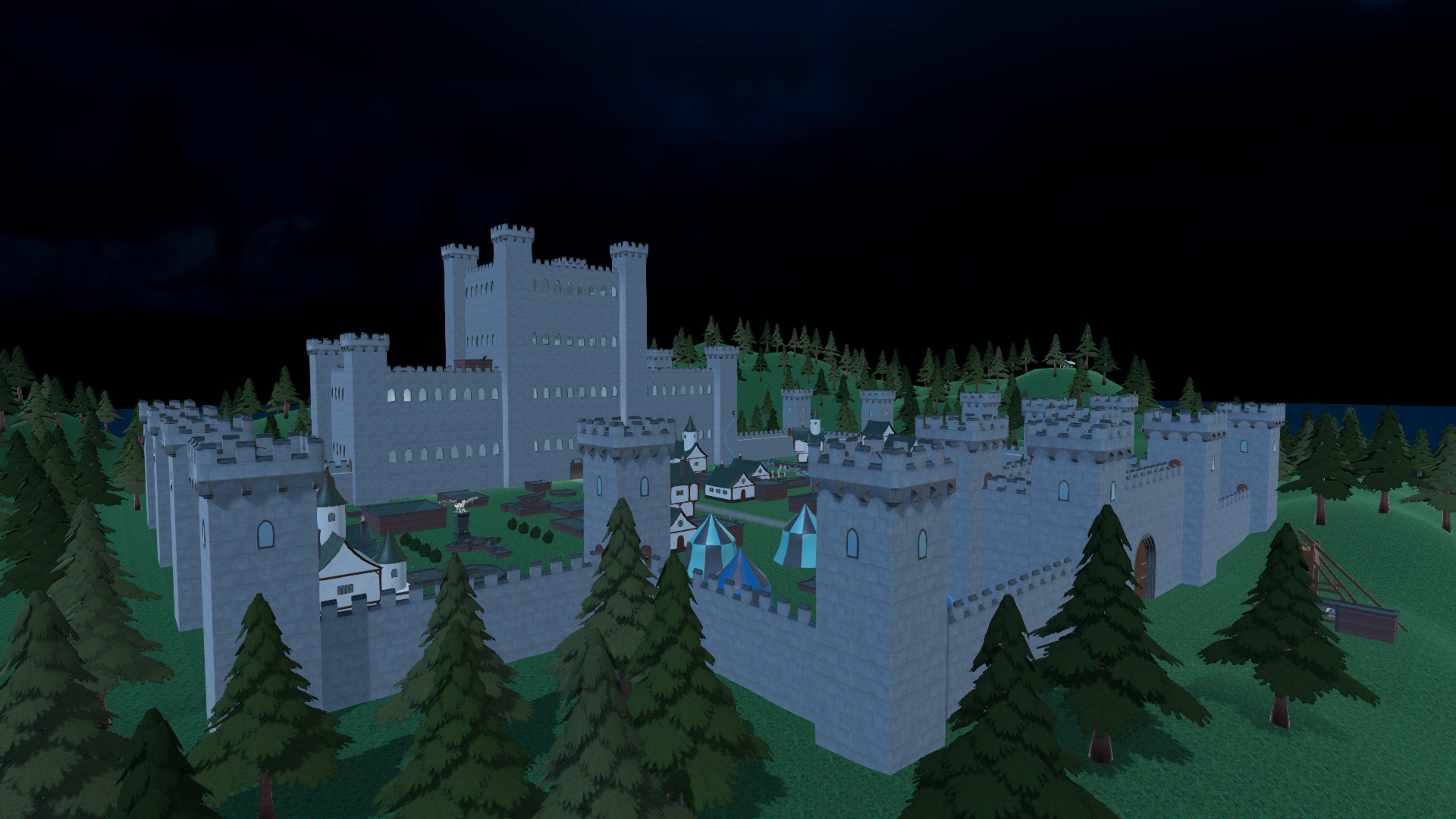
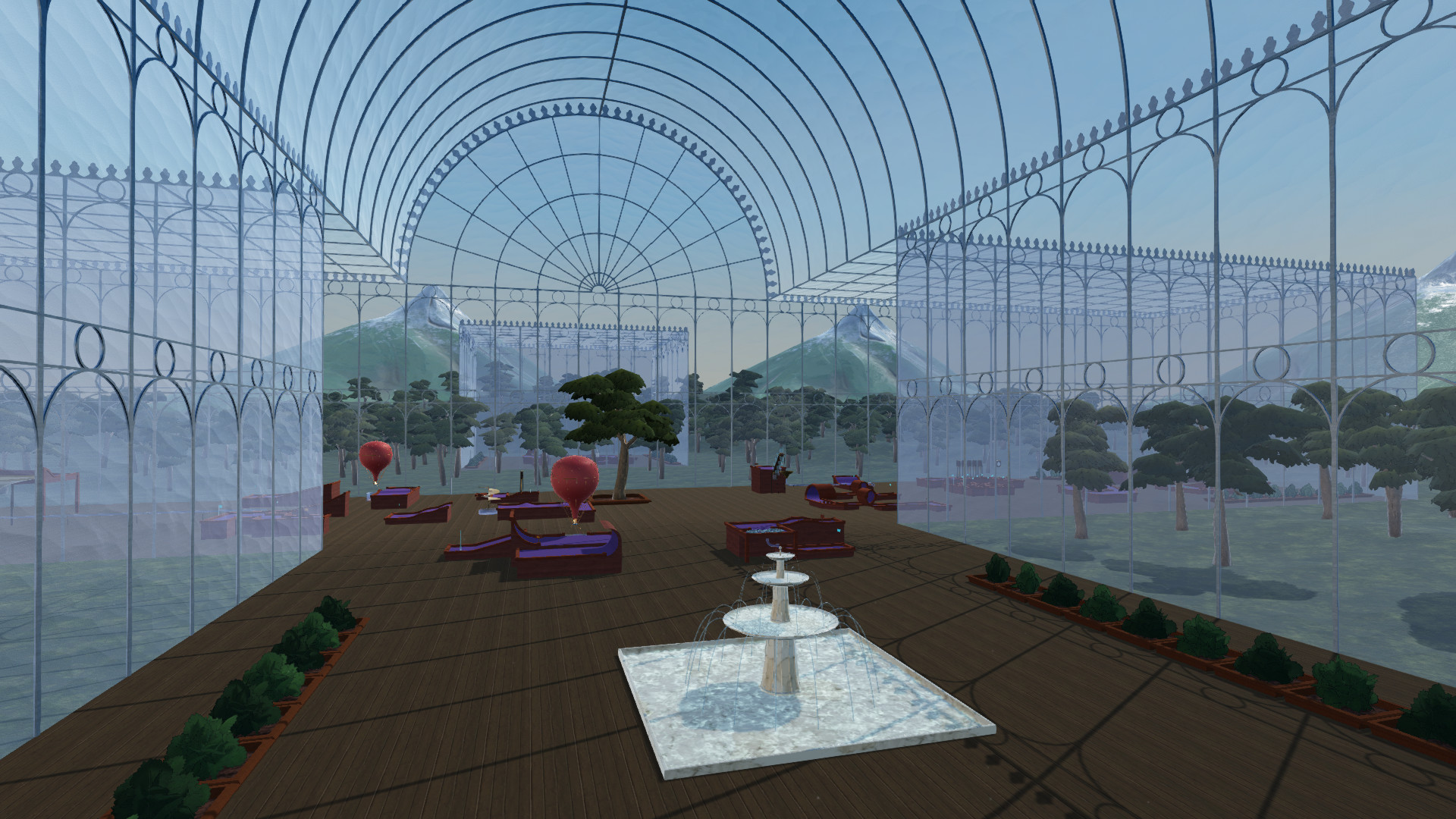
Golf Around! provides ten pre‑made courses, amounting to 180 holes, with themes such as Village, Dungeon, Snowy, Lab, Vaporwave, Haven, Steampunk, Castle 1, Castle 2, and Cyberpunk.
Having a large set of holes built into the game supports longer sessions and tournament‑style play without needing to download additional content.
- Rotate through different themes to keep gameplay fresh.
- Combine a course with a specific mode for varied challenges.
04 / THE GUIDE
Crazy Mechanics
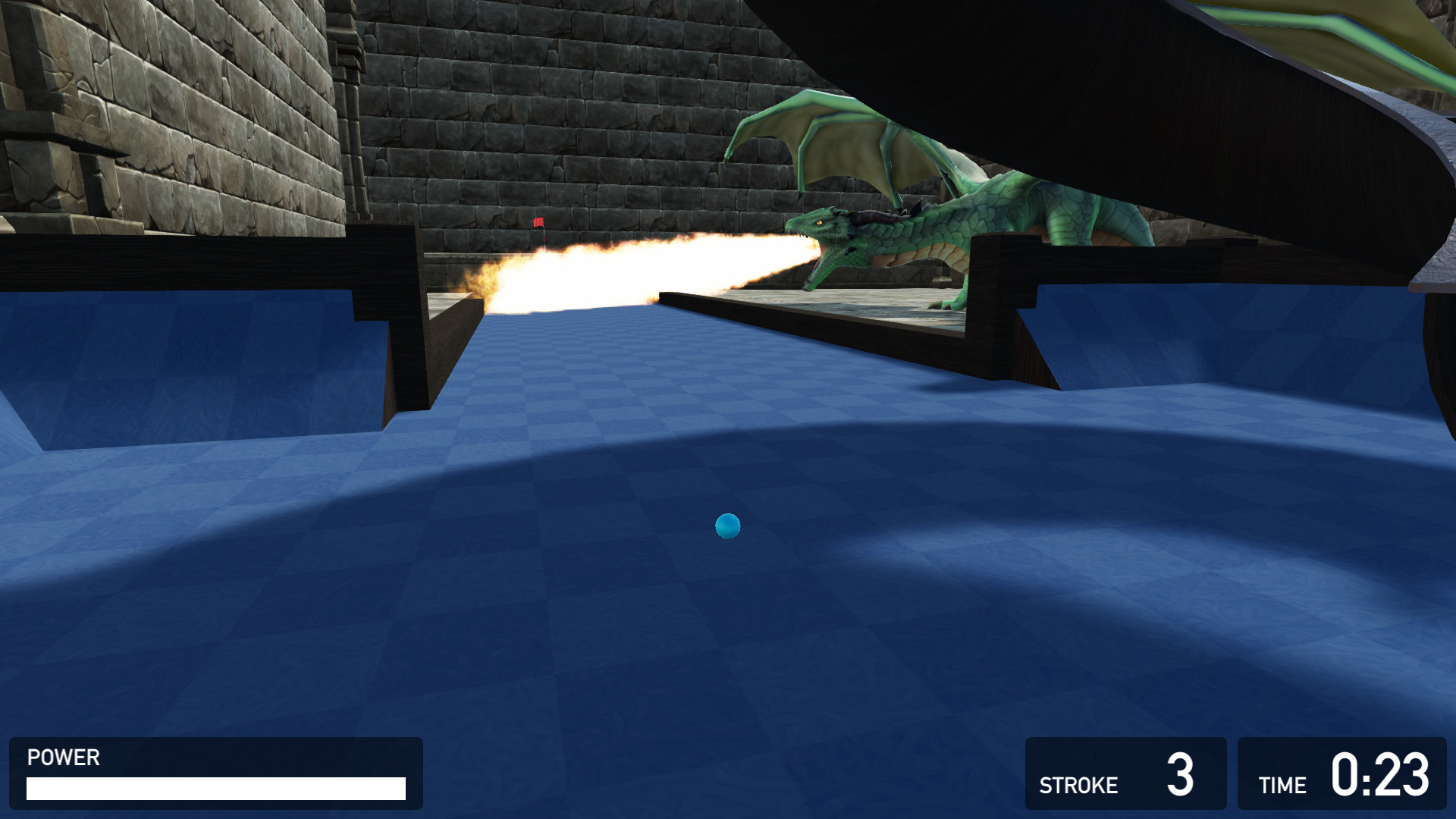
Beyond ordinary putting, the game features hazards such as katanas that can slice the ball, dragons that set players on fire, and cannons that launch balls into the air, as listed in the description.
These elements introduce unpredictable effects on each hole, requiring players to read visual cues and adjust their strategy accordingly.
- Look for hazard indicators before taking a shot.
- Use cannon zones when a high‑arc trajectory is beneficial.
05 / THE GUIDE
Steam Features
Steam integration supplies achievements and ball‑customisation items, giving players goals to pursue and visual personalization options for their golf ball.
The Workshop connection enables easy sharing and downloading of community‑created maps, extending replayability without additional development from the studio.
- Track achievement progress to set personal milestones.
- Try new Workshop maps to experience fresh layouts.
COMMUNITY
Player discussion