 GameWiki

GET YOUR BEARINGS
About Going Medieval
Going Medieval drops players into a post‑plague world where survivors must carve out a new civilization from wild, reclaimed lands. Using 3D terrain tools you can raise forts, dig caverns, and shape the environment to suit your vision. Each settler has distinct skills and needs, and their happiness drives the growth of your settlement. Defend against raids, research medieval tech, and expand from a trio of travelers to a thriving walled city, all in a single‑player, sandbox experience.
01 / THE GUIDE
Settlement Building
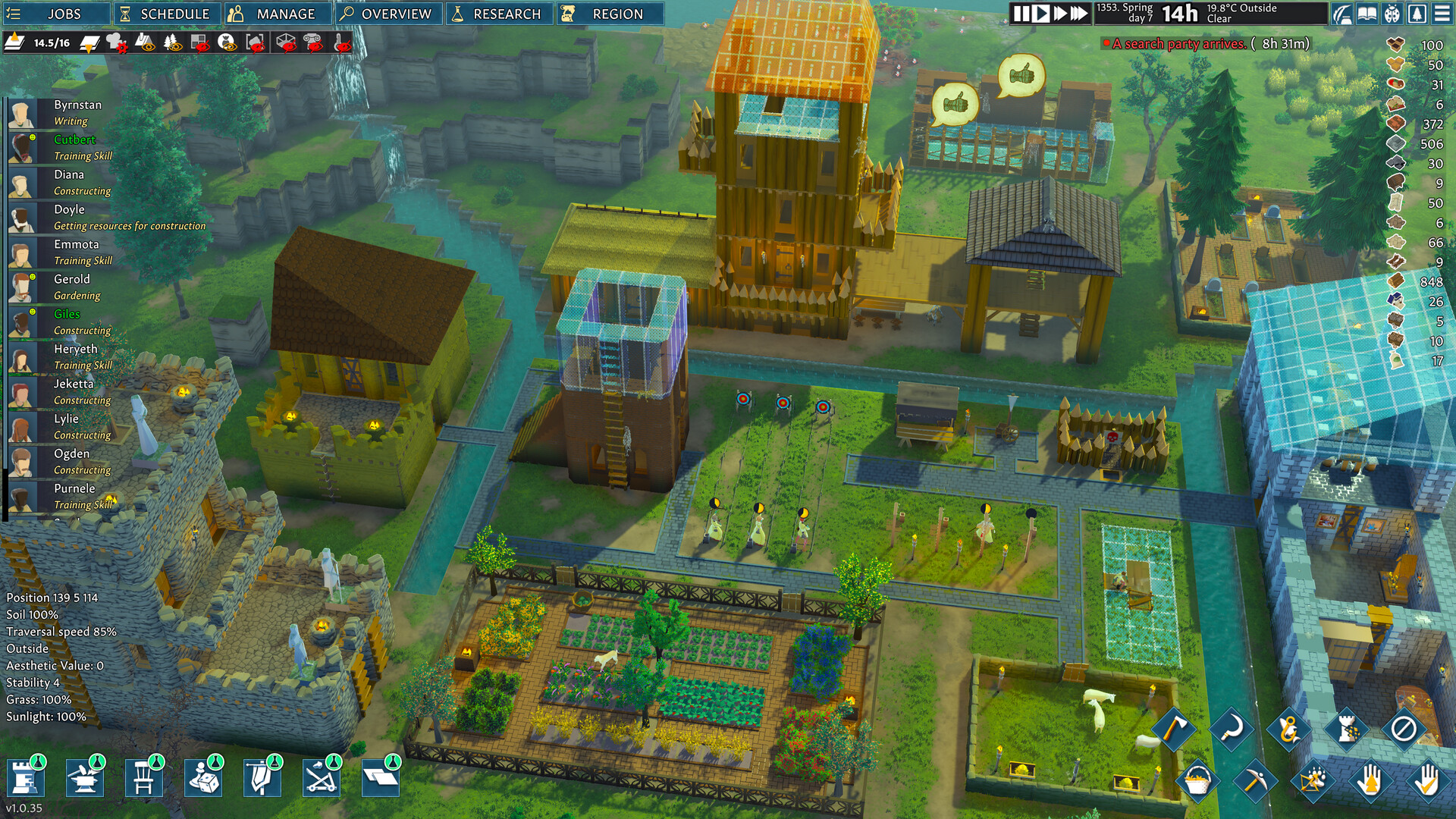
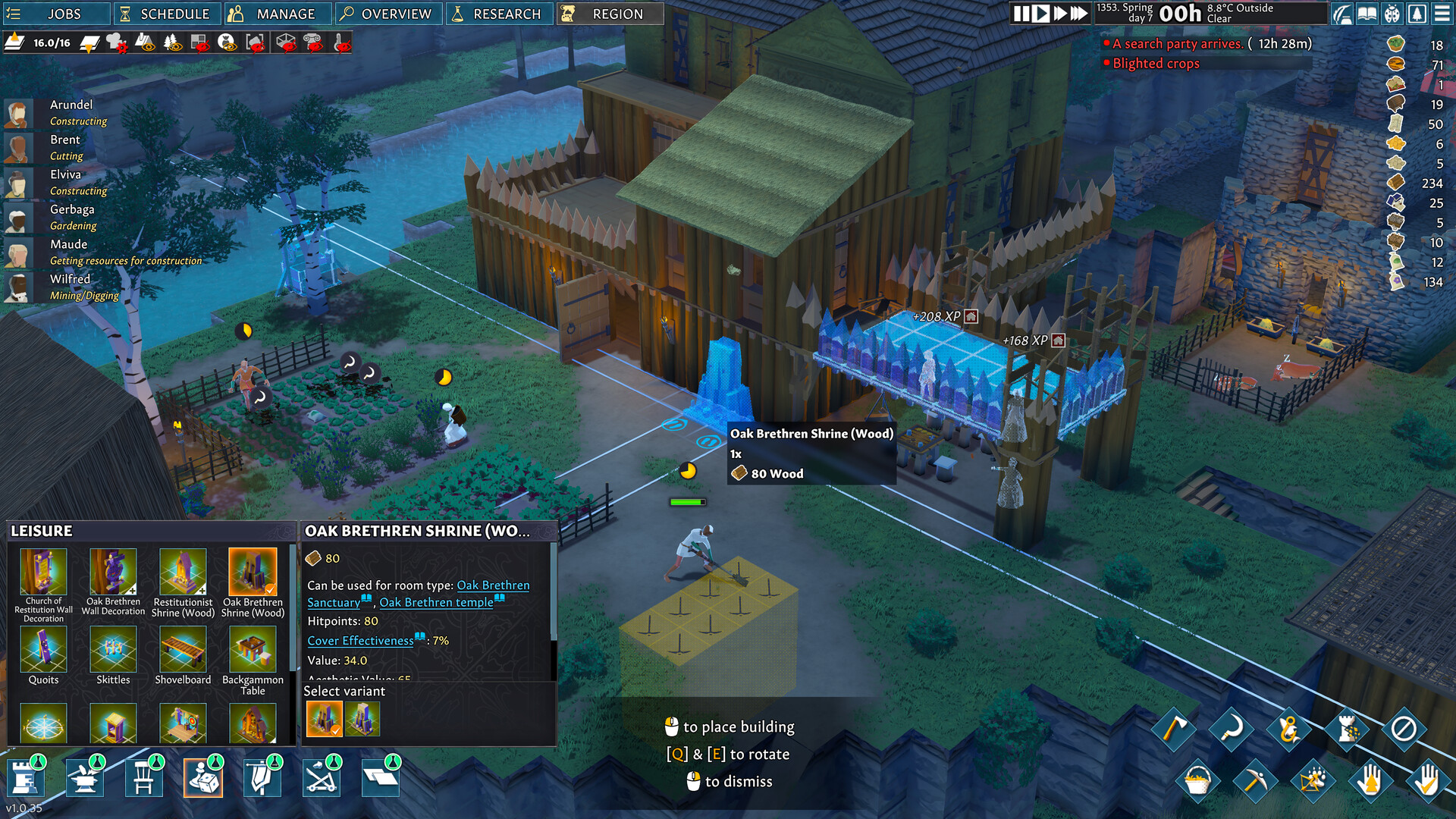
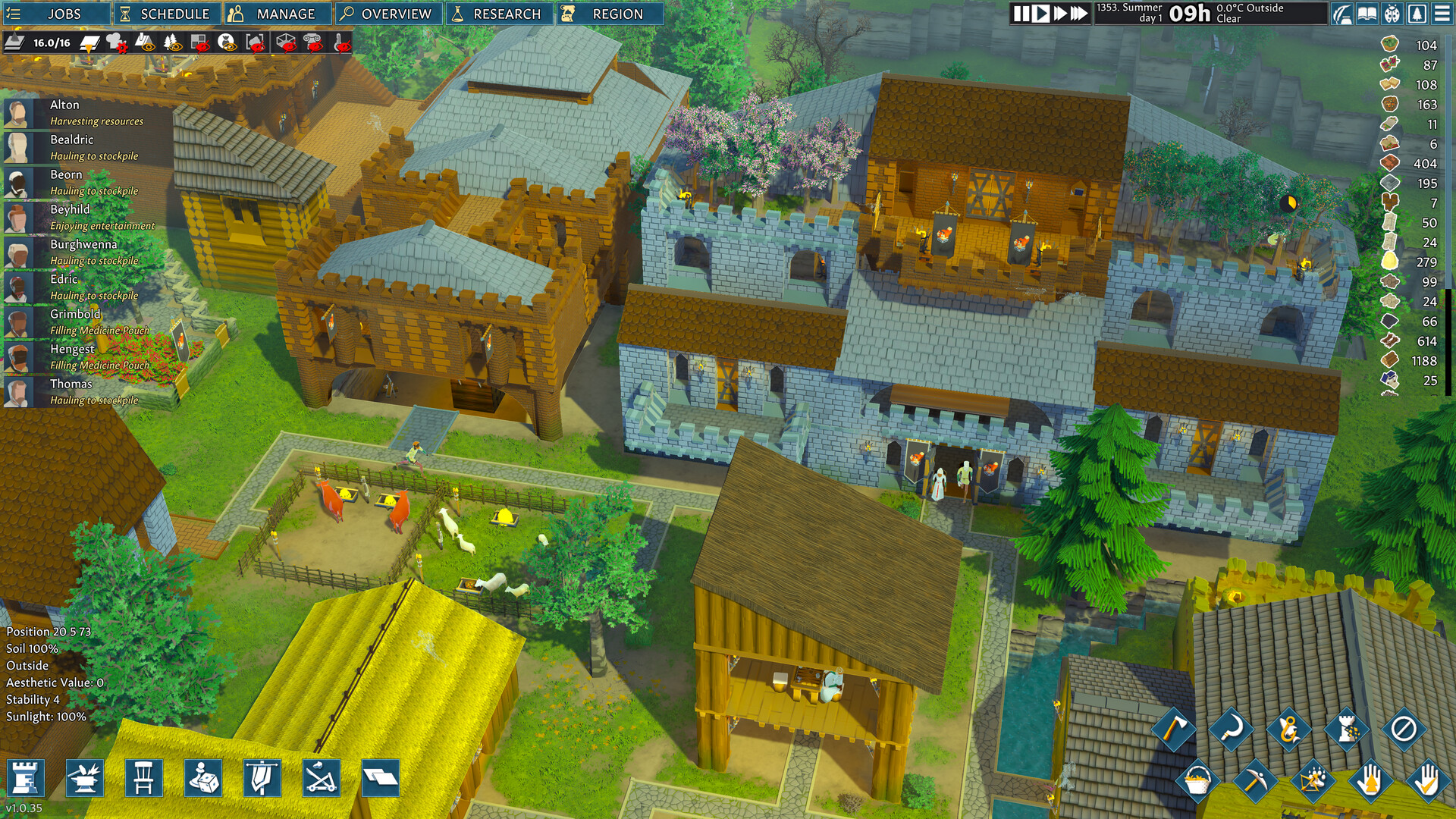
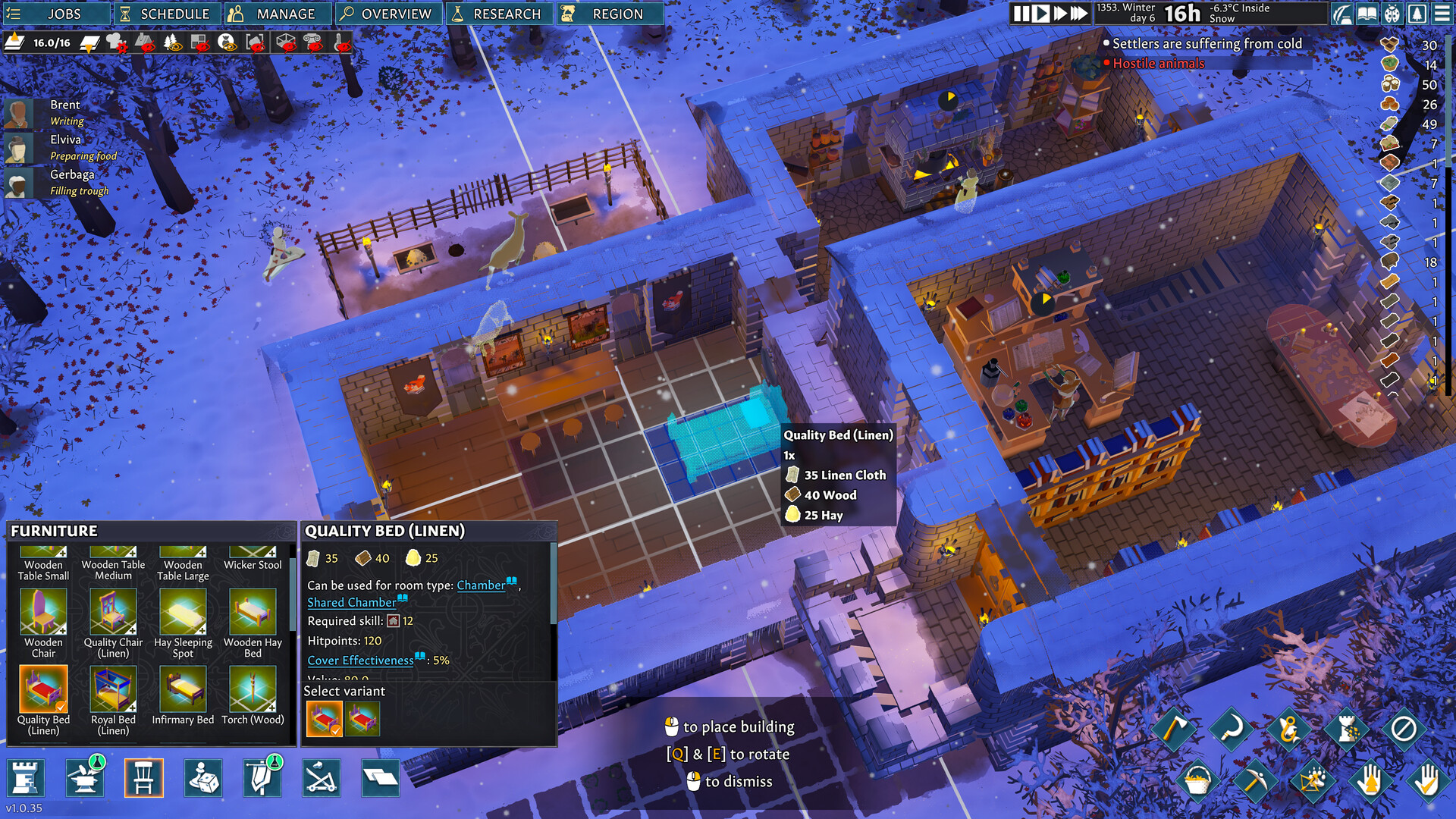
Players construct homes, workshops, chapels, and libraries using stone, clay, and gathered materials. The game offers multi‑storey forts and underground caverns, letting you design a stronghold that fits any scale.
Construction is tied to the terrain; you can raise earth or dig down to create defensive walls or hidden passages. The built environment directly influences settler satisfaction and defensive capability.
- Plan your layout early to minimize later terraforming work.
- Balance decorative elements with functional structures to keep settlers happy.
02 / THE GUIDE
Settler Management
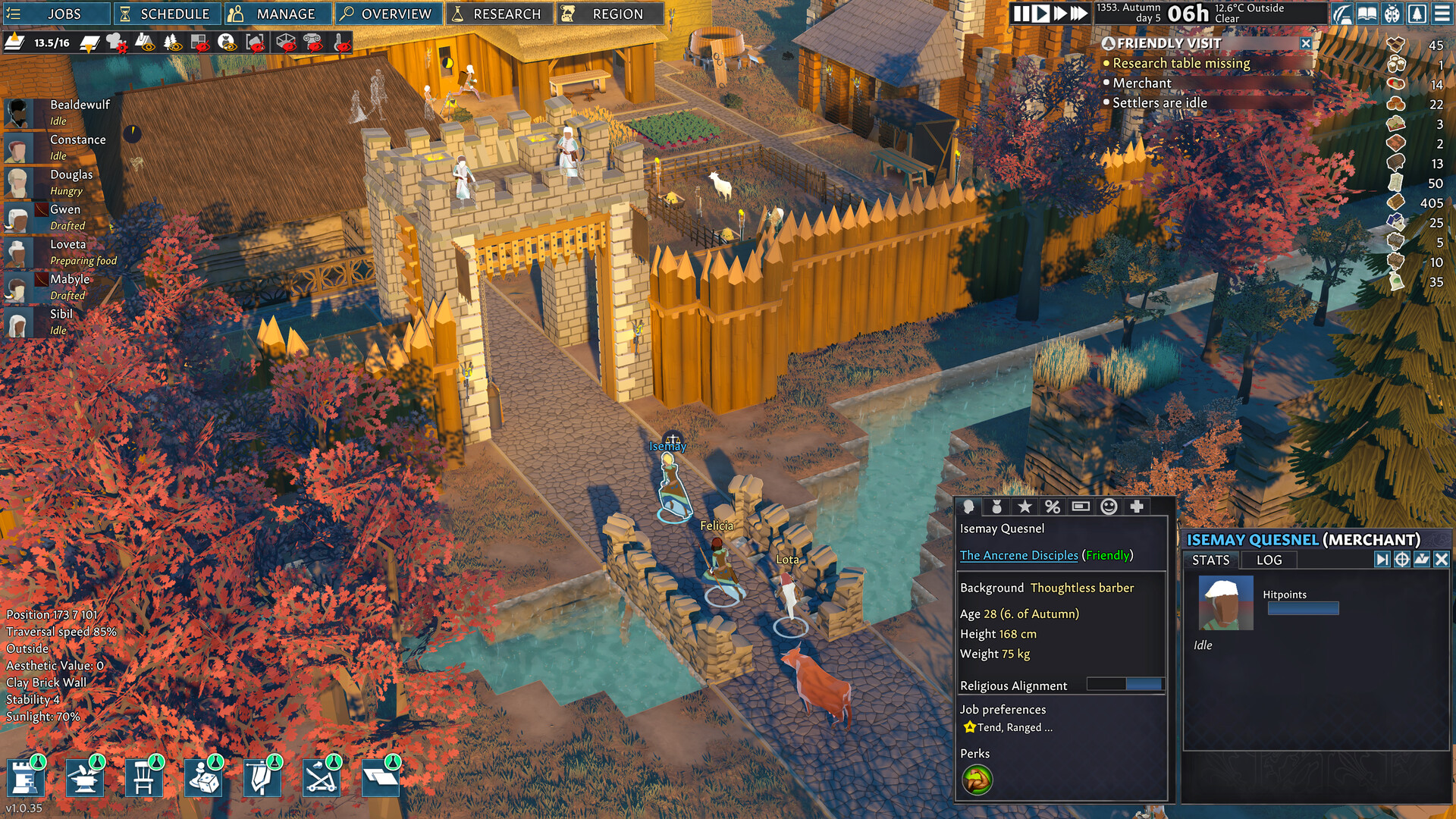
Each settler is a unique character with skills, personality, and needs. Satisfying those needs—food, clothing, religion—keeps them happy and productive.
Skills like Animal Handling or Brawling affect tasks and combat roles, so assigning work that matches abilities improves efficiency.
- Monitor individual needs regularly to avoid unrest.
- Match settlers’ strongest skills to critical jobs for better output.
03 / THE GUIDE
Combat & Defense
Waves of raiders and beasts attack your settlement, requiring walls, traps, and armed settlers. Research and craft medieval weapons to strengthen your defense.
Combat strategy should reflect each villager’s abilities; hunters excel at ranged attacks while brawlers hold the front line.
- Upgrade traps before expanding walls for early protection.
- Train settlers in both hunting and combat to diversify defense.
04 / THE GUIDE
Terrain & Terraforming
The map is randomly generated with multiple levels, allowing you to manipulate earth and water for construction or strategic advantage.
Terraforming lets you raise hills for lookout points or dig moats for added security, integrating the landscape into your settlement plan.
- Use water features to create natural barriers.
- Elevate key structures for better line‑of‑sight.
05 / THE GUIDE
Modding & Creative Tools
Steam Workshop support provides a platform for sharing and installing community creations, extending the game’s content beyond the base experience.
Modding tools let you introduce new assets, mechanics, or visual styles, offering a deeper level of creative freedom.
- Start with small mods to learn the workflow.
- Back up saves before applying major changes.
COMMUNITY
Player discussion