 GameWiki

GET YOUR BEARINGS
About gogh: Focus with Your Avatar
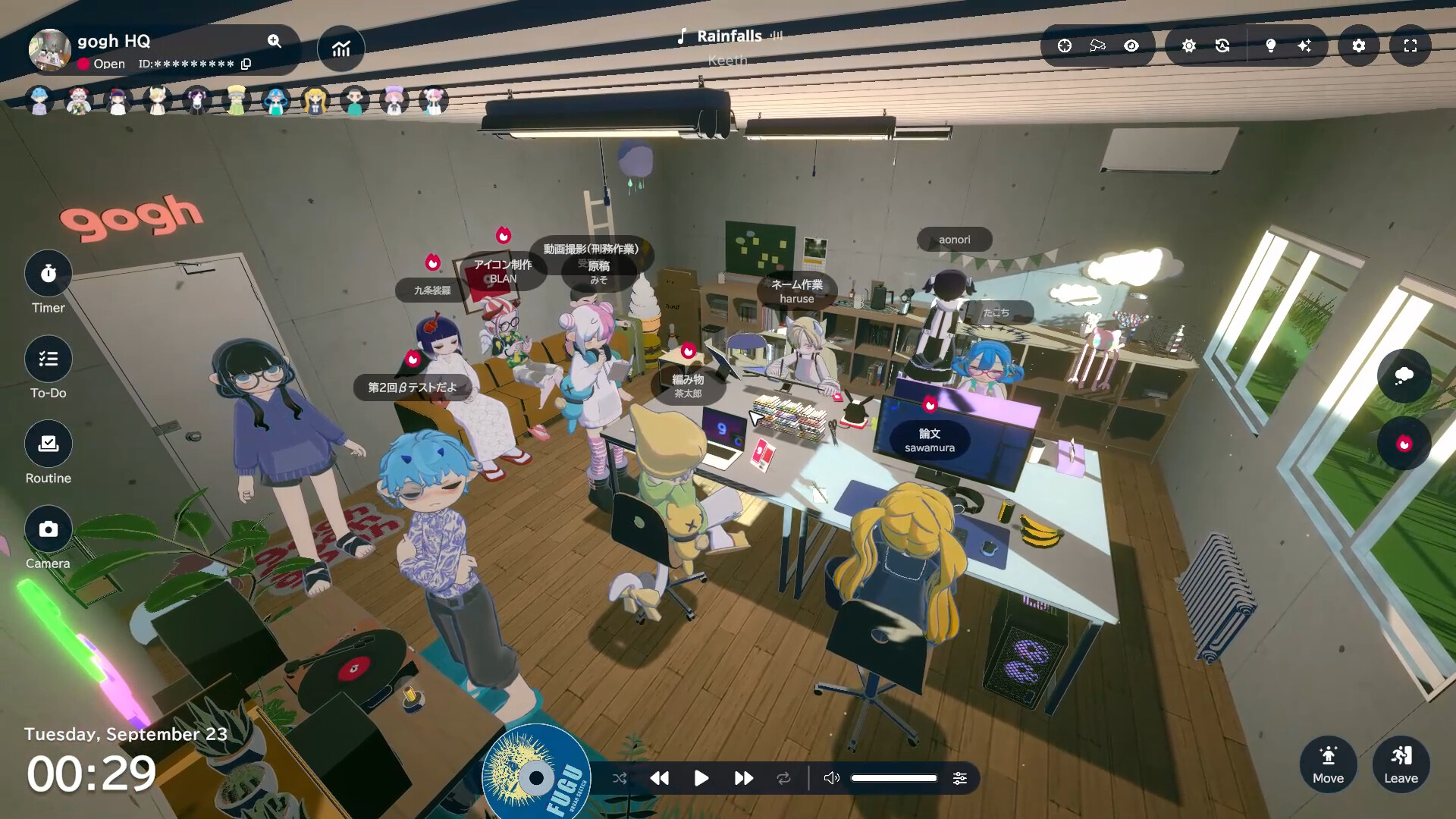
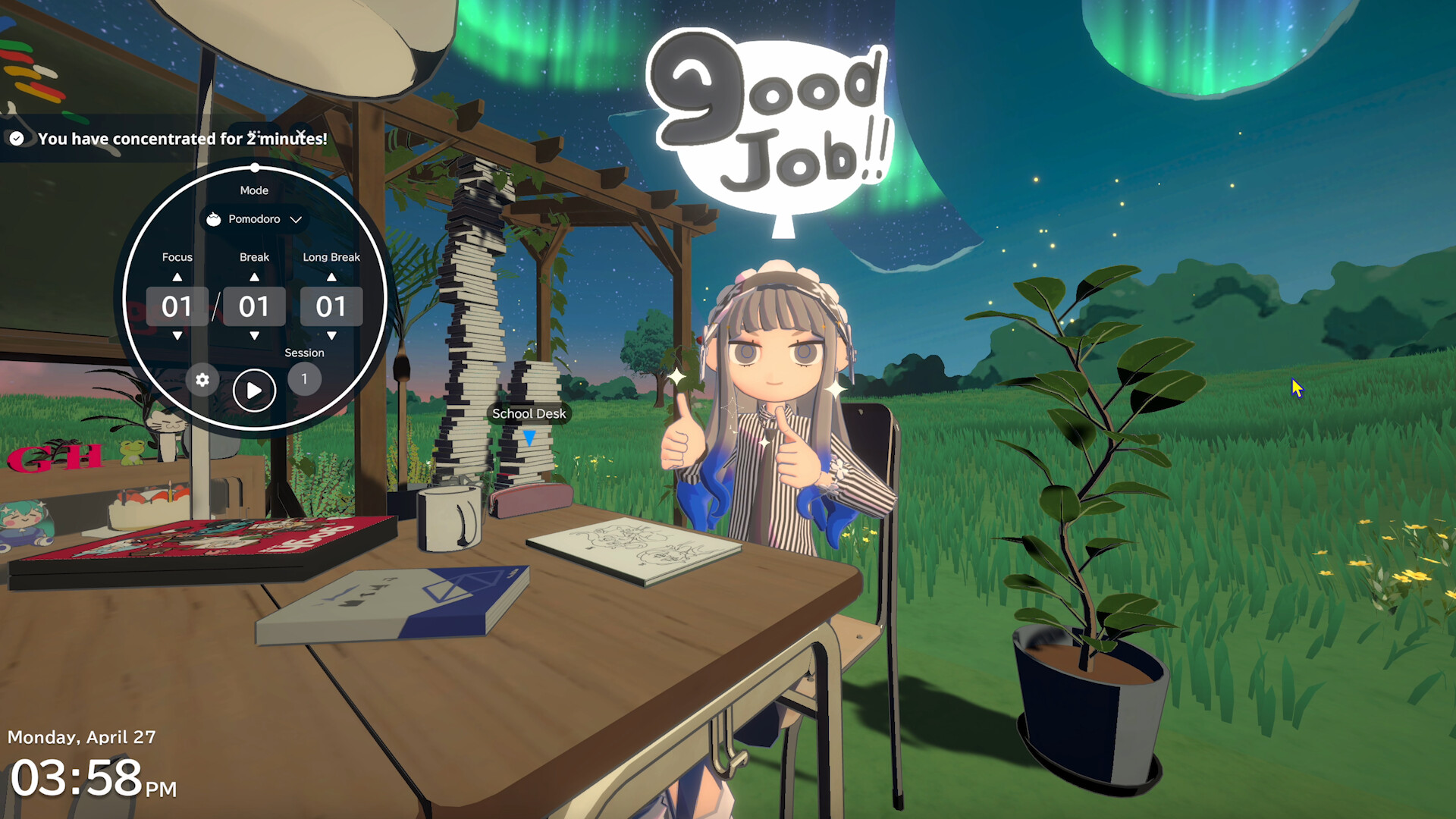
gogh: Focus with Your Avatar is a free‑to‑play casual simulation that turns study and work sessions into a shared experience. Players sit at a virtual desk alongside customizable avatars, friends, or strangers worldwide to collaborate.
Up to sixteen participants can join a room, sharing emotes, Pomodoro timers, to‑do lists, and lo‑fi ambience while avatars pose, animate, and react to focus or break phases. The space itself is fully editable by.
01 / THE GUIDE
Multiplayer Rooms
Rooms host up to sixteen players who can gather in a single virtual environment to study, work, or simply chat.
Participants greet each other with emotes, share what they are working on, and stay motivated together through focused sessions daily.
- Try setting a shared Pomodoro timer to sync breaks.
- Use emotes to signal when you need quiet.
02 / THE GUIDE
Avatar Customization
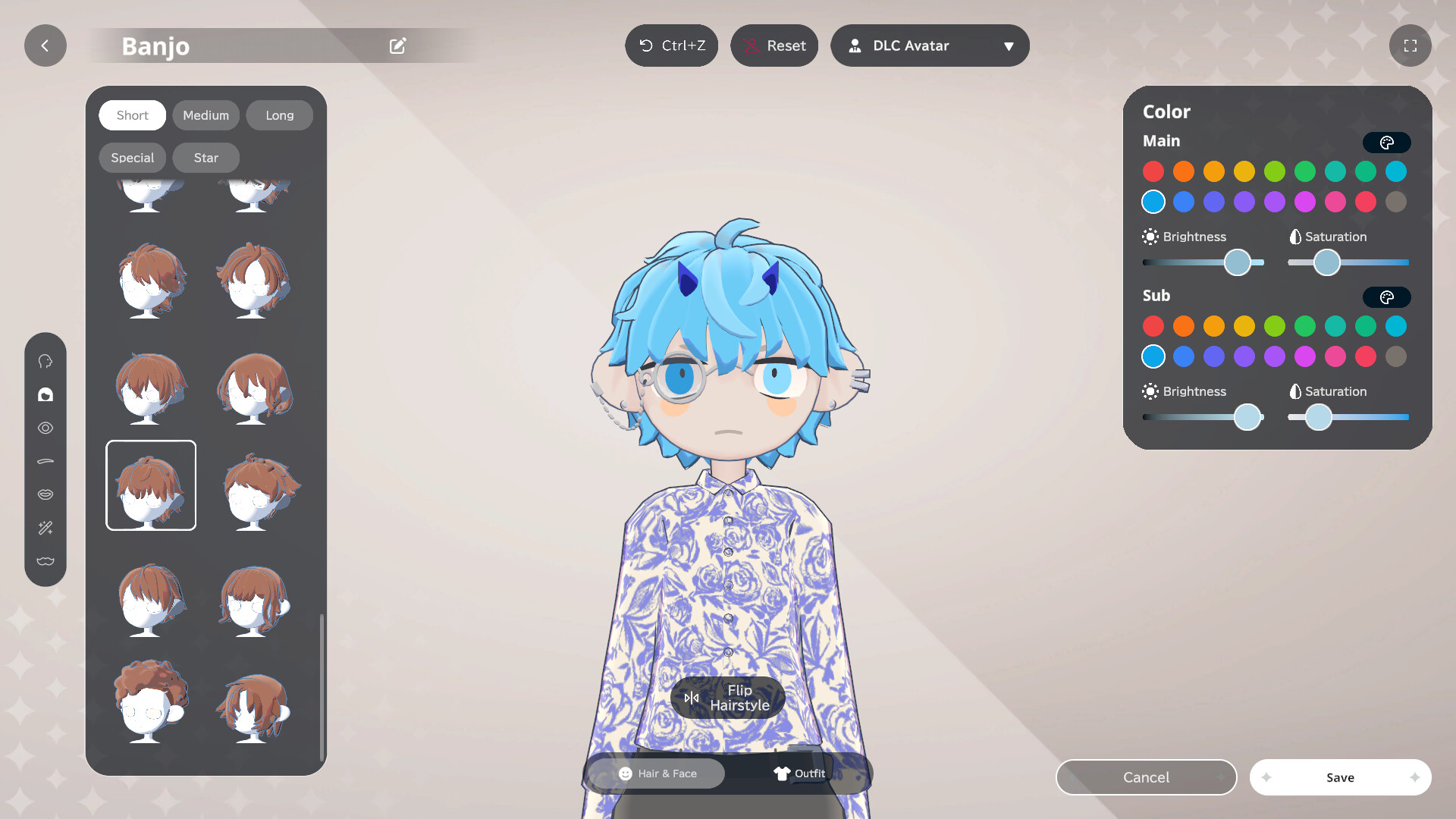
Players can create characters with varied hairstyles, outfits, and colors, then place multiple avatars throughout their room for personal expression.
Avatars can switch poses, expressions, and animations between focus and break sessions, and be photographed with transparent backgrounds for sharing.
- Experiment with different color palettes to match your workspace theme.
- Capture a pose before a break to use as a reminder.
03 / THE GUIDE
Space Building
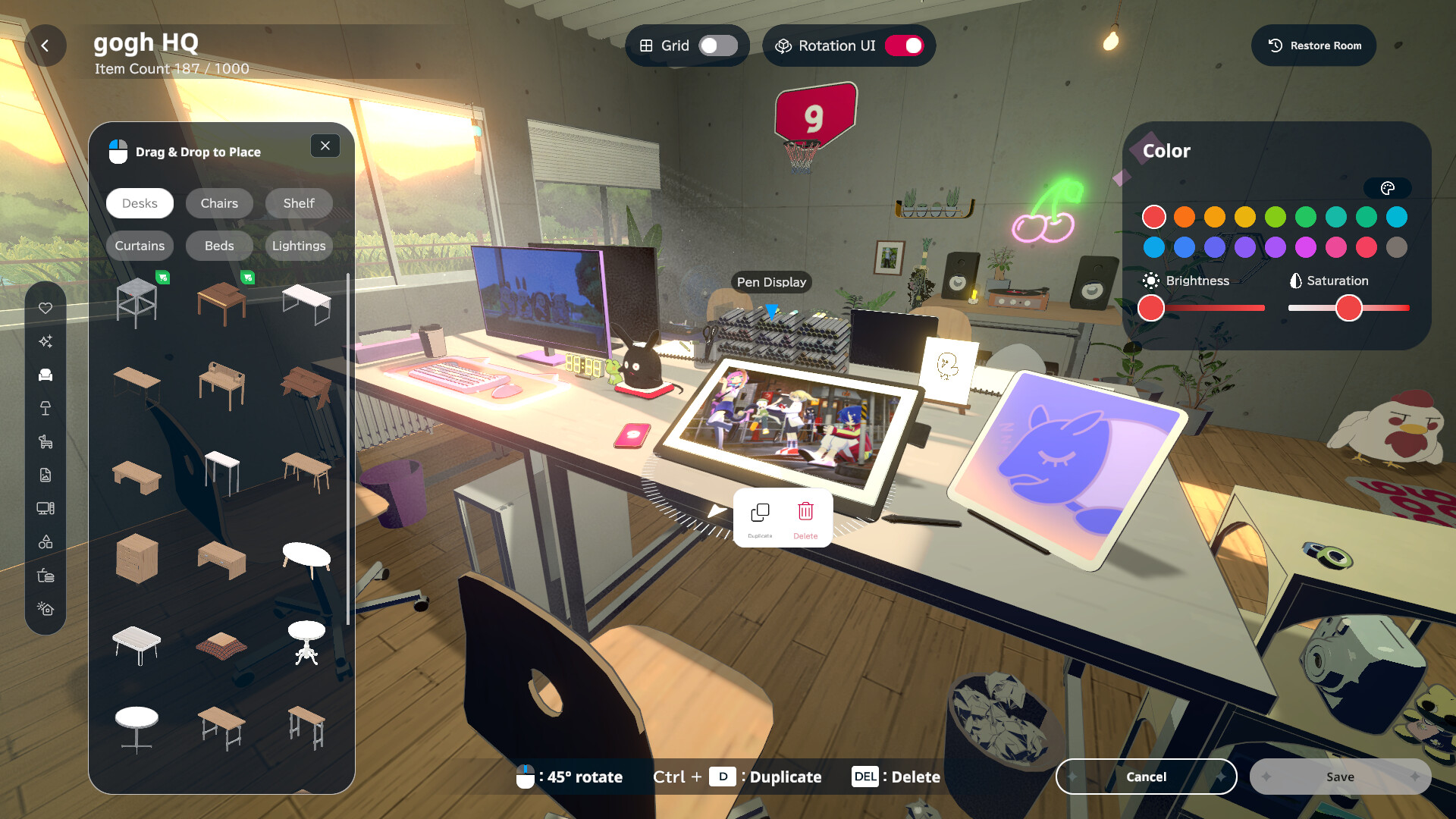
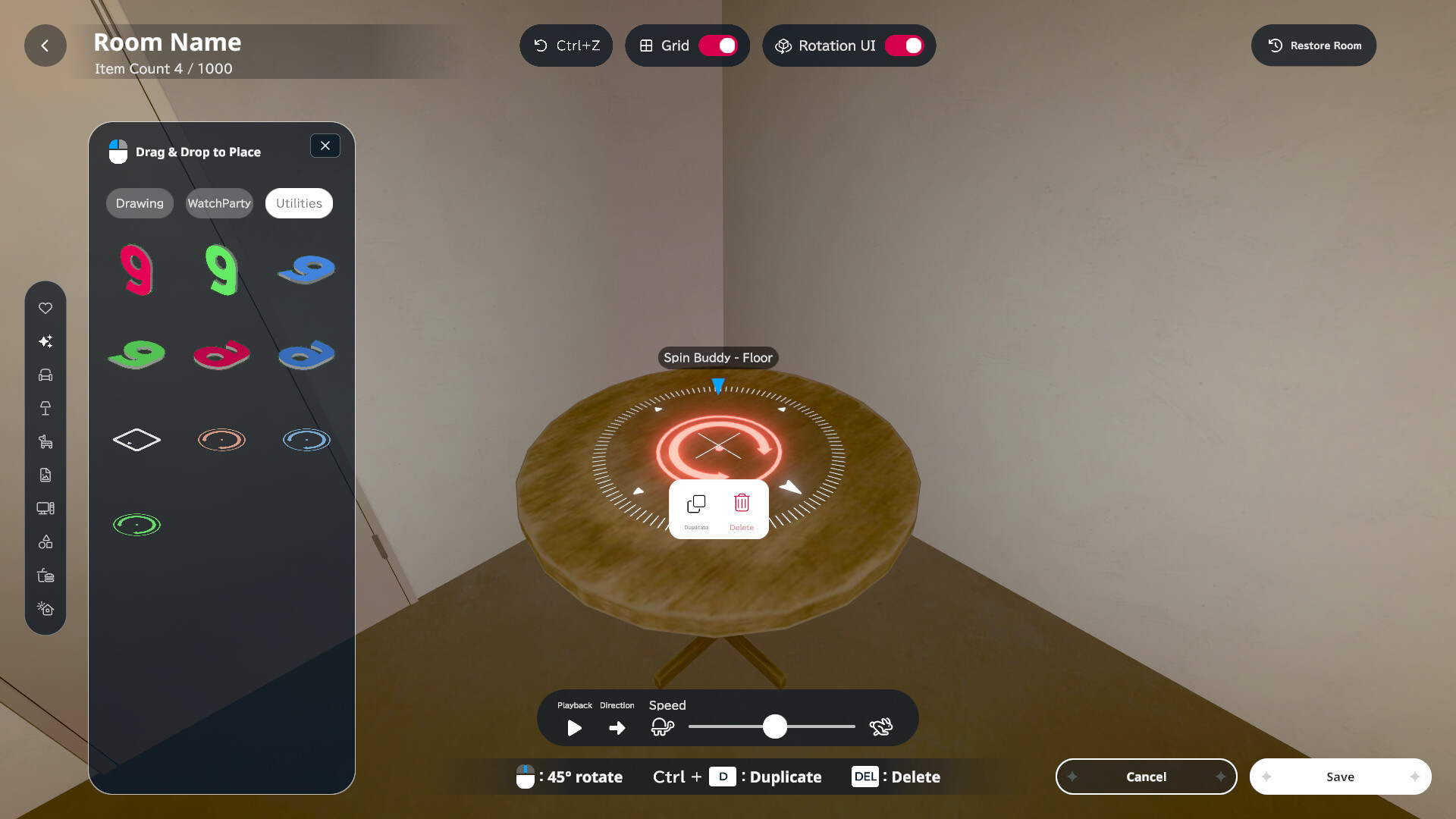
Users freely place furniture, decorations, and custom images or GIFs to craft unique workspaces such as libraries or studios today.
Colors and lighting can be adjusted, and the time of day or weather effects can be set for ambience overall.
- Use a calm color scheme to reduce visual clutter.
- Add a window view to simulate natural light.
04 / THE GUIDE
Productivity Tools
The interface includes a Pomodoro timer, countdown and count‑up timers, to‑do lists, daily habits, and a journal for tracking progress.
Focus statistics are displayed, while lo‑fi music, ambient sounds, and weather effects set the mood for work or breaks today.
- Start with short Pomodoro intervals to build concentration.
- Review focus statistics weekly to adjust your schedule.
05 / THE GUIDE
Streaming & Photo Mode
Solo players can enable face tracking, bringing avatars to life, and use photo mode with transparent backgrounds or green screen.
Content creators may stream virtual camera footage onto room items, record videos, or host YouTube watch parties with friends together.
- Test face tracking lighting before a recording session.
- Use green screen mode for clean avatar overlays.
COMMUNITY
Player discussion