 GameWiki
GET YOUR BEARINGS
About God Of Weapons
God Of Weapons drops you into a world that once shone with light before an evil force stole that light, leaving the land in darkness. The loss creates chaotic conditions that drive the single‑player’s fight for survival against relentless monsters.
The game mixes action‑roguelike combat with limited‑inventory strategy. Weapons fire automatically, so you focus on dodging, collecting loot, and arranging gear within a constrained inventory to improve each subsequent round.
01 / THE GUIDE
Story Premise
The narrative begins with a bright, beautiful world that is suddenly overtaken by an evil force that removes the light, plunging everything into darkness. This shift establishes a grim atmosphere that frames every encounter.
With the world darkened, chaos and destruction spread, and monsters appear in greater numbers. The player’s objective becomes surviving wave after wave while the story’s backdrop explains why the environment feels hostile.
- Read the opening description to understand the setting before starting your first run.
- Keep the loss of light in mind when assessing the tone of enemy encounters.
02 / THE GUIDE
Core Gameplay
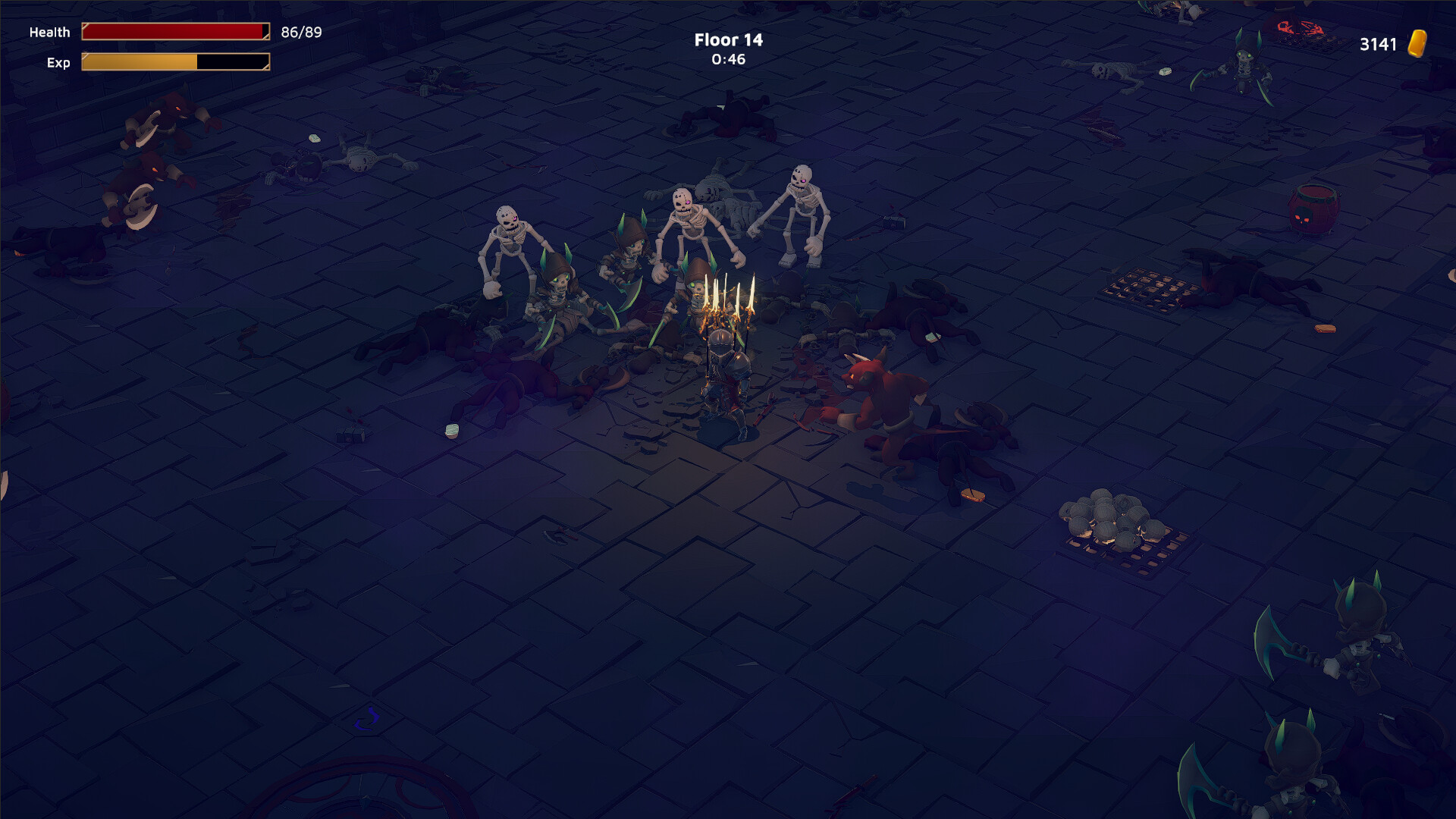
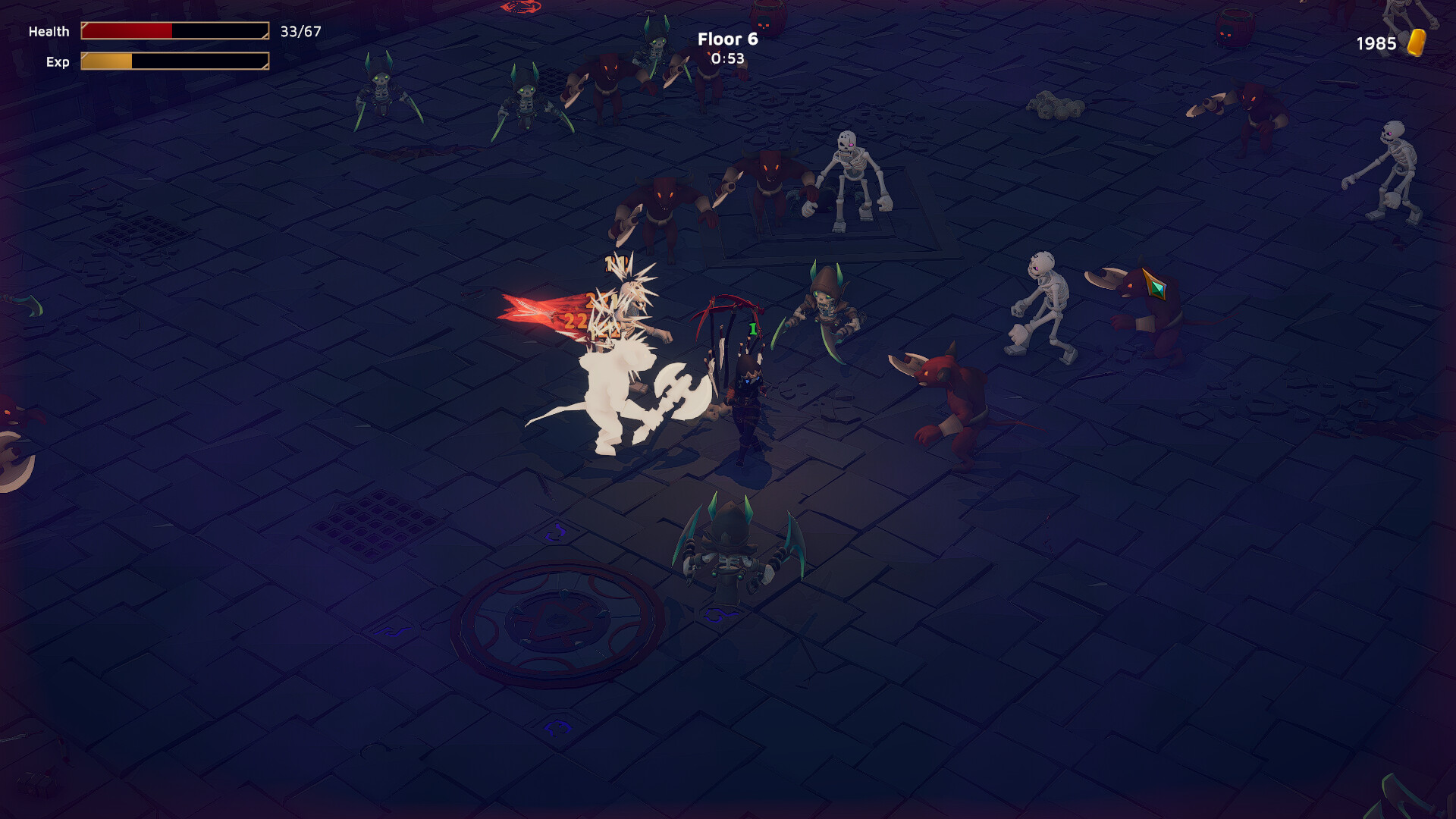
Each level presents hordes of monsters that attack automatically with your equipped weapons, allowing you to concentrate on movement and evasion. The automatic attacks remove the need for manual firing.
After each wave you can collect loot that may include new weapons or accessories. Gathering this loot directly influences your odds in the next round, making quick collection and positioning essential.
- Prioritize dodging when surrounded, as attacks are automatic.
- Collect loot immediately after a wave to secure upgrades before the next spawn.
03 / THE GUIDE
Inventory Management
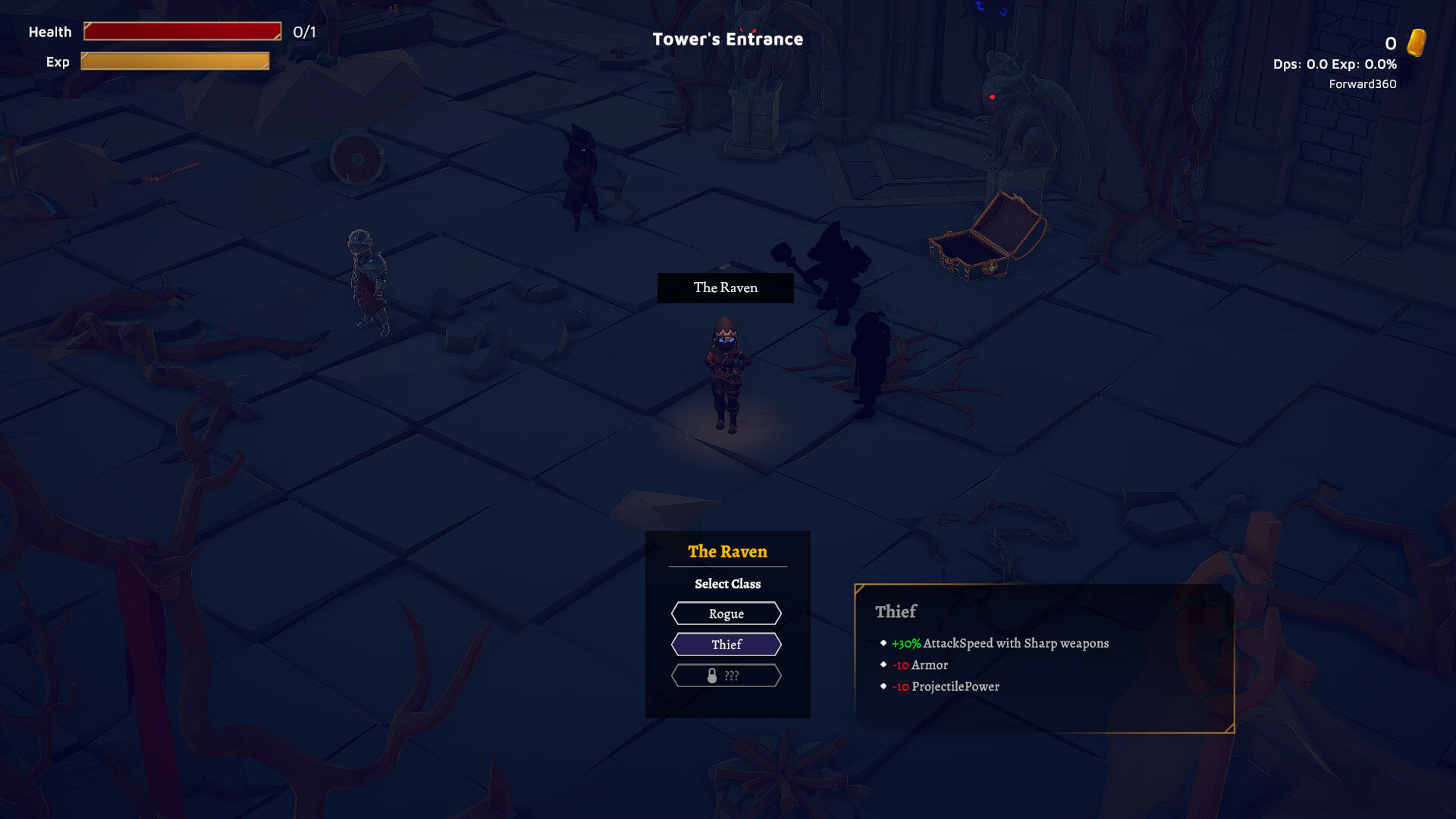
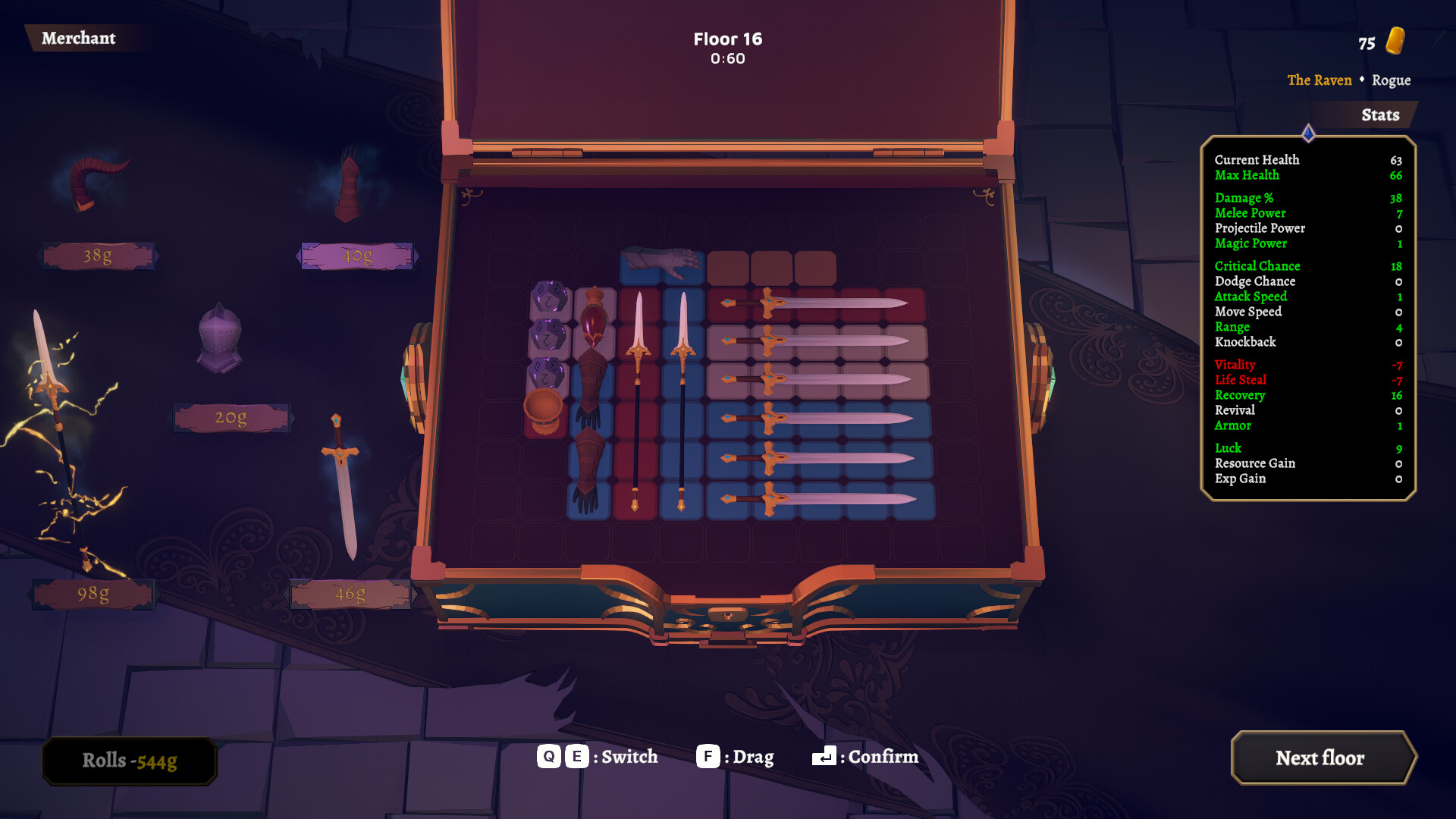
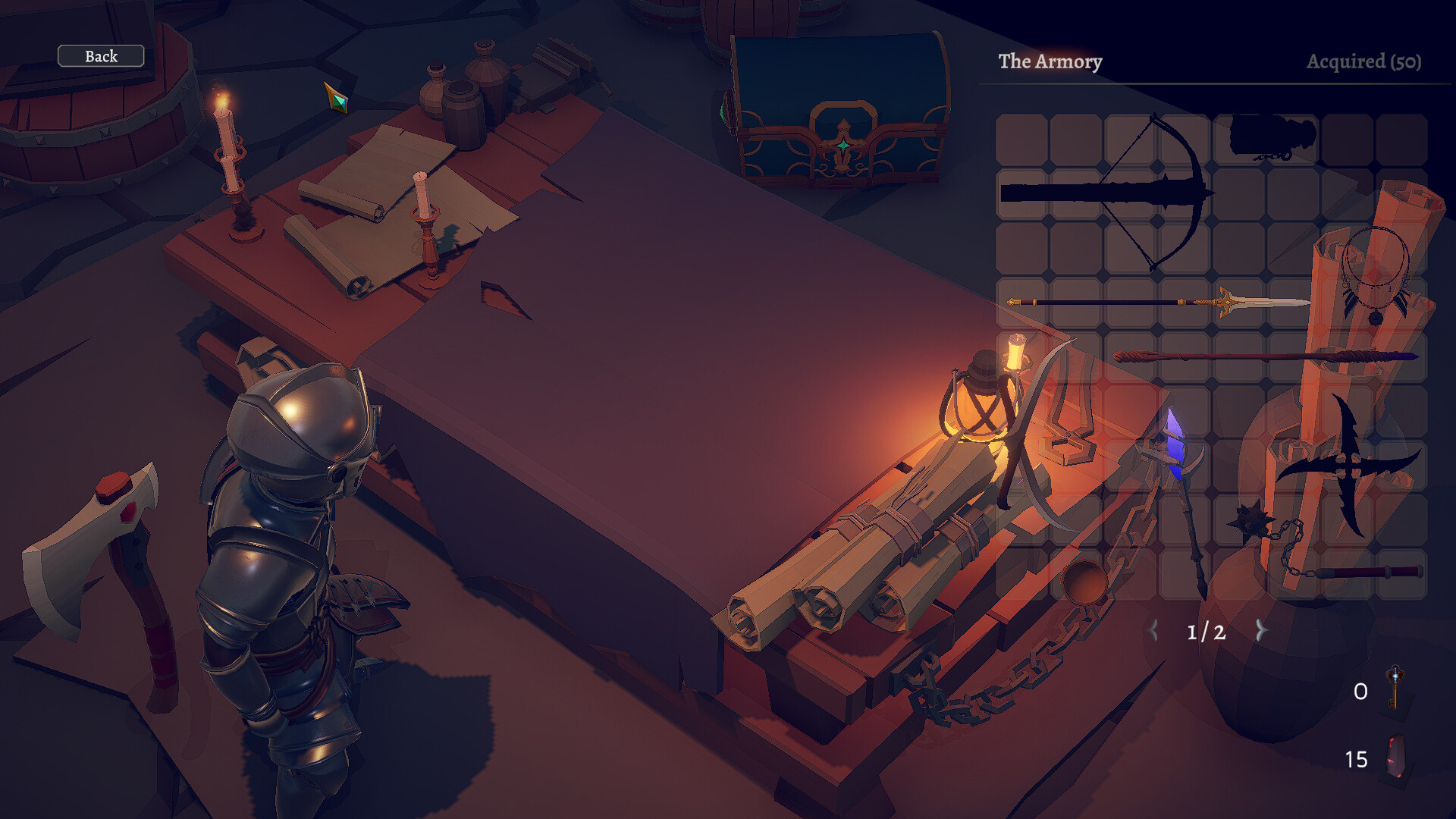
Weapons and accessories must be organized within a limited inventory space. Before adding a new item you need to evaluate its strengths, weaknesses, and how it fits your current strategy.
Because space is finite, swapping out weaker gear for stronger or more suitable items can be the deciding factor between surviving a wave and being defeated.
- Review each new item's stats before picking it up.
- Balance offensive and defensive gear to handle varied enemy types.
04 / THE GUIDE
Difficulty & Accessibility
The game includes Adjustable Difficulty, letting players raise or lower challenge levels to match skill. It also offers Playable without Timed Input, which removes pressure for rapid button presses.
Additional options such as Keyboard Only, Full controller support, Camera Comfort, and Color Alternatives broaden accessibility for different player needs.
- Start on a lower difficulty to learn enemy patterns.
- Enable Camera Comfort if motion sensitivity is a concern.
05 / THE GUIDE
Platform & Features
God Of Weapons is released for Windows only and supports DualShock and DualSense controllers as well as full keyboard play. It also integrates Steam Achievements, Steam Cloud saves, and Family Sharing.
Save Anytime allows pausing the run at any moment, ensuring you can resume later without losing progress.
- Link Steam to enable Cloud saves for seamless device switching.
- Use Family Sharing to let friends try the game without separate purchases.
COMMUNITY
Player discussion