 GameWiki
GET YOUR BEARINGS
About God of War
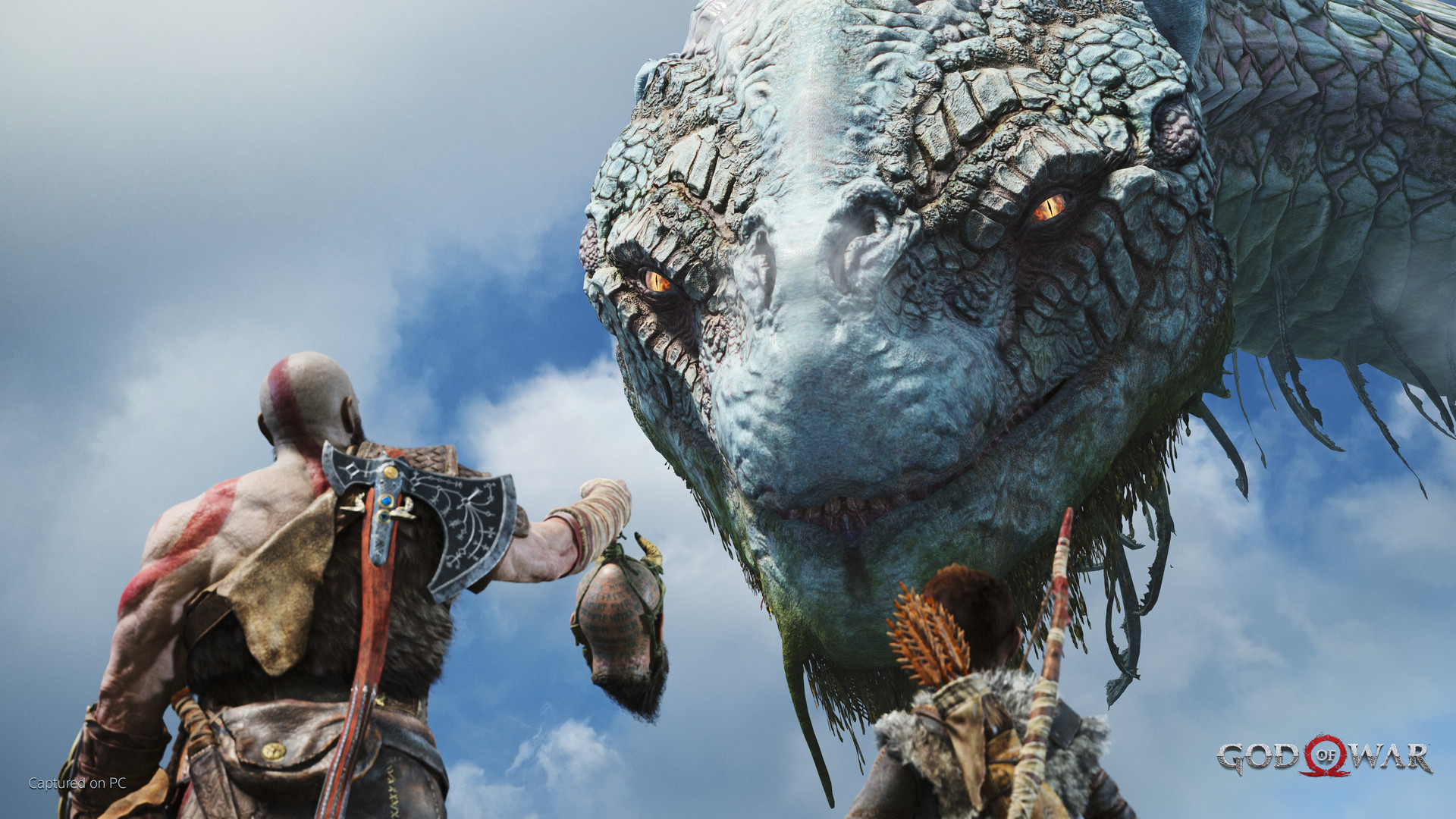
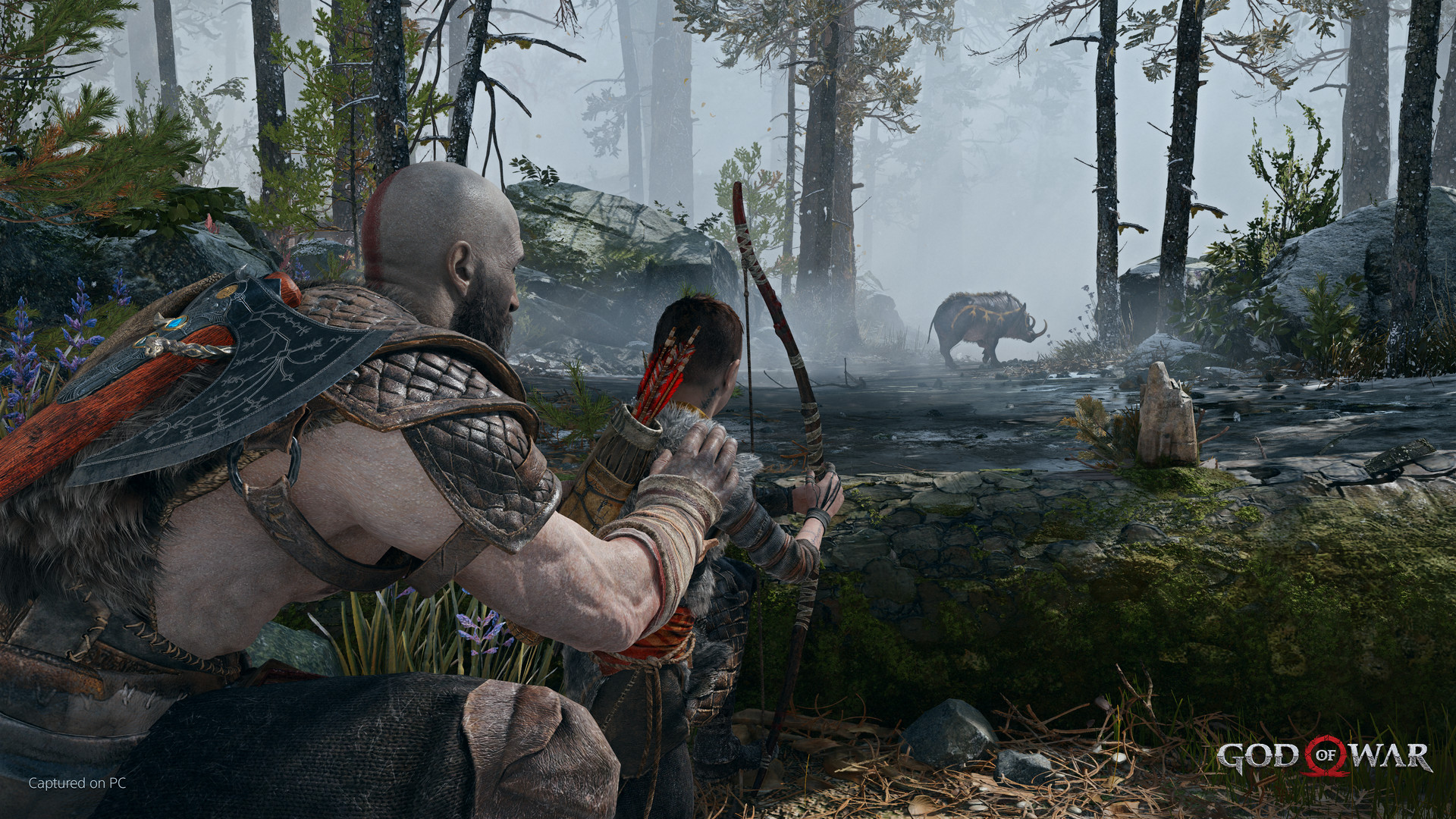
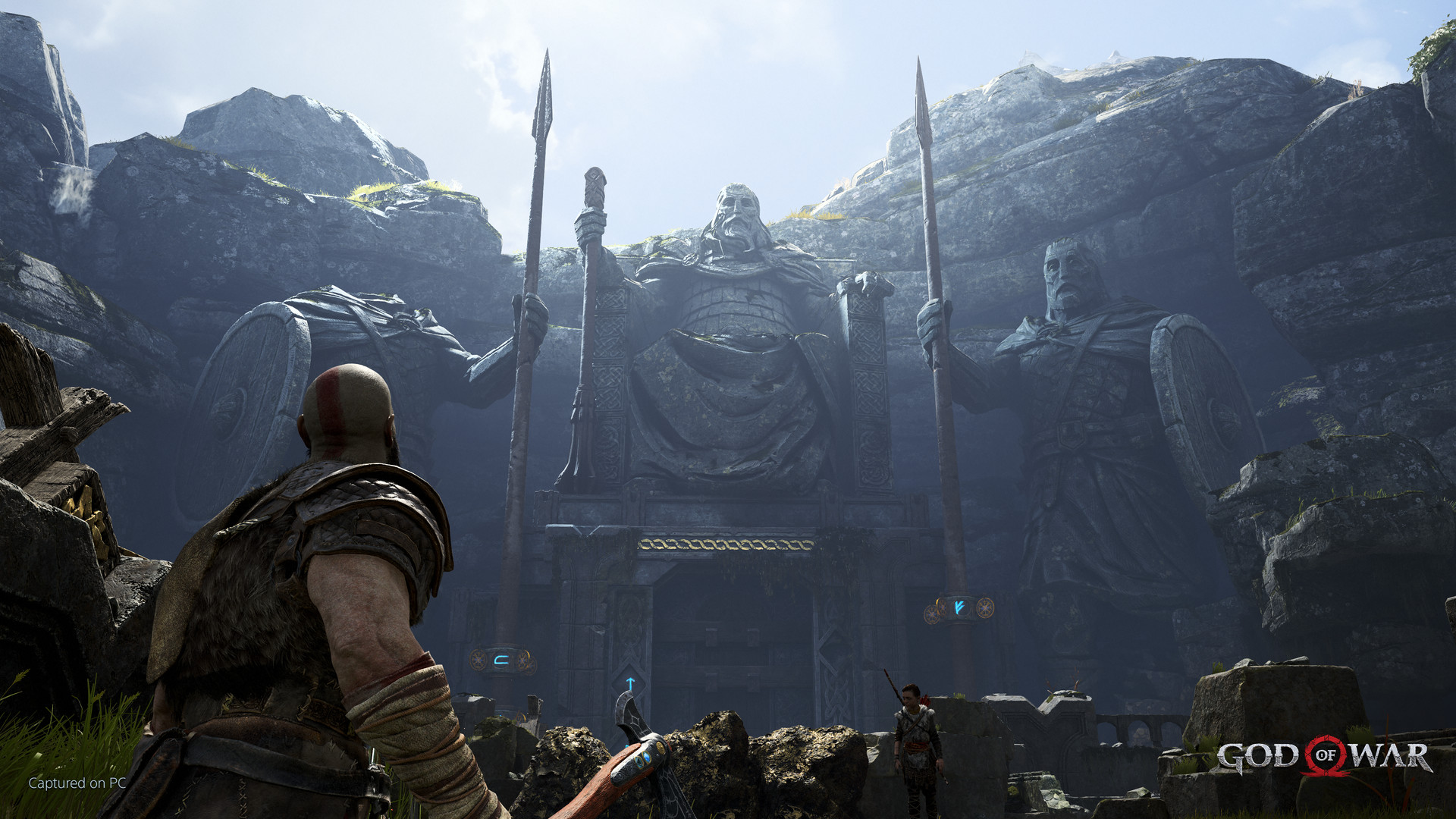
God of War transports players to a harsh Norse realm where Kratos, after his Olympus vengeance, lives as a father. He must protect and mentor Atreus while mastering his lingering rage. The game blends mythic storytelling with a gritty world of forests, mountains, and caves, populated by fearsome Norse creatures and gods.
Presented on PC with high‑fidelity visuals, the title supports 4K resolution, unlocked framerates, and a range of controller and keyboard options. Players can customize graphics, controls, and accessibility settings, creating a personalized experience that emphasizes both cinematic immersion and responsive combat.
01 / THE GUIDE
Story and Setting
Kratos, now in the Norse realm, protects and mentors his son Atreus, striving to curb his lingering rage.
Their trek spans forests, mountains, and caves populated by fearsome Norse creatures and gods, presenting a stark contrast to Olympus’s marble halls.
- Pay attention to Atreus’s dialogue for hints about upcoming challenges.
- Observe environmental details; they often reinforce the mythic atmosphere.
02 / THE GUIDE
Combat System
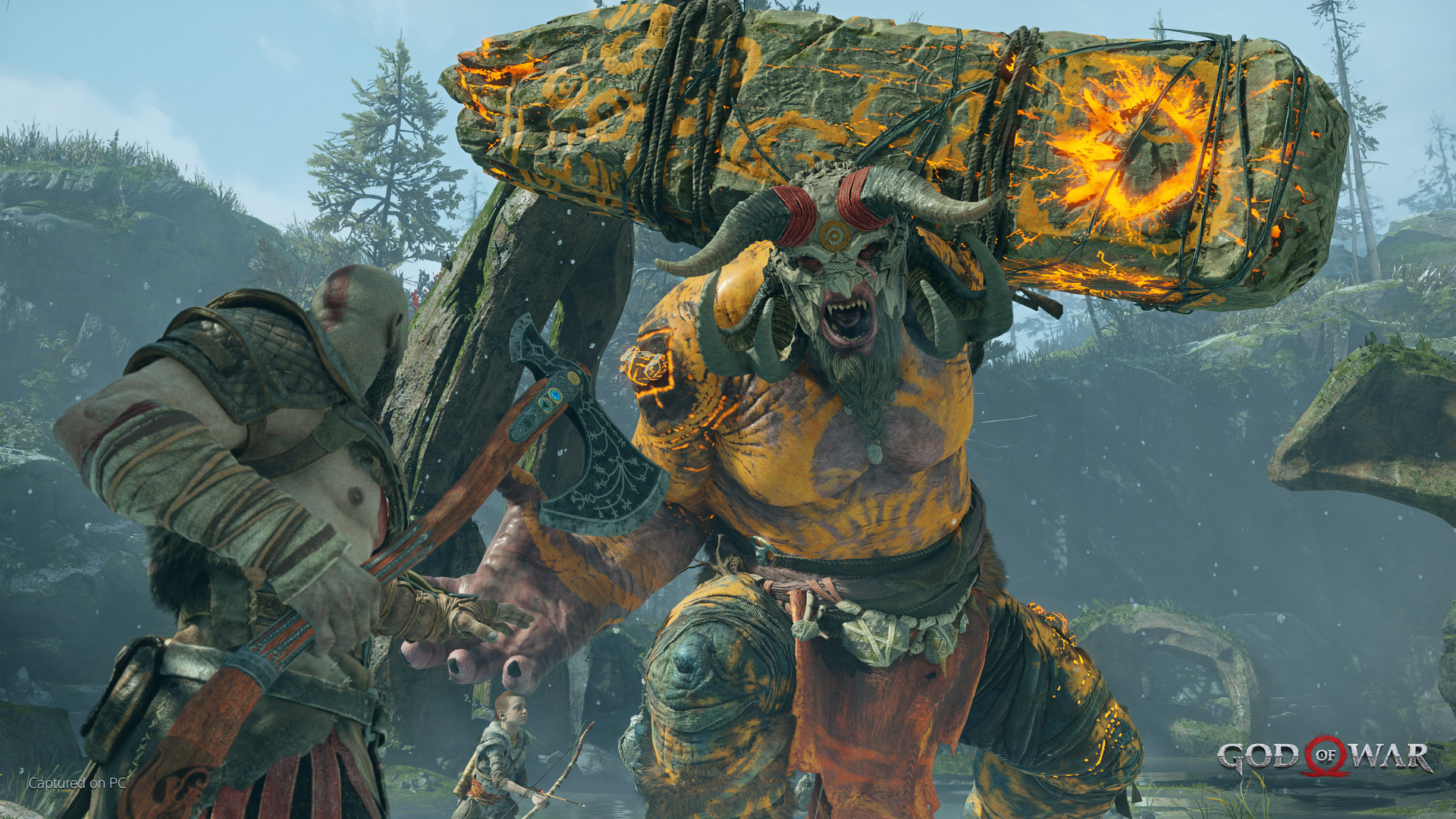
Combat uses an over‑shoulder view, delivering visceral, physical encounters that feel closer to the action than previous titles.
Kratos wields a new main weapon with fresh abilities, battling grand, gritty Norse monsters that test timing and strategy.
- Experiment with timing to chain combos effectively.
- Watch enemy patterns; many creatures telegraph their attacks.
03 / THE GUIDE
Visual Fidelity
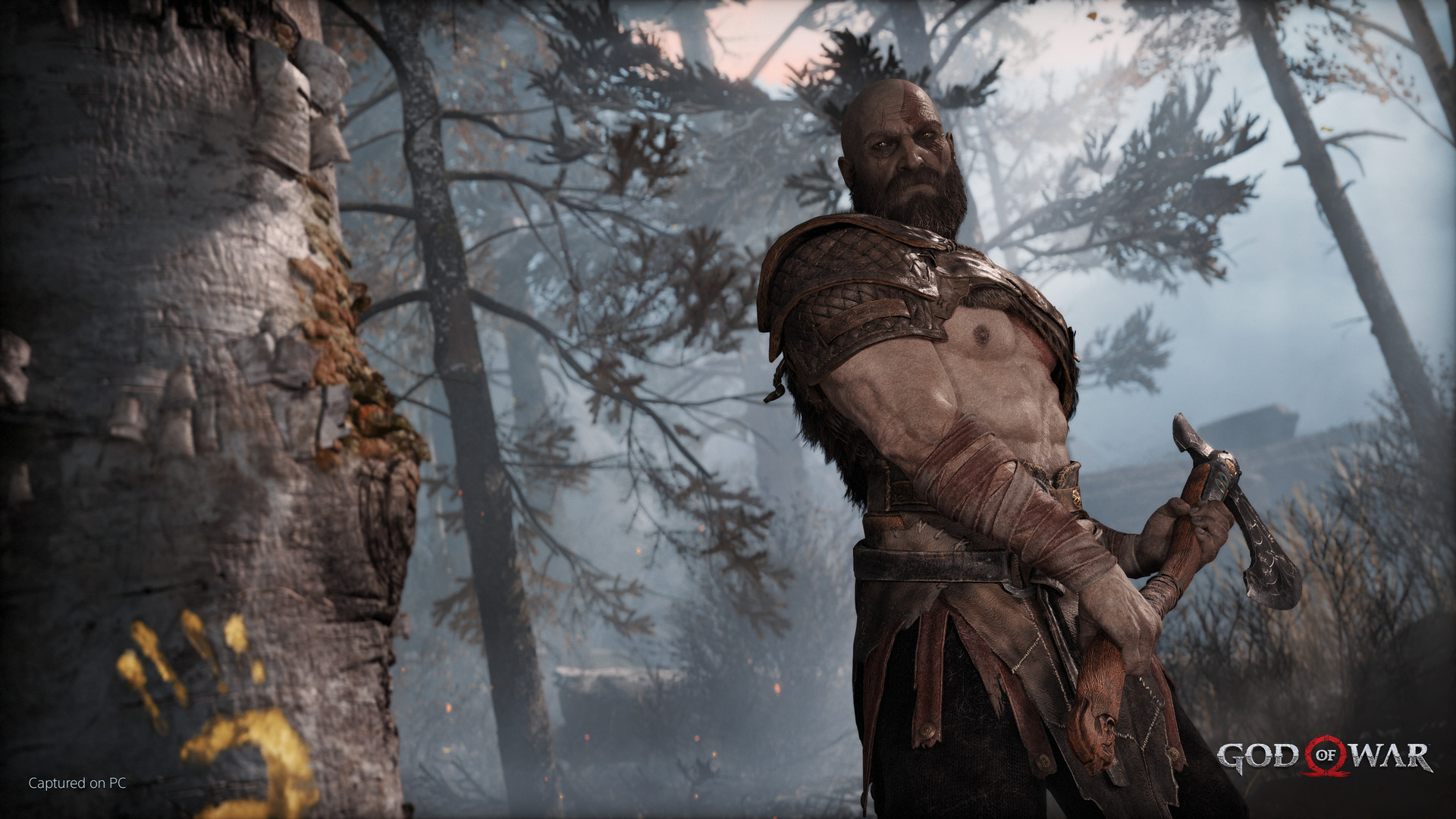
The PC version offers high‑fidelity graphics, supporting true 4K resolution and unlocked framerates on compatible hardware.
Players can adjust presets, enable higher‑resolution shadows, screen‑space reflections, GTAO and SSDO, tailoring visual quality to their personal system.
- Raise shadow resolution for deeper immersion.
- Enable DLSS if your GPU supports it for smoother frame rates.
04 / THE GUIDE
Input Customization
God of War accepts DualShock®4, DualSense®, and many other gamepads, while also allowing full mouse and keyboard binding customization.
A Keyboard Only Option lets players use the keyboard exclusively, offering flexibility for varied play styles.
- Map frequently used actions to comfortable keys or buttons.
- Test both controller and keyboard to discover your preferred feel.
05 / THE GUIDE
Accessibility Features
The game includes adjustable text size, camera comfort, color alternatives, custom volume controls, adjustable difficulty, subtitle options, and narrated menus for accessibility.
Features like Save Anytime, Steam Achievements, Remote Play on TV, and Family Sharing enhance convenience across the single‑player experience.
- Enable subtitles early to avoid missing dialogue.
- Adjust difficulty to match your comfort level.
COMMUNITY
Player discussion