 GameWiki
GET YOUR BEARINGS
About Goblin Company
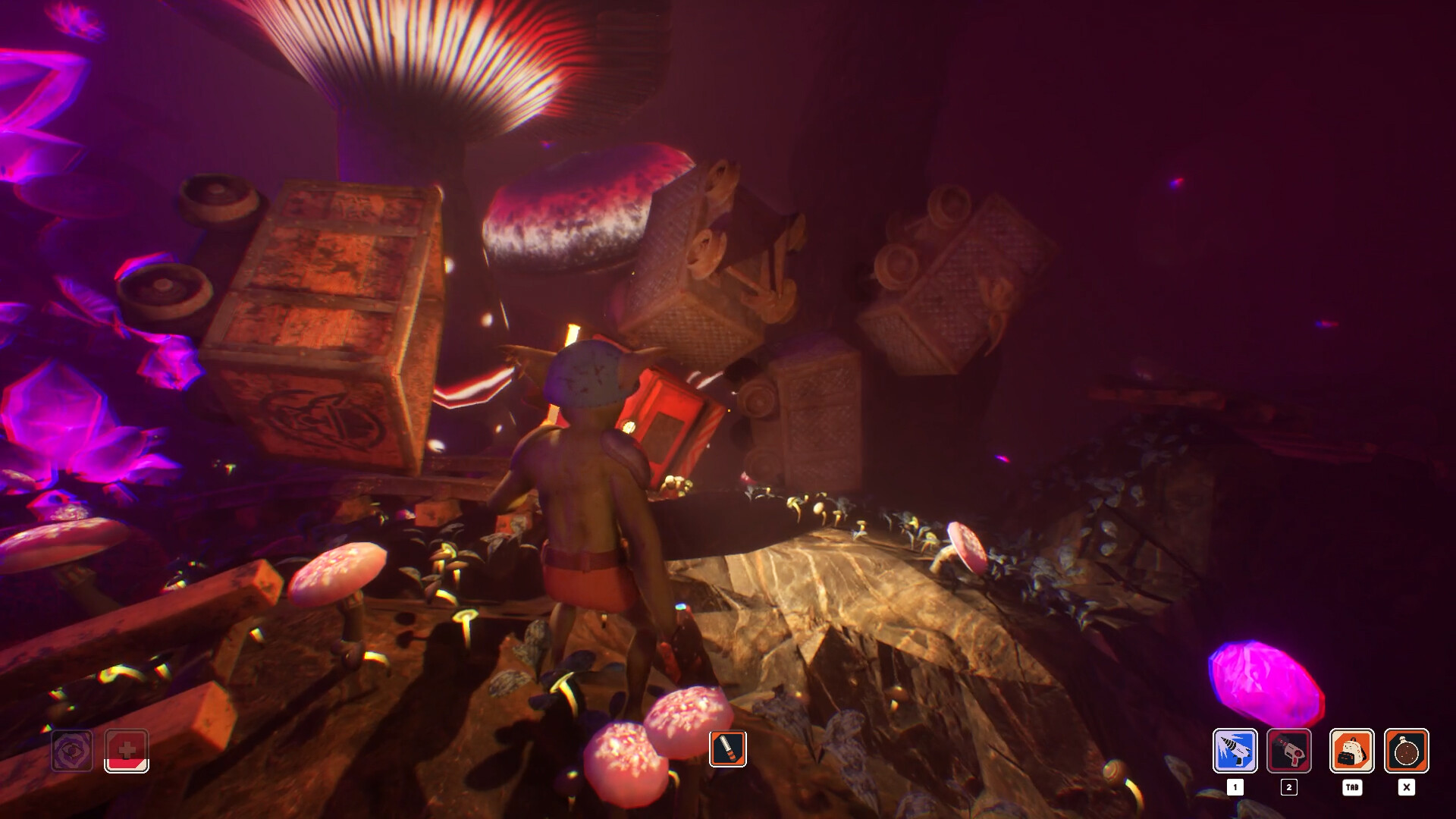
Goblin Company is a co‑op mining adventure where you and up to three other Goblins dig toward a legendary Giant Crystal. Armed with laser drills, each meter you carve can bring riches or danger, as hostile creatures and a darkness that threatens sanity lurk below. The game lets you shape caves, build rail networks for carts, manage torches to stay in the light, and upgrade your Goblin’s gear. Play solo or online with friends, and explore three distinct biomes while chasing the deepest treasure.
01 / THE GUIDE
Digging and Environment Shaping
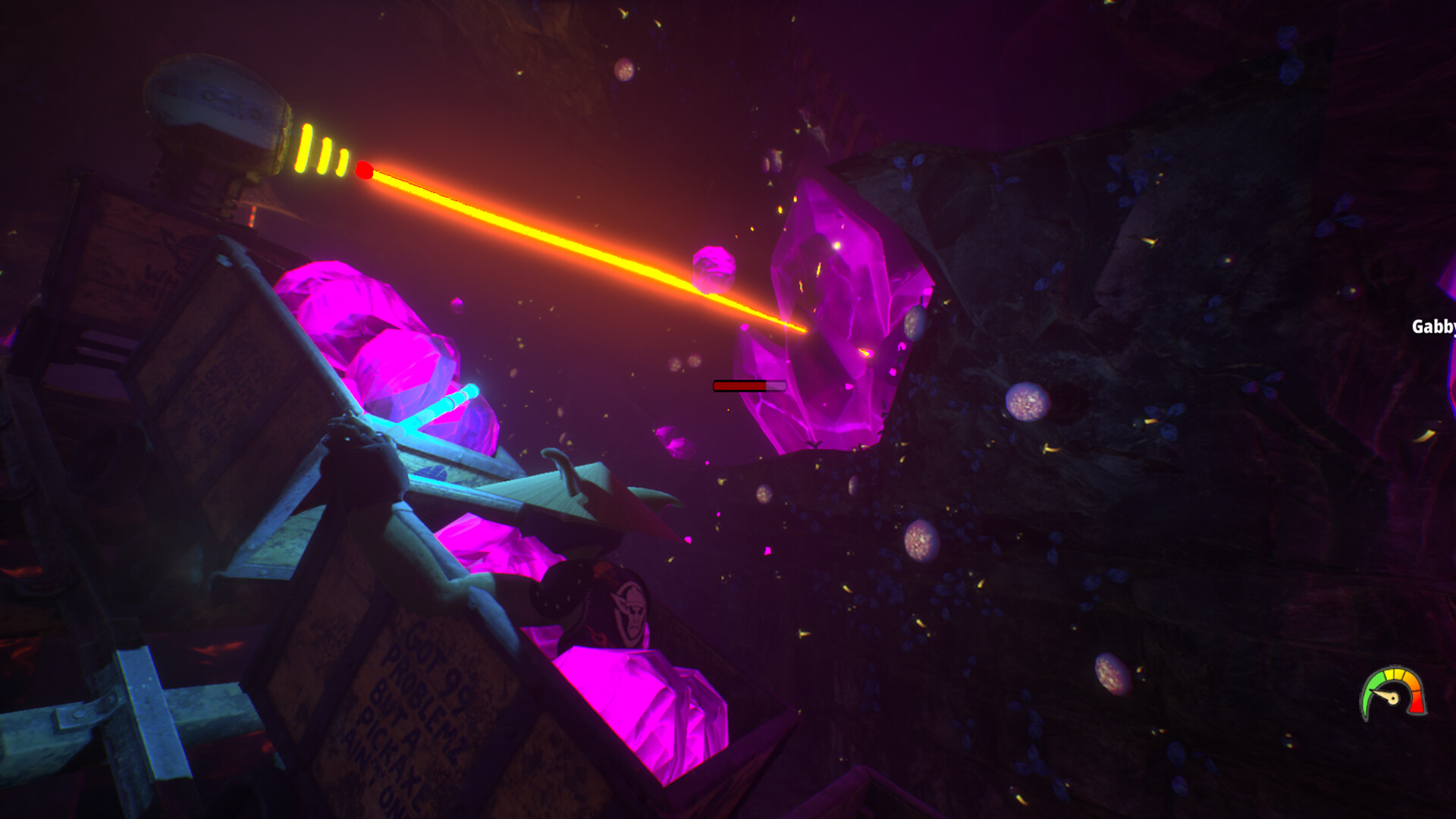
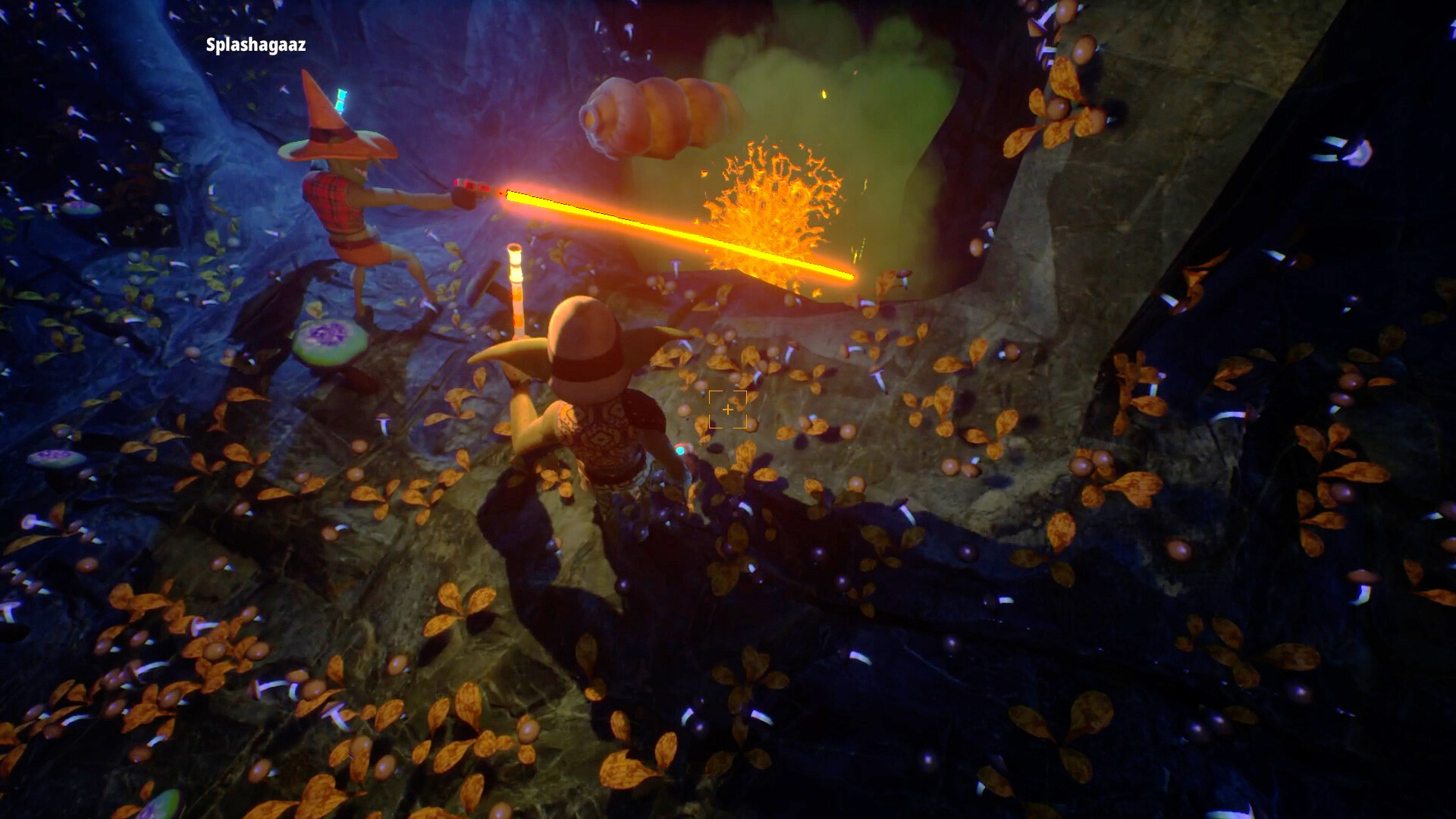
Players use laser drills to carve paths through the WHAAG MINING INC mines, creating their own routes toward the Giant Crystal. The environment reacts to the tunnels you cut, allowing strategic exploration.
Three different biomes are available, each offering unique visual layouts. The freedom to dig anywhere means you can adapt routes to avoid hazards or reach valuable areas.
- Observe the layout of each biome before committing to a long tunnel; early visual cues can guide safer paths.
- Consider short, branching tunnels to test creature presence before extending deeper.
02 / THE GUIDE
Mining Transport System
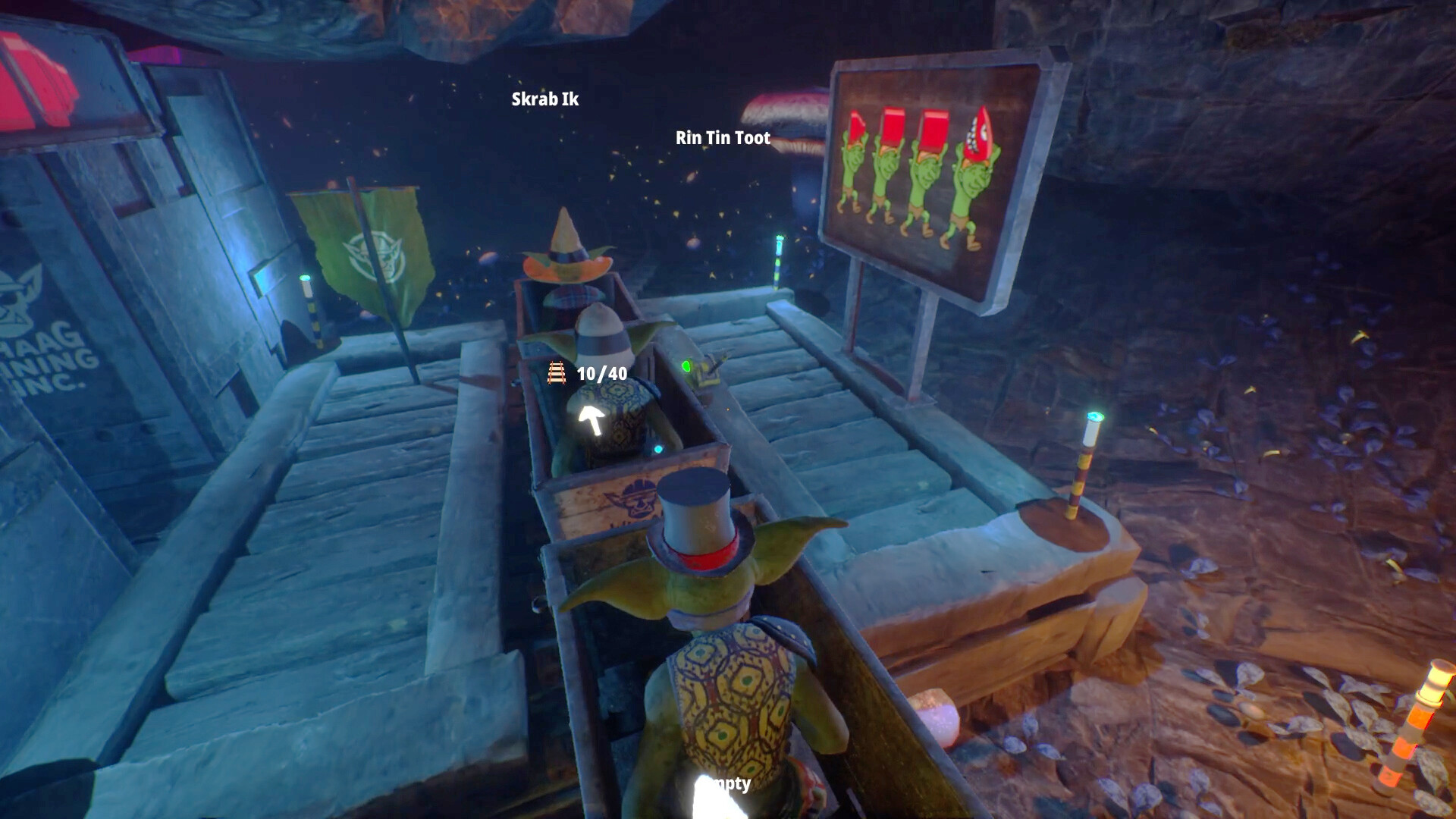
A rail network can be built for mining carts, letting you move resources and yourself efficiently across the mine. Routes can be optimized to improve overall workflow.
The system is designed to work alongside your digging, so you can lay tracks as you progress, keeping transport separate from newly created tunnels.
- Lay straight track sections where possible; they tend to be simpler to connect and maintain.
- Place carts near resource‑rich zones to reduce travel time when hauling resources.
03 / THE GUIDE
Fear of the Dark Management
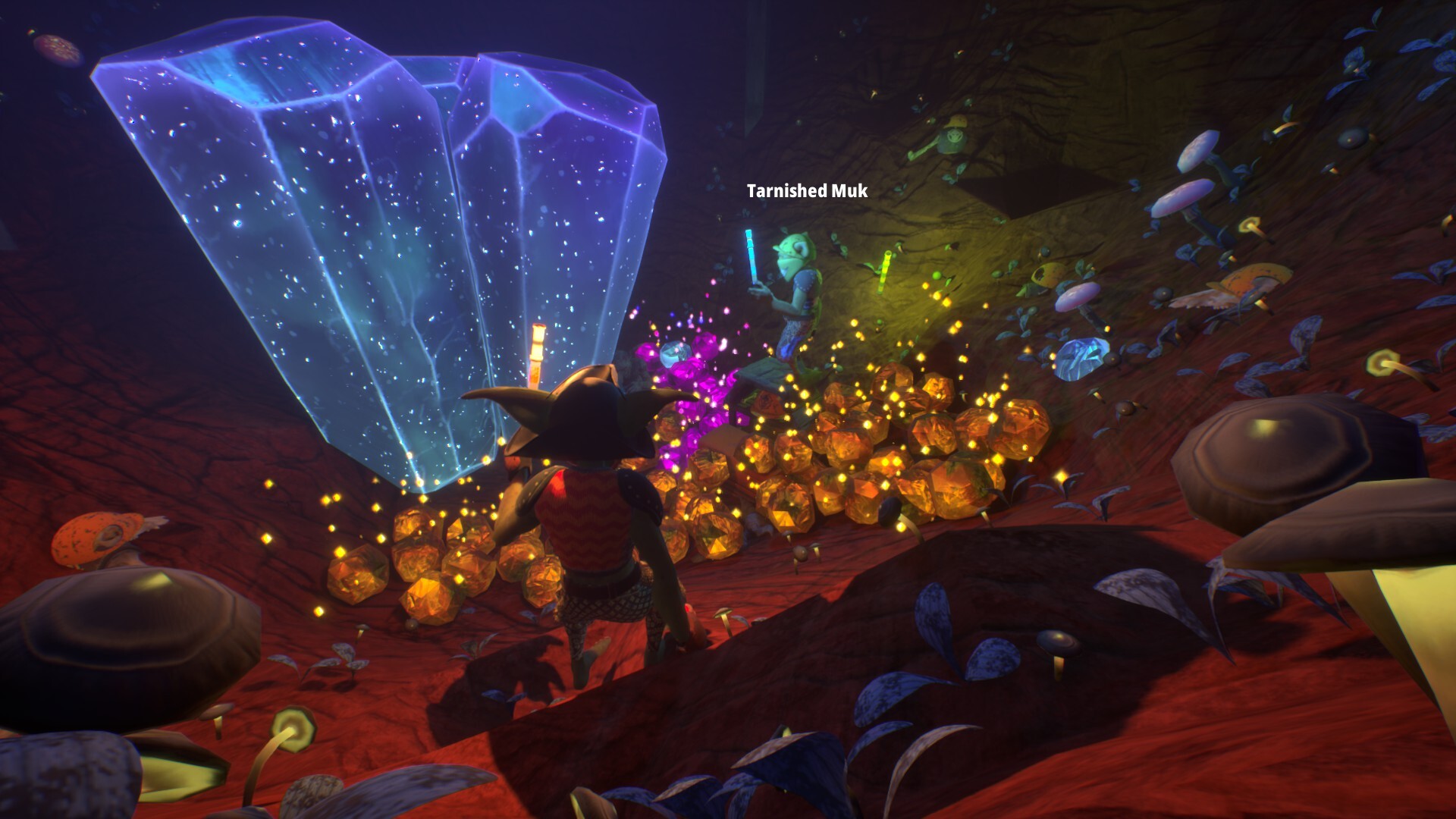
Darkness consumes sanity, so staying in light is essential. Torches can be carried, thrown, or placed strategically to keep darkness at bay.
Managing torch placement becomes a shared responsibility in co‑op, as teammates can hand off torches to maintain illumination for the whole group.
- Carry at least one spare torch when venturing into new corridors to avoid sudden darkness.
- Use thrown torches to illuminate ahead of you, revealing threats before you reach them.
04 / THE GUIDE
Goblin Customization and Upgrades
Each Goblin can be customized and equipped with upgraded lasers and abilities, allowing faster digging and smarter play. Upgrades are unlocked as you progress.
Customization also includes visual changes, letting you differentiate your Goblin from teammates while you work toward the Giant Crystal.
- Prioritize laser upgrades early; they directly affect digging speed and can reduce exposure time to darkness.
- Balance visual customization with functional upgrades to keep both style and efficiency.
05 / THE GUIDE
Team Play and Solo Options
The game supports solo play and online co‑op for up to four players. In co‑op, you can share torches, watch each other's backs, and combine digging efforts.
Whether you face the depths alone or with friends, the core mechanics—digging, transport, and darkness management—remain consistent.
- Communicate torch locations with teammates to avoid accidental darkness gaps.
- When solo, plan routes that allow you to return to a safe lit area before venturing further.
COMMUNITY
Player discussion