 GameWiki
GET YOUR BEARINGS
About Goblin Cleanup
Goblin Cleanup puts you in the role of a professional dungeon cleaner hired by the dungeon manager. Your job is to tidy up after adventurers by removing blood, restoring objects, re‑activating traps, respawning creatures and refilling loot so the dungeon can be used again.
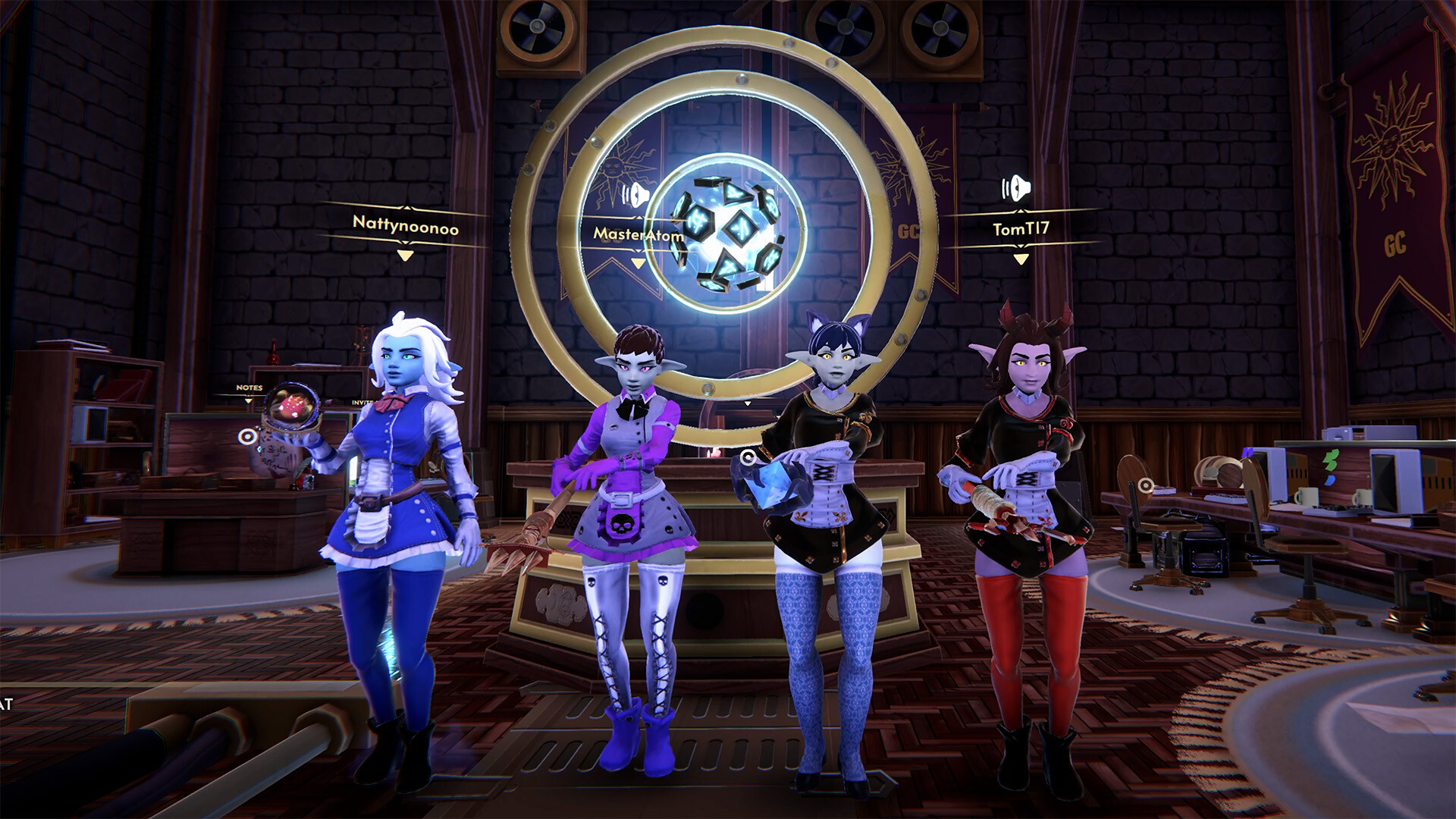
The title mixes adventure, casual and simulation elements and is currently in Early Access for Windows. It supports solo play or online co‑op for up to four players, offers full controller support, Steam achievements, cloud saves and family sharing.
01 / THE GUIDE
Core Gameplay
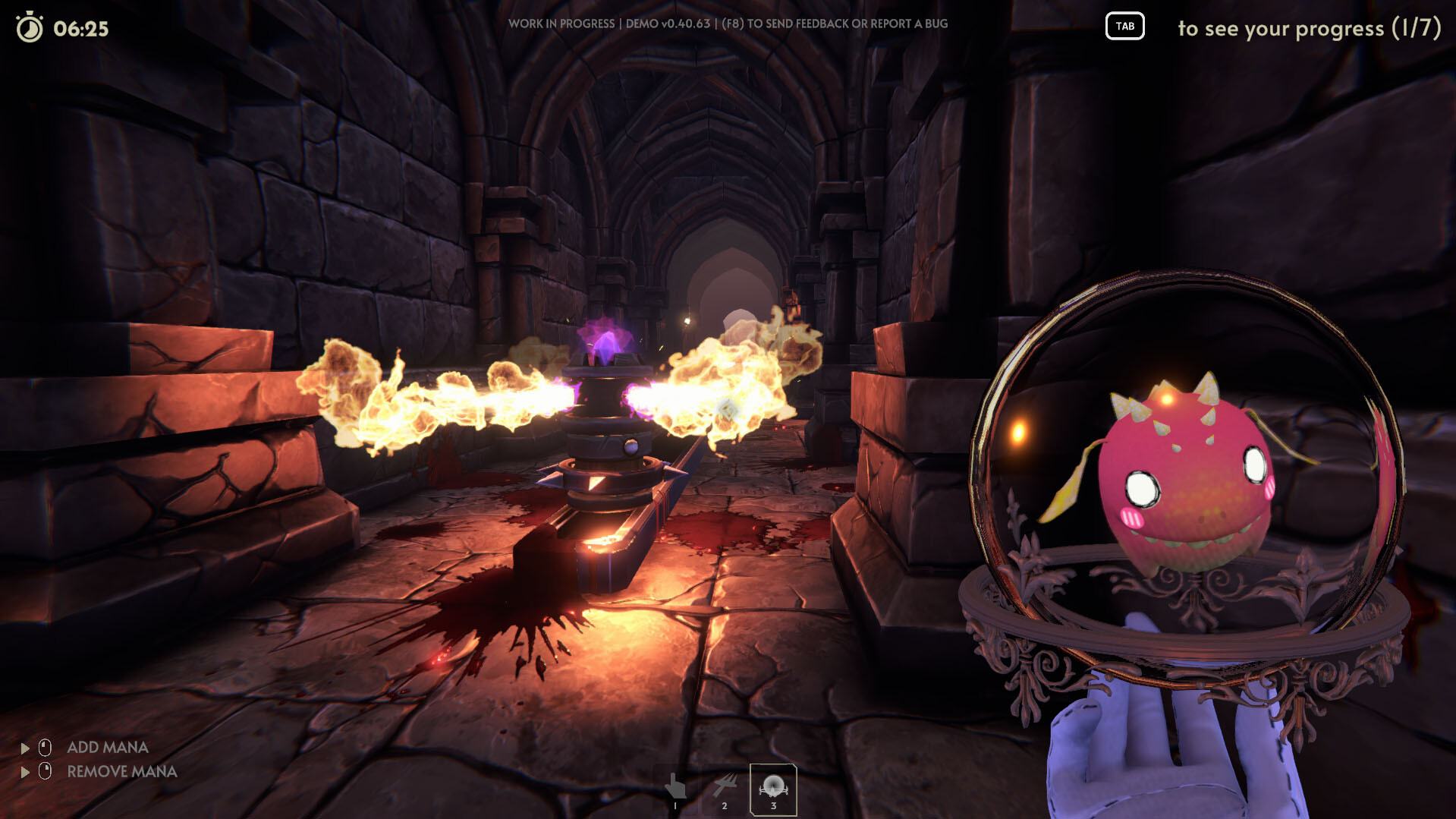
Players navigate dark dungeons that have been left messy by previous adventurers. The main objective is to clean blood, restore objects, reactivate traps, respawn creatures and refill chests before the dungeon is declared ready for the next run.
The game requires careful movement because stepping on traps can cause setbacks, and any surviving monsters may still pose a danger. Success depends on thoroughness and timing rather than combat skill.
- Focus on visible blood first, then check for hidden traps.
- Leave a quick visual check of each room after cleaning.
02 / THE GUIDE
Cleaning Tools
The goblin cleaner is equipped with three tools: a Slimop, a mimic and a slime dispenser. All three are used to remove blood from floors and ceilings, helping the dungeon look pristine again.
Each tool can be swapped at any time, allowing you to address different messes efficiently. The tools do not perform any other functions beyond blood removal according to the game description.
- Switch tools when the current one becomes less effective.
- Use the slime dispenser for ceiling blood and the Slimop for floor stains.
03 / THE GUIDE
Restoration Tasks
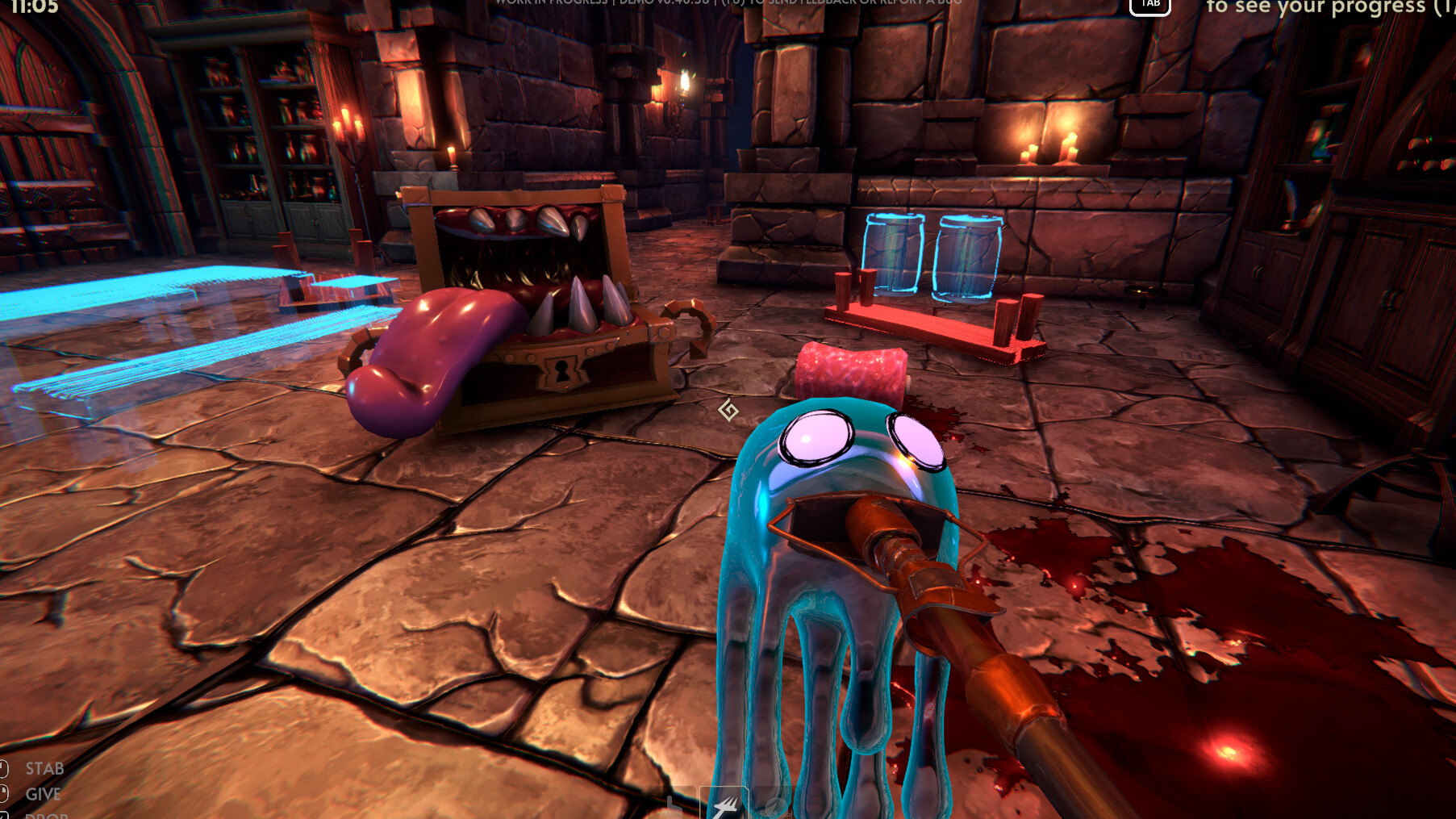
Restoring objects means placing them back in their original positions, while restoring traps involves re‑activating them, even if some were never triggered by adventurers. Creatures must be respawned and any remains disposed of.
Loot chests also need to be refilled with items. Completing all these steps returns the dungeon to its original state, making it ready for the next party of adventurers.
- Mark any untouched traps to revisit later.
- Double‑check each chest after refilling to ensure correct items.
04 / THE GUIDE
Multiplayer Co‑op
Goblin Cleanup supports online co‑op for up to four players. Each player can perform any of the cleaning tasks, allowing groups to divide the workload however they choose.
The game does not enforce specific roles, so teams can experiment with different divisions of labor while still needing to avoid traps and manage the shared cleanup objectives.
- Assign each player a specific room to reduce overlap.
- Communicate when you encounter an active trap.
05 / THE GUIDE
Platform Features
The game is available on Windows and includes full controller support for DualShock and DualSense devices. Steam achievements, cloud saves and family sharing are also integrated, letting progress persist across sessions and be shared with household members.
These features make the title accessible for both keyboard‑mouse and controller players, and they simplify saving and sharing without additional configuration.
- Enable Steam Cloud to keep progress synced across devices.
- Try both controller types to see which feels more comfortable.

COMMUNITY
Player discussion