 GameWiki
GET YOUR BEARINGS
About Go-Go Town!
In Go‑Go Town! you become mayor of a scenic but rundown settlement. Your first task is to lay streets, then place homes, businesses and services so tourists arrive, stay and eventually become residents. The game mixes casual city‑building with hands‑on management, letting the town grow from a fixer‑upper to a bustling hub.
Beyond placement, you can assign workers, optimise supply chains and decide how much automation to use. Visual customisation lets you design your mayor’s house, and the title supports solo play or up‑to‑four‑player online co‑op with chat, emotes and location pings.
01 / THE GUIDE
Town Building
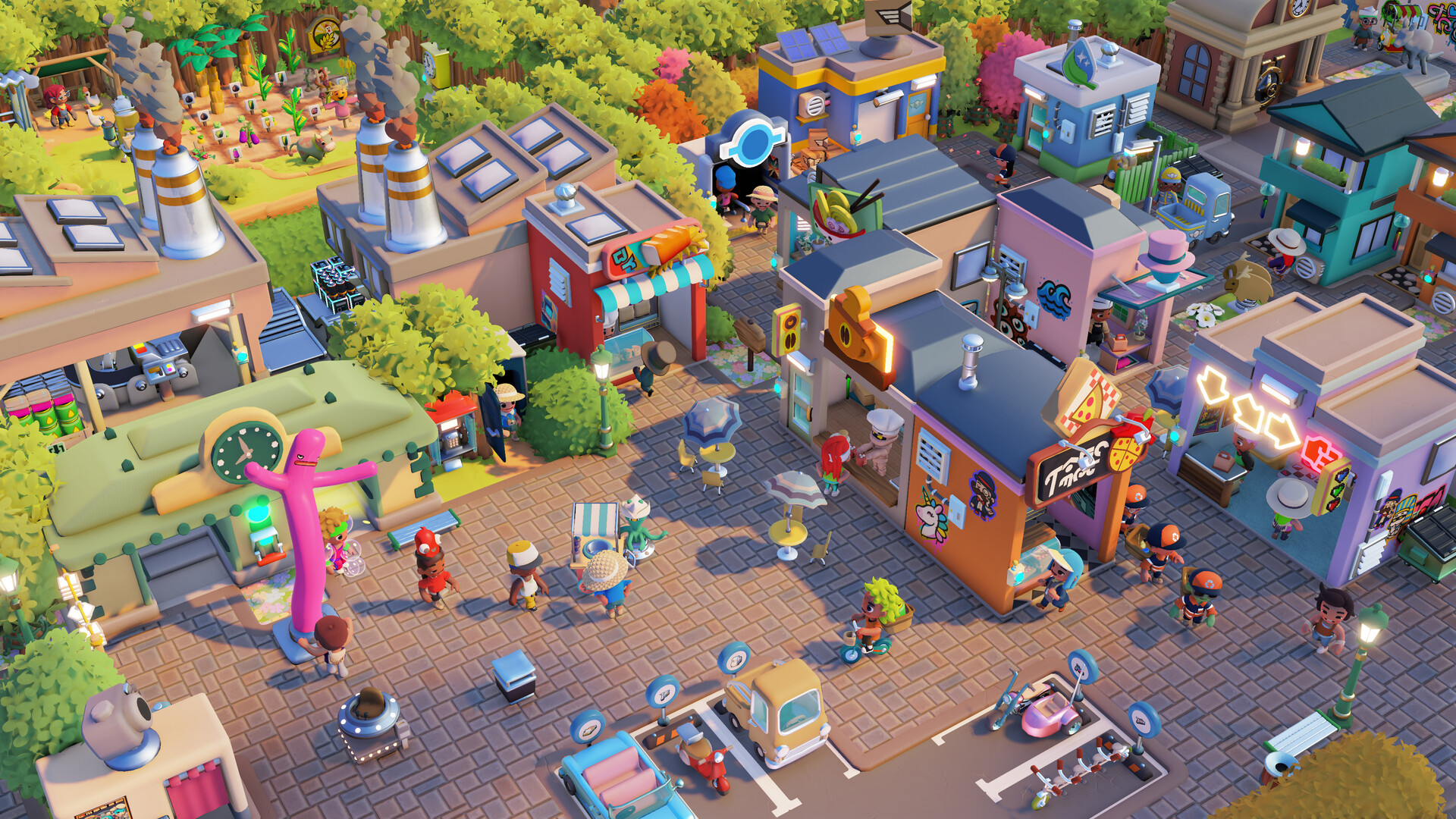
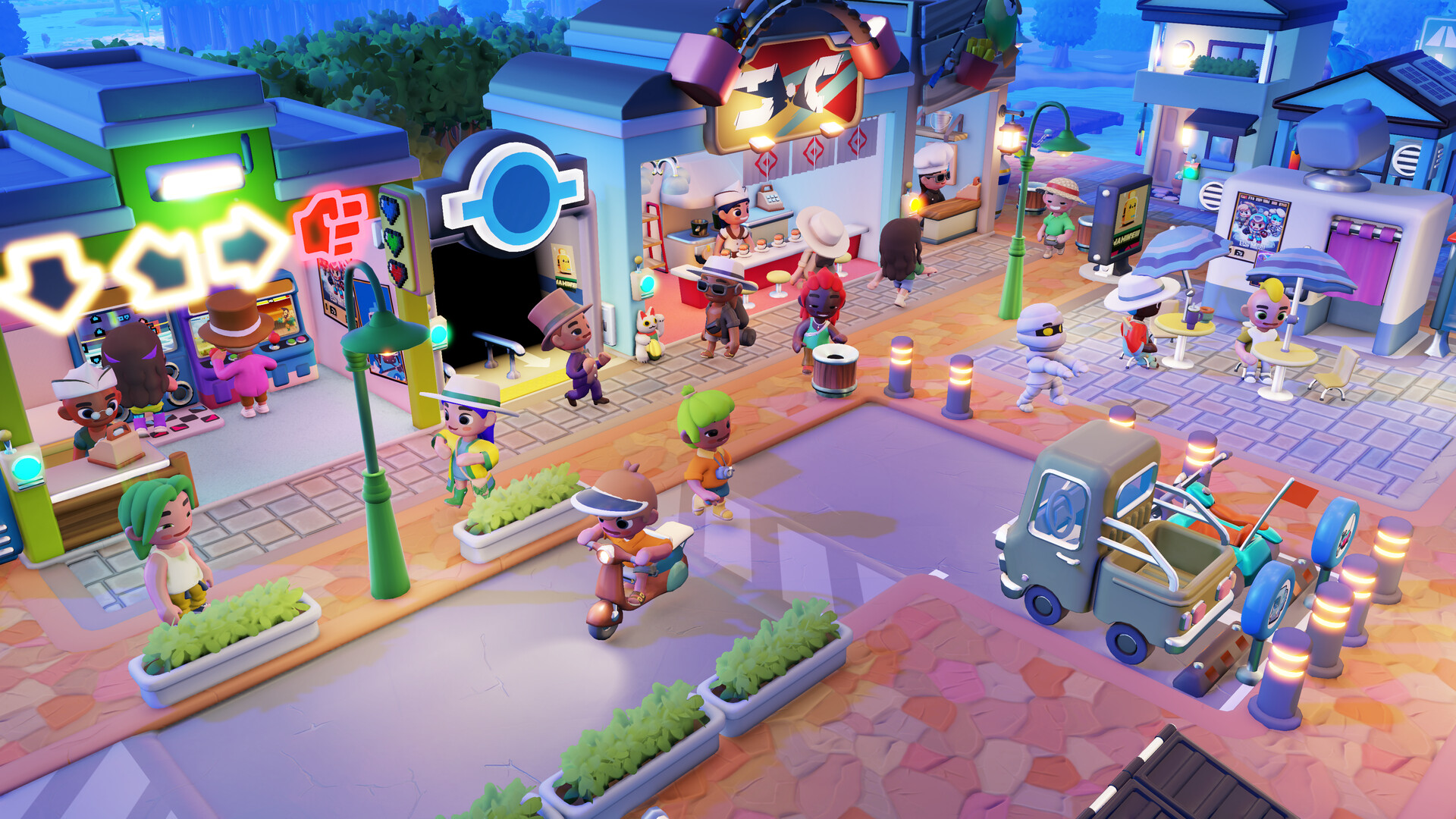
The game starts by letting you lay down streets, after which you place businesses, homes and services where they will thrive. The placement influences tourist flow and resident settlement, shaping overall growth.
Strategic zoning of residential, commercial and industrial areas keeps money flowing and residents satisfied, creating a self‑sustaining economy that can handle busy periods.
- Begin with a clear road grid before adding buildings to simplify later expansions.
- Group similar businesses together to streamline supply lines.
02 / THE GUIDE
Worker Management
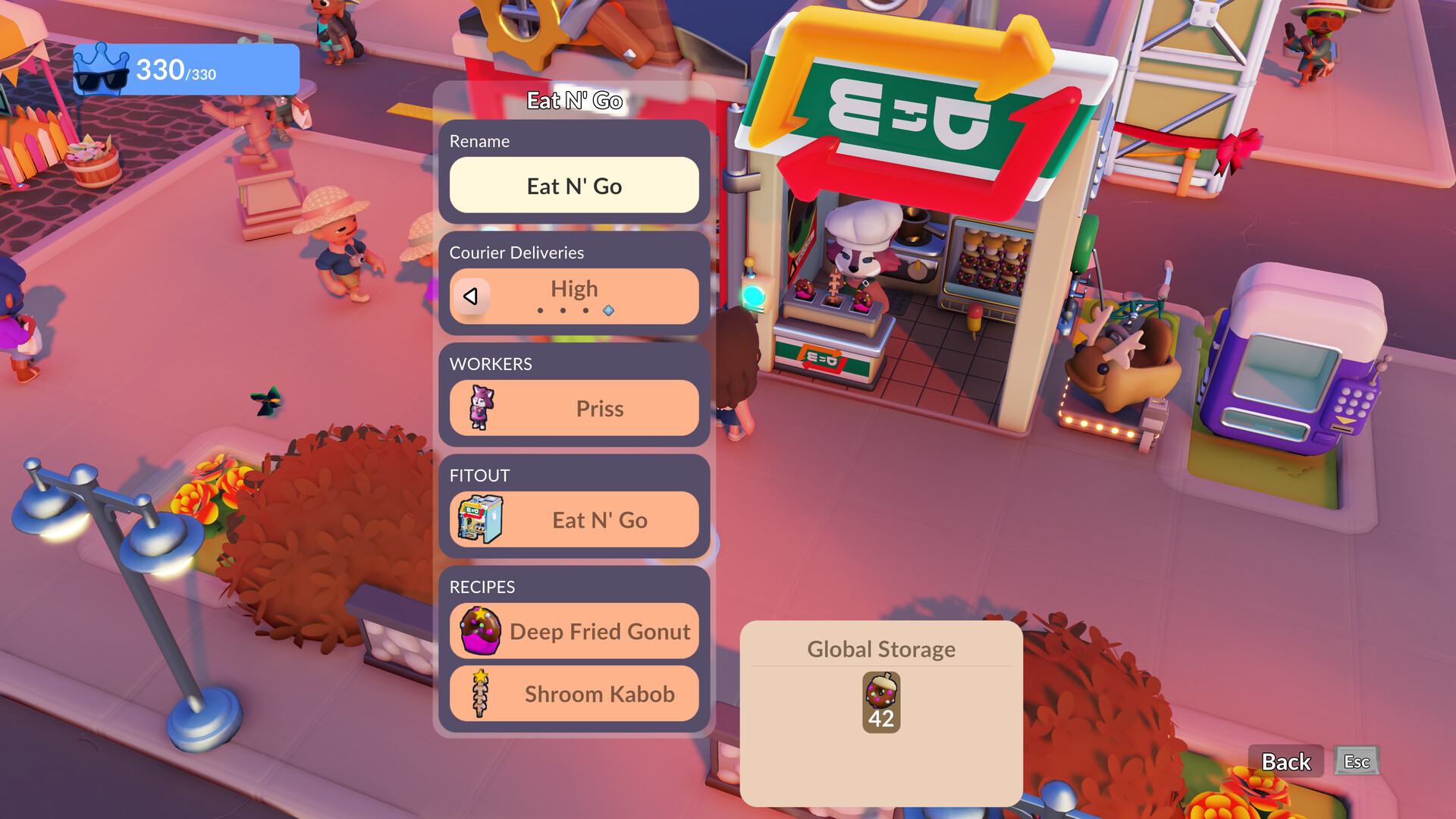
You can hire workers to staff shops and keep inventories stocked. Assigning the right number of employees ensures smooth operation and steady income.
Monitoring payroll and adjusting staffing as demand changes helps maintain healthy cash flow while the town expands.
- Review worker counts after adding new buildings.
- Prioritise staffing for high‑traffic shops to avoid bottlenecks.
03 / THE GUIDE
Automation & Logistics
Each business and industry zone can be tailored to your preferred level of automation. You can set up logistics networks that move resources automatically, reducing micromanagement.
Optimising supply chains improves efficiency and frees time for other projects, while manual oversight remains an option for special cases.
- Start with simple automated routes before adding complexity.
- Use manual control for specialty shops that need frequent tweaks.
04 / THE GUIDE
House Customisation
Your mayor’s home can be fully customised with 360° placement and a colour picker, letting every corner match your taste. The Change‑O‑Tron lets you redesign the house while the town runs.
Customisation is purely aesthetic and does not affect gameplay mechanics. An optional Trinicorncycle adds a whimsical visual element for those who enjoy extra flair.
- Experiment with colour palettes before finalising a design.
- Use the Change‑O‑Tron during low‑traffic periods to avoid interruptions.
05 / THE GUIDE
Co‑op Play
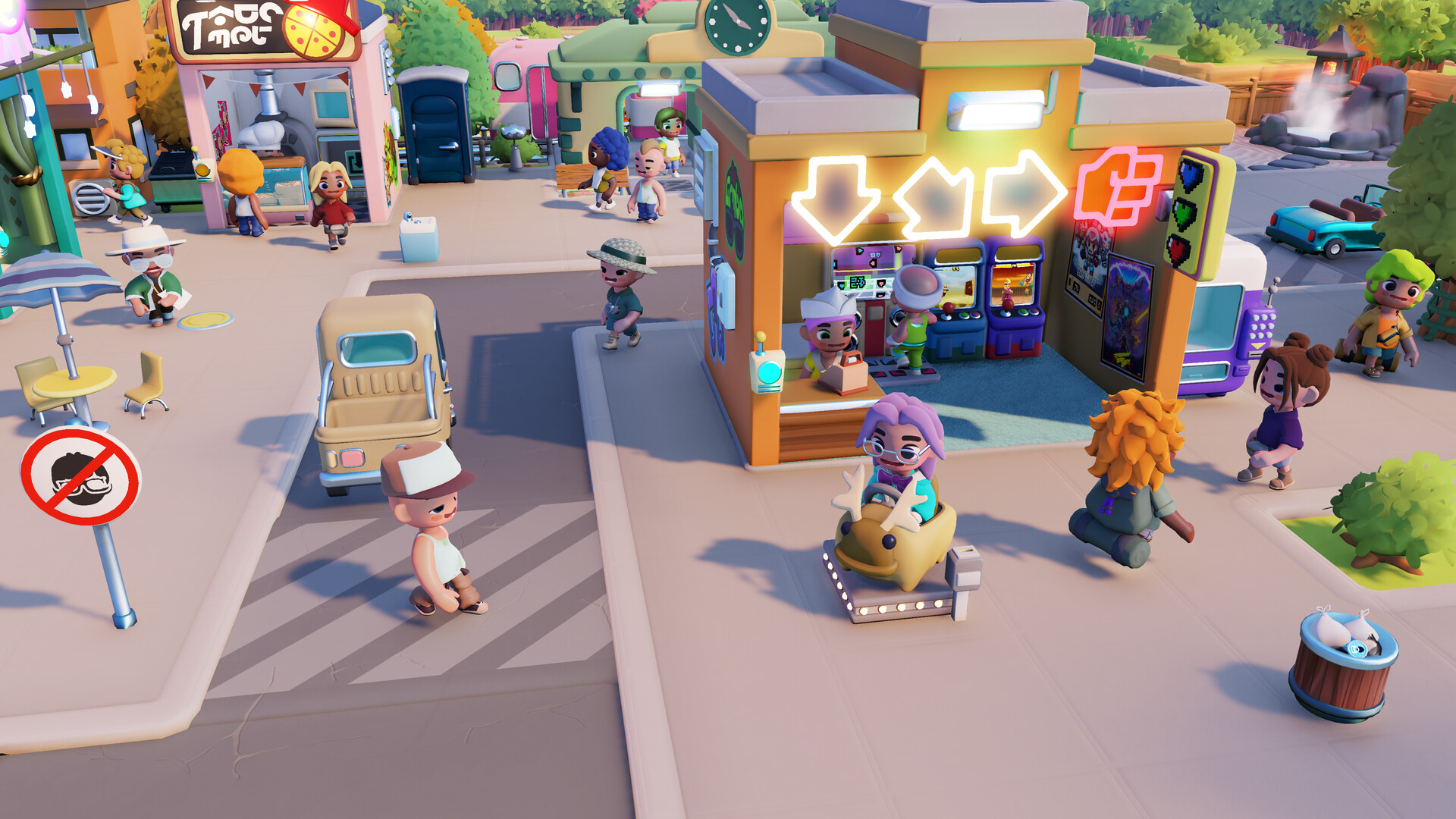
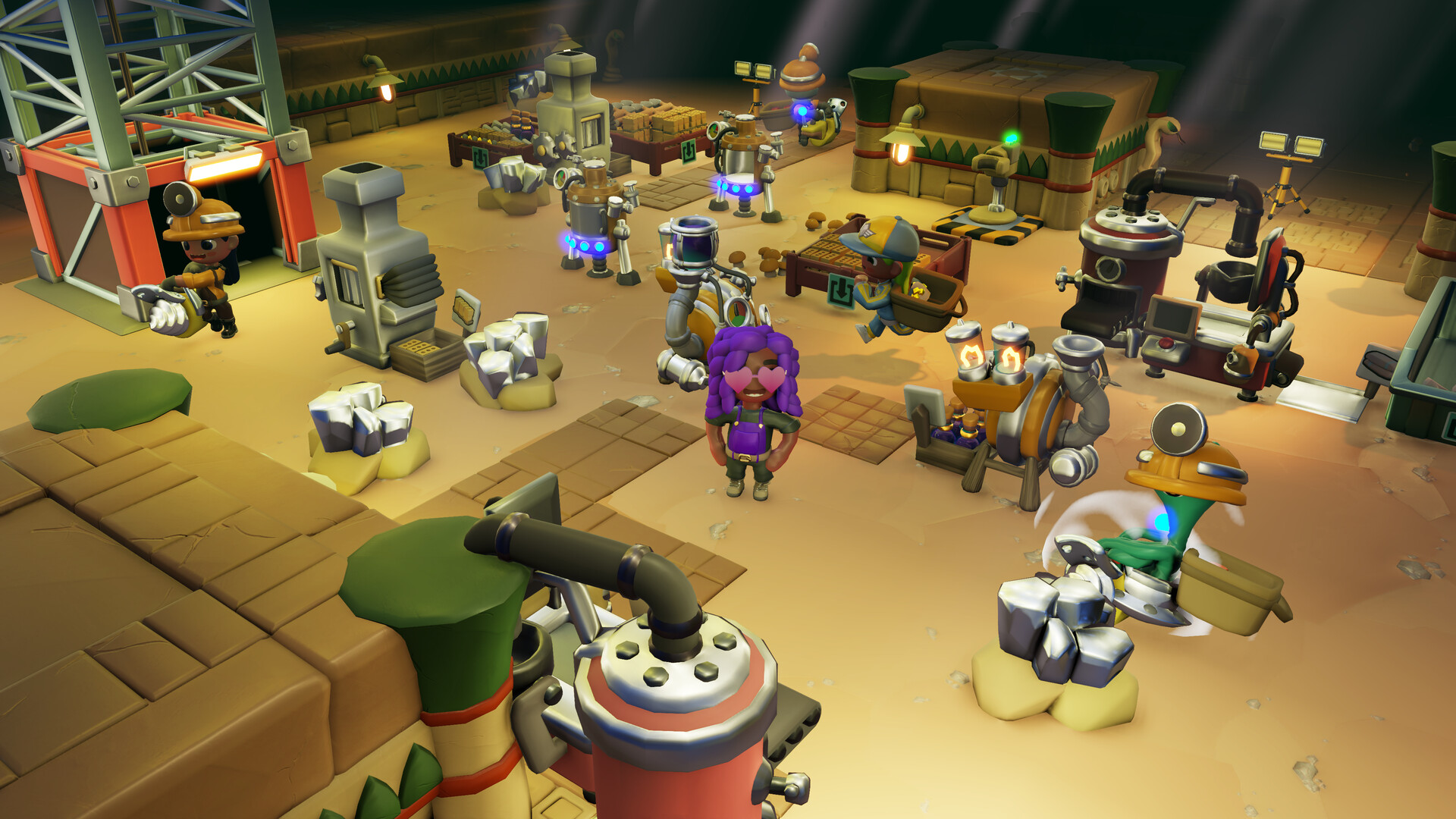
Play solo for full control or team up with up to four mayors in online co‑op. The mode mixes local and online play, allowing chat, emotes and location pings to coordinate effort.
Shared or split‑screen co‑op is supported, and the game includes full controller support, making it easy for friends to join on the same couch or over the internet.
- Assign each player a specific district to avoid overlap.
- Use pings to quickly signal urgent tasks during busy moments.
COMMUNITY
Player discussion