 GameWiki
GET YOUR BEARINGS
About GNOG
GNOG is a 3D puzzle adventure where players interact with whimsical monster‑head toys. By pressing, pulling, sliding, rotating and clicking, each handcrafted head reveals a hidden world and a series of playful challenges. The game offers nine musical levels, each with its own unique visual style and reactive soundtrack.
Players can enjoy the experience in a traditional screen‑based mode or switch seamlessly to optional VR support. Full controller support is included, and the title runs on Windows, macOS and Linux, supporting Steam features such as achievements, cloud saves and family sharing.
01 / THE GUIDE
Gameplay Mechanics
GNOG centers on tactile interactions: press, click, grab, poke, spin, pull and slide to solve puzzles inside each monster head. Every action generates lively feedback and surprising consequences. The puzzles are described as whimsical and joyful, encouraging experimentation rather than strict instruction, and each head functions as a miniature world to explore.
- Try combining different gestures—like pulling then rotating—to see unexpected results.
- Observe how the soundtrack changes as you manipulate objects; it often hints at progress.
02 / THE GUIDE
Levels and Soundtrack
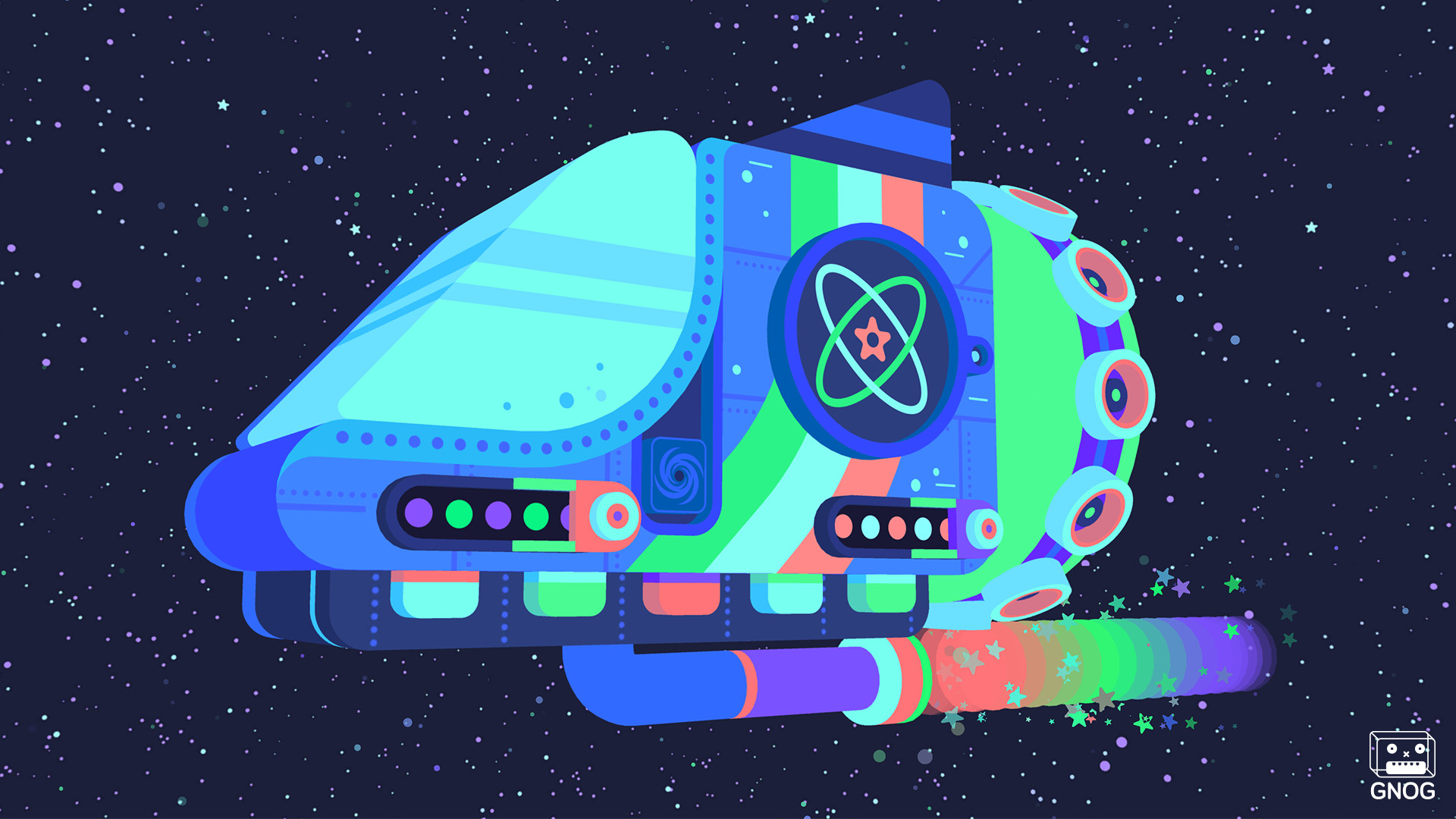
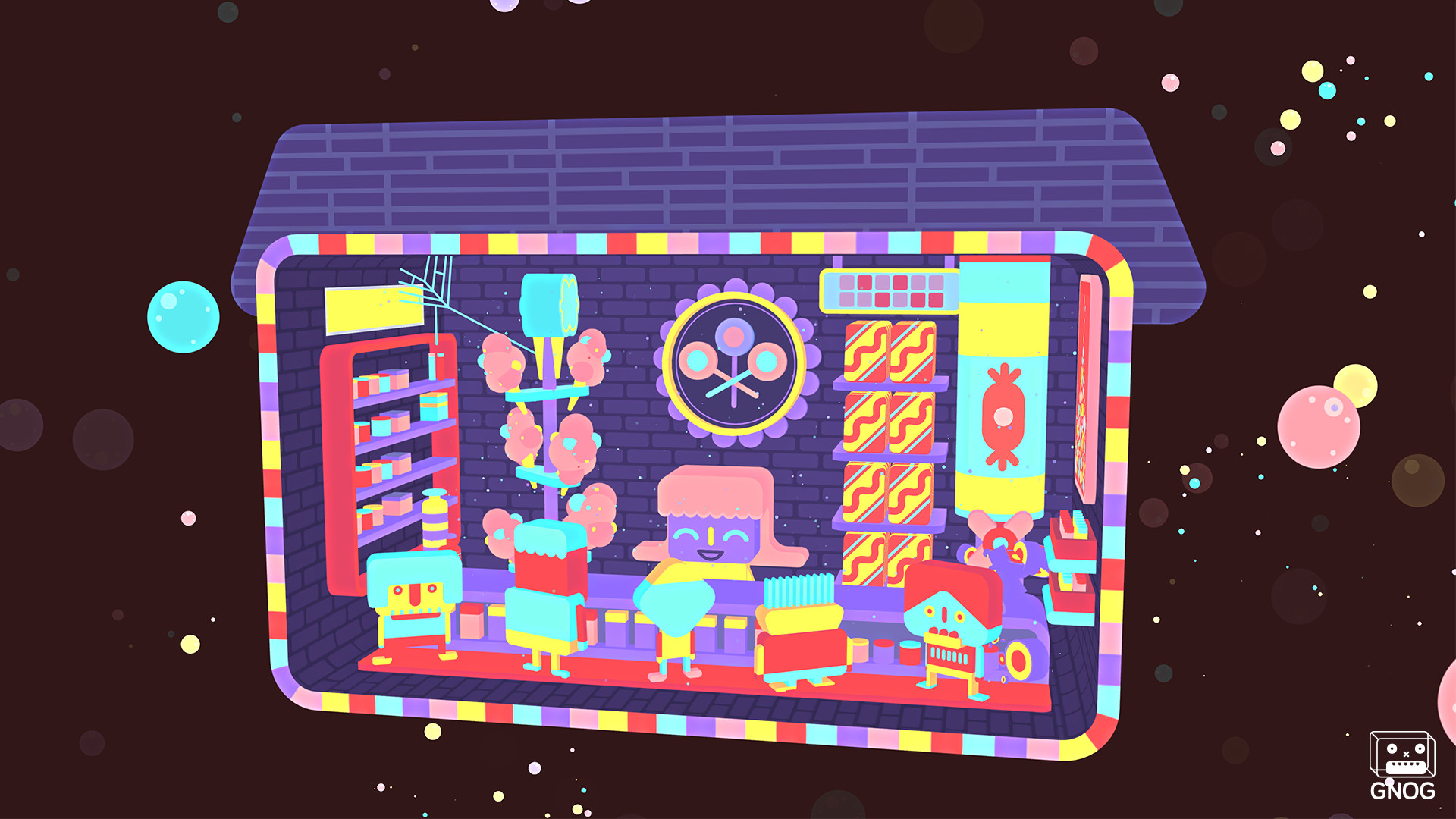
The game features nine musical levels, each hand‑crafted with its own visual theme and a dynamic soundtrack composed by Marskye. The music evolves with player actions, providing a relaxing yet responsive audio backdrop. These levels are described as unique experiences, ranging from a damaged ship in space to a kitchen where a stew is cooked, each offering distinct puzzles and visual cues.
- Listen for musical shifts—they often signal that a puzzle element has been activated.
- Take note of recurring visual motifs; they can indicate similar mechanics across levels.
03 / THE GUIDE
VR and Standard Play
GNOG can be played in a conventional screen mode or with optional VR support, and players may switch between the two seamlessly during a session. Both modes present the same handcrafted heads and interactions. The description emphasizes that the experience is equally accessible regardless of the chosen perspective, allowing players to choose the format that feels most comfortable.
- If you own a VR headset, toggle between modes to compare how depth perception affects puzzle solving.
- In standard mode, use the controller to mimic the same gestures you would in VR for consistency.
04 / THE GUIDE
Visual and Toy Design
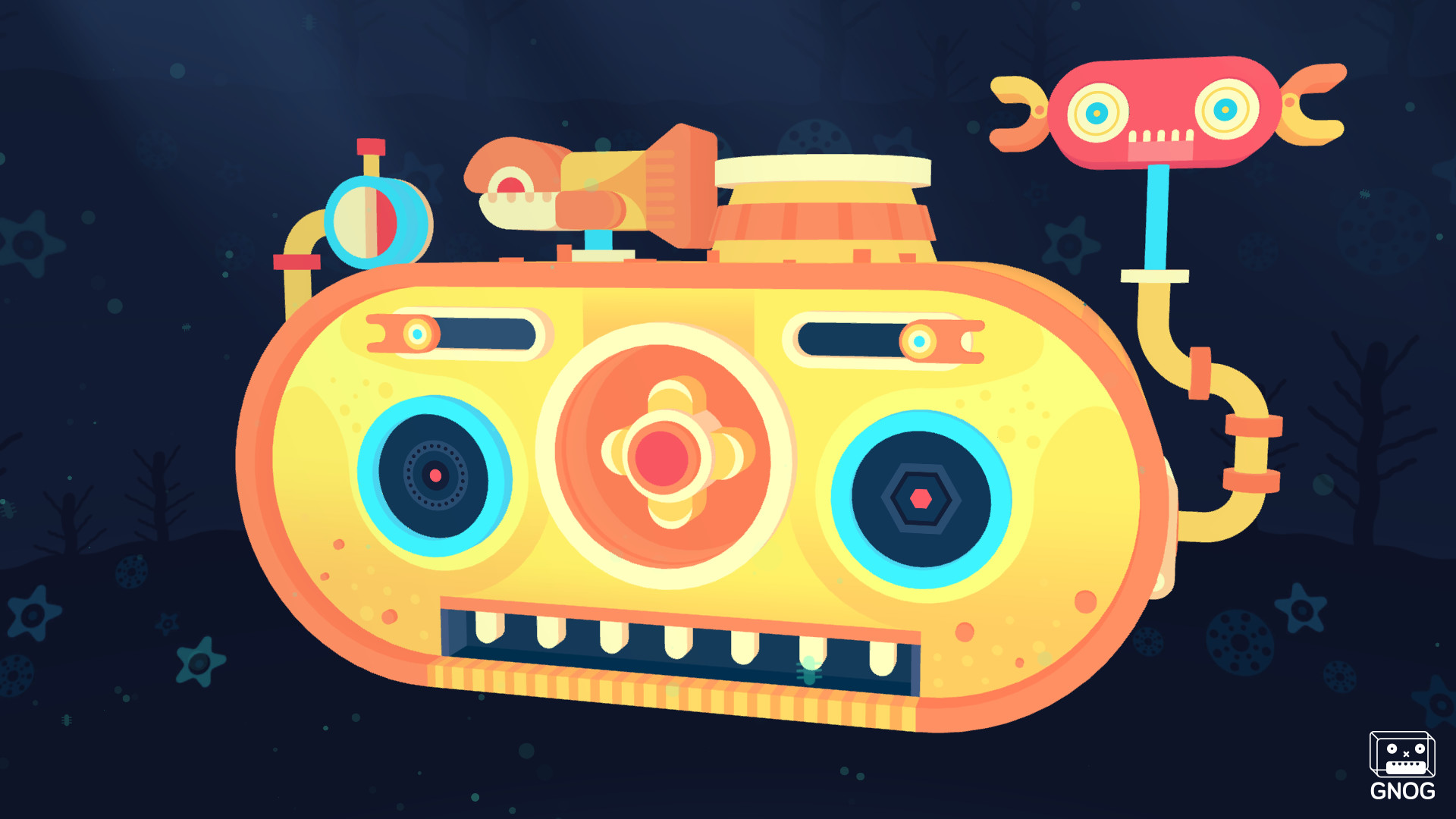
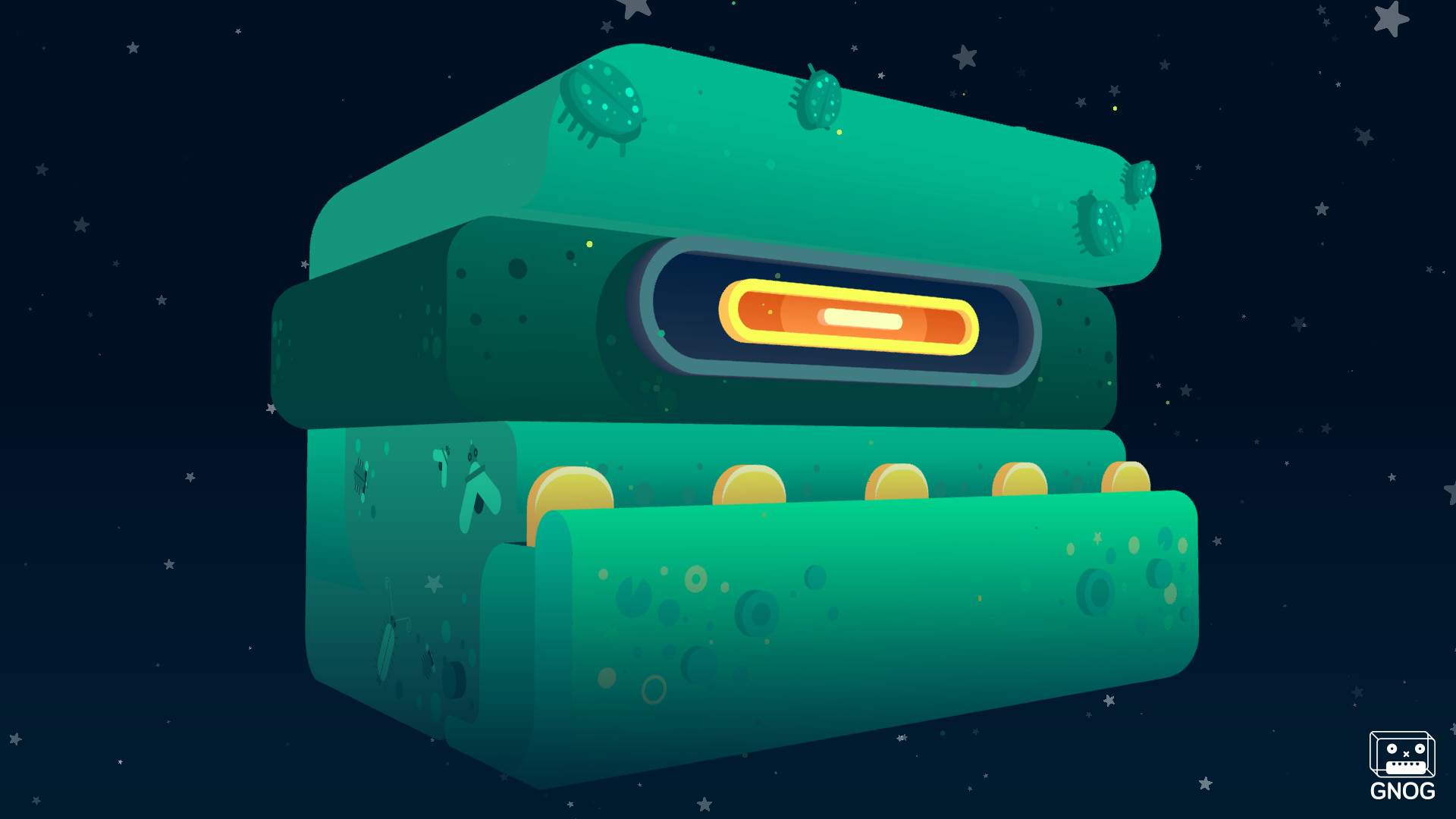
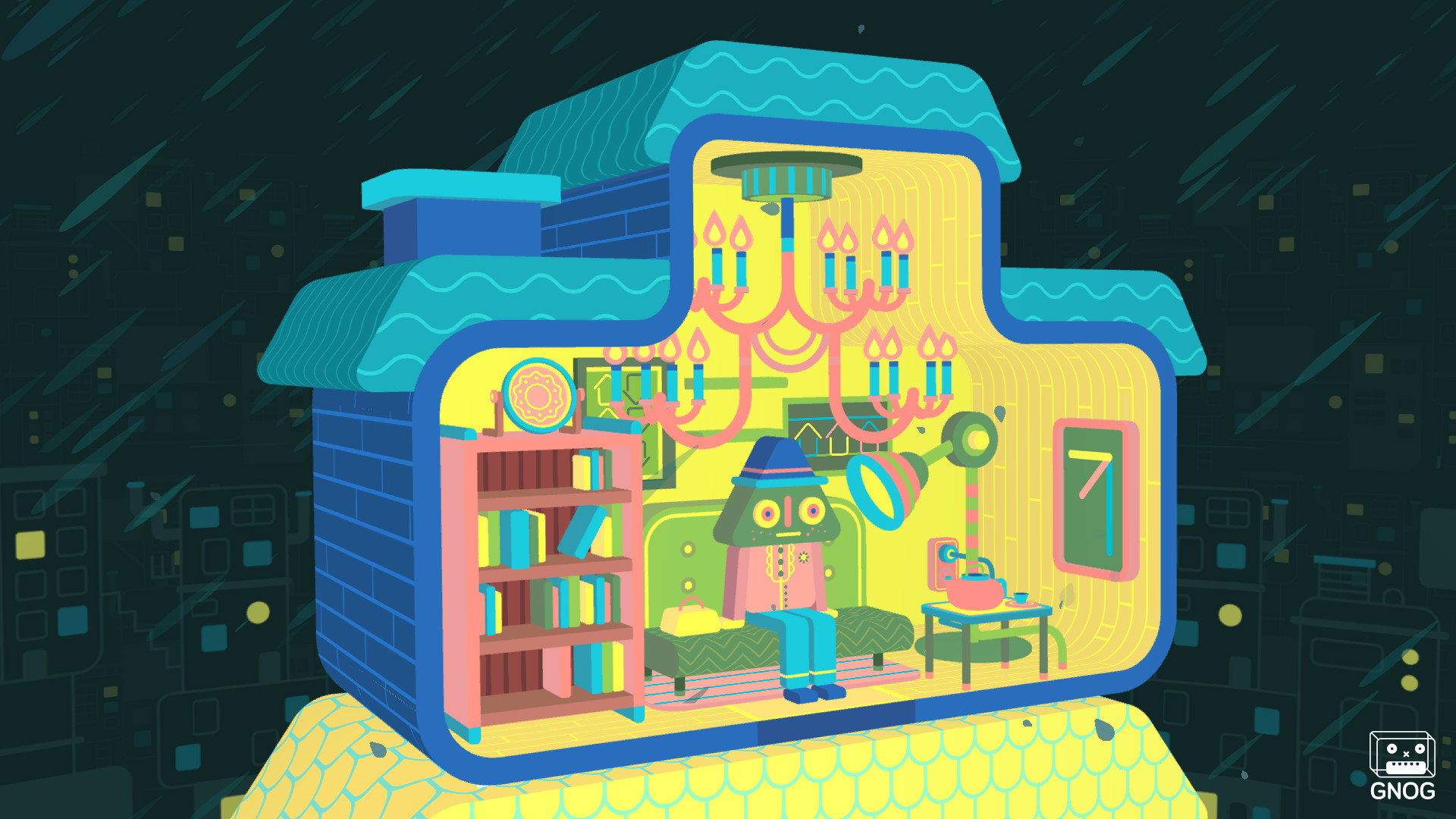
The heads are inspired by real‑world toy designs, featuring eye‑catching graphics and playful interactions. Each head acts as a miniature world, such as a bookcase that spins to reveal coins or a wheel that cooks stew. These designs aim to create a tactile, surreal environment where visual cues often hint at the next interaction, reinforcing the game’s joyful tone.
- Examine the surface details of each head; they frequently suggest the type of interaction required.
- Compare similar objects across different heads to discover shared mechanics.
05 / THE GUIDE
Platform Availability and Features
GNOG runs on Windows, macOS and Linux, supporting single‑player gameplay with Steam achievements, full controller support, tracked controller support, Steam Cloud, trading cards and family sharing. These features are integrated without affecting core puzzle design. The inclusion of Steam Cloud and achievements indicates progress can be saved and tracked across sessions, while controller support ensures flexible input options.
- Enable Steam Cloud to keep your puzzle progress synchronized across devices.
- Check the achievements list for optional challenges that encourage thorough exploration.
COMMUNITY
Player discussion