 GameWiki
GET YOUR BEARINGS
About Glyphica: Typing Survival
Glyphica: Typing Survival blends fast-paced typing challenges with horde-style combat in a minimalist arena. Players defeat enemies by typing the word above them, while waves grow larger and words gain new tricks. The game offers a quick-session experience lasting ten to twenty minutes, backed by pulsating techno beats.
Beyond pure speed, Glyphica lets you craft unique builds through an augmentation system, unlocking permanent upgrades and a wide arsenal of weapons. The Steam listing advertises full controller support, including DualShock and DualSense, and the game runs on Steam Deck, so keyboard-averse players have an alternative way to play.
01 / THE GUIDE
Core Typing Mechanics
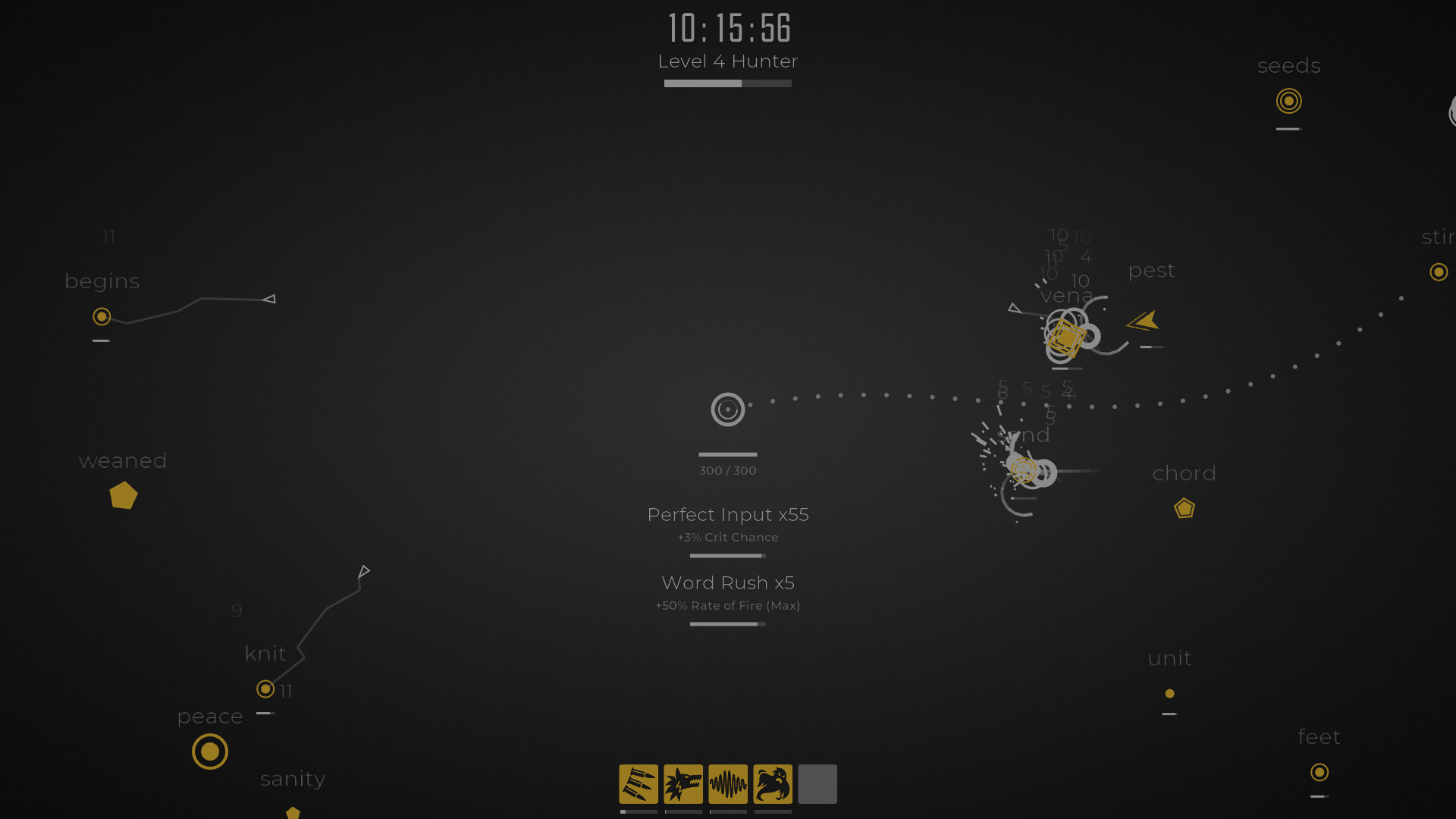
The central gameplay loop requires you to type the word displayed above each enemy to eliminate it. Faster words per minute (WPM) translate directly into greater destruction, rewarding high typing speed.
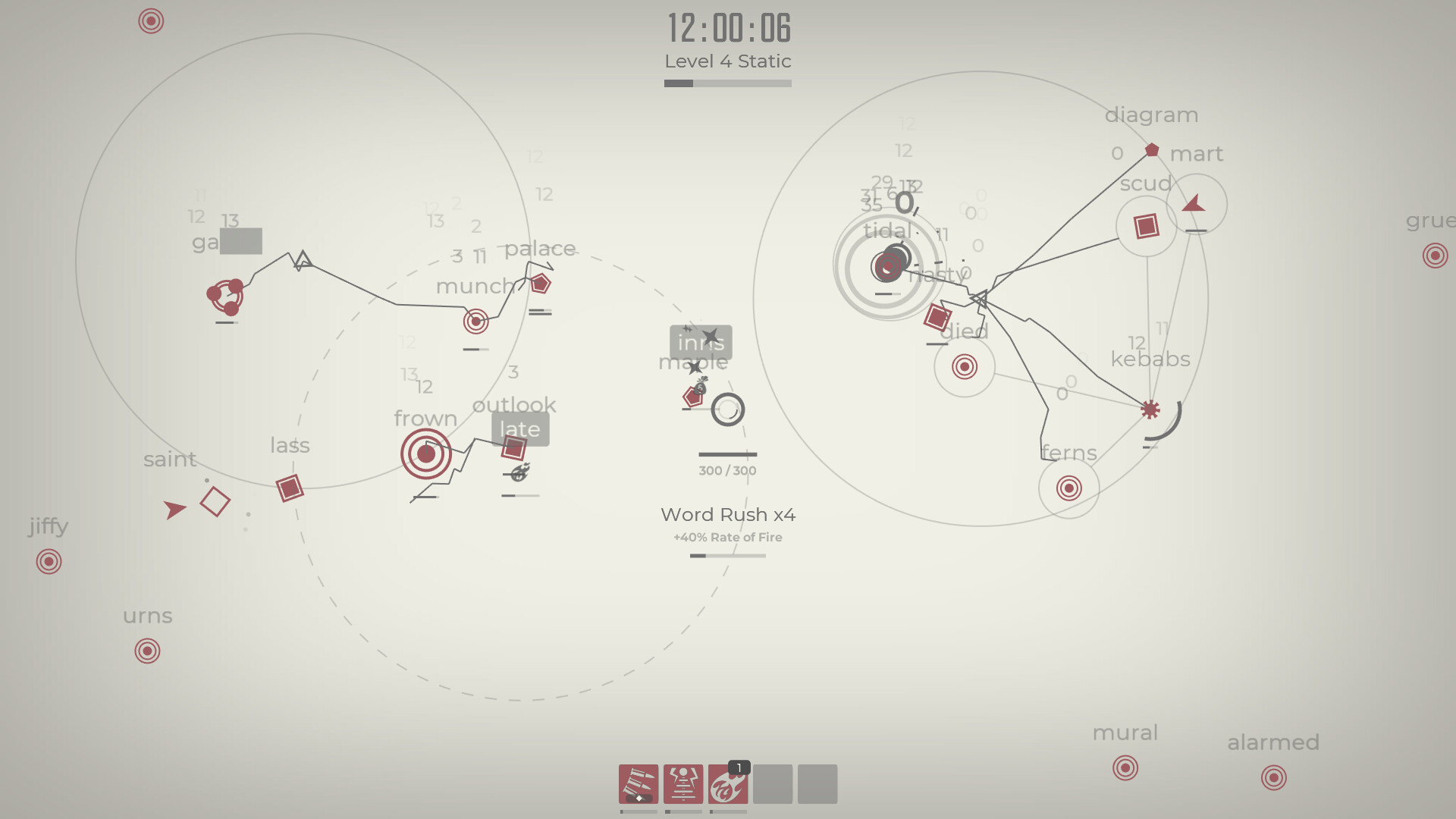
Enemies vary: deterministic drones simply approach, Swarmers fire bullets, and Shooters charge up attacks. Each enemy type demands precise typing under pressure, turning accuracy into a defensive tool.
- Focus on consistent rhythm rather than frantic bursts to maintain accuracy.
- Prioritize typing longer words first to reduce overall enemy count quickly.
02 / THE GUIDE
Build Customization
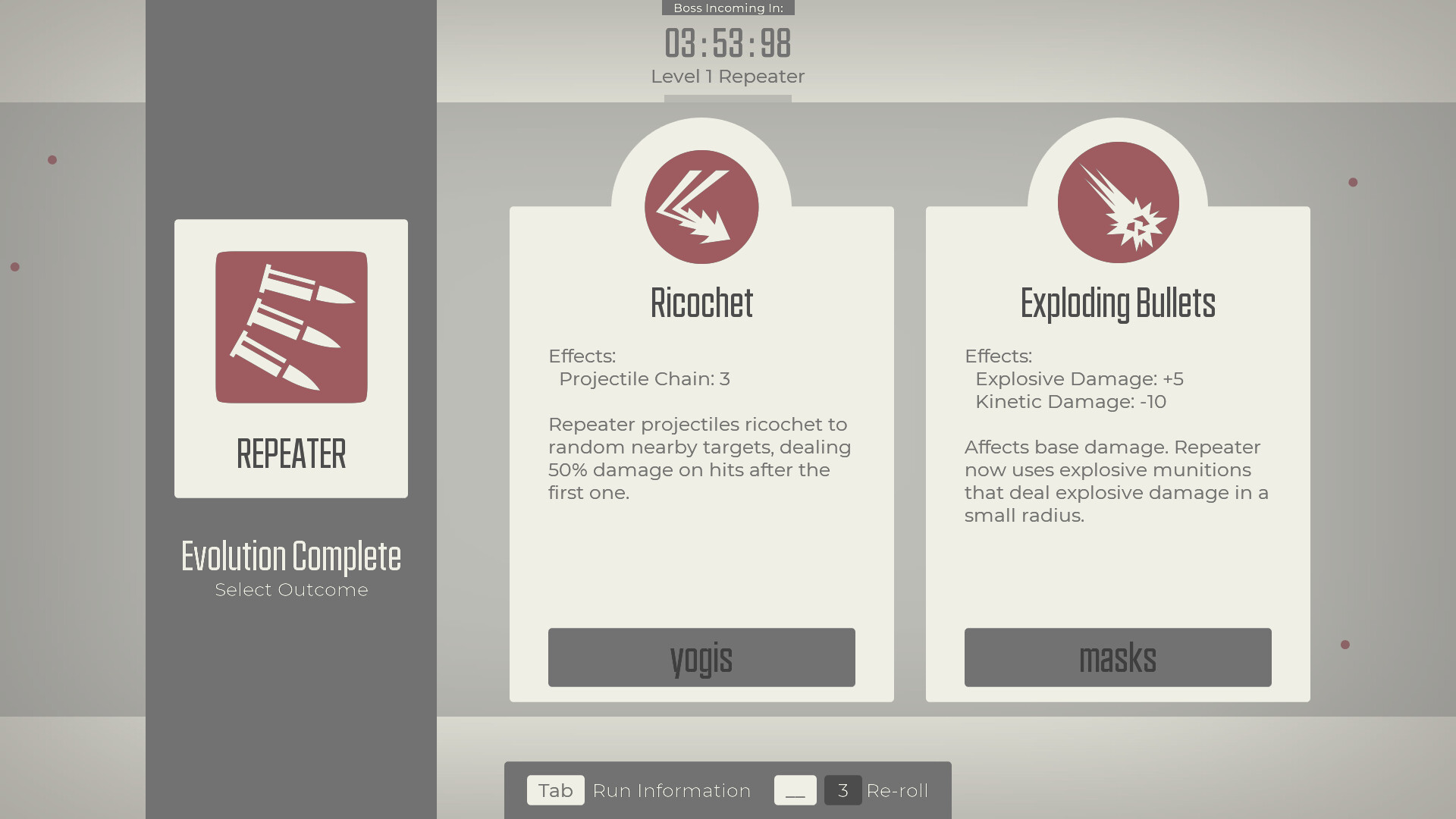
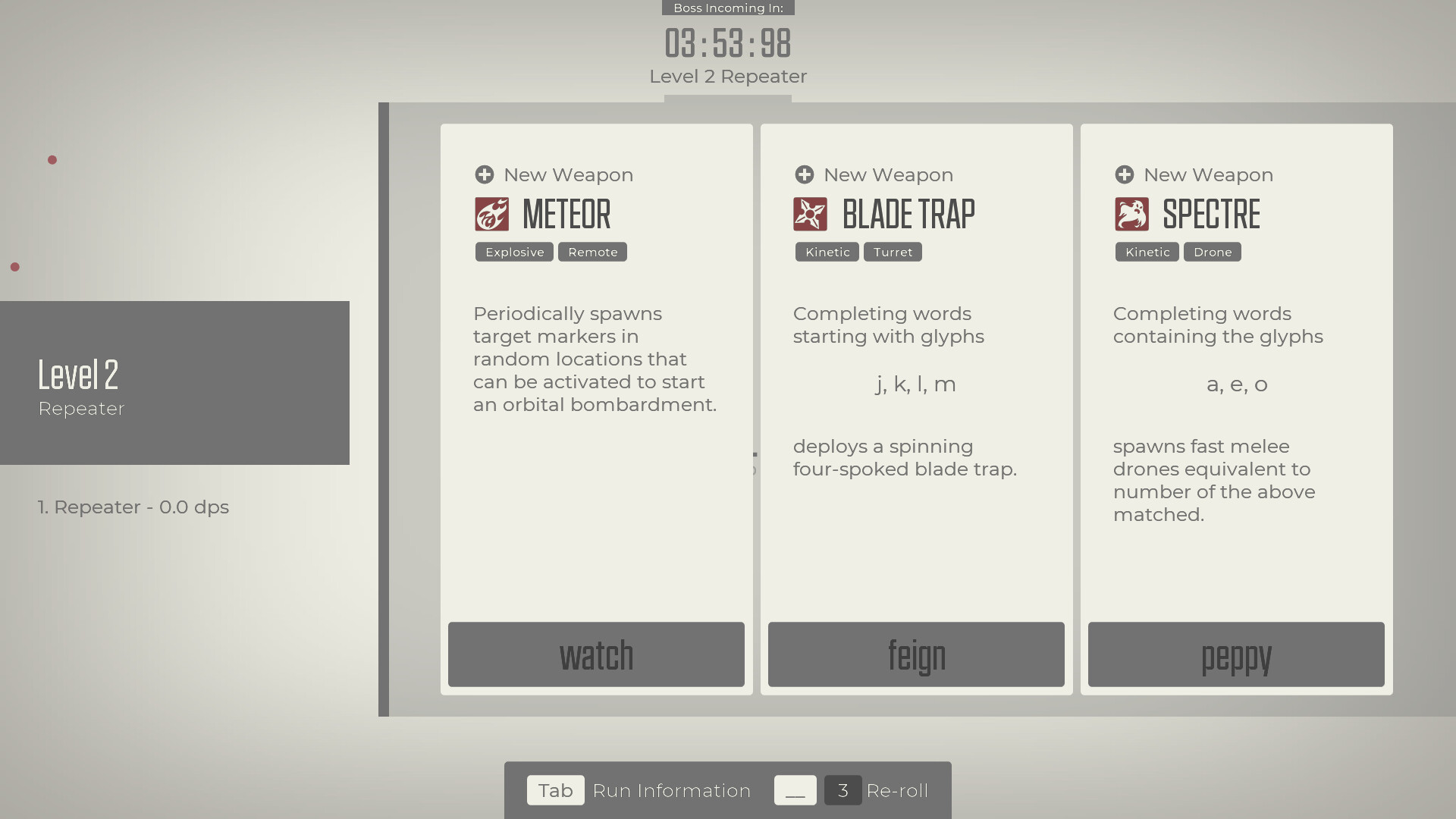
Glyphica features an augmentation system with hundreds of possible combinations, allowing players to unlock permanent upgrades across sessions. Weapons, spoils, and upgrades can be mixed to suit personal playstyles.
You can set up an Oscillator or Sentry to cover large areas while you handle remaining foes, or concentrate on a primary weapon to evolve into an "alphabet assassin."
- Experiment with different weapon and spoils pairings to discover synergistic effects.
- Balance area-control tools with high-damage weapons for versatile builds.
03 / THE GUIDE
Boss and Omen System
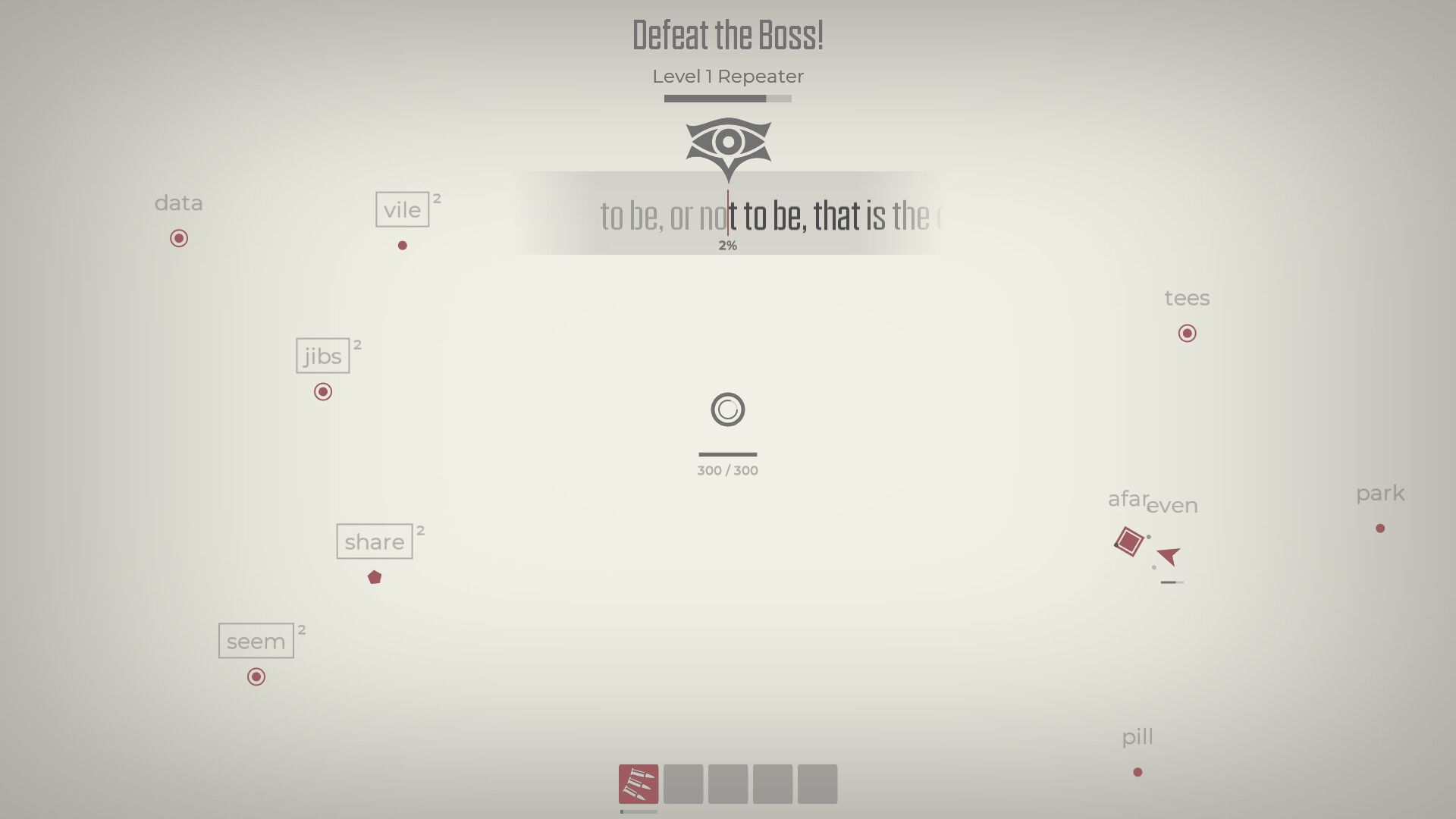
Each trial ends with a boss that guards the exit. Defeating the trials unlocks challenging Omens, which make subsequent enemies even more formidable.
The boss fights test both typing speed and strategic use of your build, encouraging players to adapt their approach for each encounter.
- Save high-damage upgrades for boss phases to shorten fights.
- Observe boss patterns early to anticipate word timing.
04 / THE GUIDE
Controller Support
The Steam listing advertises full controller support, including DualShock and DualSense, and the game can be played on the go with Steam Deck. In controller mode, words become quick-time sequences, allowing play without a keyboard.
The controller option is designed for "couch mode," letting players enjoy the typing-survival blend from a sofa or while traveling.
- Use the quick-time prompts to focus on timing rather than typing speed.
- Try both keyboard and controller modes to see which suits your playstyle.
05 / THE GUIDE
Session Length & Accessibility
Runs are designed for 10-20 minute sessions, making the game suitable for quick breaks. The fast-paced nature encourages players to enter a flow state aided by pulsating techno beats.
Steam features such as Achievements, Leaderboards, Cloud saves, Trading Cards, and Workshop support enhance replayability and community interaction.
- Set a timer to keep sessions within the intended 10-20 minute window.
- Check the Workshop for community content that can extend replay value.
COMMUNITY
Player discussion