 GameWiki
GET YOUR BEARINGS
About Glider Simulator
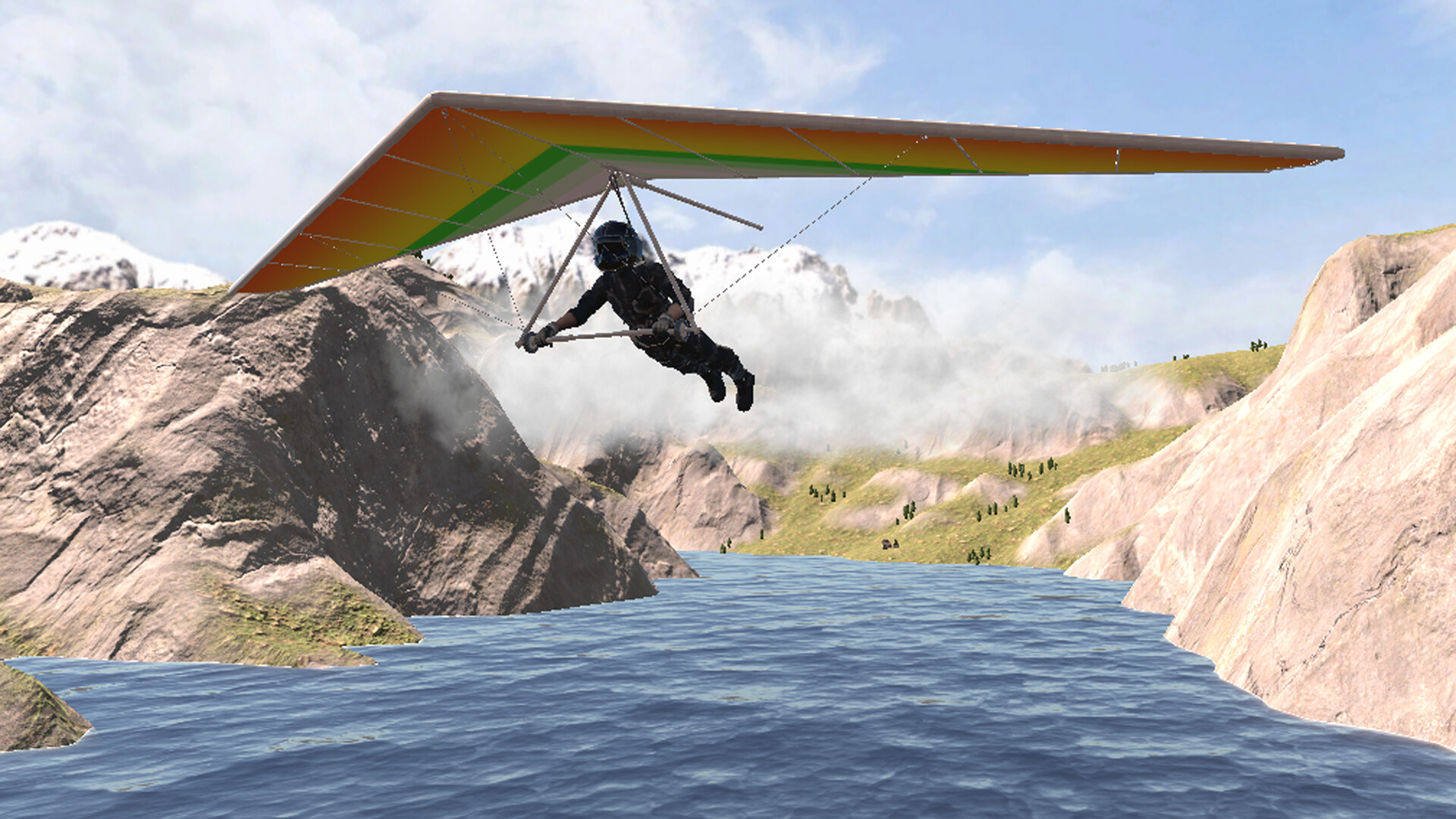
Glider Simulator drops you into a VR‑only world where you become a bird soaring across a limitless sky. The game relies on 360‑degree immersion, letting wind sounds and a boundless horizon surround you as you glide.
Twelve distinct scenes—including canyons and islands—provide varied backdrops for free‑form flight. The experience is single‑player and focuses on casual, action‑driven soaring as a single‑player experience.
01 / THE GUIDE
VR immersion
The title is built around VR technology, delivering a 360‑degree view that places the player directly in the flight as a free bird. This visual wrap‑around creates a sense of boundless space and height, matching the description of “vast and boundless blue sky.”
When you put on the headset, you instantly transform into a free bird, and the gentle wind howls in your ears. The combination of sound and visual scope reinforces the feeling of unrestricted flight.
- Adjust your play area to maximize the sense of openness.
- Take short breaks to avoid fatigue during long soaring sessions.
02 / THE GUIDE
Flight moves
Players can flip, hover, and sprint at will, offering a range of motion that feels responsive to the wind. These actions are presented as free‑form controls rather than scripted sequences, letting you decide how to navigate the sky.
The ability to combine flips, hovers, and sprints lets you craft personal flight styles. Whether you prefer graceful loops or rapid bursts, the game supports both without imposing a fixed path.
- Experiment with combining flips and sprints for dynamic aerial paths.
- Use hovering to pause and take in scenery before changing direction.
03 / THE GUIDE
Environment scenes
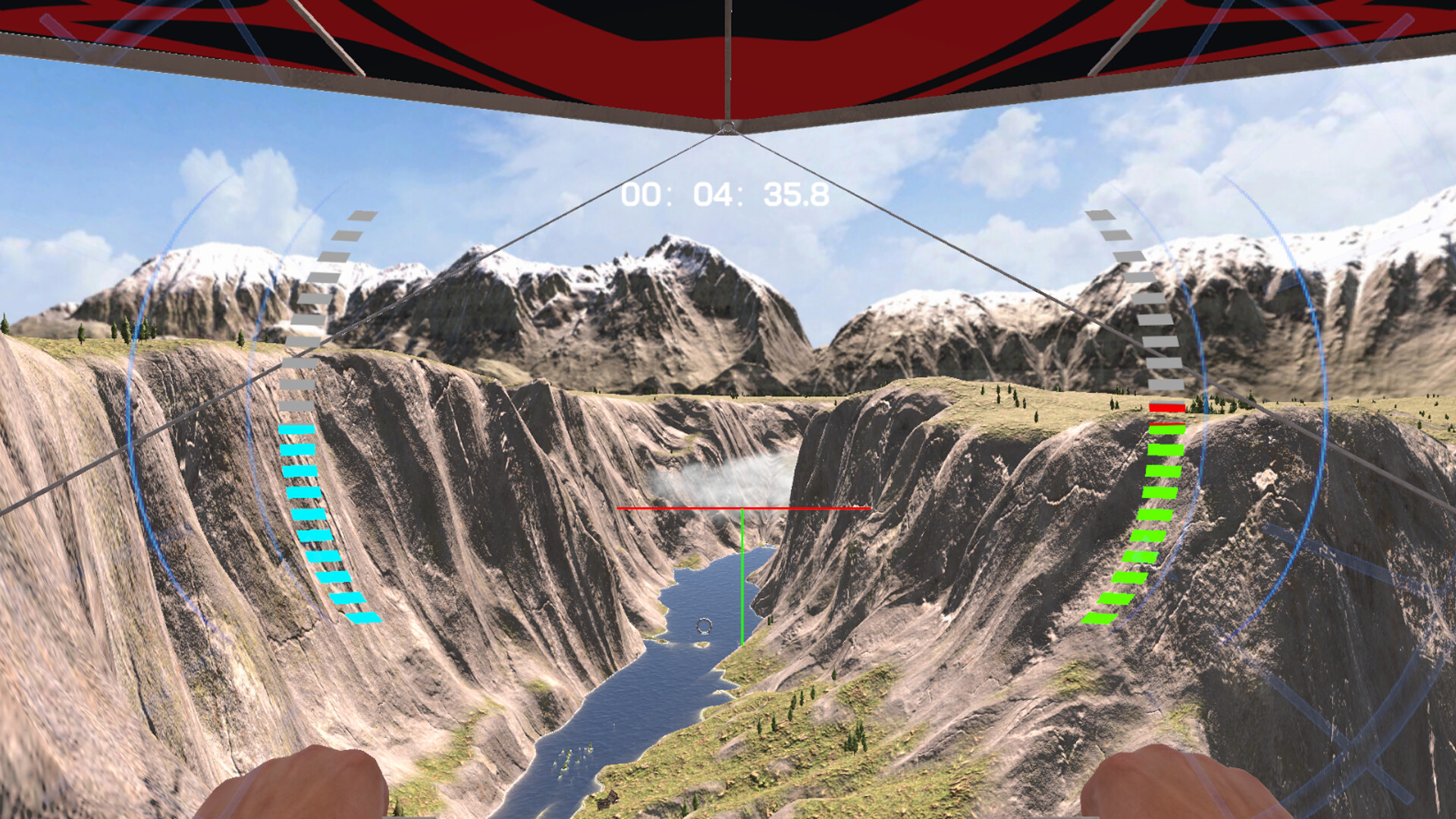
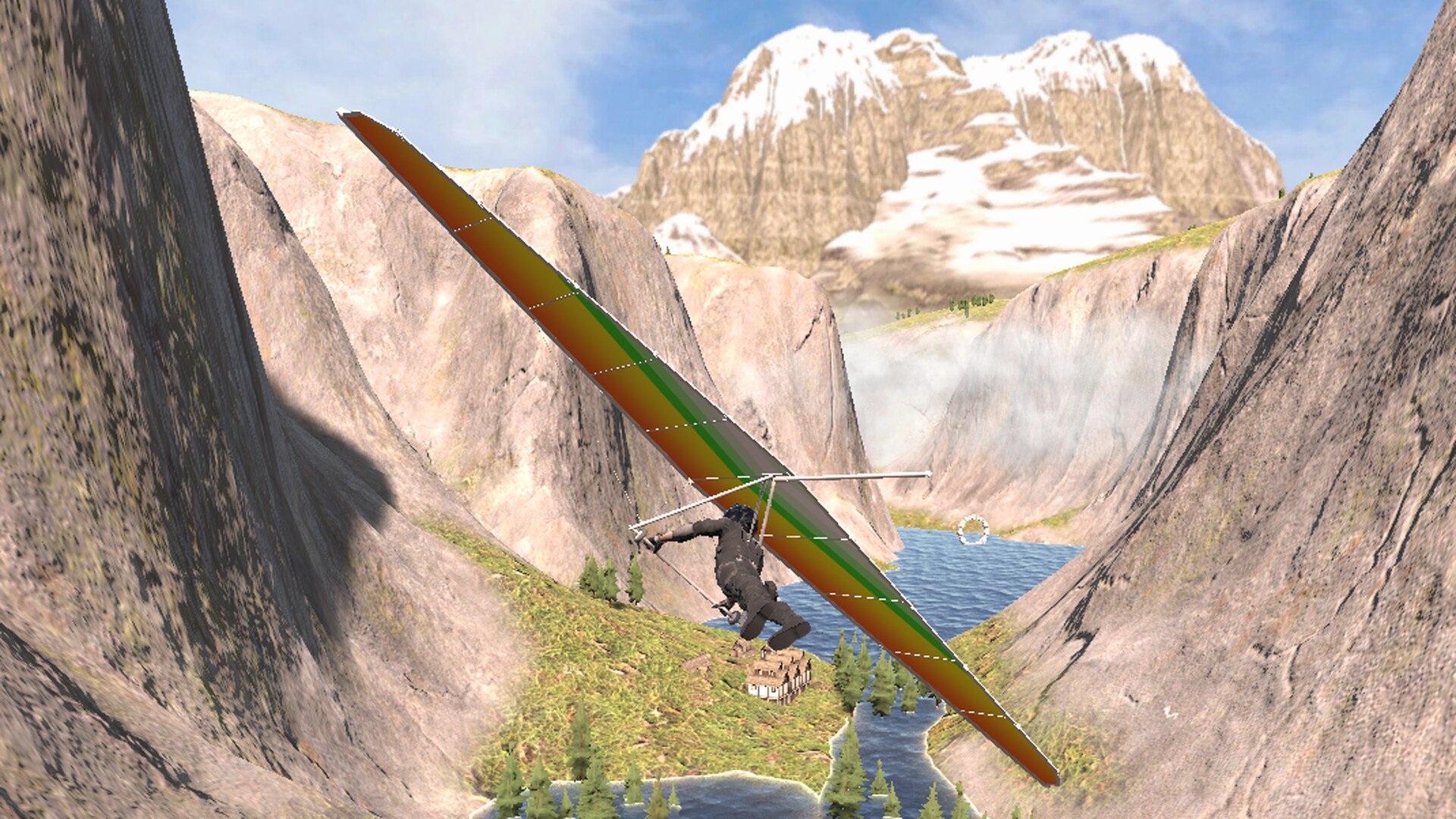
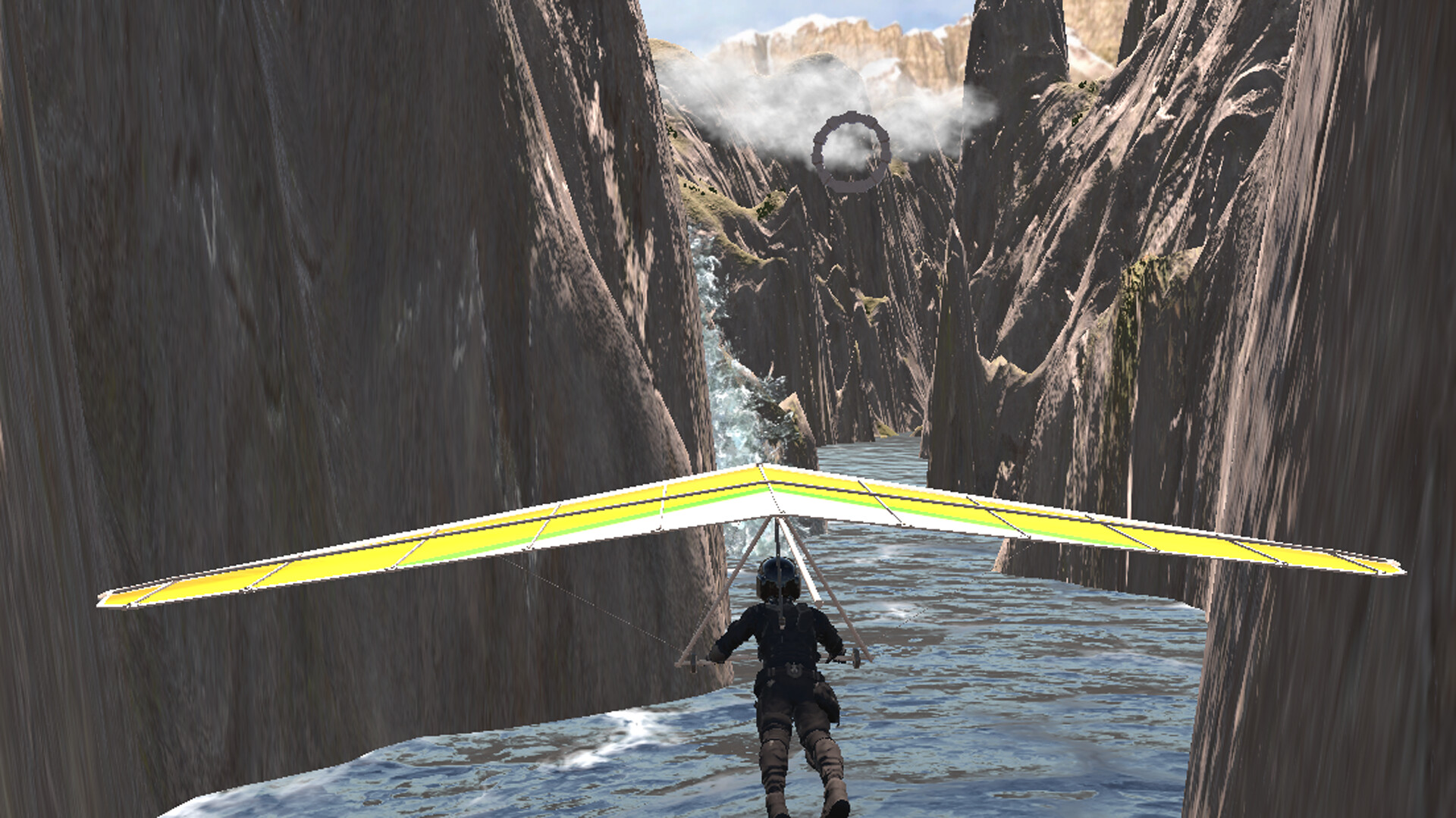
Glider Simulator offers twelve distinct locations, including canyon walls and island coastlines. Each scene provides unique visual cues that influence how the glider feels, encouraging exploration of varied terrain.
The variety of backdrops lets you notice how lighting and landscape affect perception of speed and altitude, supporting the claim of “dreamlike beauty” beneath you.
- Visit each scene to discover which environment matches your preferred flight rhythm.
- Observe how lighting shifts across scenes to enhance immersion.
04 / THE GUIDE
Glider customisation
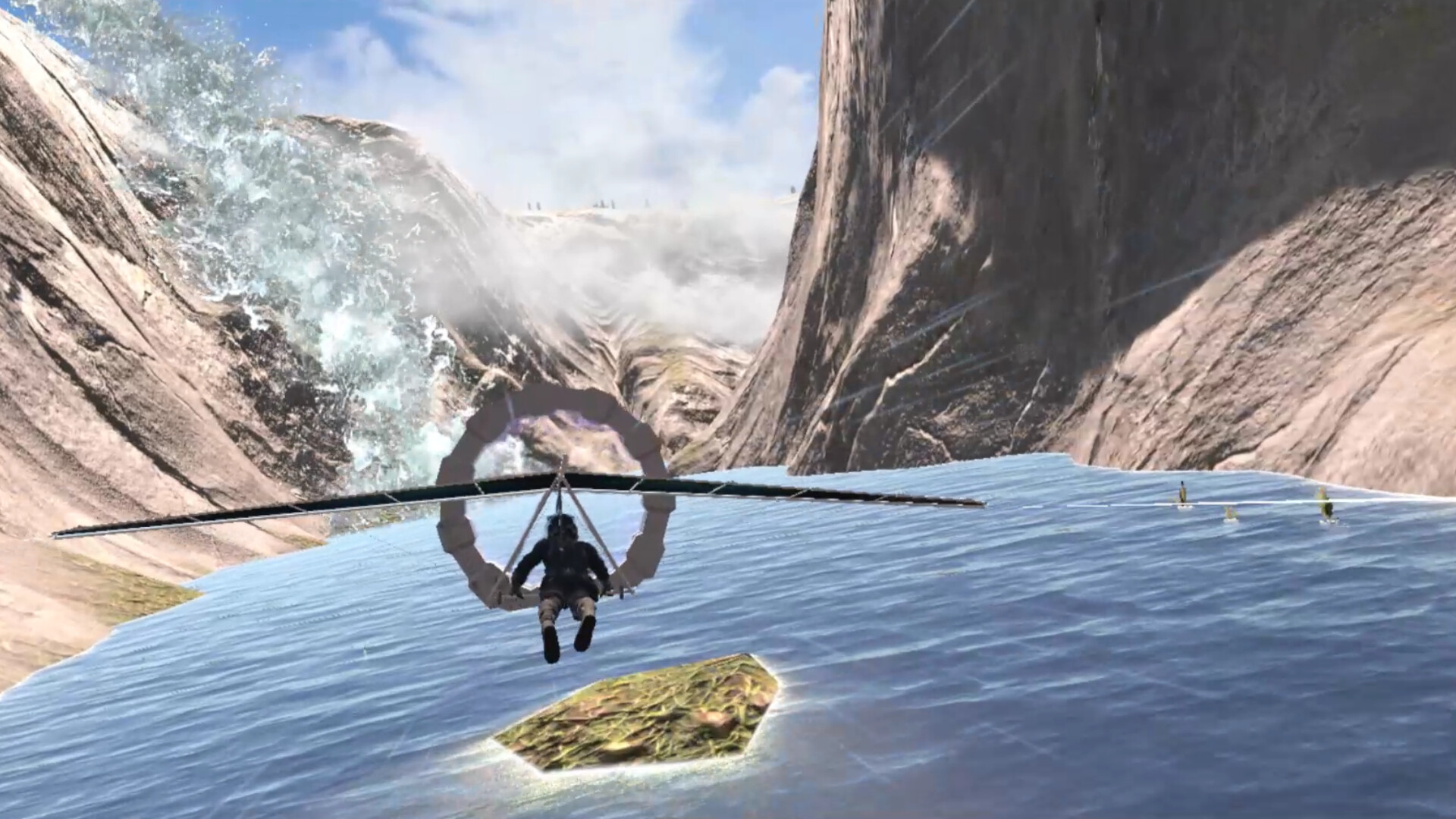
Changing the glider’s material requires passing through a circular door, where points can be earned for purchase. This mechanic ties visual upgrades to a simple progression loop within the VR world.
Collecting points by navigating through the door encourages active flight and exploration, linking aesthetic choices directly to in‑game activity.
- Plan routes that intersect the circular door to maximise point collection.
- Compare material options to see which visual style best fits your flight aesthetic.
05 / THE GUIDE
Platform and family sharing
The game runs on Windows and lists Family Sharing as a feature, allowing multiple accounts on the same device to launch the title. No other operating systems are mentioned, confirming Windows‑only support.
Being a single‑player, VR‑only experience, the focus remains on personal immersion rather than multiplayer interaction, matching the “Single-player” and “VR Only” tags.
- Check your Steam family sharing settings to ensure all family members can launch the game.
- Keep your Windows drivers up to date for optimal VR performance.
COMMUNITY
Player discussion