 GameWiki
GET YOUR BEARINGS
About Glider Sim Deluxe – Soaring Simulator
Glider Sim Deluxe is a VR soaring simulator that lets players experience paragliding, hang gliding, speed‑flying, ultralights, and FPV drones. The game uses realistic flight physics and dynamic weather to create a believable flight feel.
It offers both single‑player and multiplayer modes, full controller support, and access to a planet‑scale environment built from Google Earth data. Players can also explore three detailed offline maps without an internet connection.
01 / THE GUIDE
Nine Unique Aircraft
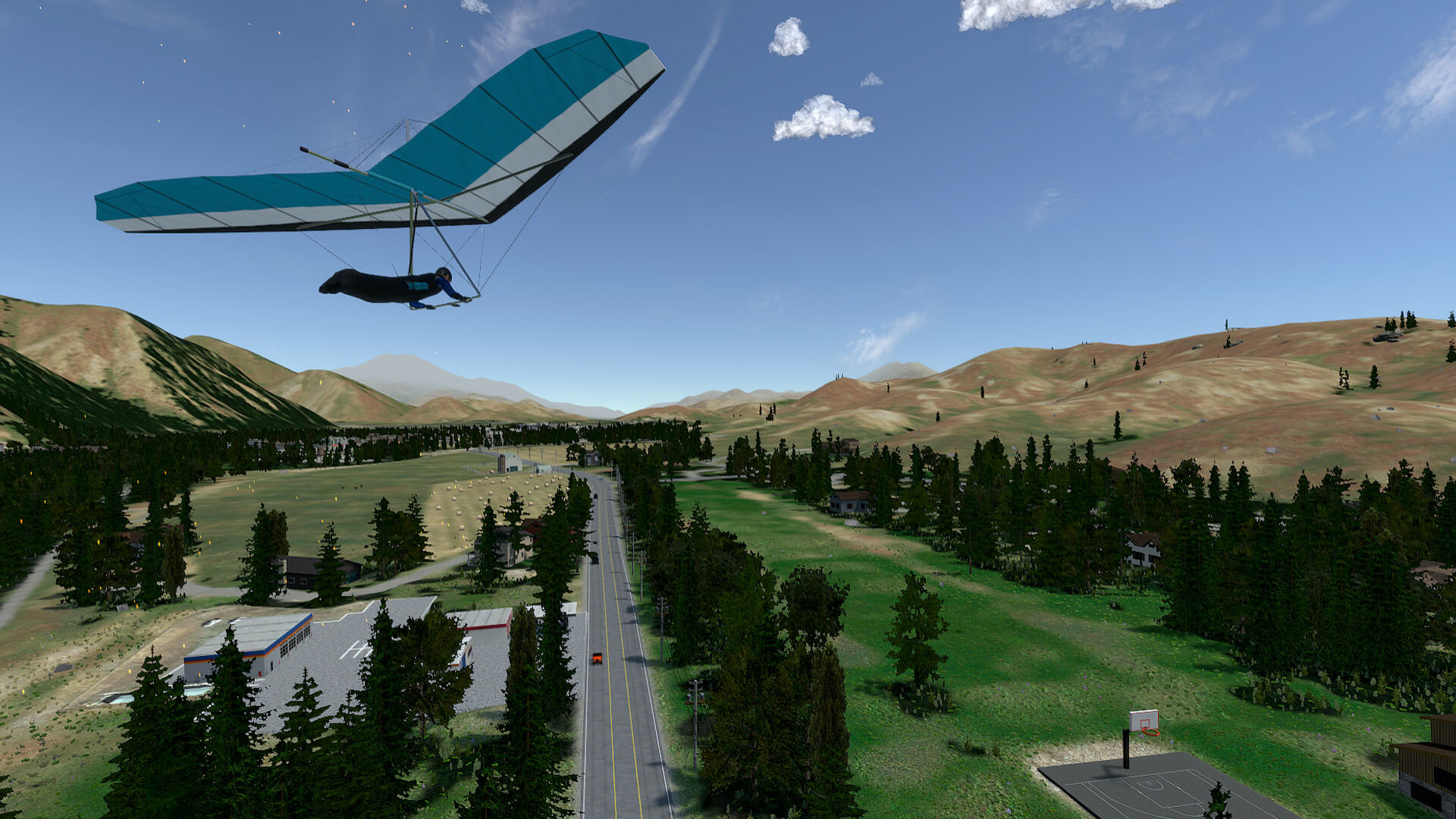
The title lists nine aircraft, from a paramotor trike to a hang glider, ultralight trike, and an FPV racing drone. The simulator uses realistic flight physics, including soft-body canopy simulation for paragliders, to create a believable flying experience.
The FPV drone includes three flight modes—Auto Hover, Angle, and Acro—allowing pilots to choose a stability level that matches their skill or desired challenge.
- Test each aircraft in calm weather to notice handling differences.
- Switch between the drone’s three modes to see how control response changes.
02 / THE GUIDE
Planet‑Scale Google Earth Integration
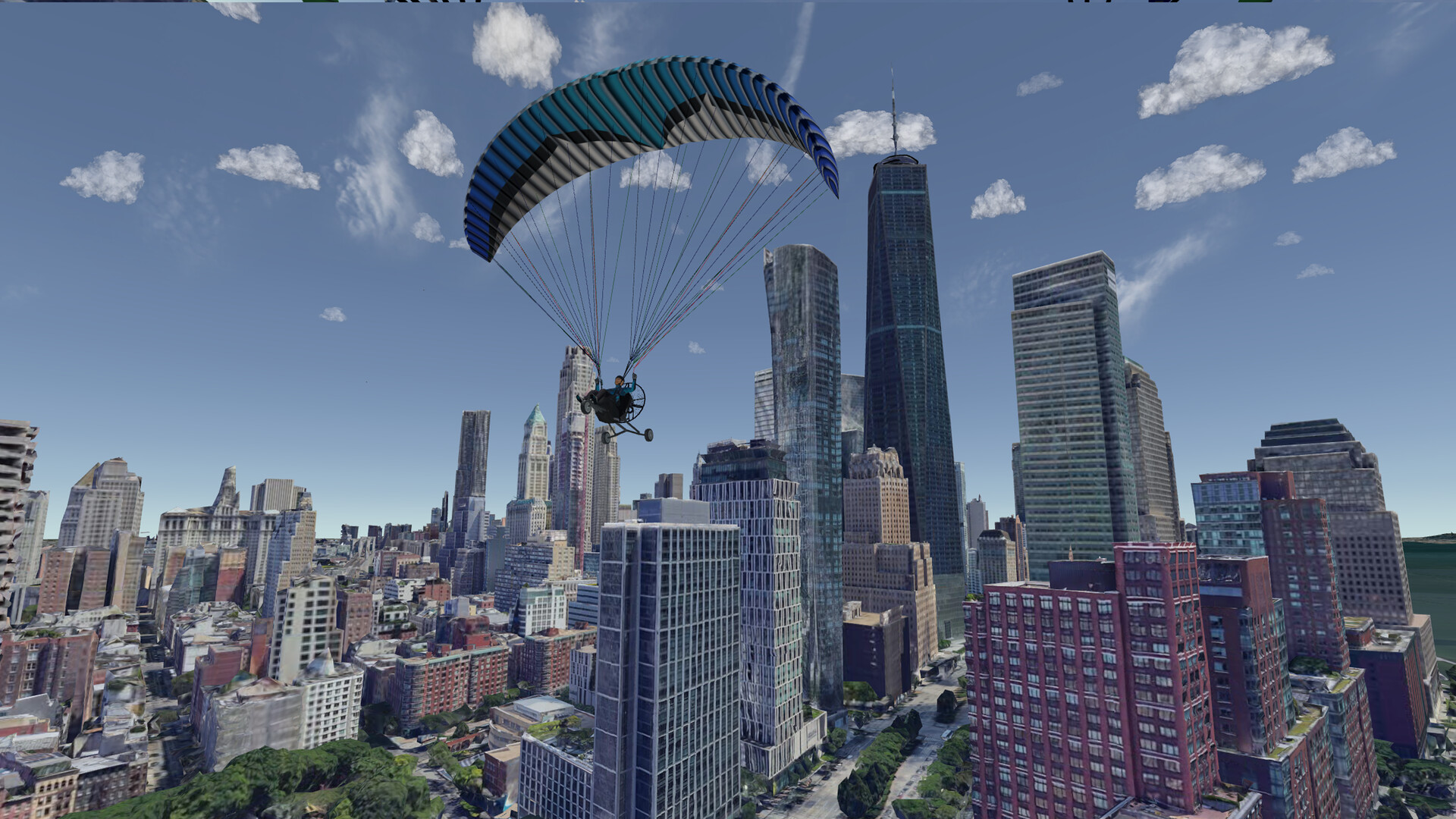
Glider Sim Deluxe integrates Google Earth, giving players unlimited online access to photorealistic terrain across the entire planet. Users can save launch locations and share them with friends in multiplayer sessions.
The integration does not extend offline; only the three custom maps are confirmed playable without internet. Global coverage therefore requires an internet connection.
- Save a favorite launch spot online and revisit it later for consistent practice.
- Share a saved coordinate with a friend to coordinate a joint flight.
03 / THE GUIDE
Custom Offline Maps
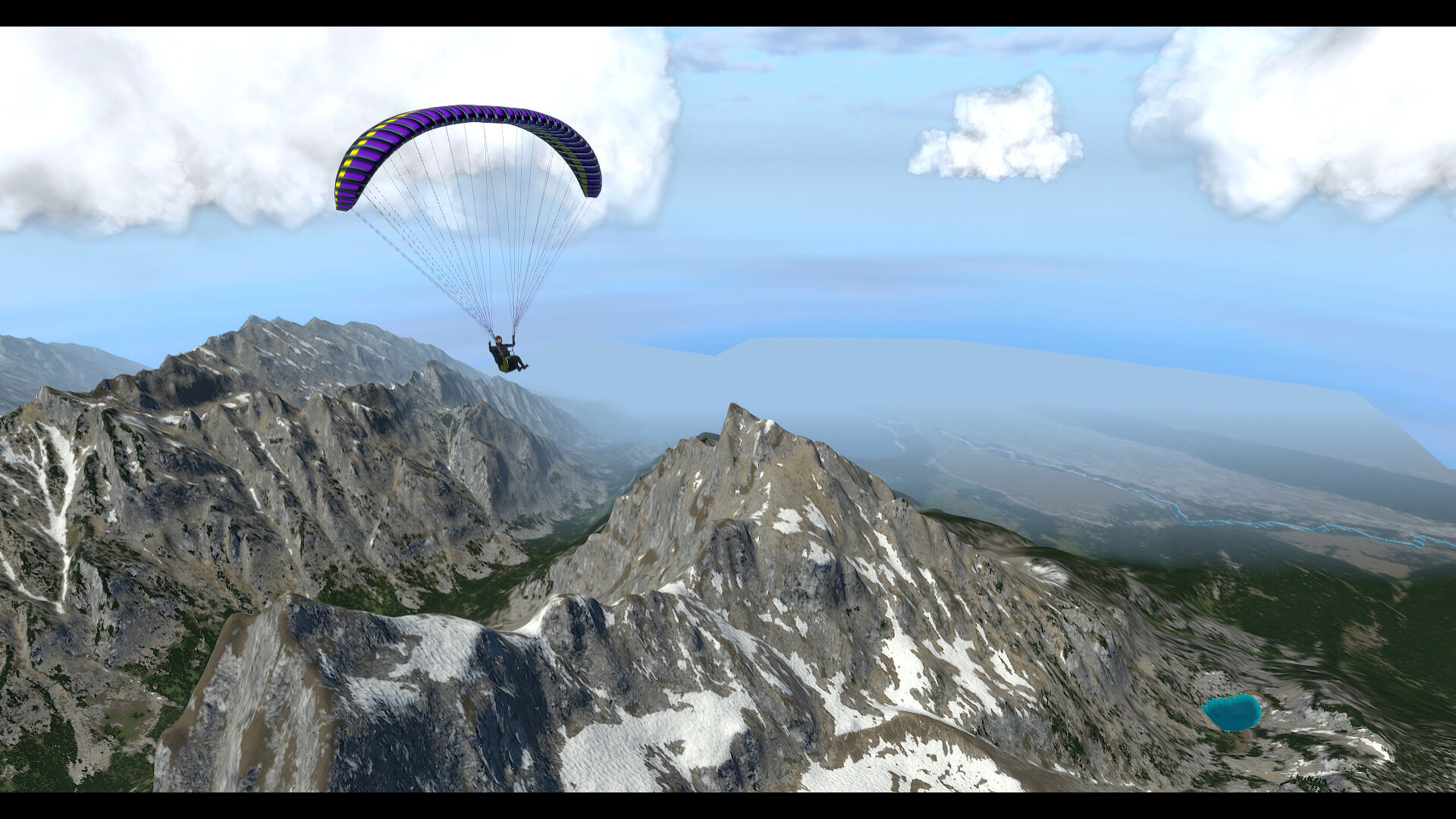
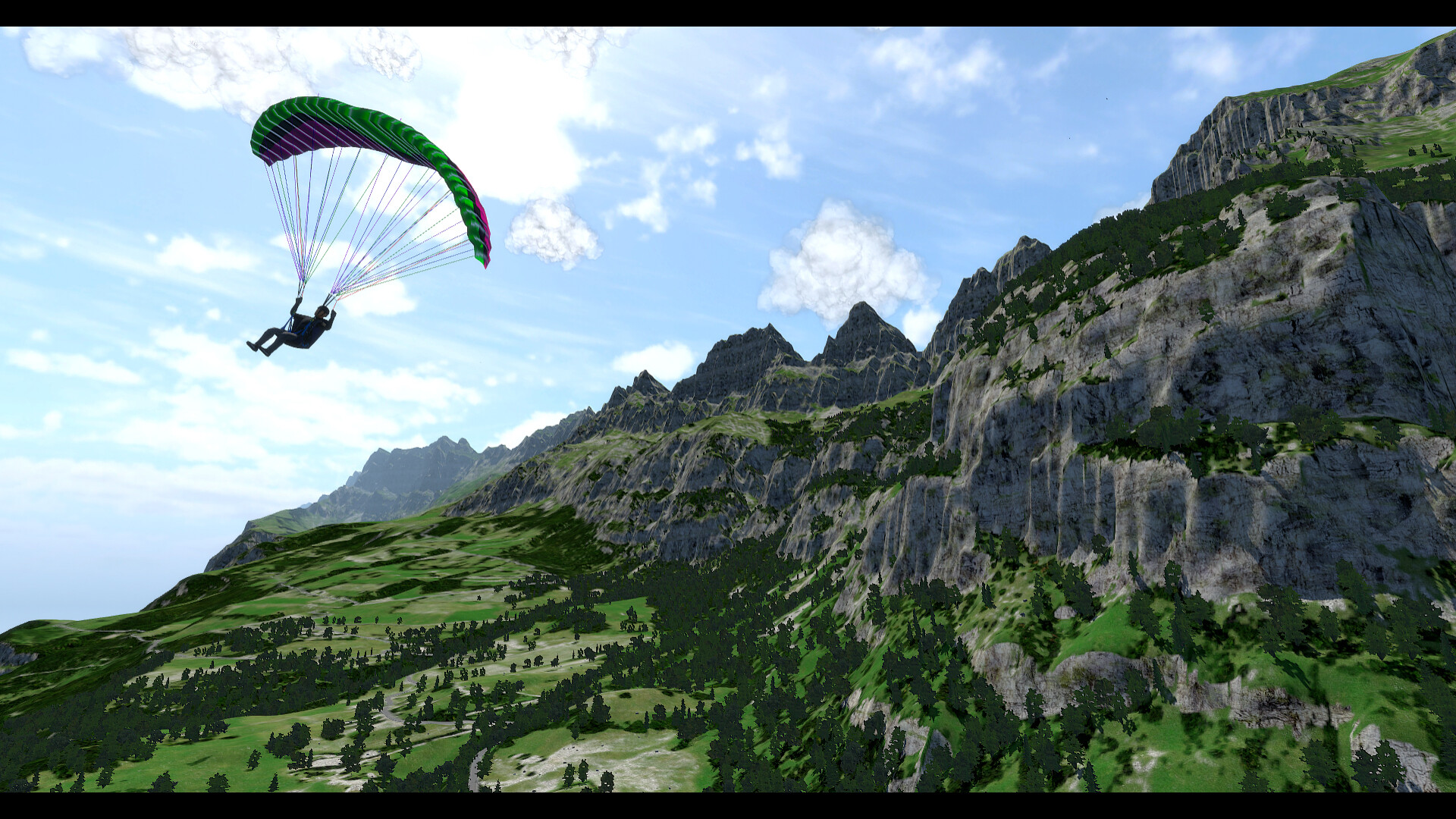
Three offline maps—Sun Valley (USA), Walenstadt (Switzerland), and Grand Teton (USA)—each cover more than 50 km² with high‑resolution textures and hundreds of launch points. These maps can be loaded without any internet connection.
Because they are offline, players can practice launch techniques, thermal hunting, and ridge lift in varied terrain even when disconnected from the global Earth data.
- Choose a map whose terrain matches the lift conditions you want to practice.
- Explore multiple launch points on a map to find the most efficient take‑off routes.
04 / THE GUIDE
Dynamic Weather & Thermals
Players can adjust wind speed, direction, cloud base, and time of day. These parameters directly affect the creation of realistic thermals and ridge lift, letting pilots shape the soaring environment.
Wind particles can be toggled on to visualize lift zones, while sun angle and terrain interaction generate natural thermal activity that varies with the time of day.
- Enable wind particles when learning to locate thermals for clearer visual cues.
- Vary cloud base height to observe its impact on lift strength.
05 / THE GUIDE
Multiplayer Competition & Community
Multiplayer lets friends fly together or compete in speed‑flying challenges and cross‑country races. Monthly leaderboards track top performers, and a Discord community helps organize group flights.
All multiplayer features are available on the supported Windows platform, and the game includes full controller support for these sessions.
- Join the official Discord to find scheduled group flights and learn from other pilots.
- Enter a monthly leaderboard challenge to gauge your progress against the community.

COMMUNITY
Player discussion