 GameWiki
GET YOUR BEARINGS
About Glare1more
Glare 1more is a remake of the free adventure Glare 1. The game advances its story by requiring the player to type exact words or phrases that appear during the robot’s dialogue, with correct entries moving the narrative forward.
The remake adds Live2D characters, a larger 1024 × 768 resolution, a word‑search tool, a checkpoint system, an English version, and a bonus scenario. It runs on Windows (excluding XP) and includes Steam features such as single‑player, trading cards, and family sharing.
01 / THE GUIDE
Word Input Mechanics
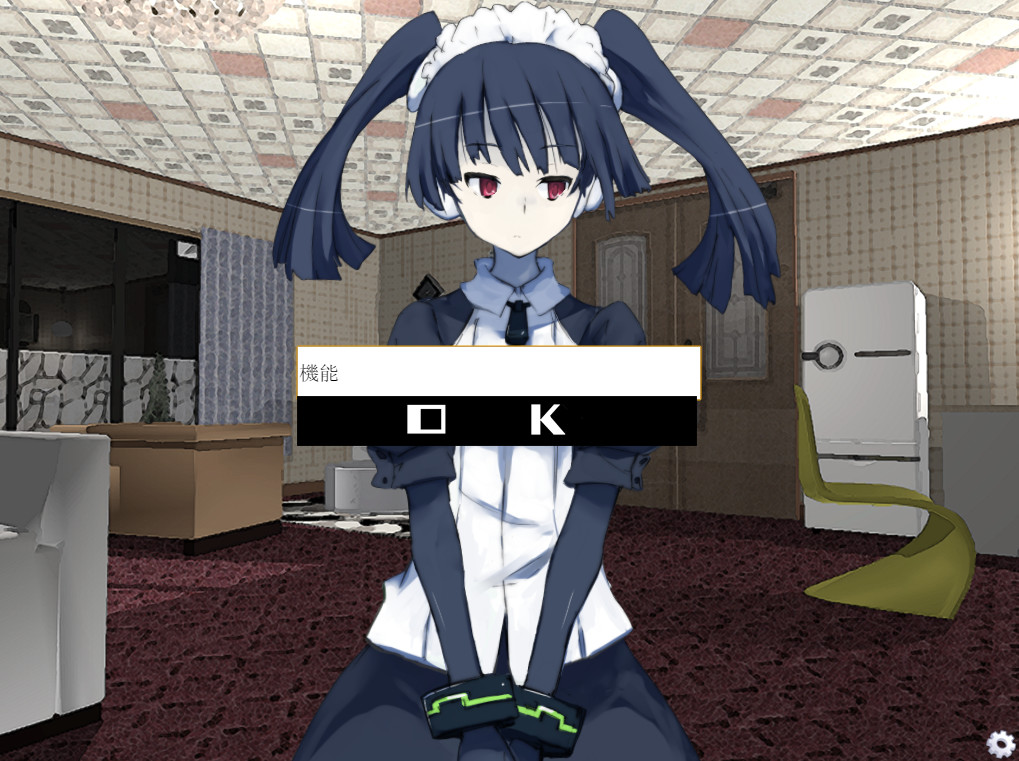
During conversations with Glare, the player must type the exact words or phrases that appear in the dialogue. When the entered text matches the required term, the story progresses; mismatched input leaves the conversation unchanged.
A built‑in word‑search tool is provided to help locate the required terms within the displayed text, reducing the need for trial‑and‑error when searching for the correct entry.
- Keep a simple text file to record discovered words for quick reference.
- Cross‑check the word‑search results with the dialogue to avoid typographical errors.
02 / THE GUIDE
Story Branches (Adult vs Non‑Adult)
Choosing the adult branch begins with a maid robot named Glare being shipped to the player after completing a company questionnaire, focusing on uncovering the mystery behind her delivery.
The non‑adult branch follows an investigation of an accident inside a specific location, emphasizing observation of surrounding items to determine the cause of the incident.
- Select the branch that aligns with your comfort level regarding mature content.
- Discuss clues with another person, as collaboration is noted to be helpful.
03 / THE GUIDE
Visual Presentation
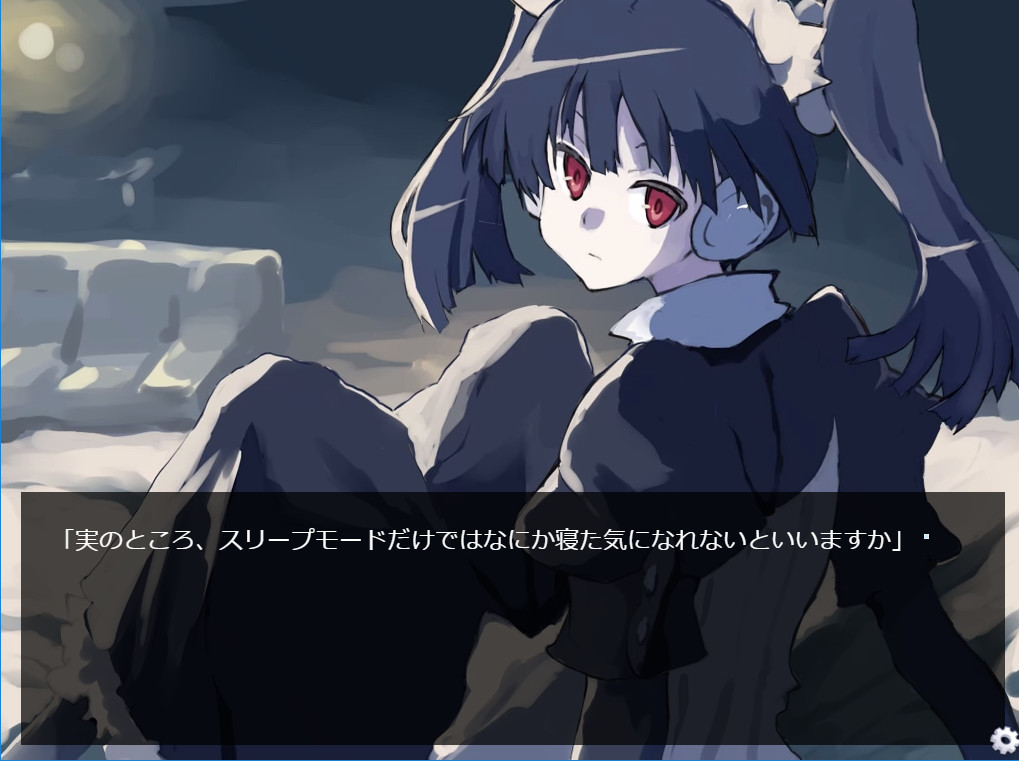
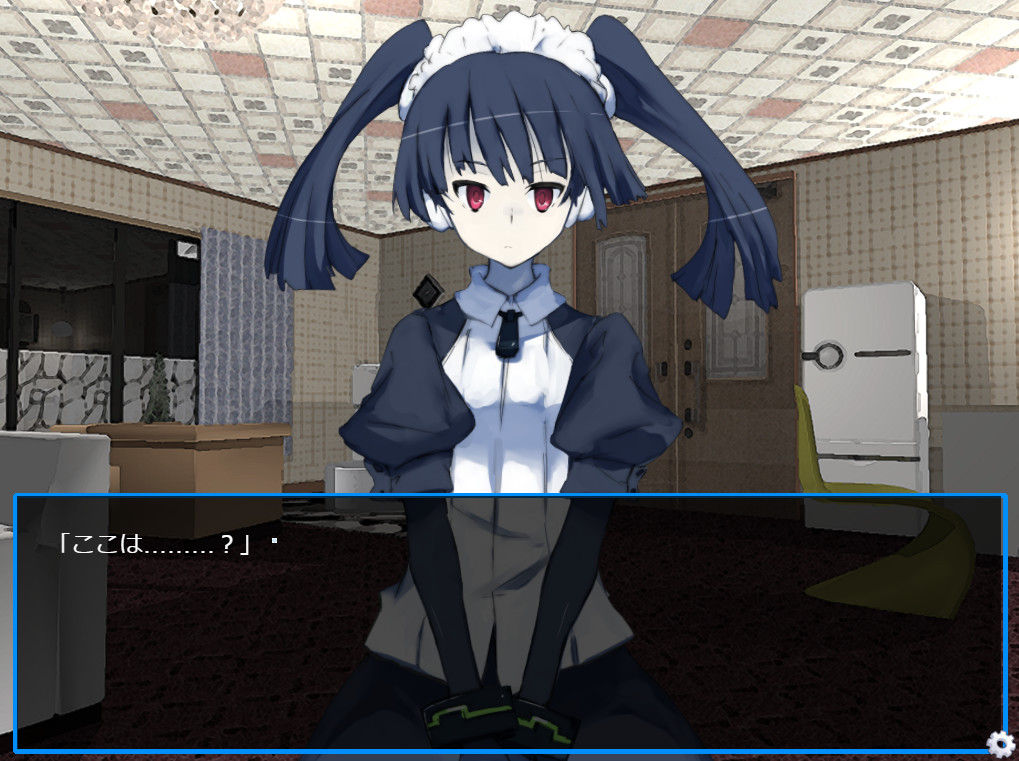
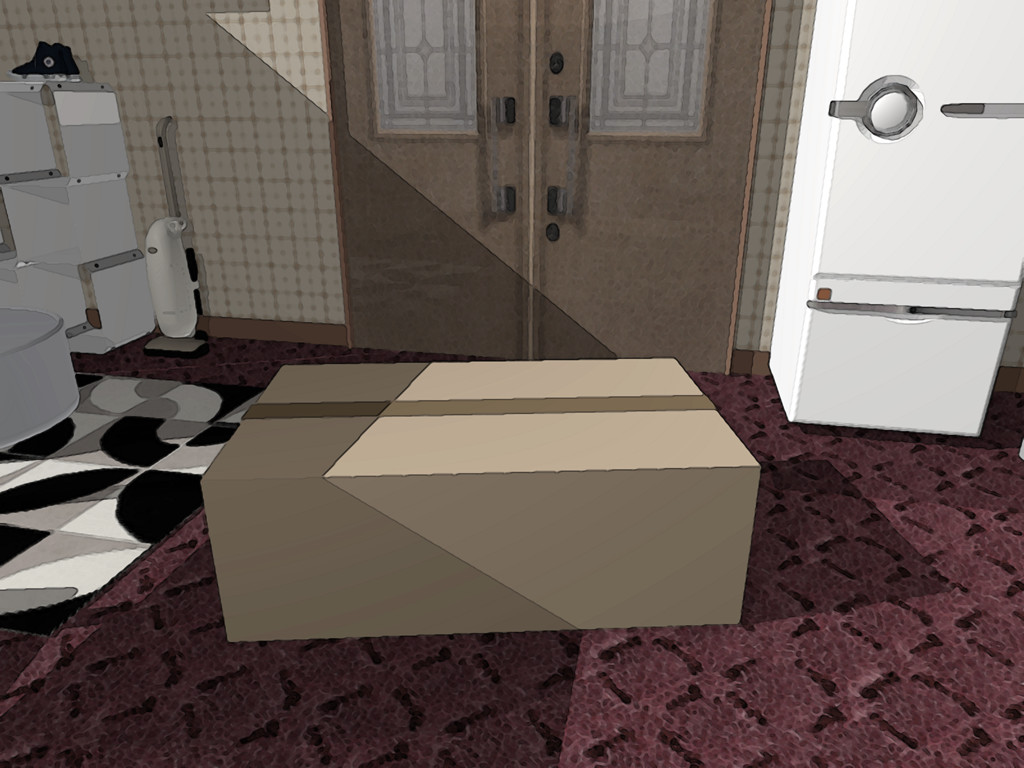
Glare 1more replaces the original sprites with Live2D characters, providing animated facial expressions that accompany the robot’s dialogue and add visual nuance to conversations.
The screen resolution was increased from 800 × 600 to 1024 × 768, offering a clearer view of the conversation area and making text easier to read.
- If the UI feels small, adjust your monitor’s scaling settings.
- Observe the Live2D facial animations for added visual nuance during conversations.
04 / THE GUIDE
Bonus Scenario and Checkpoints
The remake adds a bonus scenario titled “y,” which follows the non‑adult investigation path and introduces its own narrative twists beyond the main story.
A checkpoint system was introduced, allowing players to resume from saved points.
- Note the location of each checkpoint to plan where to test risky word entries.
- Complete the main route before exploring the bonus scenario for a fuller experience.
05 / THE GUIDE
System Requirements and Compatibility
Glare 1more runs on Windows platforms but will not start on Windows XP because the Live2D environment required by the game is unsupported on that operating system.
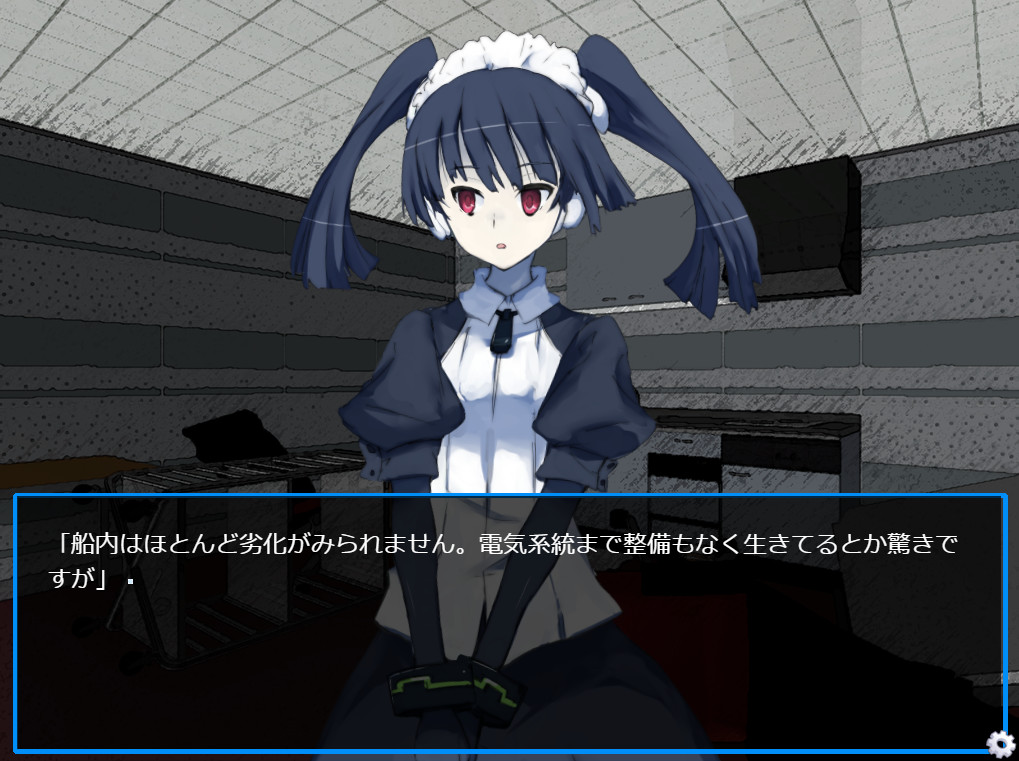
The game does not include background music; instead, it expresses itself through staging to convey atmosphere.
- Verify that your Windows version is newer than XP before launching.
- Pay attention to the staging during dialogue, since the game expresses itself through staging.
COMMUNITY
Player discussion