 GameWiki

GET YOUR BEARINGS
About GINKA
GINKA is Frontwing’s newest visual novel, created by the team behind ATRI –My Dear Moments–. The narrative follows Aoba Ryusei as he returns to his childhood island to investigate the disappearance of his friend Shinomiya Ginka.
The game runs on Windows via Steam and offers single‑player play with save‑anywhere, custom volume controls, Steam Cloud, family sharing and Steam Trading Cards, letting players progress at their own pace.
01 / THE GUIDE
Story Premise
Five years after Ginka vanished during a summer festival, Ryusei returns to the island as a high‑schooler hoping to learn whether she ever came back. The locals once called her disappearance an act of God, saying she was “spirited away.”
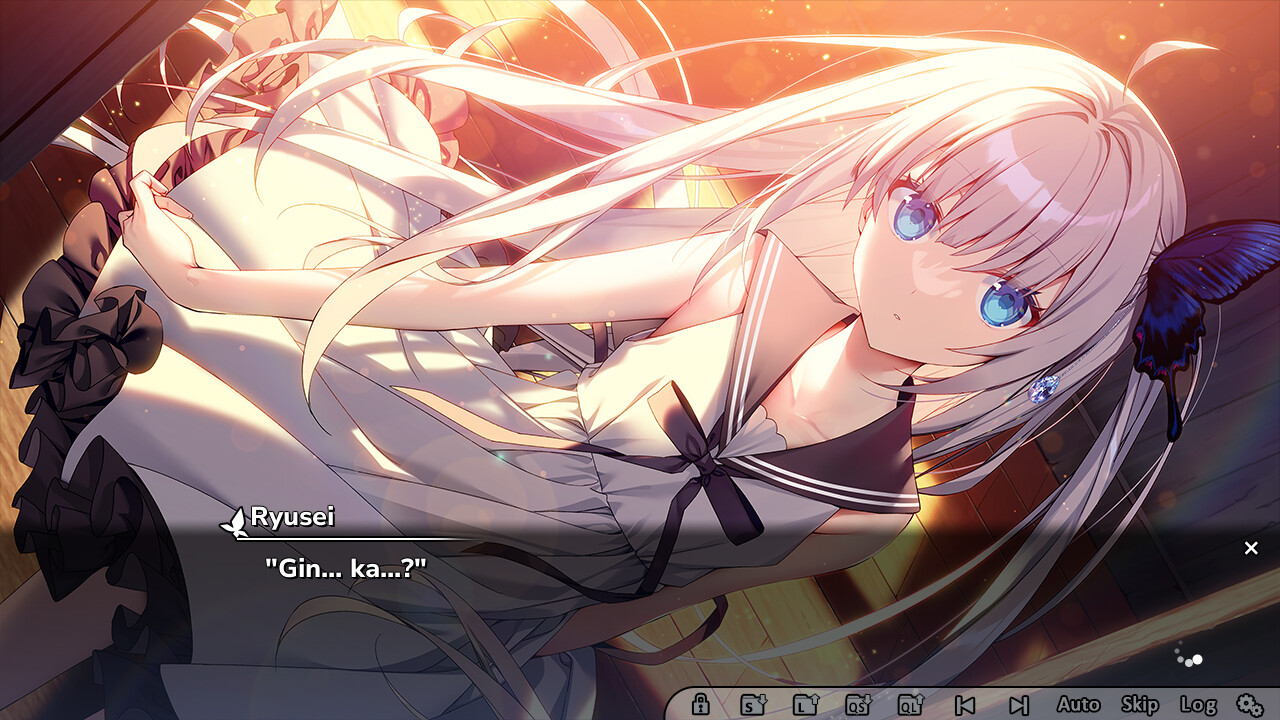
Upon arrival, Ryusei meets a girl who looks exactly like Ginka but cannot recall her own name. She only knows that she loves Ryusei, creating the central mystery of why she has not aged and where she has been.
- Note the dialogue that references the festival night.
- Compare the girl’s statements with Ryusei’s memories.
02 / THE GUIDE
Characters
The protagonist, Aoba Ryusei, drives the narrative by seeking answers on the island.
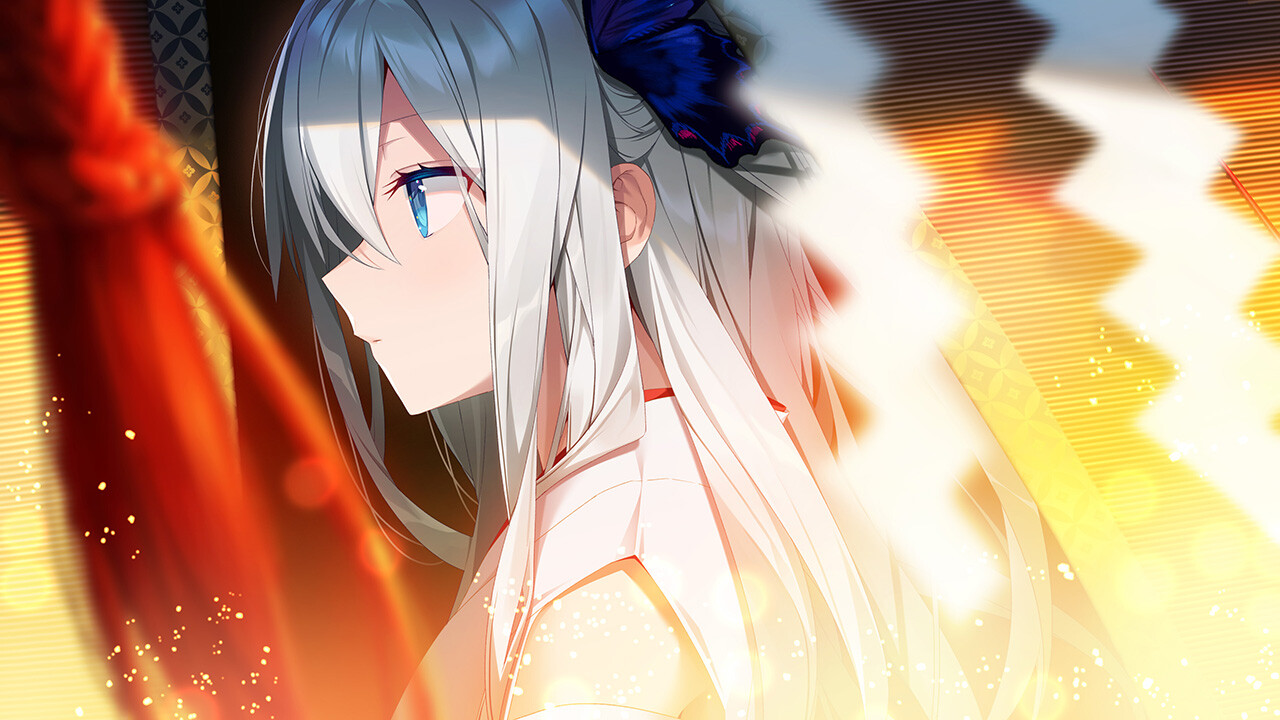
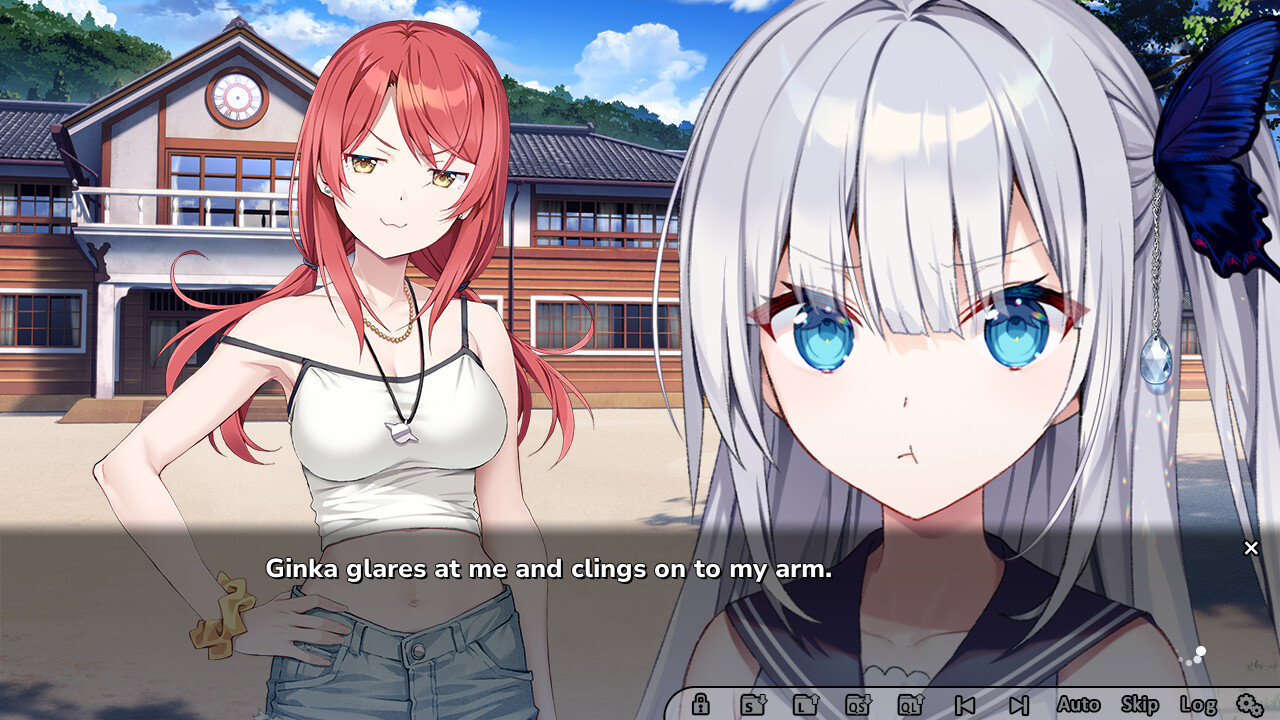
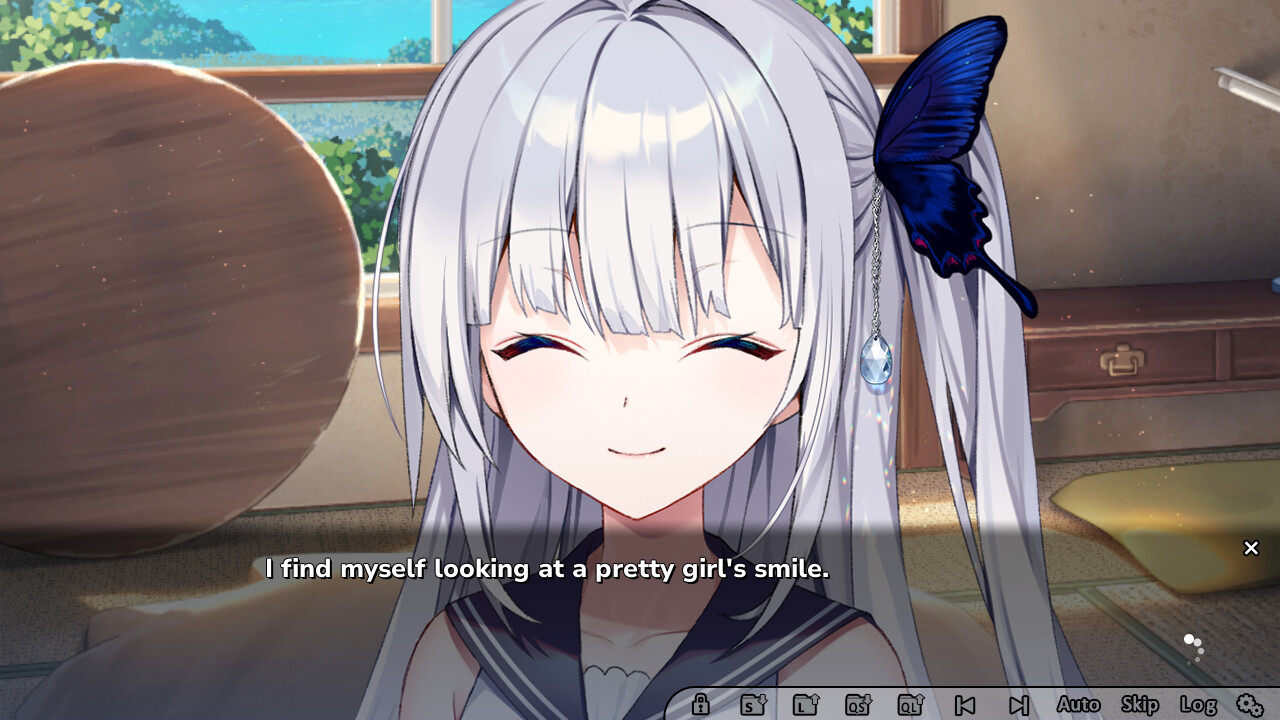
Ginka, voiced by Ikumi Hasegawa, appears as a mysterious girl who claims only love for Ryusei and lacks knowledge of her own name.
Character designs are provided by Akio Watanabe and Yusano, while Nanaca Mai supplies SD artwork, giving each character a distinct visual style.
- Listen to Ikumi Hasegawa’s performance for emotional cues.
- Observe sprite changes for subtle expression shifts.
03 / THE GUIDE
Audio & Music
Fuminori Matsumoto composed the soundtrack, delivering stereo sound that matches the tranquil island setting.
The opening theme “Star Trail” features vocals by Shinomiya Ginka, performed by Ikumi Hasegawa.
Players can adjust levels through the game’s custom volume controls to keep dialogue clear.
- Use headphones to hear the full stereo mix.
- Balance music and dialogue volumes for clarity.
04 / THE GUIDE
Gameplay Features
GINKA is a single‑player visual novel that can be played without timed input, allowing players to read and decide at their own speed.
Save‑anywhere and custom volume controls give full autonomy over pacing.
Steam integration adds trading cards, family sharing, and cloud saves, ensuring progress is preserved across Windows devices.
- Enable Steam Cloud to sync saves automatically.
- Create a manual save before each major decision.
05 / THE GUIDE
Platform Support
The title is released for Windows via Steam and supports standard PC input methods.
Family sharing on Steam allows multiple accounts in the same household to access the game, making it easy for friends or family members to experience the story.
- Check Windows system requirements before purchase.
- Activate family sharing if you want others to play from your library.

COMMUNITY
Player discussion