 GameWiki
GET YOUR BEARINGS
About Gimmick! 2
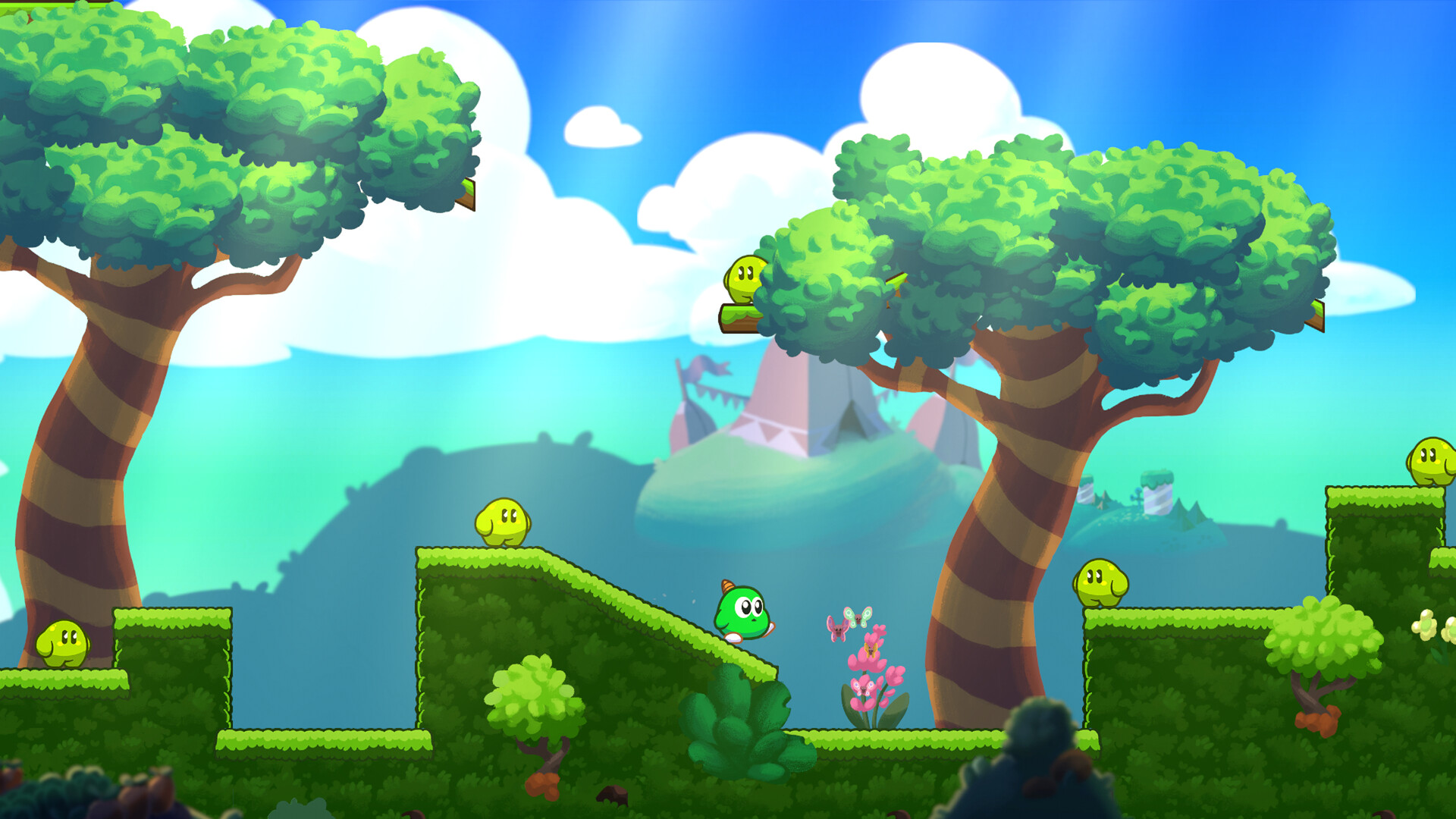
Gimmick! 2 revisits the green yokai Yumetaro, now on a fresh quest filled with challenges, enemies, and hidden treasures. Players can choose a forgiving assisted mode or the demanding “Gimmick!” mode that mirrors the original’s difficulty. The game centers on Yumetaro’s star‑throwing mechanic, which bounces, retains momentum, and can be ridden to reach secret areas. A new soundtrack by David Wise and a modernized physics system aim to bring the classic experience to a worldwide audience.
01 / THE GUIDE
Star Physics
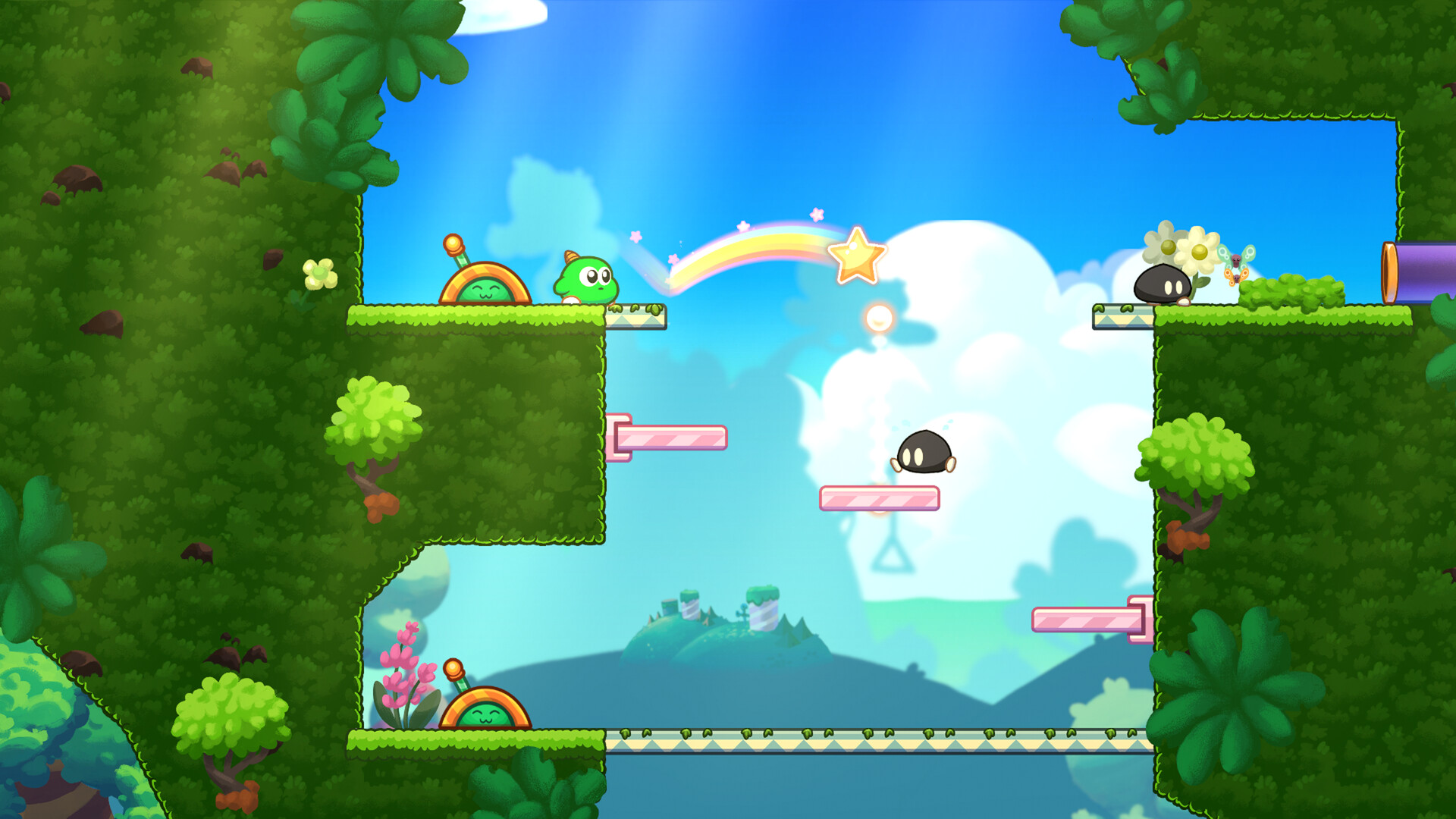
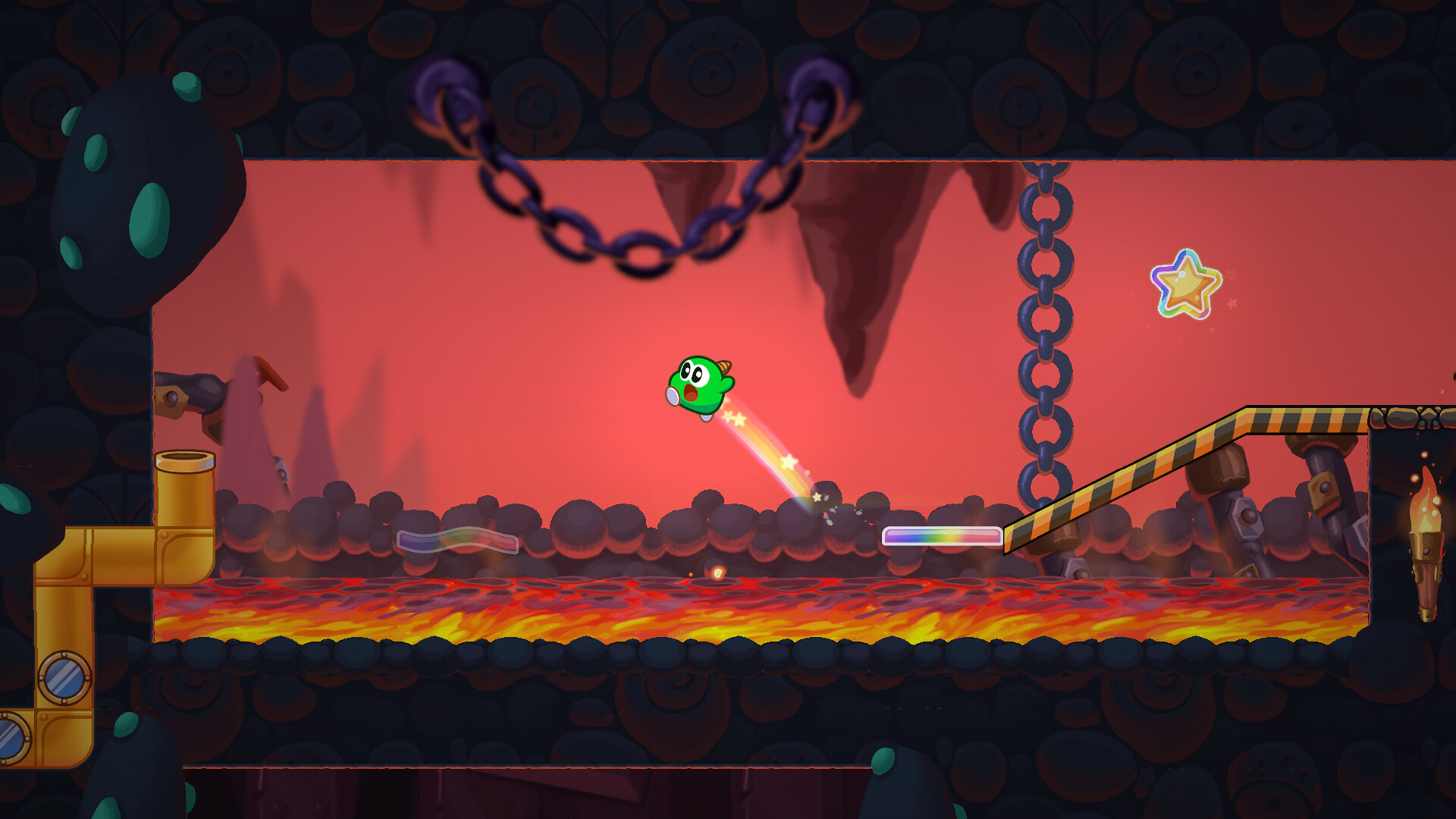
Yumetaro can summon and throw a star that bounces while preserving his movement momentum. This star can activate switches, defend against foes, and be ridden to access hard‑to‑reach spots. Mastering the bounce allows players to discover treasure, shortcuts, and speed‑run opportunities, turning the star into a versatile tool for exploration and combat.
- Experiment with different angles to see how momentum carries the star.
- Use the star to test hidden pathways before committing to a route.
02 / THE GUIDE
Game Modes
Gimmick! 2 offers two distinct play styles: an assisted mode designed for a friendlier experience, and the true‑to‑original “Gimmick!” mode that retains the classic challenge level. The assisted mode is designed to be friendlier, while the “Gimmick!” mode stays true to the original challenge. You can play in either a friendlier assisted mode or the true‑to‑the‑original “Gimmick!” mode, with the star abilities available as you explore.
- Try assisted mode first to learn star handling before tackling the original difficulty.
- Switch modes after a few attempts to compare how assistance affects your strategy.
03 / THE GUIDE
Legendary Soundtrack
Composer David Wise provides both new melodies and re‑imagined classics for Gimmick! 2. The music was directed by Pelle Cahndlerby and recorded live in Sweden with Joel Bille, giving the game a rich auditory backdrop. The soundtrack blends nostalgic themes with fresh compositions, enhancing both exploration and combat moments throughout the adventure.
- Listen for recurring motifs in the new melodies and remade classics as you play.
- Pay attention to how the music sits alongside the game’s sound for clearer cues.
04 / THE GUIDE
Platform Support
Gimmick! 2 runs on Windows and Linux via Steam, supporting full controller use, including DualShock and DualSense devices. Features such as Steam Cloud and Family Sharing are also available. The game’s single‑player focus means all content is experienced solo, regardless of the platform or controller choice.
- Steam Cloud is among the game’s listed Steam features.
- Test both DualShock and DualSense controllers to see which feels best for star control.
05 / THE GUIDE
Legacy Context
The original Gimmick! debuted on the Famicom™ in 1992 and was only localized in Scandinavia, earning a cult reputation for its ahead‑of‑its‑time physics. Gimmick! 2 expands that legacy, aiming to make the experience accessible worldwide. Understanding the series’ history highlights why the star mechanic feels both nostalgic and refreshed in the sequel.
- Research the 1992 version to appreciate design evolutions.
- Compare the original’s physics with the new bounce system for deeper insight.
COMMUNITY
Player discussion