 GameWiki
GET YOUR BEARINGS
About Gigantes Ex Machina
Gigantes Ex Machina is a rogue‑lite mecha action shooting game that blends fast‑paced combat with a randomized power‑up leveling system. Both newcomers and veterans can jump in and experience the chaotic battlefield. Set in a near‑future war‑torn world, players pilot the giant mecha “Gigas” against endless enemy waves while nations and megacorporations scramble for the ancient weapon Gaia.
01 / THE GUIDE
Gameplay Mechanics
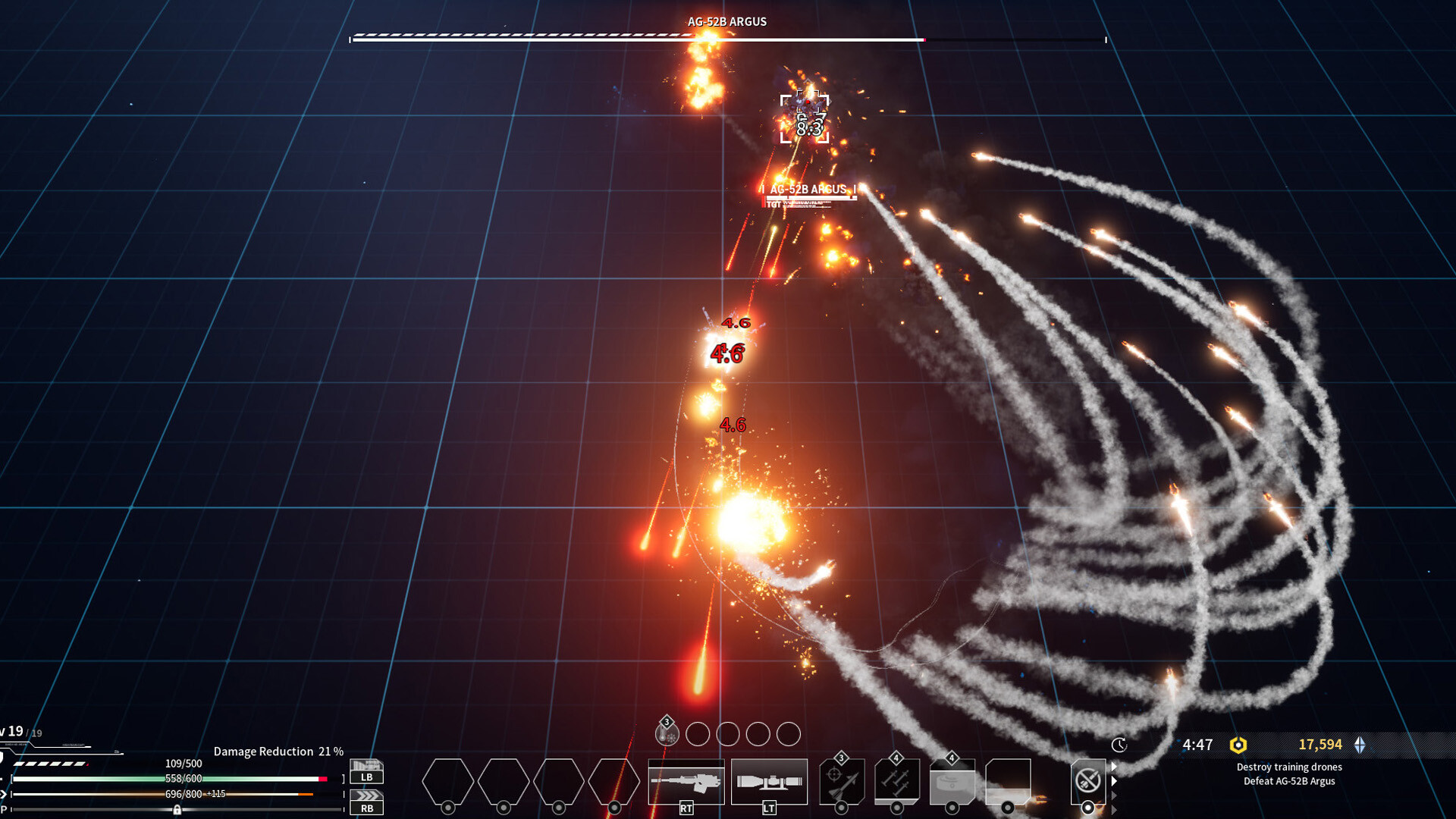
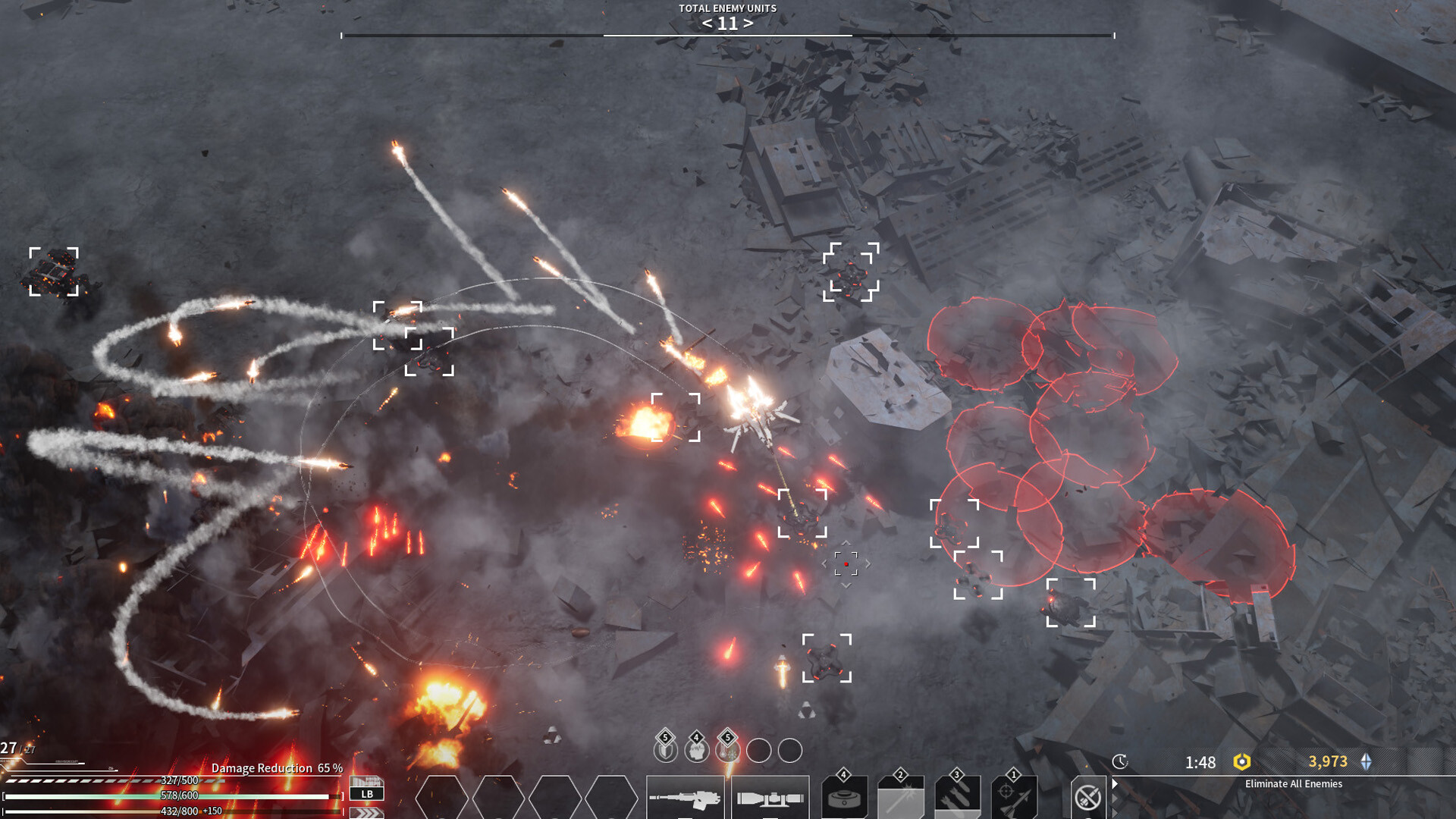
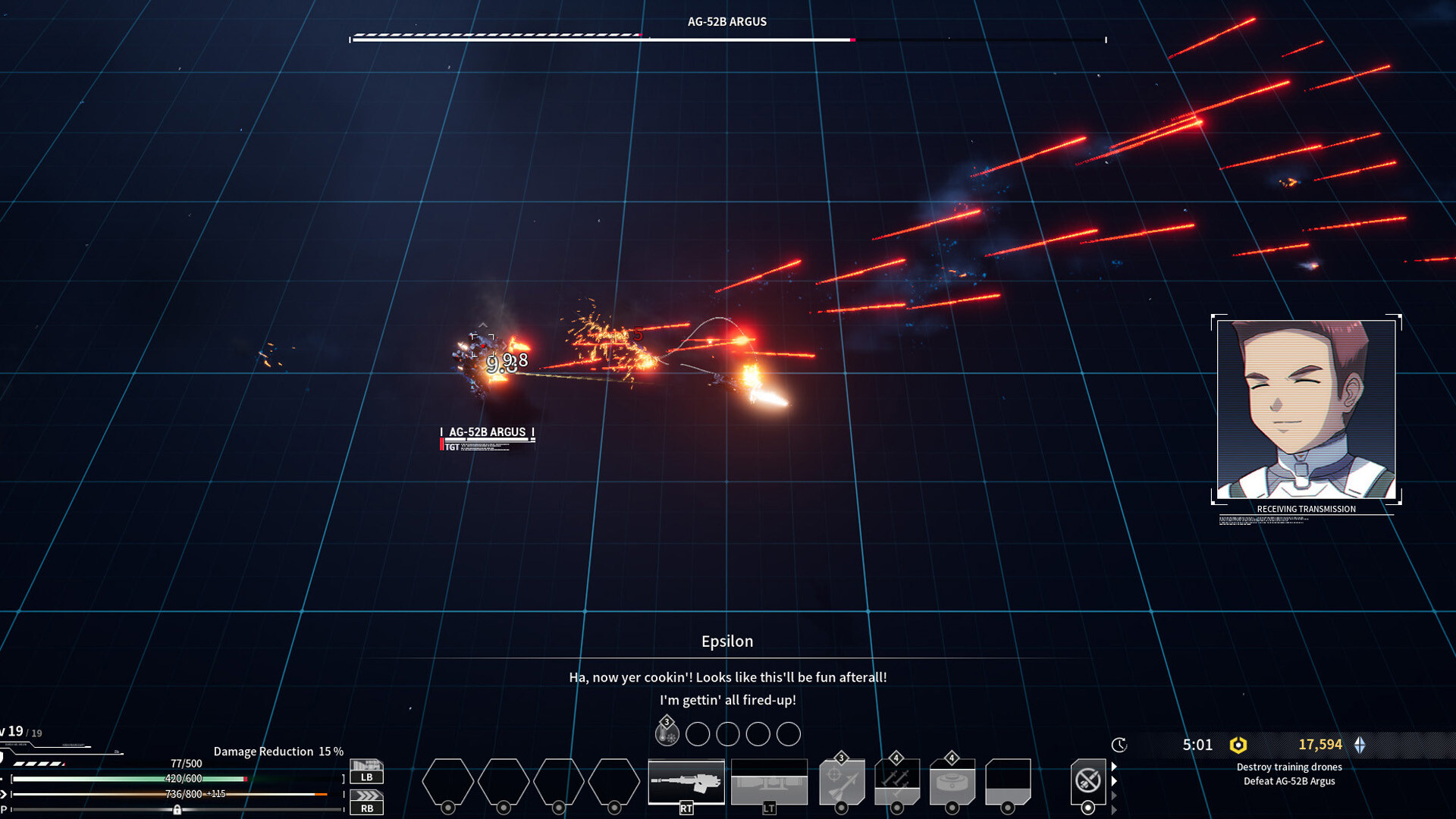
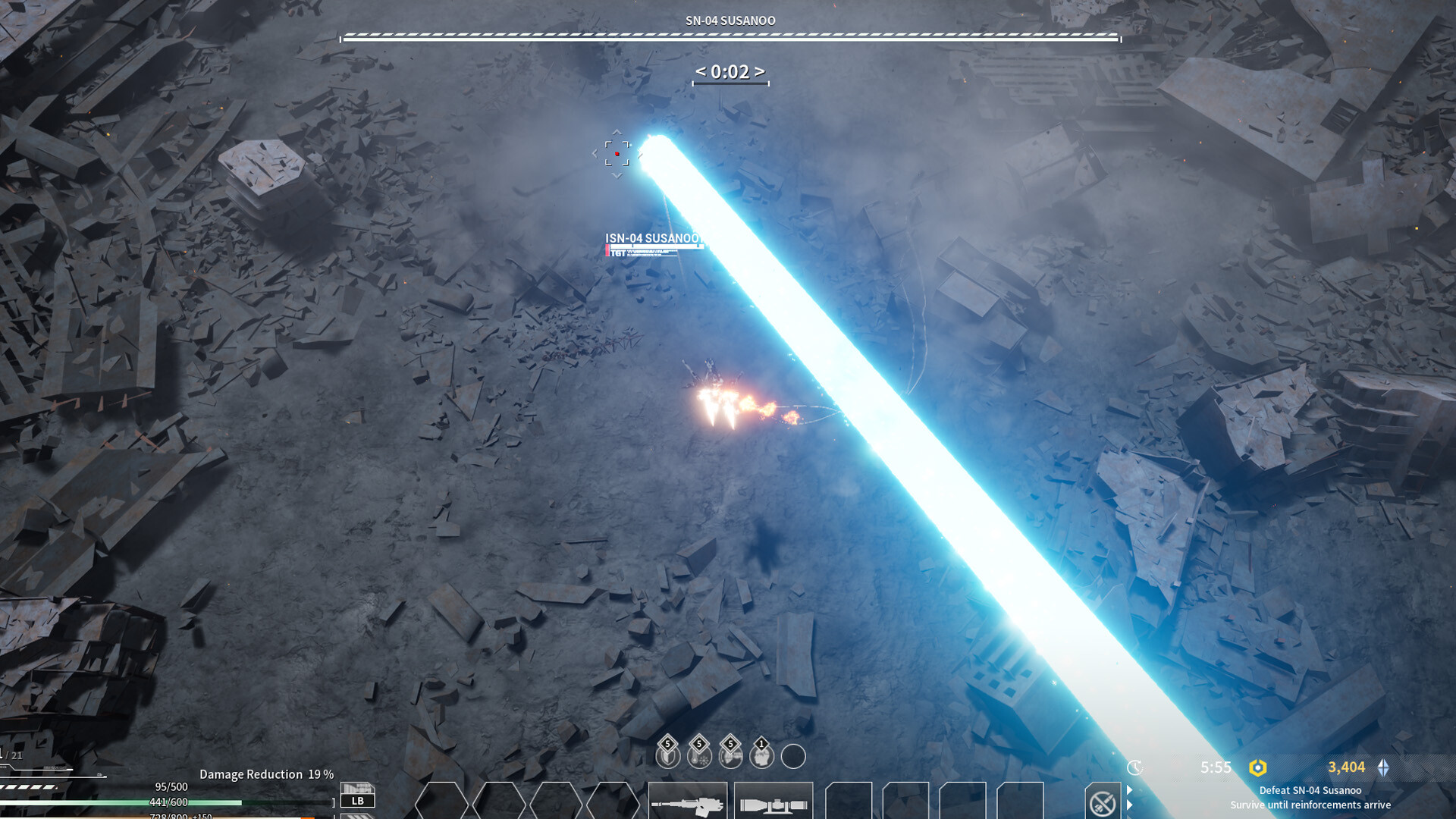
The core loop centers on piloting the mecha Gigas and surviving endless waves of enemies. A randomized power‑up leveling system adds variety to each run, keeping encounters fresh. Smart use of IRCM lets players dodge a constant barrage of bullets and missiles, encouraging tactical movement over pure firepower.
- Observe enemy patterns before committing to a power‑up path.
- Practice IRCM evasion to reduce damage from dense projectile streams.
02 / THE GUIDE
Audio Immersion
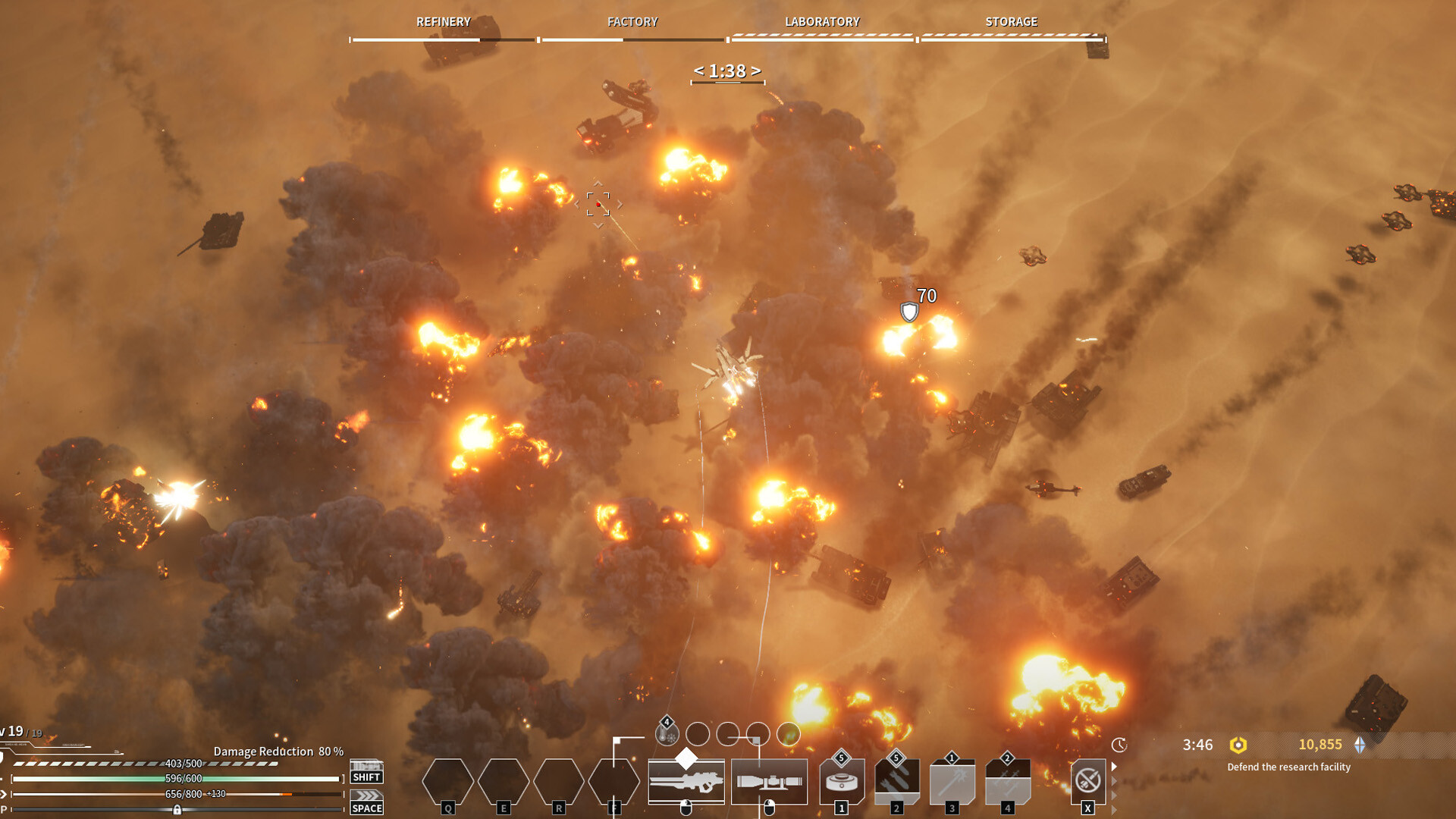
Audio fidelity is highlighted with layered gunfire, explosions, and pulsating sound effects that react to battlefield chaos. The sound design aims to pull players deeper into combat. These auditory cues also serve as feedback for successful evasion and enemy proximity, enhancing situational awareness.
- Adjust volume levels to balance music and effects for clearer combat cues.
- Listen for distinct explosion sounds to anticipate nearby threats.
03 / THE GUIDE
Story Context
In a future scarred by endless wars, humanity uncovers the ancient weapon Gaia, which threatens extinction. Nations and megacorporations form a fragile alliance to resist the catastrophe. Players awaken as an experimental pilot of the next‑generation weapon system, Anima, stepping into the chaotic age aboard the mecha Gigas.
- Consider the narrative backdrop when choosing power‑up strategies.
- Reflect on the alliance tension to appreciate the game's thematic stakes.
04 / THE GUIDE
Platform Features
Gigantes Ex Machina runs on Windows and supports full controller input, custom volume controls, Steam Cloud saves, and Family Sharing. These features aim to improve accessibility and convenience. Steam Cloud ensures progress is retained across installations, while Family Sharing lets multiple accounts access the game without separate purchases.
- Enable Steam Cloud to safeguard your run data.
- Use custom volume controls to fine‑tune audio for optimal immersion.
05 / THE GUIDE
Control Support
The game offers full controller support, allowing players to navigate and fight using a gamepad. This inclusion gives players the option to navigate and fight with a gamepad. While controller specifics aren’t detailed, the support indicates compatibility with standard gamepad layouts for movement, aiming, and actions.
- Test controller sensitivity settings for smoother evasion.
- Compare controller comfort against keyboard for extended sessions.
COMMUNITY
Player discussion