 GameWiki

GET YOUR BEARINGS
About Ghost of Tsushima DIRECTOR'S CUT
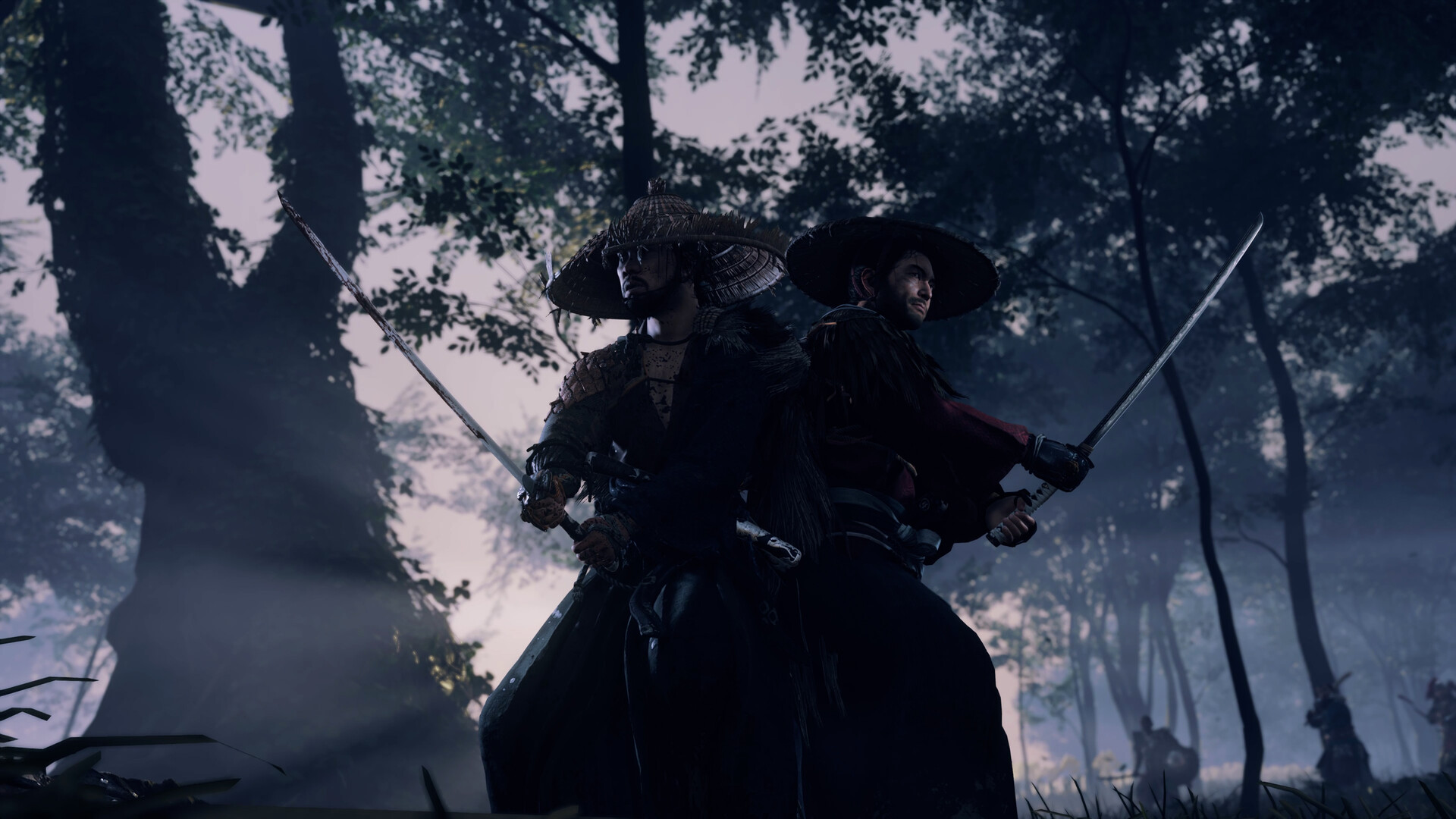
Ghost of Tsushima: Director’s Cut brings the samurai saga of Jin Sakai to PC for the first time, set during a 13th‑century Mongol invasion of Tsushima Island. The story follows Jin as he abandons tradition to become the Ghost and fight an unconventional war to protect his people.
The PC version adds unlocked framerates, a wide range of graphics options, and support for ultrawide, super‑ultrawide and triple‑monitor displays. Players may use mouse‑keyboard or a wired DualSense controller, which provides haptic feedback, adaptive triggers, and Japanese lip‑sync for real‑time cinematics.
01 / THE GUIDE
Story and Setting
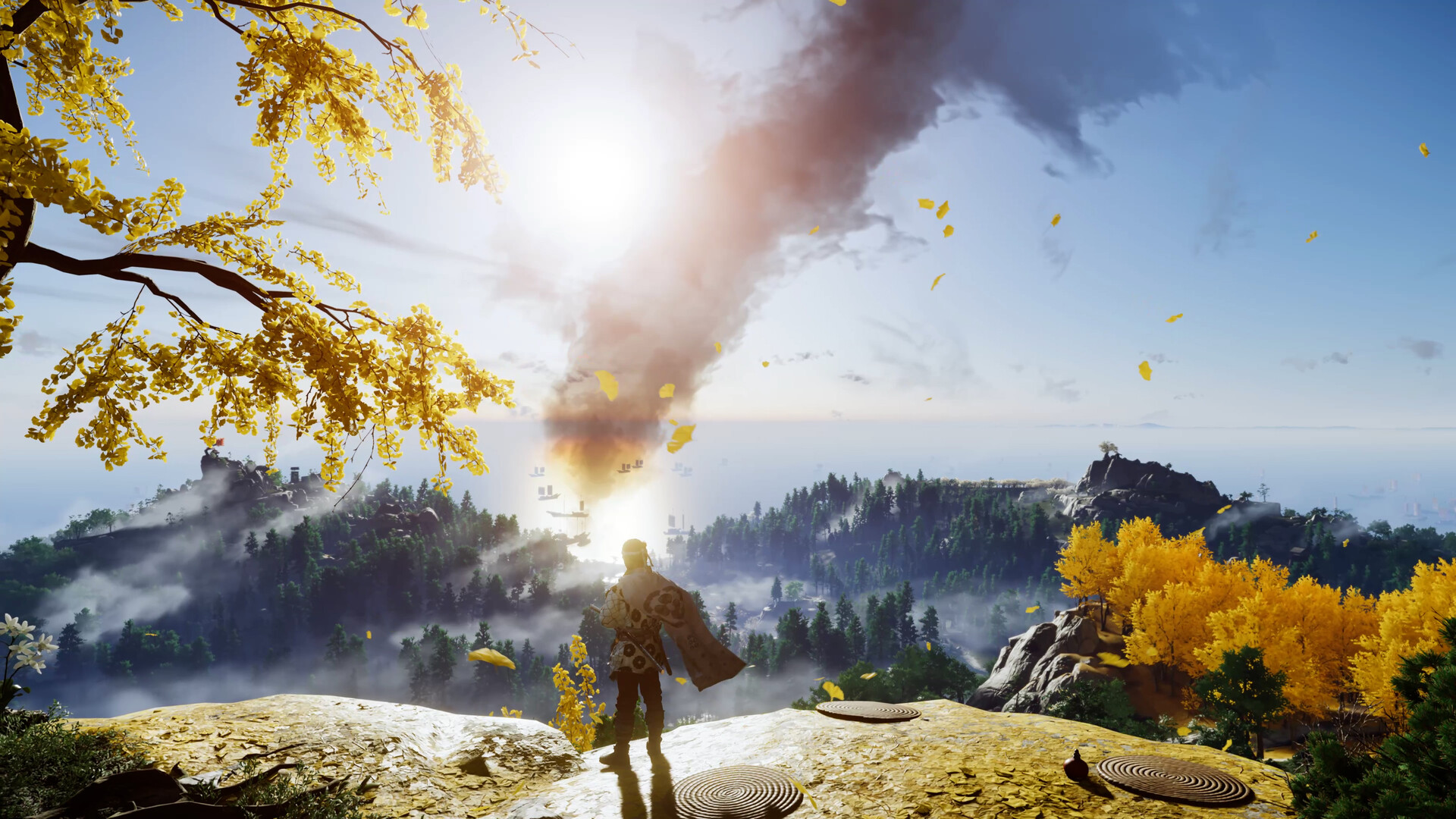
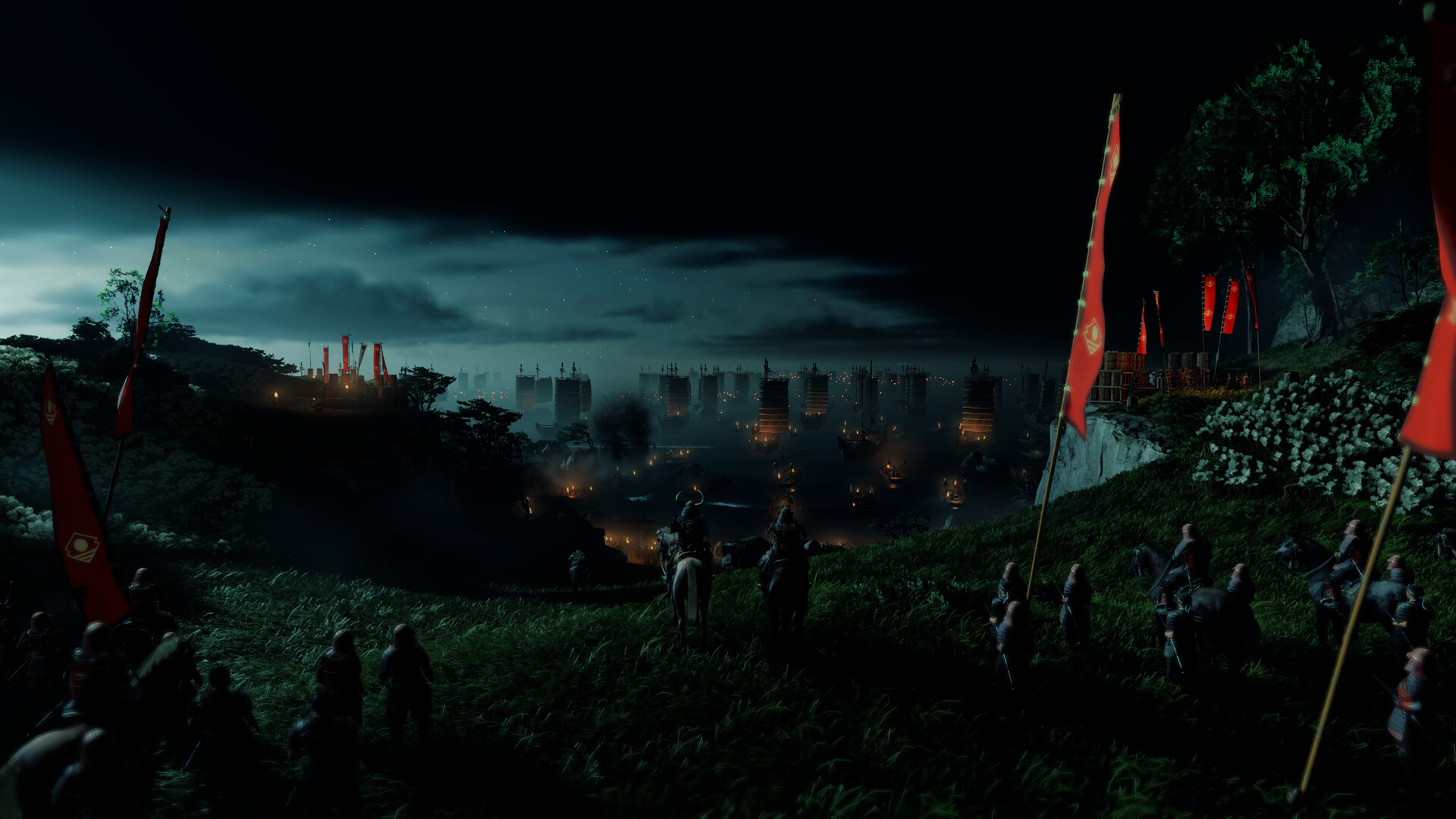
The narrative takes place in the late 13th century when the Mongol empire launches a massive invasion fleet led by General Khotun Khan. Tsushima Island is the last barrier before mainland Japan and burns under the first wave of assault.
Jin Sakai, one of the few surviving samurai of his clan, must set aside his traditional ways. He adopts the Ghost’s tactics, employing unconventional methods to reclaim his homeland and protect his people.
- Consider how Jin’s shift from samurai to Ghost drives the plot.
- Watch environmental cues during the island’s burning scenes for extra story context.
02 / THE GUIDE
Graphics and Performance Options
Director’s Cut offers unlocked framerates and a spectrum of graphics settings that scale from high‑end PCs to portable gaming devices. Upscaling and frame‑generation technologies such as NVIDIA DLSS 3, AMD FSR 3, and Intel XeSS are available.
Additional features include NVIDIA Reflex, DLAA, HDR, and support for ultrawide (21:9), super‑ultrawide (32:9) and 48:9 triple‑monitor configurations, expanding the visible field of action.
- Enable DLSS 3 or FSR 3 if your GPU supports it for smoother frame rates.
- Activate HDR on compatible displays to boost visual fidelity.
03 / THE GUIDE
Display and Monitor Support
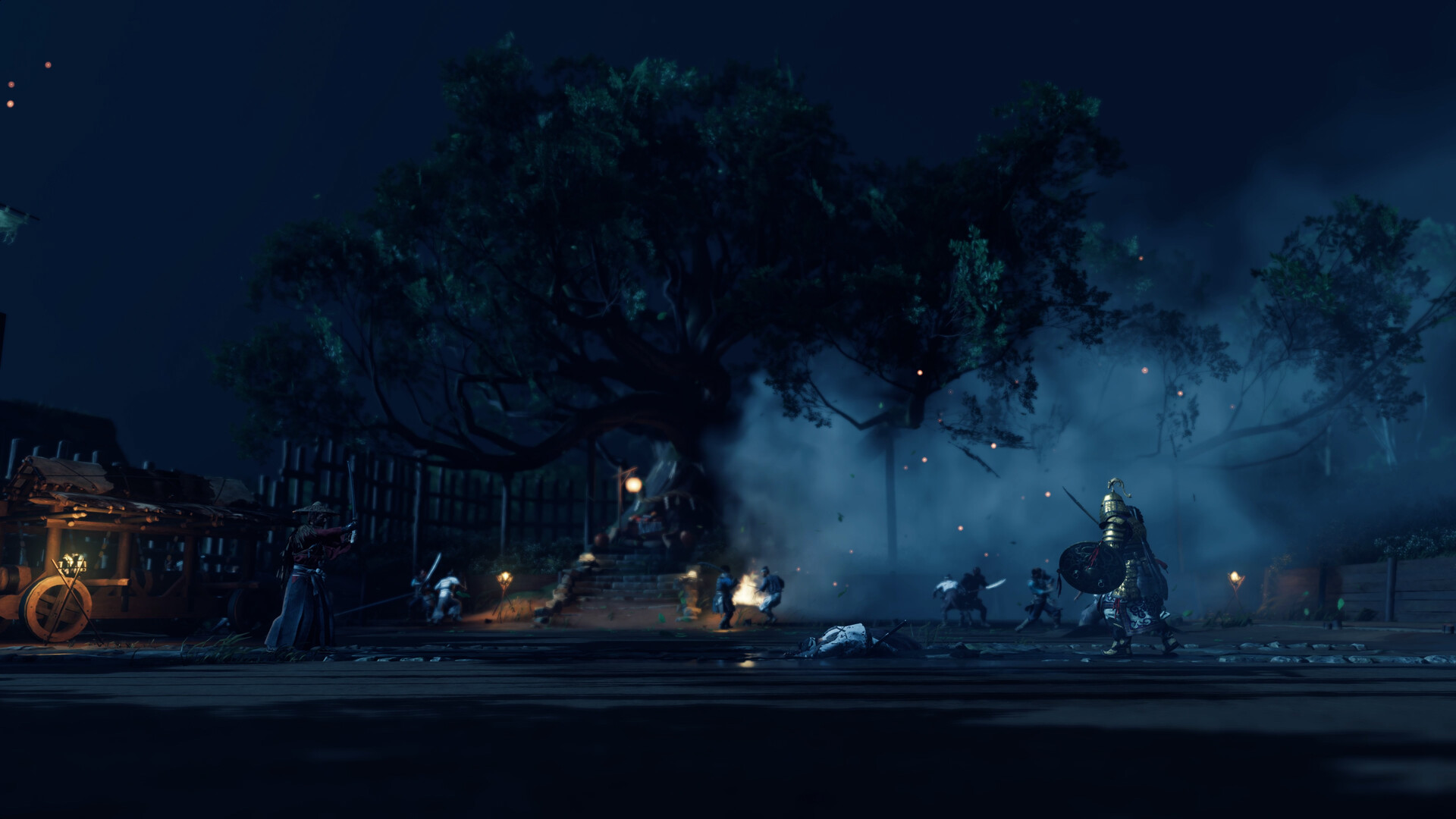
Players can broaden their view using ultrawide, super‑ultrawide, and triple‑monitor setups ranging from 21:9 to 48:9 aspect ratios, revealing more of the island’s landscape and combat.
A compatible PC and display device are required for these features, ensuring the hardware can handle the increased resolution and aspect ratios without compromising performance.
- Check your monitor’s aspect ratio before enabling ultrawide support.
- Adjust UI scaling if HUD elements appear off‑screen.
04 / THE GUIDE
Controller Compatibility
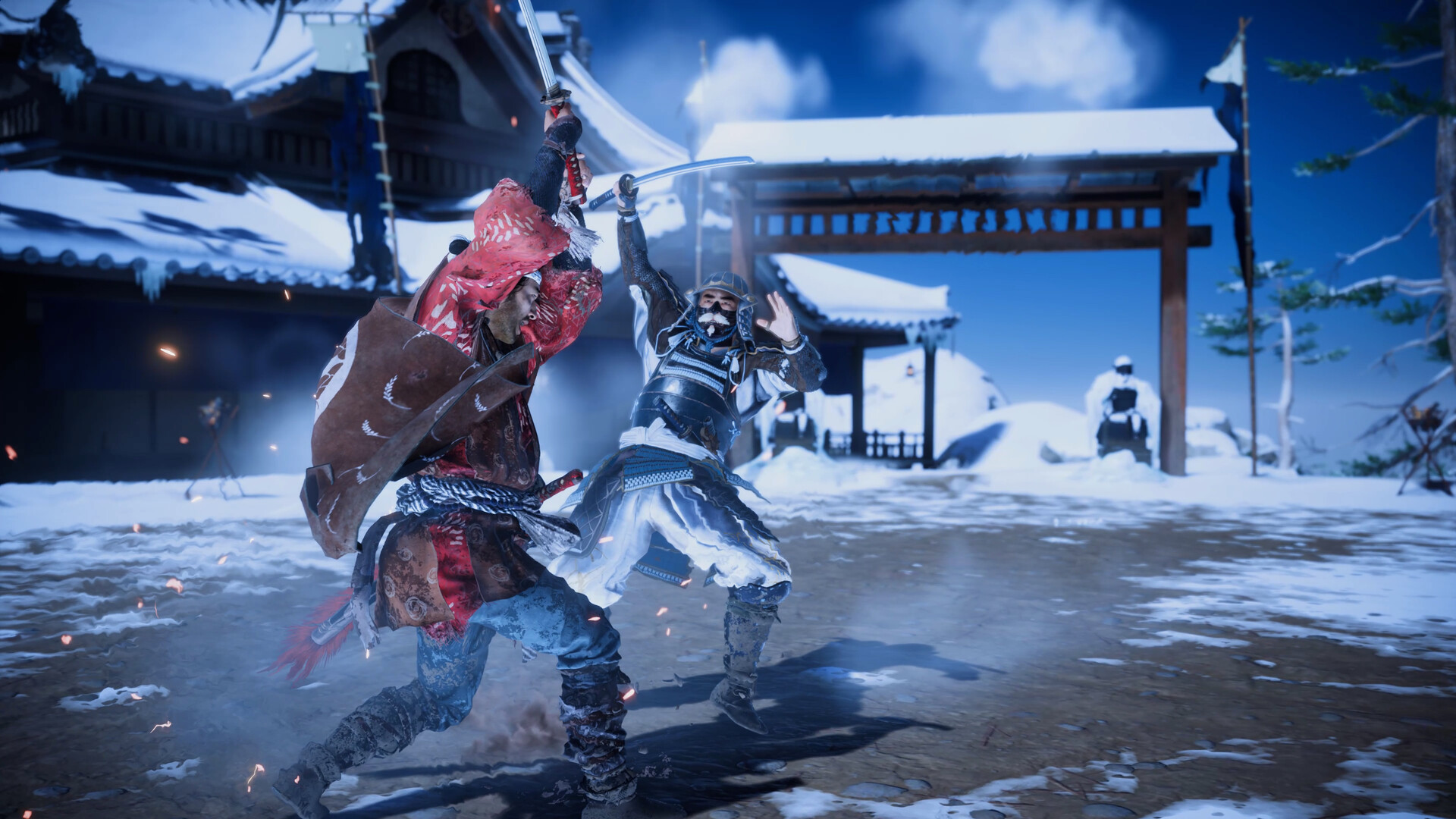
Full controller input is supported, including DualSense and DualShock devices. When using a wired DualSense, haptic feedback simulates blade vibrations and adaptive trigger resistance enhances bow accuracy.
Mouse and keyboard remain fully customizable and are an alternative input method. A wired connection is required to access the complete range of controller features.
- Use a wired DualSense to unlock haptic feedback and adaptive triggers.
- Customize mouse‑keyboard bindings for personal comfort.
05 / THE GUIDE
Multiplayer and Online Features
The Director’s Cut includes both PvP and co‑op online modes, allowing players to compete or cooperate with others. Steam achievements, trading cards, and cloud saves are integrated for a connected experience.
Accessibility options such as adjustable text size, subtitle choices, and difficulty settings ensure a wide audience can enjoy the multiplayer components.
- Verify Steam Cloud is enabled to keep progress synced across devices.
- Adjust difficulty before entering PvP to match your skill level.
COMMUNITY
Player discussion