 GameWiki
GET YOUR BEARINGS
About GEX Trilogy
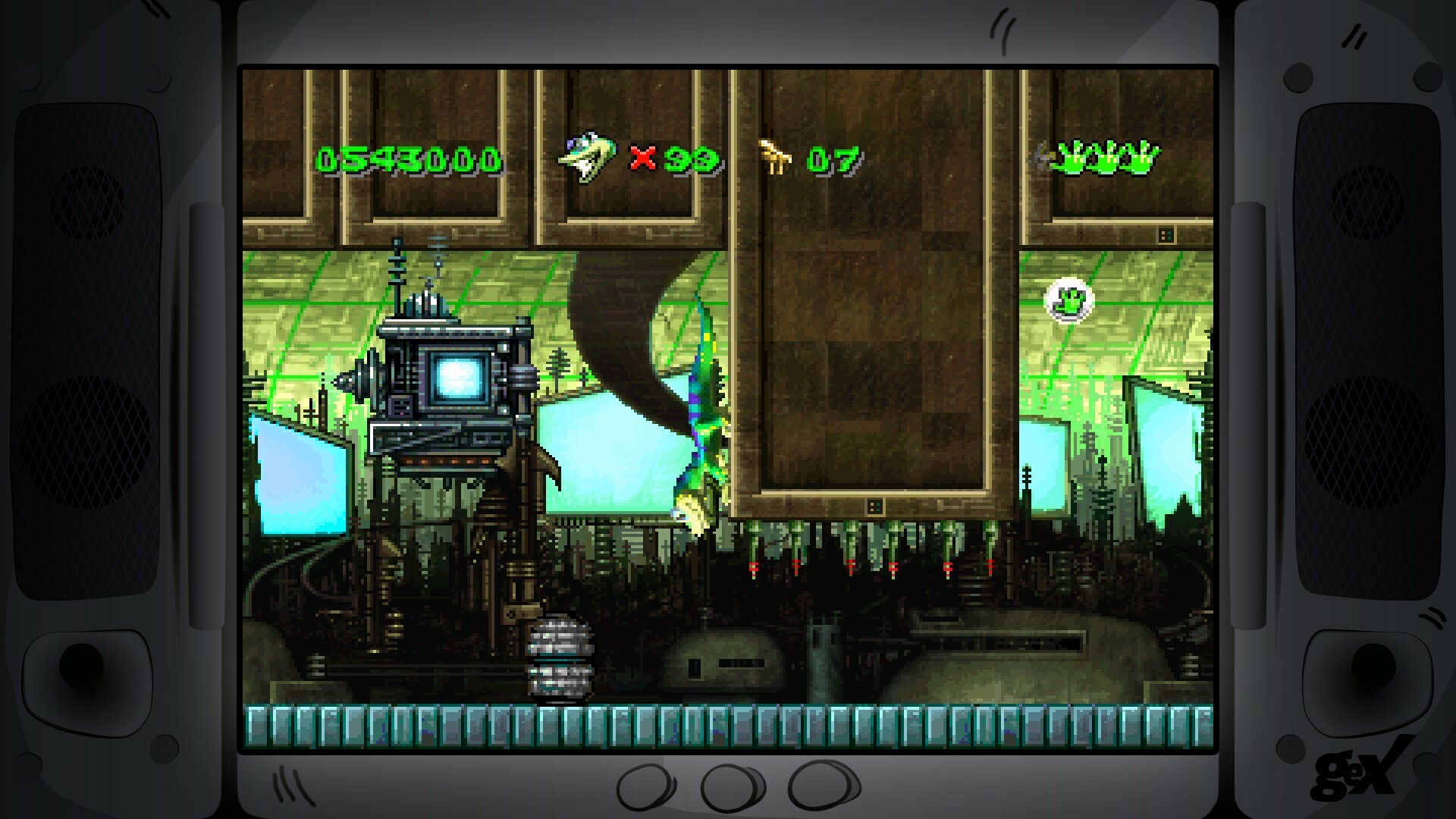
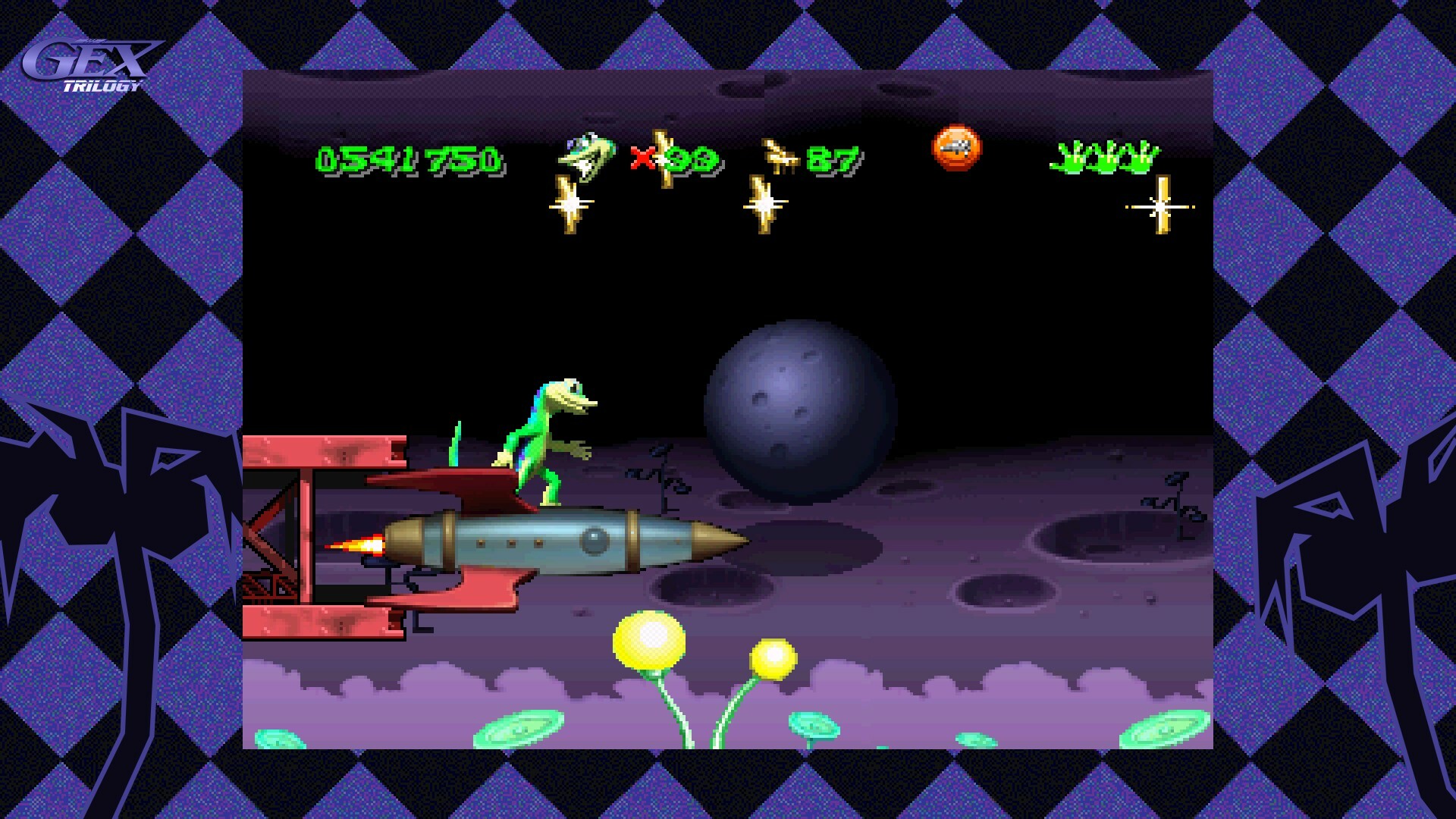
GEX Trilogy brings the three original Gex titles to Windows with modern visual and control upgrades while keeping the classic platforming intact. The 3D entries run in native 16:9 widescreen, and the collection adds optional CRT filters, borders, and rewind and save anywhere.
Beyond the gameplay, the package includes a music player, a museum of key art, vintage TV commercials, and a new interview with voice actor Dana Gould. Single‑player mode is supported alongside Steam achievements, cloud saves, trading cards, and family sharing.
01 / THE GUIDE
Native 16:9 Widescreen
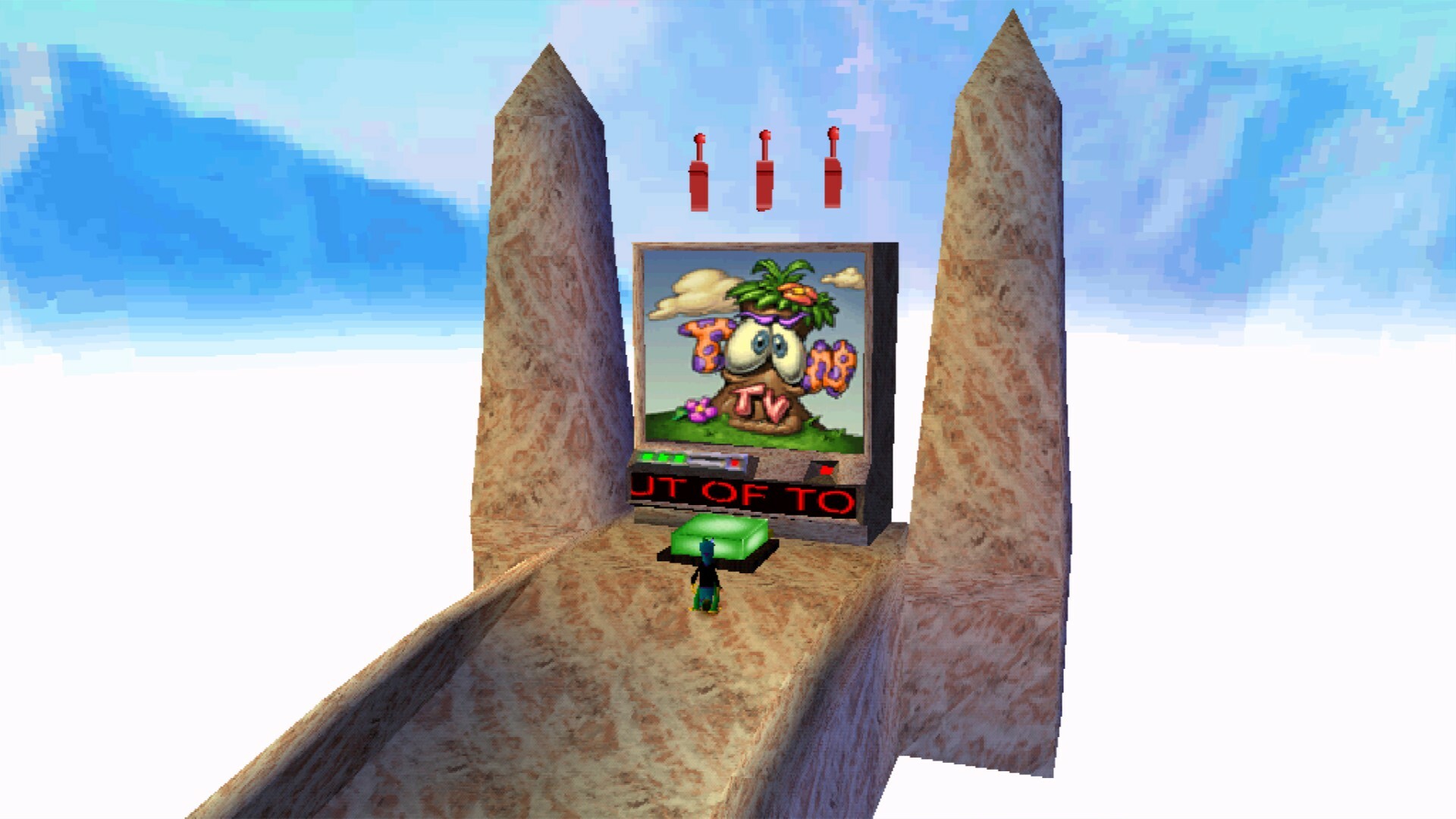
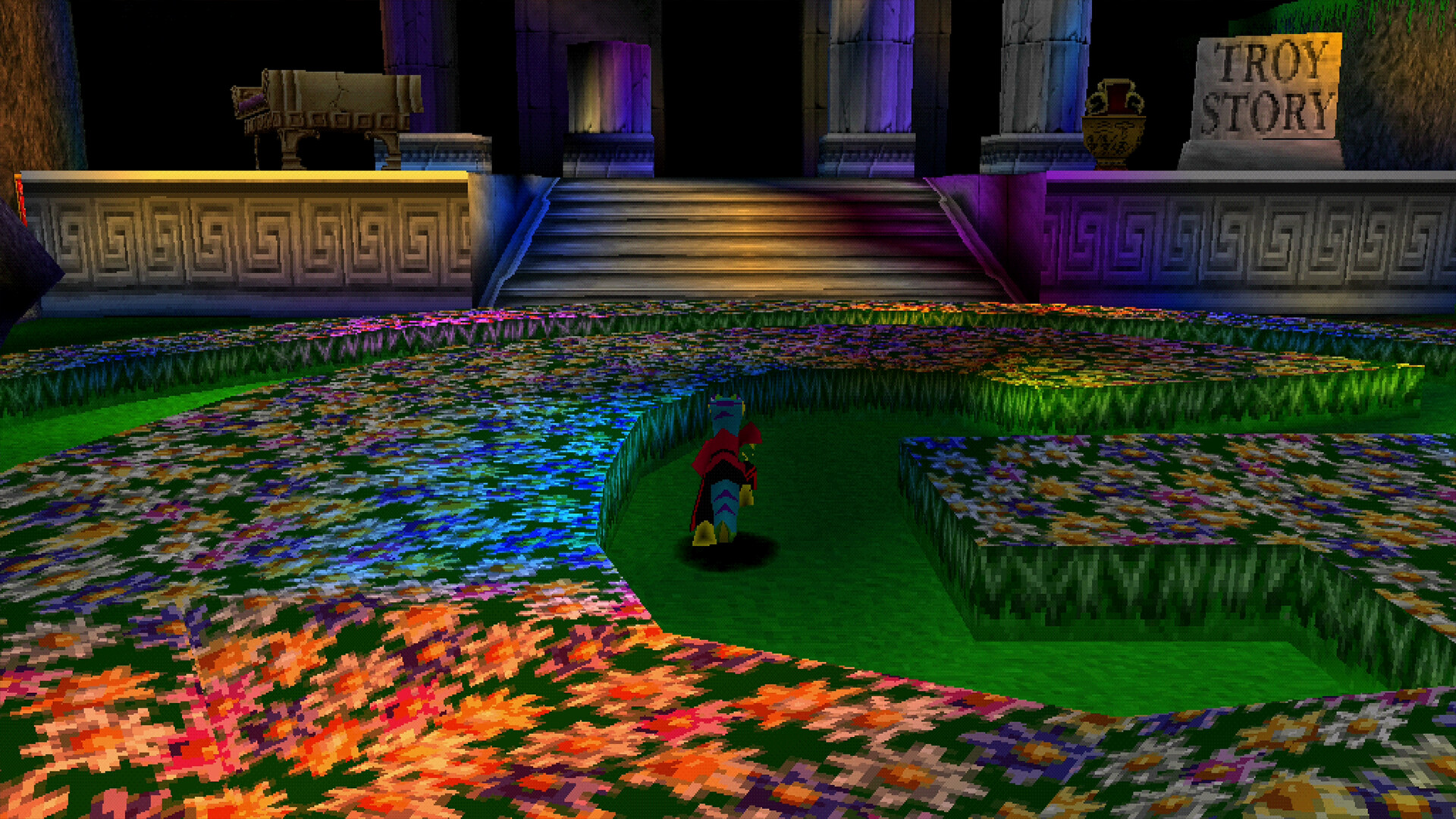
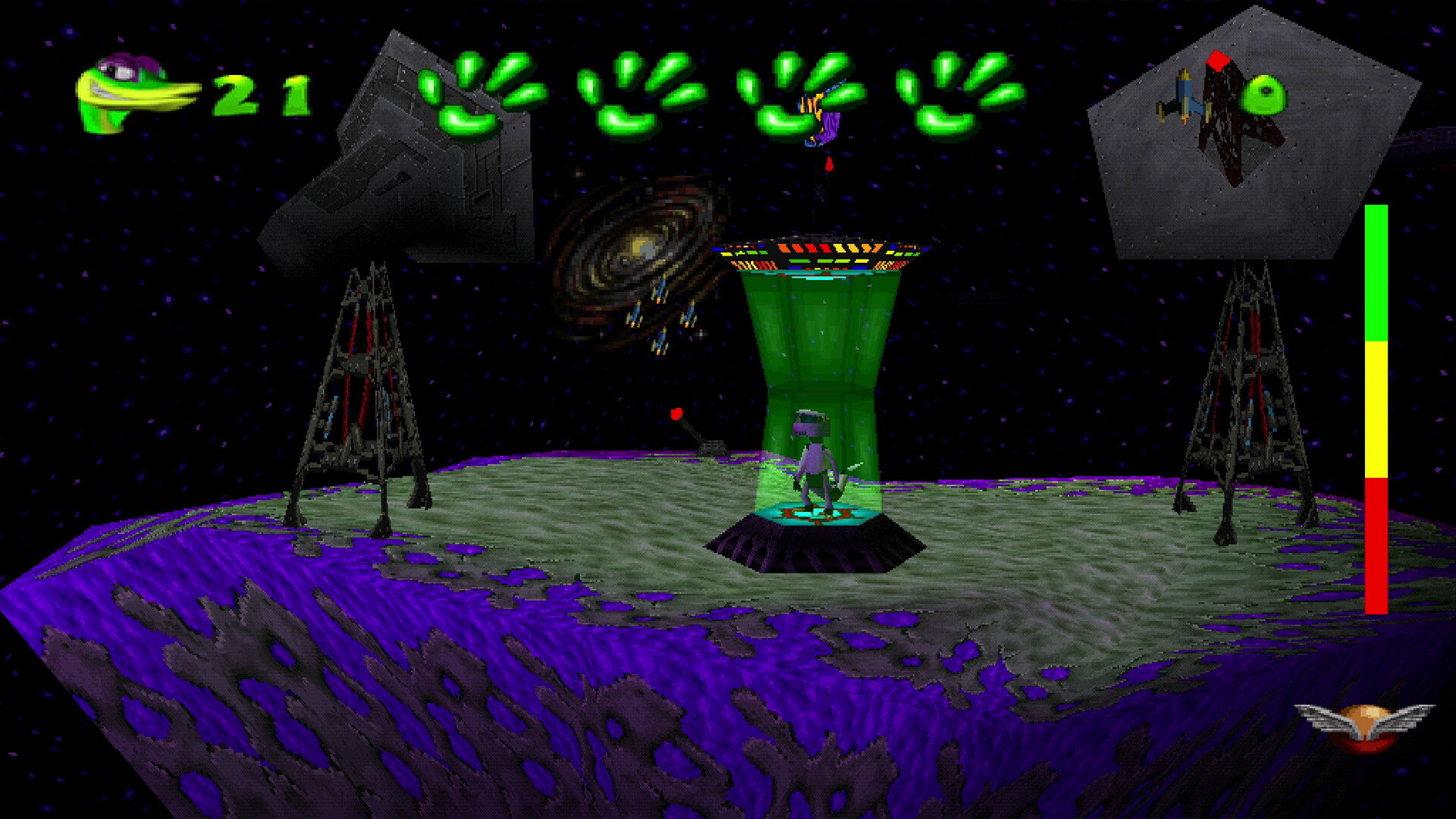
All three games are rendered in a modern 16:9 aspect ratio, replacing the original display formats while preserving level geometry. This visual update fills contemporary monitors without altering gameplay.
The widescreen mode works together with optional CRT filters and borders, letting players choose a retro look or a clean high‑definition presentation. No gameplay mechanics are changed by these visual options.
- Enable the CRT filter for a nostalgic glow.
- Use borderless mode for an unobstructed view.
02 / THE GUIDE
Analog Control Options
GEX Trilogy offers rebuilt 360‑degree analog controls for the two 3D entries, providing finer movement precision than the original 8‑way digital scheme.
Both analog and digital schemes are selectable in the options menu and apply only to the 3D titles; the 2D game retains its classic input style. No additional controller features are described.
- Start with analog mode to feel the new responsiveness.
- Switch back to digital if analog feels too sensitive.
03 / THE GUIDE
Rewind and Save Anywhere
A rewind feature records recent gameplay and lets players backtrack moments in any of the three games, paired with the ability to save at any point.
The tool works across all titles, letting players backtrack moments for smoother platforming.
- Use rewind after a missed jump to keep momentum.
- Save before boss encounters for quick retries.
04 / THE GUIDE
Bonus Museum and Media
The collection includes a museum showcasing key art, a full soundtrack player, classic TV commercials, and a fresh interview with Dana Gould.
These extras serve as a historical archive for fans of the series.
- Explore the museum to discover concept art.
- Listen to the soundtrack while playing for atmosphere.
05 / THE GUIDE
Steam Integration
GEX Trilogy supports Steam achievements, cloud saves, and trading cards on Windows. These are listed Steam features for the game.
Family Sharing is also listed, allowing the game to be played by multiple accounts on the same device, though specific sharing limits are not detailed.
- Check the achievement list for optional challenges.
- Make sure Steam Cloud is enabled in your Steam settings to keep progress after reinstallations.
COMMUNITY
Player discussion