 GameWiki
GET YOUR BEARINGS
About Get To Work
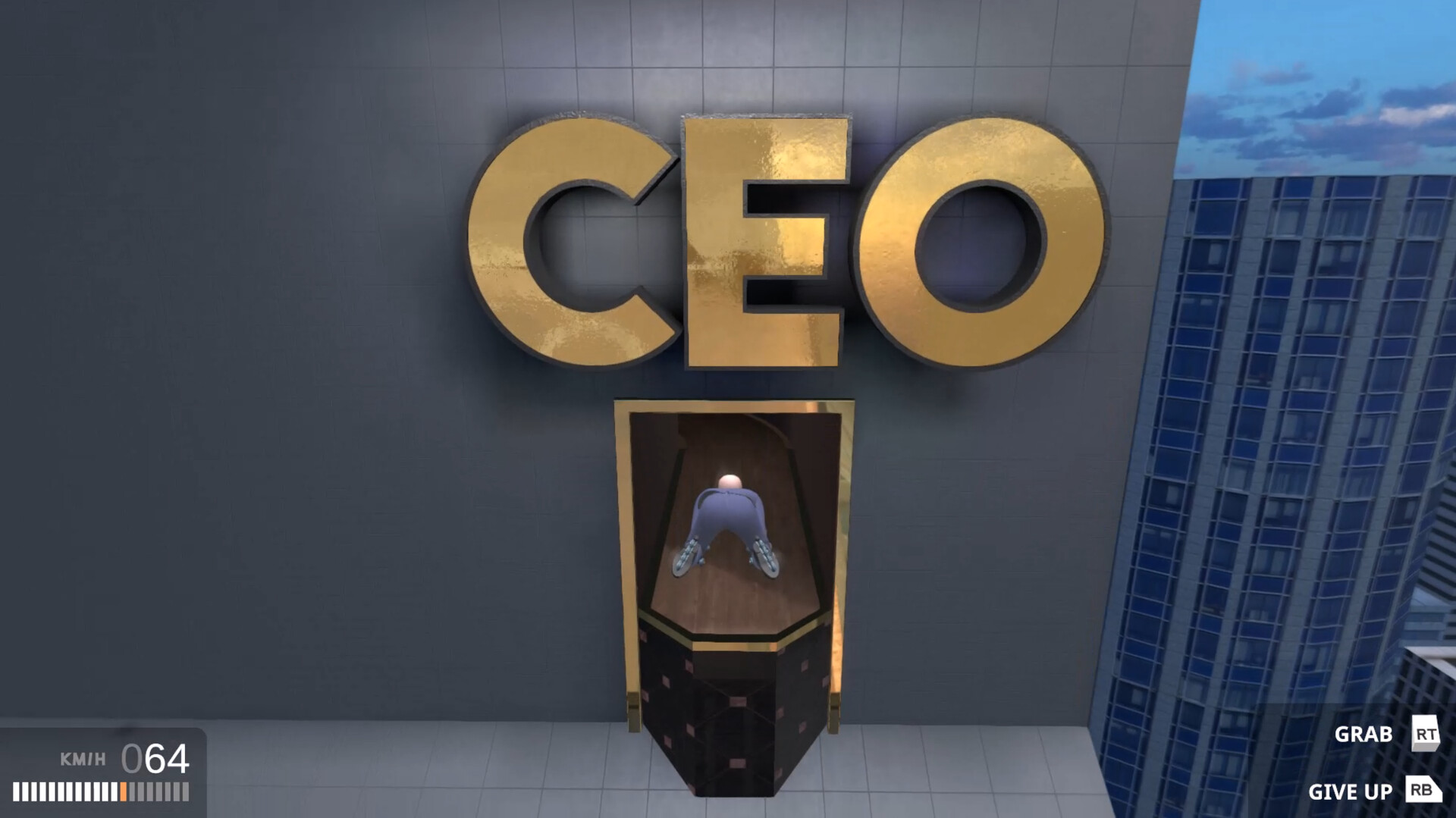
Get To Work is a single‑player action‑adventure racing title where you guide a roller‑bladed protagonist through a satirical corporate climb. The narrator, Connor “CDawgVA” Colquhoun, comments on the journey as you speed past ramps, gaps and other obstacles.
The game rewards fast movement, includes a built‑in speedrun timer, collectible podcast audio clips, and a “Give Up” button that can be pressed at any moment. Full controller support and Steam features such as achievements, cloud saves and family sharing round out the experience.
01 / THE GUIDE
Narrative and Theme
The story is presented as a metaphor for climbing the corporate ladder, following a young man on rollerblades who strives to reach the top of a satirical business world.
Connor “CDawgVA” Colquhoun provides narration throughout, offering commentary that mixes comedy with a hint of sadness about today’s economy.
- Listen to the narrator for clues about upcoming obstacles.
- Consider the satirical tone as context for the difficulty level.
02 / THE GUIDE
Shmooovement System
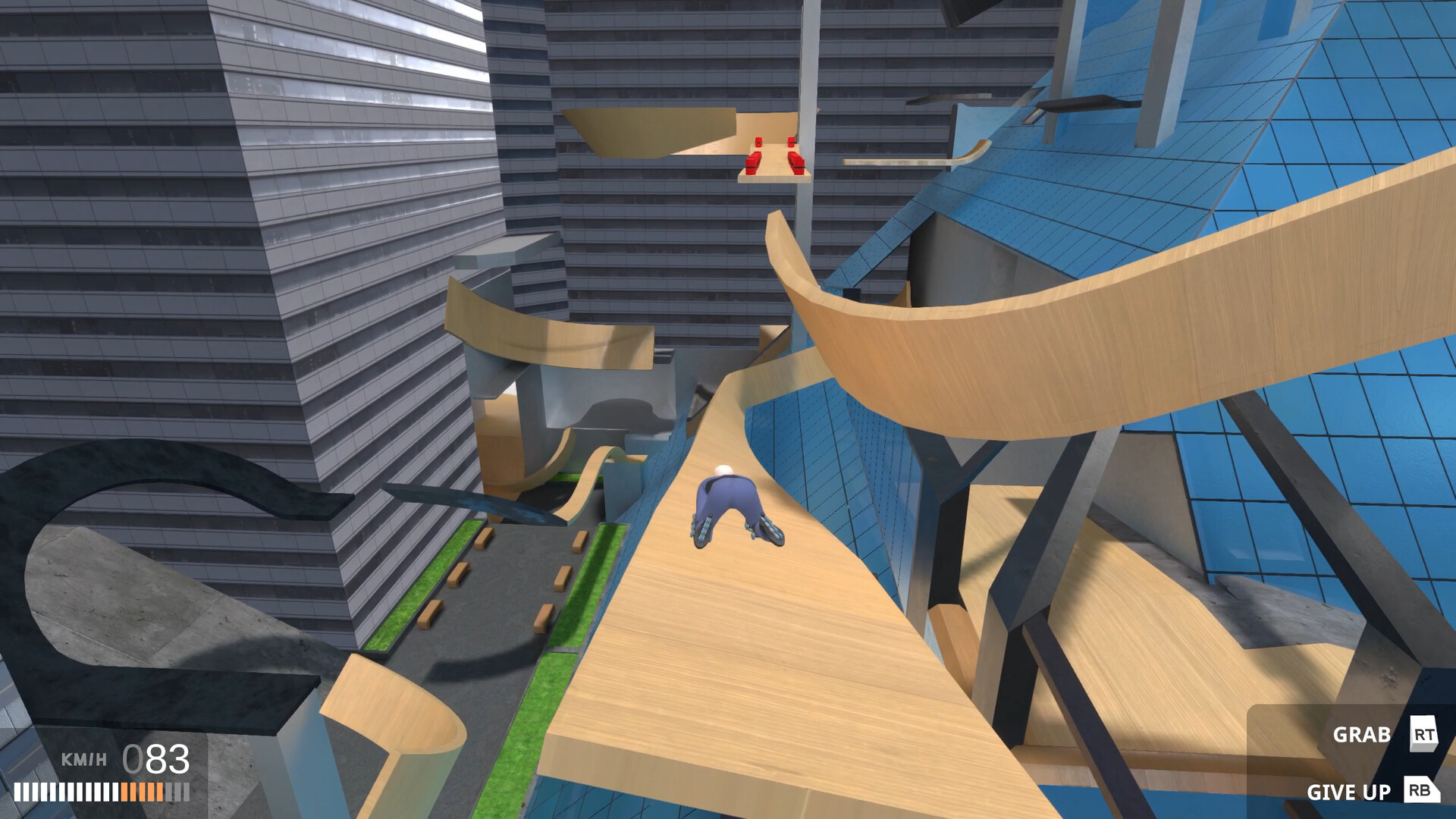
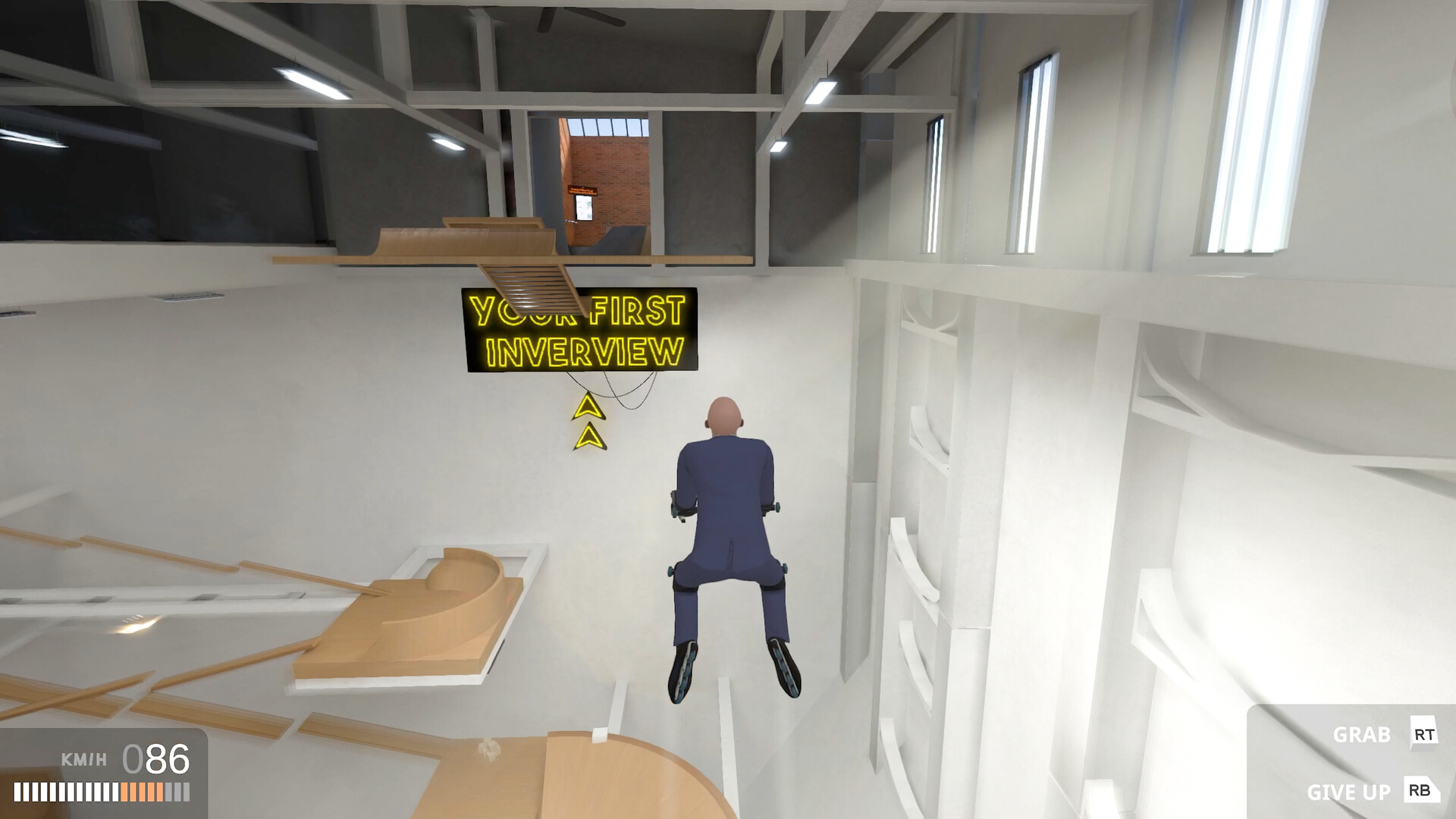
Movement is described as “challenging, but deeply satisfying,” rewarding players for maintaining high speed while navigating massive gaps, ramps, jumps and other devious obstacles.
The character’s rollerblades are attached to both arms and feet, meaning the core gameplay revolves around fast, continuous motion rather than complex actions.
- Keep momentum; slowing down makes gaps harder to clear.
- Practice timing jumps to preserve speed.
03 / THE GUIDE
Podcast Pickups
Scattered throughout levels are collectible audio clips from “The Grindset,” a self‑help podcast voiced by streamers such as Atrioc, Ludwig, DougDoug, PointCrow and others.
These pickups add flavor to the satirical narrative but are not required to finish any level.
- Explore alternate routes to locate hidden clips.
- Listen to each clip for extra humor.
04 / THE GUIDE
Speedrun Support
A built‑in speedrun timer automatically tracks the duration of each run, removing the need for manual split timing.
The timer starts when a level begins and records the total time, supporting players who wish to compare personal bests.
- Use the timer to benchmark each attempt.
- Focus on consistent routes to improve overall time.
05 / THE GUIDE
Platform Features
Get To Work runs on Windows and offers full controller support, with a recommendation that a gamepad be used for the fast movement system.
Steam integrations include achievements, cloud saves and family sharing, providing convenient ways to keep progress and share the game.
- Enable Steam Cloud to sync saves across devices.
- Try a gamepad for smoother control of the fast movement.
COMMUNITY
Player discussion