 GameWiki
GET YOUR BEARINGS
About Geometry Dash
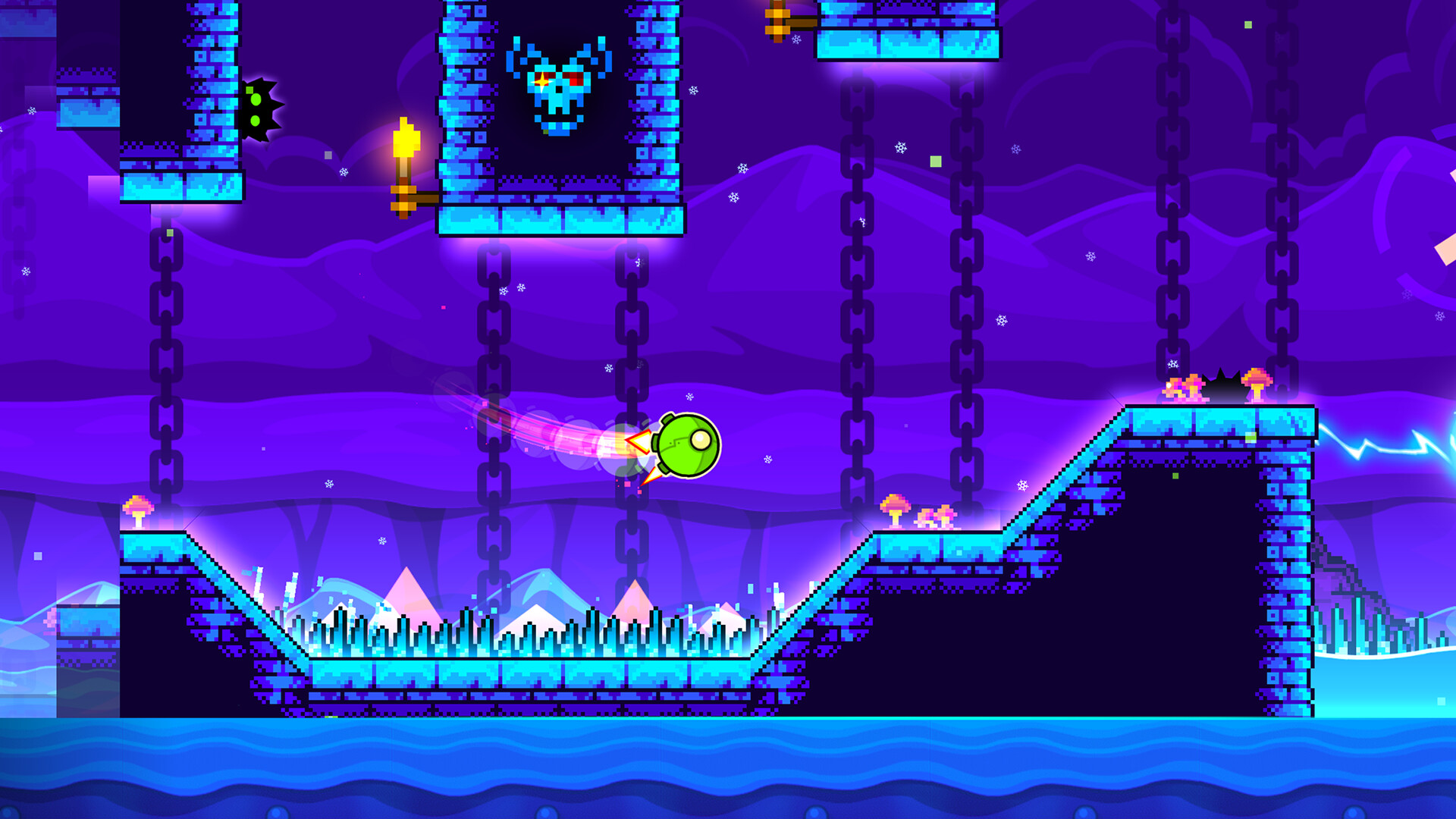
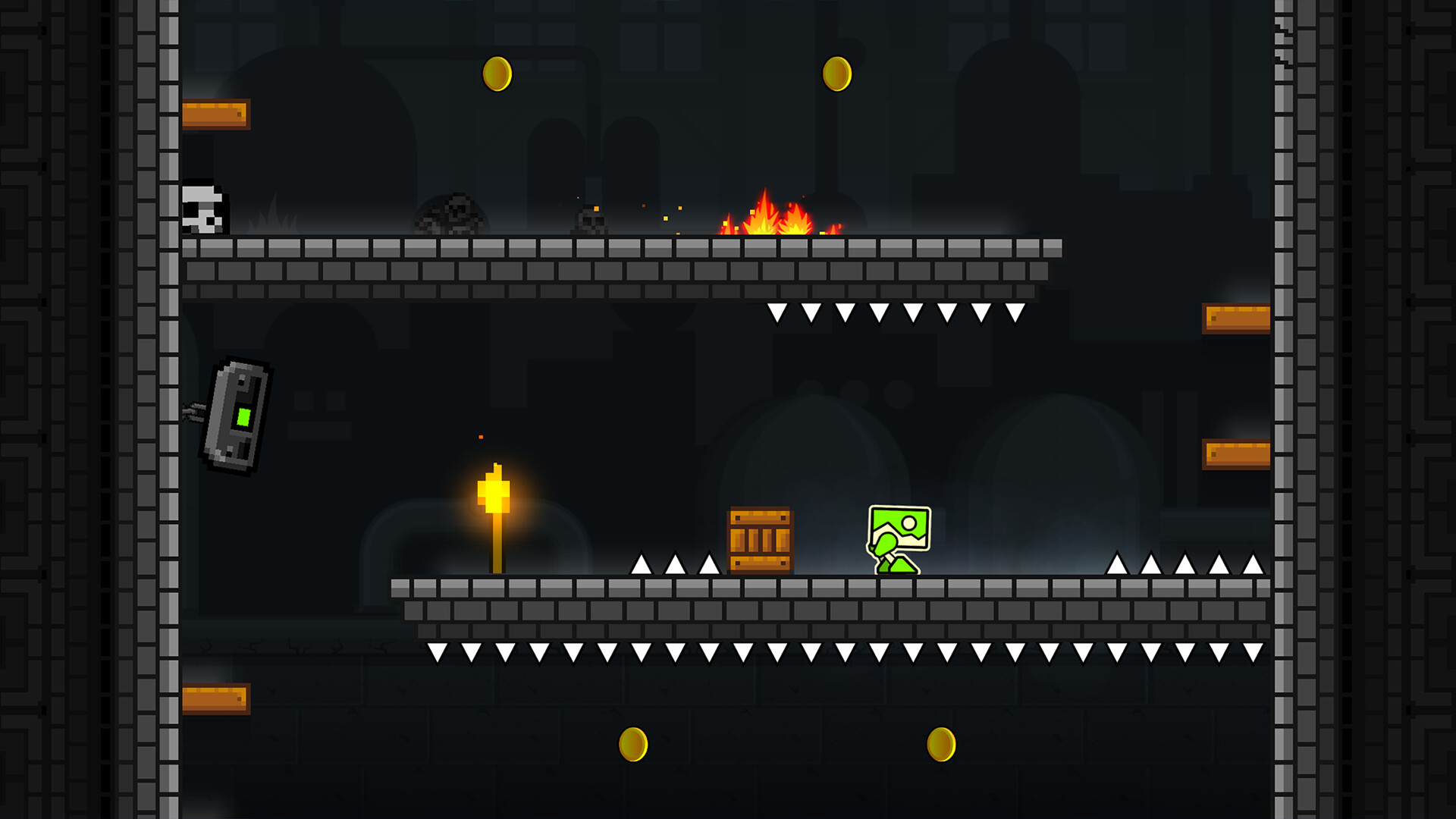
Geometry Dash is a rhythm‑based action platformer where players jump, fly, and flip through spiky obstacles timed to music. The game challenges reflexes and timing, offering a steep difficulty curve that rewards precision.
Beyond the core levels, the title includes a level editor, practice mode, and extensive customization options, plus Steam‑specific unlockables. Players can share creations, earn achievements, and enjoy partial controller support across Windows and macOS.
01 / THE GUIDE
Rhythm‑Based Platforming
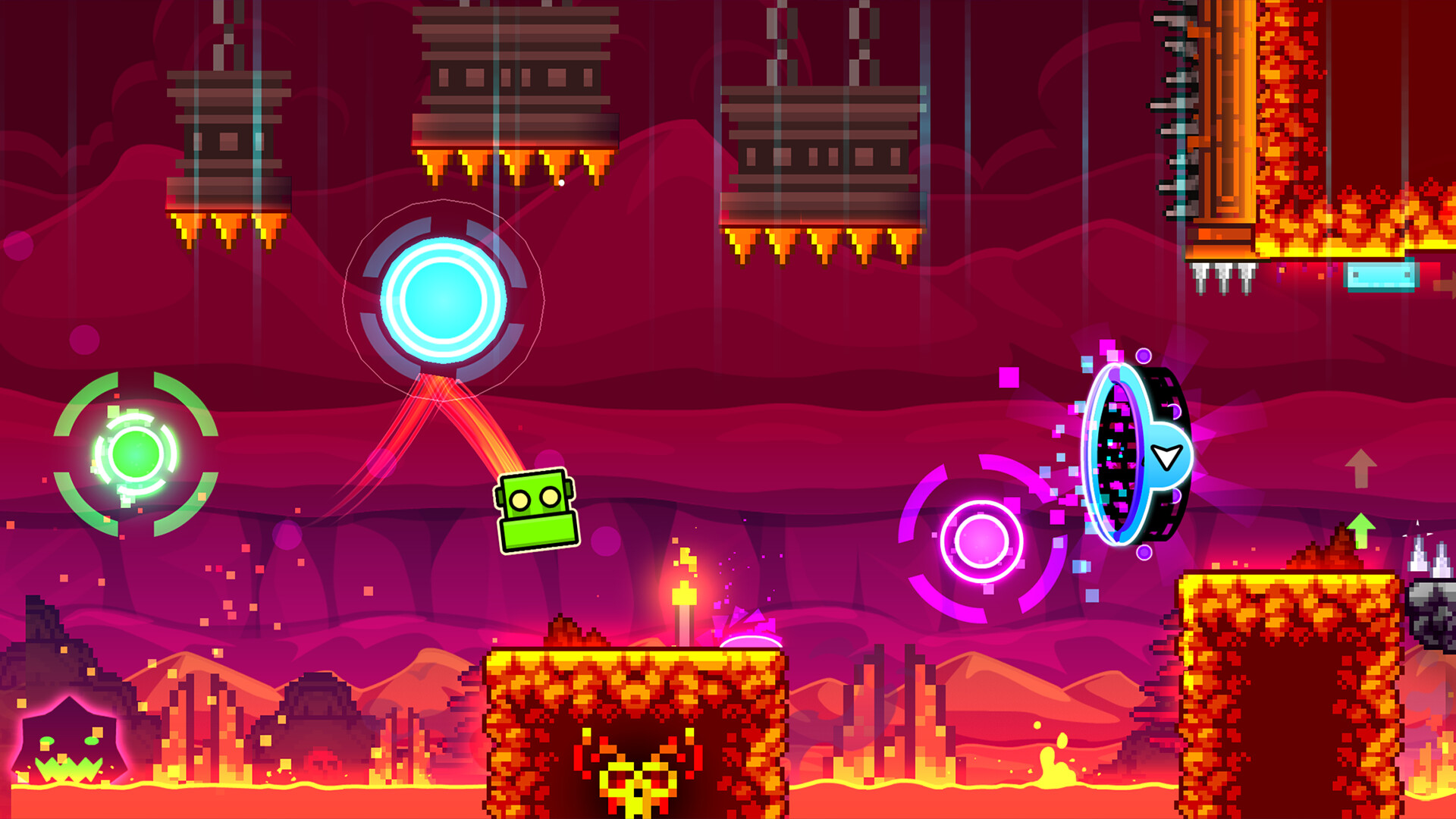
The core experience revolves around timing jumps, flies, and gravity flips to match each level’s soundtrack. Obstacles such as spikes and moving platforms require precise inputs.
Levels increase in difficulty, culminating in “near impossible” challenges that test the limits of a player’s skill and rhythm awareness.
- Start each level at a slower tempo to get a feel for the beat before attempting full speed.
- Watch the visual cues of obstacles to anticipate timing rather than relying solely on audio.
02 / THE GUIDE
Create and Share Levels
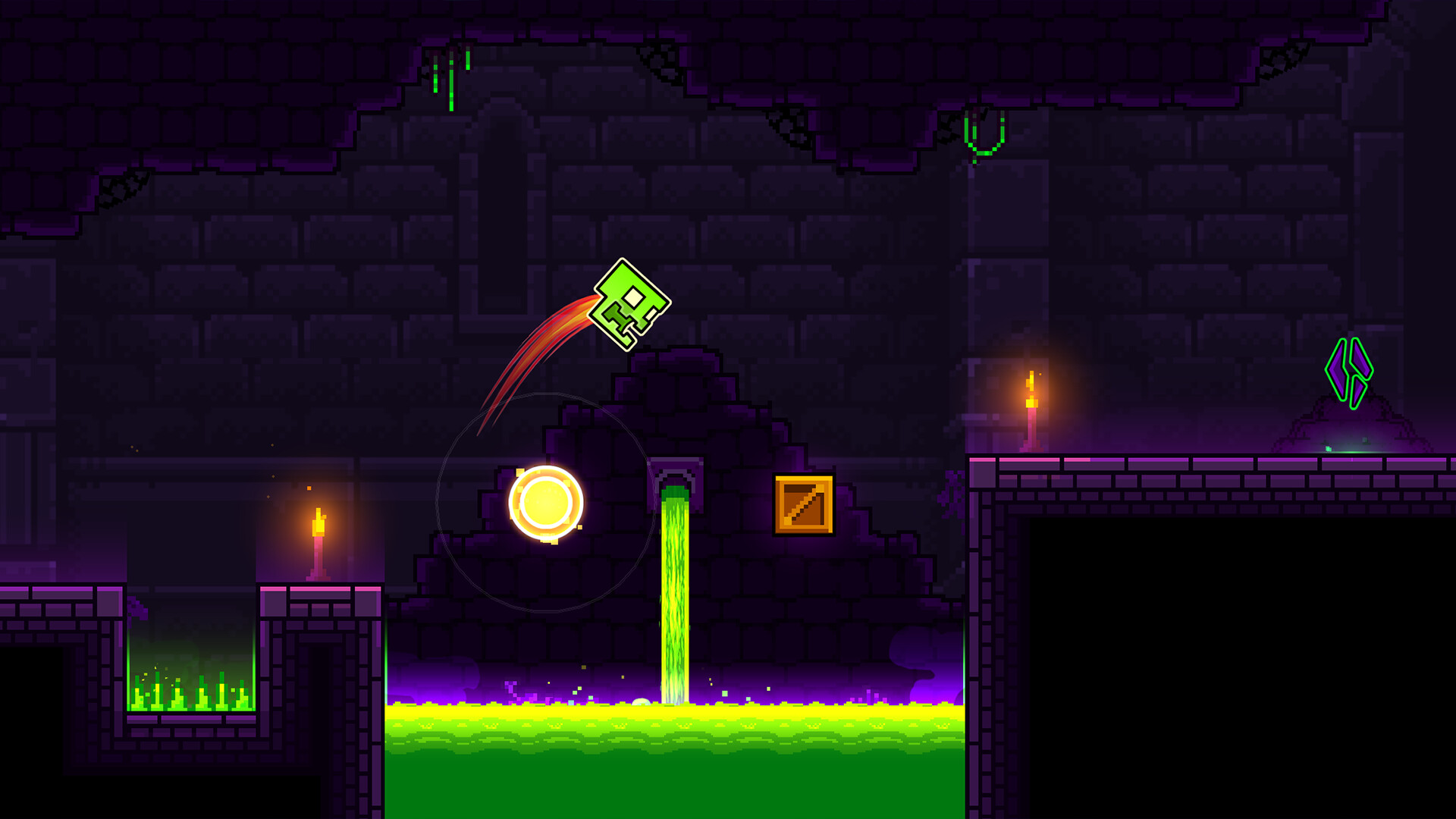
Geometry Dash includes a built‑in level editor that lets players design custom stages with unique soundtracks. Creations can be uploaded for the community to play.
Thousands of user‑generated levels exist, providing endless new challenges beyond the official content.
- Use simple patterns when first designing to ensure the rhythm matches the music.
- Test your level in practice mode before publishing to catch timing errors.
03 / THE GUIDE
Icons and Colors
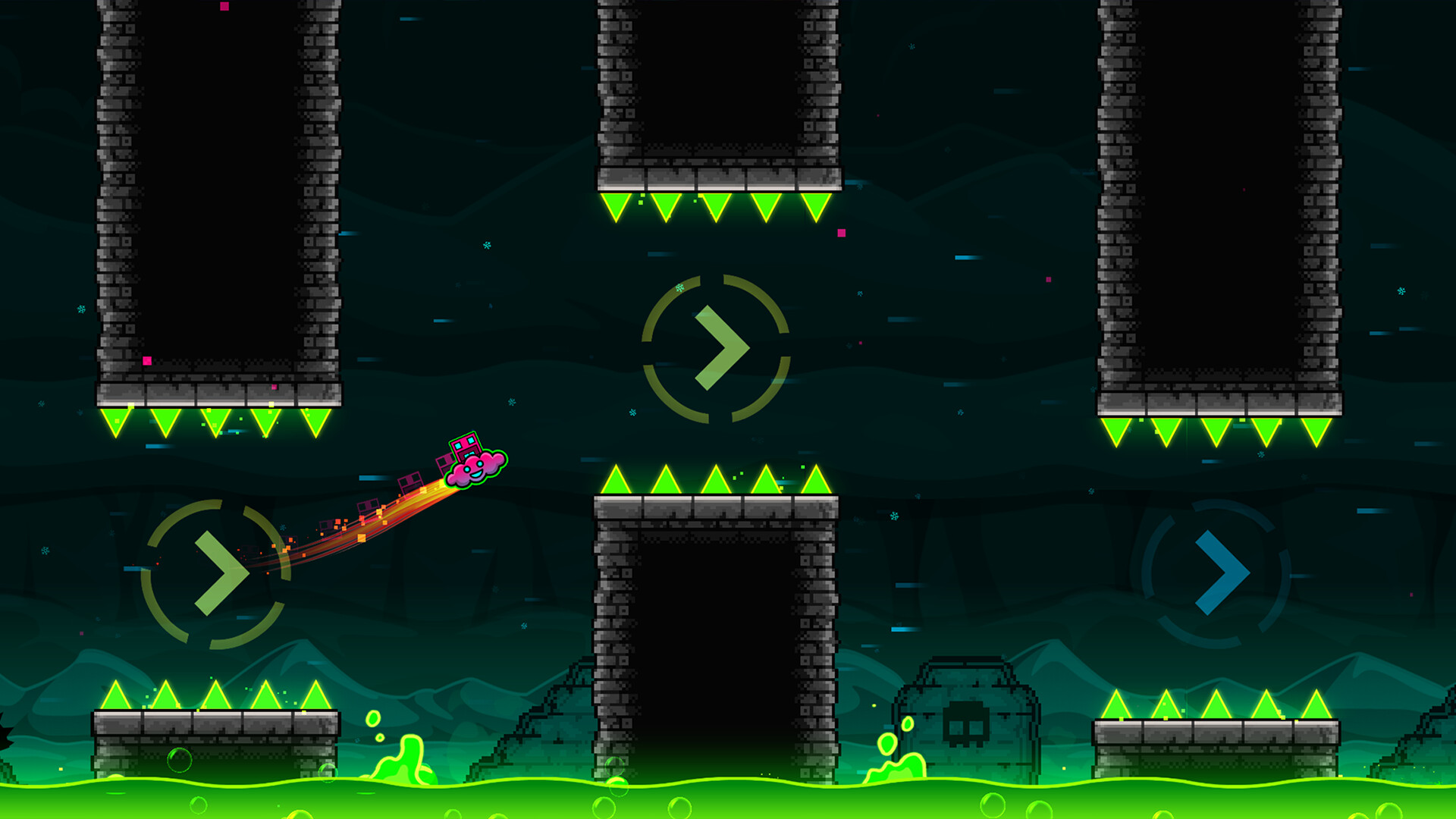
Players can unlock new icons and colors to personalize their cube, ship, or ball avatar. These cosmetic items are earned through gameplay milestones.
Steam users receive two exclusive unlockable icons, adding a platform‑specific visual reward.
- Focus on completing achievements that grant icons early to expand your visual options.
- Mix colors that contrast with level backgrounds for better visibility.
04 / THE GUIDE
Practice Mode
Practice mode allows players to replay sections of a level without restarting from the beginning, helping them master difficult segments.
This mode is useful for honing timing on spikes and gravity flips before attempting a full run.
- Set checkpoints at the toughest spots to isolate problem areas.
- Use practice mode to experiment with different input timings without penalty.
05 / THE GUIDE
Steam Integration
The game supports Steam achievements, trading cards, and family sharing, integrating with the platform’s ecosystem. Partial controller support is also available for compatible devices.
Remote Play lets users stream the game to phones or tablets, extending play beyond the desktop.
- Enable family sharing to let multiple accounts access your saved progress.
- Try Remote Play on a tablet for quick practice sessions away from the PC.
COMMUNITY
Player discussion