 GameWiki

GET YOUR BEARINGS
About GeoGuessr Steam Edition
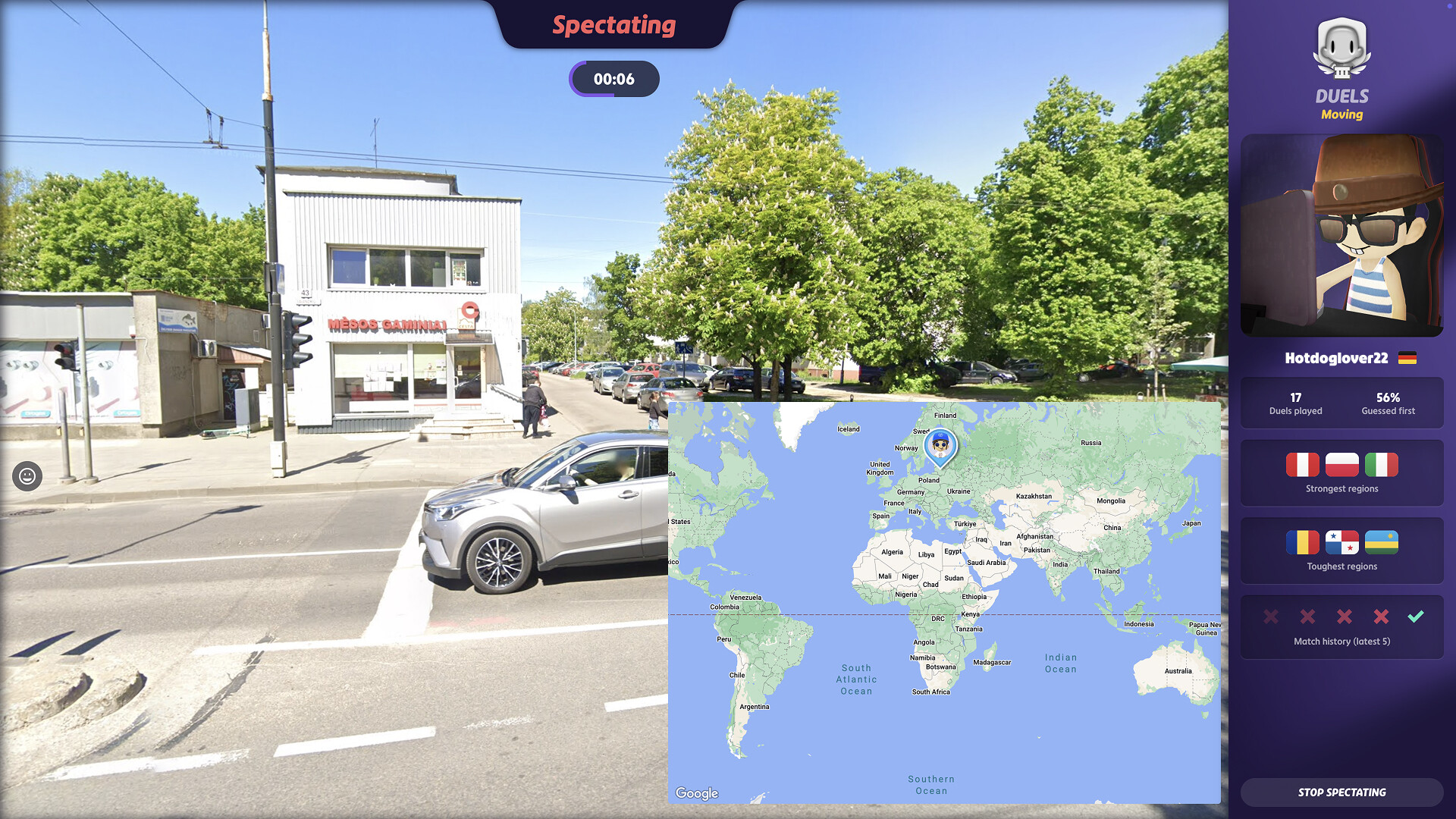
GeoGuessr Steam Edition drops you into a random street‑level view and asks you to pinpoint the location on a map. You use clues such as road signs, architecture, and natural features, and the distance between your guess and the actual spot determines your score.
The title supports single‑player, PvP, co‑op, and cross‑platform multiplayer, allowing Steam Pass holders to play with browser subscribers. It runs on Windows and macOS, includes Steam achievements, in‑app purchases, and family sharing.
01 / THE GUIDE
Core Gameplay
Each round presents a real‑world street view captured by mapping services. You examine visual details—signage, building style, vegetation—to infer the region, then place a marker on a world map. Your score reflects how close the marker is to the true location.
The game does not impose a fixed time limit per round; you can take as long as needed to analyze clues before confirming your guess. Scores accumulate across rounds, encouraging careful observation.
- Start by reading any visible language on signs to narrow down possible countries.
- Look at road markings and surrounding flora for climate clues.
02 / THE GUIDE
Multiplayer Modes
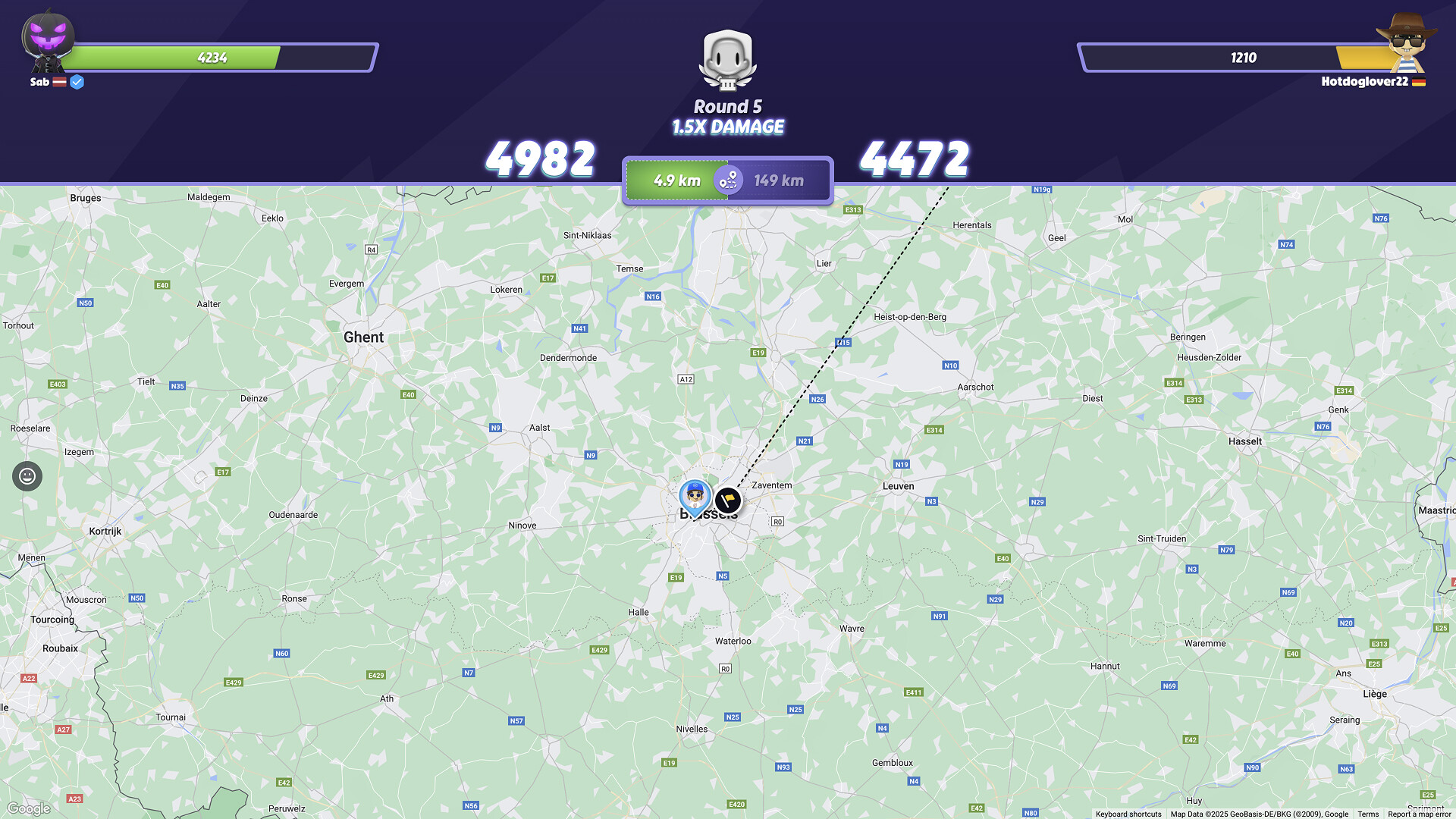
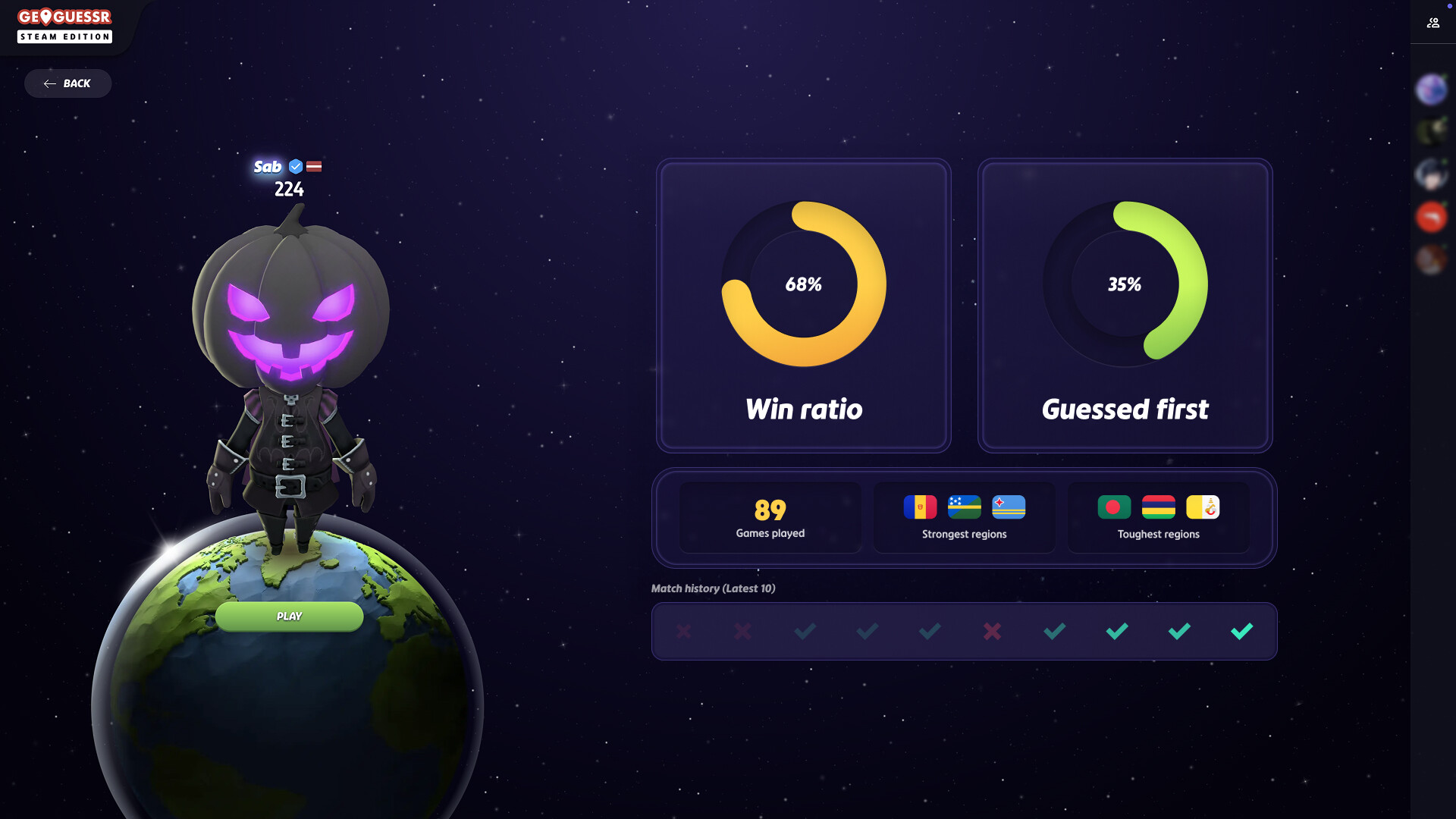
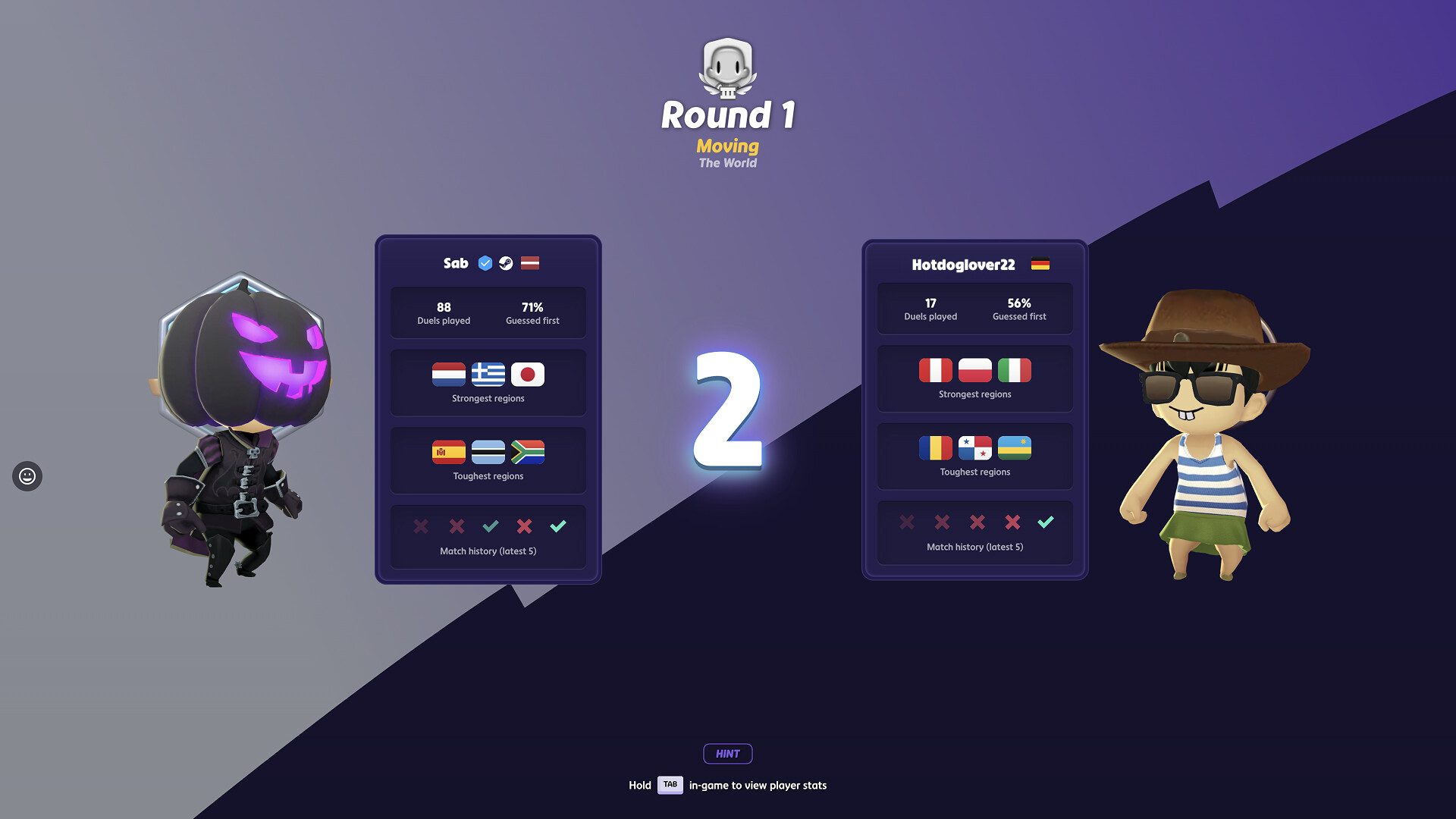
GeoGuessr offers online PvP and co‑op matches where each participant makes an independent guess for the same location. Results are compared, and each player’s score contributes to online stats.
Matches can be played across platforms, meaning a Steam Pass user can compete with a browser subscriber and vice versa, expanding the pool of opponents and teammates.
- Communicate with teammates in co‑op to share clue observations quickly.
- In PvP, aim for precise guesses to improve your ranking against opponents.
03 / THE GUIDE
Subscription Access
A GeoGuessr browser subscription does not automatically grant full access to the Steam Edition unless you hold an Unlimited or Elite plan. Access to the Steam version is separate from the browser version.
Conversely, owning a GeoGuessr Steam Pass does not unlock the browser version, but both subscription types permit cross‑play between the two platforms.
- Verify your subscription tier before purchasing a Steam Pass to ensure desired access.
- Use cross‑play to enjoy matches with friends who use a different platform.
04 / THE GUIDE
Cross‑Platform Play
The game supports cross‑platform multiplayer, linking Steam users with those playing the browser version. This connectivity works for both PvP and co‑op sessions, allowing seamless competition regardless of operating system.
Cross‑play requires each participant to have an active subscription or Steam Pass, ensuring both sides can join the same match.
- Confirm that both players have active subscriptions before starting a cross‑platform match.
- Keep the game updated to maintain compatibility across platforms.
05 / THE GUIDE
Platform Support
GeoGuessr Steam Edition is available on Windows and macOS through Steam; Linux is not listed as a supported platform. The store page confirms these operating system compatibilities.
The title includes typical Steam features such as achievements, in‑app purchases, and family sharing, aligning with the broader Steam ecosystem.
- Enable family sharing if you want multiple Steam accounts to access the game under one purchase.
- Check the Steam store page for the list of available achievements.
COMMUNITY
Player discussion