 GameWiki
GET YOUR BEARINGS
About GeoDepths
GeoDepths puts you in the role of a surveyor for an interstellar mining company, descending beneath a distant planet’s crust. The game combines first‑person drill piloting with strategic resource handling and a base you build near the surface.
As you dig deeper you collect ores, scan alien flora, and expand a subterranean homebase. Resources you bring back enable drill upgrades, deeper reach, and additional inventory space, while biomass from alien plants powers your operations.
01 / THE GUIDE
First‑Person Drill Piloting
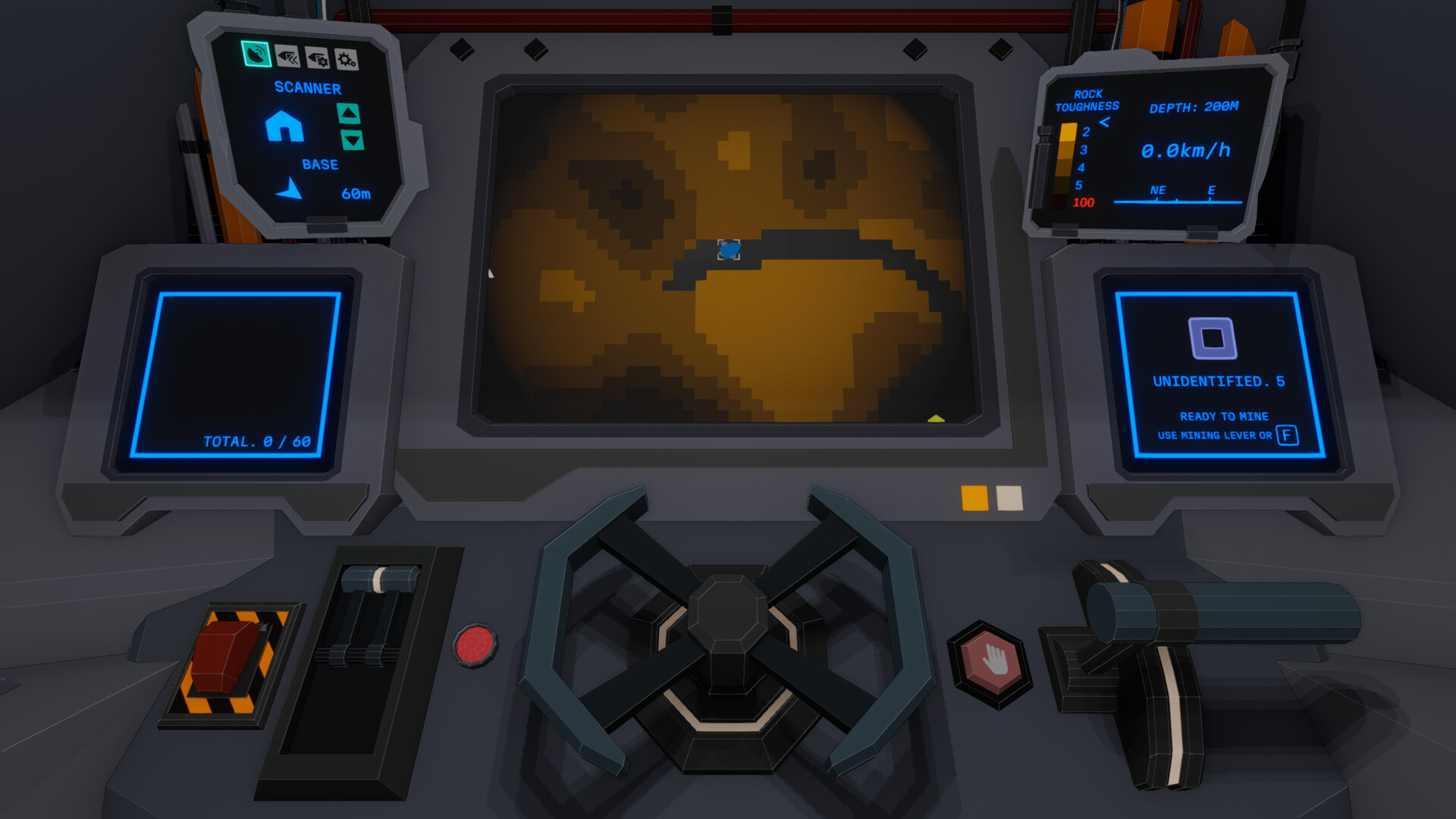
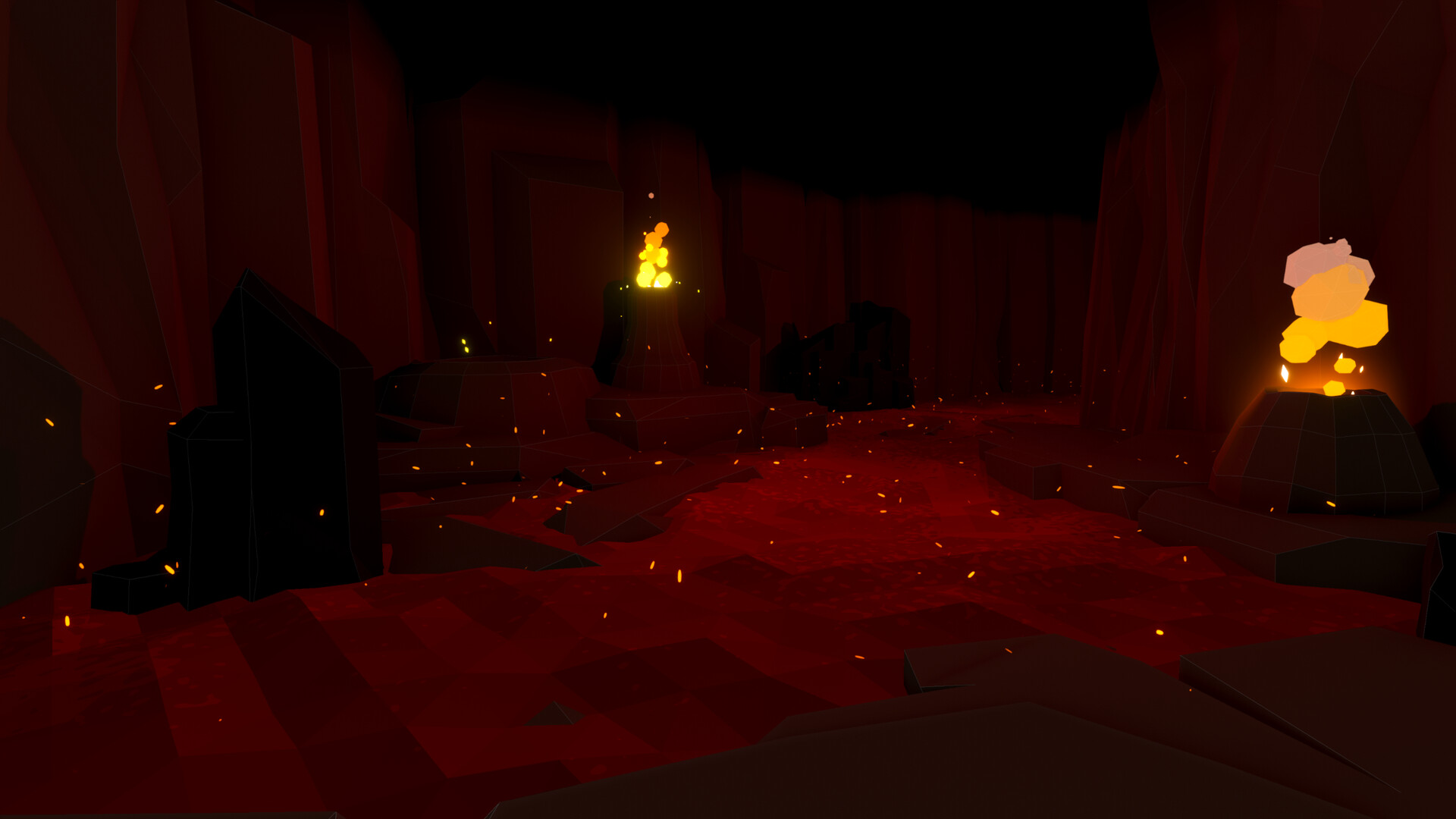
The core activity is piloting an advanced drill from a first‑person view, allowing you to cut through planetary layers and navigate cave networks. This perspective lets you aim directly at resource‑rich strata and react to obstacles as you descend.
Drill upgrades are obtained using resources you mine. Upgrades affect speed, inventory capacity, and maximum depth, expanding how far you can explore and what you can carry on a single descent.
- Test each speed upgrade on a short run to feel the change before committing to deeper exploration.
- Compare the number of ore types you can collect before and after an inventory upgrade.
02 / THE GUIDE
Resource Management
Mined ores and minerals are stored in your inventory and later delivered to the homebase for refinement. Planning each expedition involves balancing what you collect with the space available in your current inventory.
Returned resources are used for research, drill upgrades, and other development. The amount and type of material you bring back directly influences how quickly you can progress in those areas.
- Note which materials appear most frequently and keep those slots available.
- Weigh the benefit of gathering rare ores against the need for common materials for immediate upgrades.
03 / THE GUIDE
Base Building
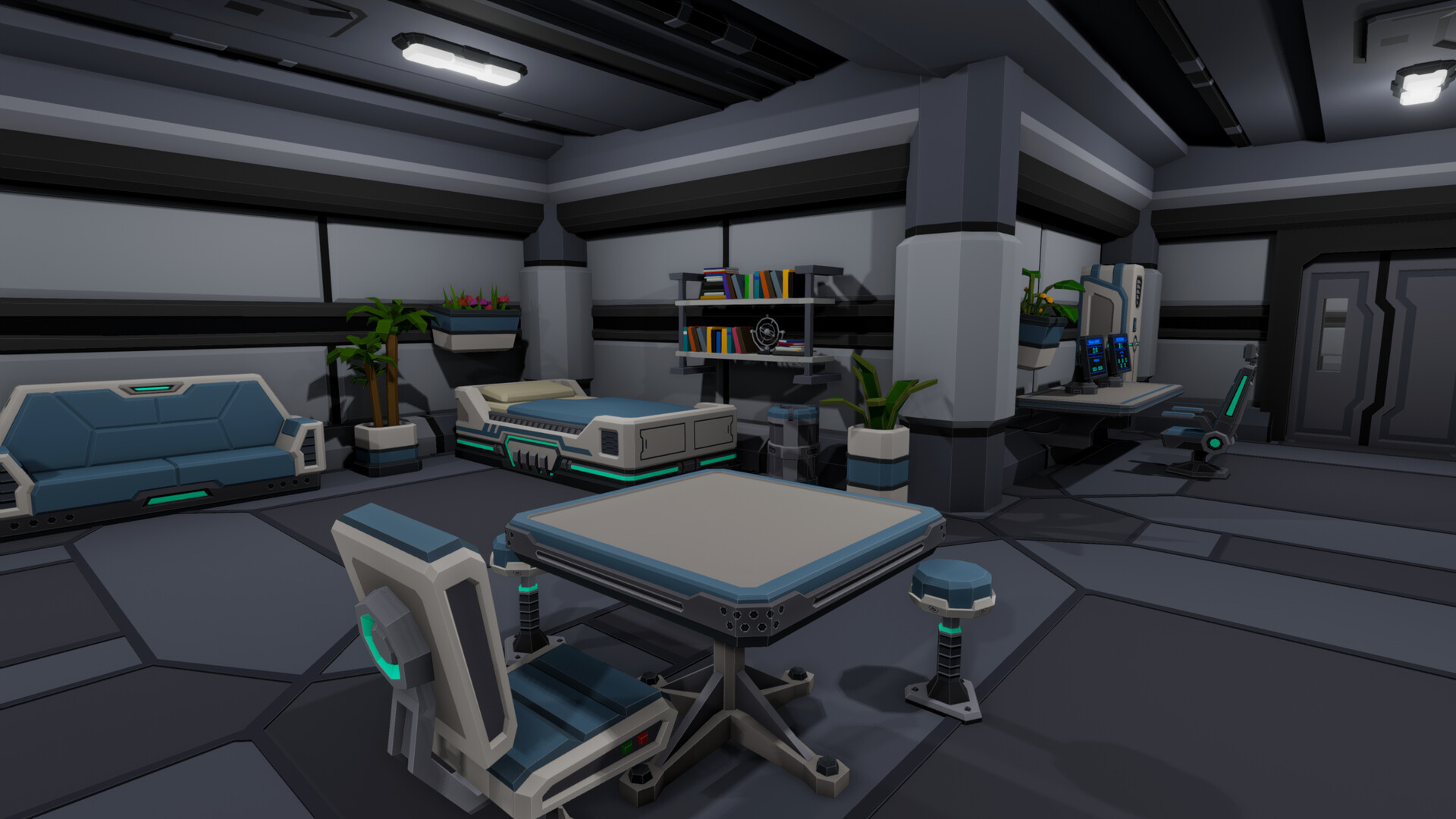
Near the surface, a cave serves as your base of operations. Within this space you can construct additional rooms and corridors to house machinery, terminals, and decorative items, expanding functional area as you progress.
Each new room provides space for more equipment or research stations. Building is driven by the resources you have refined at the base, allowing gradual enlargement of your underground facility.
- Add rooms incrementally to match the resources you have on hand.
- Place new corridors close to existing structures to reduce travel distance.
04 / THE GUIDE
Alien Plant Farming
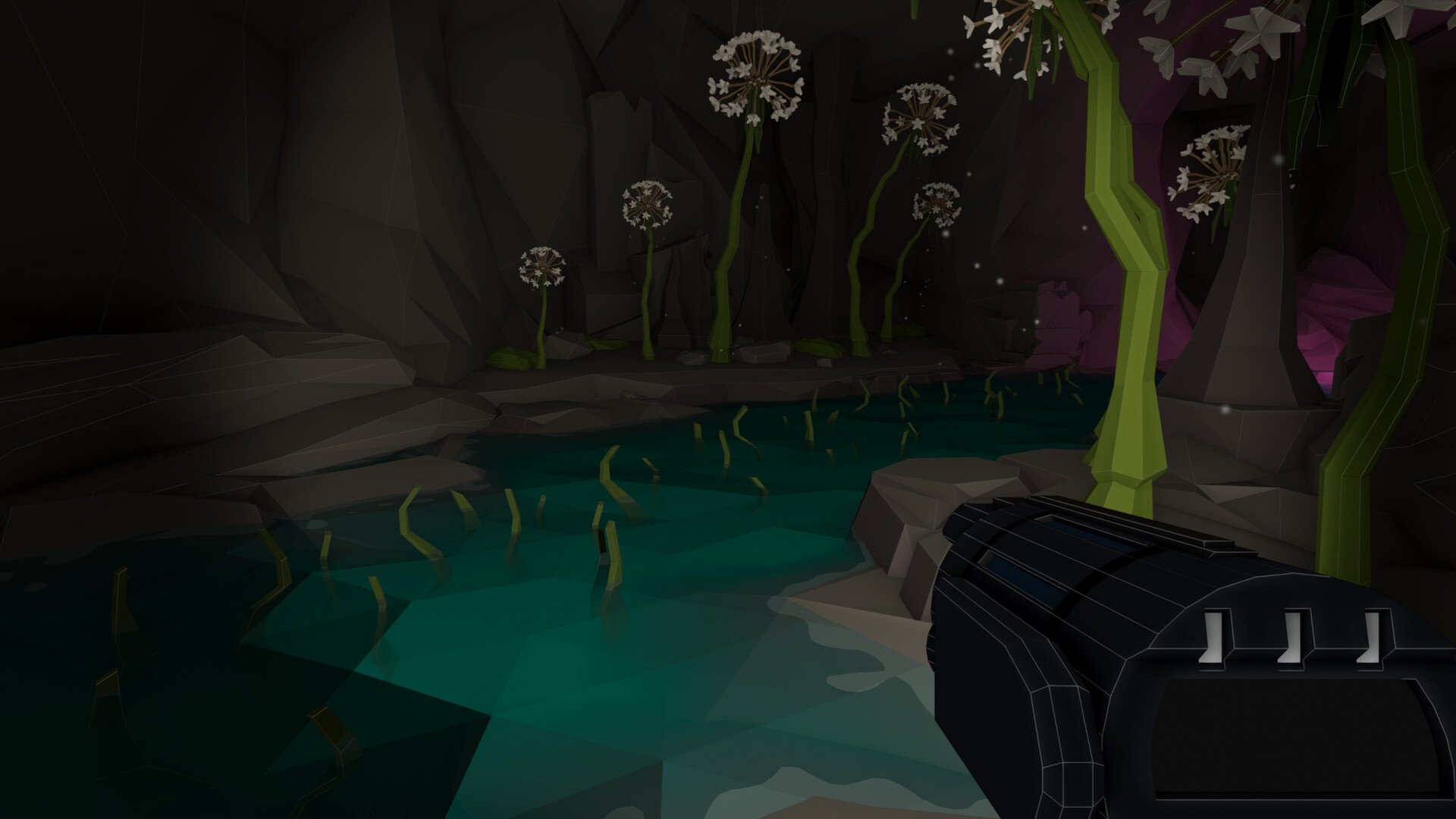
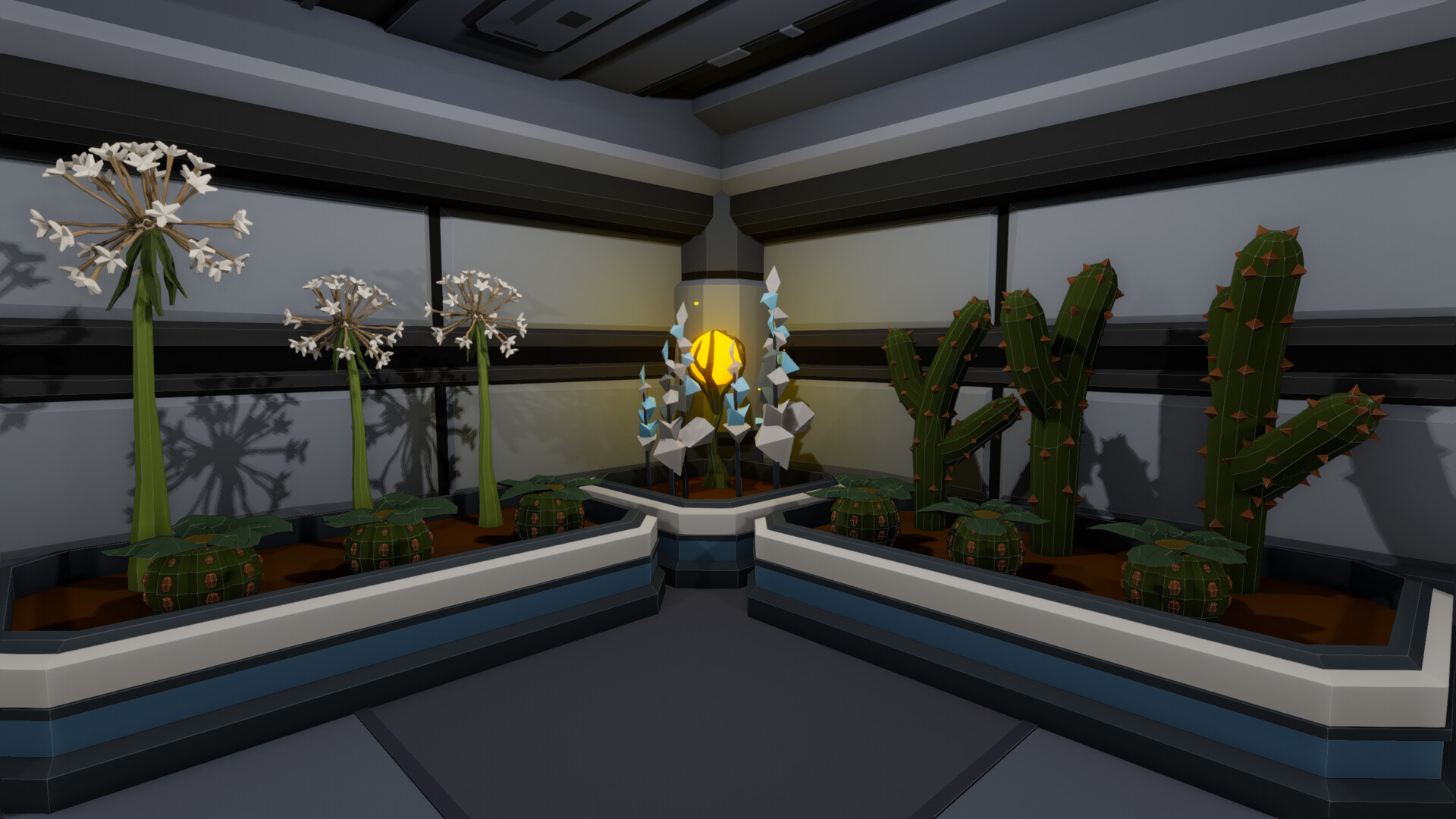
Biomass for power is harvested from alien plants that grow within the cave environment. Learning to farm these plants provides a steady energy source for your base.
Farming requires allocating space in your base and periodically harvesting the plants. The biomass you collect is used to keep your facilities powered, linking plant cultivation directly to operational capacity.
- Reserve a dedicated area for plant beds to keep biomass production consistent.
- Harvest plants regularly to avoid gaps in power supply.
05 / THE GUIDE
Research and Drill Upgrades
Scanning ores and minerals at your base unlocks research paths for both base construction and drill enhancements. Each discovery adds new options for improving speed, inventory size, and depth limits.
Research outcomes are applied using the resources you have gathered, allowing systematic expansion of your drilling capabilities and base facilities as you explore deeper caves.
- Prioritize scanning minerals that appear at greater depths to unlock deeper‑reach upgrades sooner.
- Track which research branches give the most immediate benefit to your current goals.
COMMUNITY
Player discussion