 GameWiki
GET YOUR BEARINGS
About Genome Guardian 2
Genome Guardian 2 returns players to a glowing microscopic arena where microbes threaten survival. The sequel expands the original’s combat by letting you assemble a biomechanical chassis, choose DNA‑based weapon genes, and tackle short, savable runs or an endless survival mode.
The game offers deep visual and control customization, a built‑in jukebox, and full Steam integration such as achievements, cloud saves, and Deck compatibility. Accessibility options cover colour‑blindness, motion‑sickness, and arachnophobia, while performance upgrades claim up to 400 % better framerates on both high‑ and low‑end PCs.
01 / THE GUIDE
Biomechanical Build System
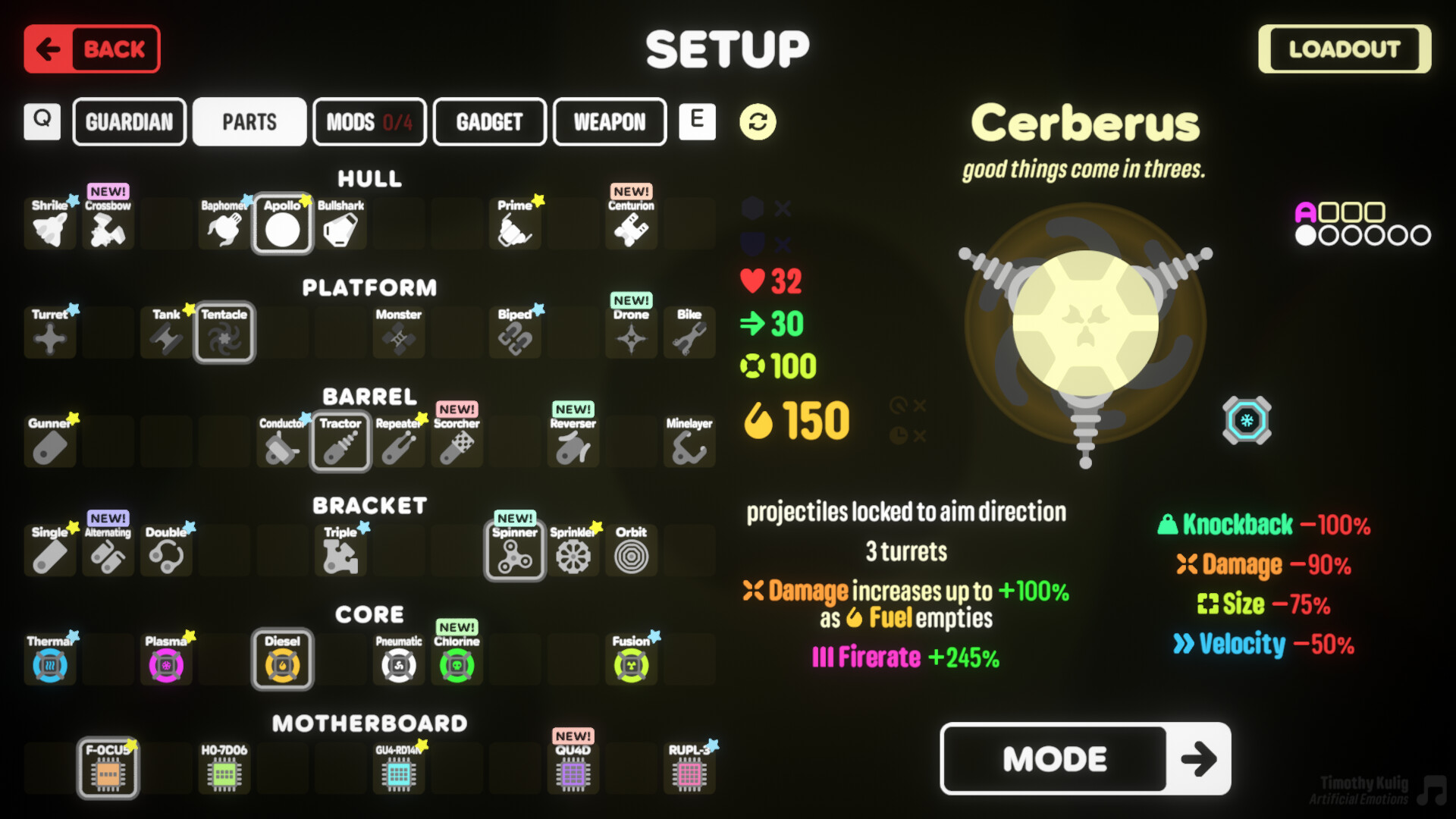
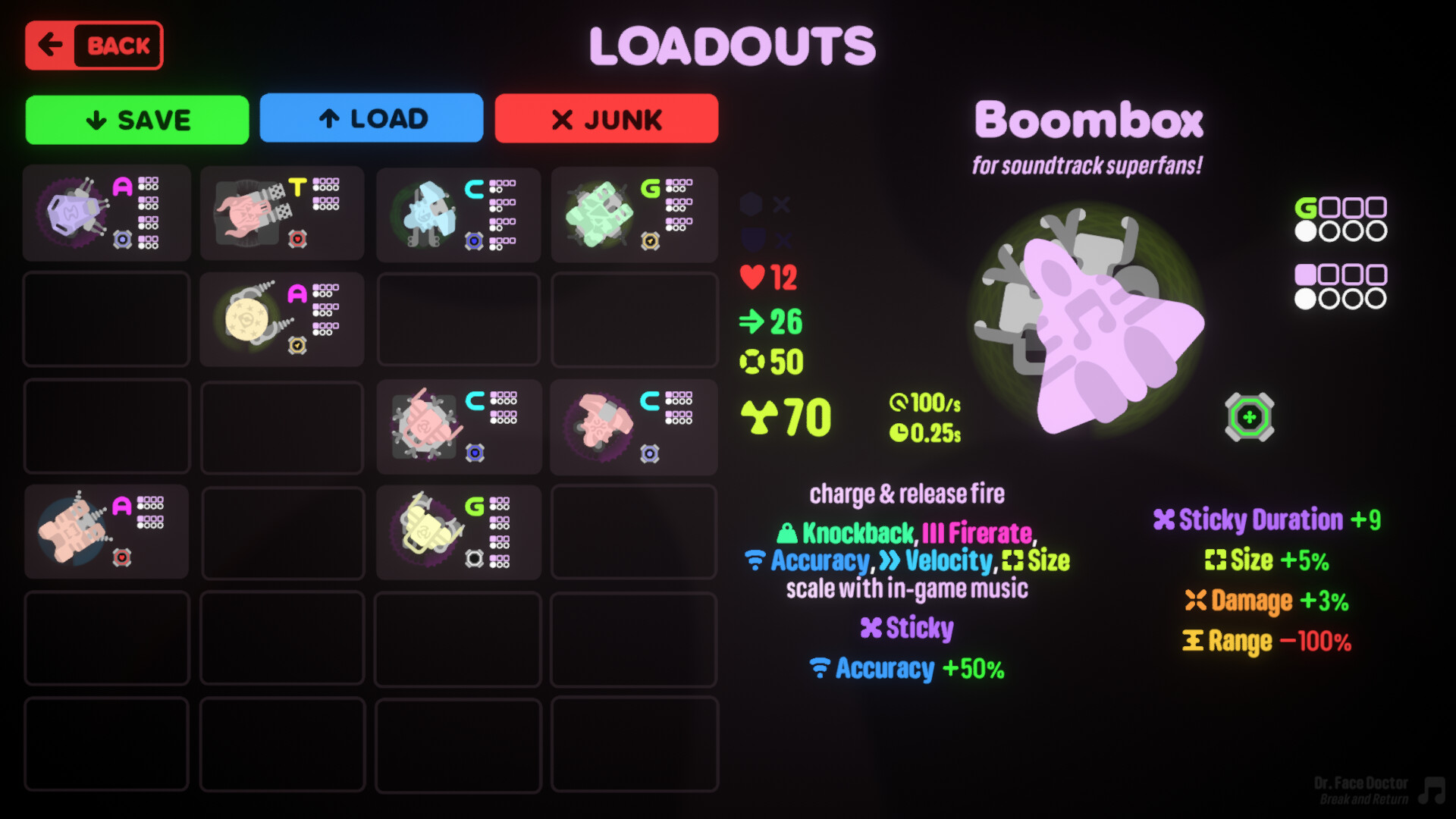
Players can construct a “biomechanical death machine” from interchangeable parts, defining how it shoots, behaves, and moves. The description notes you may create stationary turrets, psychic water‑sprinkler motorbikes, or a dual‑wielding fidget‑spinner Gundam, and even combine favourite turrets from the first game into a single Frankenstein‑style unit.
The system supports saving up to 24 loadouts, allowing you to switch between radically different builds without restarting the game. Each loadout retains its chosen parts, weapon genes, and visual paint patterns for quick experimentation during a 20‑minute run.
- Test each build in a short run before committing resources to a longer session.
- Keep a simple turret loadout as a fallback when trying experimental motorbike configurations.
02 / THE GUIDE
DNA Weapon Hybridization
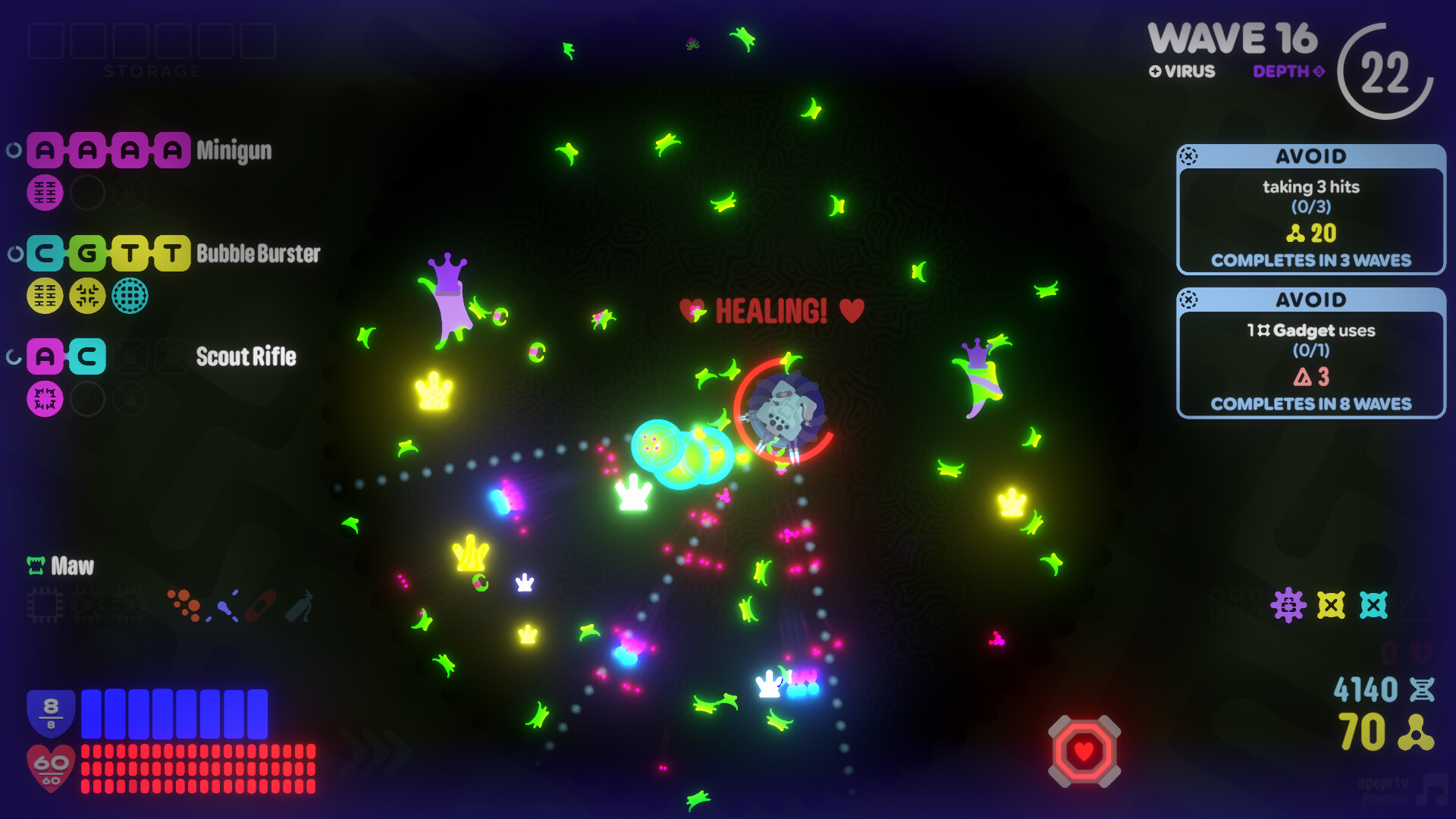
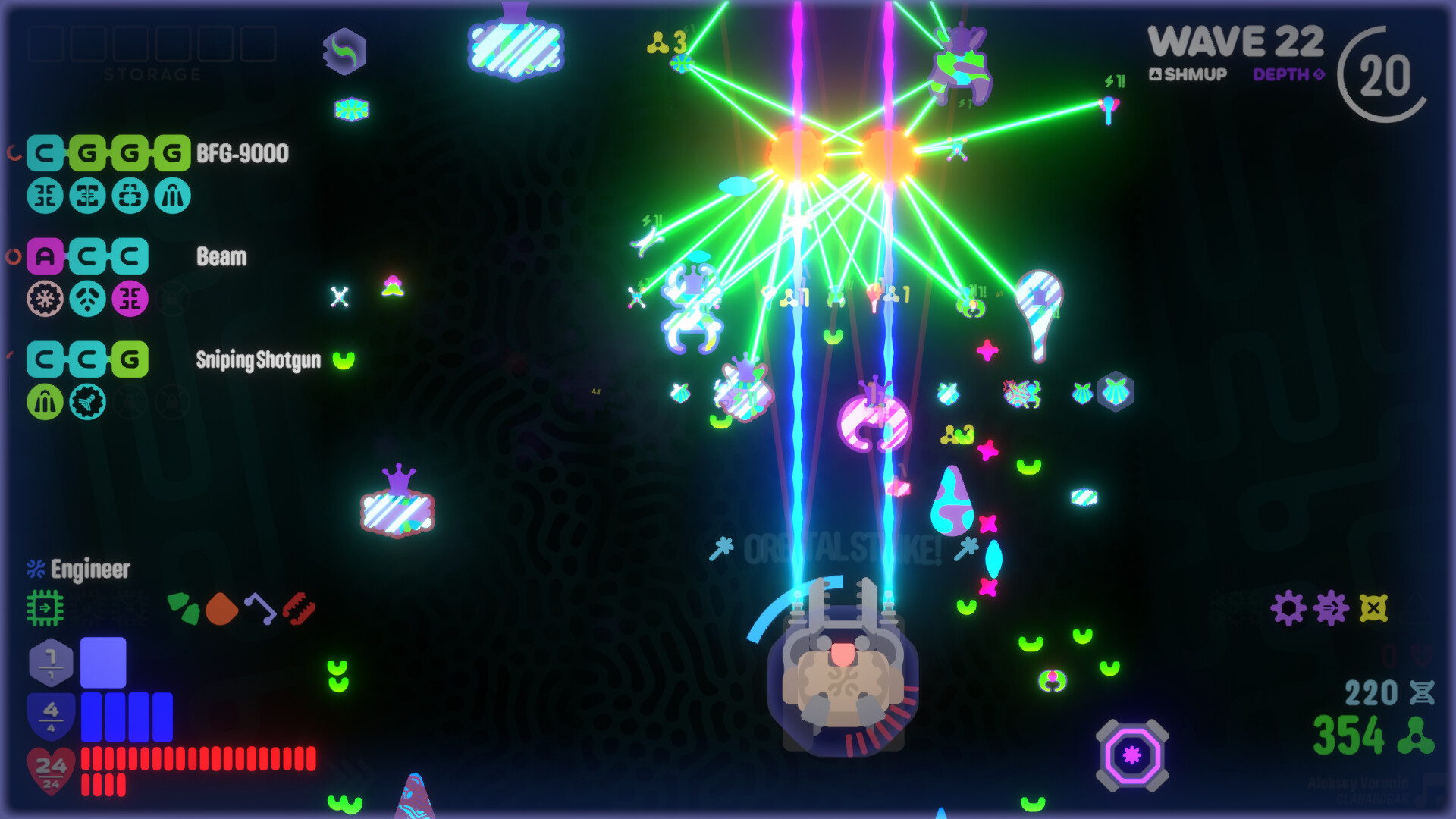
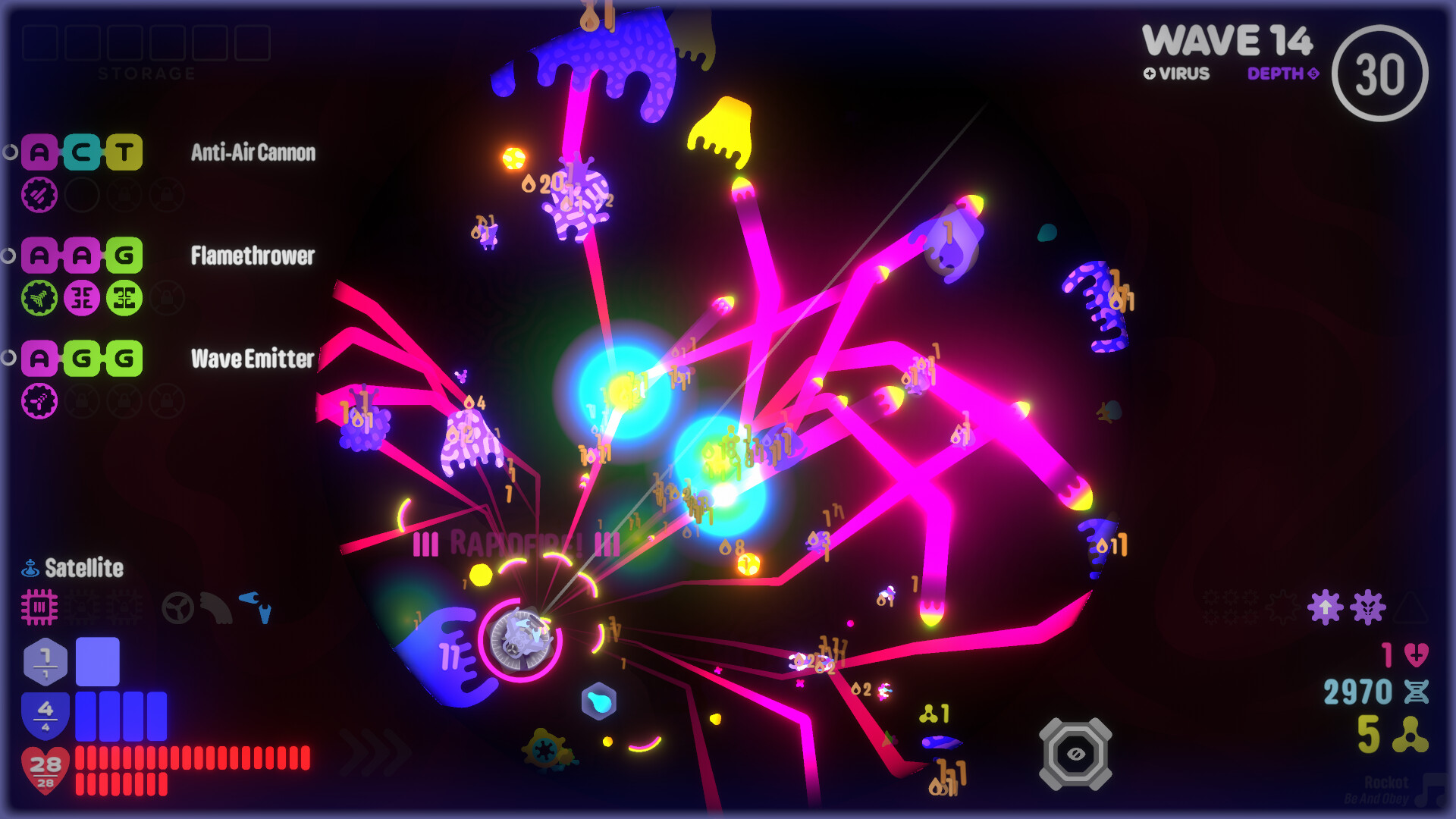
Weapons are created by pairing DNA nucleotides: A (rapid‑fire), C (precision), G (spread), and T (explosive). Mixing these yields 70 hybrid bioweapons, such as a Blast Shotgun (explosive + spread) or a Scout Rifle (rapid‑fire + precision). The system encourages experimentation by describing specific combos and their effects.
All discovered weapons are stored in an in‑game Database where you can test their performance. Hybridization is not limited to two genes; you may layer multiple pairs to produce “something a whole lot crazier,” expanding tactical options for each run.
- Start with a single‑gene weapon to understand its baseline before adding a second gene.
- Record the DNA pairs that work well together for future loadouts.
03 / THE GUIDE
Game Modes and Run Structure
Each play session lasts roughly 20 minutes and can be saved or resumed at any time. The game includes an improved Endless Mode where you survive indefinitely, as well as side objectives that grant extra cash when completed during a run.
Runs also feature mineral‑deposit mining for resources and powerful Gadget active abilities that can be triggered during combat. The ability to pause and resume supports both casual bursts and longer marathon sessions.
- Prioritize side objectives early in a run to maximize cash before resources run low.
- Use the pause function to plan Gadget usage without pressure.
04 / THE GUIDE
Customization and Accessibility
Visual customization includes paint and pattern options for each build, while the game offers full key‑binding rebinding for keyboard and gamepad. Accessibility settings cover colour‑blindness, motion‑sickness, and arachnophobia, ensuring a comfortable experience for diverse players.
A built‑in jukebox provides 100 bassy electronic tracks that can be accessed at any time, and a Streamer Mode adds auto‑aim/fire toggles for content creators who need consistent input handling.
- Enable colour‑alternative modes if bright bioluminescence causes visual strain.
- Activate Streamer Mode when recording to avoid accidental mis‑fires.
05 / THE GUIDE
Performance and Platform Support
The title runs on Windows PCs and is optimized for both high‑ and low‑end hardware, claiming up to 400 % framerate improvement. It also supports Steam Deck, Steam Cloud, and Family Sharing, allowing seamless play across devices and accounts.
Controller compatibility includes DualShock and DualSense support, yet the game remains fully playable with mouse‑only input, satisfying players who prefer traditional PC controls.
- Check the Steam Deck compatibility settings before purchasing if you plan to play on the handheld.
- Use the mouse‑only option if you experience latency with controller inputs.
COMMUNITY
Player discussion