 GameWiki
GET YOUR BEARINGS
About Gemporium: A Cute Mining Sim
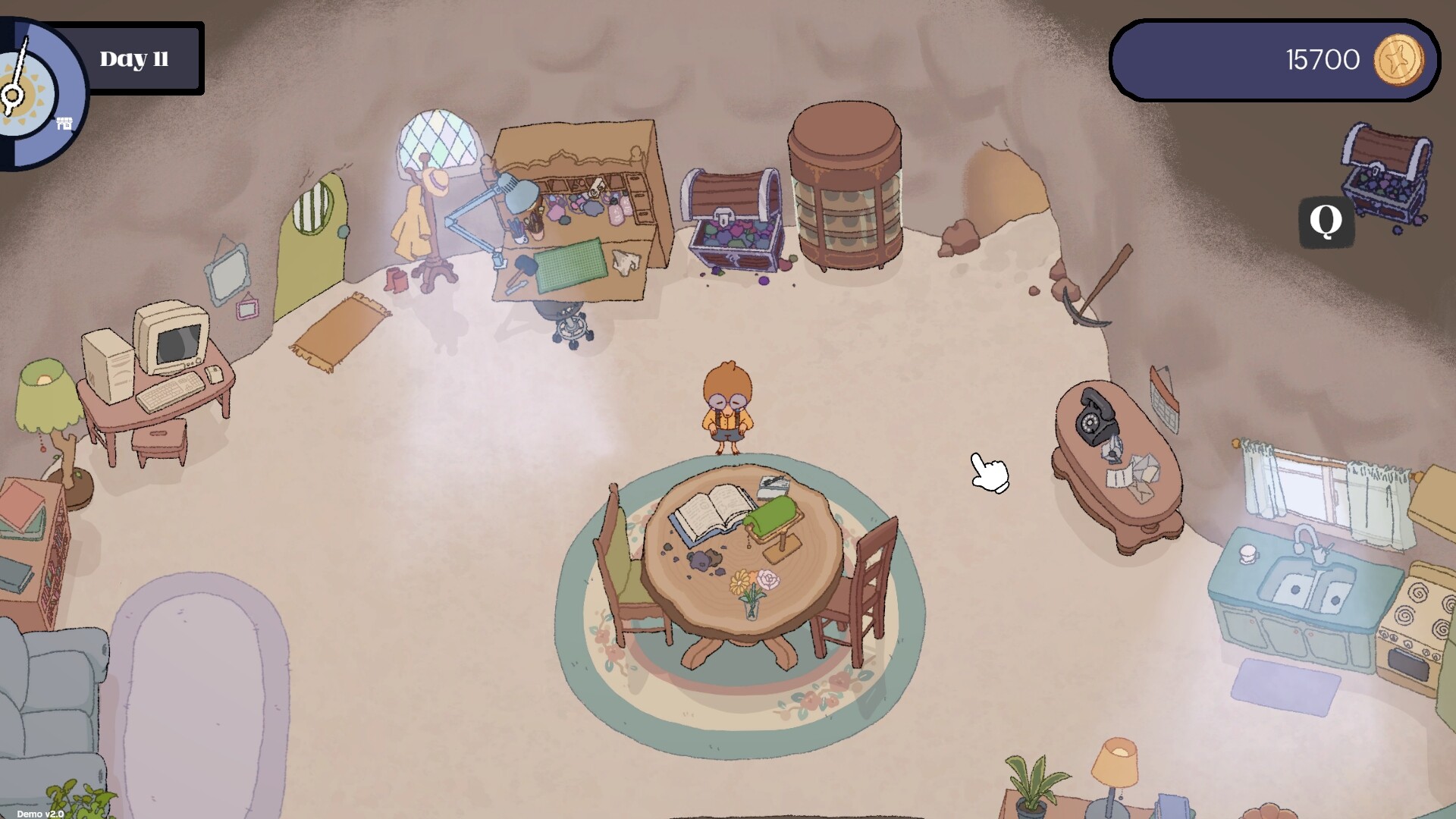
Gemporium puts you in charge of a tiny gem shop after the Grandmole leaves for vacation. You must mine, refine, and sell gemstones while juggling a daily timer and a looming loan shark. The game blends resource management with a short‑term schedule, encouraging careful planning each day.
For a more relaxed experience, Cozy Mode removes the timer, letting you explore and craft at any pace. Upgrades to tools, the shop, and your home let you grow from a nervous mole into a confident market master.
01 / THE GUIDE
Timed Day Cycle
Each in‑game day follows a timed cycle that limits how long the shop stays open and how much mining you can do. You must balance exploring the mines, refining gems, and serving customers before the timer expires.
Missing the deadline means you lose the chance to sell that day’s stock, so planning each activity’s order is essential for profit and reputation growth.
- Map out a rough order of tasks before the timer starts.
- Prioritize high‑value gems for refinement early in the day.
02 / THE GUIDE
Mining and Tool Upgrades
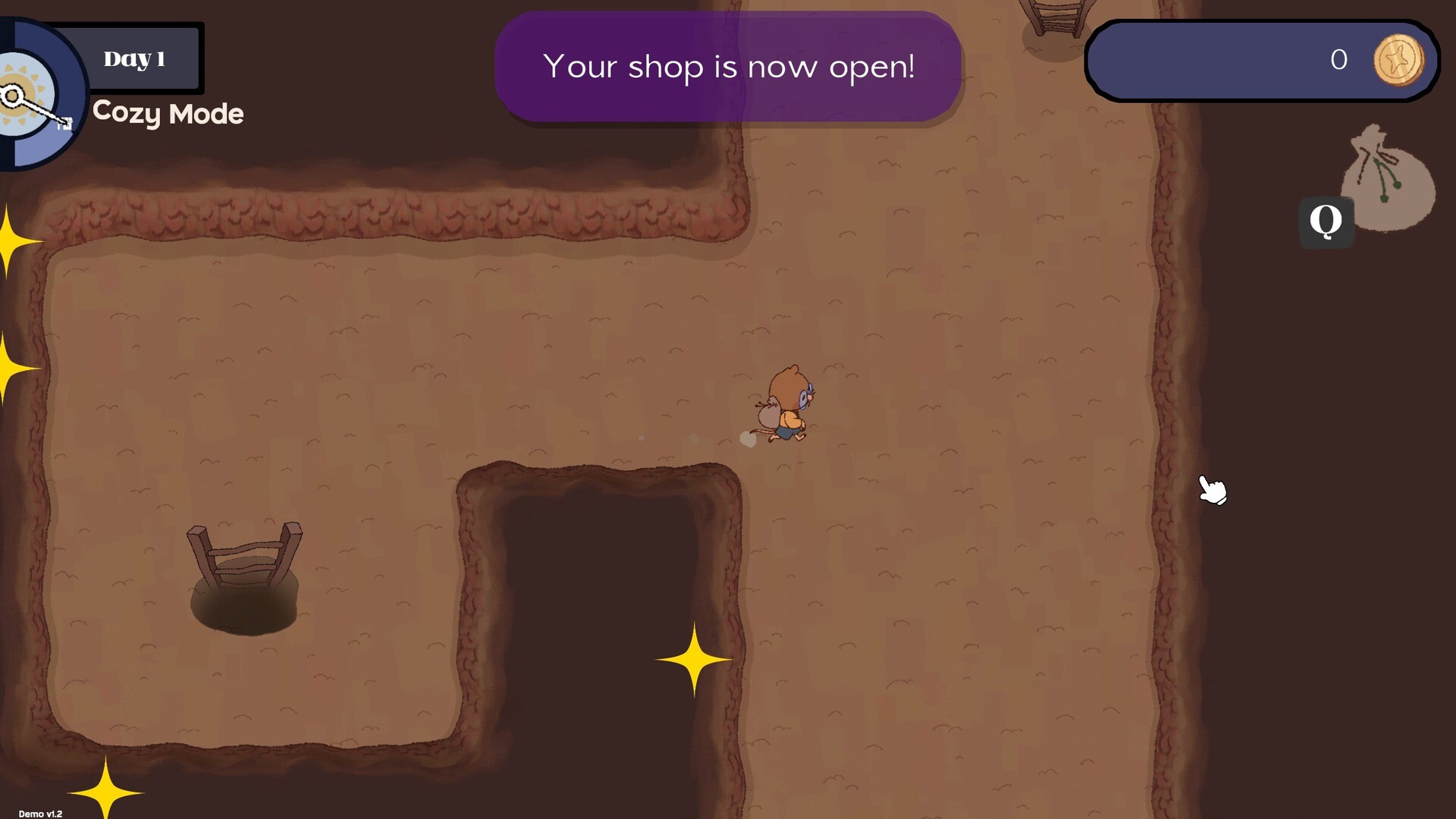
You explore deeper into local mines to collect gems of varying rarities. Different mining tools help prevent cracks and keep the quality of your finds high. Upgrading these tools improves your ability to gather better gems.
Higher‑quality gems fetch more profit after refinement, making tool upgrades a key investment for long‑term success.
- Invest in tools that reduce crack risk early on.
- Compare tool costs against expected gem value gains.
03 / THE GUIDE
Refining Gemstones
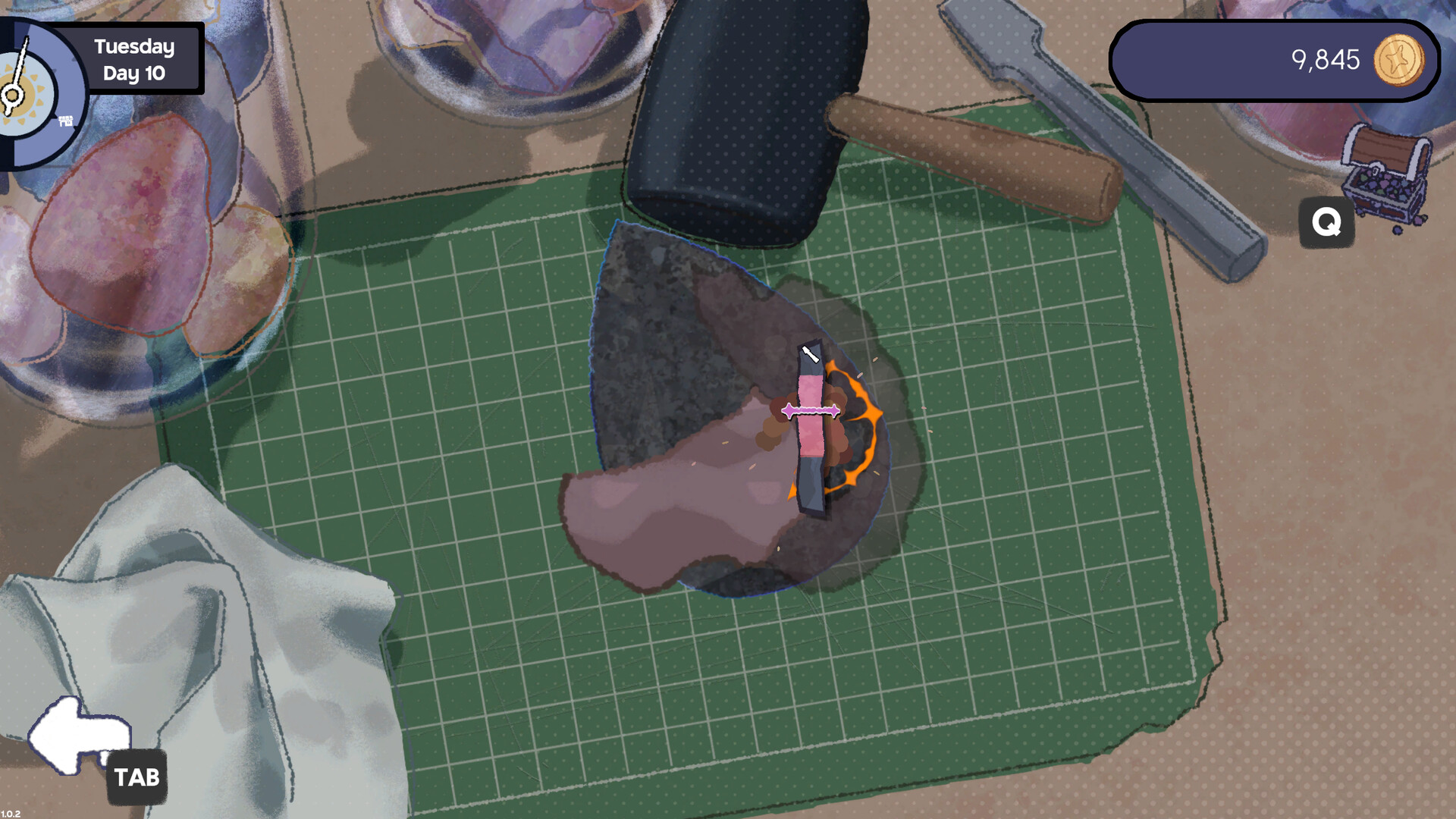
Unrefined gemstones sell for far less than refined ones. After mining, you must visit the refinement table to polish and prepare each find. This step converts raw rock into collectible items that customers desire.
Refinement adds value, so allocating time to the table before the shop closes boosts earnings and reputation.
- Refine batches of similar rarity together for efficiency.
- Leave a small reserve of unrefined gems for unexpected customers.
04 / THE GUIDE
Selling and Customer Tastes
Customers arrive with specific preferences, and matching those tastes maximizes profit and reputation. Selling refined gems during the shop’s open window is the primary way to earn money and pay off the loan shark.
Keeping an eye on which gems are in demand helps you decide what to refine and stock each day.
- Track which gem types sell fastest and prioritize them.
- Balance popular gems with higher‑value rarities for steady income.
05 / THE GUIDE
Cozy Mode – Play at Your Own Pace
Cozy Mode disables the daily timer, allowing you to explore, refine, and sell without time pressure. This mode is ideal for players seeking a relaxed, casual experience.
The daily timer is turned off entirely, giving you freedom to manage your shop at your own pace.
- Use Cozy Mode to experiment with different upgrade paths.
- Take extra time to perfect refinement techniques without rush.


COMMUNITY
Player discussion