 GameWiki
GET YOUR BEARINGS
About GemCraft - Legacy Collection
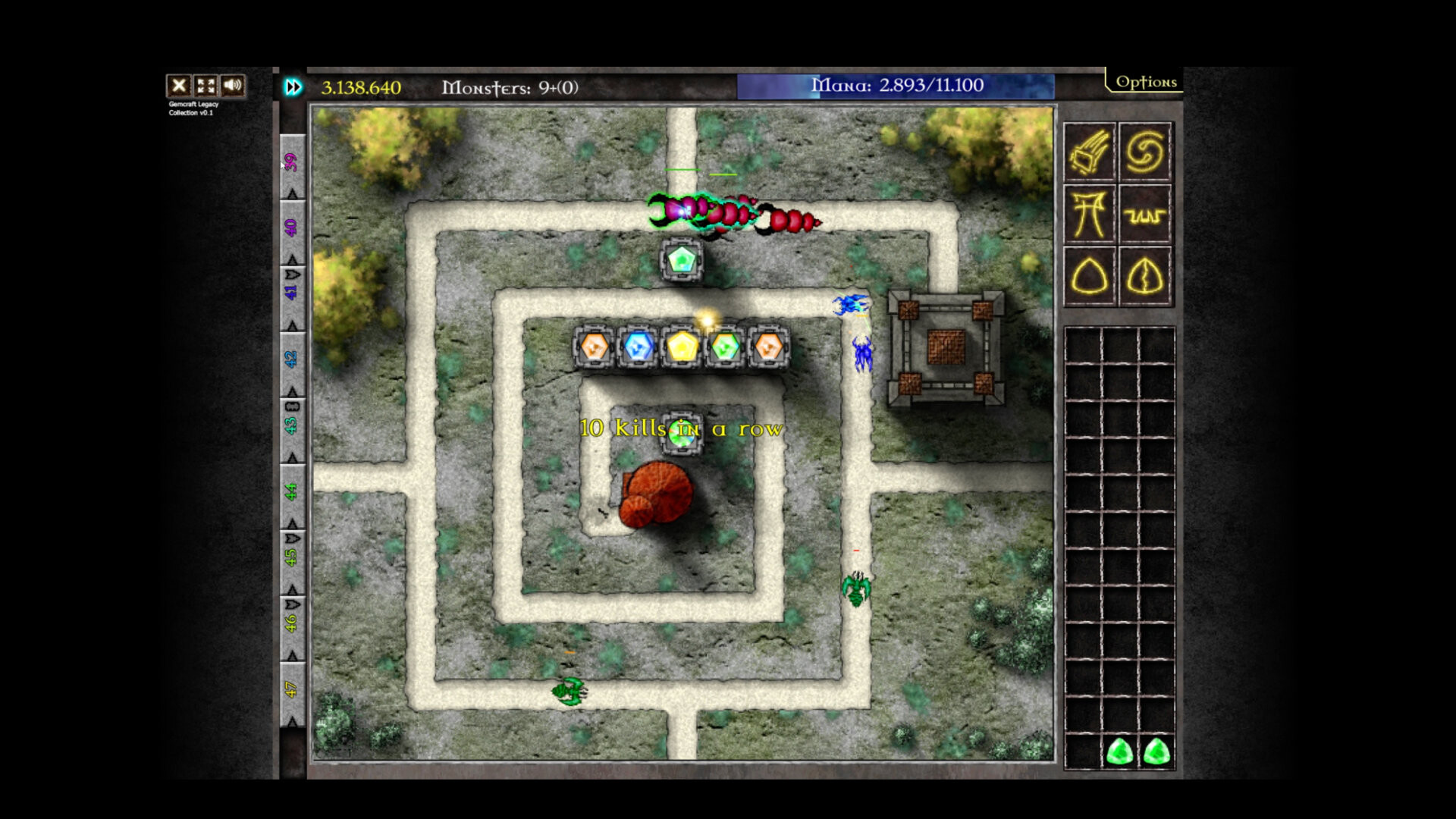
GemCraft – Legacy Collection bundles three classic titles, preserving the signature gem‑combining system where players forge gems, fuse them into higher ranks, and slot them into towers or traps while managing mana and deciding when to summon extra waves for larger rewards. The collection adds community‑driven upgrades such as consistent hotkeys, adaptive graphics for massive waves, fast‑forward up to 9×, Steam achievements, cloud saves, and support for Windows and macOS.
All three games run in a single‑player mode with mouse‑only option and no timed input requirement. Enhanced audio, 1080p resolution, and smoother late‑game performance round out the experience, offering over 100 hours of content across maps, wizard leveling, skill upgrades, and amulet collection.
01 / THE GUIDE
Gem Combining System
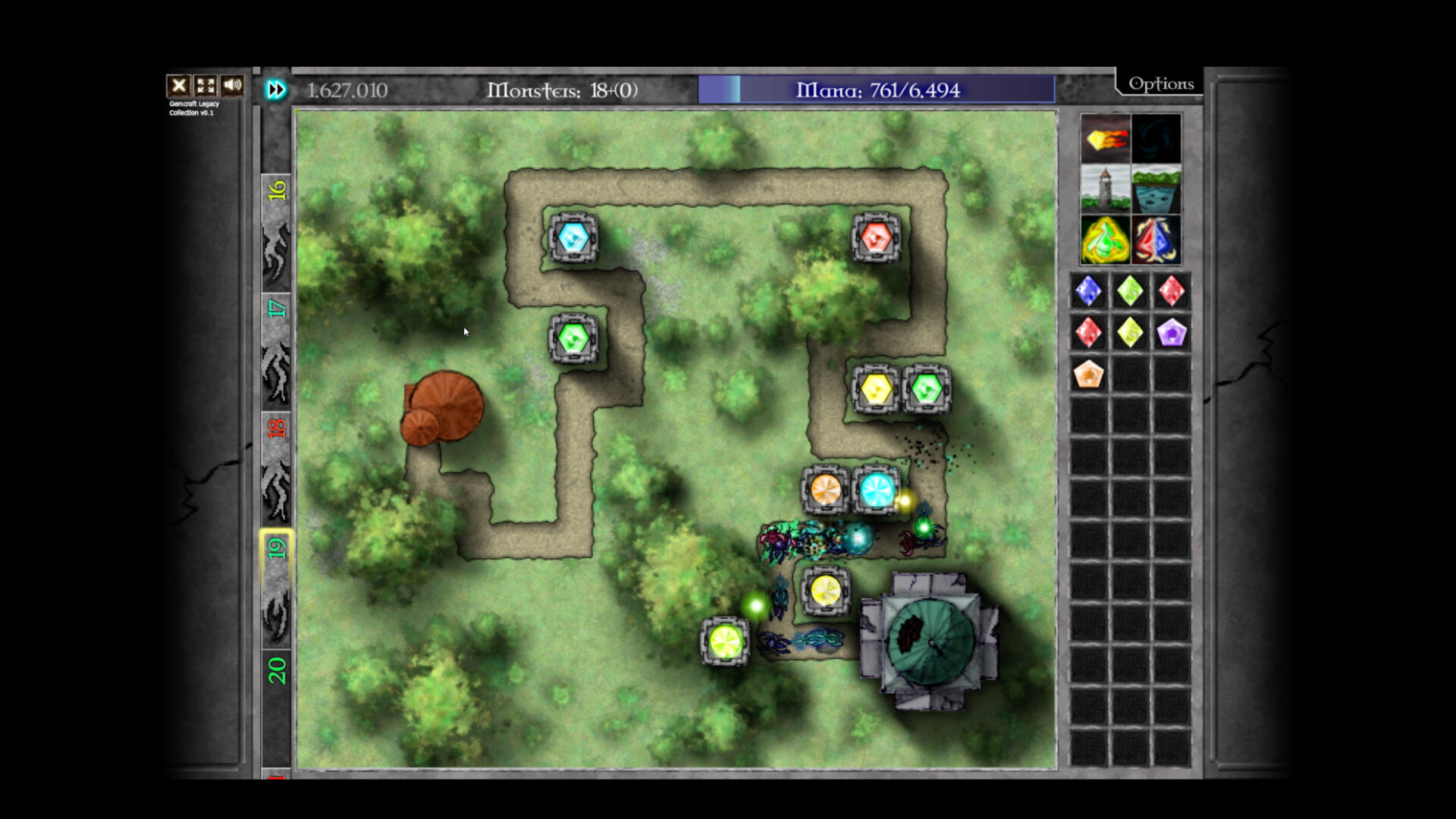
The core mechanic lets you forge magical gems and then fuse them into higher ranks. Higher‑rank gems can be slotted into towers or traps, directly increasing defensive power and shaping each wave’s difficulty.
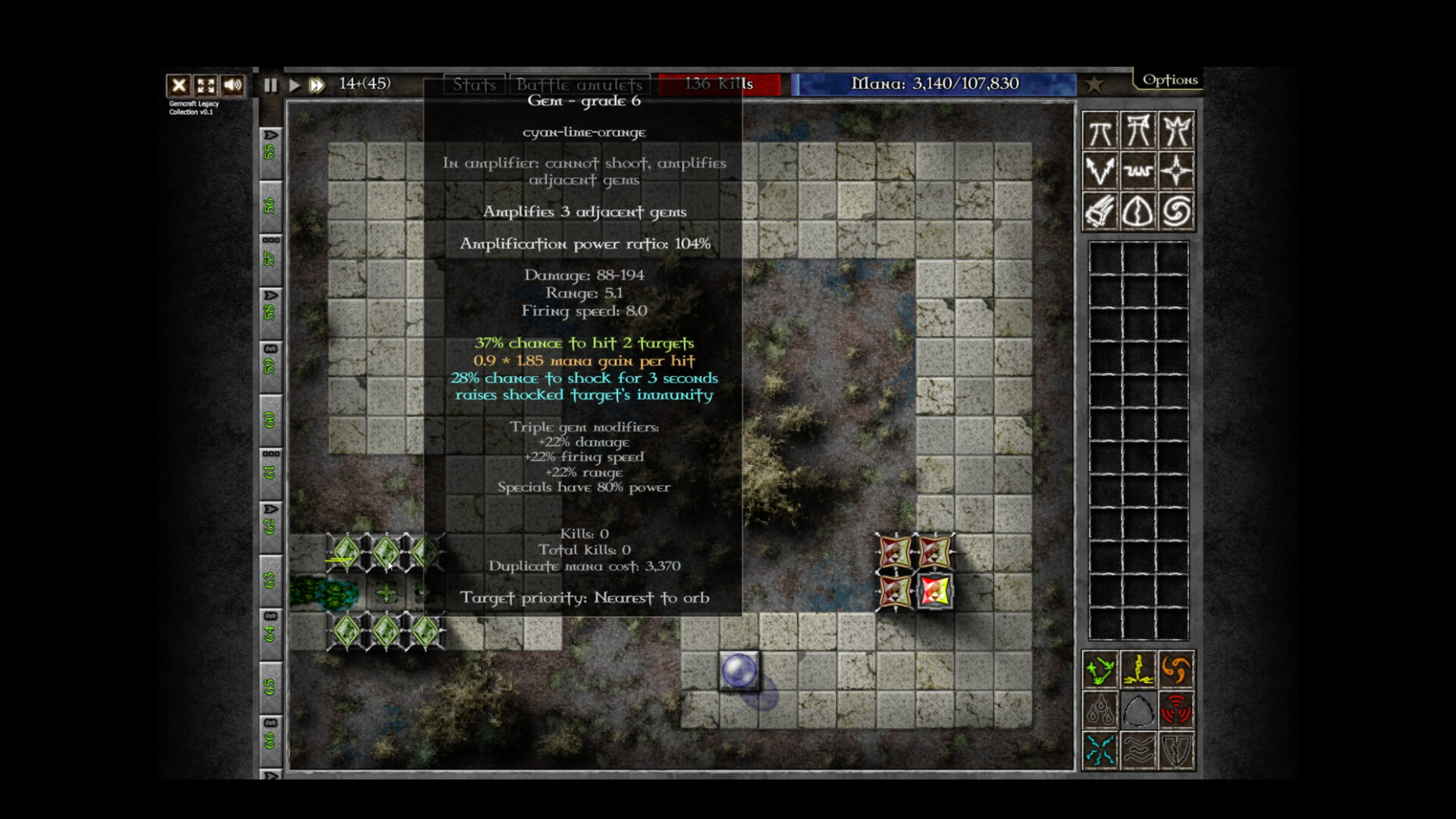
During a level you can combine gems by dragging them onto other gems or towers. Additionally, pressing Shift+Click refunds spent skill points instantly, giving a way to re‑allocate points without leaving the battlefield.
- Experiment with different gem ranks to see how they affect tower strength.
- Use Shift+Click when you need to recover skill points quickly.
02 / THE GUIDE
Tower and Trap Slotting
Slots in towers and traps accept the gems you have combined, turning them into defensive assets that influence wave survival. Each gem’s rank determines the magnitude of its effect on the structure it occupies.
Hotkeys are consistent across all three games, covering speed, waves, combining and more. This streamlines gem placement during intense wave moments.
- Plan gem placement before waves arrive to maximize effectiveness.
- Use the hotkeys to slot gems quickly when managing many towers.
03 / THE GUIDE
Mana Management
Mana is the primary resource for forging gems; careful budgeting is required to sustain defenses throughout a level.
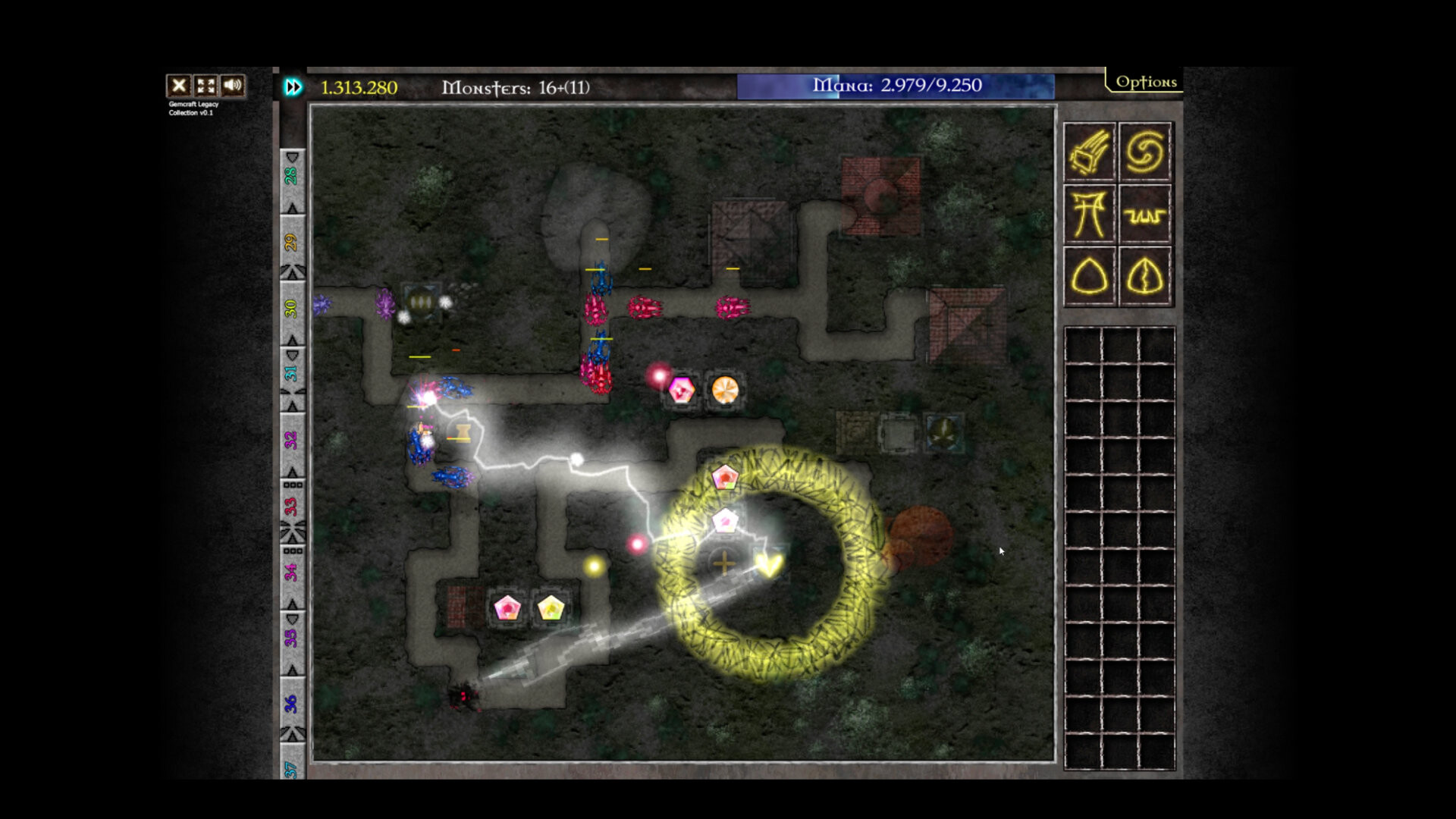
Summoning extra waves consumes mana but yields greater rewards, adding a strategic decision point for each wave. Weighing the potential reward against the mana cost is essential for long‑term survival.
- Reserve some mana for later waves to avoid being caught unprepared.
- Consider the reward size before spending mana on an extra wave.
04 / THE GUIDE
Fast‑Forward Feature
Players can accelerate gameplay up to 9× using dedicated fast‑forward controls, with separate buttons for play, pause, and fast‑forward. This lets you speed through low‑threat sections while retaining full control.
A one‑click wave‑send button works alongside fast‑forward, allowing you to dispatch waves at any moment regardless of speed. Pausing before fast‑forwarding lets you plan your next move without time pressure.
- Fast‑forward through quiet segments to save time.
- Pause before fast‑forwarding to set up your next strategy.
05 / THE GUIDE
Steam Achievements & Cloud Saves
The collection integrates Steam achievements, providing goals that track progress across the three games and appear in the Steam overlay. Achievements give a clear sense of accomplishment for completing specific challenges.
Cloud saves store your game data online via Steam Cloud. Family Sharing lets multiple accounts access the same purchase.
- Review the achievement list before a session to set a clear target.
- Enable cloud sync in Steam settings to protect your progress.

COMMUNITY
Player discussion