 GameWiki
GET YOUR BEARINGS
About GeckoShop
GeckoShop is a sandbox shop simulation where you run a pet shop on a small island city. You set prices, keep the store tidy, and interact with customers while managing staff and upgrades.
Beyond shop duties you can explore the city, collect shells and artifacts for a museum, mutate geckos in a lab, and complete side‑quests that add new creatures and items to your collection.
01 / THE GUIDE
Shop Management
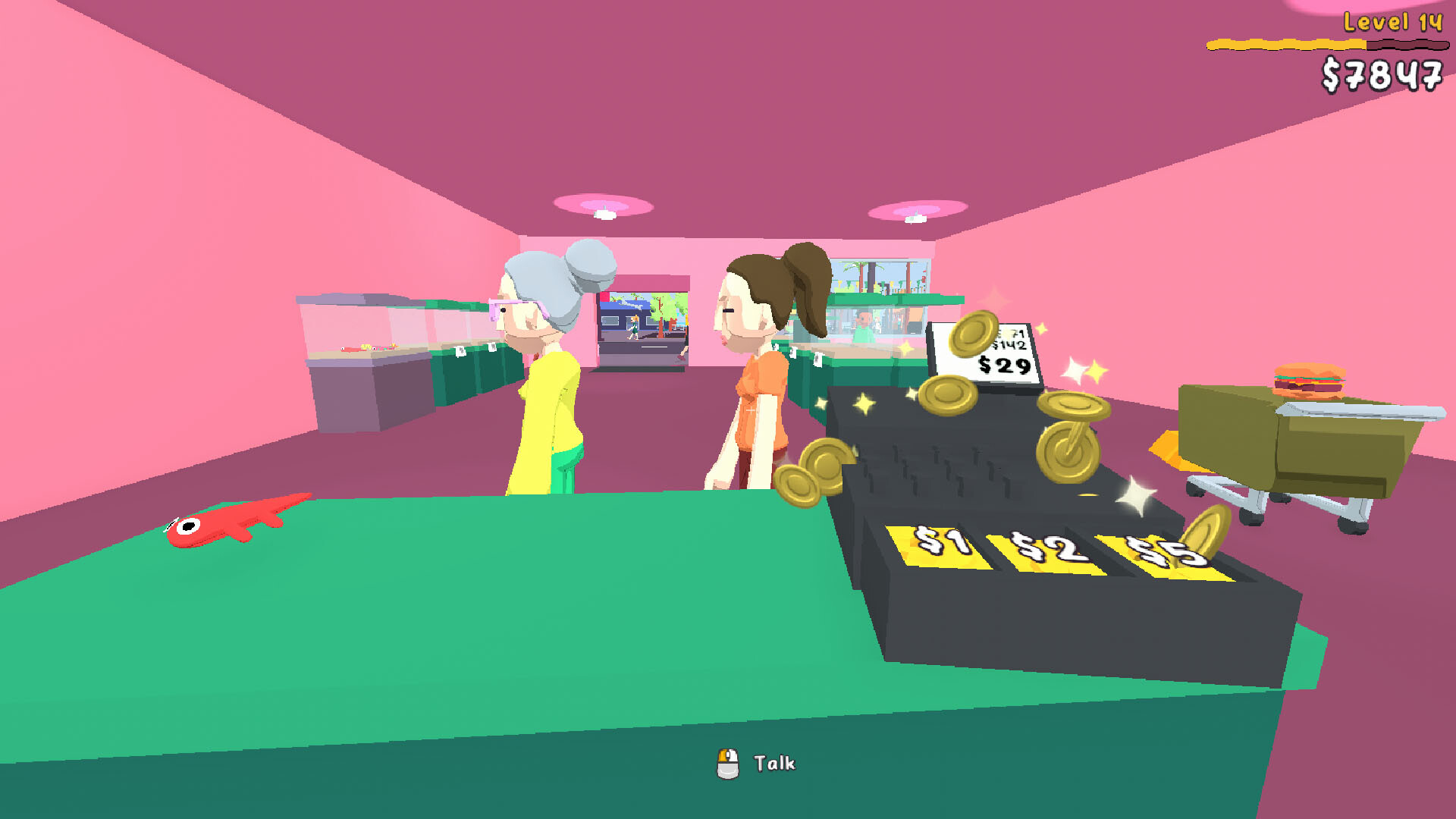
Running the shop requires you to set prices for each gecko, attend to customers, and maintain a clean environment. You may perform cleaning yourself or employ staff to handle it for you.
Employees can also sell pets, clean trash, and catch thieves. Upgrading the shop lets you expand the floor space and add decorative elements such as paint.
- Try adjusting prices in small steps to see how sales respond.
- Hire a cleaner if you plan long sessions away from the shop.
02 / THE GUIDE
Creature Collection
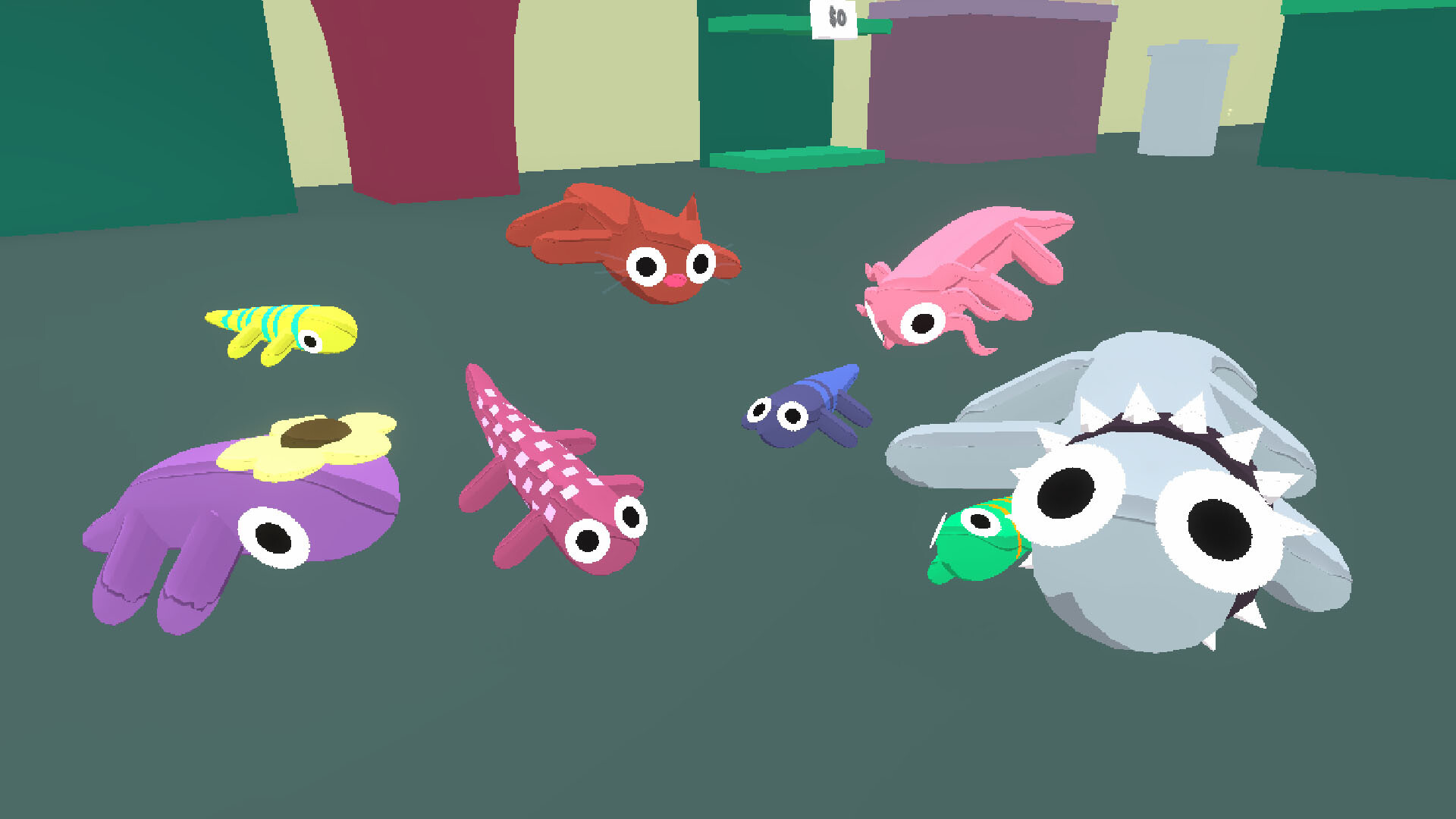
The game features hundreds of geckos divided into four rarity tiers. You can obtain them from chests, vending machines, the lab, and side‑quests throughout the island.
Collected geckos may be sold, kept for display, or used to turn the shop into a zoo, giving you flexibility in how you showcase your collection.
- Open different box types to increase the variety of geckos you receive.
- Track which rarity levels you lack to focus collection efforts.

03 / THE GUIDE
City Exploration
The island city is an open‑world area populated with NPCs who offer quests, sell items, and provide services such as painting or upgrades. You can wander to the beach, museum, and specialty shops.
Side‑quests include treasure hunting, shell collection, and fishing. Caught fish can be sold to the NPC named Skipper, adding a non‑shop activity to your routine.
- Visit each shop to discover unique services like the Paintshop.
- Check the museum after beach runs to see if new artifacts have appeared.
04 / THE GUIDE
Lab Mutation
In the Lab, Zippy Joe’s machine can combine five geckos into a new specimen. The process may yield a lab‑exclusive gecko that sparkles in rainbow colors, offering a distinct acquisition path.
Mutation does not replace other sources; it simply adds another method to obtain rare geckos, encouraging you to experiment with different combinations.
- Save a mix of common geckos before mutating to broaden possible outcomes.
- Compare mutated results with chest rewards to evaluate rarity differences.
05 / THE GUIDE
Employee System
Employees can be hired to assist with selling pets, cleaning trash, and catching thieves. Their tasks free you to focus on exploration, collection, or shop upgrades.
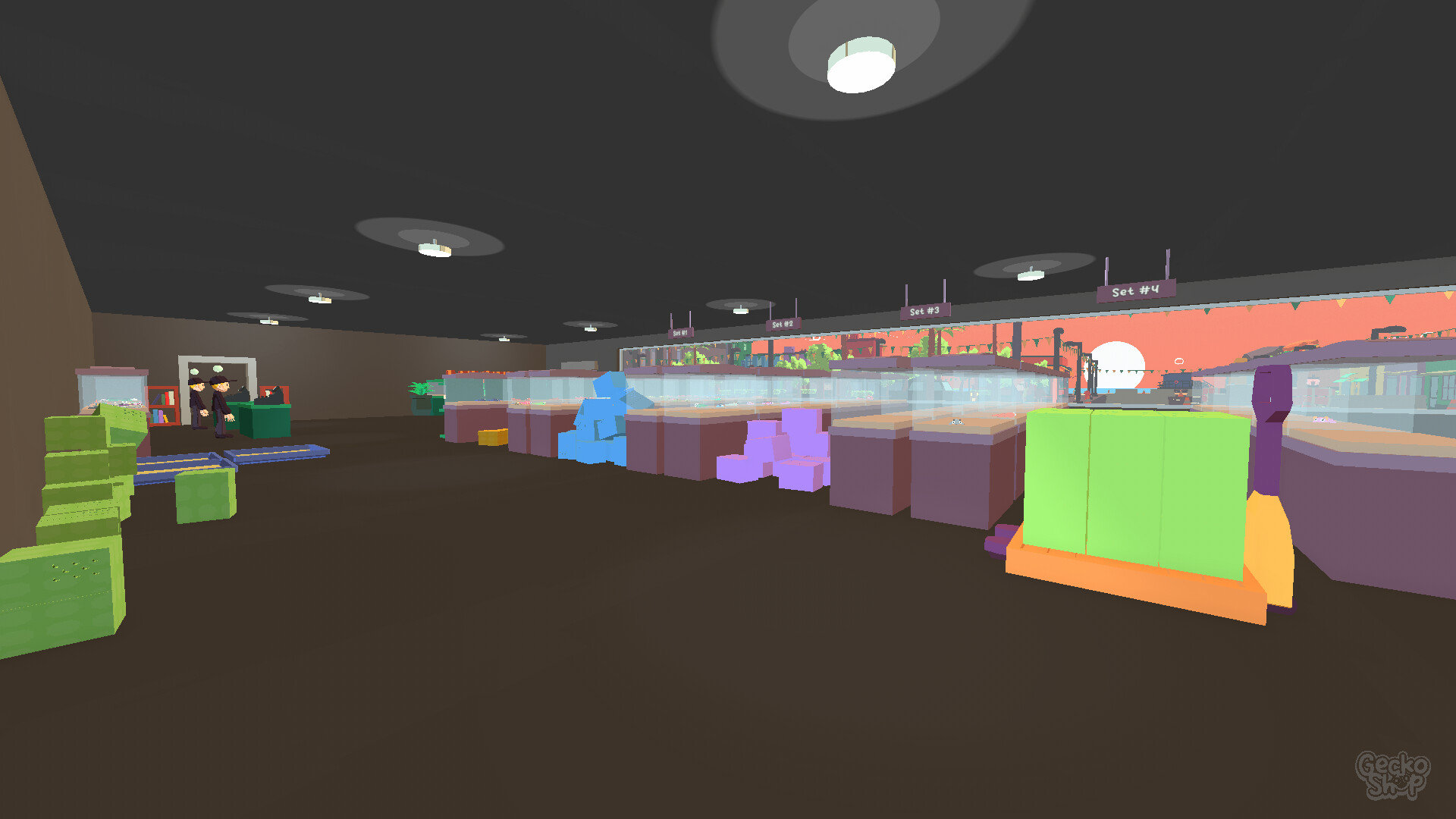
Employees can assist with selling, cleaning, and thief-catching, which can help you maintain efficiency as the shop expands into a larger warehouse.
- Consider hiring a thief‑catcher if you notice frequent theft incidents.
- Balance the number of cleaners with your play sessions to avoid unnecessary expenses.

COMMUNITY
Player discussion