 GameWiki
GET YOUR BEARINGS
About Gears of War: Reloaded
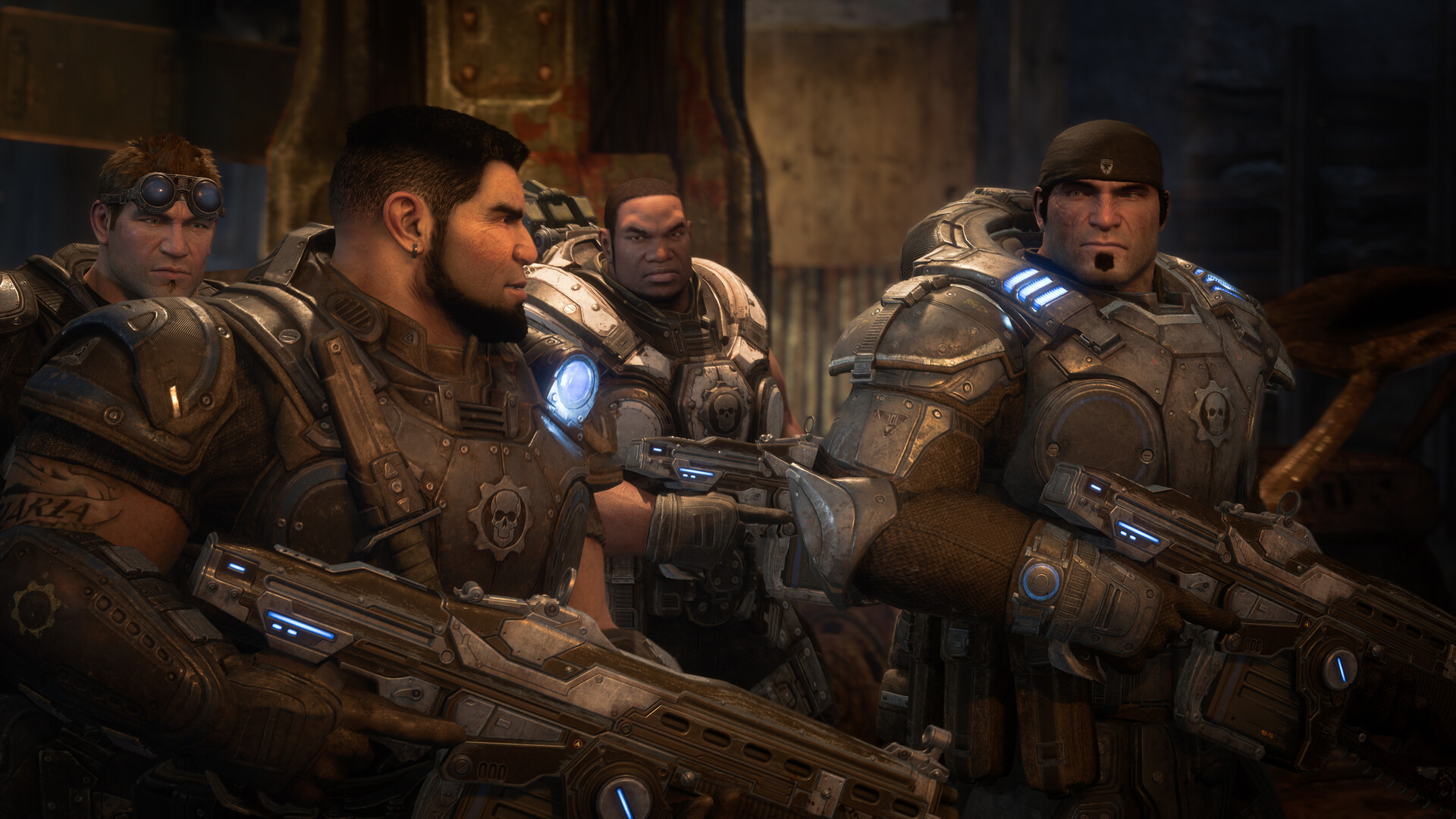
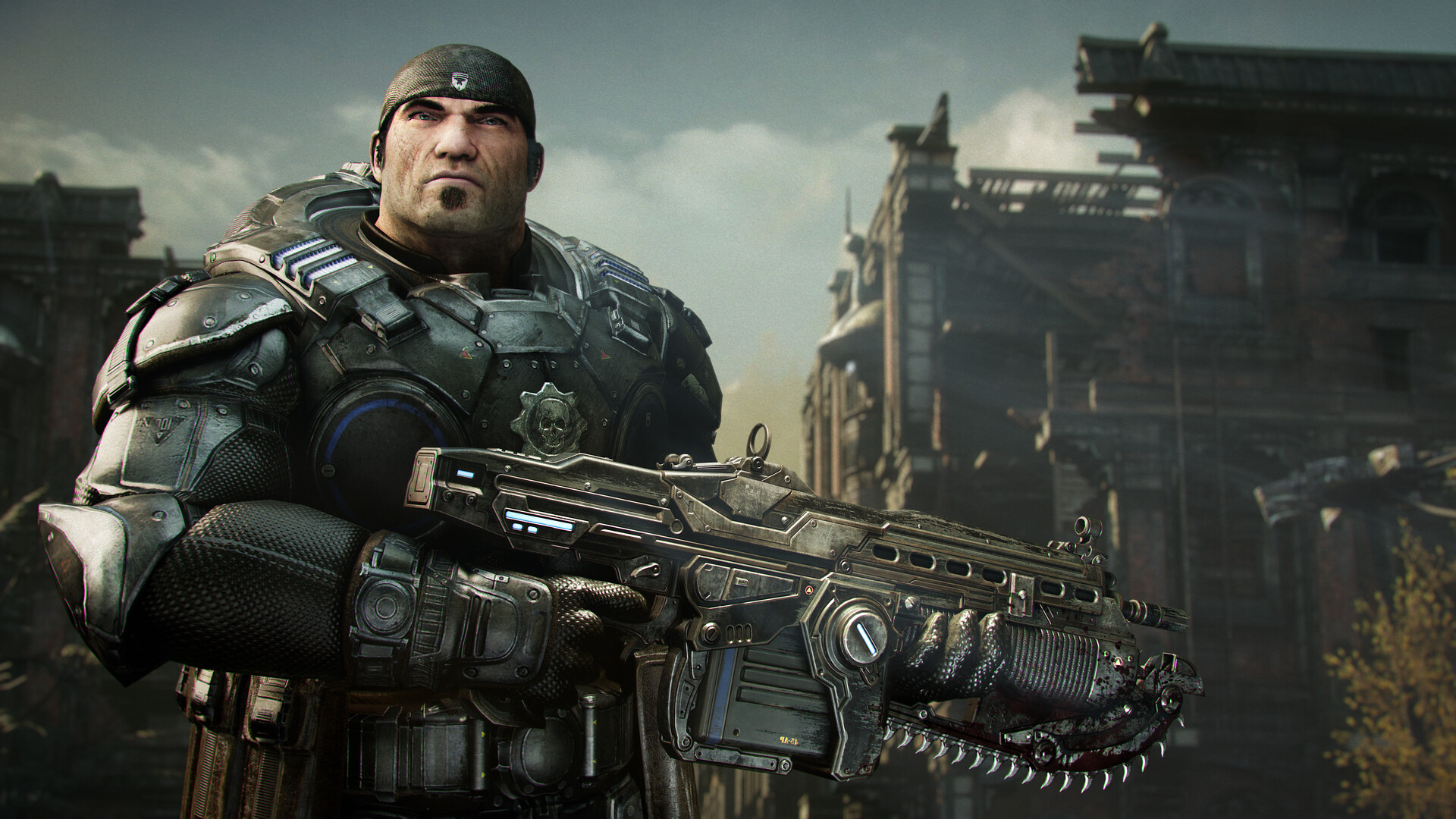
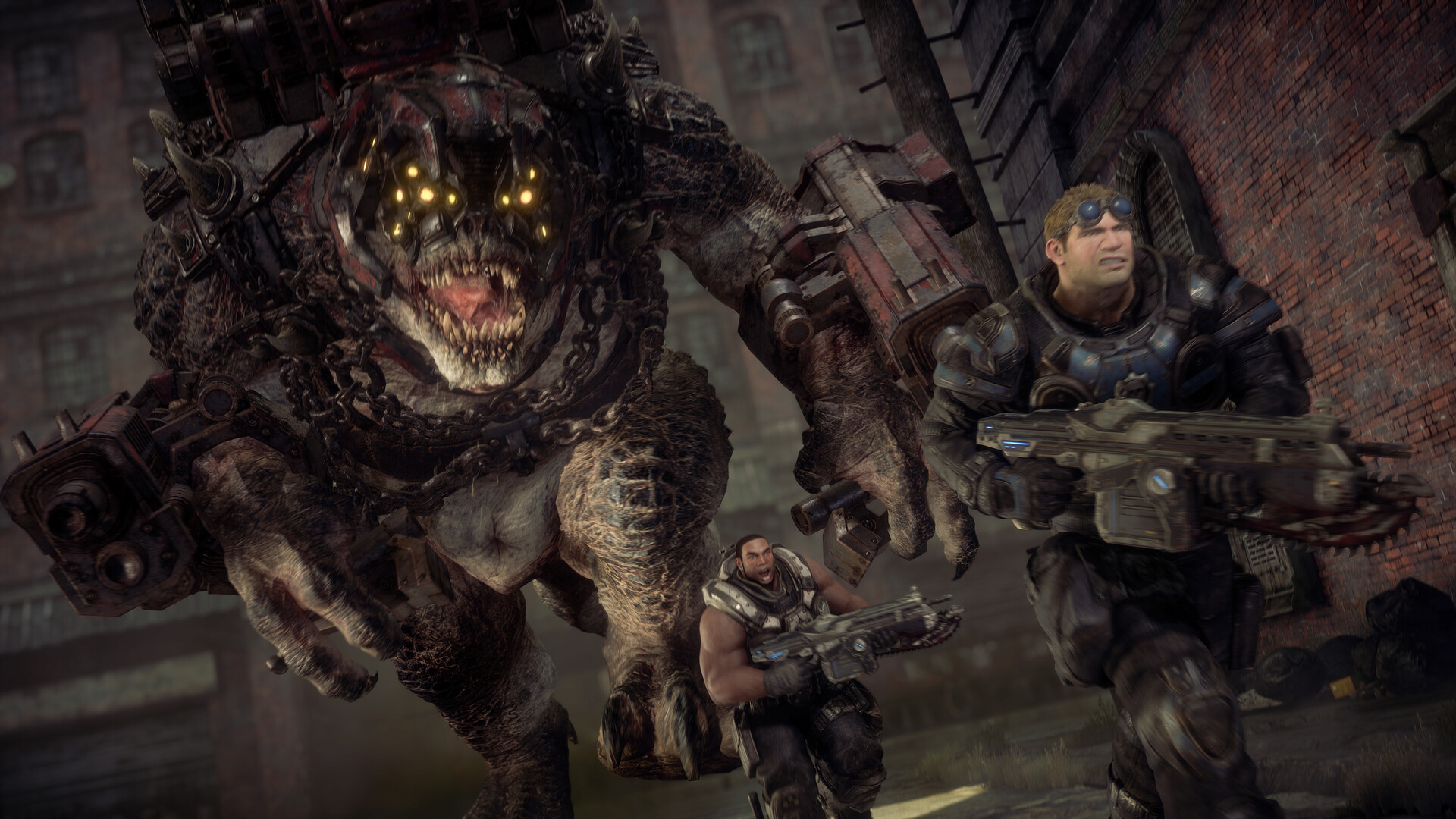
Gears of War: Reloaded revives the original third‑person cover shooter, letting players battle the Locust 14 years after the invasion. Marcus Fenix and Dominic Santiago lead Delta Squad in a story that can be tackled solo or with a friend in online co‑op. The remaster runs on Unreal Engine and adds modern visual fidelity, supporting 4K, HDR, and up to 144 FPS in multiplayer. It also offers cross‑play, cross‑progression, and a suite of PC‑first features such as ultrawide support and advanced graphics options.
01 / THE GUIDE
Campaign Co‑Op
The core narrative follows Marcus and Dom as they fight the Locust threat, and the game allows two players to experience the campaign together online. This cooperative mode lets both participants share the same story beats while coordinating cover and attacks.
Co‑op is integrated directly into the campaign, and the bonus campaign act is included with the release. You can team up by joining a friend's session online.
- Try communicating early about who will take the lead on each encounter to keep the flow smooth.
- Experiment with the modern control layout if you’re new; it may feel more intuitive in co‑op.
02 / THE GUIDE
Versus Multiplayer
Versus offers a variety of PvP multiplayer modes where players compete in fast‑paced matches. The modes run at up to 120 fps with high visual clarity, delivering a pulse‑pounding experience.
All post‑launch multiplayer maps are included at launch, and no extra purchase is required to access them.
- Play a few rounds in each mode to discover which map layouts suit your play style.
- Take advantage of the 120 fps setting if your display supports it for smoother combat.
03 / THE GUIDE
Cross‑Play & Cross‑Progression
The title supports cross‑play across all platforms, allowing friends on different devices to squad up. Progression, including campaign saves and multiplayer progression, follows the player when they switch platforms.
A Microsoft Account sign‑in is required to enable this feature, linking your data across consoles, PC, and handhelds.
- Link your Microsoft Account before starting to ensure your progress carries over.
- Check that your friends are also signed in to enjoy seamless cross‑play sessions.
04 / THE GUIDE
Visual & Performance Enhancements
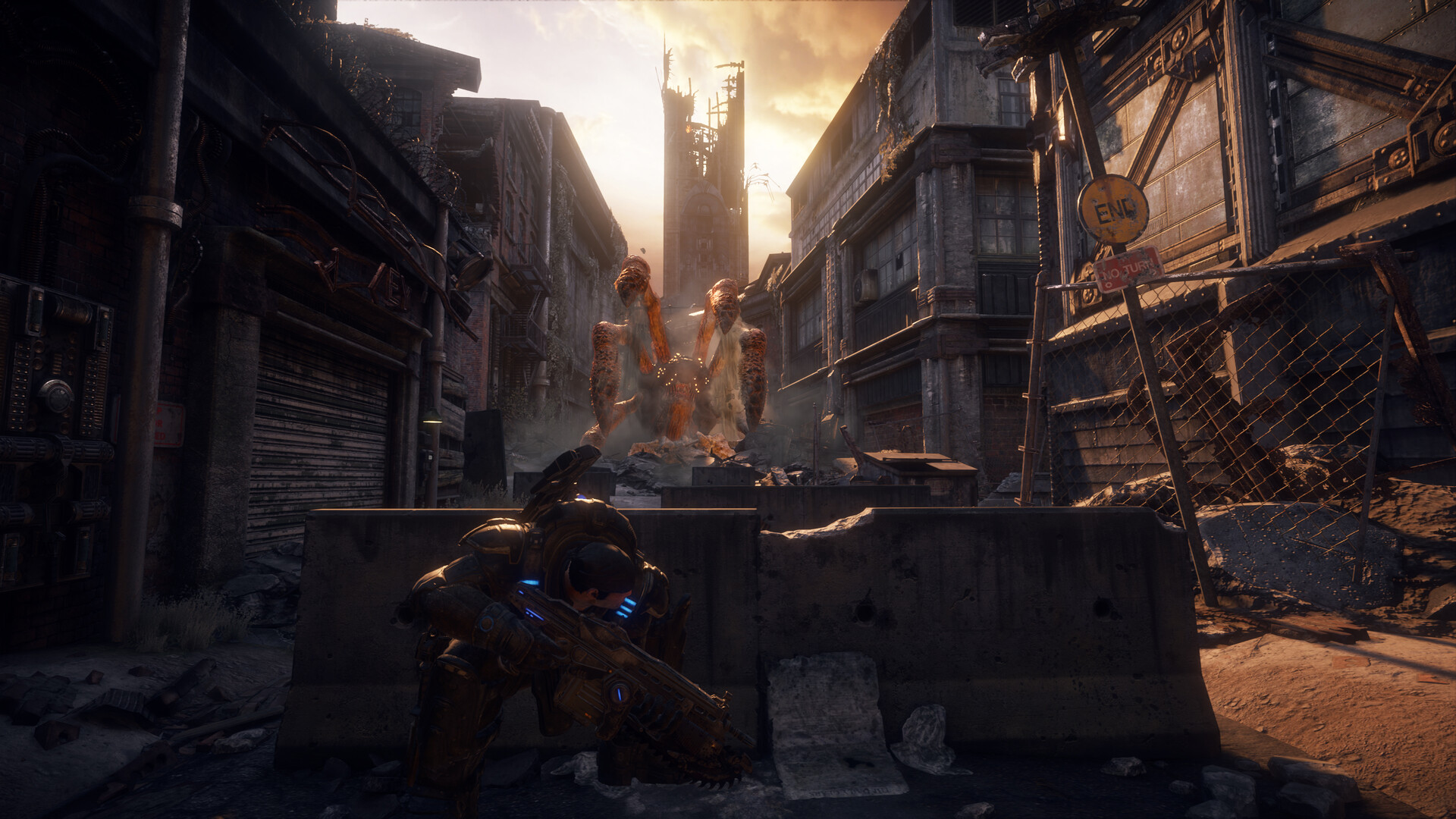
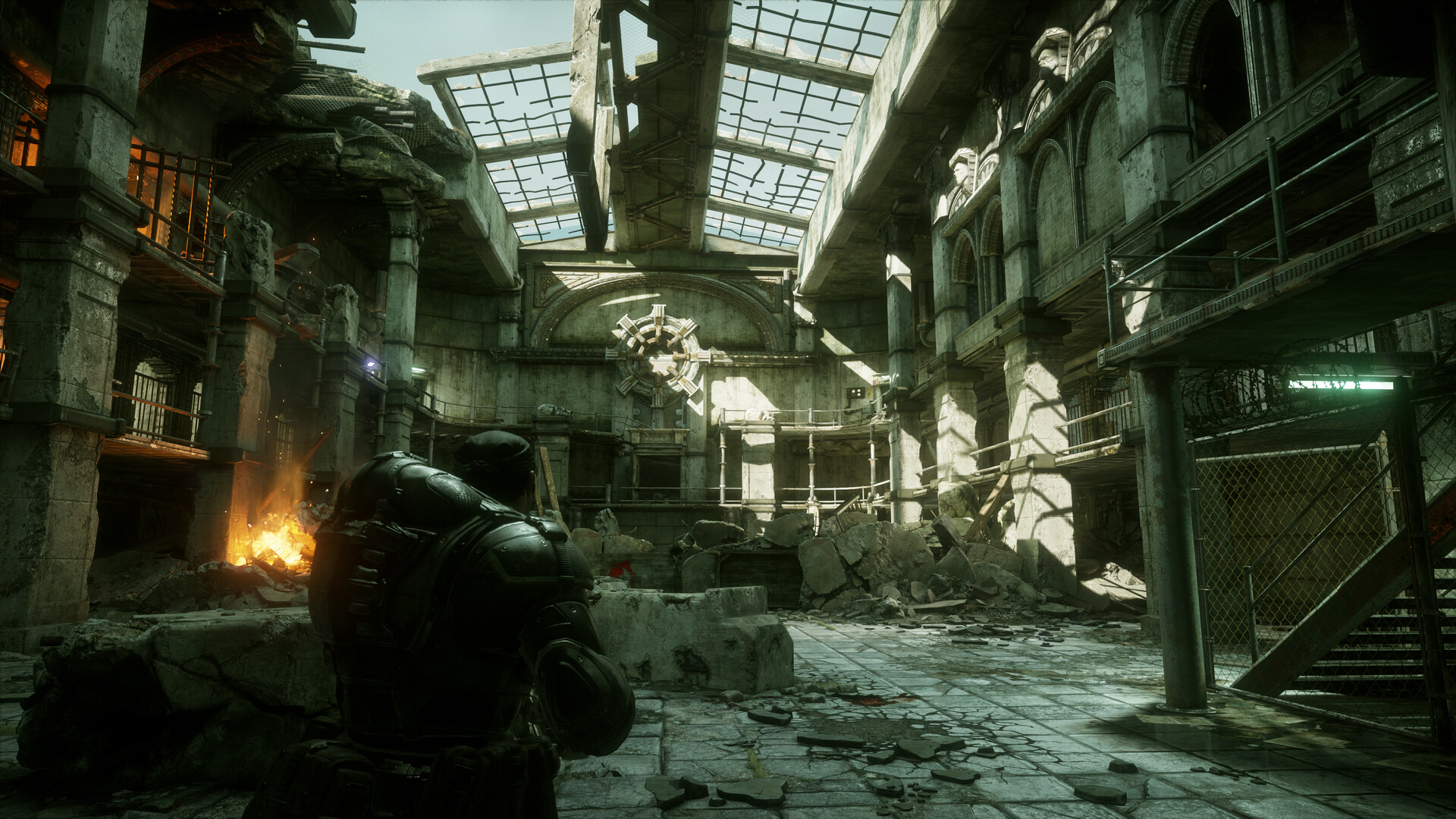
Reloaded upgrades the original assets to 4K resolution with remastered textures, lighting, shadows, and reflections. It also supports HDR, Dolby Vision, and 7.1 surround sound for an immersive experience.
Performance options include variable refresh rate, up to 144 FPS in multiplayer, and support for FSR 3.1 and DLSS 3.5 Super Resolution on PC.
- If your monitor supports HDR, enable it for richer colors and contrast.
- Adjust the refresh rate setting to match your display for the smoothest gameplay.
05 / THE GUIDE
PC & Handheld Optimizations
Beyond graphics, the PC version adds ultrawide support, a benchmark mode, and full mouse‑and‑keyboard input. The game is also optimized for handheld devices.
Controller remapping is available, and the game includes features like Steam Cloud and family sharing for convenient access.
- Use the benchmark mode to gauge how your hardware handles the highest settings.
- Customize controller mappings if the default layout feels uncomfortable.
COMMUNITY
Player discussion