 GameWiki
GET YOUR BEARINGS
About Gears 5
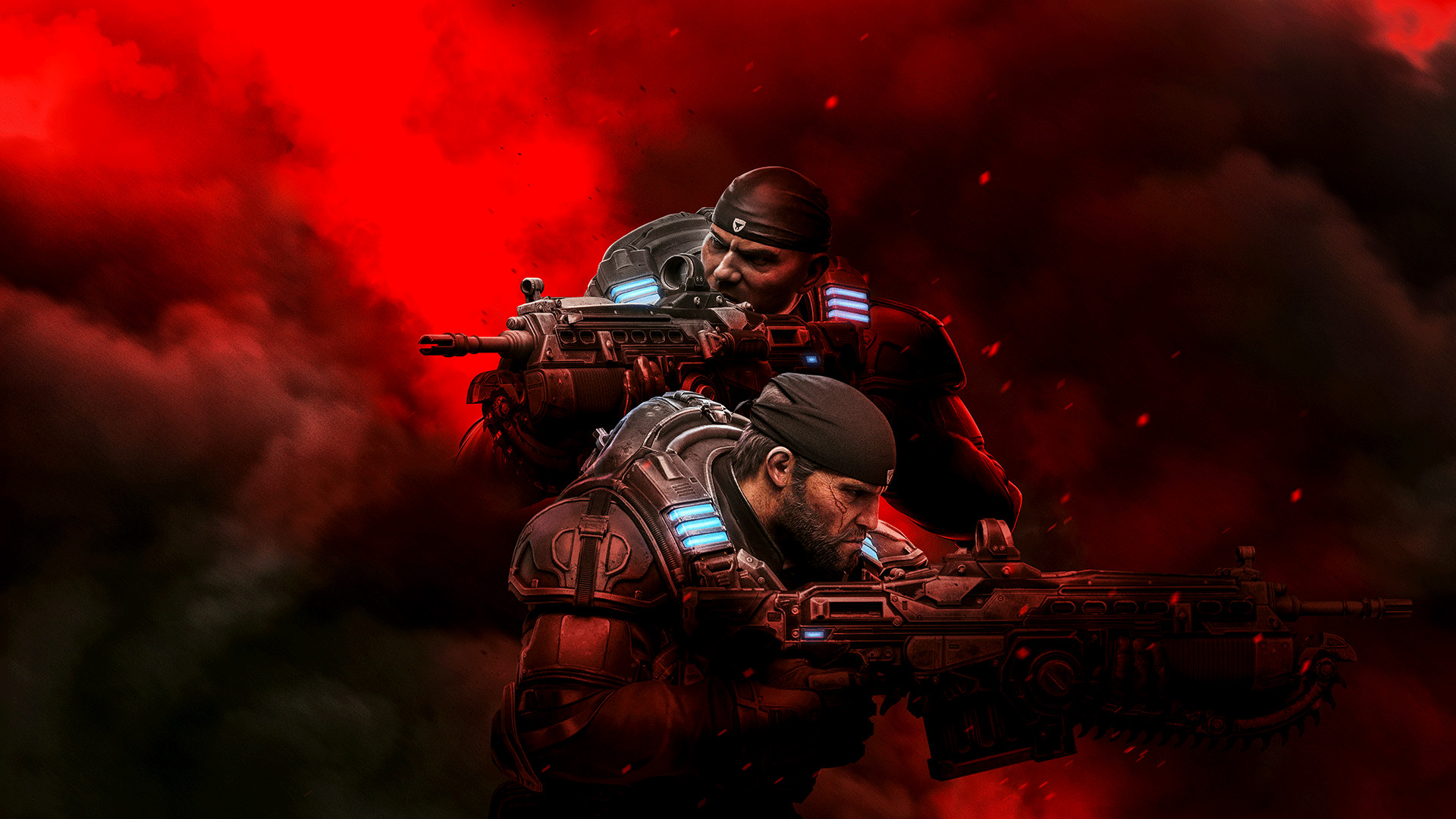
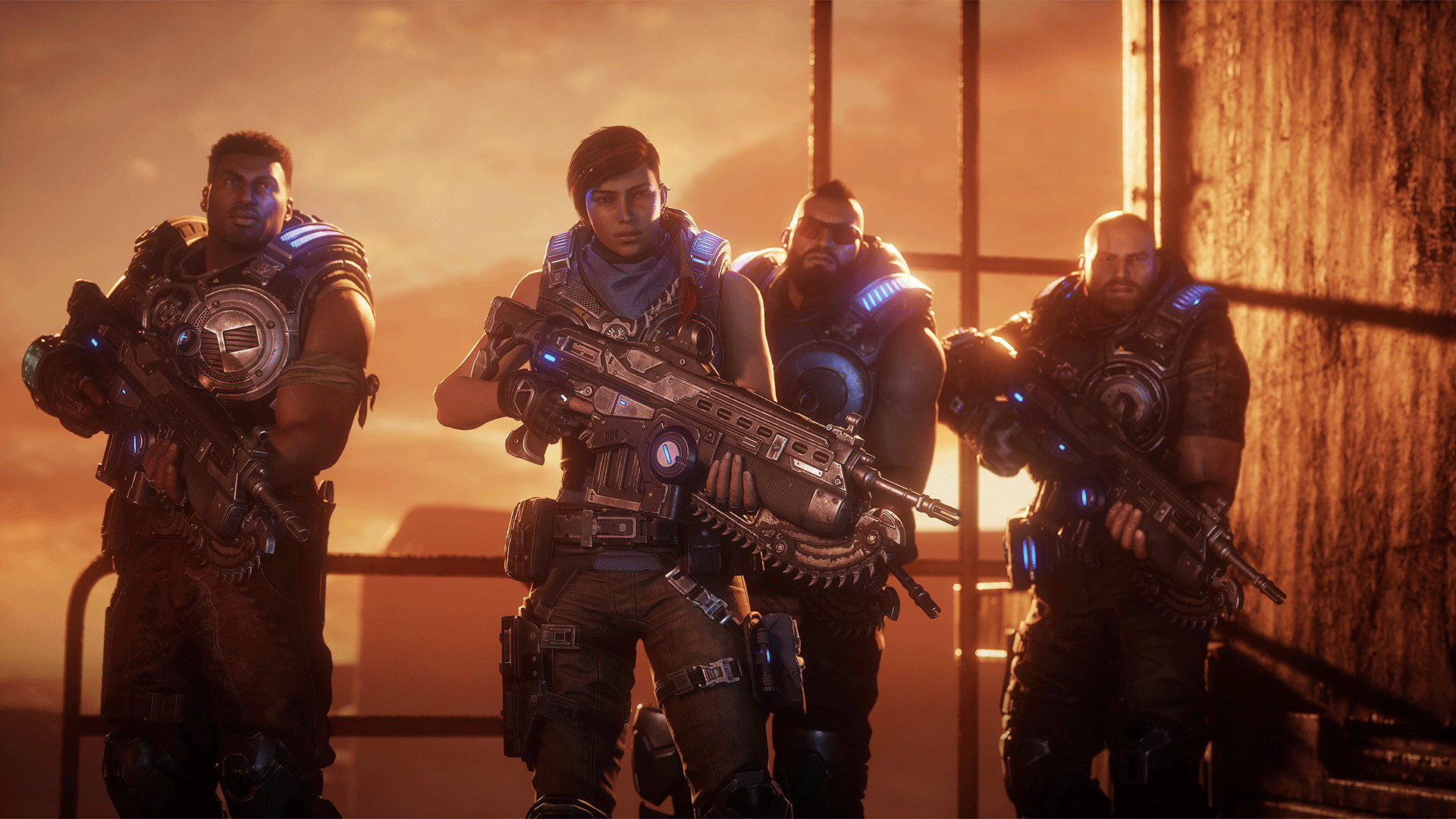
Gears 5 continues the acclaimed saga with a fresh narrative centered on Kait Diaz, who breaks away from the front lines to explore her link to the enemy and the looming threat she herself poses to Sera.
Beyond the single‑player story, the title offers extensive multiplayer options—including PvP, co‑op Horde and Escape, and three‑player campaign co‑op—while providing a suite of accessibility tools such as controller remapping, Adaptive Controller support, narrated UI and enhanced subtitles.
01 / THE GUIDE
Campaign
The campaign follows Kait Diaz as all‑out war descends, prompting her to uncover personal ties to the enemy and confront the danger she represents.
New features let players carry character and weapon skins into fresh playthroughs while accessing bonus difficulties and modifiers for added challenge.
- Mix skins for variety.
- Try harder difficulty.
02 / THE GUIDE
PvP
PvP pits teams against each other, with new modes added since launch and a Versus system that rewards every competitive style from casual to pro.
Rewards are tied to performance, encouraging varied playstyles and offering incentives for both newcomers and seasoned competitors.
- Start casual matches.
- Explore each new mode.
03 / THE GUIDE
Co‑op Modes
PvE co‑op lets players pick a character and class to survive Horde waves or escape through timed missions.
A three‑player campaign co‑op mode supports online or split‑screen play, allowing friends to tackle the story together.
- Balance class abilities.
- Use split‑screen locally.
04 / THE GUIDE
Accessibility
Accessibility options include full controller remapping, single‑stick movement, Adaptive Controller support, narrated UI and menus, and improved subtitles.
These features let players tailor the experience to personal needs, enhancing usability across a range of abilities.
- Remap controls comfortably.
- Enable narrated UI.
05 / THE GUIDE
Xbox Profile
An Xbox profile is required; players must sign in with an existing account or create a new free one.
Linking a profile enables cross‑platform multiplayer and access to online services tied to the account.
- Create a free account.
- Stay signed in.

COMMUNITY
Player discussion