 GameWiki
GET YOUR BEARINGS
About GearBlocks
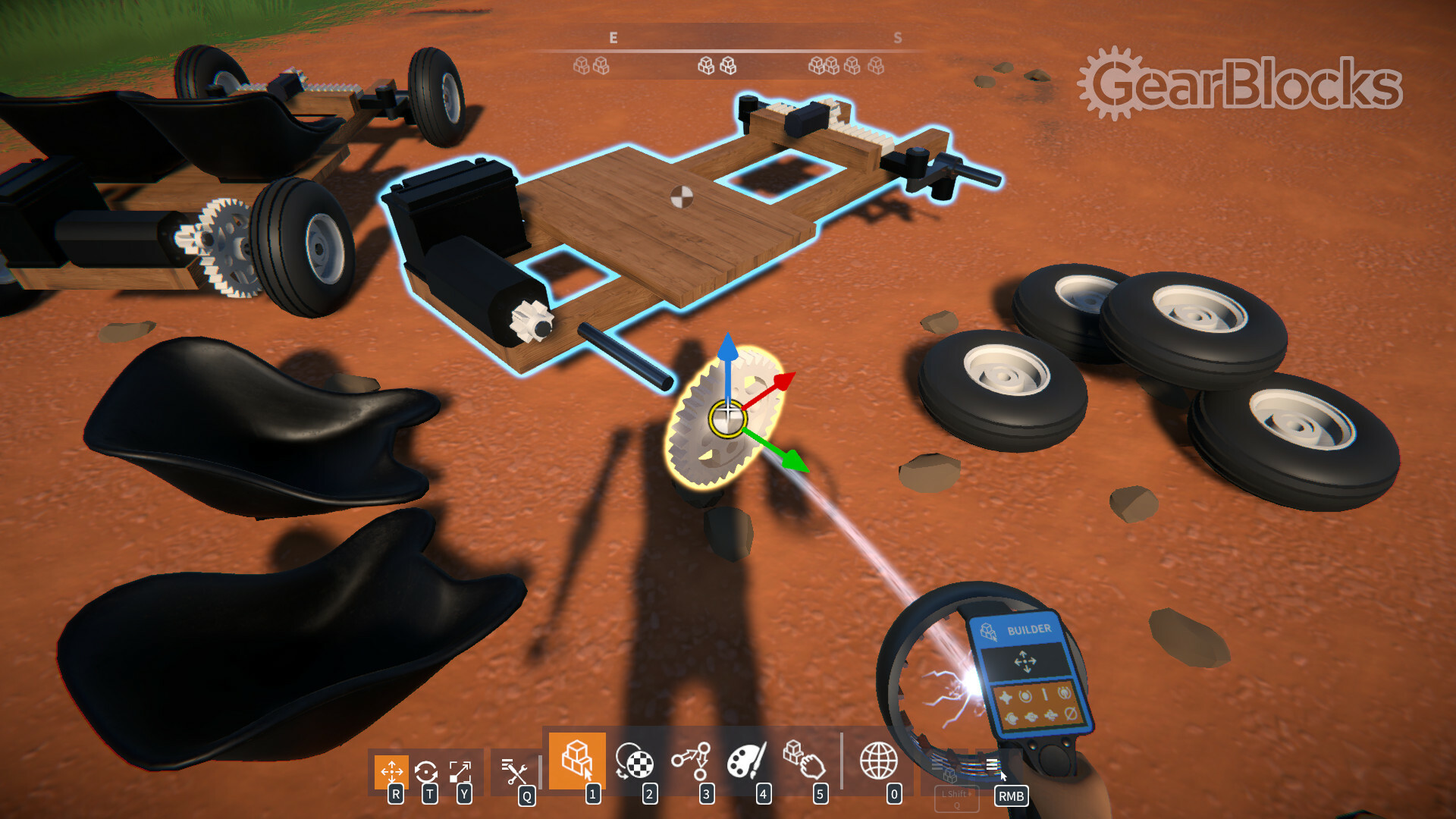
GearBlocks is an open‑ended sandbox where mechanically minded builders can create anything from cars with rack‑and‑pinion steering to motorised parkour courses. Over 200 parts—including gears, pulleys, springs and actuators—can be snapped together, resized, painted and linked to produce functional machines.
Players can test creations by turning, grabbing, shoving, or driving them, and can even smash builds to see physics in action. The game also supports community sharing, Lua‑based modding, a tutorial scenario, and challenge scenarios for focused testing.
01 / THE GUIDE
Building Mechanics
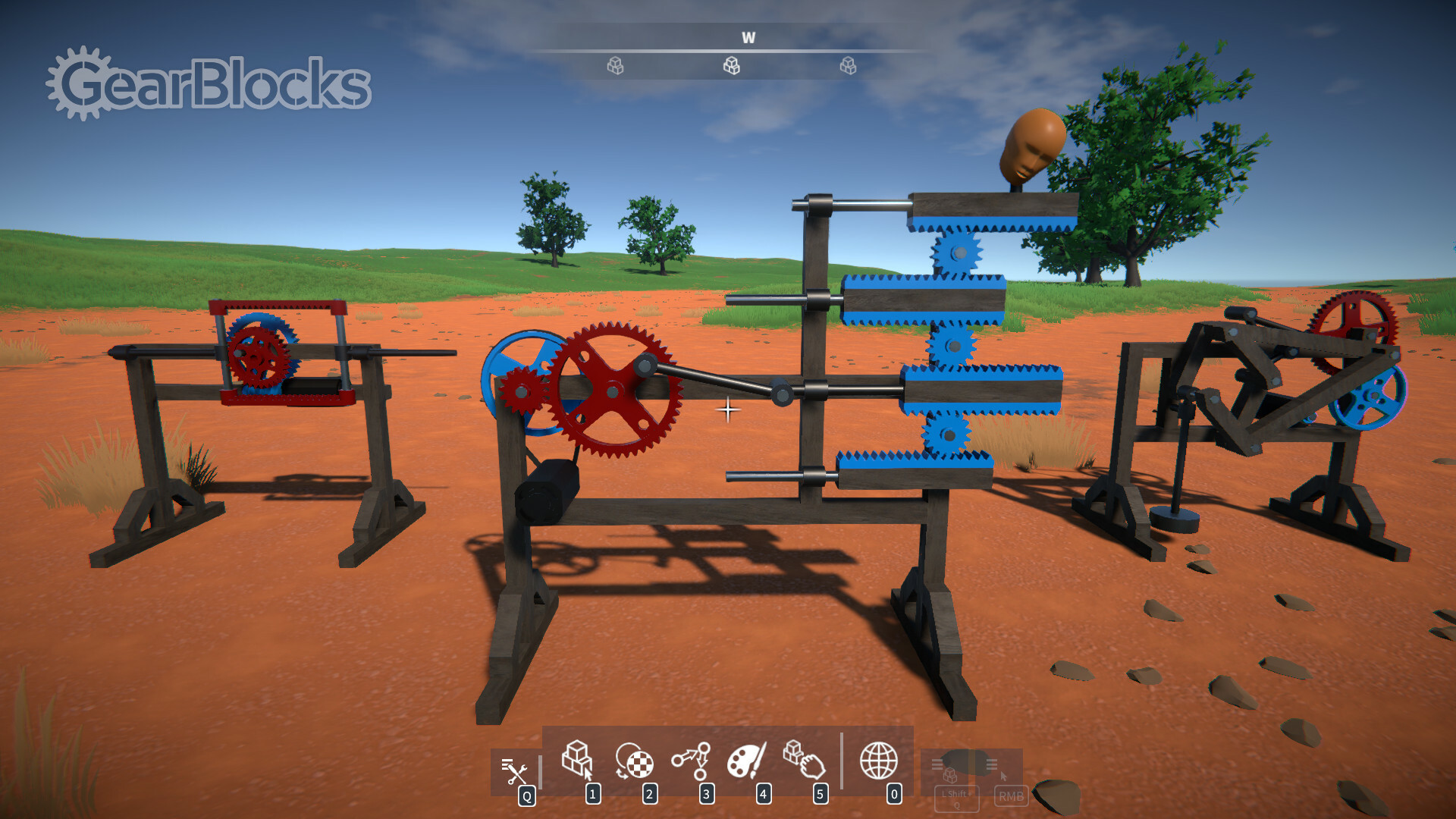
GearBlocks provides more than 200 distinct parts that can be snapped together, resized and painted. Functional mechanical elements such as motors, gears, pulleys, joints, springs and actuators let players assemble working drive‑trains, steering systems and other contraptions.
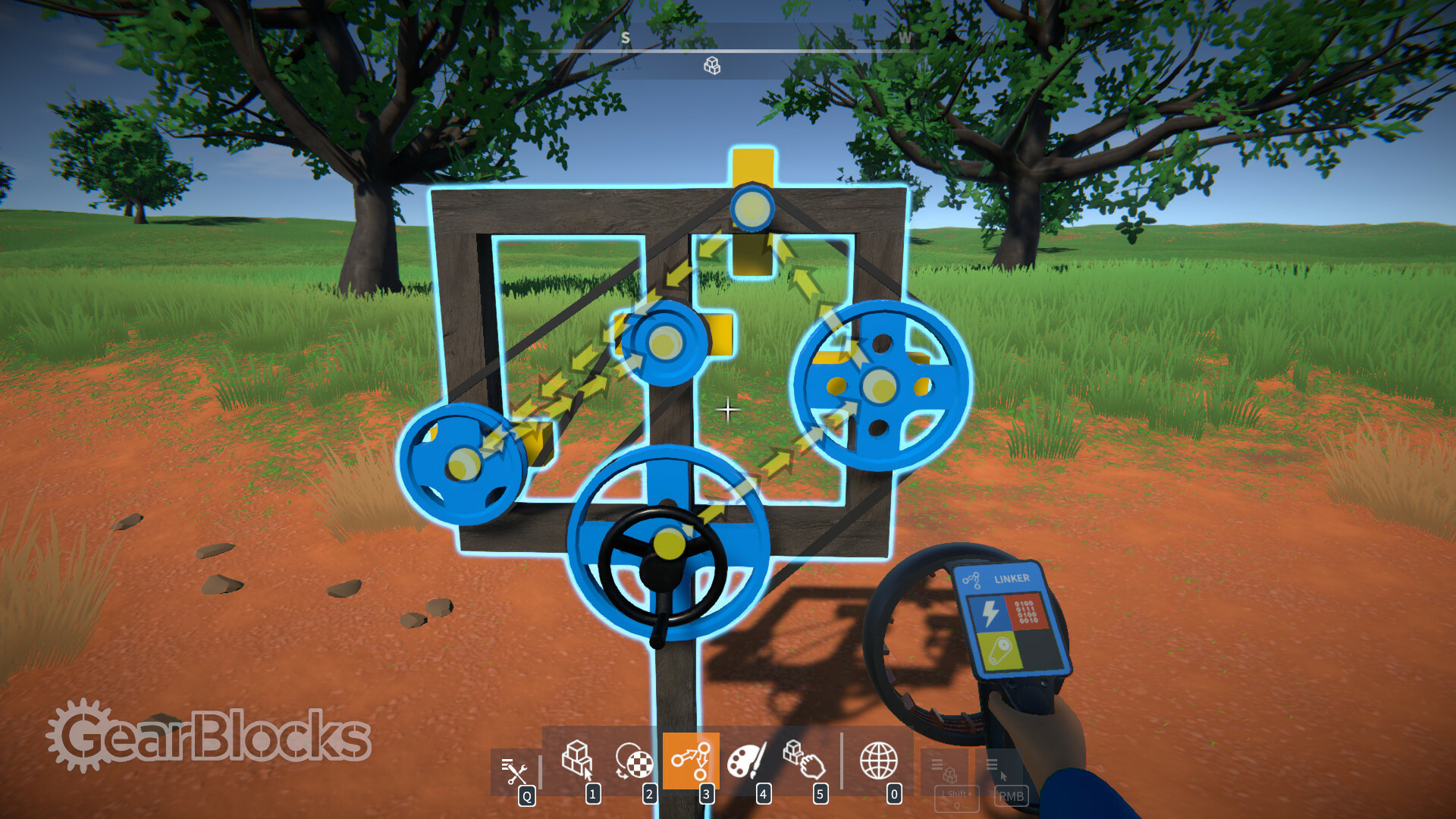
Each part can be linked to define behaviours, causing creations to move, rotate or react to forces. All constructions obey the game’s physics, so designs must respect realistic constraints to function as intended.
- Start with simple gear ratios before tackling complex differentials.
- Use the resize tool to fit parts tightly and avoid unwanted gaps.
02 / THE GUIDE
Interaction & Driving
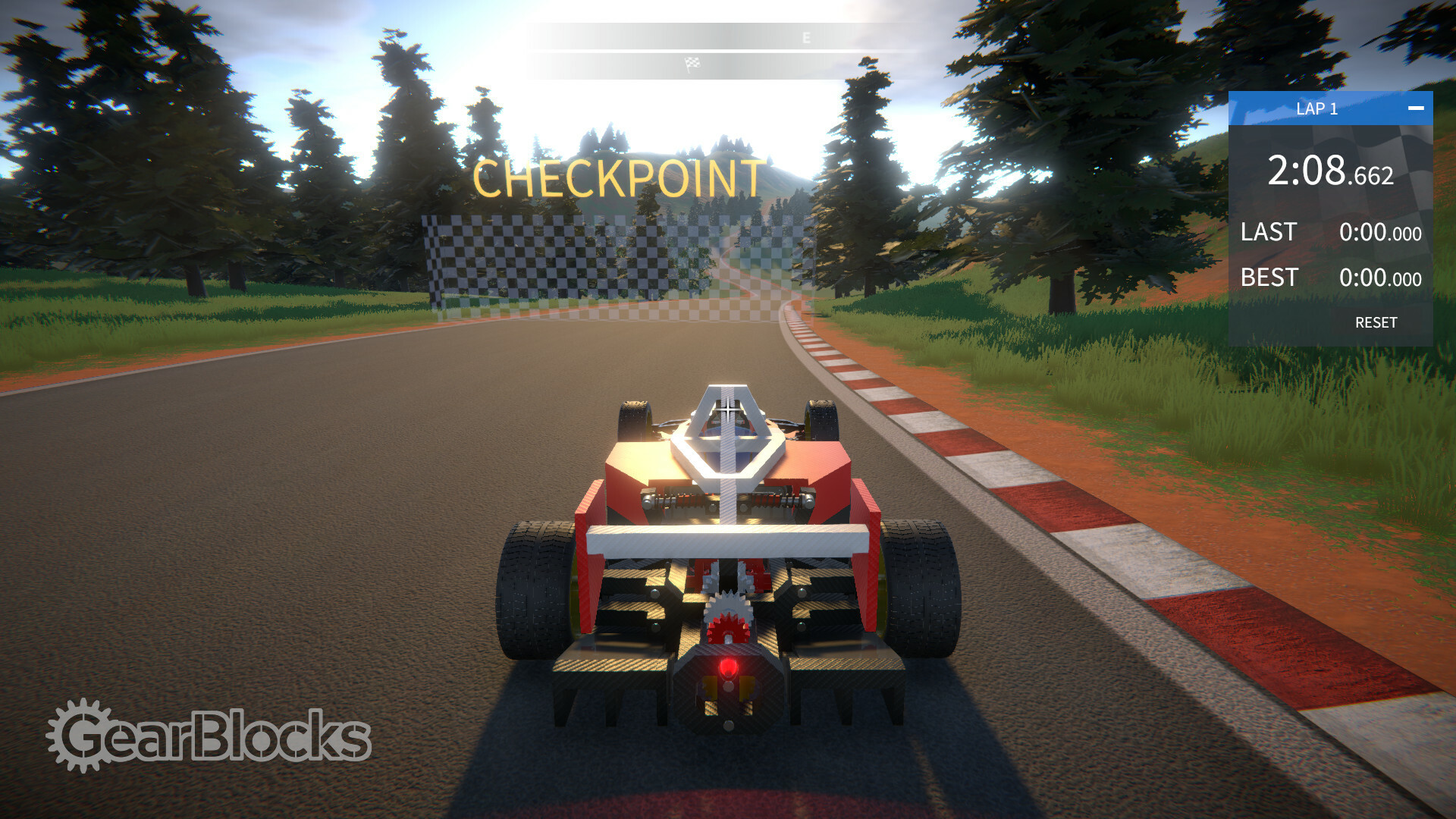
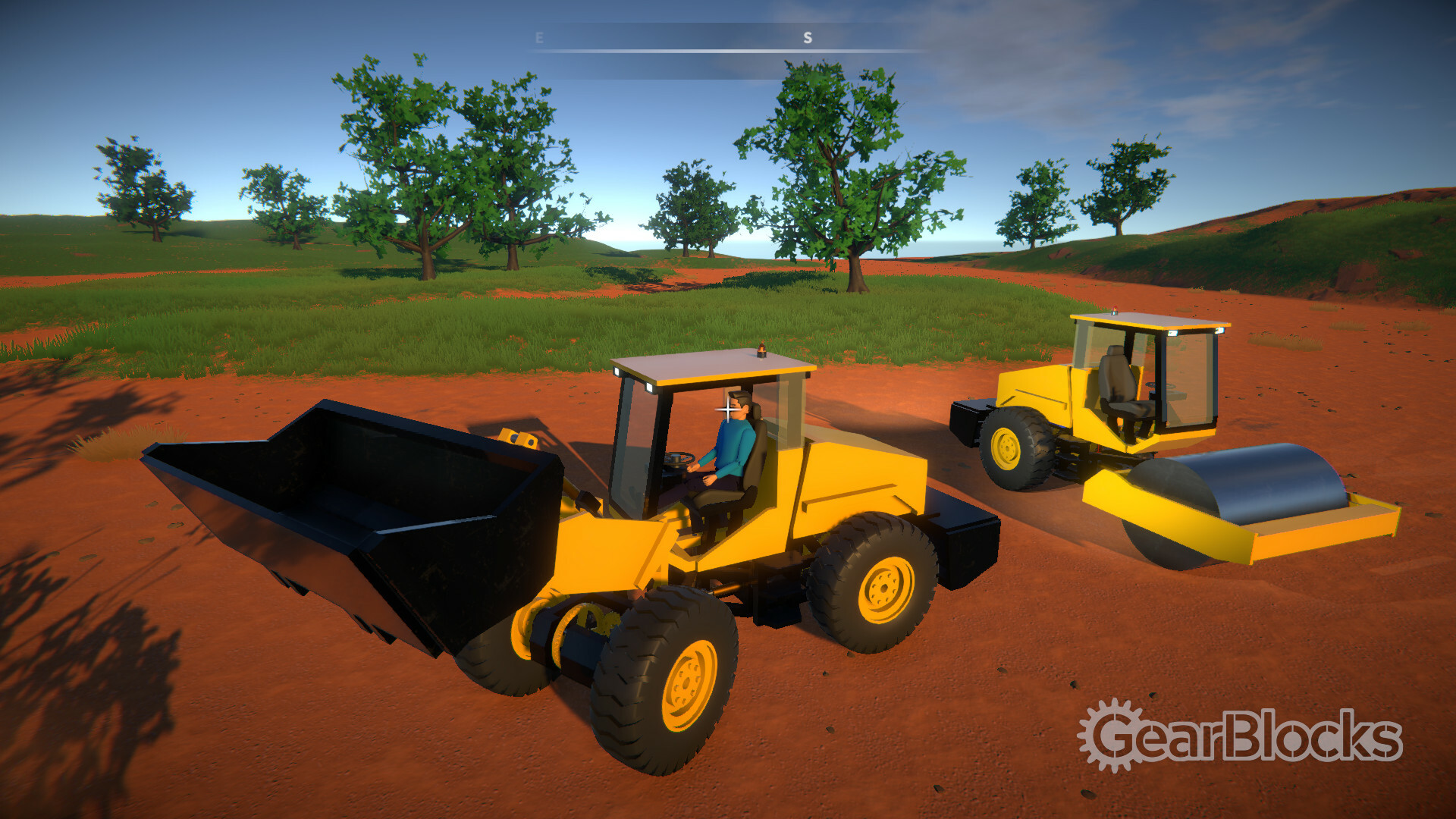
Players can turn, grab and shove their machines, watching the parts physically interact in real time. Once a vehicle is assembled, the driver can sit in the seat and test its performance on the map.
Collisions are fully simulated, so crashes can reduce constructions to smithereens, providing immediate feedback on structural weaknesses.
- Observe how collisions affect different joint types.
- Experiment with varying motor power to find stable acceleration.
03 / THE GUIDE
Tutorials & Challenges
An in‑game tutorial scenario teaches basic building concepts, guiding new players through part placement and behaviour linking. After learning, users can explore example constructions to see how complex machines are assembled.
Challenge scenarios are included for testing builds, offering specific goals that encourage creative problem‑solving while staying within the sandbox’s physics limits.
- Follow the tutorial step‑by‑step before attempting custom builds.
- Use challenge scenarios to benchmark the efficiency of your designs.
04 / THE GUIDE
Customisation & Modding
Beyond vehicles, players can create rag‑doll characters from body parts and assign them as custom player avatars. Lua scripting is supported, letting users craft new tools, scenarios, challenges and mini‑games that extend the core sandbox.
Modding lets you add your own content to the sandbox, allowing a personalised experience alongside the built-in parts and behaviours.
- Start with simple Lua scripts to modify part behaviours.
- Test custom rag‑dolls in a sandbox area before using them in challenges.
05 / THE GUIDE
Sharing & Community
GearBlocks integrates Steam Workshop, enabling players to upload their creations for others to download and experiment with. Community builds can inspire new techniques, and users can directly try out what others have made.
Trying out what others have made can encourage learning through observation.
- Browse popular workshop items for proven design patterns.
- Leave constructive feedback to help creators refine their builds.
COMMUNITY
Player discussion