 GameWiki
GET YOUR BEARINGS
About GashiShachiNoSachi
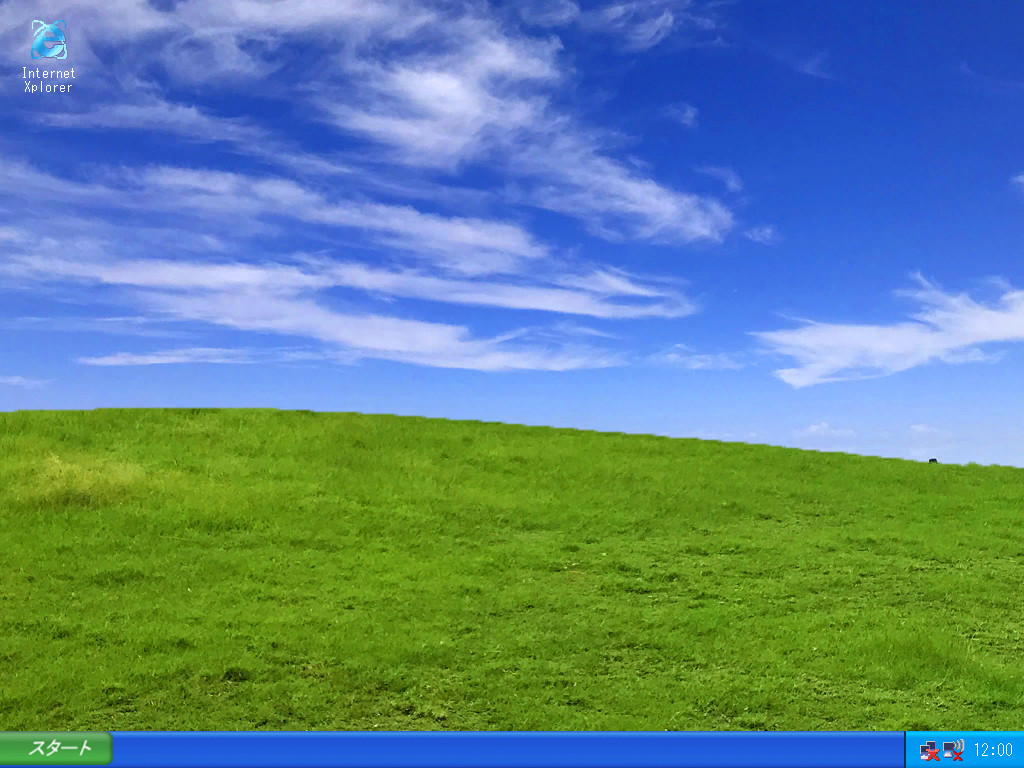
GashiShachiNoSachi is an adventure title that places the player inside a simulated operating‑system window. The experience begins at the mysterious homepage "餓史シャチの幸" and proceeds by logging in, launching an in‑game browser, collecting objects, and attaching them to trigger events.
Developed by XPLORER SIX, the game runs on Windows in a fixed 1024 × 768 window, supports single‑player and family‑sharing, and adds sound effects that reinforce the OS‑style presentation.
01 / THE GUIDE
Login and Startup
When the game launches, the player first sees a screen that resembles an operating system and is prompted to try logging in before any other action. The game suggests trying to log in and then launching the browser.
After a successful login, the built‑in browser becomes available. The initial view includes sound effects that accompany the OS‑style screen.
- Note the sound effects that play with the OS‑style screen as you start browsing.
- Observe the login prompt layout; it appears before any browser icons.
02 / THE GUIDE
Browser Controls
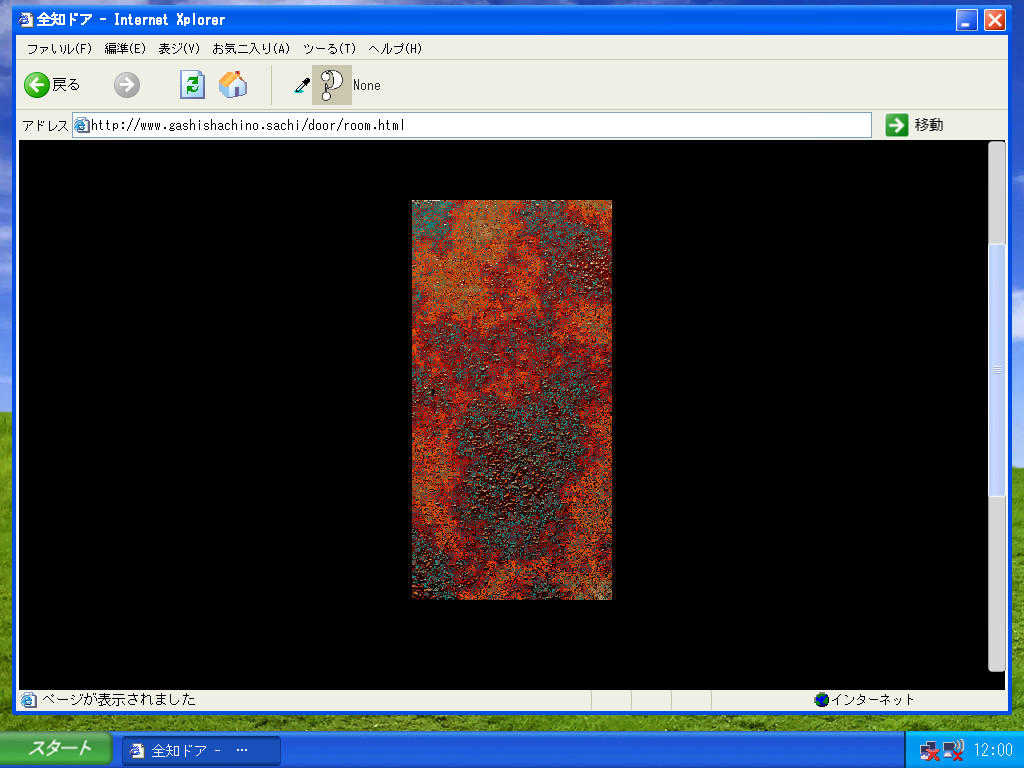
The in‑game browser provides back, forward, refresh, and home buttons, mirroring standard web navigation tools. These buttons let the player move between visited pages or reload content as needed.
A URL address field and a Go button let the player type a web address and jump directly to that page, offering precise control over navigation within the simulated net.
- Use the home button to return quickly to the mysterious homepage.
- Refresh can be useful if a page appears unchanged after an attachment attempt.
03 / THE GUIDE
Object Collection
Certain pages contain clickable items that can be "got" by the player. When an object is collected, its icon appears in the browser's eyedropper field, indicating it is now stored.
The object you get is displayed in the browser's eyedropper field, where it can be attached to another object.
- Look for visual cues such as highlighted elements that may be clickable.
- Check the eyedropper field after each click to verify the object was captured.
04 / THE GUIDE
Attachment Mechanics
Collected objects can be attached to certain targets on other pages. If the attachment content matches the required condition, an event occurs, allowing the player to follow a new link.
The game does not specify the exact conditions; players must experiment with different object‑target pairings to discover which combinations trigger events.
- Try attaching objects that share a thematic link with the target page.
- If no event occurs, swap the object with another collected item and try again.
05 / THE GUIDE
Display and Platform
GashiShachiNoSachi runs only on Windows and displays its interface within a 1024 × 768 pixel window. No alternative resolutions or windowed modes are described in the official information.
All visual elements, including the OS‑style background and browser UI, are designed for this fixed size, ensuring a consistent layout for every player on the supported platform.
- Set your monitor to 1024 × 768 or use scaling to avoid distortion.
- Running the game on non‑Windows systems is not supported.


COMMUNITY
Player discussion