 GameWiki
GET YOUR BEARINGS
About Garden of the Sea (VR)
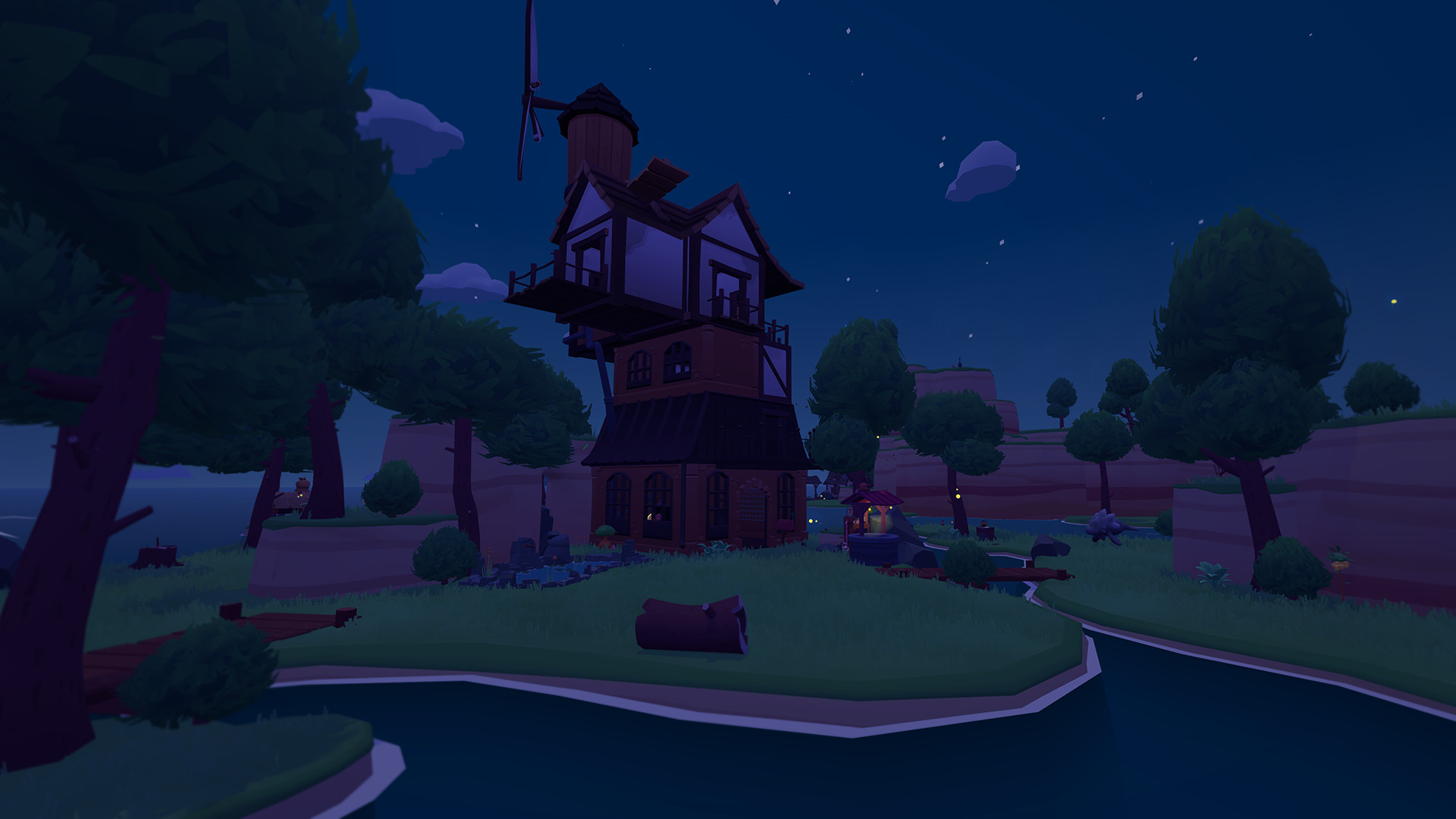
Garden of the Sea is a VR‑only simulation where you can craft a personal garden, tend to plants, and interact with friendly creatures at your own pace. The experience blends casual creativity with light adventure, letting you build a house, fish for companions, and set sail on a boat while completing quests that reveal new content.
The game emphasizes relaxation through meditation spots, an in‑game camera, and a dynamic “Living Music” system that syncs rhythm to your actions. Accessibility options include seated or standing play, adjustable locomotion, and language support for a broad audience.
01 / THE GUIDE
Garden Crafting
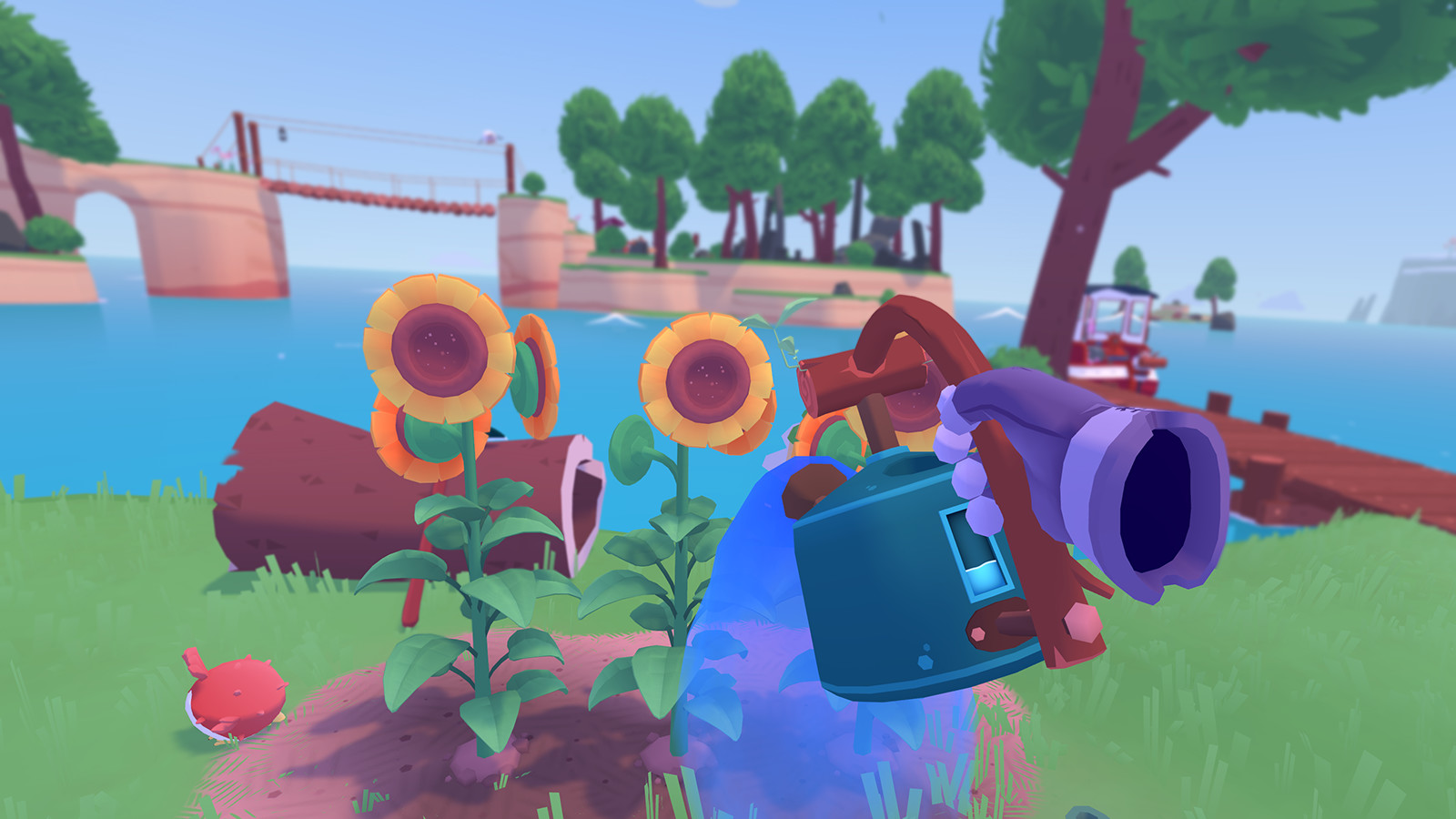
You can shape your garden using interactive VR tools, constructing raised beds, fences, trellises, and decorative items for vegetables and flowers. The tools are built specifically for virtual reality, allowing intuitive placement and adjustment.
These creations serve both aesthetic and functional purposes, letting you grow a variety of produce that can later be used in cooking or other activities.
- Experiment with different fence styles to see which layout feels most natural in VR.
- Use the in‑game camera to capture unique garden designs for later reference.
02 / THE GUIDE
Creature Care
Local creatures can be nurtured by discovering their favorite foods, encouraging them to visit your pond or garden. You can also fish for new animal friends and watch them safely have babies.
Feeding and interacting with these animals deepens the world’s liveliness, while completing quests unlocks new adventures, creatures, and more.
- Observe each animal’s behavior to guess its preferred food before trying.
- Keep a variety of crops to attract different creature types.

03 / THE GUIDE
Exploration & Travel
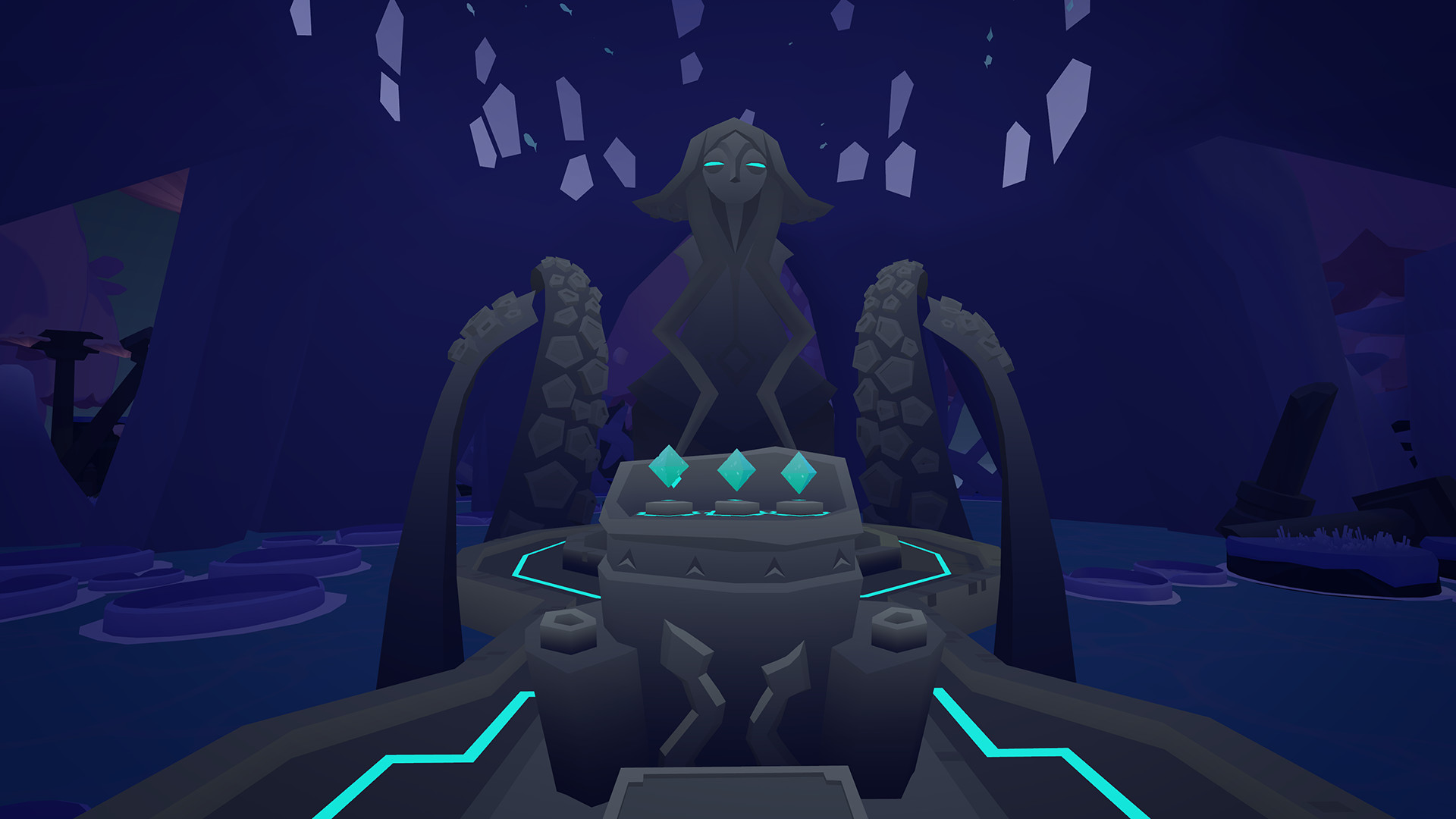
Beyond your garden, you can explore the surrounding sea using a boat, discovering new locations and quest opportunities. Exploration is open‑ended, allowing you to wander at any time.
Quests guide you toward new adventures, creatures, and more, providing a sense of progression while still supporting relaxed wandering.
- Use the boat to reach distant meditation spots for a change of scenery.
- Review your available quests before setting sail to prioritize new content.
04 / THE GUIDE
Accessibility Options
The game supports both seated and standing play with adjustable height, and offers teleport, smooth locomotion, snap turning, and smooth turning at customizable speeds. Audio is optional, and multiple languages are available.
These settings let players tailor the experience to comfort levels and physical needs without affecting core gameplay.
- Start with snap turning at a low speed if you feel motion‑sick.
- Select your preferred language in the options menu for clearer instructions.
05 / THE GUIDE
Living Music
Garden of the Sea features Reactional Music, where the world’s rhythm and melodies adapt to your actions, creating a “Living Music” experience. This system blends sound with gameplay without requiring audio to be enabled.
The dynamic soundtrack enhances immersion, making each activity feel uniquely accompanied by music.
- Try different activities (fishing vs. cooking) to notice how the music shifts.
- Disable audio if you prefer a silent environment; the game still functions fully.

COMMUNITY
Player discussion