 GameWiki
GET YOUR BEARINGS
About Garden Galaxy
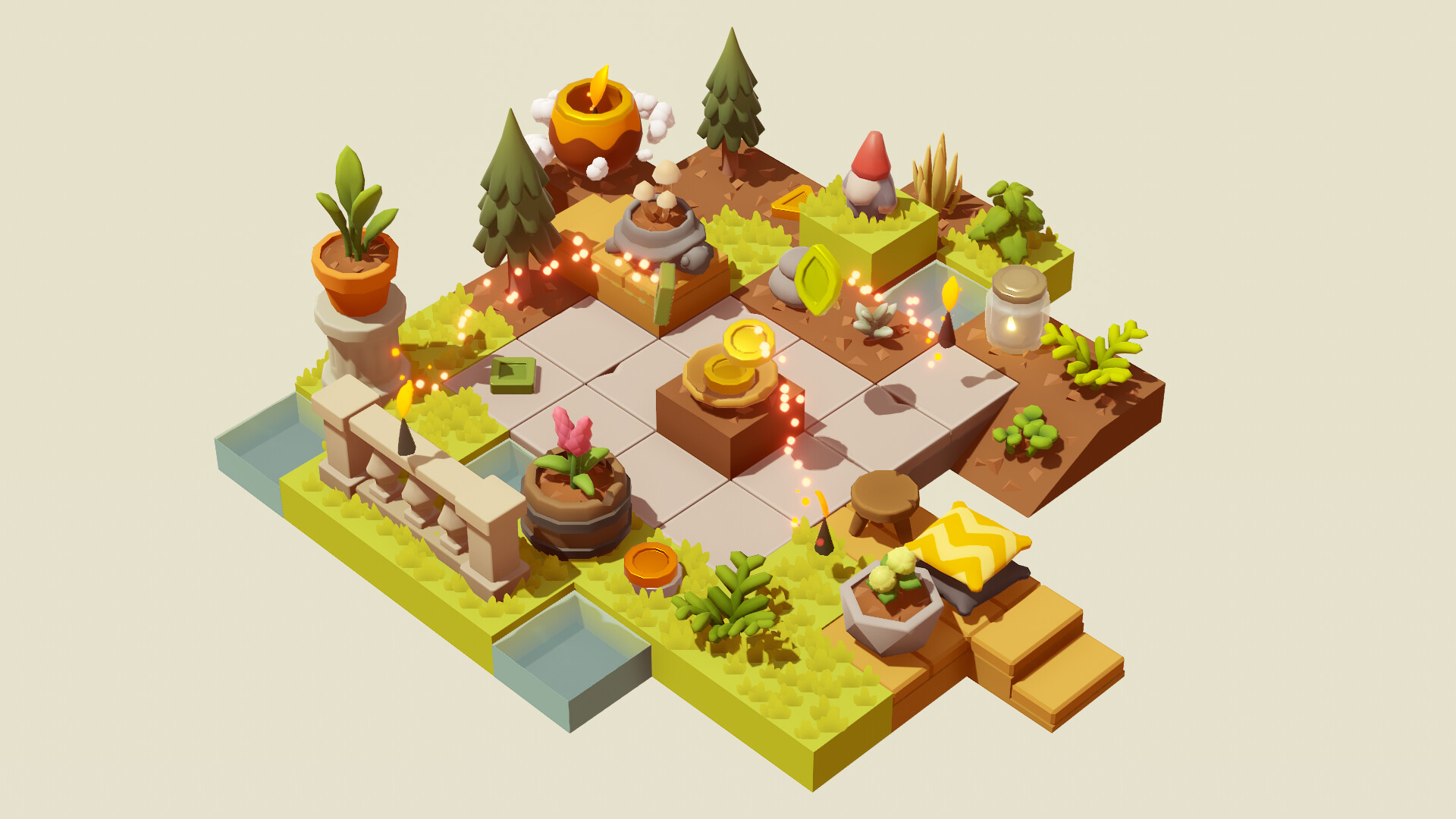
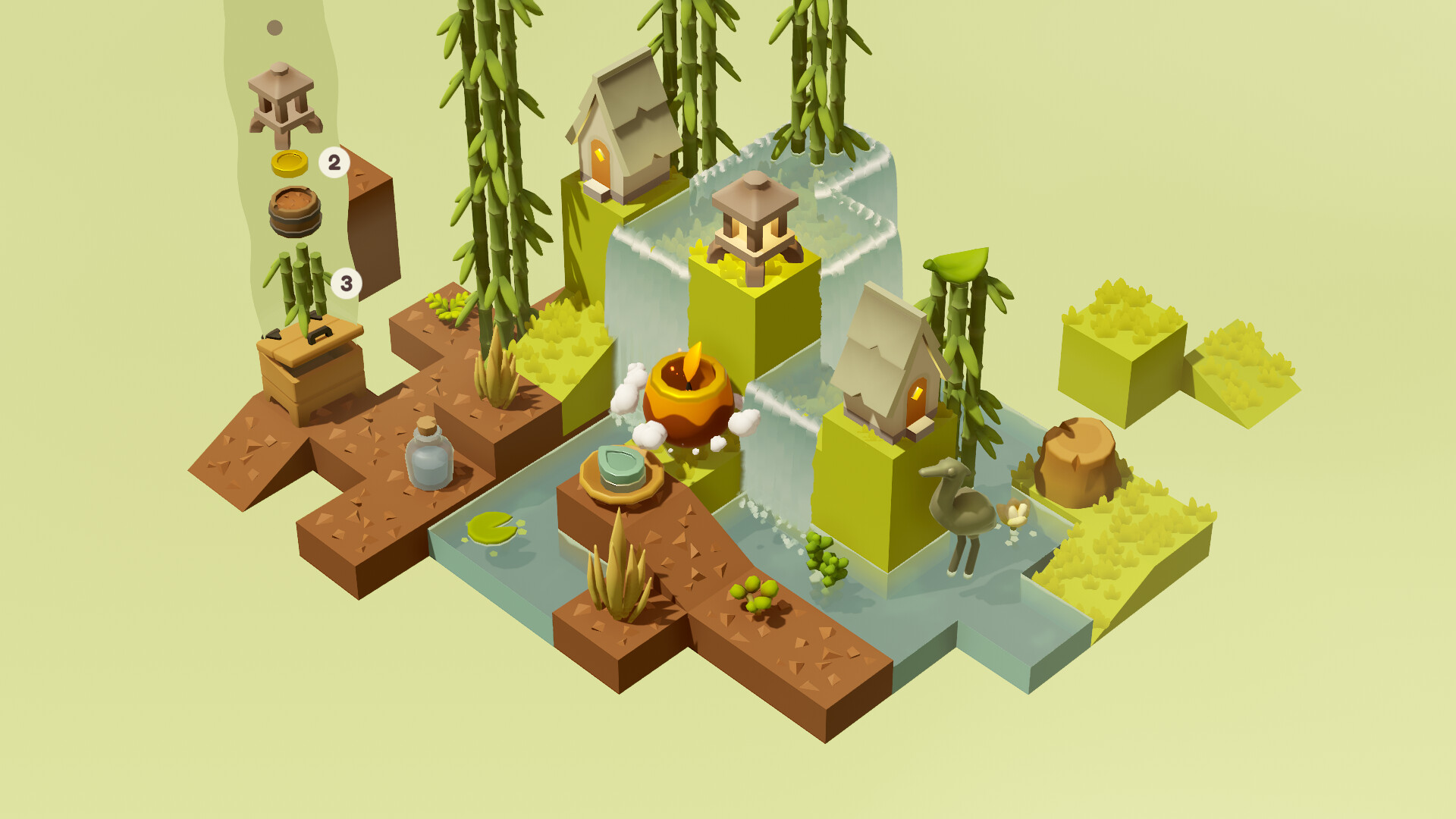
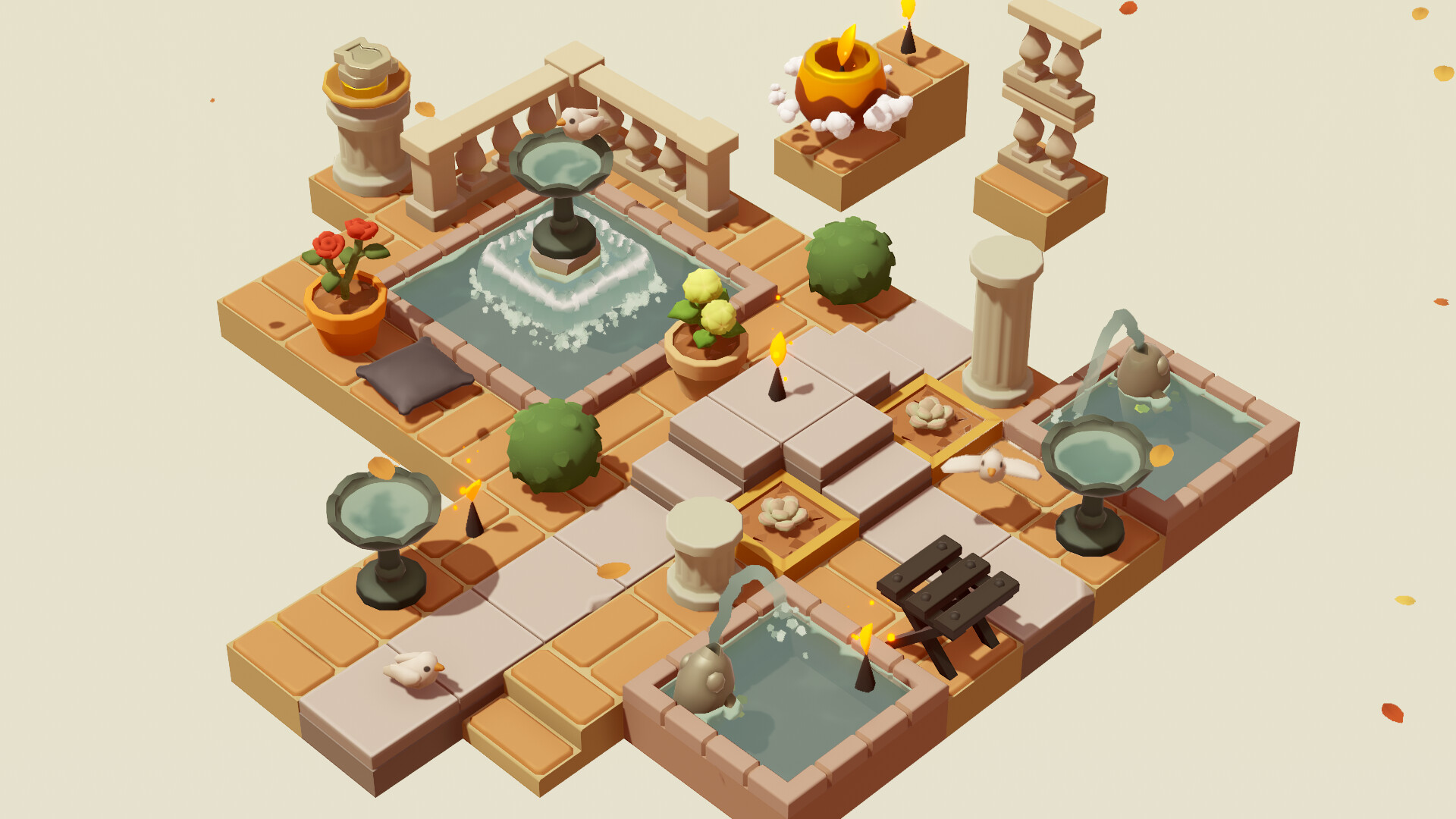
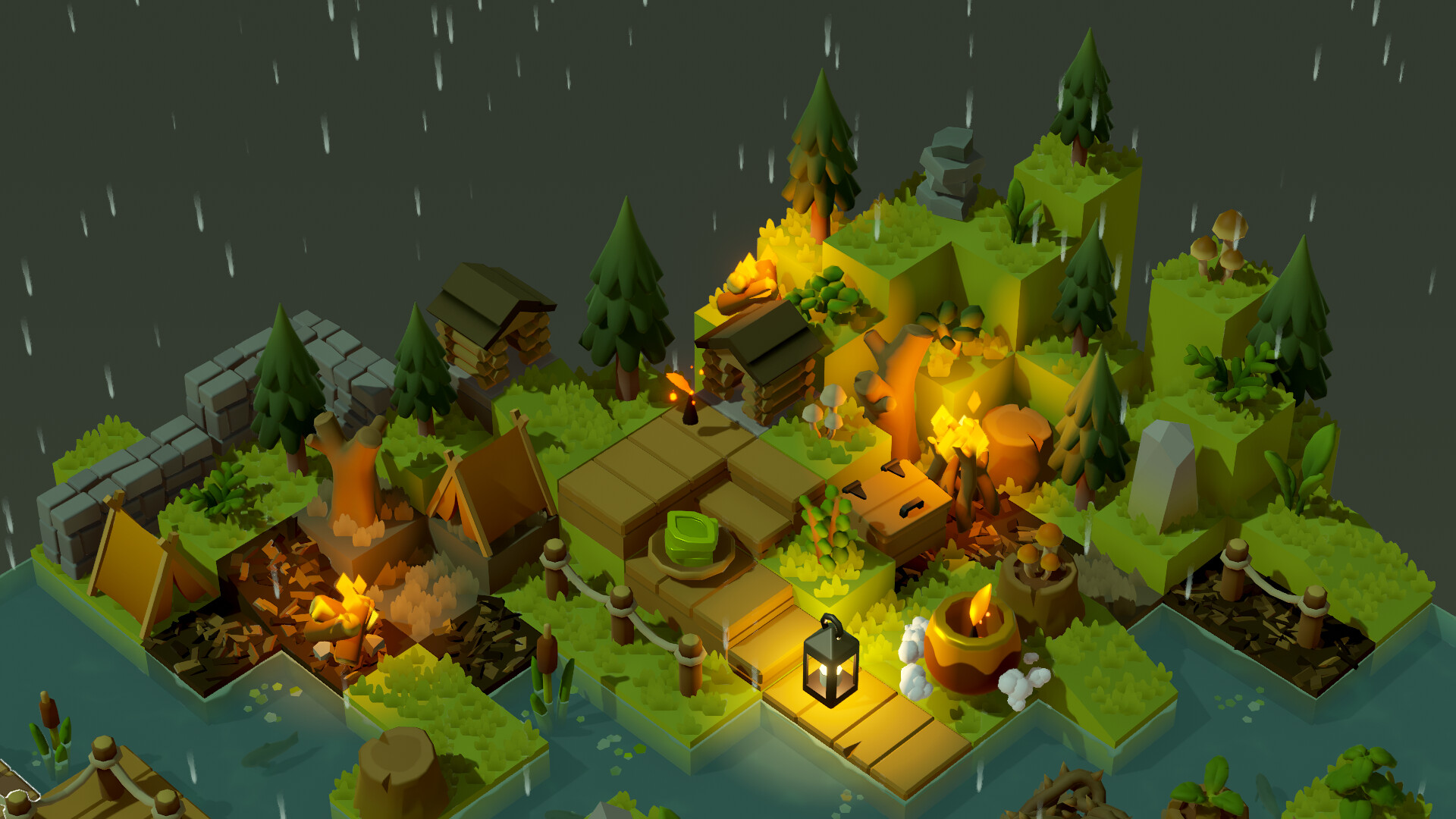
Garden Galaxy lets you build a personal garden by placing items that arrive through random drops. The drops pull from a huge pool of plants, furniture and decorations, so each garden develops its own look as new items appear.
Coins earned from mysterious visitors can be spent on more items, and visitors keep arriving while the game runs in the background. You can also store or sell items, fill your collection with themed sets, and change lighting, effects and backgrounds to alter the garden’s appearance.
01 / THE GUIDE
Random Item Drops
Items arrive from randomised drops that draw from an enormous selection of plants, furniture and decorations. Because the selection is random, no two gardens end up identical, and each new drop adds to the garden’s evolution.
Special items can be used to raise the odds of receiving desired drops or to stop certain items from appearing, giving players limited control over the randomness while still relying on chance.
- Use odds‑boosting items when you want a specific decoration.
- Block unwanted items to keep your garden’s theme consistent.
02 / THE GUIDE
Coin Earning and Spending
Mysterious visitors periodically bring coins, and the same visitors appear even when the game is idle. These coins serve as the primary currency for discovering new plants, furniture, decorations and other items.
Spending coins unlocks items from themed sets, allowing the garden to grow and change as you invest the earned currency into new content.
- Leave the game running in the background to collect idle visitor coins.
- Spend coins on items that match your current garden theme.
03 / THE GUIDE
Collection Management
All garden items can be stored or sold, which helps keep the inventory organized as the collection expands. The collection can be filled with items from themed sets.
Organizing items prevents clutter and makes it quicker to locate specific pieces when customizing the garden layout.
- Sell surplus items regularly to free storage space.
- Collect items from themed sets to expand your collection.
04 / THE GUIDE
Visual Customisation
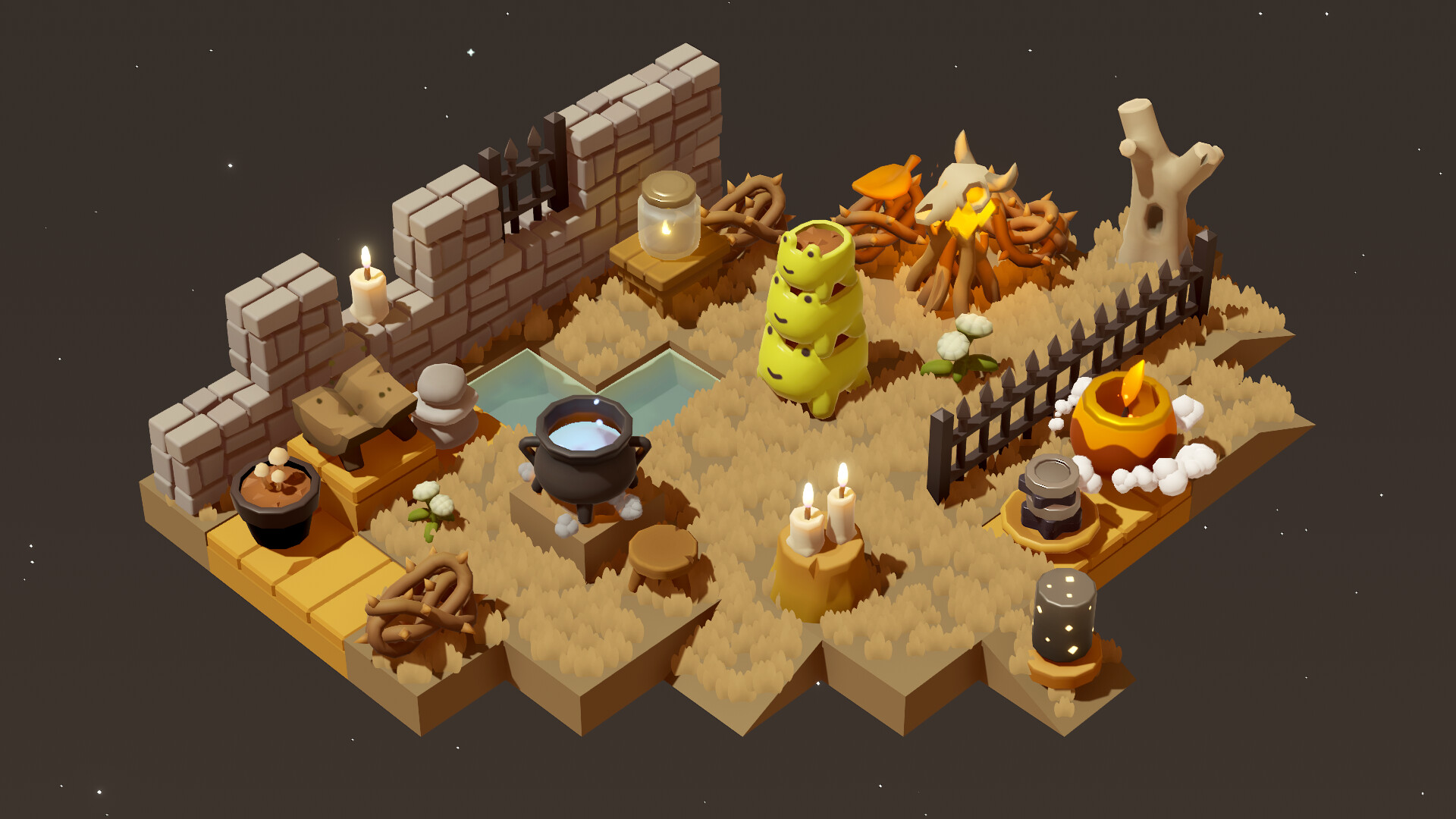
Beyond physical items, you can adjust lighting, visual effects and background scenes. These options let you change the garden’s atmosphere without altering the underlying items.
Changing visual settings lets you experiment with different moods, such as brighter lighting for a sunny feel or darker effects for a night‑time look.
- Try different lighting setups to highlight favorite plants.
- Swap backgrounds to match the mood you want.
05 / THE GUIDE
Platform and Feature Support
Garden Galaxy is a single‑player title released for Windows and includes Steam Achievements, Steam Cloud and Family Sharing. These features provide progress saving, achievement tracking and the ability to share the game with others.
The game is classified as casual, indie and free‑to‑play, making it suitable for short sessions or longer play periods without any required purchase beyond the base game.
- Steam Cloud is listed as a feature for keeping progress saved in the cloud.
- Use Family Sharing if you want friends to try the game without losing your progress.
COMMUNITY
Player discussion