 GameWiki
GET YOUR BEARINGS
About Garden Cleanup Simulator
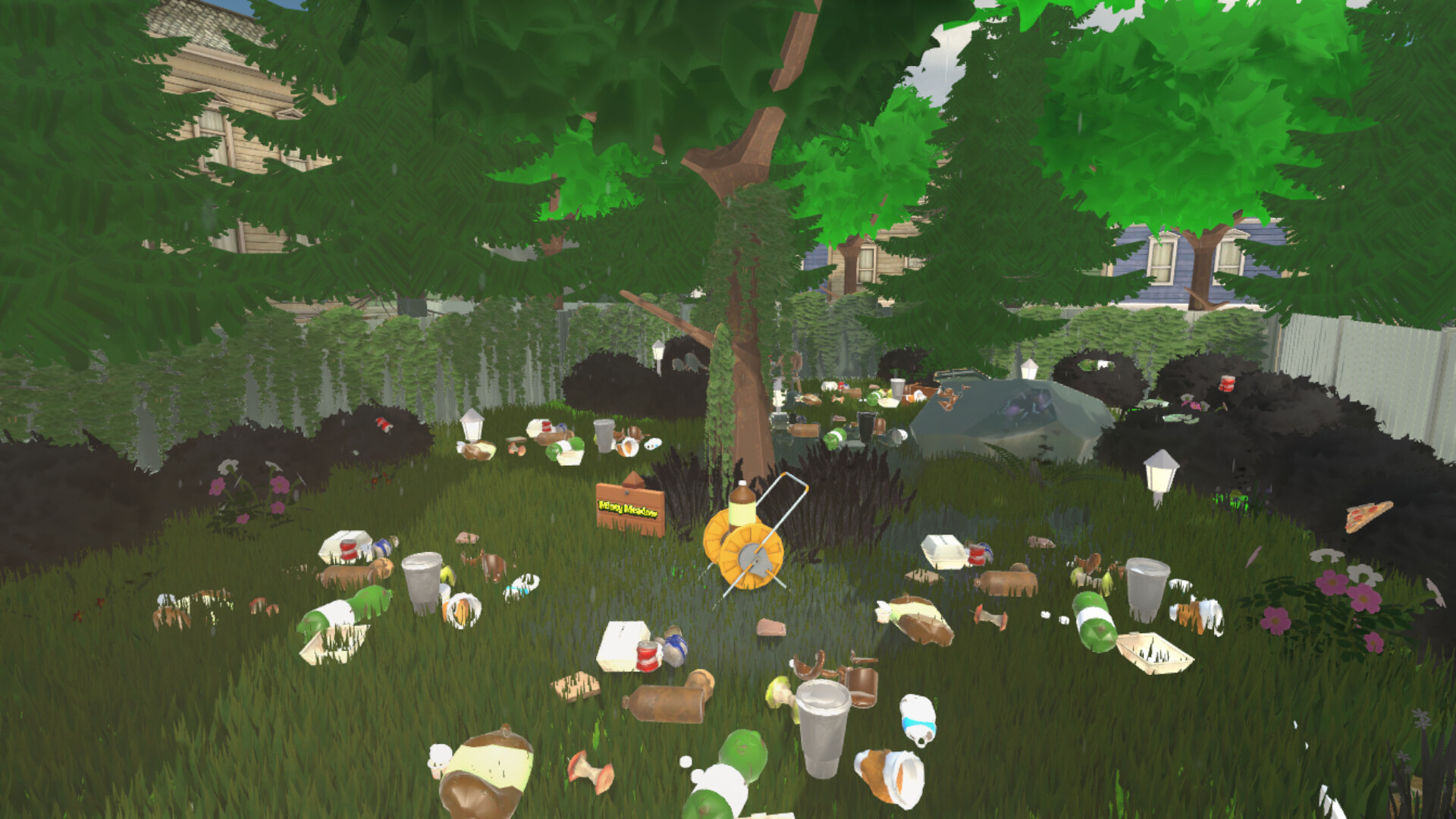
Garden Cleanup Simulator lets you transform chaotic, overgrown yards into tidy, beautiful spaces. You start with thick grass, scattered trash, and wilted plants, and each action gradually restores order without any timed pressure.
The game focuses on simple tools, visible transformation, and a calm atmosphere. As you mow, clear debris, and water plants, the garden visibly improves, ending in a peaceful, finished view.
01 / THE GUIDE
Cutting Overgrown Grass
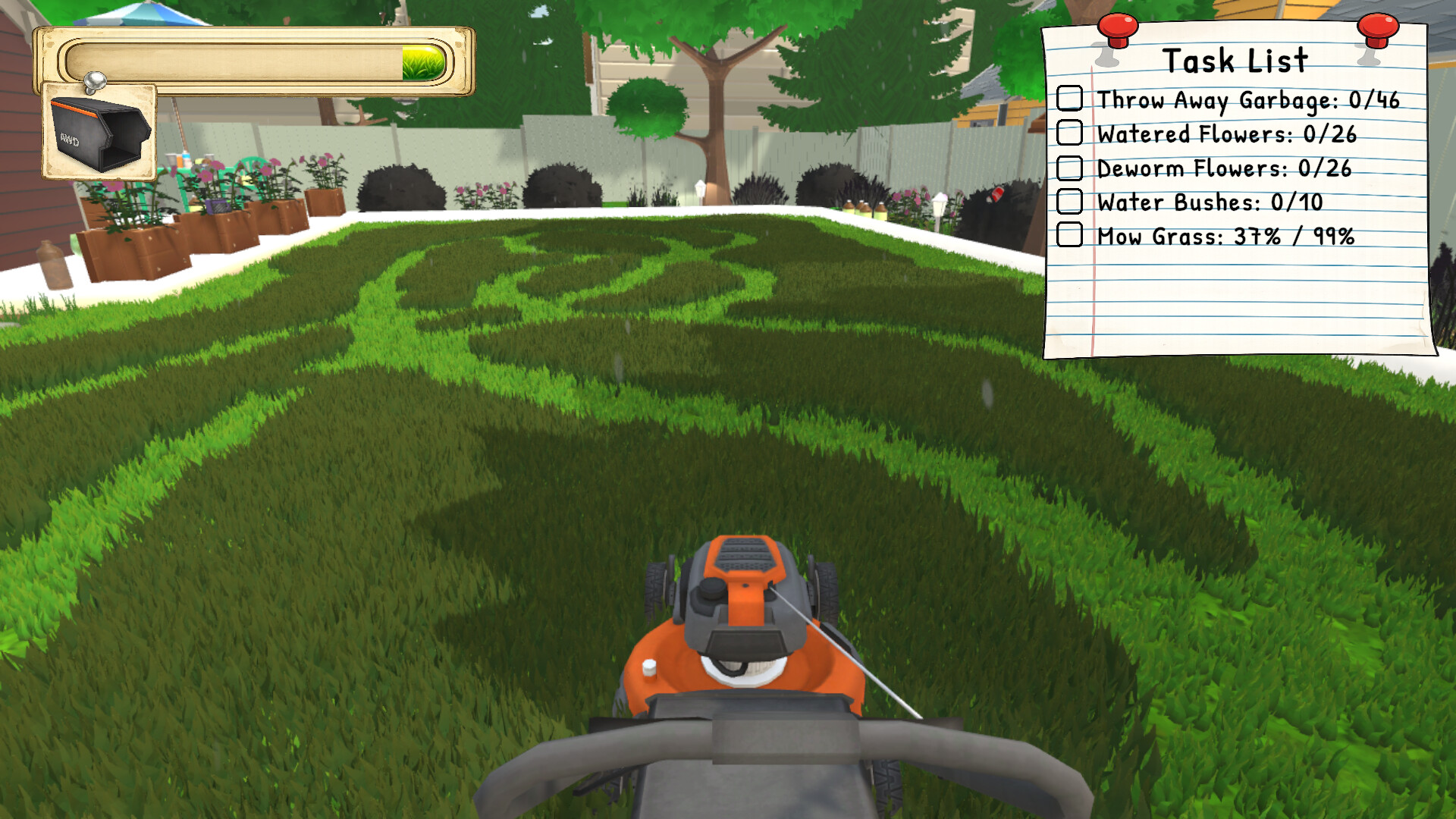
The garden begins with thick, uncut grass. Using the mower, each pass trims the grass, slowly bringing the garden back under control and reducing visual clutter.
As the grass shortens, the environment visibly transforms, making the garden feel more manageable and clarifying what still needs attention.
- Observe how the garden transforms with each mower pass before planning your next route.
- Compare early and later passes to see how much more of the garden becomes accessible after cutting.
02 / THE GUIDE
Reviving Neglected Plants
Dry, neglected plants appear lifeless at the start. Selecting the watering tool hydrates them, prompting a visual change that restores colour and growth, adding natural beauty back to the scene.
Revived plants contrast with still‑dry ones, signalling that the garden is not only clean but also thriving, providing a clear visual cue of successful cleanup.
- Water a plant fully before moving on to see the complete revival effect.
- Notice the contrast between revived and still‑dry plants to decide where to focus next.
03 / THE GUIDE
Using Your Tools
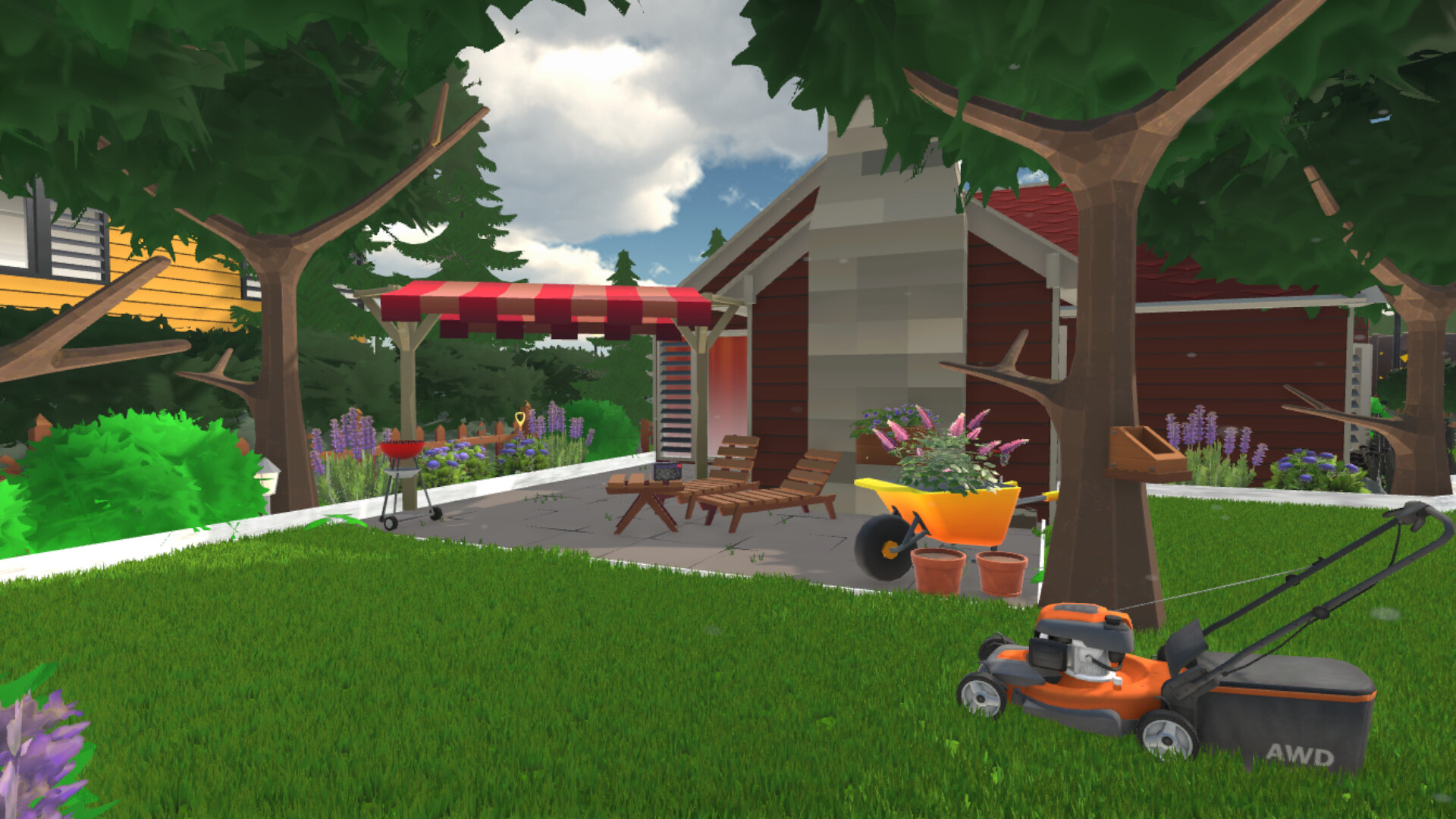
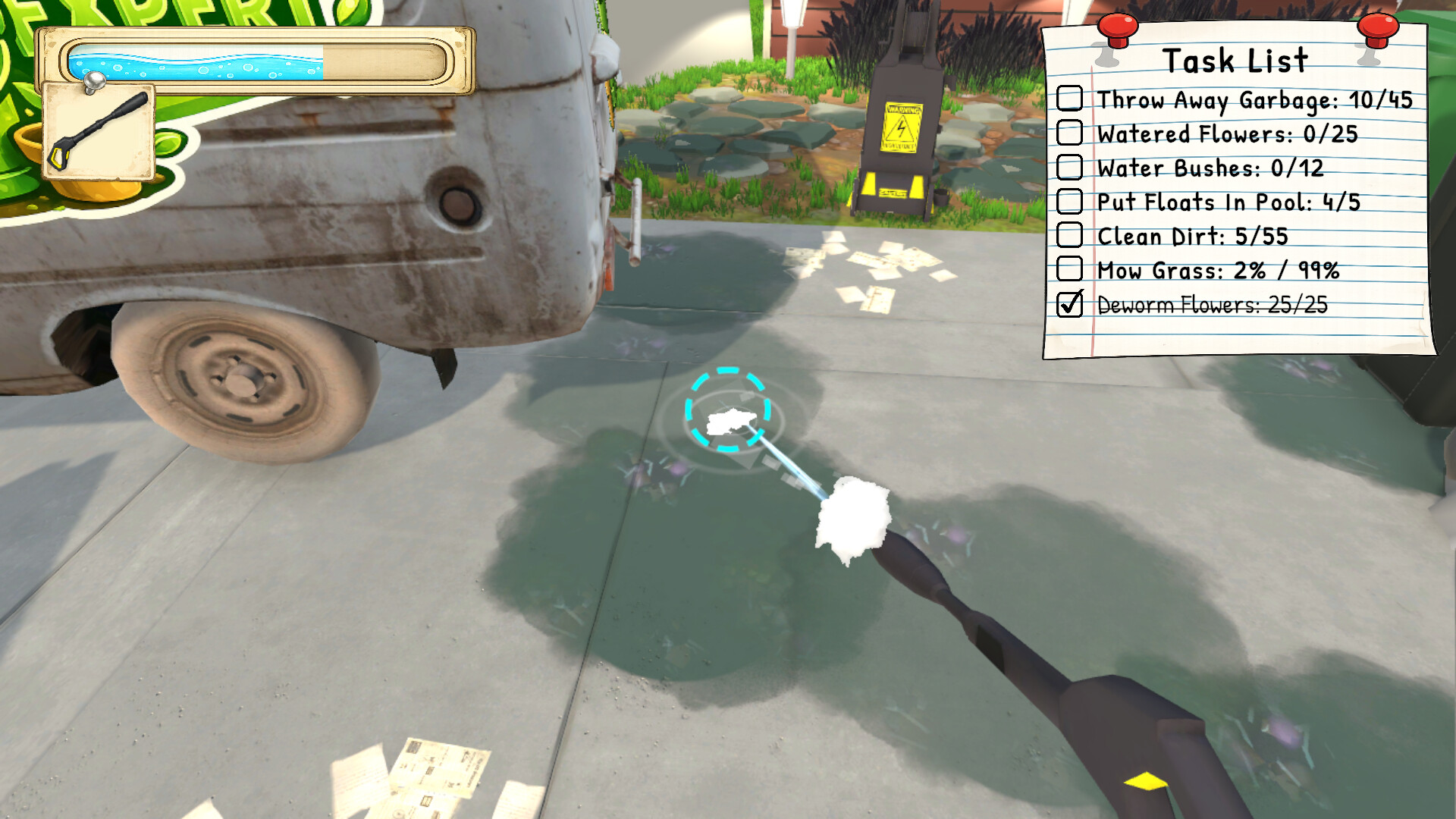
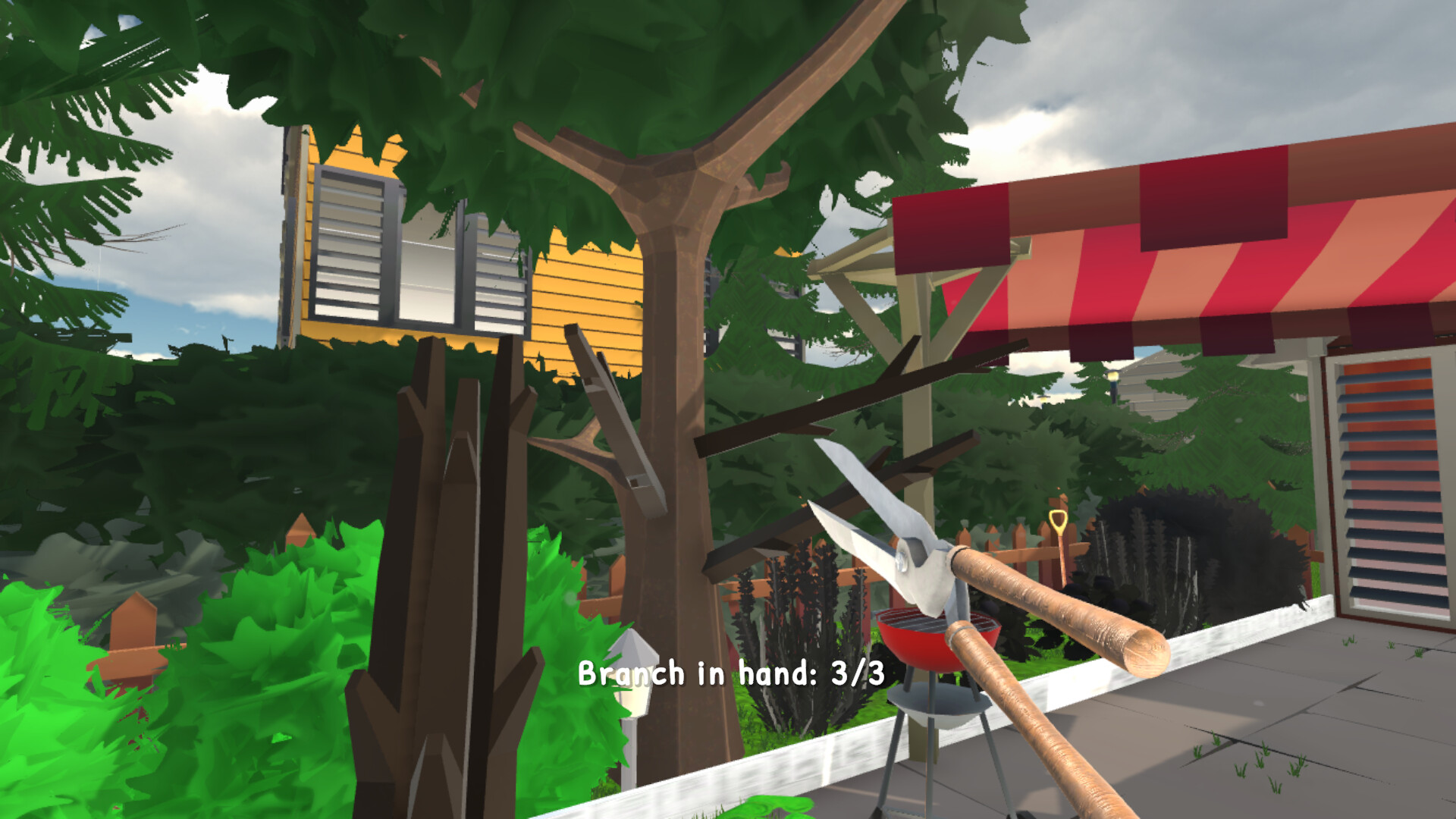
The game provides a limited set of tools, such as a mower for grass and a watering can for plants. Each tool is tied to a specific task, and switching tools is straightforward.
Because there is no rush, you can take time to select the appropriate tool for each element, ensuring each action contributes directly to the garden’s improvement.
- Keep the tool you need most nearby to reduce unnecessary switching.
- Experiment with different tool orders to find a rhythm that feels most satisfying.
04 / THE GUIDE
Seeing the Results
Every action visibly alters the garden, turning mess into order in real time. The transformation is displayed continuously, letting you watch the space evolve from chaos to a clean, peaceful area.
This visual feedback creates a loop: you act, see improvement, and feel motivated to continue until the garden is fully restored, matching the game’s relaxing premise.
- Pause occasionally to appreciate the overall change before proceeding.
- Compare before‑and‑after screenshots to gauge the extent of your work.
05 / THE GUIDE
Steam Achievements
Garden Cleanup Simulator includes Steam Achievements that track milestones as you play. These achievements are optional goals for players who enjoy extra challenges.
While the core gameplay remains relaxed, unlocking achievements adds a layer of personal accomplishment without altering the calm pacing of the experience.
- Review the achievement list to set personal targets that match your play style.
- Focus on one achievement at a time to keep the experience stress‑free.
COMMUNITY
Player discussion