 GameWiki
GET YOUR BEARINGS
About Gangsters in Love
Gangsters in Love is an adventure title that began on the e‑reader app Lovestruck: Choose Your Romance and has been optimized for Steam. Players follow an ordinary Californian who is kidnapped by LA’s most wanted gang and must navigate romance, danger, and multiple story branches across several seasons. The game offers skip‑ahead, save, rewind, and replay functions, letting you experience its multiple endings and view illustrated dramatic scenes.
01 / THE GUIDE
Storyline
The narrative places you in sunny California before a sudden kidnapping by LA’s most wanted gang. Thrown into a stylish yet dangerous world, you must decide which gangster to trust while romance blossoms amid shootouts and explosions. Your role is pivotal: you hold crucial information for the gang and, more importantly, your heart. The story unfolds over several seasons, each adding new twists and choices.
The game’s structure allows you to skip ahead, save progress, rewind, and replay favorite moments, supporting multiple endings. This flexibility encourages exploration of different relationship paths and outcomes, giving players a chance to see how varied decisions affect the gang’s dynamics and the overall plot.
- Consider replaying key scenes after a different choice to compare narrative outcomes.
- Use the rewind feature to revisit dramatic moments without losing overall progress.
02 / THE GUIDE
Characters
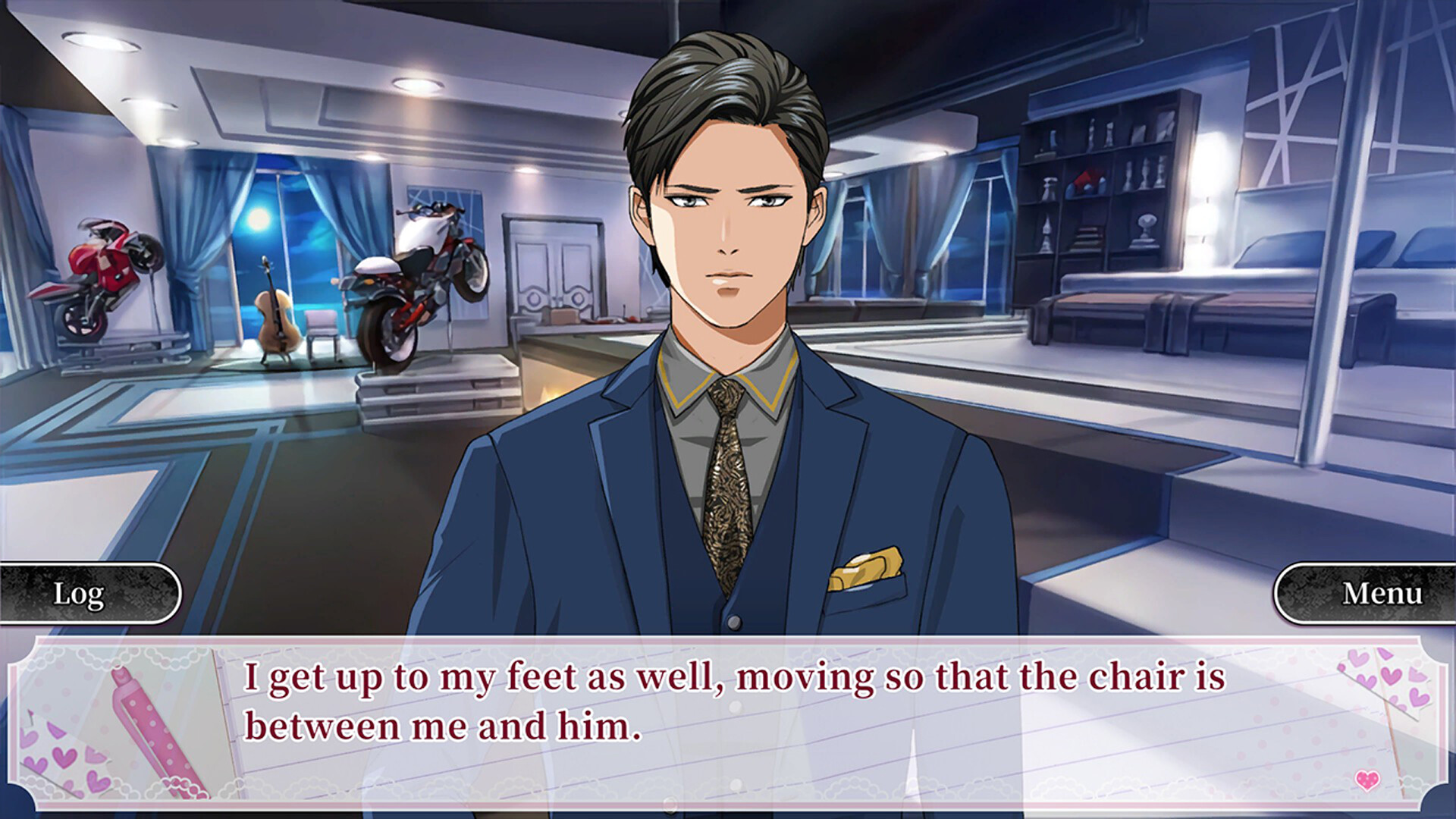
Gangsters in Love features five distinct gang members, each with a nickname that hints at their role. Chance Valentine is known as “The Boss,” Yoshimitsu Valentine carries the moniker “The Yakuza,” Aurora James is called “The Hustler,” Ash Winters is “The Hitman,” and Irving Monroe is “The Justice.” These characters drive the romance and conflict throughout the game.
Each character’s personality and background influence the choices you make, shaping the multiple endings. Their interactions with you determine who you trust and ultimately which storyline you pursue, making character selection a central element of the experience.
- Observe each gangster’s dialogue to gauge their motivations before committing to a romance.
- Track how your decisions affect each character’s storyline for better ending planning.
03 / THE GUIDE
Seasons
The game’s content spans the main stories from the original app up to Season 4. Each season adds new narrative arcs, challenges, and relationship opportunities, expanding the overall plot. Earlier seasons set the foundation for later developments, and skip-ahead or replay tools let you move through the story at your own pace.
Seasonal structure allows players to experience a growing storyline while retaining the ability to skip ahead or replay earlier moments. This design supports both newcomers and returning players who wish to explore different outcomes across the full narrative arc.
- Use the skip‑ahead function to jump to later seasons after completing earlier ones.
- Revisit earlier seasons with rewind to catch details you may have missed.
04 / THE GUIDE
Replay Features
Gangsters in Love includes built‑in tools for skipping ahead, saving progress, rewinding, and replaying favorite parts. These features let you manage pacing and revisit pivotal scenes without restarting the entire game. Multiple endings are accessible through different decision paths, encouraging repeated playthroughs.
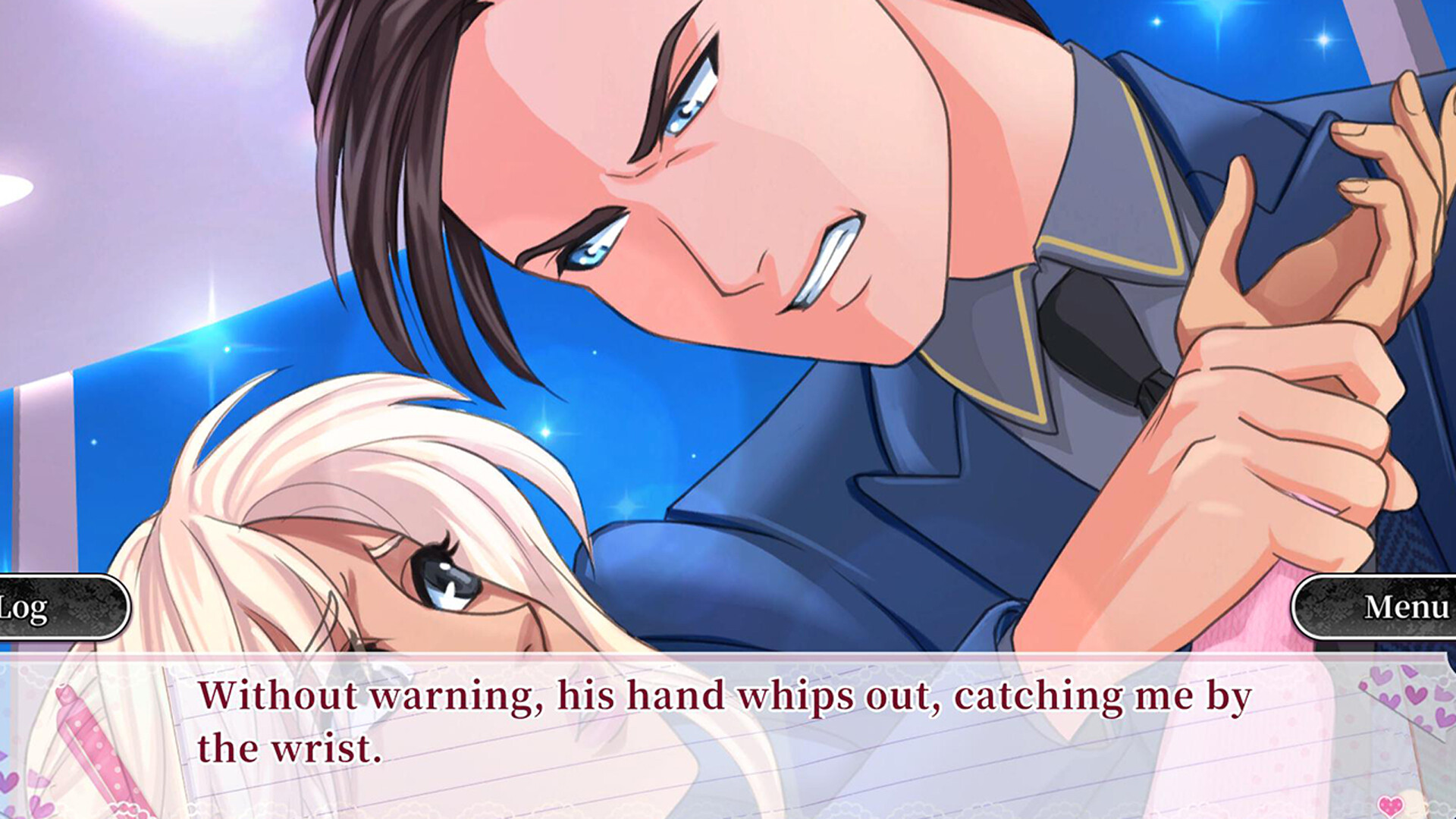
The illustration collection of dramatic scenes can be viewed at any time, offering visual context for key moments. This combination of narrative flexibility and visual assets enhances the overall storytelling experience.
- Save before major decision points to easily compare outcomes later.
- Explore the illustration gallery to gain visual cues that may inform future choices.
05 / THE GUIDE
Controller Support
The game supports DualShock, DualSense, and partial controller inputs on Windows via Steam. This allows players to use compatible controllers for navigation and selection throughout the adventure. Family Sharing is also listed, indicating the title can be shared with other accounts on the same platform.
While controller support is confirmed, the game remains single‑player, focusing on narrative choices rather than multiplayer mechanics. The presence of controller compatibility broadens accessibility for players who prefer gamepad input.
- Test both DualShock and DualSense controllers to see which feels more comfortable for menu navigation.
- Utilize Family Sharing to let friends experience the story on their own accounts.



COMMUNITY
Player discussion