 GameWiki
GET YOUR BEARINGS
About Gaming Cafe Life
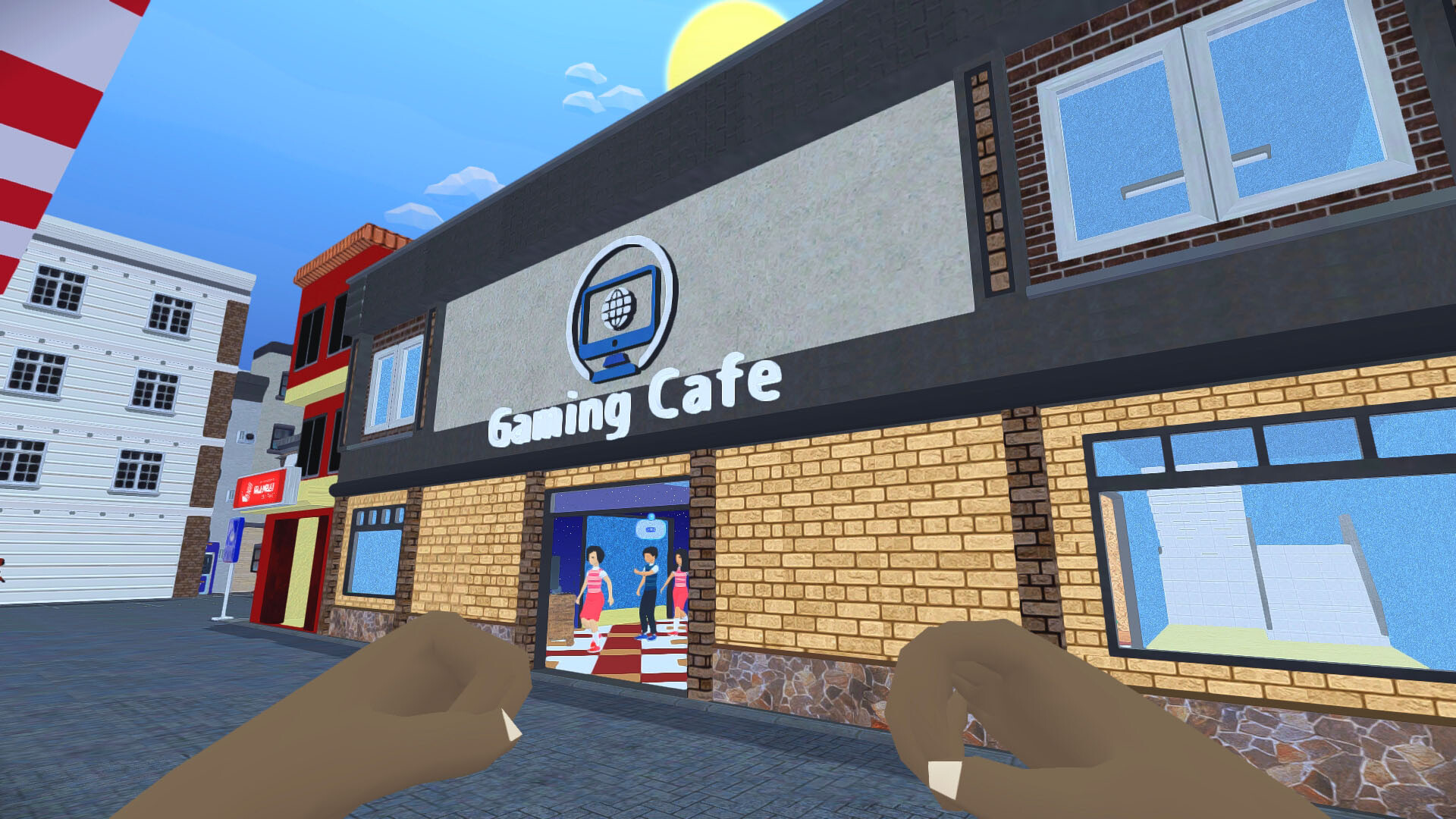
Gaming Cafe Life lets you step into the shoes of a budding cafe owner, guided by Mayor Egas and his grandson Ray. Starting from a modest space, you build gaming stations, serve food, and attract a lively town crowd. The game blends simple first‑person controls with management tasks, letting you expand the cafe, personalize décor, and even design a home. Along the way, you’ll meet diverse characters, tackle quests, and enjoy a variety of minigames, all playable offline.
01 / THE GUIDE
Custom Gaming Setups
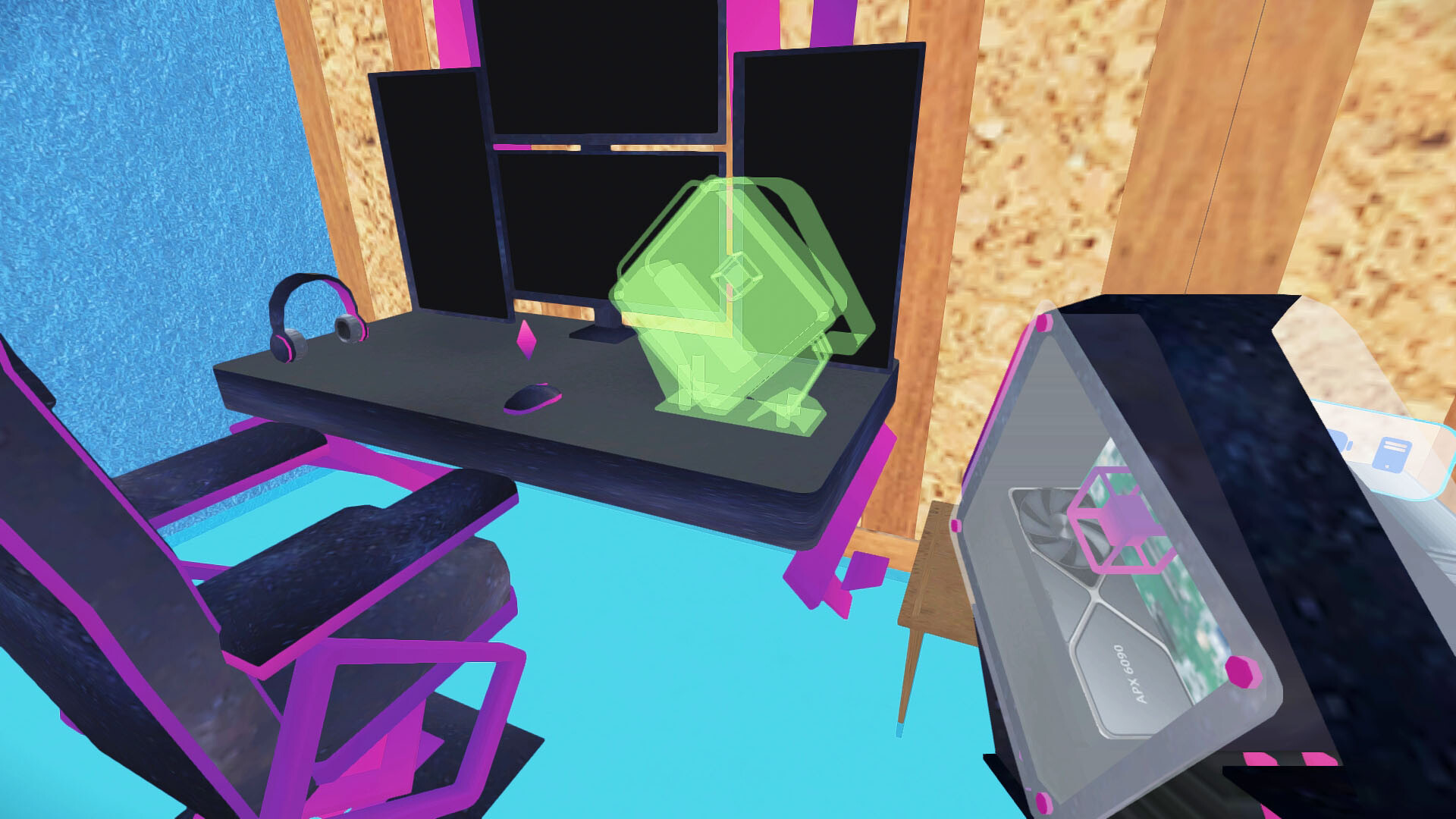
You can craft a range of gaming experiences by assembling PCs, consoles, VR rigs, and classic arcade cabinets. Each setup caters to different player preferences, letting you tailor the cafe’s appeal. The system encourages mixing modern and retro equipment to draw a broad audience.
The design process is visual, letting you place and arrange each piece within the cafe space. This flexibility helps you experiment with layout and atmosphere, influencing how customers interact with the environment.
- Try balancing high‑tech stations with nostalgic arcade cabinets to attract both tech‑savvy and retro‑loving visitors.
- Consider spacing setups to allow easy movement, which can improve overall customer flow.
02 / THE GUIDE
Motorcycle Customization
Beyond the cafe, you can build and personalize your own motorcycle, adding a personal flair to your in‑game avatar. Customization options let you adjust visual elements, giving a sense of ownership beyond the business.
Riding your bike can serve as a break from management duties, offering a change of pace while still staying within the same game world. The feature adds a layer of personal expression to the overall experience.
- Experiment with different color schemes to make your bike stand out in the town.
- Match your bike’s style with the cafe’s theme for a cohesive personal brand.
03 / THE GUIDE
Customer Management
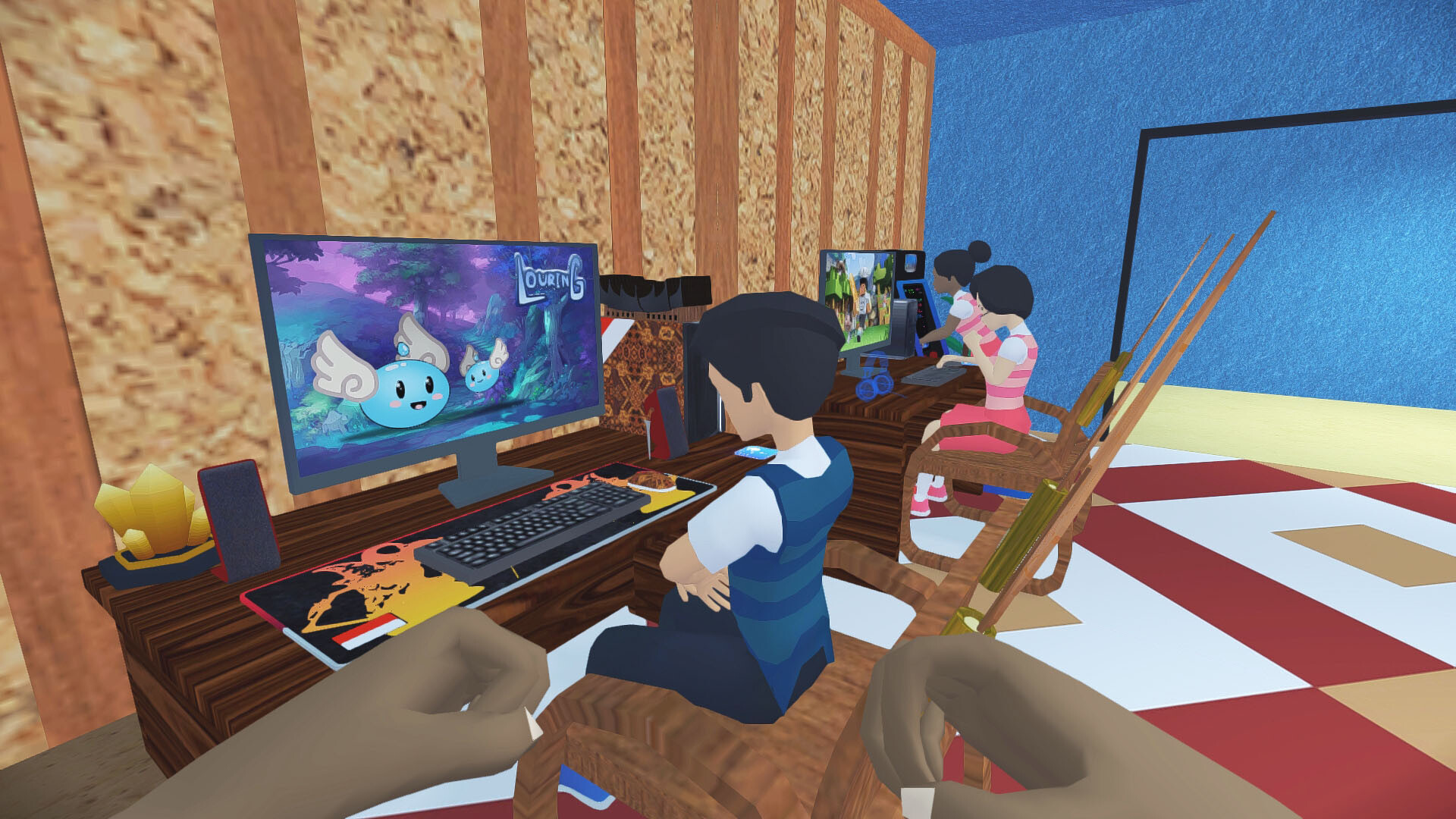
A diverse cast of characters visits your cafe, from seasoned pros to enthusiastic newbies. Keeping them happy involves serving food and drinks while providing suitable gaming stations. Their satisfaction drives profit and unlocks further expansion.
Each visitor brings unique preferences, encouraging you to balance equipment variety with menu options. Managing this mix is central to growing the cafe into a thriving hub for gamers.
- Observe which setups attract the most customers and prioritize those in future expansions.
- Rotate menu items to keep regulars interested and encourage repeat visits.
04 / THE GUIDE
Home Design
The game also offers a personal residence you can design, reflecting your unique personality. Furniture, décor, and layout choices let you create a comfortable retreat separate from the bustling cafe.
Designing your home provides a creative outlet and a visual representation of progress, complementing the business‑focused aspects of the game.
- Use a consistent color palette to give your home a cohesive look.
- Place functional items near each other to streamline daily in‑game activities.
05 / THE GUIDE
Minigames and Rewards
Special minigames offer wonderful items as rewards. These side activities break up the management routine and provide additional incentives for exploration.
Completing minigames can unlock wonderful items, adding depth to the overall progression without requiring internet connectivity.
- Try a variety of minigames to discover which reward types suit your current needs.
- Schedule short play sessions for minigames to keep the main cafe tasks manageable.

COMMUNITY
Player discussion