 GameWiki
GET YOUR BEARINGS
About Gaming Burnout Treatment Center
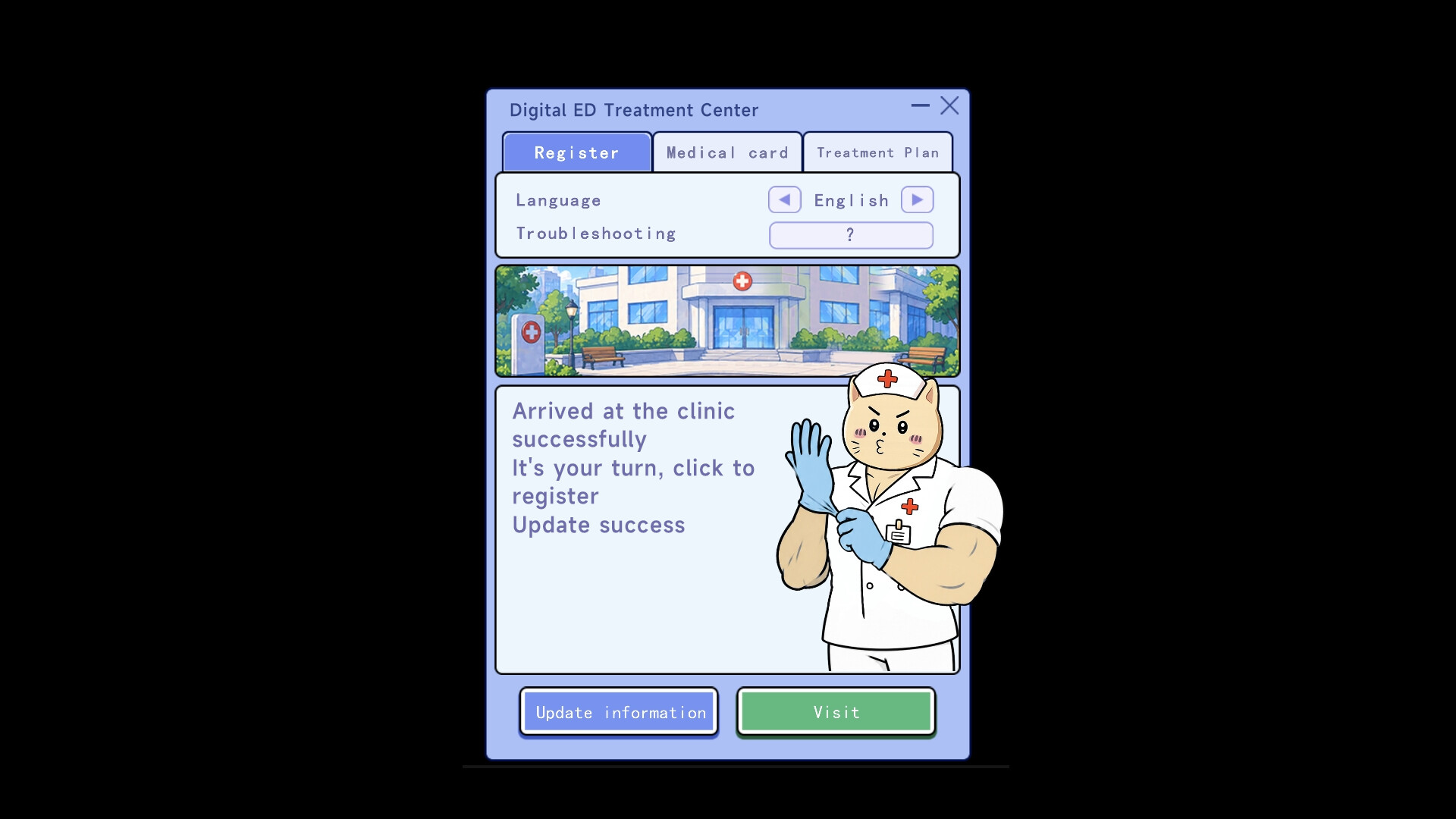
Gaming ED Treatment Center is a Windows‑only launcher from Wave Games that targets "Backlog Paralysis"—the feeling of having too many games to choose from. It scans a Steam library, highlights forgotten titles, and uses a randomizer to suggest a game to play.
The tool emphasizes a minimalist interface, single‑player focus, and support for Steam Family Sharing. It presents the experience as a therapeutic aid, offering two preset modes—Gentle Routine and Shock Therapy—while noting it is not medical advice.
01 / THE GUIDE
Purpose and Theme
The launcher markets itself as a treatment center for players overwhelmed by large game collections, labeling the condition "Digital ED" and promising a recovery path. Its core mission is to surface hidden gems bought during deep discounts and revive gaming enthusiasm.
It frames the experience as therapy, offering modes like "Gentle Routine" and "Shock Therapy" to match different player needs, and explicitly states it is not a substitute for medical advice.
- Compare the therapeutic framing with other casual tools to see how the concept differs.
- Reflect on whether your library size matches the "Backlog Paralysis" description before starting.
02 / THE GUIDE
Randomized Selection
Pressing "Start Treatment" activates the "Hand of Fate" which selects a forgotten game from the user's Steam library. The selection can include titles that were never installed or have been dormant for years, providing an unexpected recommendation.
Each random pick is presented as a potential "Game of the Year," encouraging players to try titles they might otherwise ignore and reducing the need for manual browsing.
- Observe how often older or uninstalled games appear in the random picks.
- Use the feature when you feel stuck in a habitual play pattern.
03 / THE GUIDE
Filtering Options
Before the randomizer runs, users can filter the library by installation status and other criteria. Two preset modes—"Gentle Routine" and "Shock Therapy"—offer different levels of selection intensity, letting players adjust how adventurous the recommendation feels.
These filters let players tailor the randomness to their current hardware or time constraints, ensuring the suggested game aligns with practical considerations.
- Select "Gentle Routine" for a more conservative recommendation.
- Choose "Shock Therapy" when you want a bold, unexpected suggestion.
04 / THE GUIDE
User Interface
The launcher adopts a minimalist design that removes social media links and other distractions. The focus remains on the library and a single button that initiates the random choice, keeping the experience straightforward.
This stripped‑down UI aligns with the therapeutic goal of reducing decision fatigue, allowing players to concentrate on the act of selecting and playing a game.
- Appreciate the lack of clutter when you feel overwhelmed by options.
- Use the single‑button approach to practice quick decision‑making.
05 / THE GUIDE
Analysis Report
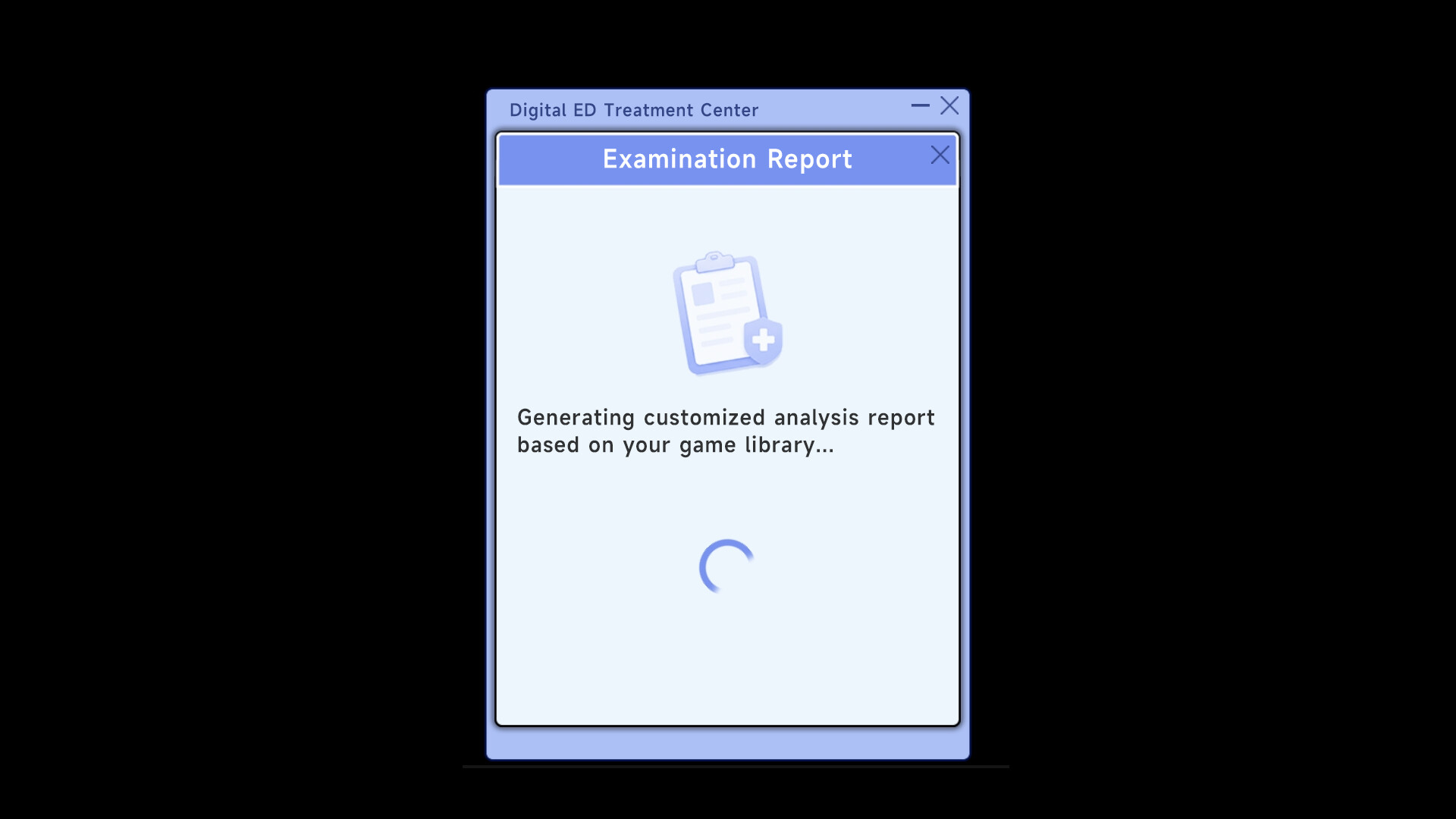
After a selection, the launcher generates a gamer‑personality analysis based on the contents of the library. The report is presented as an exclusive insight into the player's tastes, adding a layer of personalization.
While the report is not a medical document, it offers players a chance to reflect on purchasing habits and compare the analysis with actual playtime.
- Review the personality report to identify patterns in your purchasing history.
- Compare the report's traits with games you actually enjoy playing.



COMMUNITY
Player discussion