 GameWiki
GET YOUR BEARINGS
About Gamer Stop Simulator
In Gamer Stop, you inherit an old video‑game shop in Japan after your grandfather’s passing. The core goal is to restore and expand the store, shaping it however you like while honoring his memory.
Beyond shop duties, the game offers an open‑world map of Japan to explore, with seasonal changes, side activities, and hidden treasures that add adventure to the simulation.
01 / THE GUIDE
Store Management
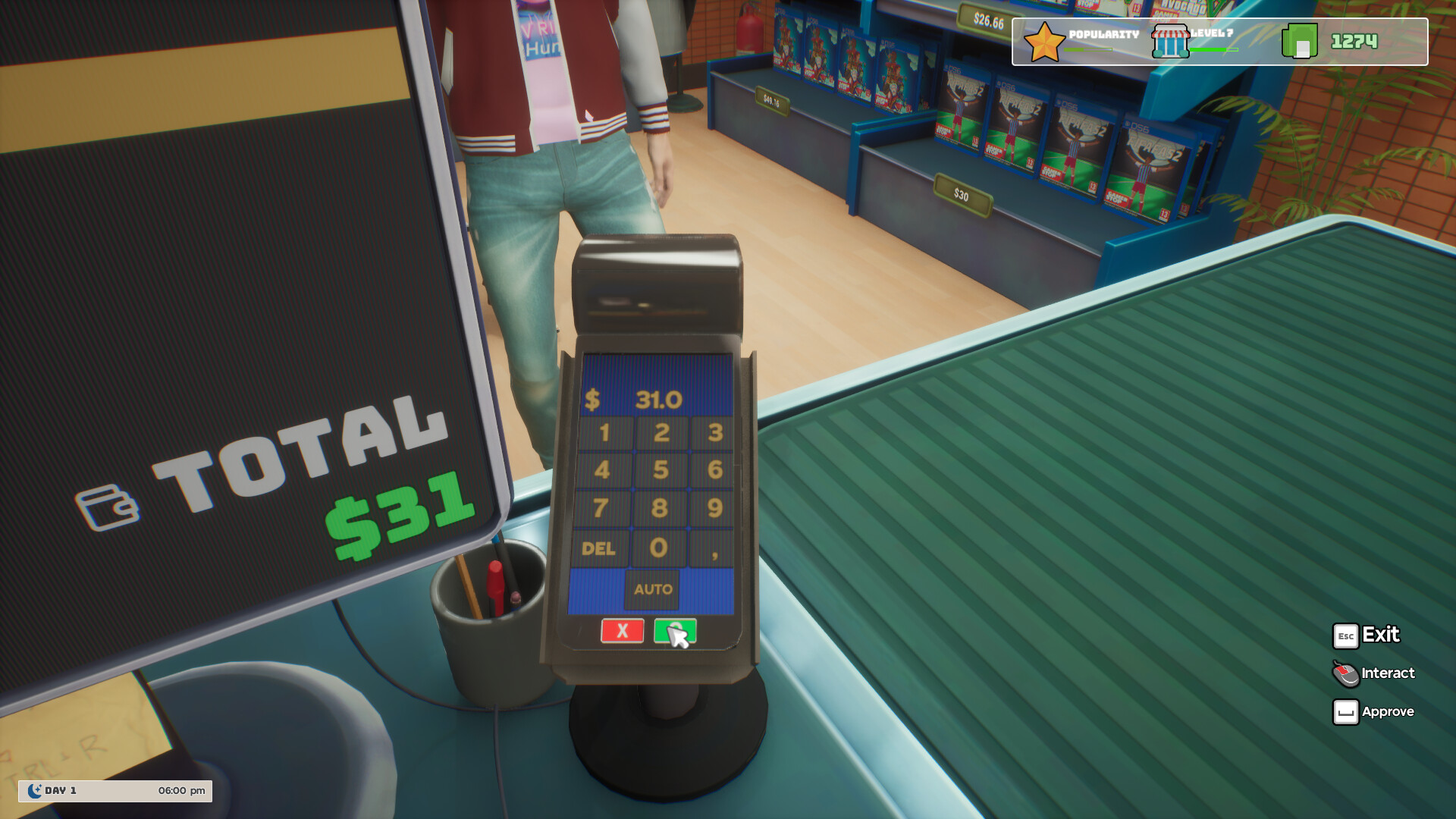
You decide how to run the inherited shop: greet customers yourself or hire employees to help you out. The description emphasizes that both approaches are available, letting you choose a personal or delegated style.
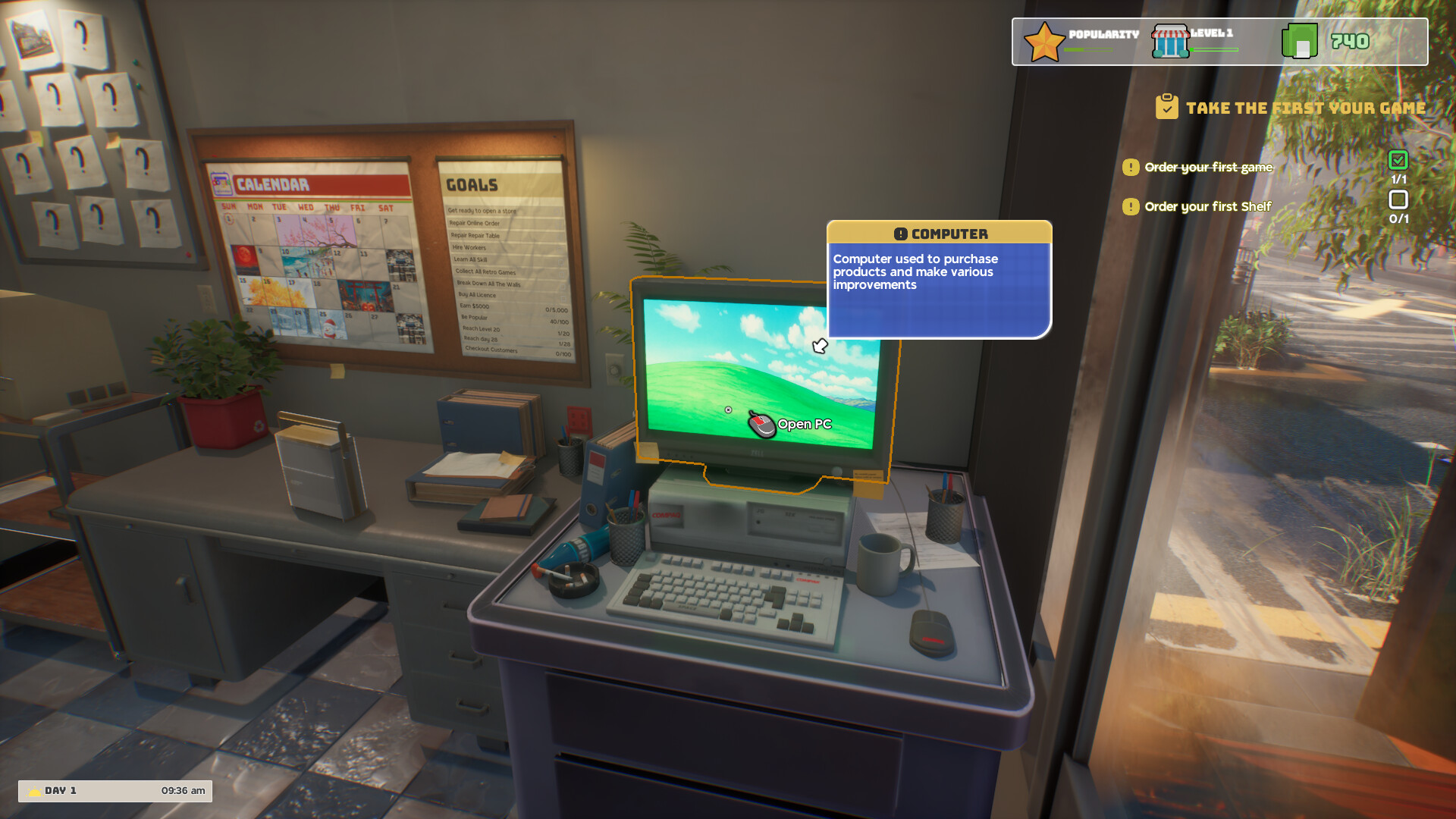
Customization is a key part of the system. Interior and exterior spaces can be altered with many decorative options, meaning the shop’s appearance evolves as you add new items and rearrange layouts.
- Try greeting customers yourself for a few days, then switch to using an employee to notice any workflow differences.
- Mix interior décor with exterior signage to see how visual balance affects the shop’s overall feel.
02 / THE GUIDE
Open‑World Exploration
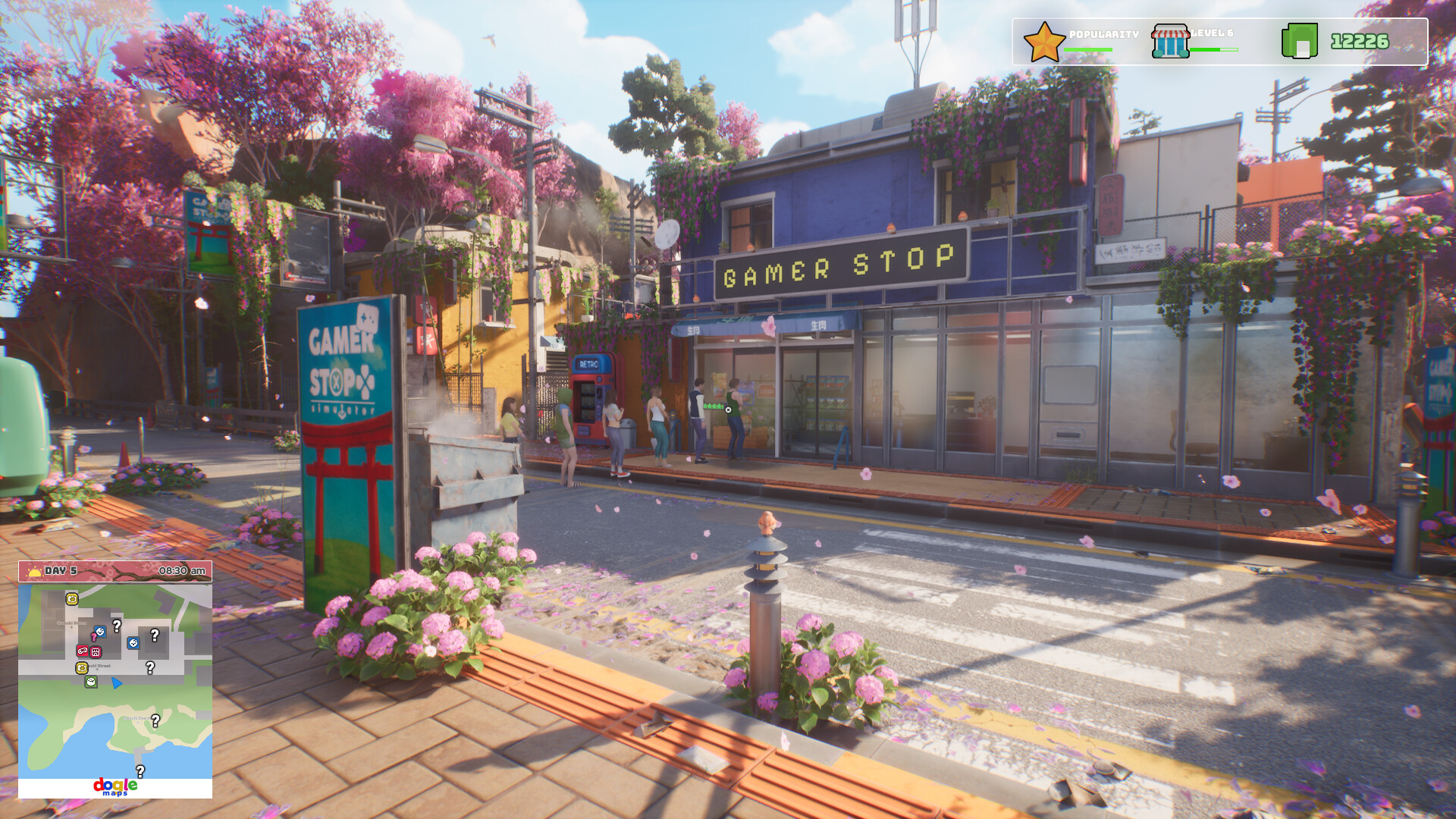
The game provides an explorable map of Japan where you can step outside the shop for a break. The world is described as “breathtaking,” encouraging players to wander beyond the storefront.
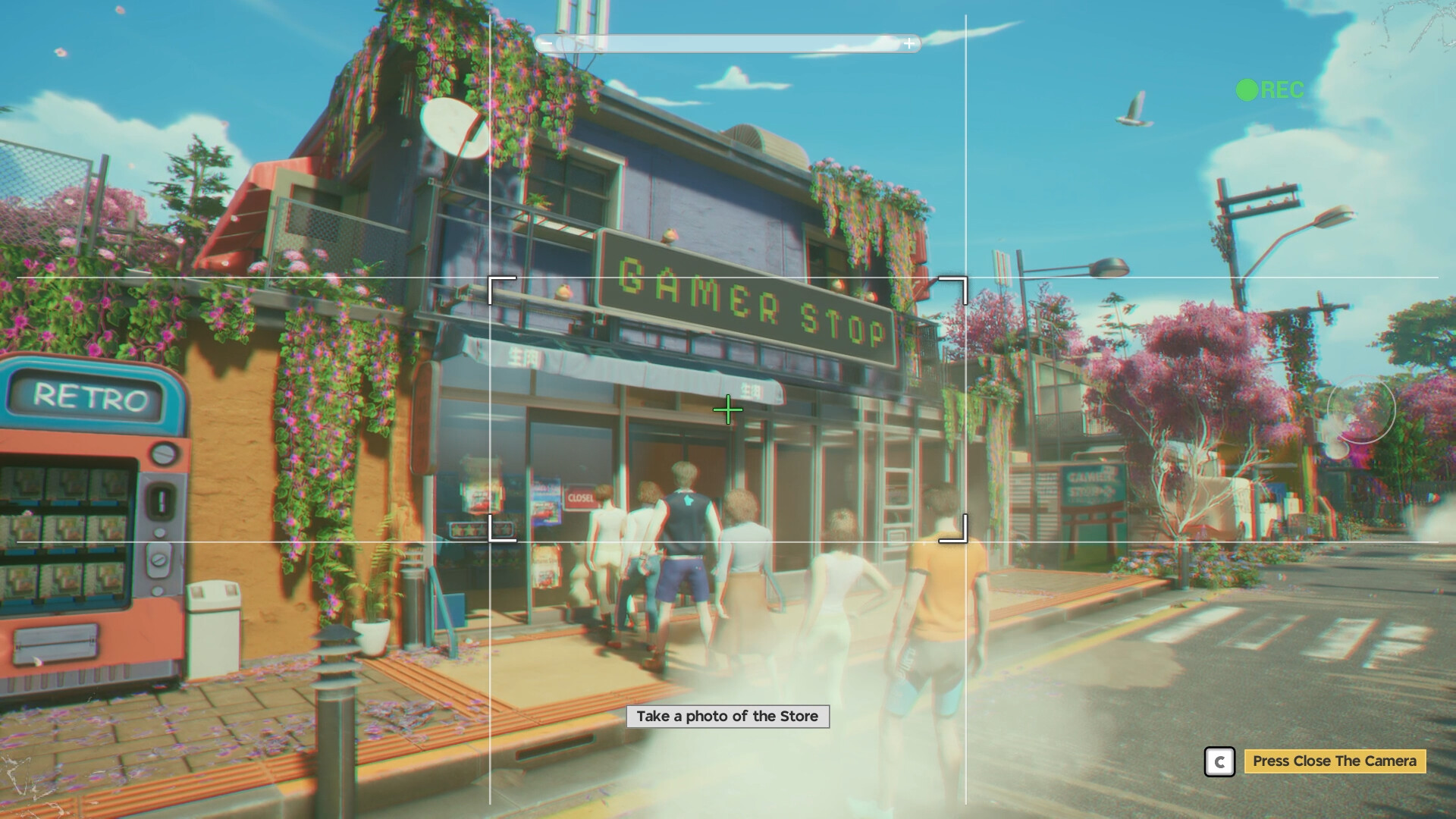
Exploration yields tangible rewards such as treasure chests and opportunities to capture scenic photographs, reinforcing the value of venturing into the open world.
- Take a leisurely walk without a specific goal; hidden chests often appear off the main path.
- Use the map as a visual reference when planning future store upgrades or decorations.
03 / THE GUIDE
Seasonal Events
Each day feels different as the in‑game calendar moves through four seasons. The description notes that Japan transforms with the calendar, showcasing its charm across these periods.
Special events accompany the seasonal shifts, offering unique content during those periods.
- Observe how lighting and foliage change each season; these visual cues can inspire new décor ideas.
- Participate in a special event when it appears to experience the distinct content it provides.
04 / THE GUIDE
Activities & Mini‑Games
Side activities include fishing, obstacle courses, collecting pieces for a Shamisen instrument, and photography of scenic locations. These are listed as optional ways to spend time away from the shop.
Each activity offers its own goal, such as completing an obstacle course or gathering unique Shamisen pieces, adding variety to the overall experience.
- After a fishing session, try an obstacle course to change the pacing of your play session.
- Collect Shamisen pieces gradually; the description suggests they form a set you can work toward.
05 / THE GUIDE
Visual Customization & AI Assets
AI tools were used in producing some visual assets and shop materials. This production method allows a wider and more diverse range of decorative content for the store.
The broader catalog means players can personalize both interior and exterior spaces with a wider and more diverse range of decorative content.
- Browse the full catalog of AI‑generated decorations before placing items, to see the full range available.
- Combine AI‑generated pieces with other decorative items for a mixed aesthetic that feels both unique and cohesive.

COMMUNITY
Player discussion