 GameWiki
GET YOUR BEARINGS
About Game Saloon Simulator
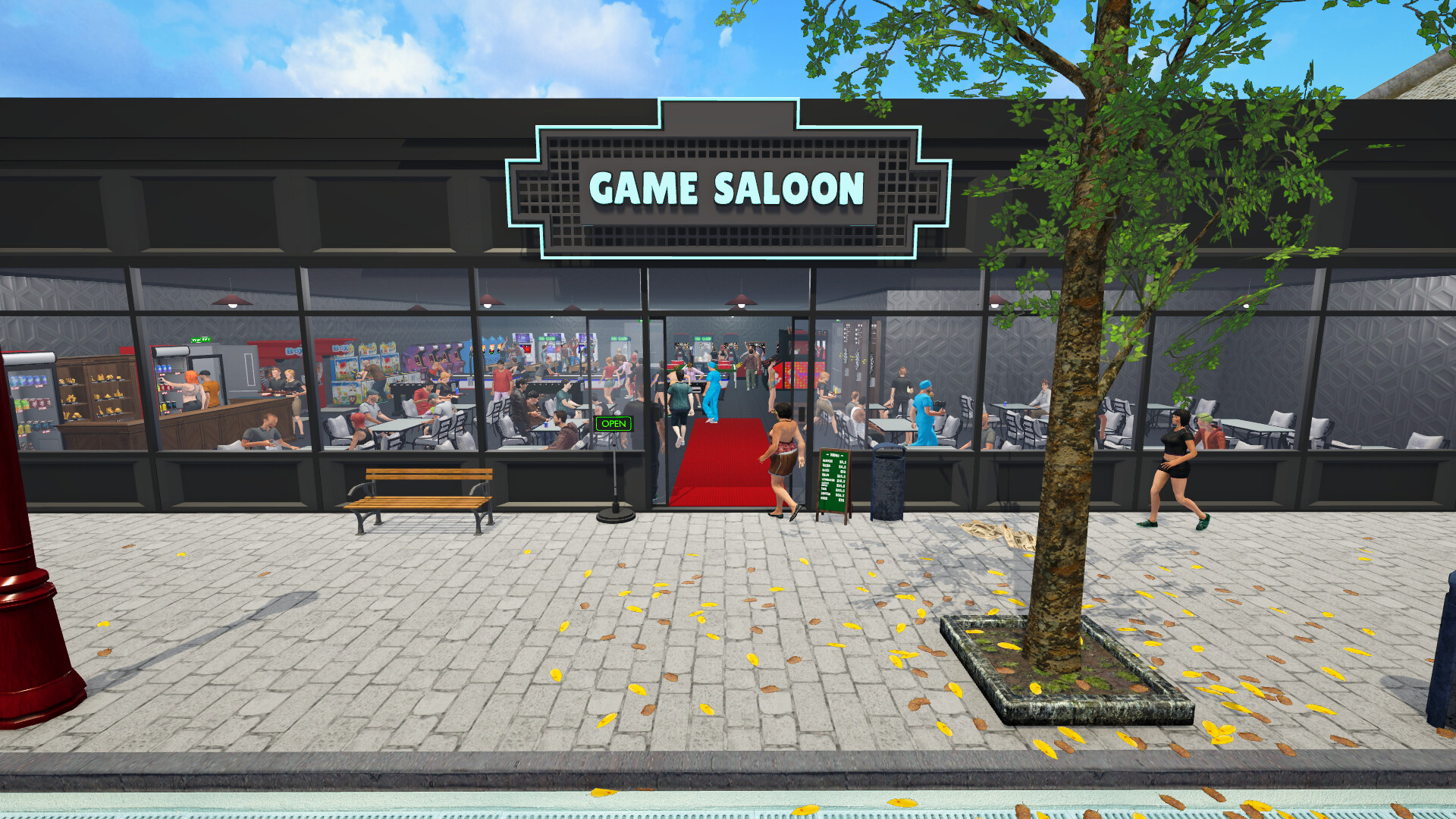
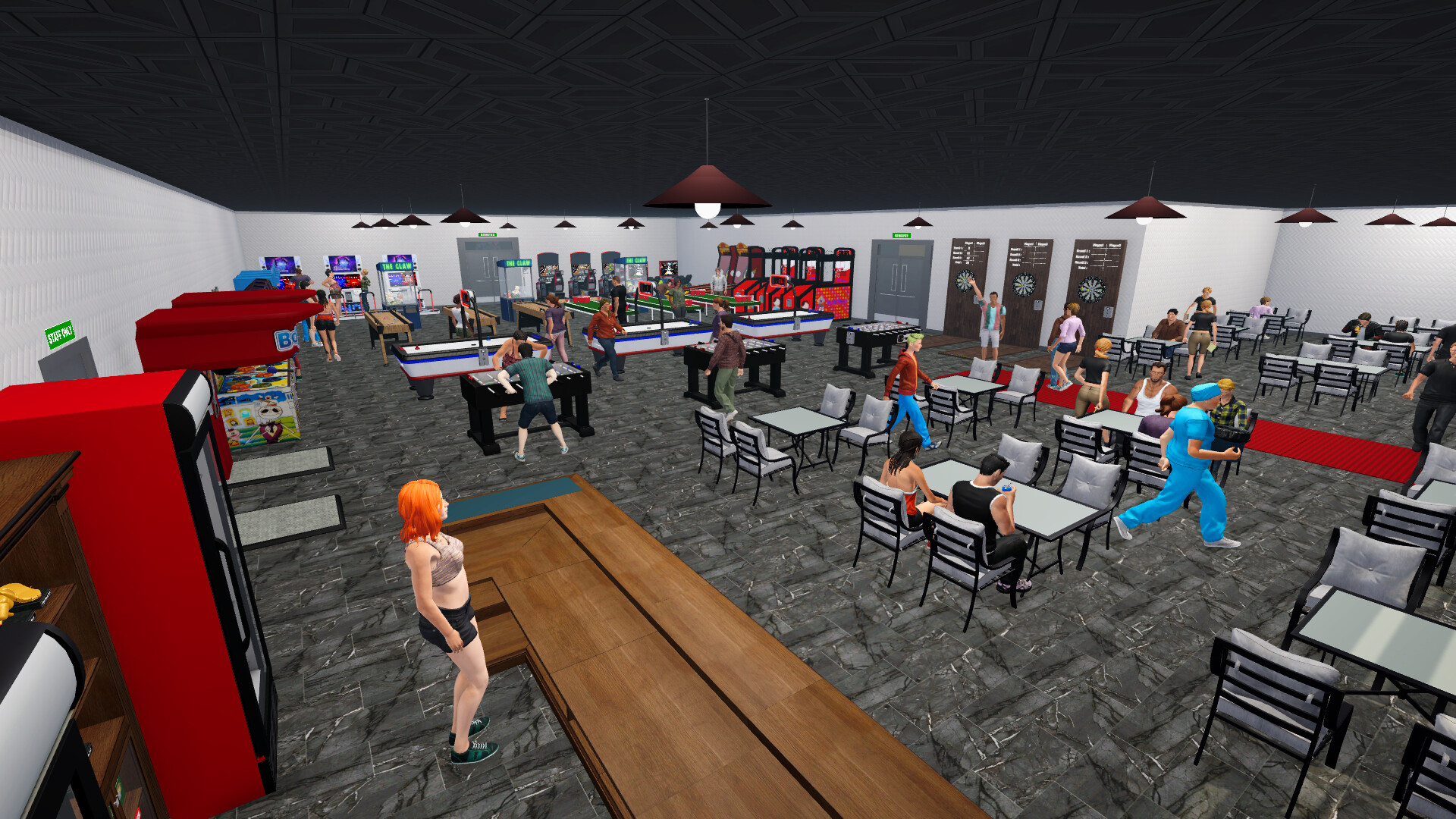
Game Saloon Simulator puts you in charge of a modest bar that can grow into a sprawling gaming venue. You serve patrons, place arcade cabinets, and watch the business develop while also being able to play the machines yourself.
The title blends management tasks with hands‑on play, offering a casual, humorous tone that aims for a relaxed simulation experience. It is marketed as a single‑player indie game with full controller support and Steam Cloud saving.
01 / THE GUIDE
Expandable Saloon System
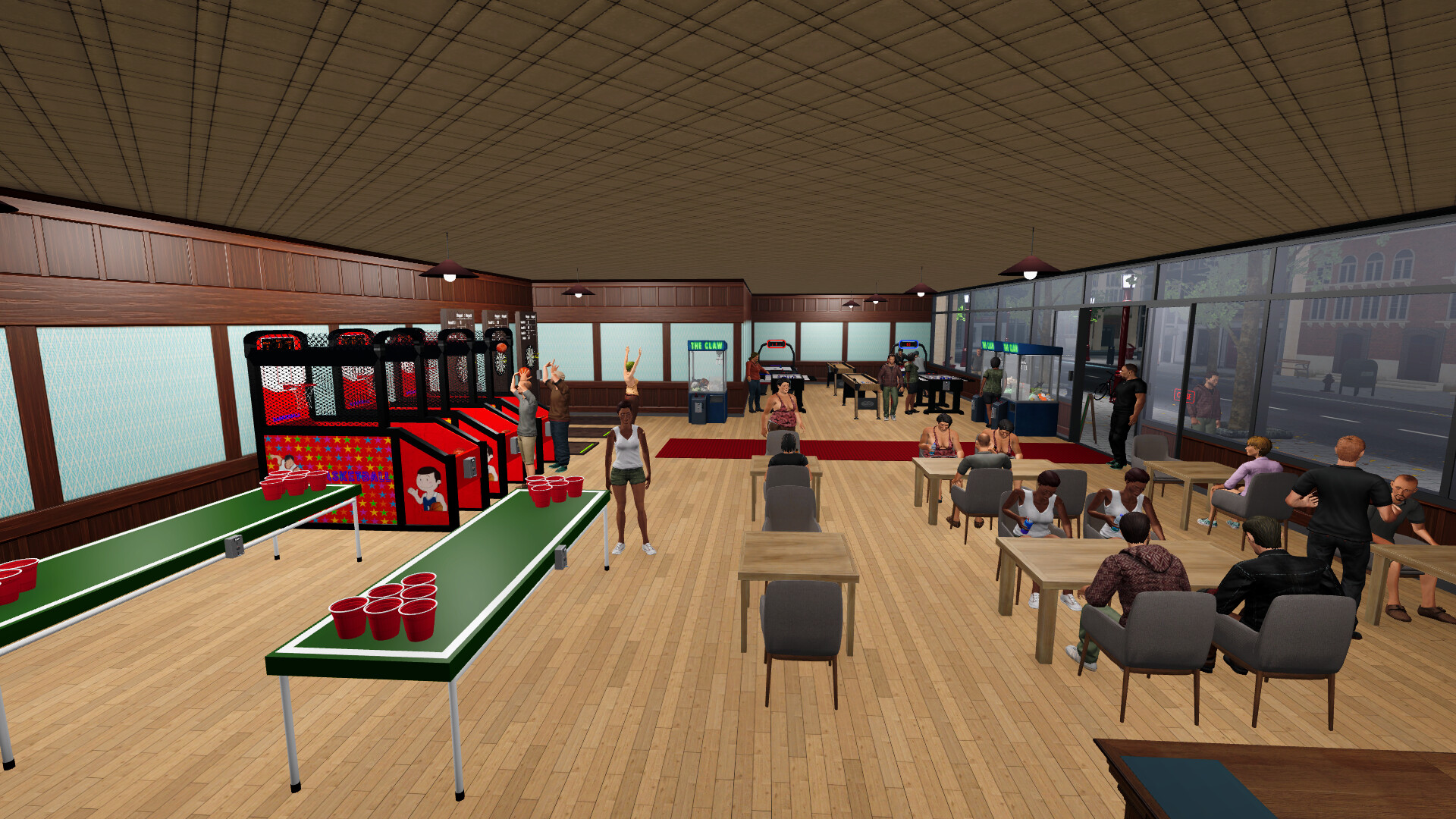
The game lets you enlarge the venue by unlocking new areas as you progress. Each newly unlocked area adds floor space for additional arcade machines, directly expanding the size of the saloon.
Expansion is tied to purchasing and placing equipment, which raises the saloon’s appeal as you work toward unlocking further areas. The system encourages gradual growth rather than a single large start.
- Track which machines generate the most income before deciding where to expand.
- Leave room for future machines when planning the first expansion.
02 / THE GUIDE
Interactive Entertainment Equipment
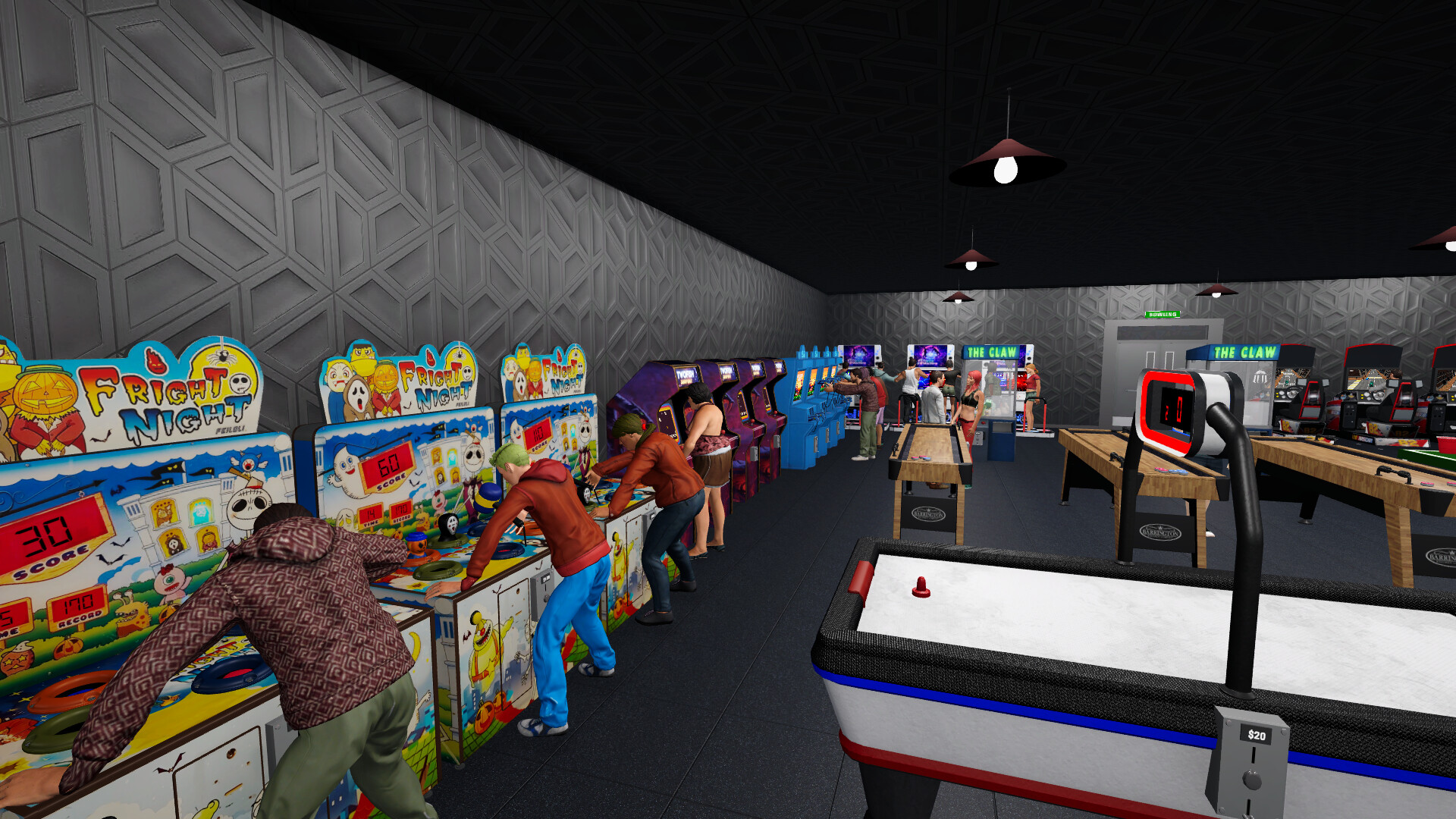
A variety of classic arcade machines can be bought and positioned throughout the saloon. Each machine adds a distinct entertainment option that customers can interact with while inside the venue.
The presence of more machines contributes to overall customer satisfaction, contributing to a more appealing venue that can support spending on drinks and additional gameplay.
- Mix different game genres to attract a broader audience.
- Consider the cost of each machine relative to its expected draw.
03 / THE GUIDE
Service Mechanics
You directly serve customers by taking their orders, and the speed of service influences their happiness levels. Promptly delivering orders raises satisfaction scores.
Higher satisfaction supports a more successful saloon, which can indirectly help earnings from both drinks and arcade play.
- Prioritize orders during busy periods to keep satisfaction high.
- Observe patterns in popular orders to streamline service.
04 / THE GUIDE
Freedom to Design Your Play Area
The simulator grants you the ability to arrange machines and décor as you see fit. This creative control lets you shape the atmosphere and flow of the saloon according to personal preference.
Design choices can affect how inviting the space feels, shaping overall enjoyment without imposing a fixed layout.
- Create clear pathways to avoid congestion as the saloon grows.
- Use visual themes to give the venue a cohesive character.
05 / THE GUIDE
Relaxed Simulation Experience
The game’s tone is described as relaxing, humorous, and enjoyable, aiming for a light‑hearted simulation rather than intense pressure. This tone aligns with the casual genre tags attached to the title.
Such an atmosphere makes the title suitable for short play sessions and for sharing with family, matching the listed single‑player and family‑sharing features.
- Play at your own pace to appreciate the humor.
- Invite family members to watch and discuss layout ideas.

COMMUNITY
Player discussion