 GameWiki
GET YOUR BEARINGS
About Game Dev Story
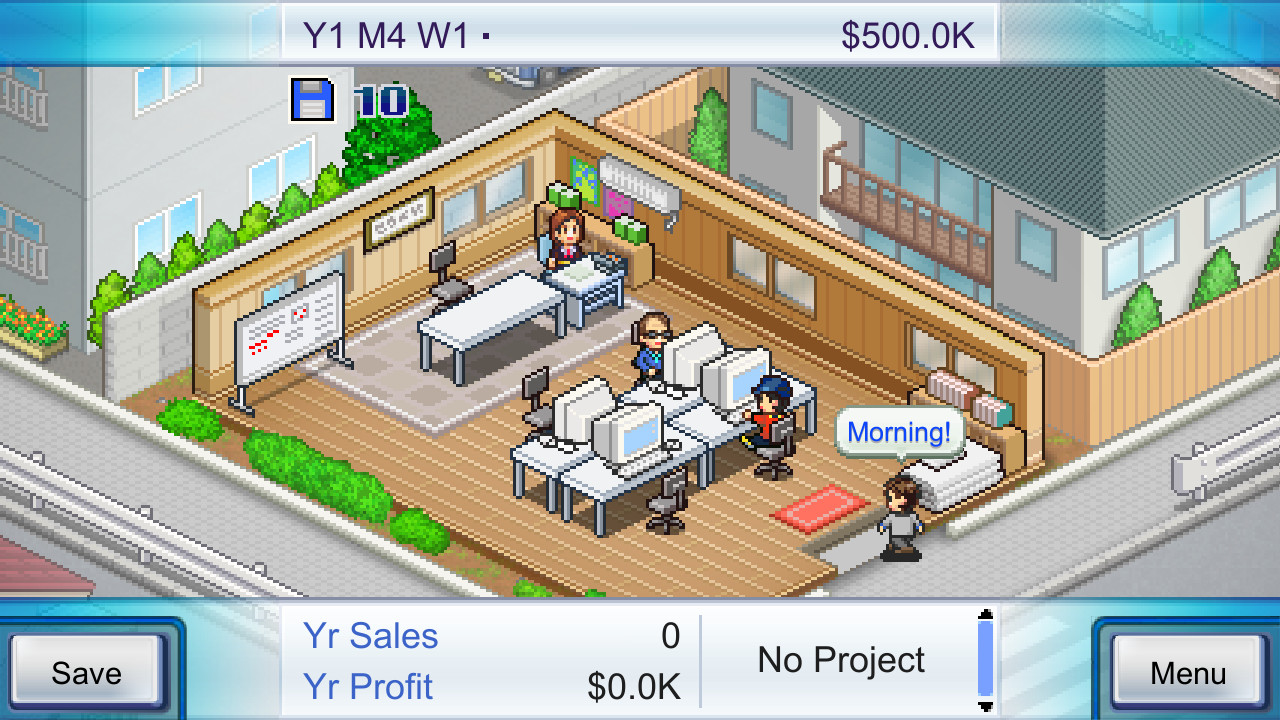
Game Dev Story puts you in charge of a fledgling game studio, challenging you to produce a blockbuster title. You guide hiring, training, and project choices while aiming for industry dominance. The simulation blends casual management with strategic planning, letting you explore a variety of game genres and even build a proprietary console. Features such as Steam Achievements, cloud saves, and full controller support round out the single‑player experience on Windows.
01 / THE GUIDE
Company Management
You start by overseeing the overall direction of your studio, setting goals and allocating resources toward game projects. Success is measured by sales, and the ultimate aim is to reach a million‑selling title.
Progress is tracked through achievements and cloud saves, allowing you to continue development across sessions without loss of data.
- Focus early resources on projects with broader appeal to boost early sales.
- Regularly check achievement progress to gauge which strategies are most effective.
02 / THE GUIDE
Staff Professions & Training
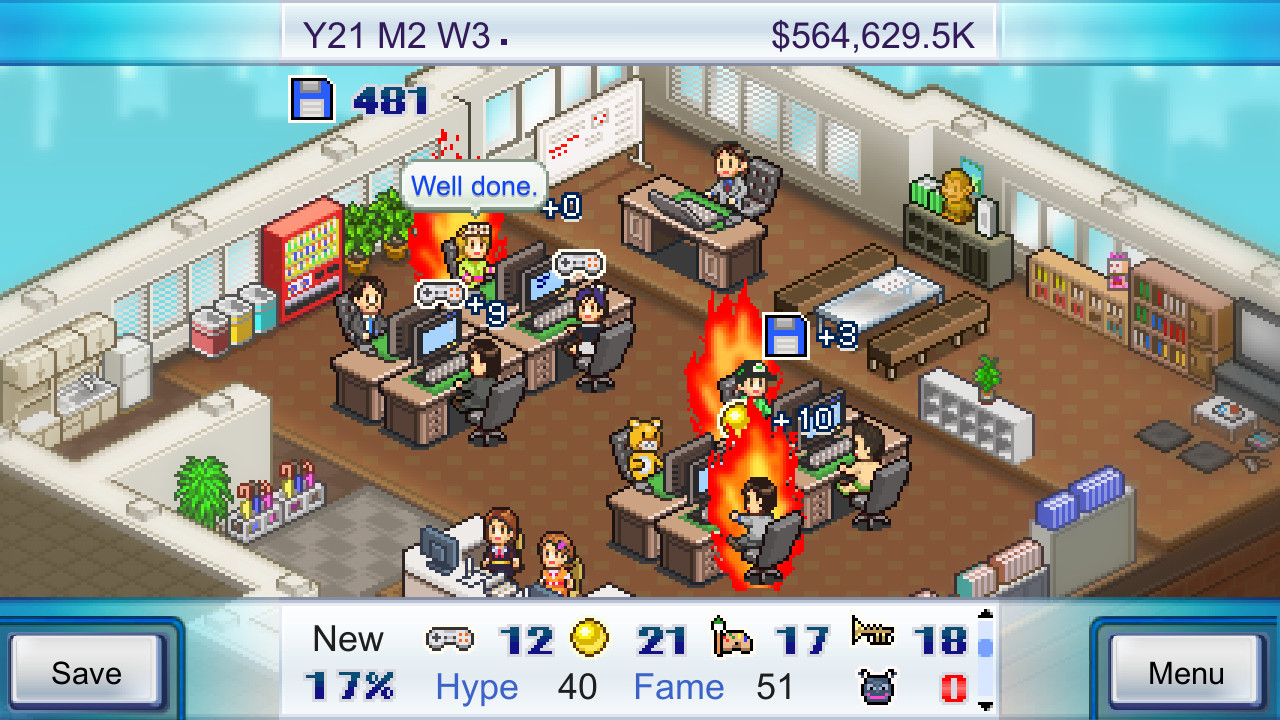
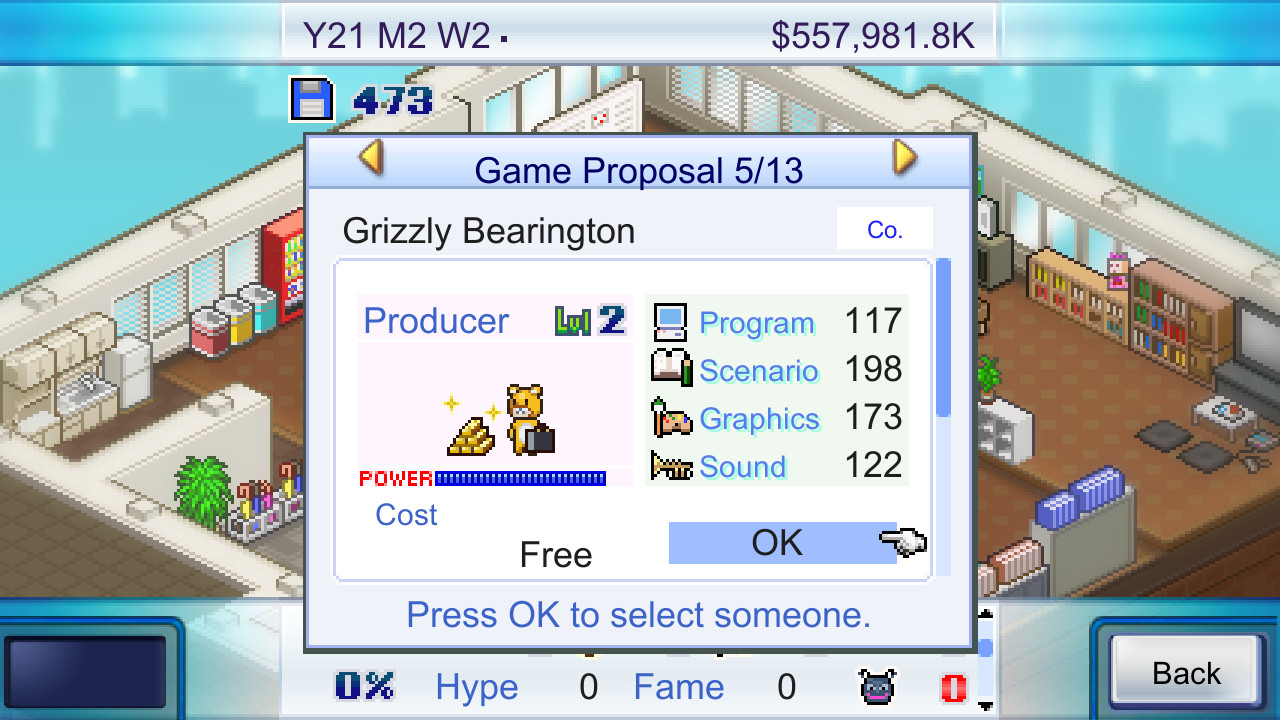
Your team can hold a range of game‑related roles, from programming to sound engineering. Changing a staff member’s profession is possible, letting you adapt the workforce to project needs.
As employees gain experience, they improve skills that unlock new development options and higher quality outputs.
- Rotate staff between related professions to broaden their skill sets.
- Invest in training for high‑potential members to accelerate unlocks.
03 / THE GUIDE
Game Development & Genres
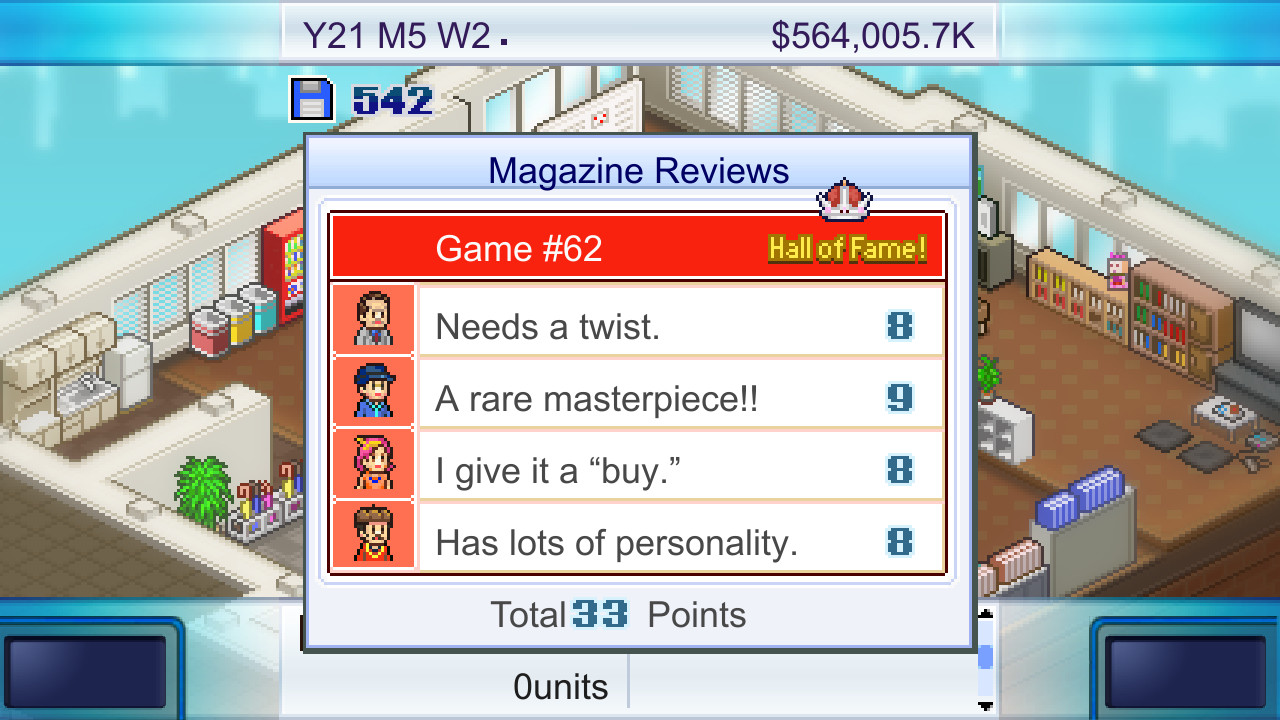
Developing games unlocks a growing list of genres and content types as staff expertise rises. Experimenting with different genre combinations can reveal popular formulas.
Targeting the latest platform releases helps maximize sales potential for each title.
- Combine genres that complement each other, such as action with RPG elements.
- Align releases with platform updates for higher visibility.
04 / THE GUIDE
Console Creation
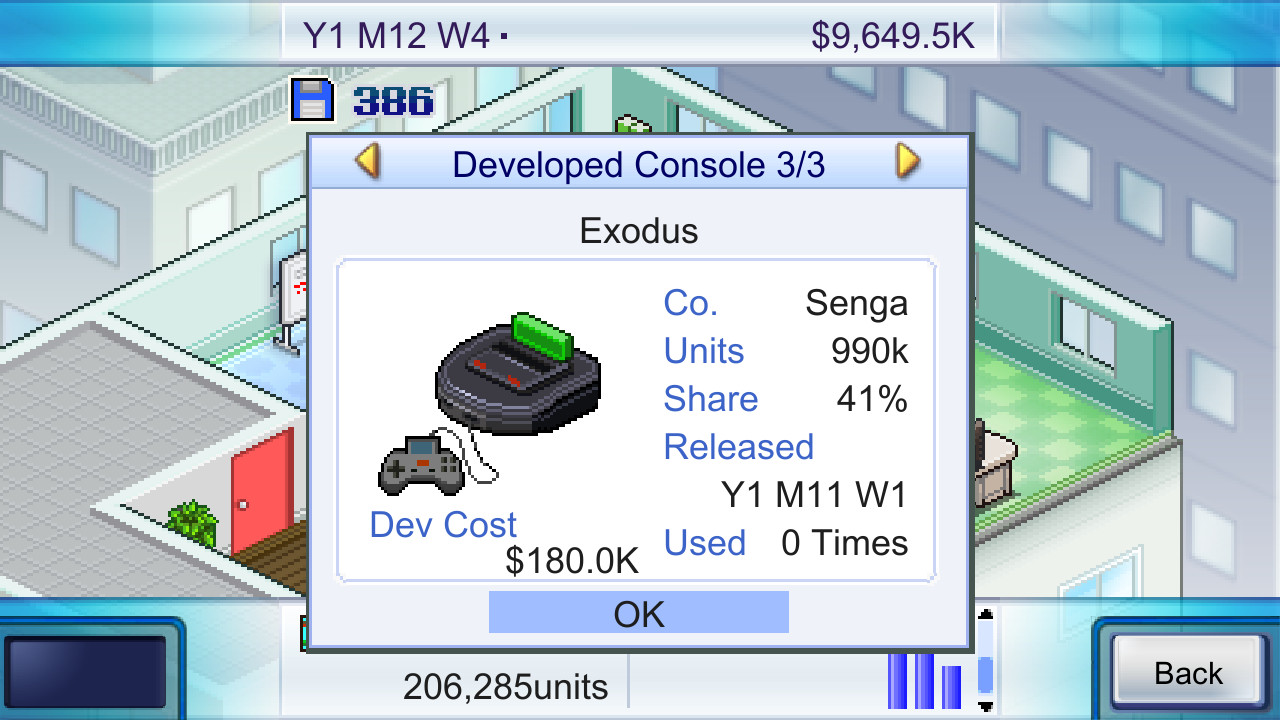
Beyond software, you can develop your own game console, expanding the studio’s portfolio and opening new revenue streams. Console projects follow similar development cycles to games.
Success with a console can boost the studio’s reputation and provide a platform for exclusive titles.
- Schedule console development after establishing a stable game pipeline.
- Leverage existing staff strengths when designing console hardware.
05 / THE GUIDE
Platform & Support Features
The game runs on Windows and supports full controller input, making it accessible for different play styles. Steam Cloud ensures progress is saved online.
Family Sharing lets multiple accounts enjoy the same saved game without losing progress.
- Use a controller if you prefer tactile navigation of menus.
- Enable Cloud sync to protect against accidental data loss.
COMMUNITY
Player discussion