 GameWiki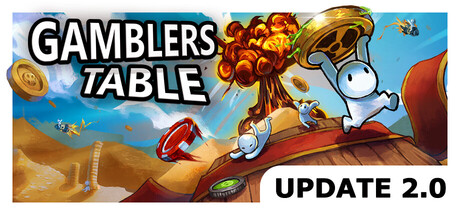
GET YOUR BEARINGS
About Gamblers Table
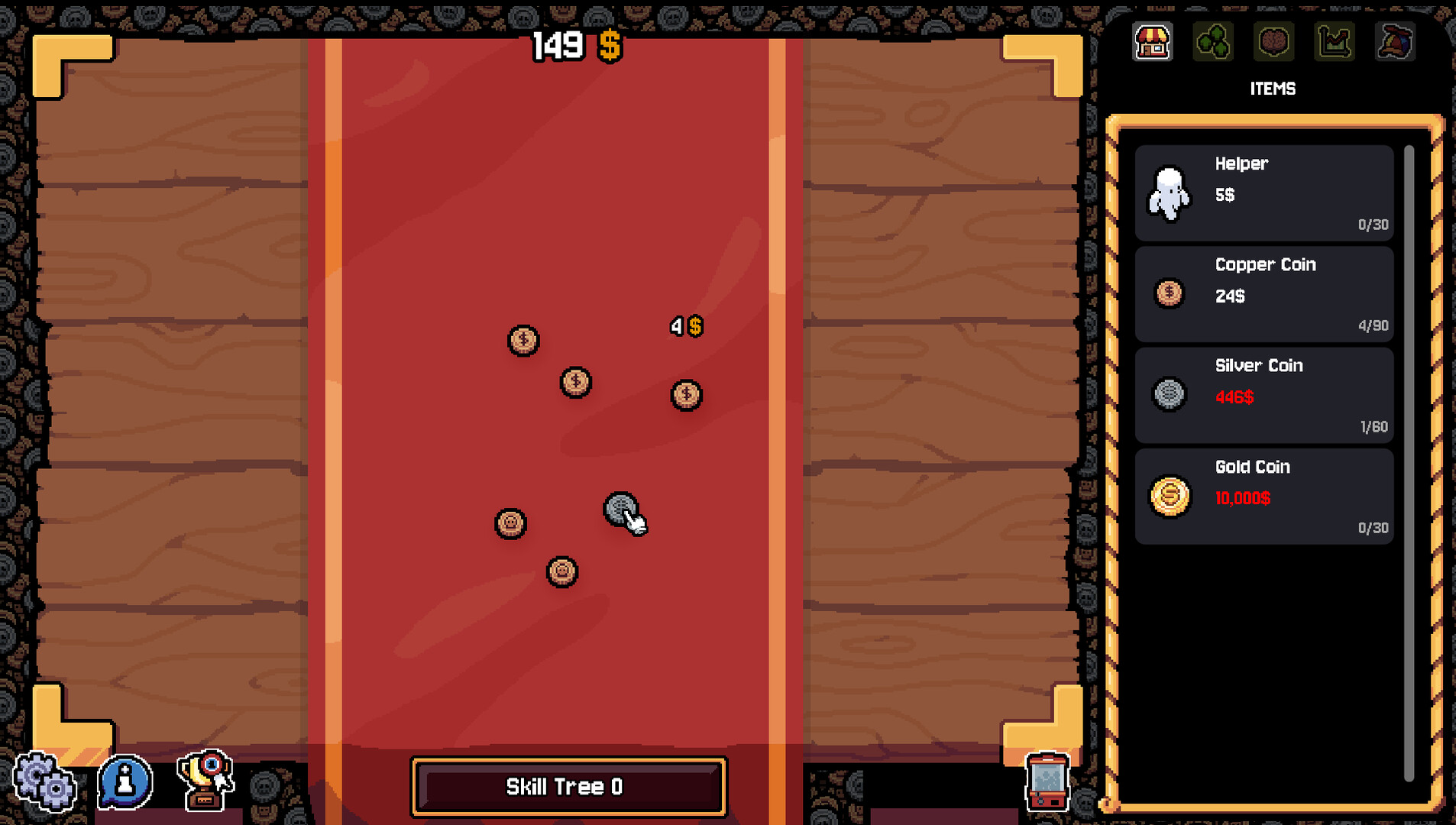
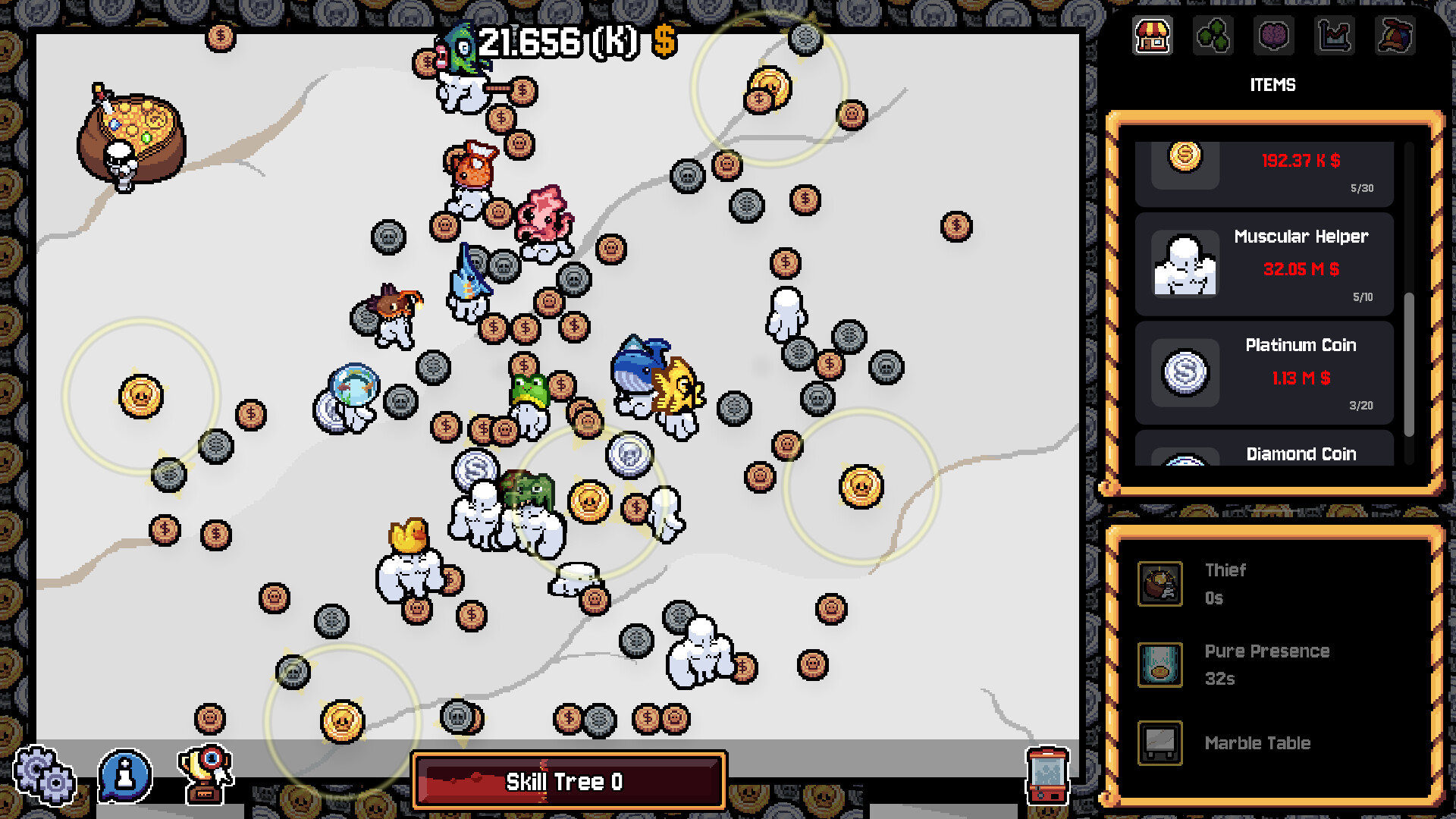
Gamblers Table is a click‑based incremental game where you flip virtual coins to earn cash. Landing a coin on its dollar side grants money, which can be spent on more and better coins, increasing the number you can flip at once.
When manual clicking becomes tedious, you can hire helpers that automate flipping. Helpers can be upgraded for speed, strength, and appearance, and you can acquire special talents, new coin types, or even “divine” upgrades. The game tracks progress from hundreds to billions of dollars, rewarding continual upgrades and offering cosmetic customization through skull tokens earned from failed flips.
01 / THE GUIDE
Coin Flipping Mechanics
Each click tosses a coin; if the coin lands on its dollar side you receive cash. The amount earned scales with the quality of the coin you own, encouraging purchases of better coins. Coins that land on their skull side do not give money, but they generate a skull token. Tokens can be spent in capsule machines for cosmetic items, linking failure to a reward loop.
The core loop is simple: click, earn, reinvest. As you acquire more coins, the number of simultaneous flips rises, amplifying income per click. This scaling is explicit in the description, which notes that “the more coins that you own, the more coins you can flip.”
- Focus early purchases on higher‑value coins to boost per‑click earnings.
- Collect skull tokens from failed flips to unlock cosmetics without spending cash.
02 / THE GUIDE
Helpers and Automation
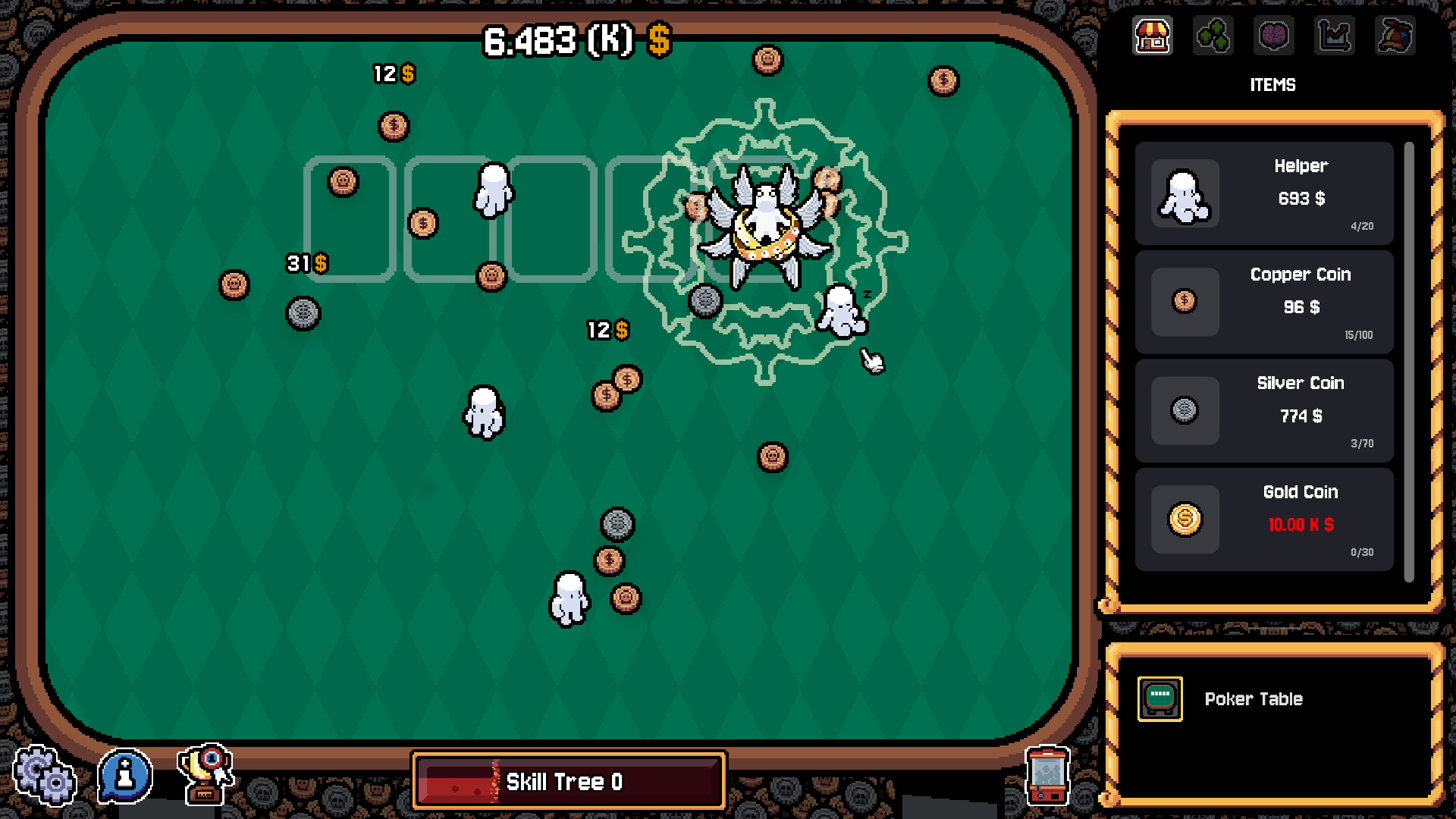
When you grow tired of manual clicking, you can hire helpers that automatically flip coins. Helpers operate continuously, removing the need for player input. Helpers can be upgraded for speed, strength, and intelligence, and you can dress them with hats. Upgrades increase the rate at which they generate income, directly supporting the incremental growth described.
The description emphasizes that helpers “don’t complain, and they never question,” indicating a fully automated process once hired. Upgrading helpers is presented as a core way to scale earnings without additional clicks.
- Upgrade helper speed first to maximize flips per second.
- Use cosmetic upgrades for visual variety without affecting earnings.
03 / THE GUIDE
Talents and Upgrades
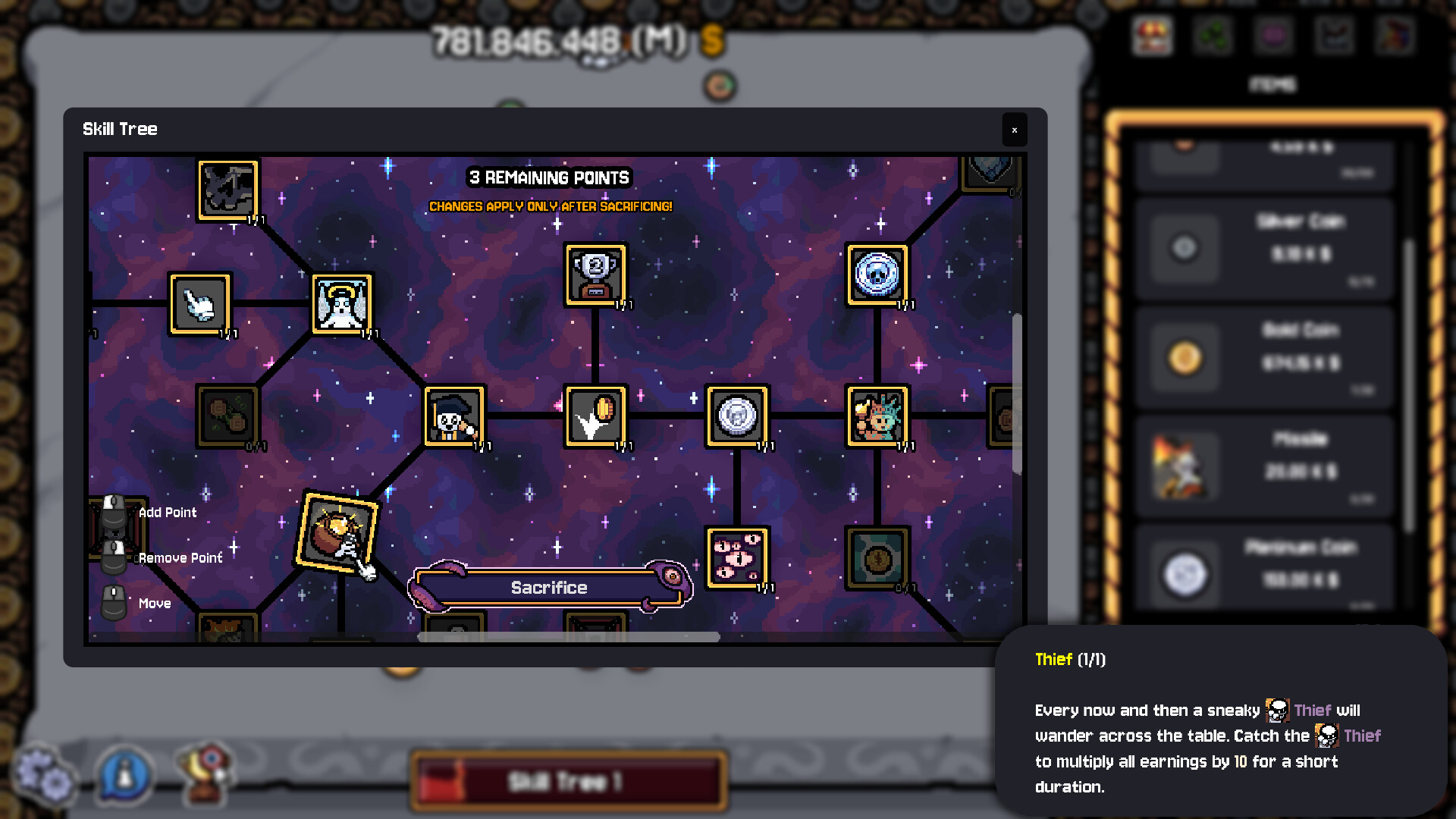
Beyond helpers, you can unlock talents that alter your strategy, new coin types, stronger helpers, or “divine intervention.” Each unlock provides a distinct boost, such as higher coin value or faster automation. Progression is described as “natural … almost guided,” suggesting a steady stream of upgrade options that keep the player advancing from hundreds to billions of dollars.
The game tracks incremental upgrades, stating that “every incremental upgrade counts while you increase your savings.” This reinforces that each purchase, no matter how small, contributes to overall growth.
- Prioritize talents that increase coin value before those that only speed helpers.
- Balance spending between new coin types and helper upgrades for steady growth.
04 / THE GUIDE
Currency and Skin Customization
Skull tokens, earned from coins landing on their skull side, serve as a secondary currency. Tokens can be used in capsule machines to obtain unique helper skins, such as bunny or underwater themes. The description mentions “rare golden and rainbow hat variants,” indicating that some skins are rarer and may require more tokens or specific conditions.
Customization does not affect gameplay performance; it is purely aesthetic. The presence of “funny hats” and “color alternatives” in the feature list confirms that visual changes are optional and separate from core mechanics.
- Collect skull tokens early to access a variety of helper skins.
- Aim for rare hat variants after establishing a stable income stream.
05 / THE GUIDE
Platform and Accessibility Features
Gamblers Table runs on Windows and Linux, supporting both mouse‑only and touch‑only input modes. It also offers full controller support, including DualShock and DualSense devices, allowing players to flip coins without a mouse. Additional features such as Steam Cloud, Save Anytime, and Family Sharing ensure progress can be stored and shared across accounts, matching the listed Steam integrations.
The game includes custom volume controls and color alternatives, providing further accessibility options. These settings are explicitly listed, confirming that players can tailor audio and visual presentation to their preferences.
- Enable “Mouse Only Option” if you prefer precise clicking over controller input.
- Activate Steam Cloud to safeguard your progress across multiple devices.
COMMUNITY
Player discussion