 GameWiki
GET YOUR BEARINGS
About Galactic Glitch
Galactic Glitch blends twin‑stick shooting with a roguelite loop, where each run ends when the player succumbs to permadeath. The core mechanic revolves around a gravity gun that lets you manipulate rocks, mines, and enemy projectiles, turning physics into a combat tool.
The game’s setting is a glitched collection of star systems that you explore in a non‑linear fashion. Along the way you encounter multi‑part foes and collect items that feed into varied upgrade paths, ensuring each playthrough feels distinct.
01 / THE GUIDE
Physics‑Based Combat
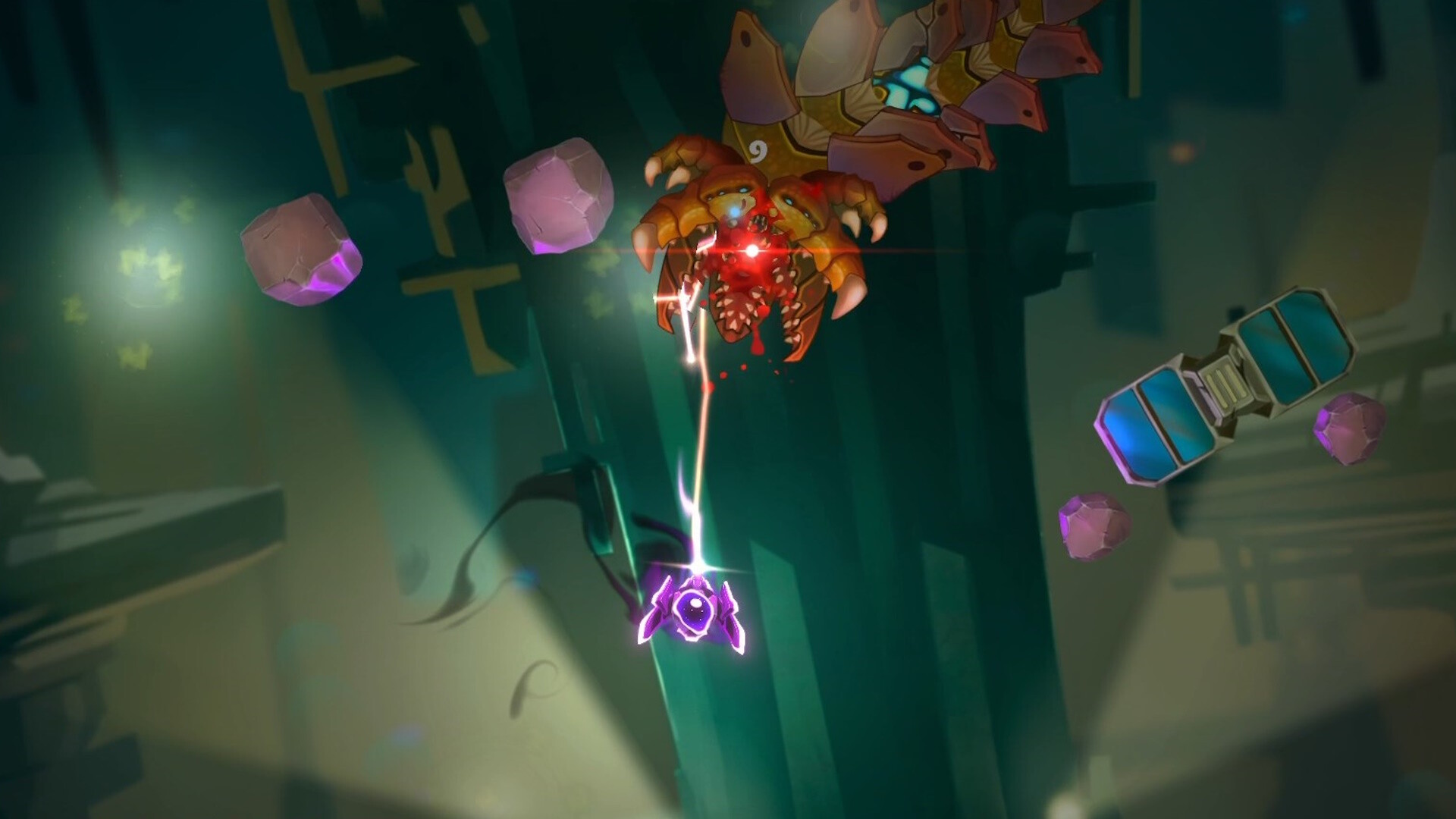
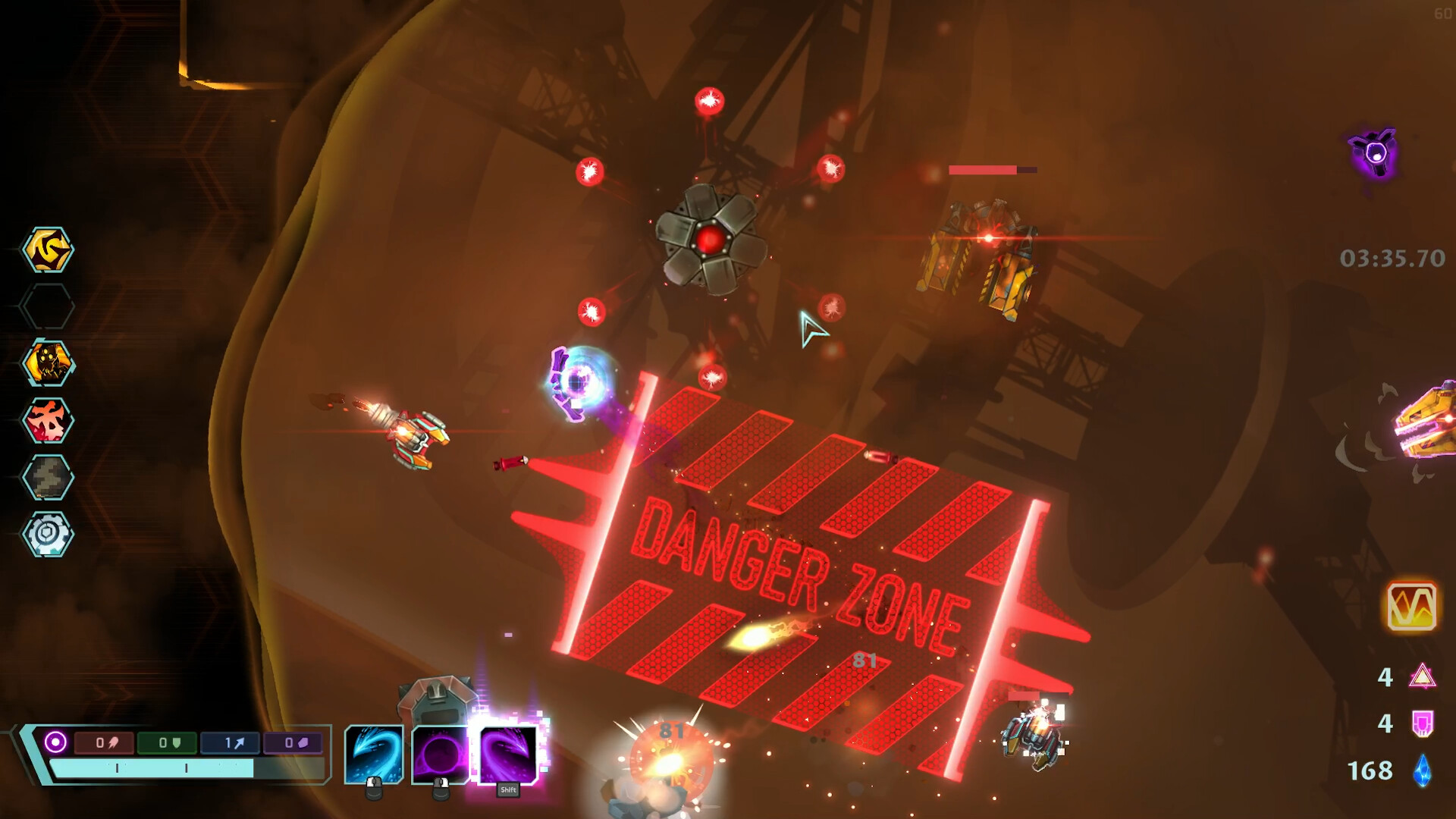
The gravity gun allows you to grab rocks, mines, and enemy rockets from arena walls and fling them toward opponents. This creates a battlefield that constantly changes as objects are redirected.
You can also launch enemies into each other, using the physics engine to cause additional damage. The mechanic encourages creative use of the environment rather than relying solely on direct fire.
- Try different object types to see which generate the most impact on foes.
- Watch how enemy rockets travel after being redirected for optimal angles.
02 / THE GUIDE
Roguelite Structure
Each session is a self‑contained run that concludes with permadeath, matching the roguelite description of endless replayability. No progress carries over between runs beyond unlocked upgrades.
During a run you can discover hidden items and secrets that influence future attempts, encouraging repeated experimentation with different routes and builds.
- Treat each run as a test of enemy patterns and level layout.
- Note items you acquire; they may guide choices in later attempts.

03 / THE GUIDE
Multi‑Part Enemies
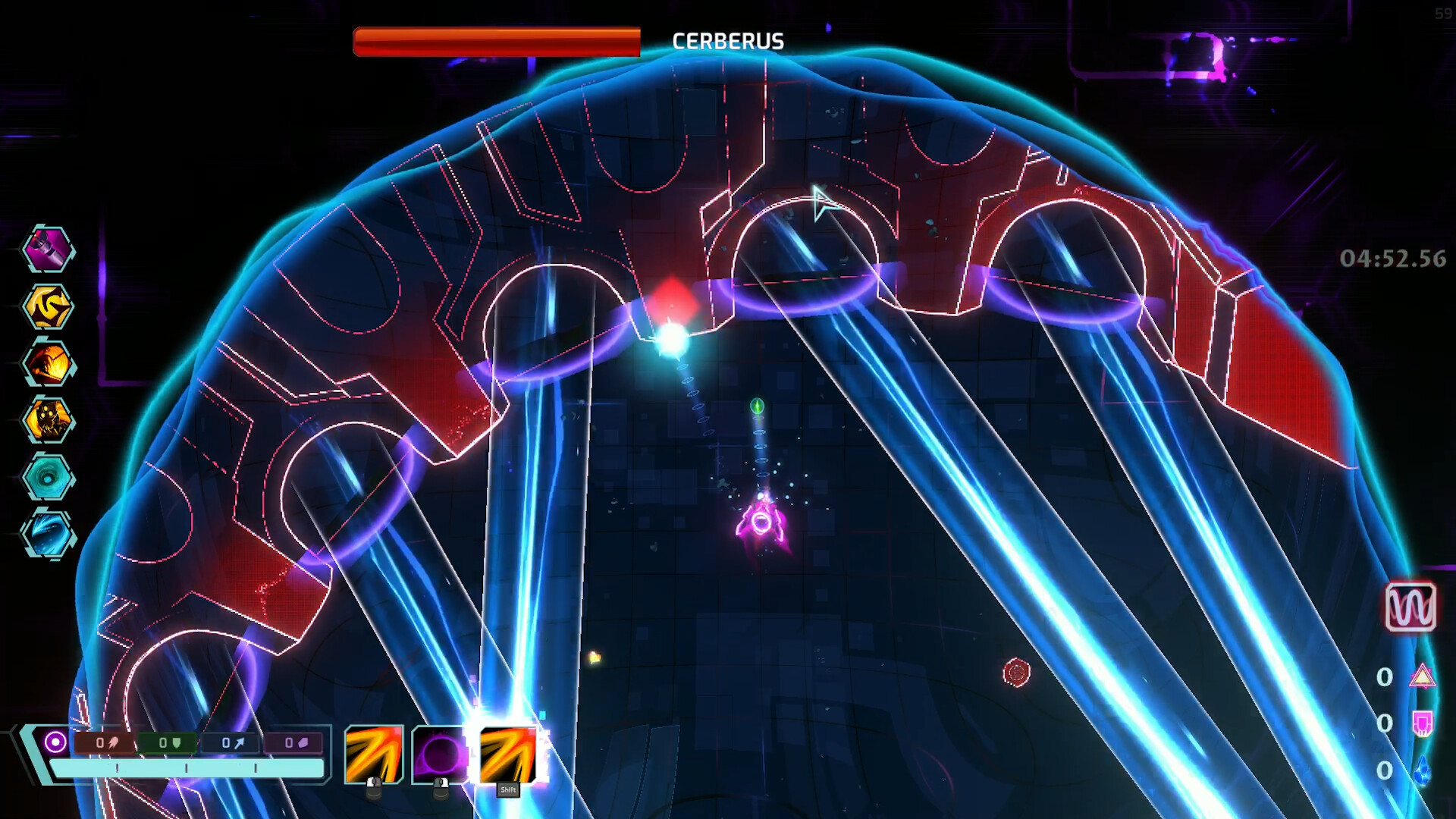
Enemies consist of separate sections, with weak spots to exploit and heavily armored defenses to avoid. Dismantling them piece by piece exposes vulnerabilities that reduce their overall threat.
Targeting exposed parts lets you manage heavily armored foes more efficiently, turning a large enemy into smaller, manageable fragments.
- Focus fire on weak spots to break armor faster.
- Use the gravity gun to separate enemy parts when possible.
04 / THE GUIDE
Exploration and Items
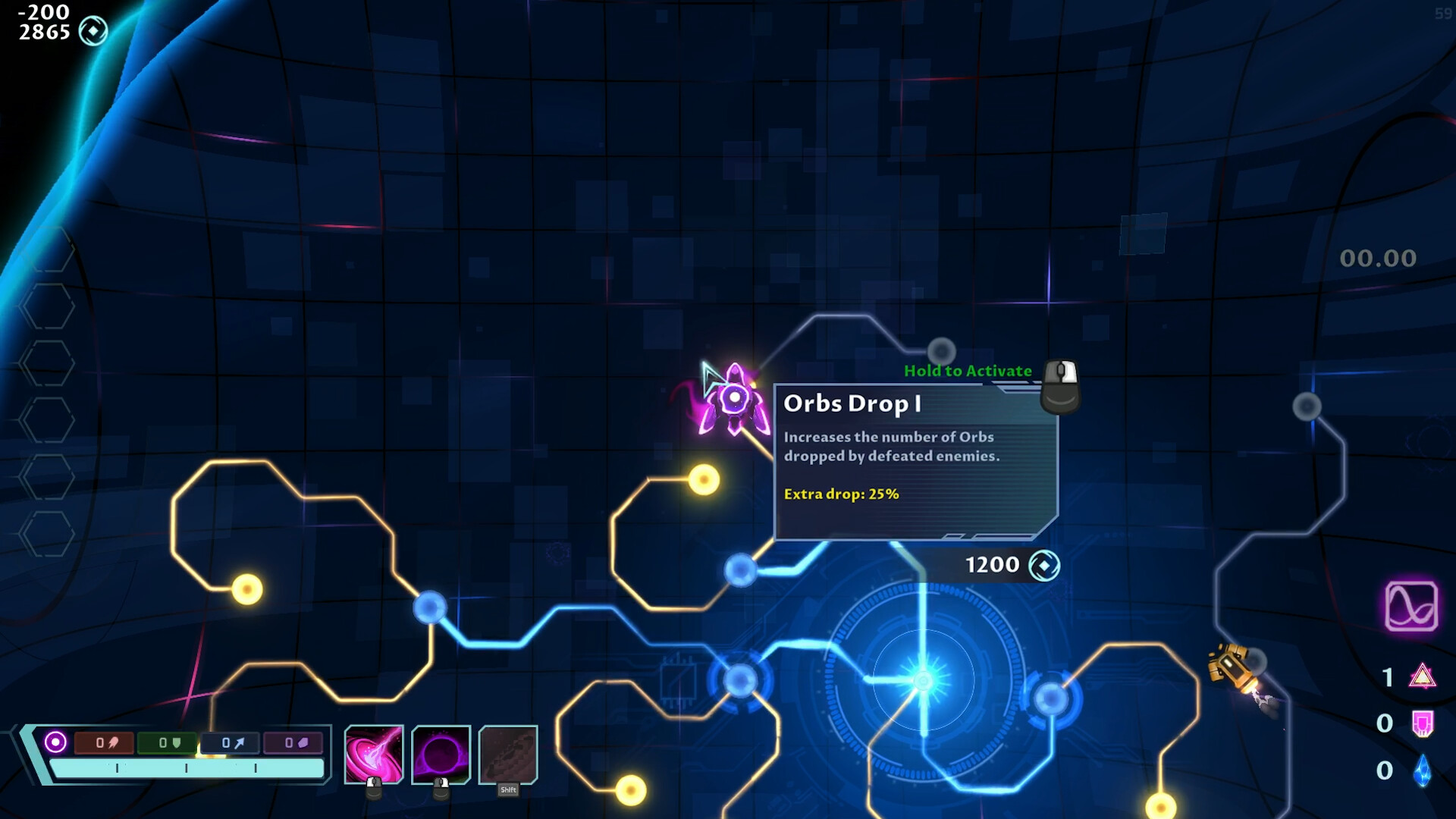
The glitched universe contains multiple star systems, each hiding secrets and valuable items. Exploration is non‑linear, allowing you to chart a unique path each run.
Collected items feed into the upgrade system, letting you customize your build for the current session and influencing how you tackle future challenges.
- Venture off the main corridor to locate hidden caches.
- Compare new items with existing upgrades before committing to a build.
05 / THE GUIDE
Full Controller Support
Galactic Glitch includes full controller compatibility, with DualShock and DualSense controller support listed.
Players can also adjust camera comfort and custom volume controls, allowing personal comfort tweaks while using a controller.
- Adjust camera comfort settings to reduce motion discomfort during fast action.
- Fine‑tune volume controls for clearer audio cues while using a controller.
COMMUNITY
Player discussion