 GameWiki
GET YOUR BEARINGS
About Gal*Gun: Double Peace
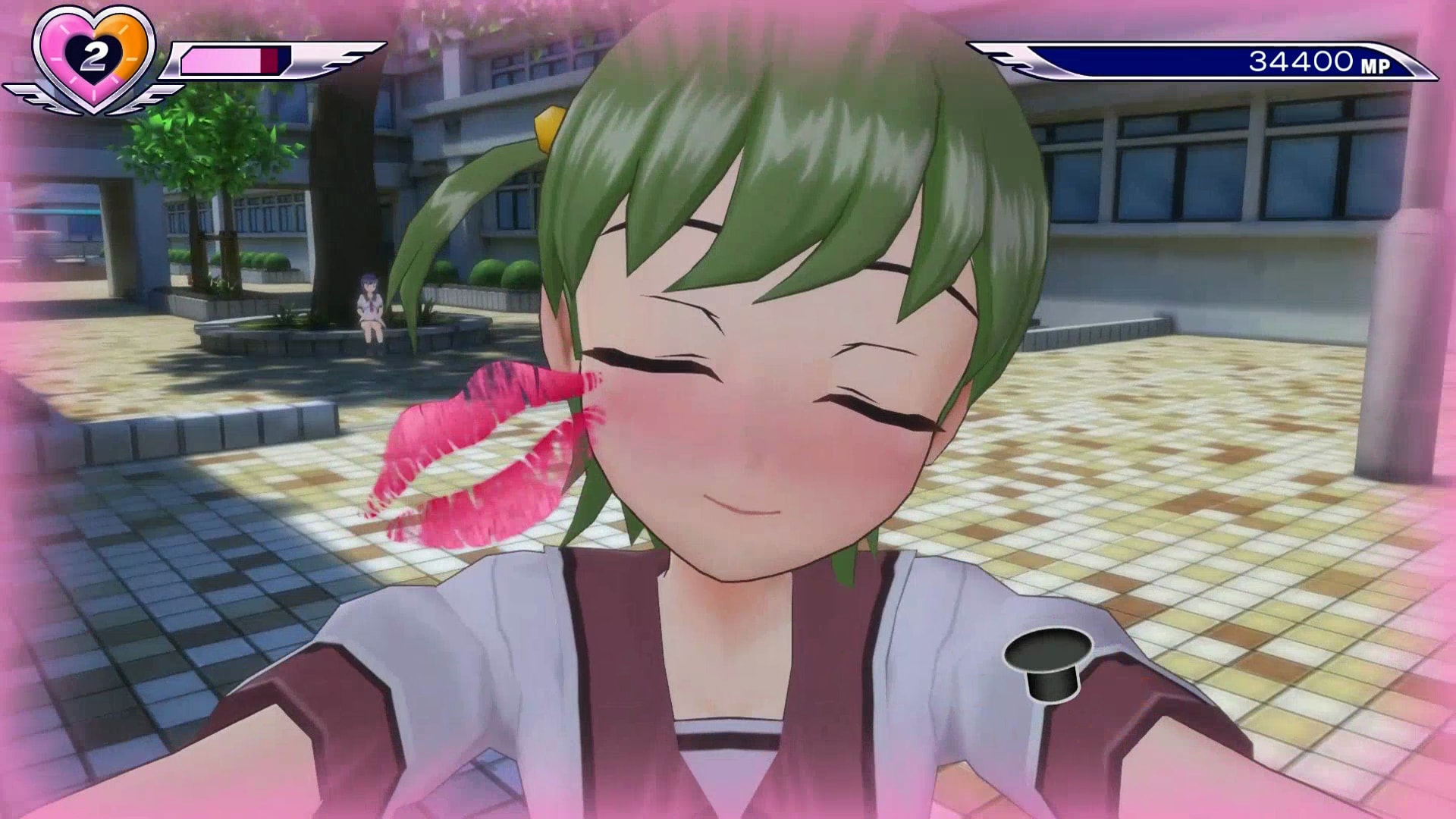
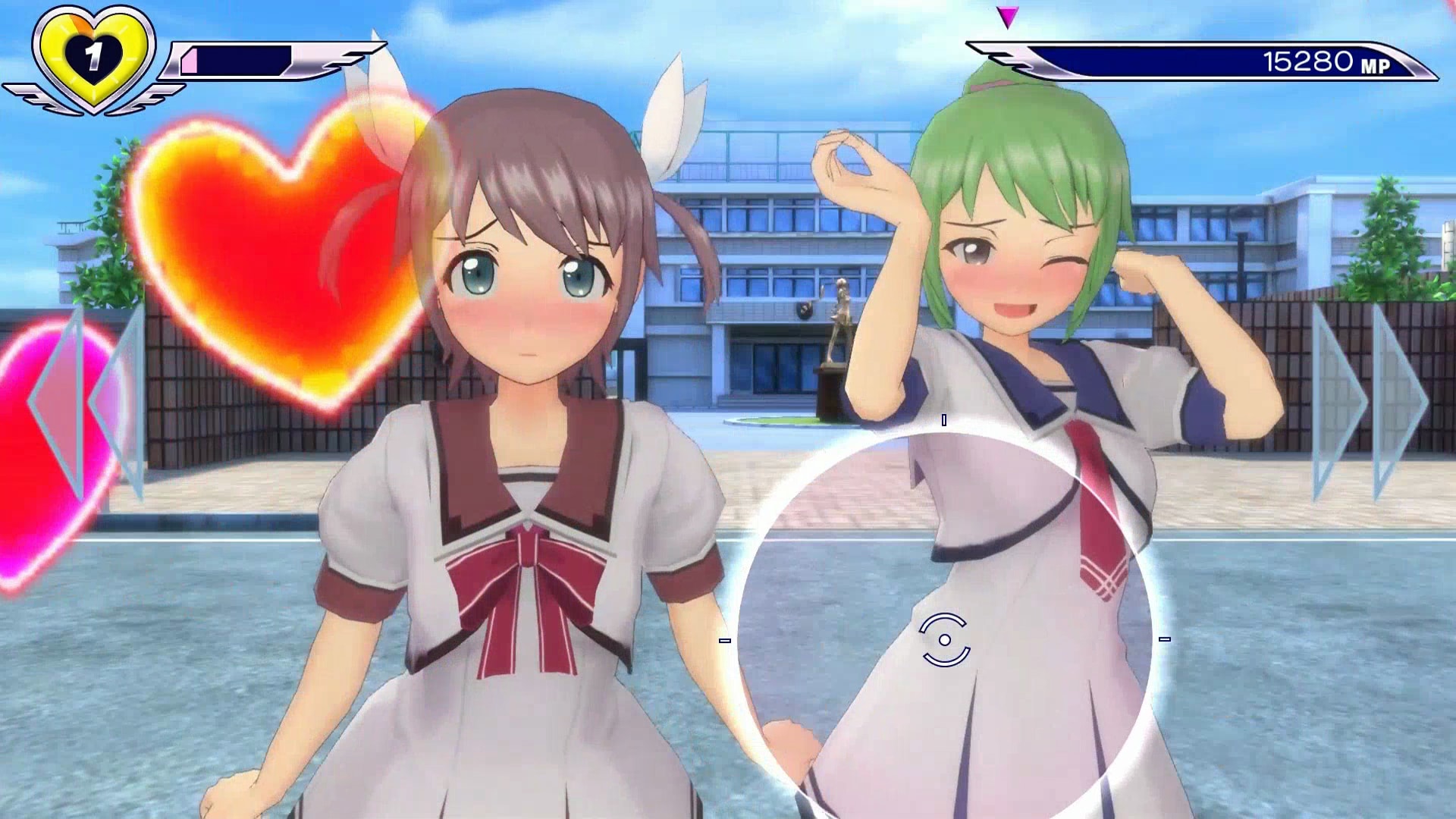
Gal*Gun: Double Peace is an anime‑styled rail‑shooter where Houdai becomes the focus of every girl at his academy after an encounter with a cupid angel. Players use a targeting cursor to fend off advancing girls while managing Houdai’s energy, which drains as affection builds.
The game offers three single‑player modes—Story, Score Attack, and Collection—and runs on Windows with full controller support, Steam achievements, cloud saves, trading cards, and family sharing.
01 / THE GUIDE
Story Mode
In Story Mode you follow Houdai through a narrative that changes according to the love interest you select. The chosen character influences dialogue and the route the story takes, leading to different conclusions.
The objective is to confess to the chosen girl before the day ends, which prevents the curse described in the premise. Progress is saved automatically via Steam Cloud.
- Pick a love interest early to see how the story branches.
- Watch the on‑screen energy indicator to avoid running low during encounters.
02 / THE GUIDE
Score Attack
Score Attack lets you replay individual levels with the sole aim of achieving the highest possible score. Each level is a self‑contained challenge that emphasizes precise targeting and timing.
Scores are recorded and can be compared across attempts, encouraging repeated play to improve performance. The mode is accessed from the main menu alongside Story and Collection.
- Focus on chaining hits to boost your multiplier.
- Learn each level’s enemy patterns for more consistent scoring.

03 / THE GUIDE
Collection
The Collection section houses an image gallery, achievement list, and information pages for every academy girl. Unlocking content adds new artwork and data to this area.
It serves as a reference for players who want to review character details or track which achievements have been earned, all within the same Windows build.
- Visit the gallery after each playthrough to see newly unlocked images.
- Use the character info pages to recall preferences that affect dialogue.
04 / THE GUIDE
Full Controller Support
The game includes full controller support, allowing you to aim and fire using a gamepad instead of mouse and keyboard. All core actions—targeting, shooting, and menu navigation—are mapped to controller inputs.
Controller settings can be adjusted in the options menu, letting you fine‑tune dead zones and sensitivity for a comfortable aiming experience.
- Experiment with dead‑zone settings to reduce drift.
- Try the controller if mouse aiming feels too fast for you.
05 / THE GUIDE
Steam Integration
Gal*Gun: Double Peace integrates with Steam for achievements, cloud saves, trading cards, and family sharing. These features activate automatically when the game is launched through the Steam client.
Achievements record specific milestones, while cloud saves keep your progress synced across devices. Trading cards are collectible items that do not affect gameplay.
- Check the achievement list to set personal goals.
- Enable cloud sync in Steam settings to protect your progress.

COMMUNITY
Player discussion