 GameWiki
GET YOUR BEARINGS
About G-Darius HD
G‑Darius HD brings Taito's classic horizontally‑scrolling shooter to modern Windows PCs, offering faithful recreations of the arcade original and its updated Ver.2. Players control the Silver Hawks against massive warships that resemble aquatic life while navigating branching routes and using capture mechanics.
The package includes arcade‑perfect ports of G‑Darius and G‑Darius Ver.2, HD upgrades of each, a console port with a VS BOSS mode, and a Steam‑exclusive widescreen exhibition. Features such as the Capture Ball, α Beam, and full controller support support both solo and shared‑screen co‑op play.
01 / THE GUIDE
Capture Ball and α Beam
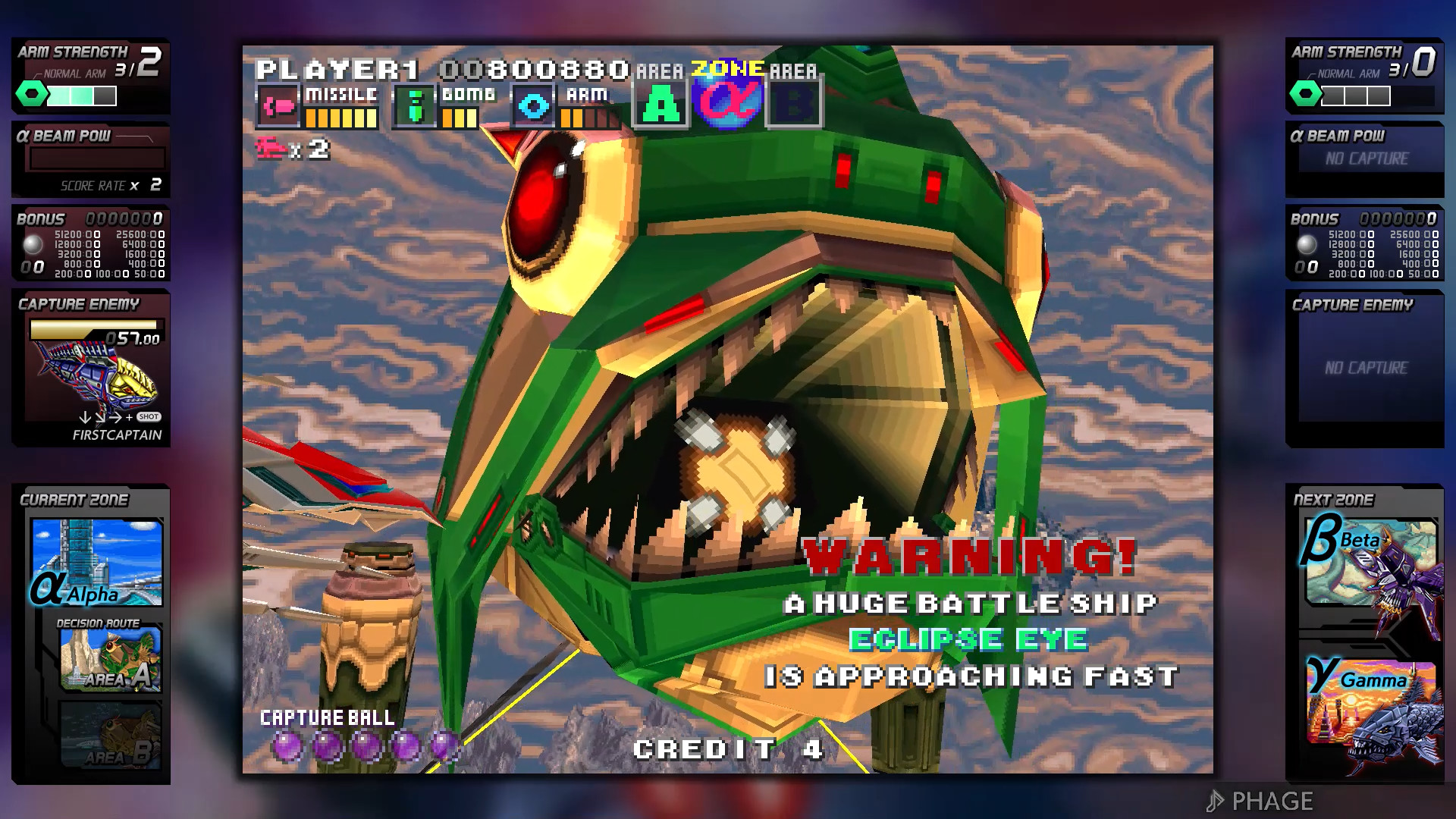
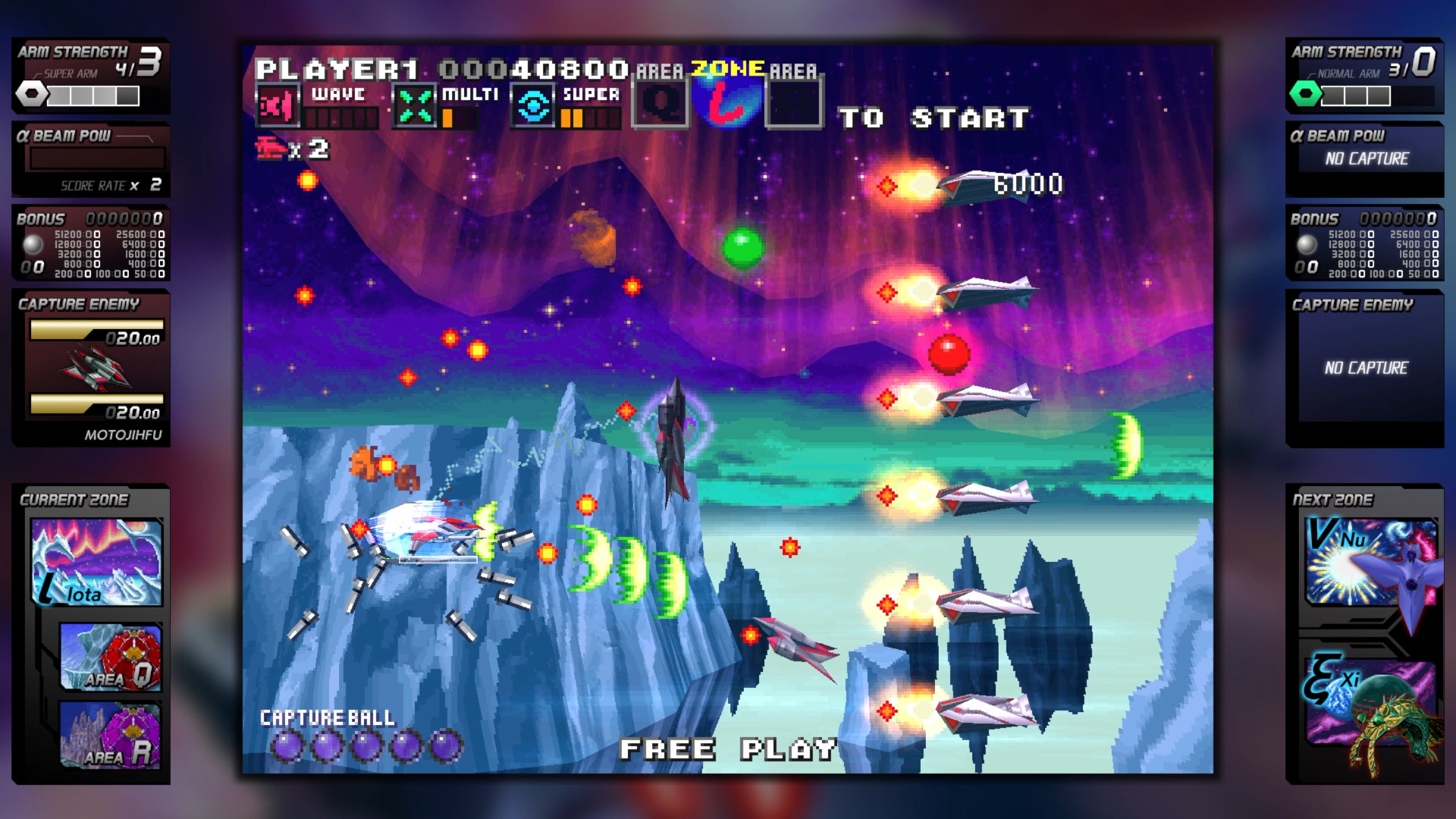
The Capture Ball lets you seize most enemies, turning them into temporary allies. Captured foes can be released later, providing an extra source of firepower against other enemies.
Captured enemies can be released in the α Beam, an all‑powerful burst of destructive energy. This creates a strategic decision point between holding captures for later or using them immediately.
- Try holding captures until a dense enemy group appears to maximise the α Beam’s impact.
- Notice which enemy types are capturable; focusing on those can build a reliable pool for later use.
02 / THE GUIDE
Branching Zones
Each zone splits midway and again after each boss, offering two possible routes. The chosen path determines the next set of enemies and the subsequent boss encounter.
Because the routes differ in enemy patterns and difficulty spikes, selecting alternate branches can change the overall challenge curve, encouraging multiple playthroughs to experience all content.
- Map the routes on paper before committing to see which bosses you will face.
- Experiment with different branches on subsequent runs to discover every zone layout.
03 / THE GUIDE
G‑Darius Ver.2 Enhancements
Ver.2 adds a Beginner mode and a rapid‑fire button, making it easier for new players to manage the ship’s firepower. Additional options let you adjust game speed, enemy endurance, and player shield capacity.
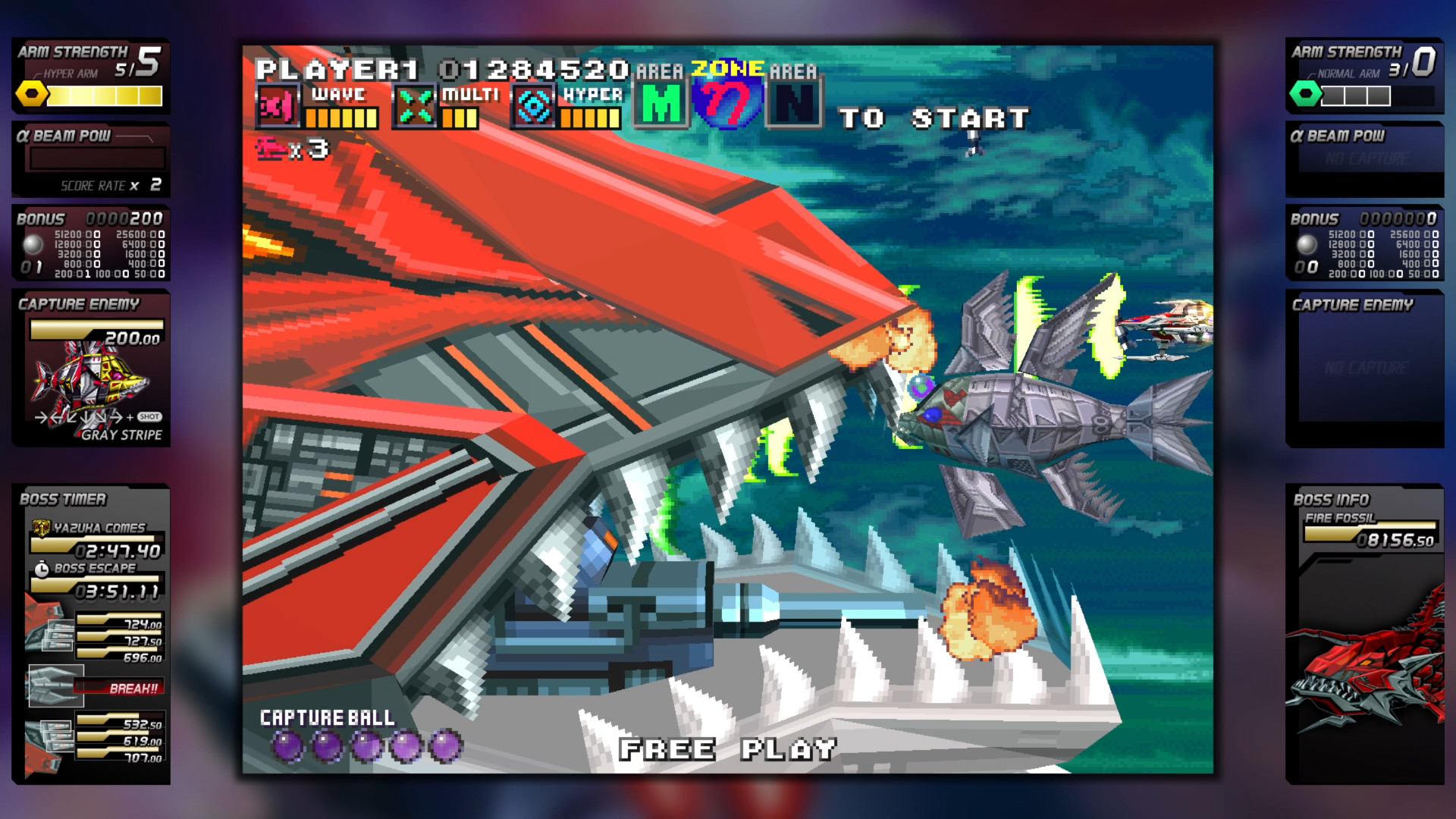
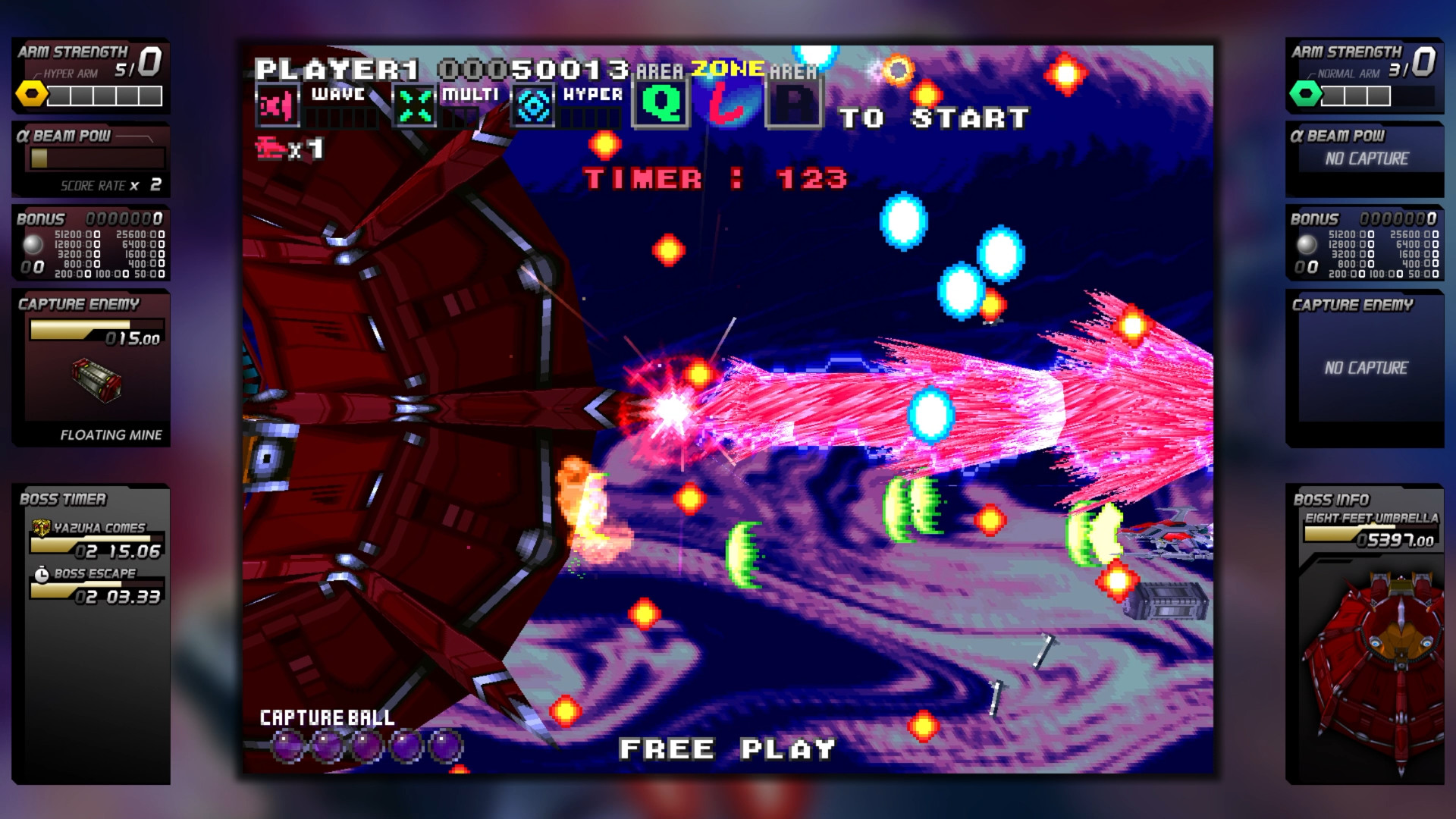
The update also introduces mid‑bosses in some zones, a boss timer with a timer‑bonus system, and new or altered boss attack patterns, providing extra variety while retaining the core arcade feel.
- Use the rapid‑fire option in Beginner mode to focus on learning enemy movement.
- Tweak shield capacity if early sections feel overly punishing.
04 / THE GUIDE
VS BOSS Mode in the Console Port
The console port includes a VS BOSS mode where players can face individual bosses from the game. This mode is separate from the main campaign and allows focused practice against singular opponents.
The console port also offers a beginner’s mode and lets you view the opening and ending sequences from the options menu.
- Select a boss you find challenging to practice its specific patterns.
- Review the opening and ending scenes to understand the series’ storyline context.
05 / THE GUIDE
Steam‑Only Additions
Steam users can enable a subwoofer‑compatible audio option that recreates the arcade cabinet’s in‑seat speaker, adding a richer sound experience. This setting is exclusive to the PC version.
An exhibition mode, also Steam‑only, presents selected bosses in a widescreen layout that mimics a dual‑screen arcade cabinet, offering a visual variation not present in the original releases.
- Enable the subwoofer audio for a more immersive arcade‑style sound.
- Explore the exhibition mode to see how bosses appear in widescreen.

COMMUNITY
Player discussion