 GameWiki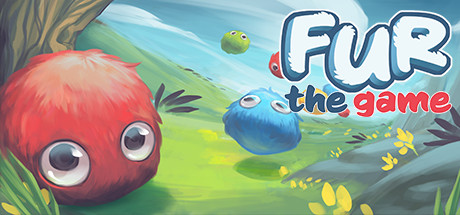
GET YOUR BEARINGS
About Fur the Game
Fur the Game invites players into a bright world populated by adorable beings known as Furs. These cute creatures vary in color, size, and personality, and they become tools for solving the game’s puzzles.
Your mission is simple: rescue the Furs, toss them around each level, and use their unique traits to overcome challenges while exploring the whimsical environments crafted by a student development team.
01 / THE GUIDE
Variety of Furs
The game features many types of Furs, each differing in color, size, and personality. Their distinct appearances help players identify which creature may be best suited for a particular puzzle.
Because Furs love to be thrown, their physical differences can affect how they move through a level, offering subtle strategic choices without explicit stats.
- Observe each Fur’s size before deciding how far to throw it.
- Match a Fur’s personality to the puzzle’s theme for intuitive solutions.
02 / THE GUIDE
Throw‑Based Puzzle Solving
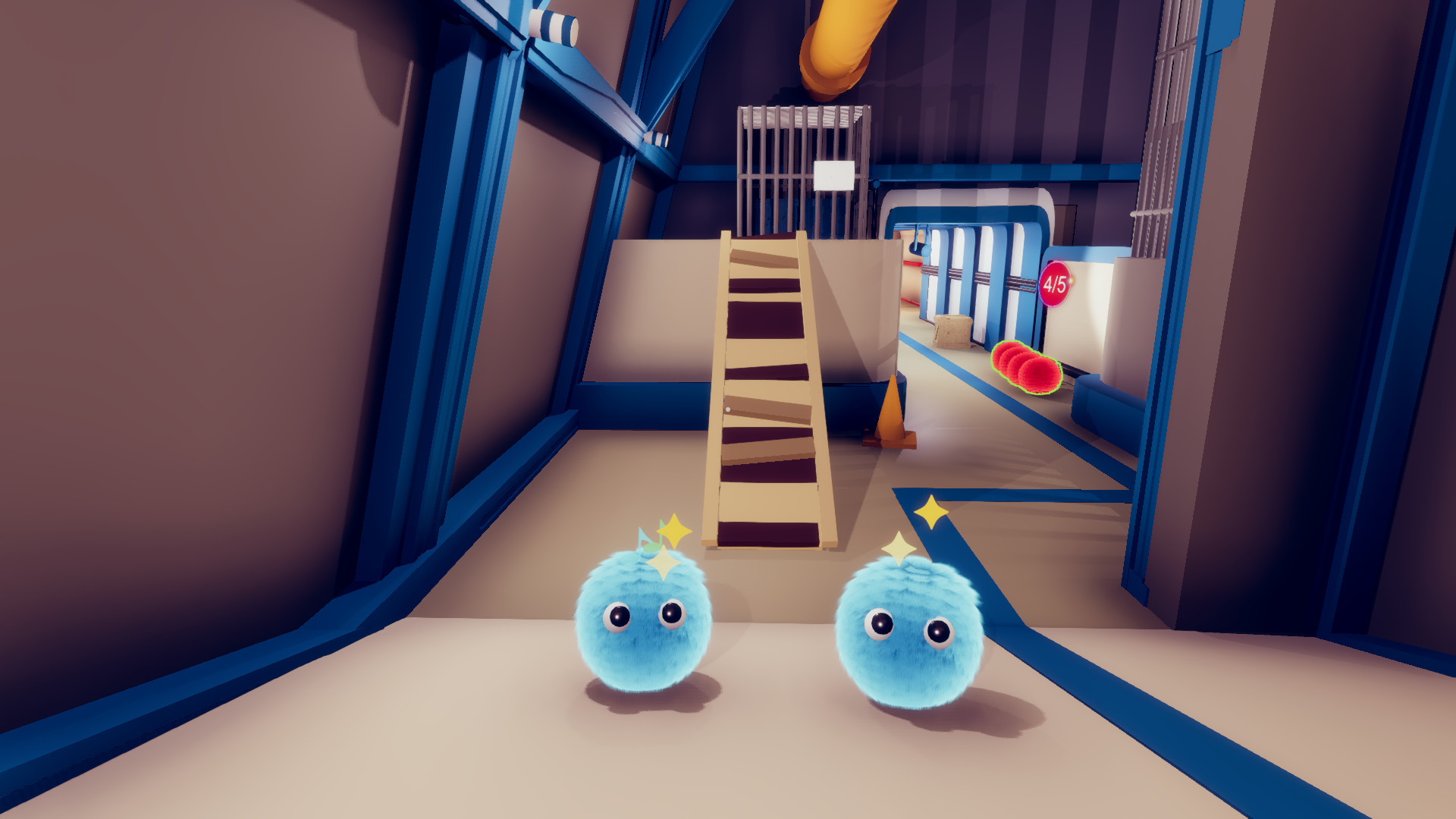
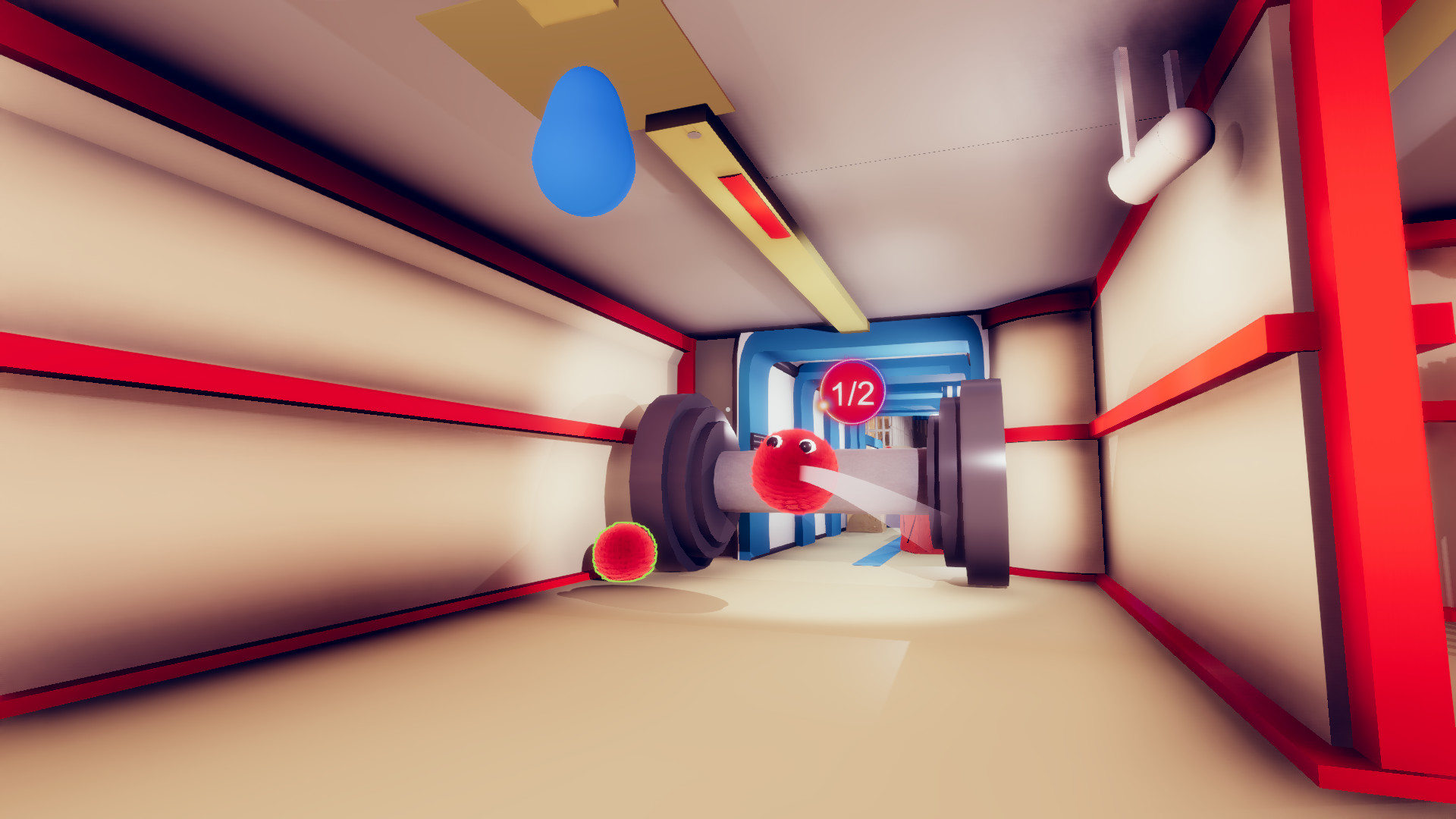
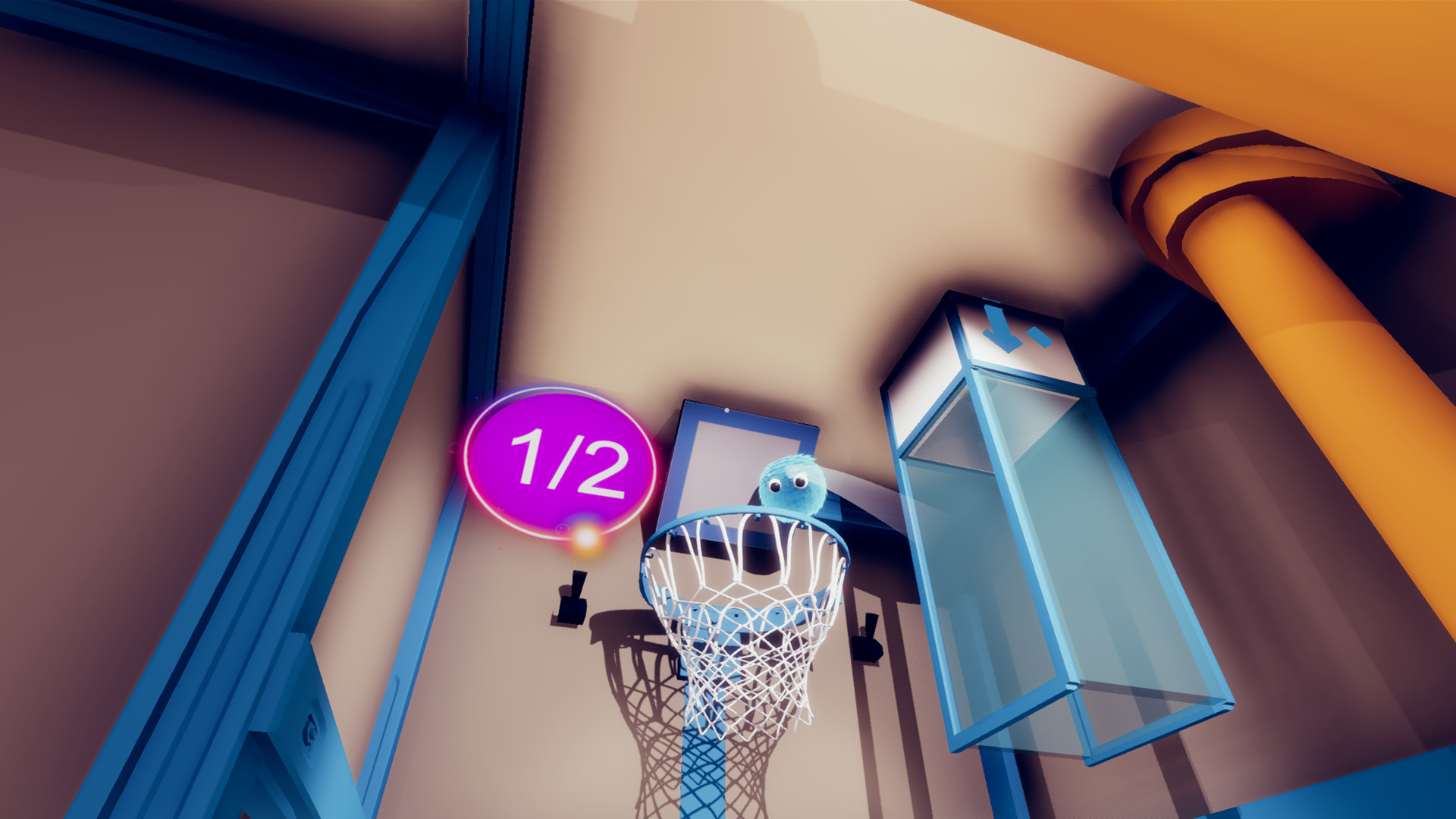
Players are challenged to rescue Furs by throwing them around the level. This core mechanic is used to solve puzzles, turning the act of tossing into a problem‑solving tool.
The design encourages experimentation, as each throw can produce a different outcome depending on the Fur’s attributes and the environment.
- Try varying the angle of your throw to reach hidden areas.
- Try throwing different Furs to see how each one can benefit your mission.
03 / THE GUIDE
World Exploration
Beyond puzzles, the game offers a world to explore, filled with scenery that complements the cute aesthetic. Exploration is rewarded with new Furs to rescue and additional challenges.
The level design encourages players to move through diverse environments, discovering where each type of Fur might be most useful.
- Take time to look around each area for hidden Furs.
- Notice environmental cues that hint at which Fur to use next.
04 / THE GUIDE
Windows Platform and Controller Options
Fur the Game is available on Windows and includes partial controller support, allowing players to use a gamepad for basic actions. Partial controller support lets players use a gamepad for basic actions alongside the standard controls.
Family Sharing is also supported, so multiple accounts on the same device can access the game without needing separate purchases.
- Try using a controller to see if it feels natural for throwing.
- Enable Family Sharing to let friends try the game on the same PC.
05 / THE GUIDE
Student Development Background
The game was created by a small team of students from Becker College, driven by a passion for cute concepts. Their indie approach results in a focused, charming experience without extraneous features.
Understanding the developers’ background can give players appreciation for the handcrafted nature of the puzzles and art style.
- Consider the game’s indie roots when evaluating its simplicity.
- Support the developers by sharing feedback on the cute design.


COMMUNITY
Player discussion