 GameWiki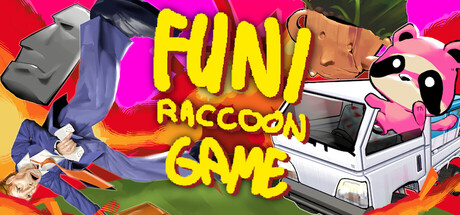
GET YOUR BEARINGS
About Funi Raccoon Game
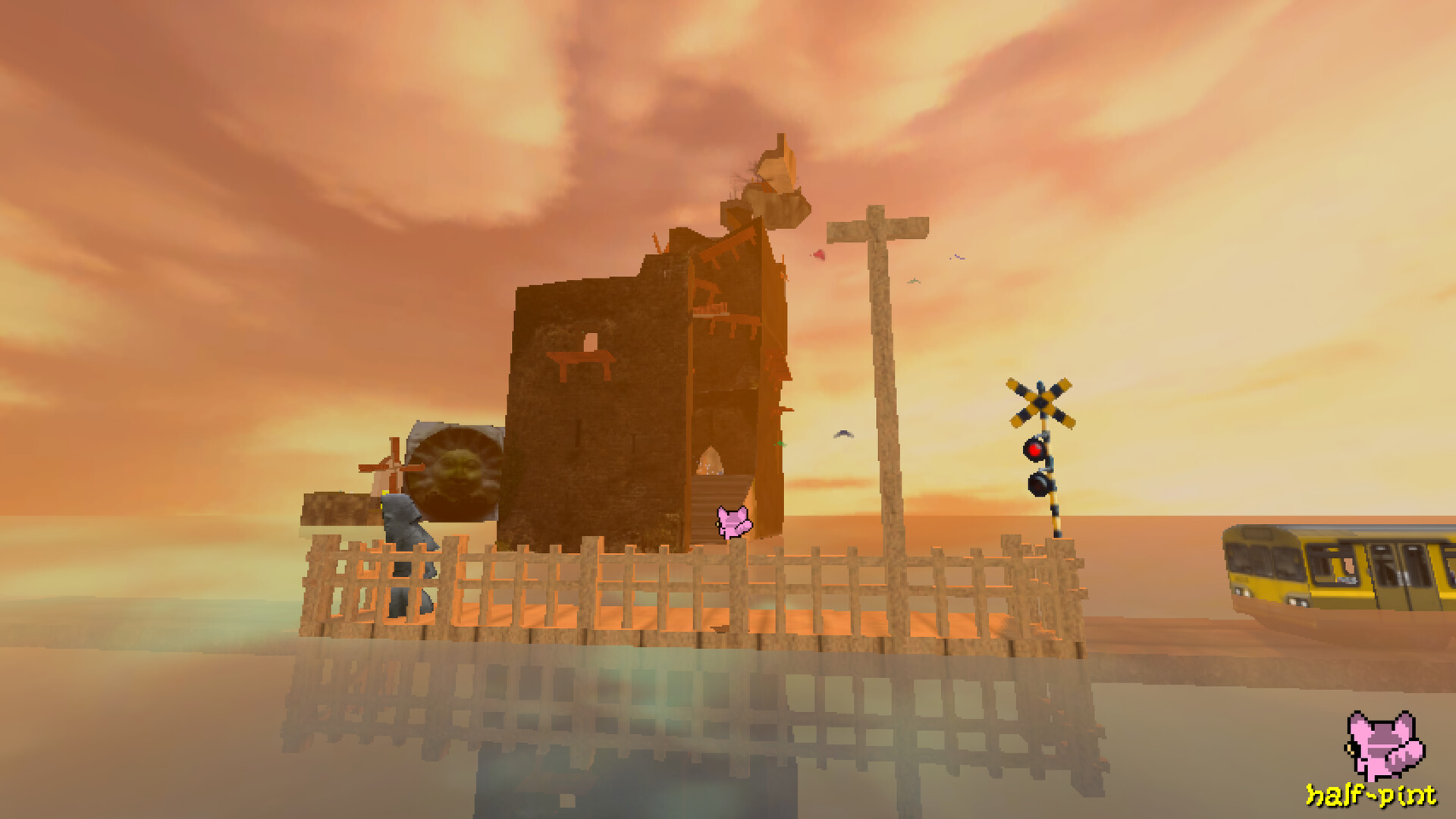
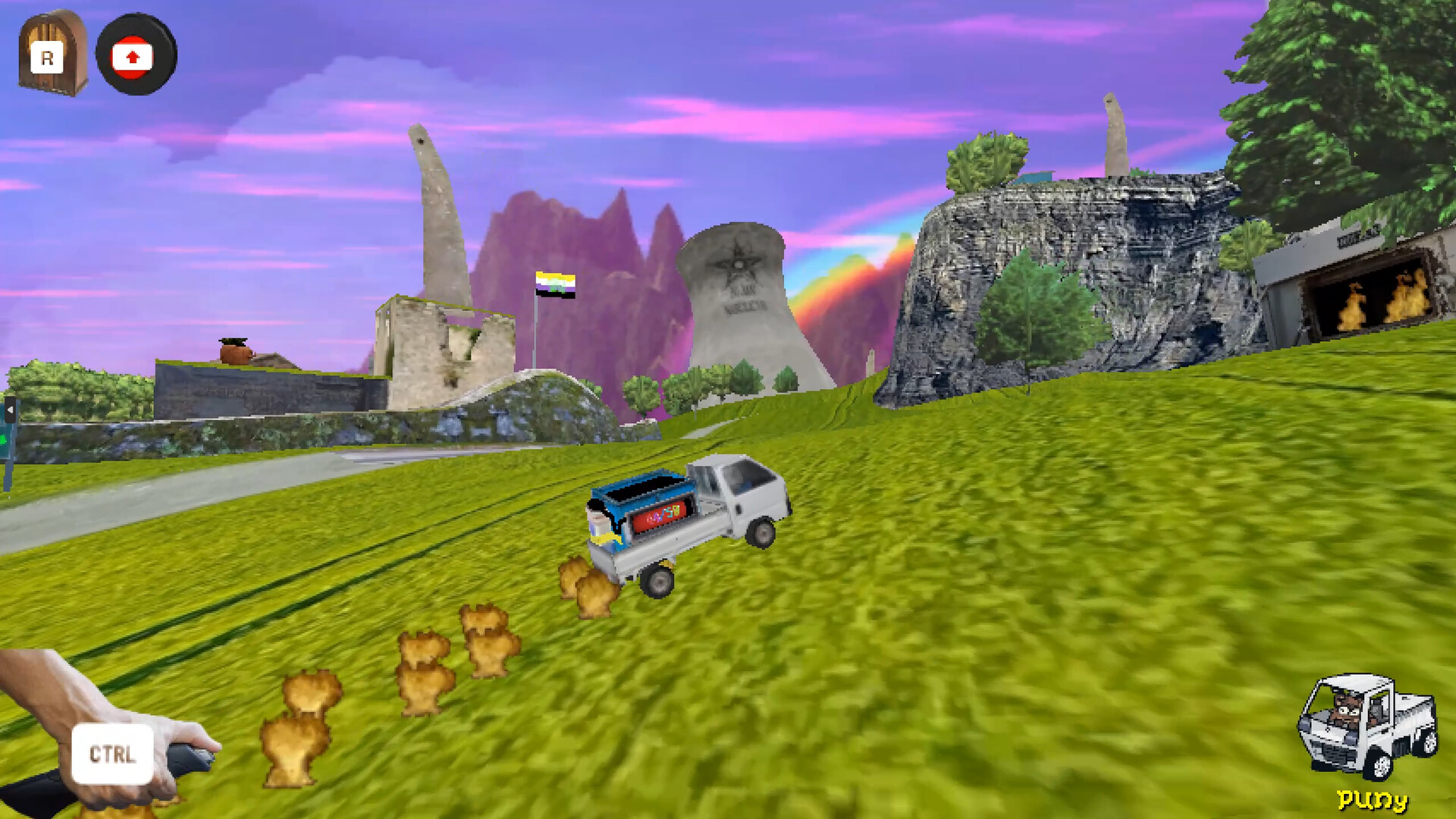
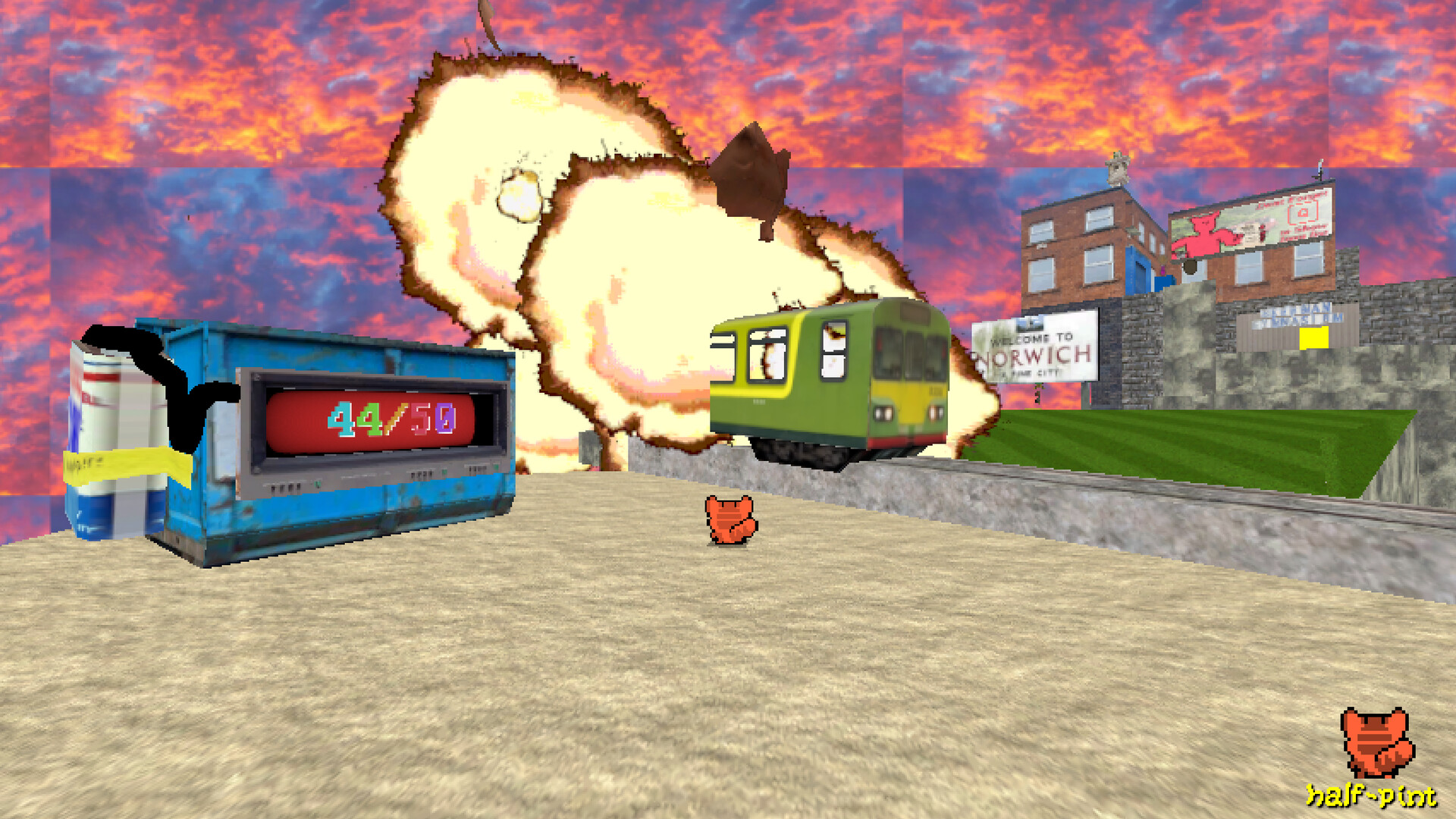
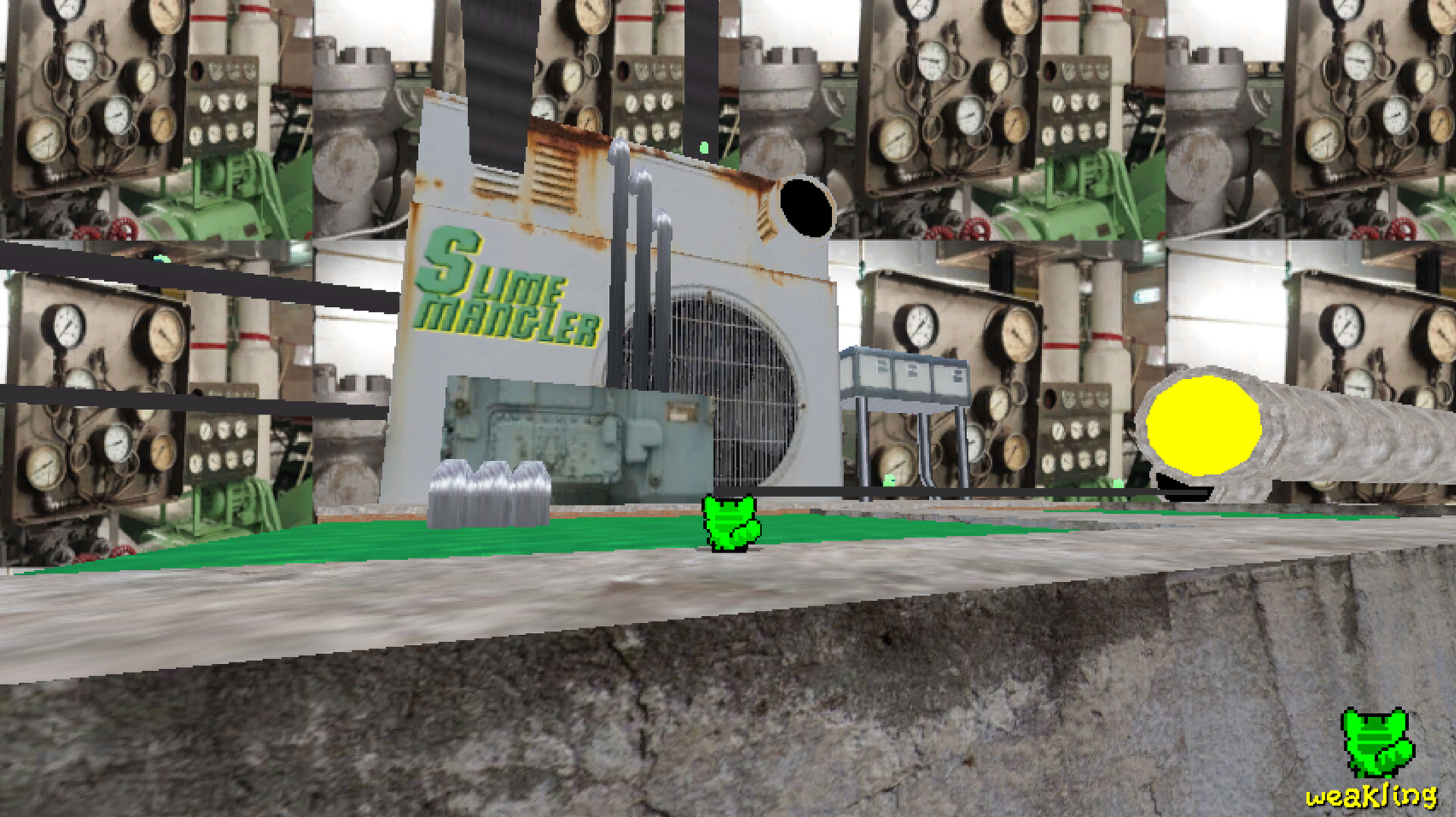
Funi Raccoon Game is a 3D platformer collectathon where you control a raccoon with a brand‑new dumpster home. The core loop revolves around gathering unique items, filling the dumpster, and using those objects to solve puzzles and unlock new locations.
As you amass more stuff, new microworlds become reachable, each linked in whimsical ways. The game emphasizes creative problem‑solving through picking up, throwing, and repurposing collected items while exploring a quirky, interconnected world.
01 / THE GUIDE
Gameplay Mechanics
The player can pick up and throw items, using them directly for problem solving. This interaction forms the primary method of engaging with the environment and advancing through challenges.
Collecting items not only fills the dumpster but also expands the range of traversal possibilities, allowing the raccoon to reach areas that were previously inaccessible.
- Experiment with different objects to discover varied puzzle solutions.
- Try throwing different objects to see how they behave in various situations.
02 / THE GUIDE
Progression & Unlocks
The more items you store in your dumpster, the more new areas become available. Unlocks are tied directly to the quantity and variety of collected stuff.
Each newly accessible microworld offers fresh puzzles and additional items, creating a loop of collection and exploration.
- Prioritize gathering diverse items to broaden unlock options.
- Revisit earlier zones after unlocking new areas for hidden objects.

03 / THE GUIDE
World Design
The game’s world consists of several interconnected microworlds, each designed with whimsical connections that encourage exploration.
Travel between these zones is unlocked through item accumulation, reinforcing the collectathon nature of the title.
- Map out discovered routes to visualize connections.
- Look for visual cues that hint at hidden pathways.
04 / THE GUIDE
Controller Support
Funi Raccoon Game offers full controller support, allowing players to use compatible gamepads for the core gameplay experience.
Supported controllers include DualShock and DualSense models, ensuring broad compatibility across common devices.
- Test both controller types to see which feels more comfortable for item handling.
- Test both controller types to see which feels more comfortable for item handling.
05 / THE GUIDE
Platform Availability
The title is released on Windows, macOS, and Linux, making it accessible to a wide range of PC users.
Steam features such as achievements, trading cards, and cloud saves are integrated, enhancing the overall experience.
- Consider enabling Steam Cloud to use its syncing when playing on another device.
- Collect Steam Trading Cards for a sense of completion.
COMMUNITY
Player discussion