 GameWiki
GET YOUR BEARINGS
About Fun with Ragdolls: The Game
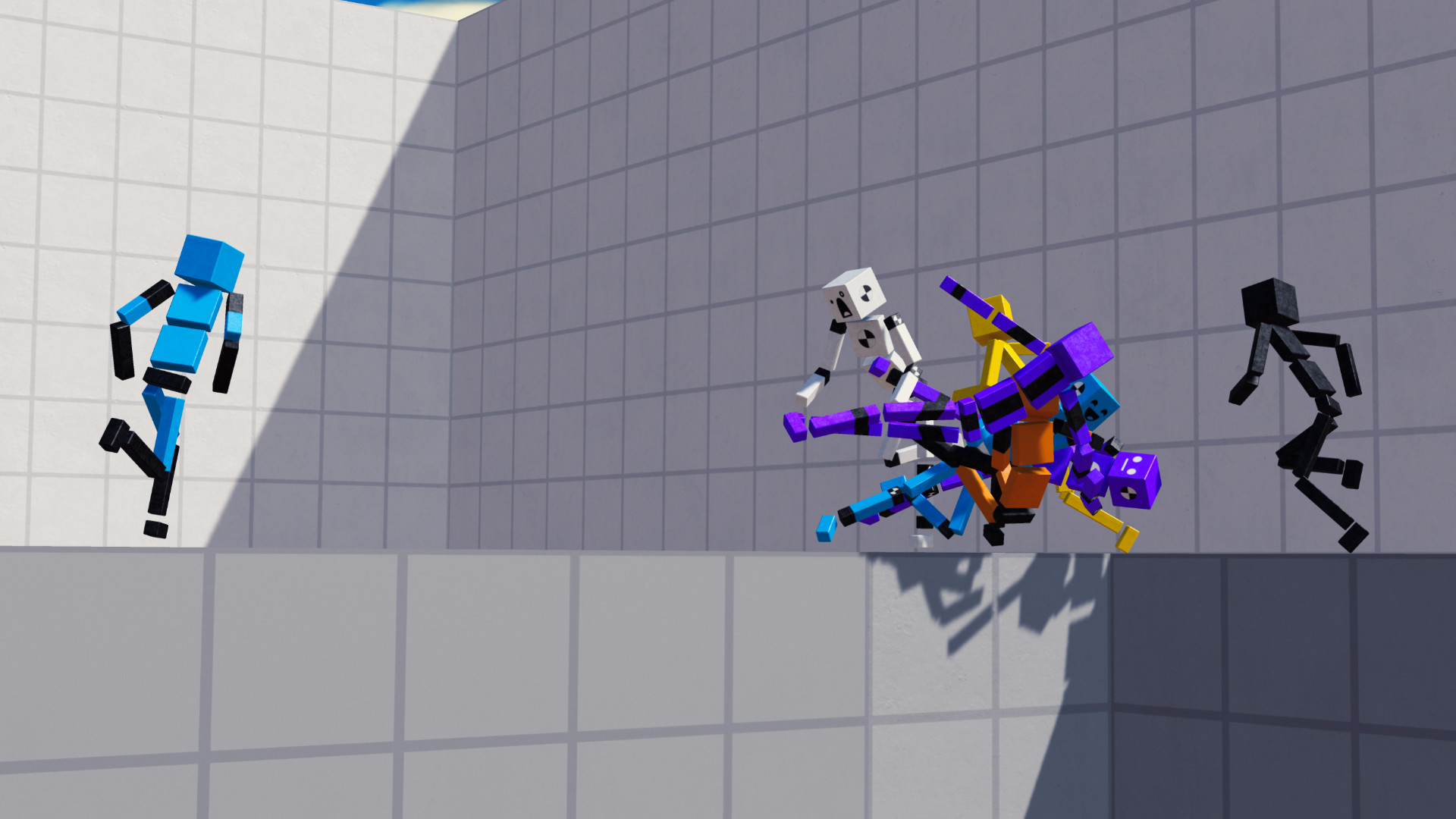
Fun with Ragdolls: The Game puts you in control of a floppy ragdoll inside a physics‑driven sandbox. The core aim is simply to flop, fall, or crash onto objects, embracing the chaotic freedom that ragdoll physics provides.
Beyond the core physics, the title includes a level editor, adjustable items, AI‑driven ragdolls, visual skins, and a world‑sharing system, all available on Windows and macOS.
01 / THE GUIDE
sandbox-building
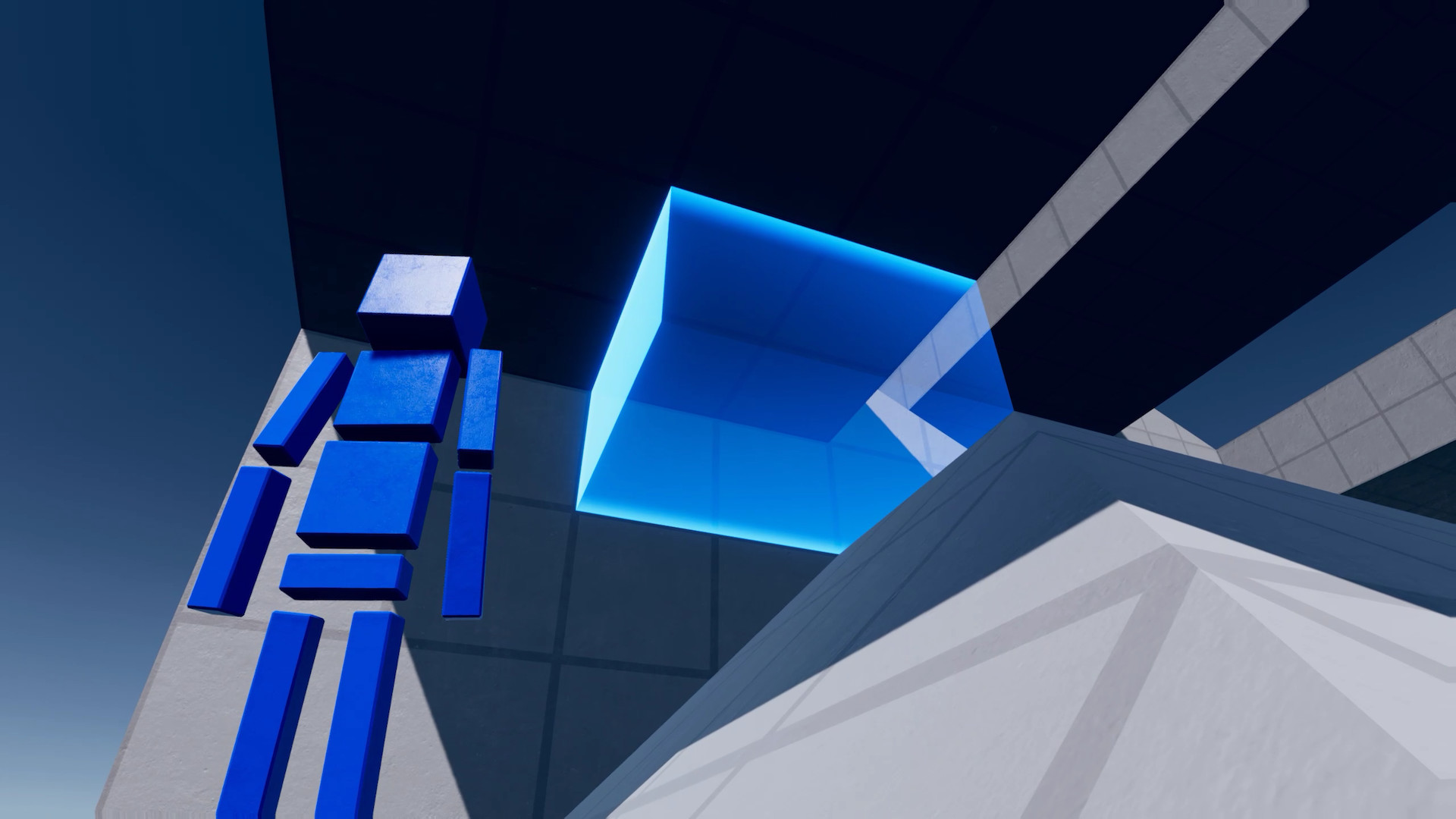
The game supplies a collection of items—cannons, black holes, giant fans, mines, lasers, cars, jump pads, telepads, glass, and destructible pillars—that can be placed to shape mazes, stunt courses, or artistic scenes. Each object occupies a spot in the world and interacts with ragdolls according to physics.
All items expose adjustable properties, such as mine power, allowing you to fine‑tune behavior. You can adjust items and their properties to shape how the world reacts.
- Try extreme property values to discover unexpected physics outcomes.
- Combine opposing forces, like fans and black holes, for dynamic motion.
02 / THE GUIDE
world-sharing
Maps you create can be uploaded and downloaded, letting you experience creations from other players worldwide. The sharing interface is built directly into the game, so no external platform is required to browse or import maps.
Downloading a map lets you explore a variety of community‑crafted challenges and ideas as their authors built them.
- Browse popular maps for inspiration before starting your own build.
- Upload your own creations to see how others adapt them.
03 / THE GUIDE
ragdoll-ai-types
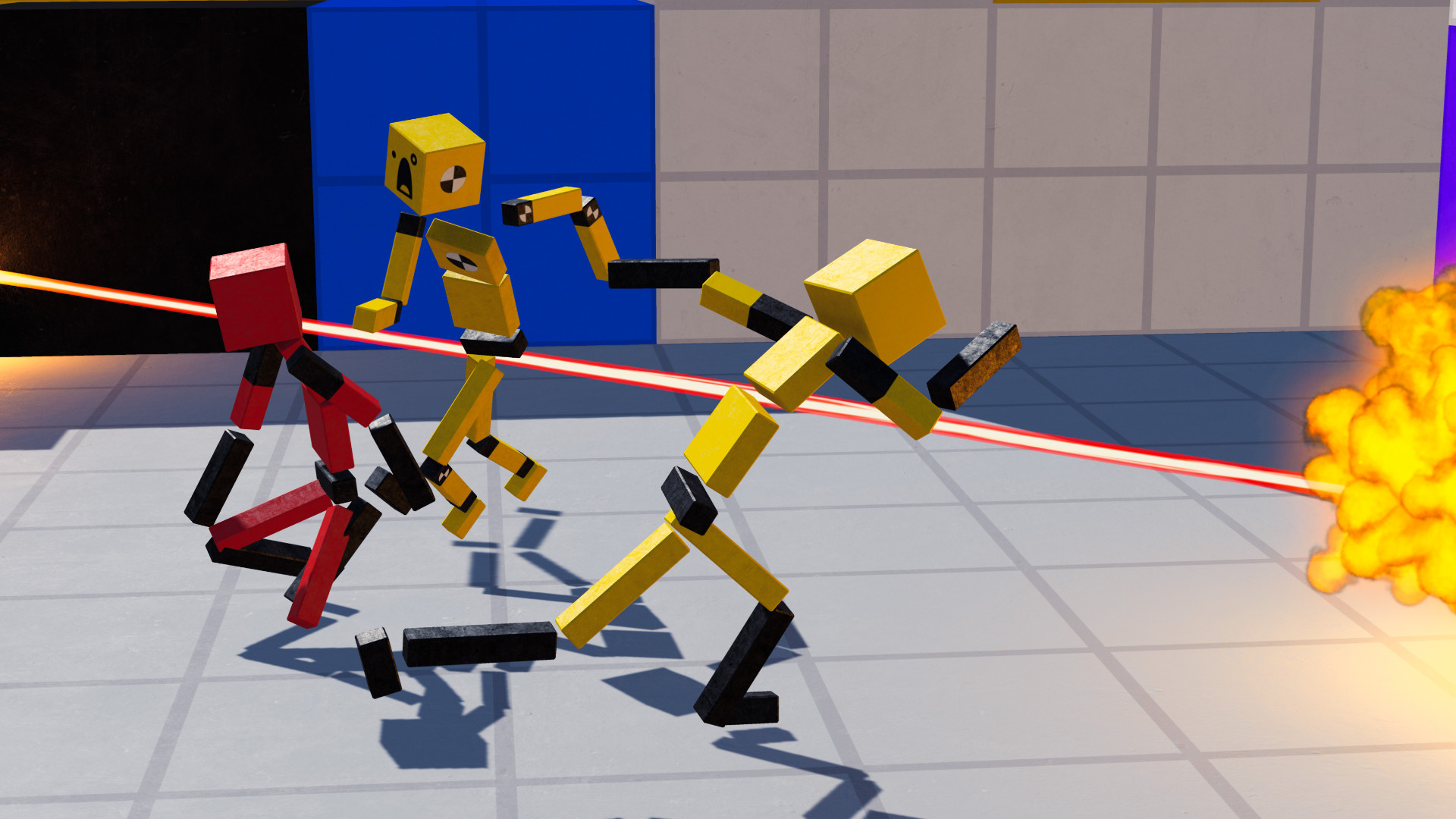
A selection of ragdoll AI behaviors is available, including attackers, defenders, seekers (hide & seek), followers, and explorers. These AI ragdolls move autonomously through the worlds you build, reacting according to their assigned role.
Choosing different AI types changes how ragdolls interact with obstacles and each other, providing varied scenarios such as combat, pursuit, or exploration without player input.
- Pair seekers with hidden passages to create hide‑and‑seek games.
- Use explorers to test navigation of complex mazes.
04 / THE GUIDE
item-customization
Every item in the game has properties you can adjust; for example, you can increase mine power or enlarge ragdolls. These adjustments let you design both gentle puzzles and chaotic battlefields.
Customization is performed by adjusting item properties, allowing you to iterate quickly and see the impact of each tweak on the physics simulation.
- Scale ragdolls for comedic oversized crashes.
- Adjust item properties while testing to keep experiments safer.
05 / THE GUIDE
visual-customization
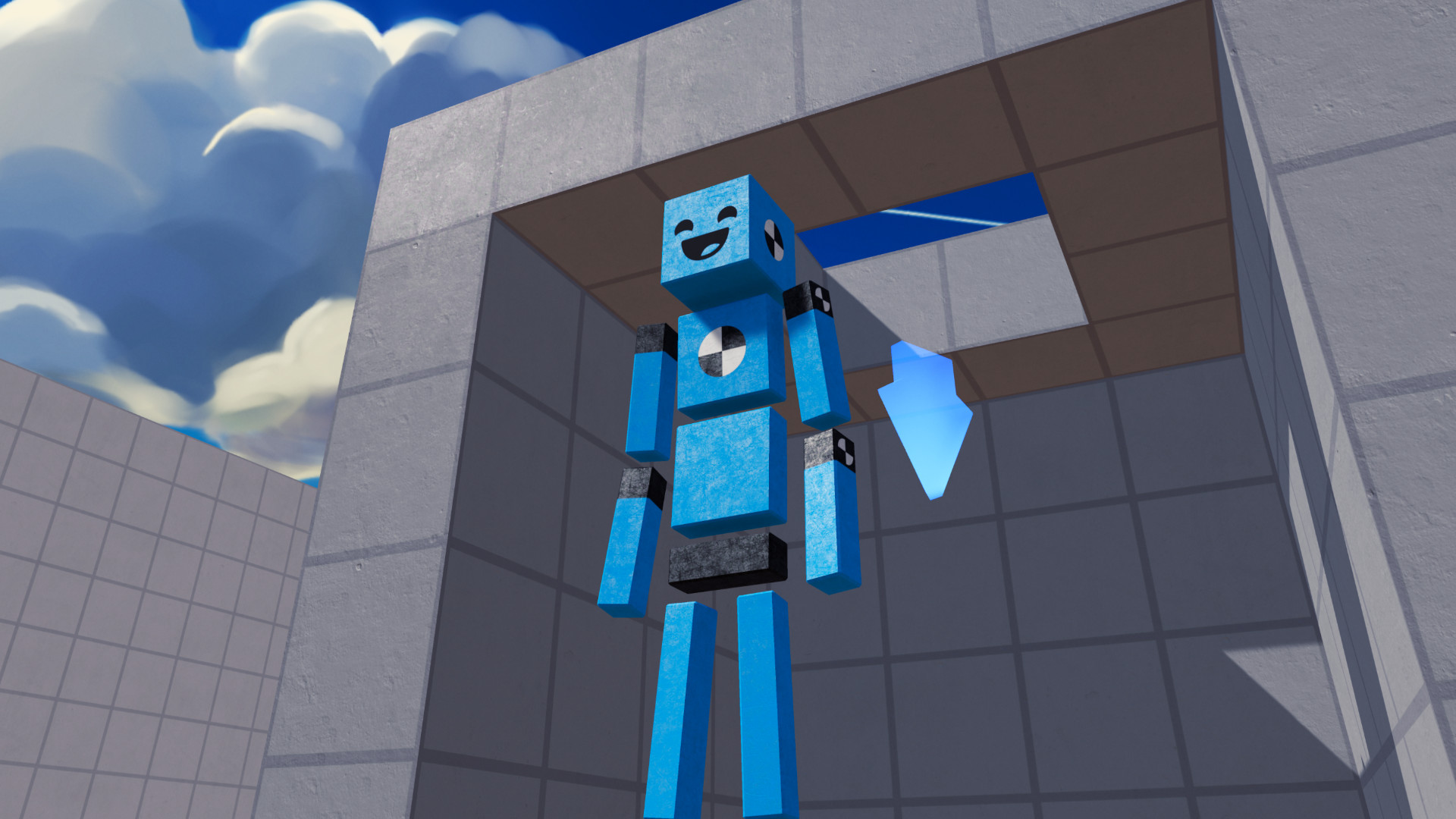
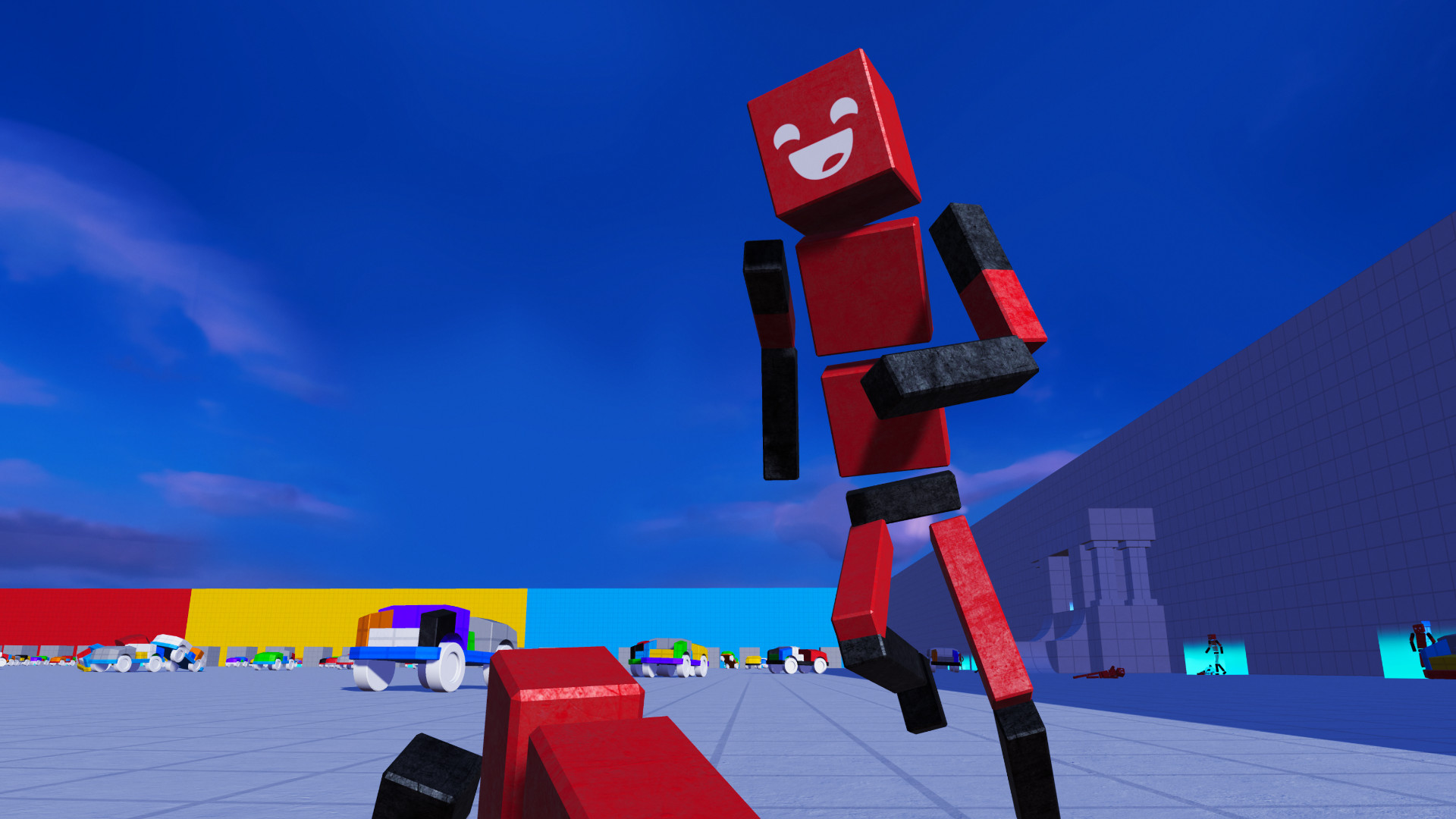
Ragdolls can be personalized with an assortment of skins and faces, while skyboxes and environments provide varied backdrops. These cosmetic options let you match the visual style of your creations.
Visual customization focuses on aesthetic expression, letting you change the look of your Ragdoll and choose from a selection of skyboxes/environments.
- Match skybox colors to item lighting for visual cohesion.
- Swap faces to differentiate AI groups.
COMMUNITY
Player discussion