 GameWiki
GET YOUR BEARINGS
About FUMES
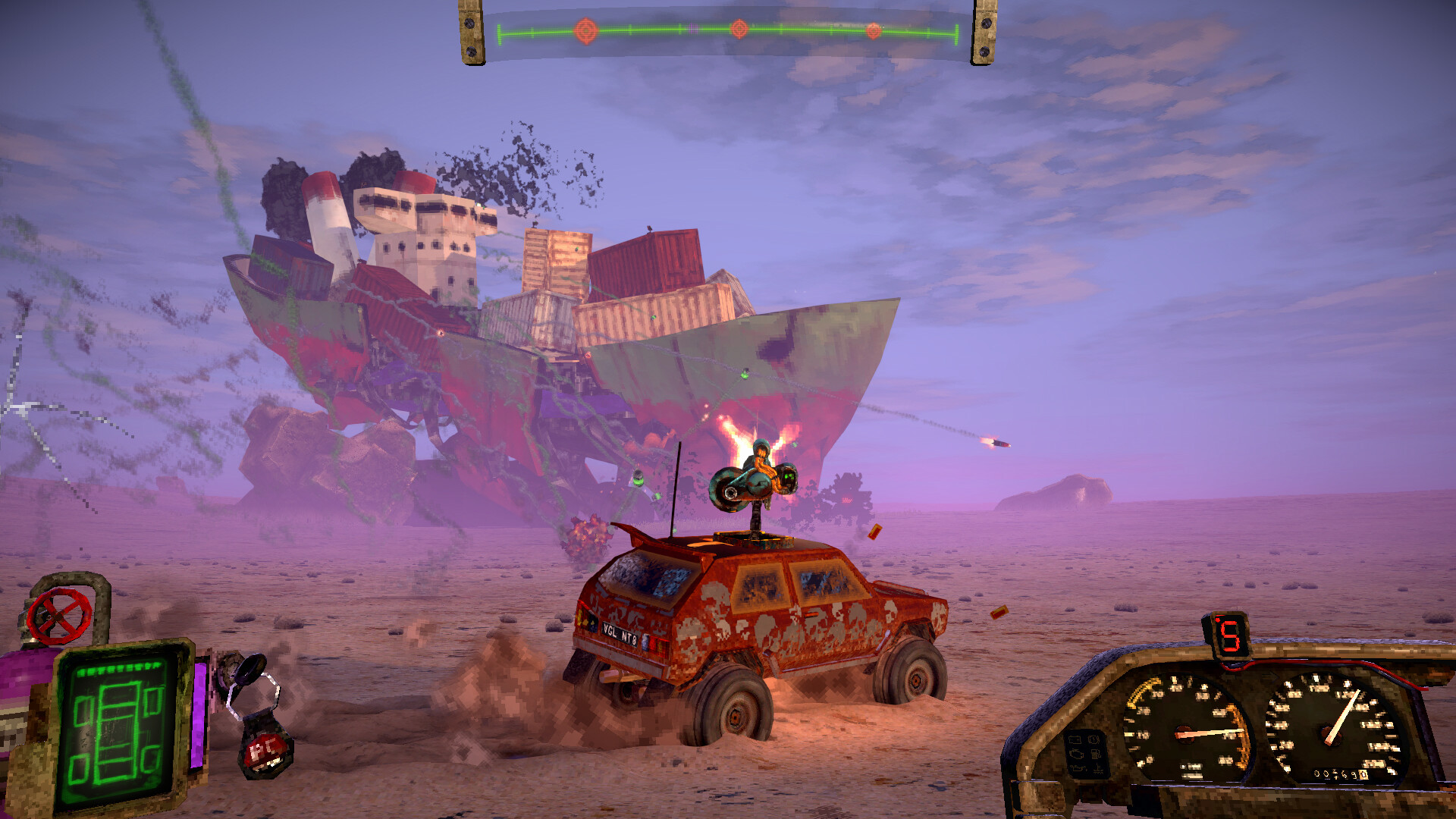
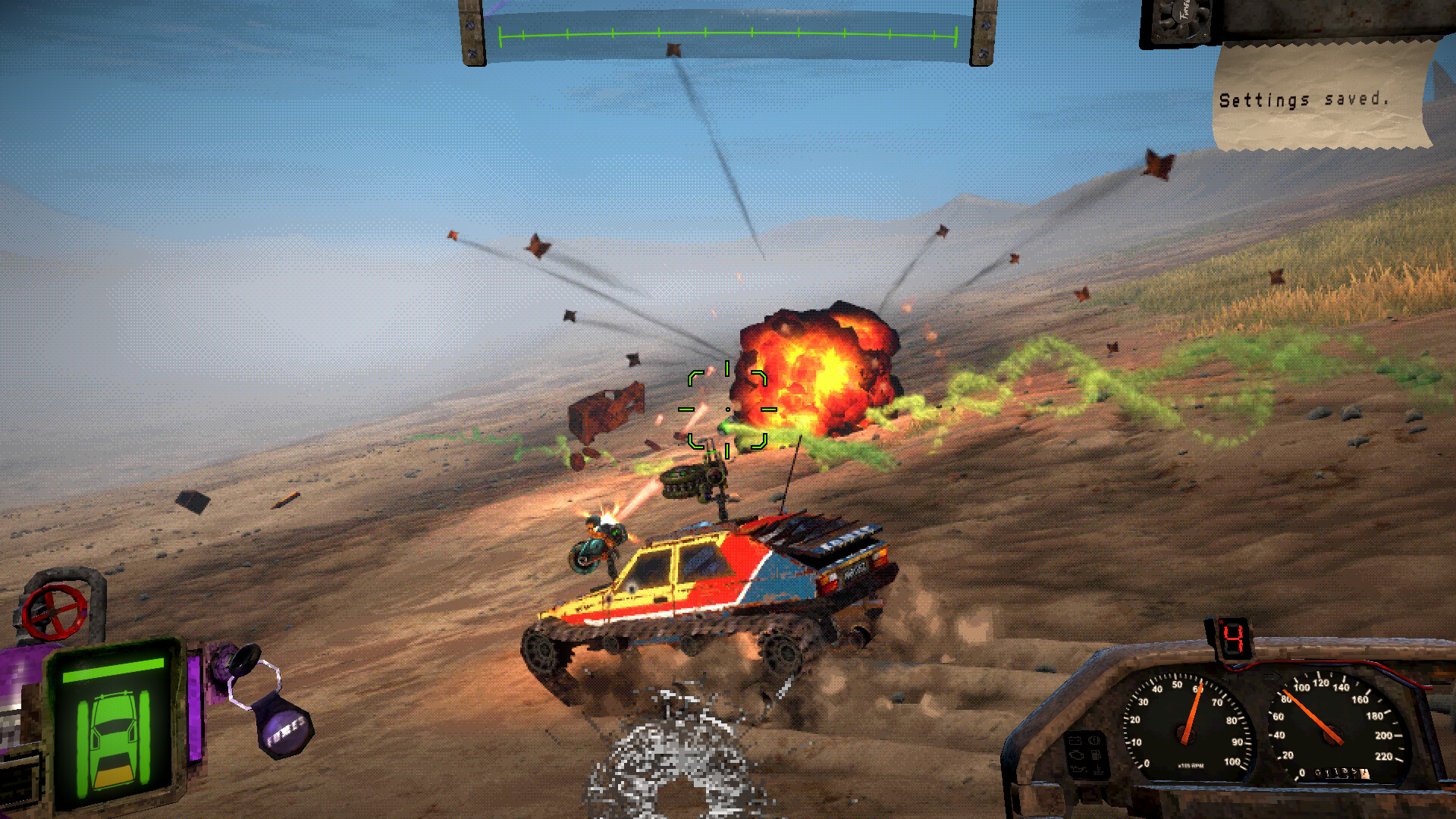
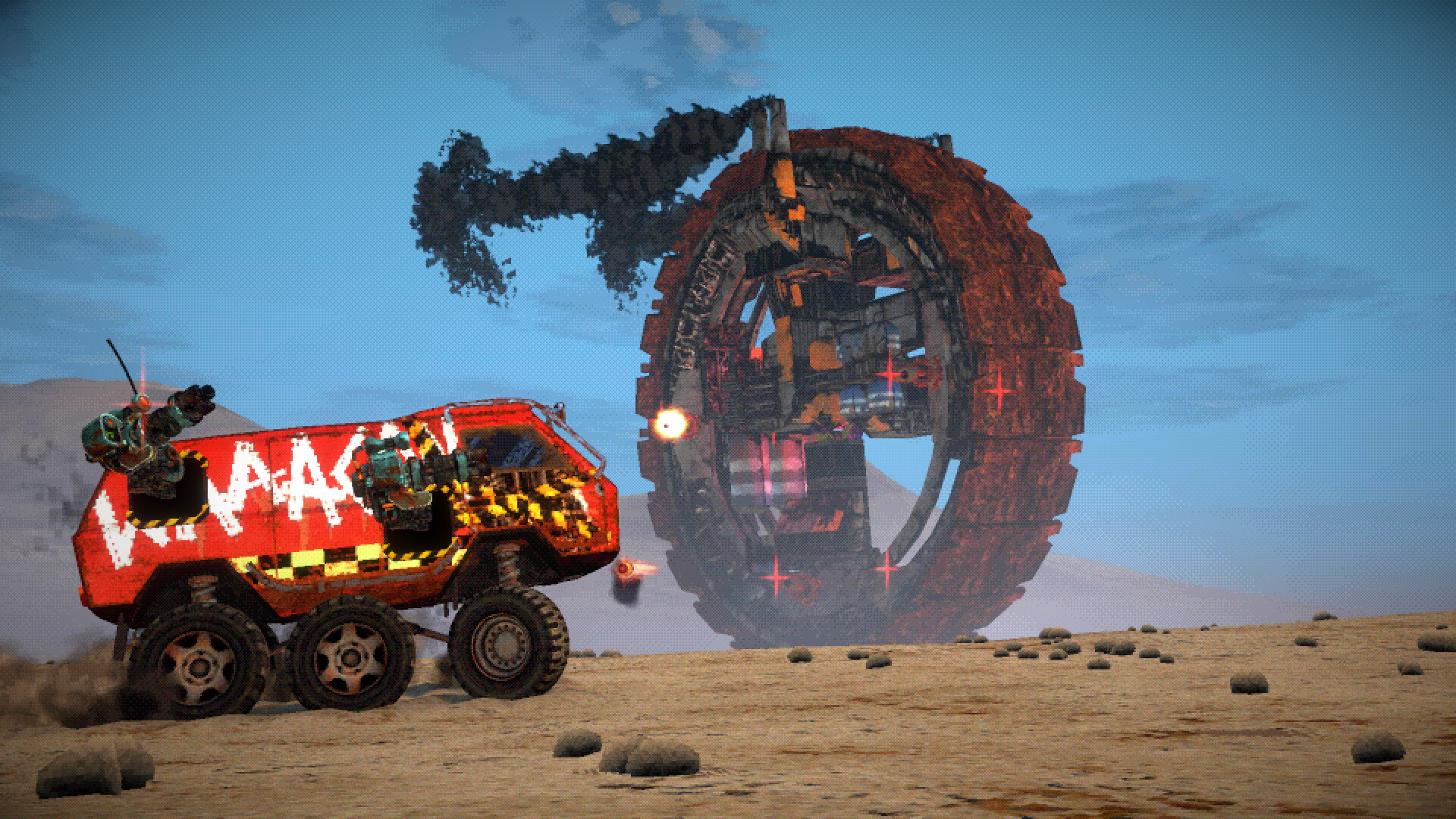
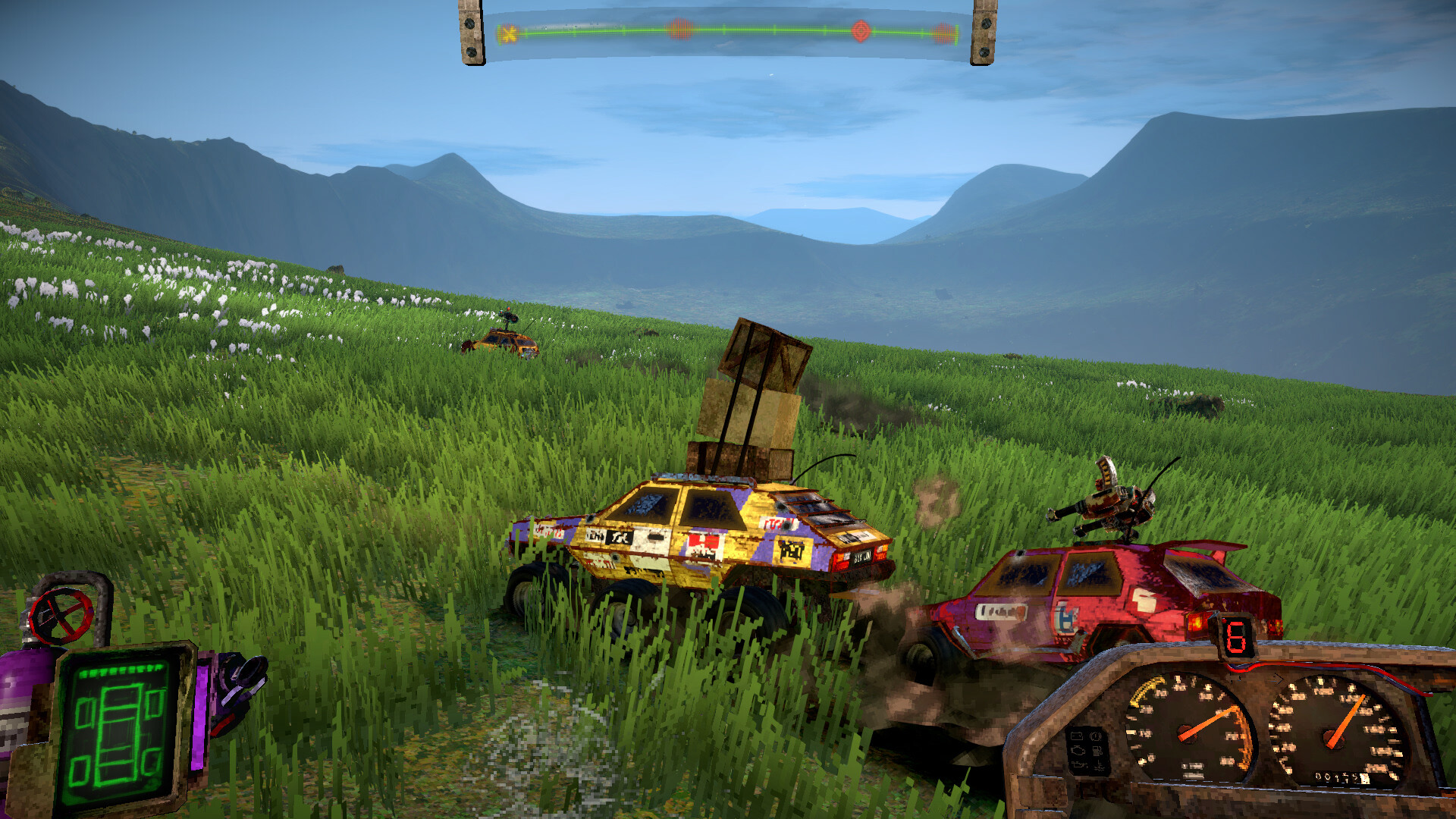
FUMES mixes single‑player and online co‑op play with a retro vehicular‑combat feel. Players hop into customizable cars, attach weapons, and race across endless, procedural wastelands while battling waves of enemies and massive wheeled bosses.
The game removes loading screens and fast travel, letting you cruise continuously to the guitar‑heavy soundtrack. A demo that carries its save into the full release lets early progress continue without restarting.
01 / THE GUIDE
Customizable Cars
The description states you can “drive customizable cars” and “slap some stickers on,” meaning visual and functional parts can be changed to suit a preferred combat style.
New cars and parts are earned by defeating bosses, creating a loop where success directly expands your customization options.
- Experiment with different sticker combos for visual variety.
- Track parts earned from each boss for future builds.
02 / THE GUIDE
Weapon Loadouts
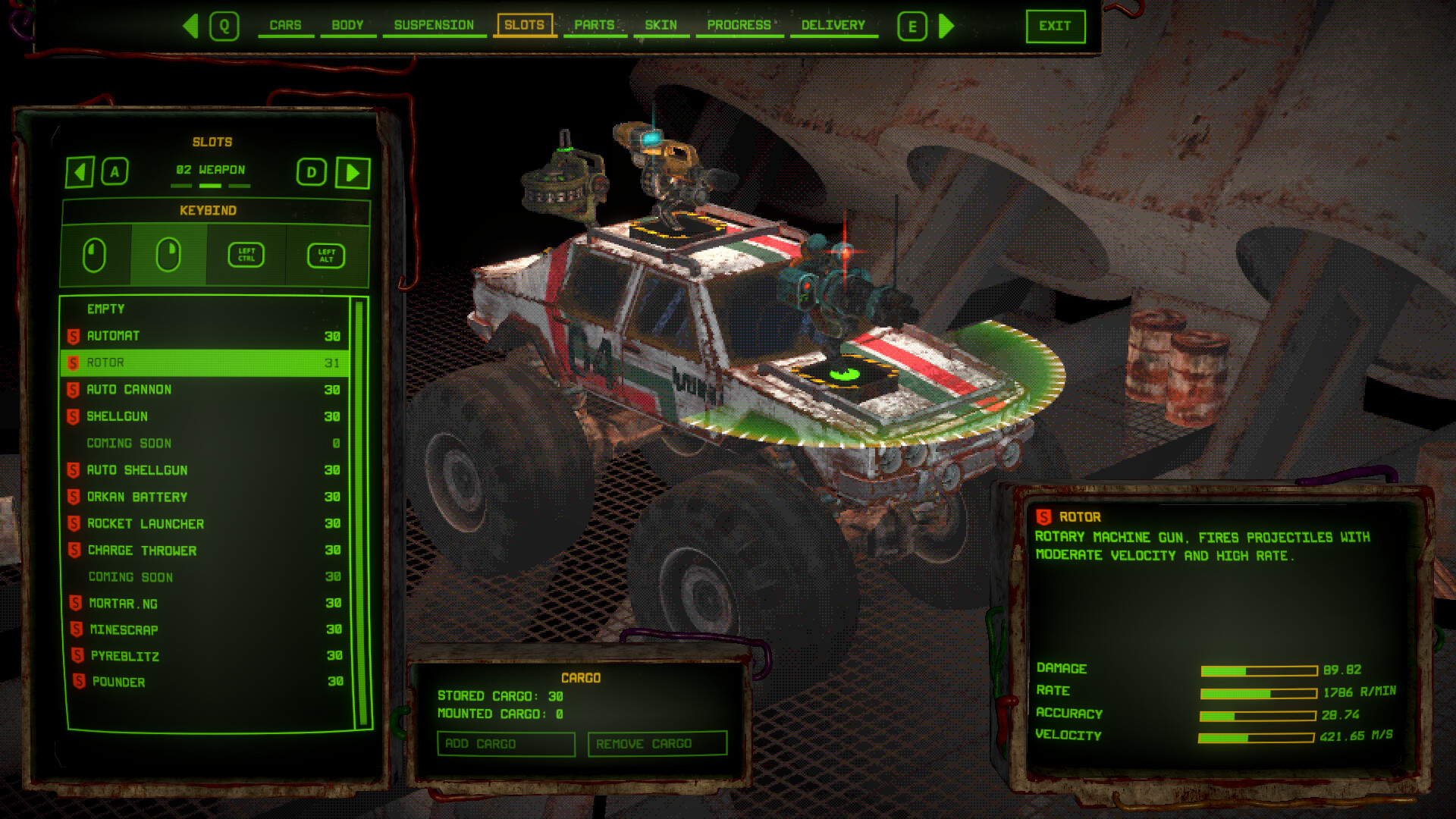
Cars can be “equipped with weapons,” and you may “choose loadout to fit your combat style,” allowing you to tailor offensive tools for enemy waves and boss fights.
Loadout choices affect how you handle chases, off‑road challenges, and giant wheeled monsters, though the game does not detail specific weapon types.
- Swap weapons before a boss to test effectiveness.
- Balance firepower with defensive options for longer survivability.
03 / THE GUIDE
Procedural Environments
The wasteland is described as “endless, procedural environments,” offering varied hills, dunes, and obstacles as you roam.
Because there are no loading screens or fast travel, you travel continuously through these changing landscapes, reinforcing the fast‑paced loop.
- Observe terrain patterns to anticipate handling changes.
- Use the lack of fast travel to explore distant sections.
04 / THE GUIDE
Online Co‑op
Friends can “join your single‑player world” via online co‑op, and Steam allows up to 250 players if hardware can handle it, meaning many participants can share the same challenges.
All loot and progress earned together are saved back to the single‑player save, so co‑op does not create a separate progression track.
- Check hardware limits before inviting large groups.
- Coordinate loadouts with teammates for broader coverage.
05 / THE GUIDE
Demo Save Transfer
The demo “contains the beginning of the full game,” and “your demo save game will carry to the full game,” allowing progress made in the demo to continue after upgrading.
The source states the demo save carries over, linking early play directly to the full release.
- Play the demo to become familiar with controls before the full launch.
- Note any vehicles earned in the demo for later planning.
COMMUNITY
Player discussion